How To Build a Website With CSS

How to Use the CSS Box Model – CSS Tutorial 2025–2026

How to Use the CSS Box Model – CSS Tutorial 2025–2026

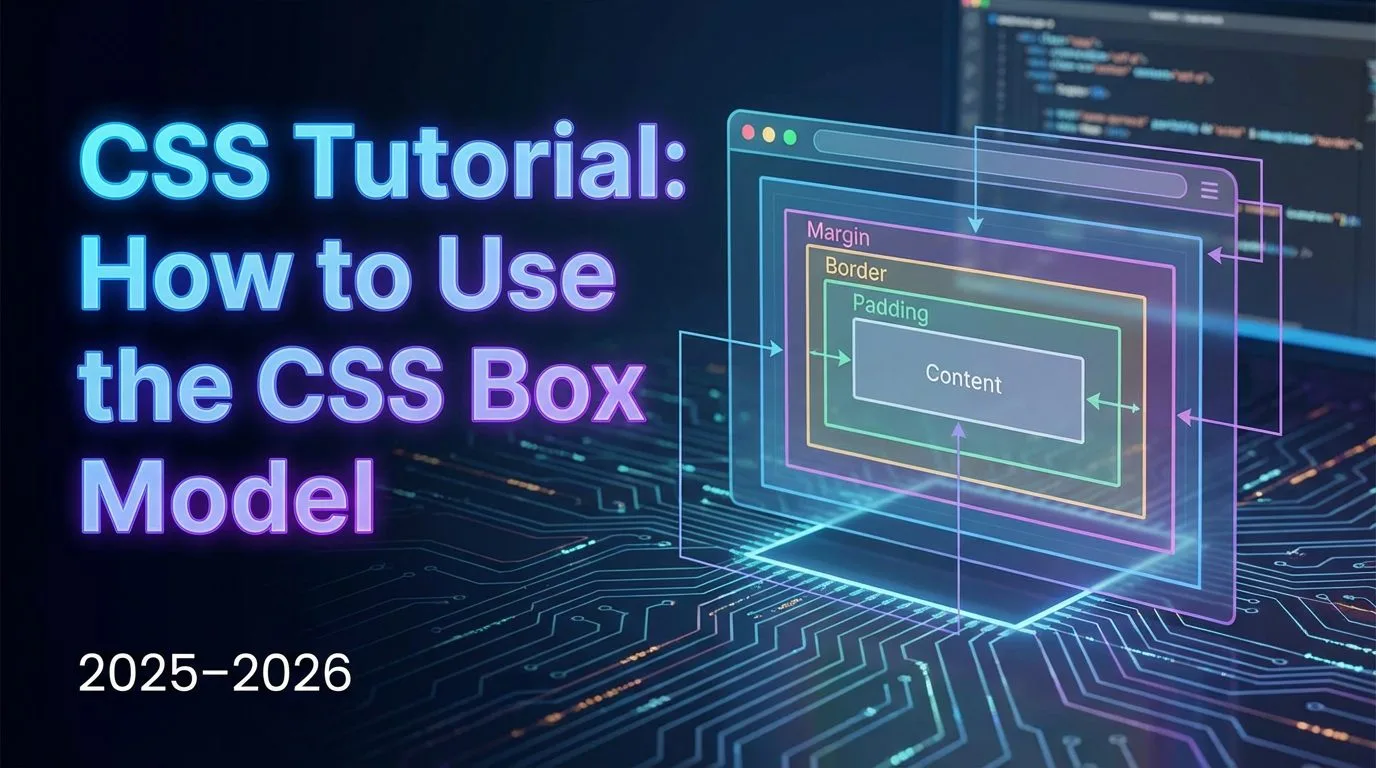
Learning how to use the CSS box model is one of the most fundamental and frequently used skills in any CSS tutorial for beginners — every single visible HTML element on the web is a box, and the CSS box model determines how content, padding, border, and margin work together to control size, spacing, and layout. Mastering the CSS box model lets you precisely adjust element dimensions, create consistent spacing, build cards, sections, grids, and responsive designs without surprises or broken layouts. In this guide, you’ll explore each layer of the CSS box model (content → padding → border → margin), adjust their values hands-on, and understand margin collapse using your css-practice project
Read more
How to Style div with CSS – CSS Tutorial 2025–2026

How to Style div with CSS – CSS Tutorial 2025–2026

Learning how to style div with CSS is one of the most essential and frequently used skills in any CSS tutorial for beginners — the

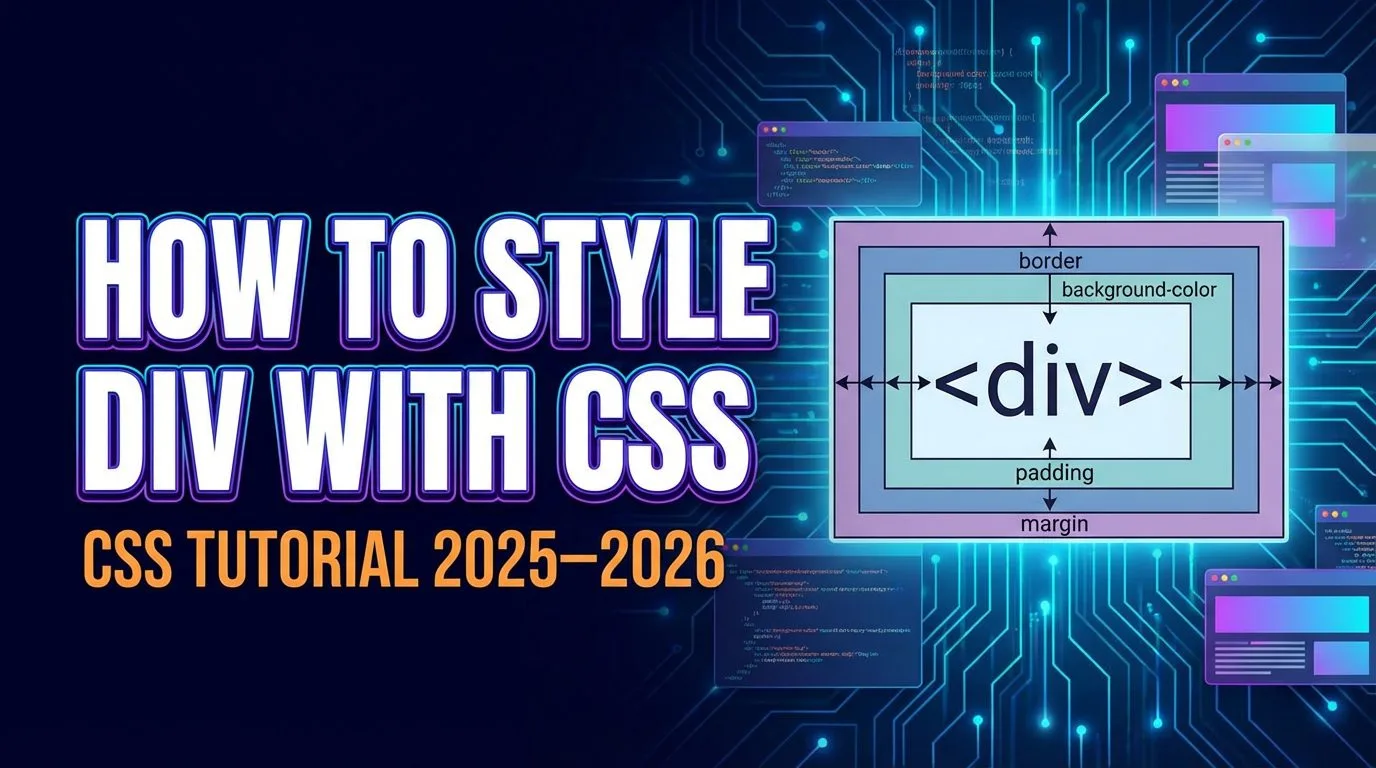
element is the universal container for grouping and laying out content on the web. By knowing how to style div with CSS, you control background colors, dimensions, padding, margins, borders, text alignment, shadows, positioning, and more — turning plain boxes into cards, sections, navigation bars, footers, or entire page layouts. In this guide, you’ll create and style multiple

elements, add text and headings inside them, apply different styles using classes, and understand why

is the foundation of modern web design.

Read more
How to Create CSS Pseudo-classes – CSS Tutorial 2025–2026

How to Create CSS Pseudo-classes – CSS Tutorial 2025–2026

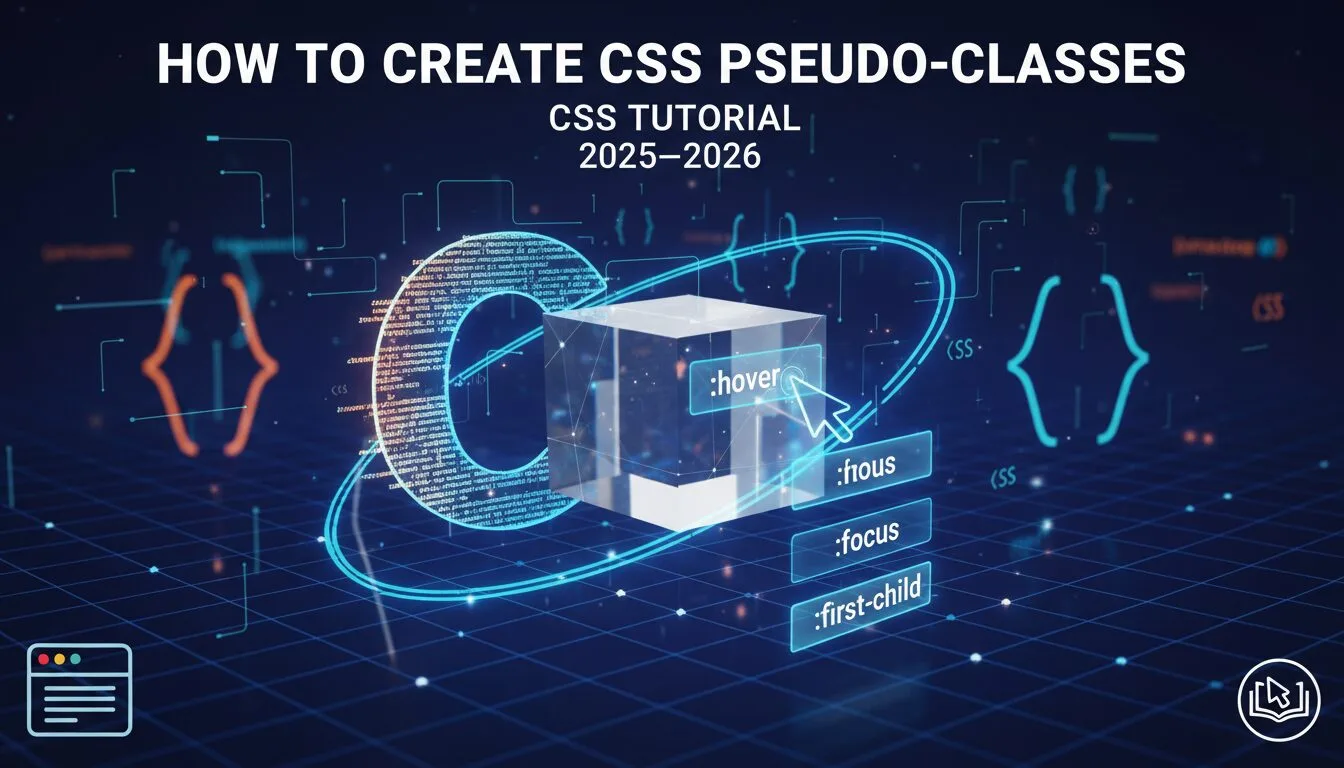
Learning how to create CSS pseudo-classes is one of the most exciting and frequently used skills in any CSS tutorial — CSS pseudo-classes let you add interactive, state-based styling that activates automatically when the user interacts with an element (hovering, clicking, focusing, visiting links, etc.). The most common is :hover, which changes appearance when the mouse cursor moves over an element — perfect for buttons, links, images, cards, and navigation. In this guide, you’ll create your first :hover pseudo-class, apply CSS pseudo-classes to images and text, and see instant interactive results in the browser using your css-practice project.

Read more
How to Create CSS ID Selectors – CSS Tutorial 2025–2026

How to Create CSS ID Selectors – CSS Tutorial 2025–2026

Learning how to create CSS ID selectors is an essential skill in any CSS tutorial — CSS ID selectors allow you to apply unique styles to a single, specific HTML element on the page. Unlike CSS classes (which can be reused on many elements), CSS ID selectors are designed for one-of-a-kind items — things that appear only once per page, such as a site header, main navigation bar, footer, hero section, unique logo, or form submit button. In this guide, you’ll learn the syntax, how to apply IDs, when to use them vs classes, and real-world best practices using your css-practice project.

Read more
How to Create CSS Classes – CSS Tutorial 2025–2026

How to Create CSS Classes – CSS Tutorial 2025–2026

Learning how to create CSS classes is one of the most important and frequently used skills in any CSS tutorial — CSS classes let you apply the same styles to multiple HTML elements, group elements for specific styling, reuse code efficiently, and build clean, maintainable websites. Unlike tag selectors that style all instances of an element, CSS classes give you precise control — style one paragraph red, another yellow, or give special treatment to selected images, buttons, or sections.

Read more
How to Declare CSS Multiple Properties in One Rule – Full Guide 2025–2026

How to Declare CSS Multiple Properties in One Rule – Full Guide 2025–2026

Learning how to declare CSS multiple properties in one rule is a core skill that makes your stylesheets efficient, readable, and powerful — instead of writing separate rules for each style (color, size, font, alignment, spacing), you group them inside a single CSS rule to apply many instructions at once to the same HTML elements. In this guide, you’ll practice declaring CSS multiple properties for headings and paragraphs, create separate rules for different elements (h1, p, h2, h3, h4), and see how one styles.css file controls the entire look of your webpage.

Read more
How to Understand and Create CSS Rules – CSS Tutorial 2025–2026

How to Understand and Create CSS Rules – CSS Tutorial 2025–2026

Learning how to understand and create CSS rules (also called rulesets) is the single most important skill in any CSS tutorial — CSS rules are the fundamental instructions that tell the browser exactly how to style and position HTML elements. Every color, size, spacing, font, layout, hover effect, animation, and responsive behavior on the modern web starts with a CSS rule. In this guide, you’ll write your first CSS rule, break down every single part (selector, declaration block, property, value), and see it instantly applied in the browser using your css-practice project from the previous lesson.

Read more
A Brief Introduction to CSS – CSS Tutorial for Beginners 2025–2026 | Progressive Robot

A Brief Introduction to CSS – CSS Tutorial for Beginners 2025–2026

If you’re looking for a clear CSS tutorial for beginners, you’ve come to the right place — this guide gives you a concise yet complete introduction to CSS (Cascading Style Sheets), explaining its history, how CSS works with HTML, and why it’s the essential language for styling and designing modern websites. Whether you’re building your first webpage, preparing for front-end development, or refreshing your web fundamentals in 2025–2026, understanding CSS is the key to controlling layout, colors, typography, responsiveness, animations, and the entire visual experience of the web.

Read more
CHAT