How To Build a Website With CSS

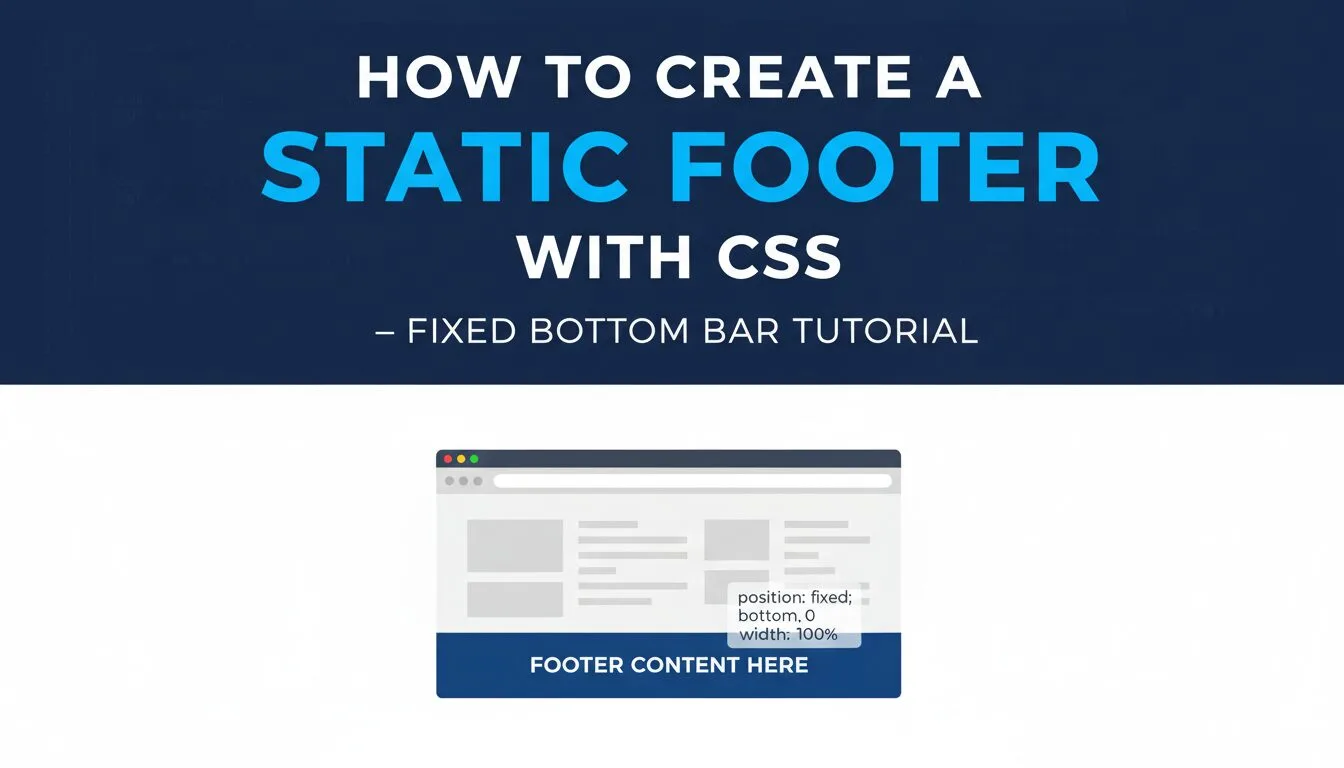
How to Create Static Footer with CSS – Fixed Bottom Bar Tutorial 2025–2026

How to Create Static Footer with CSS – Fixed Bottom Bar Tutorial 2025–2026

Learning how to create a static footer with CSS is the perfect final step in any HTML CSS website project — a well-designed footer provides essential navigation (home, about, contact), social proof (icons linking to profiles), legal info (copyright), and a polished finish that stays visible at the bottom of the viewport no matter how long the page scrolls. In this hands-on guide (Section 7 and final part of our full HTML CSS website project series), you’ll build the demonstration site’s sticky/static footer: fixed bottom bar with left-side menu links, right-side social media icons, hover effects, and responsive layout.
Read more
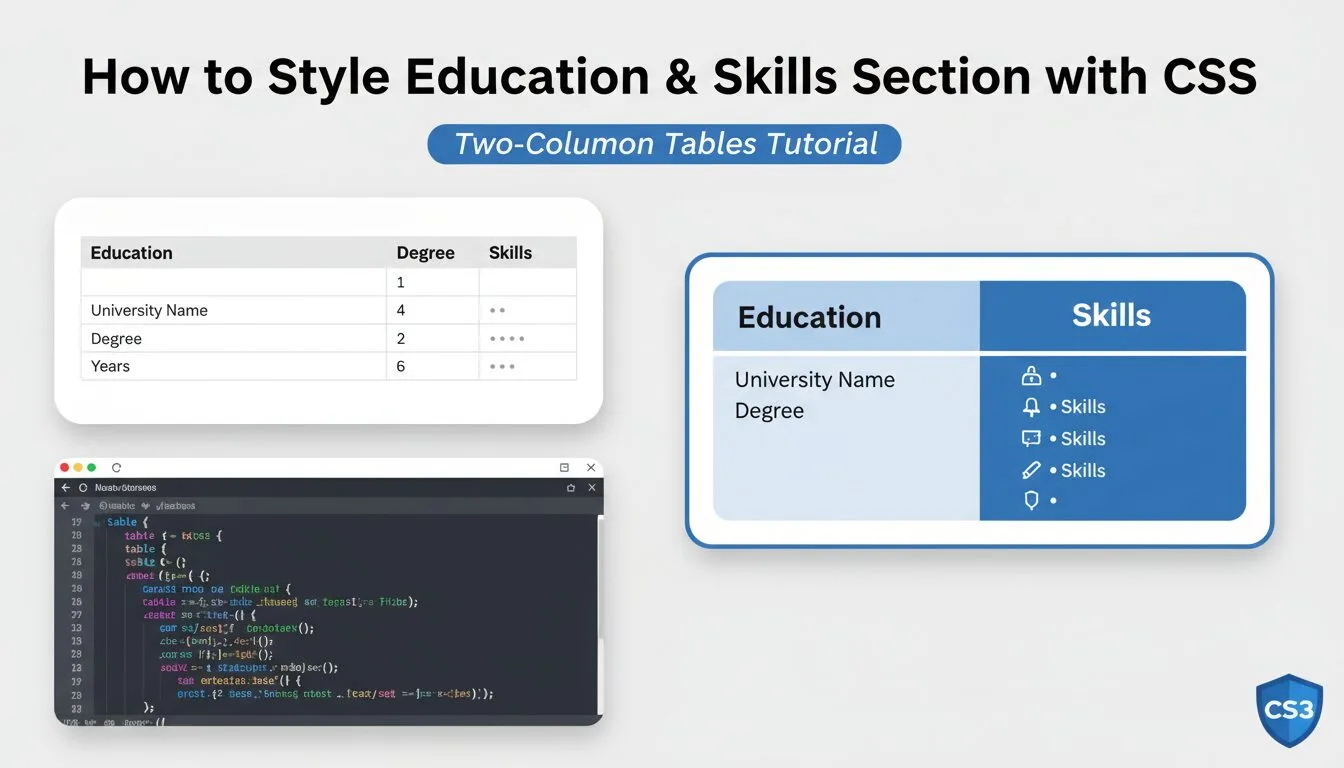
How to Style Education & Skills Section with CSS – Two-Column Tables Tutorial 2025–2026

How to Style Education & Skills Section with CSS – Two-Column Tables Tutorial 2025–2026

Learning how to style education & skills section with CSS is a key step in turning your portfolio or resume website into a complete professional showcase — this section highlights your academic background, certifications, and technical/personal abilities, giving recruiters and visitors quick insight into your qualifications. In this hands-on guide (Section 5 of our full HTML CSS website project series), you’ll recreate the demonstration site’s “Education” and “Skills” section using pure HTML tables and CSS classes: two side-by-side columns (education history on left, skills with star ratings on right), clean white backgrounds, proper spacing, and responsive stacking on mobile.

Read more
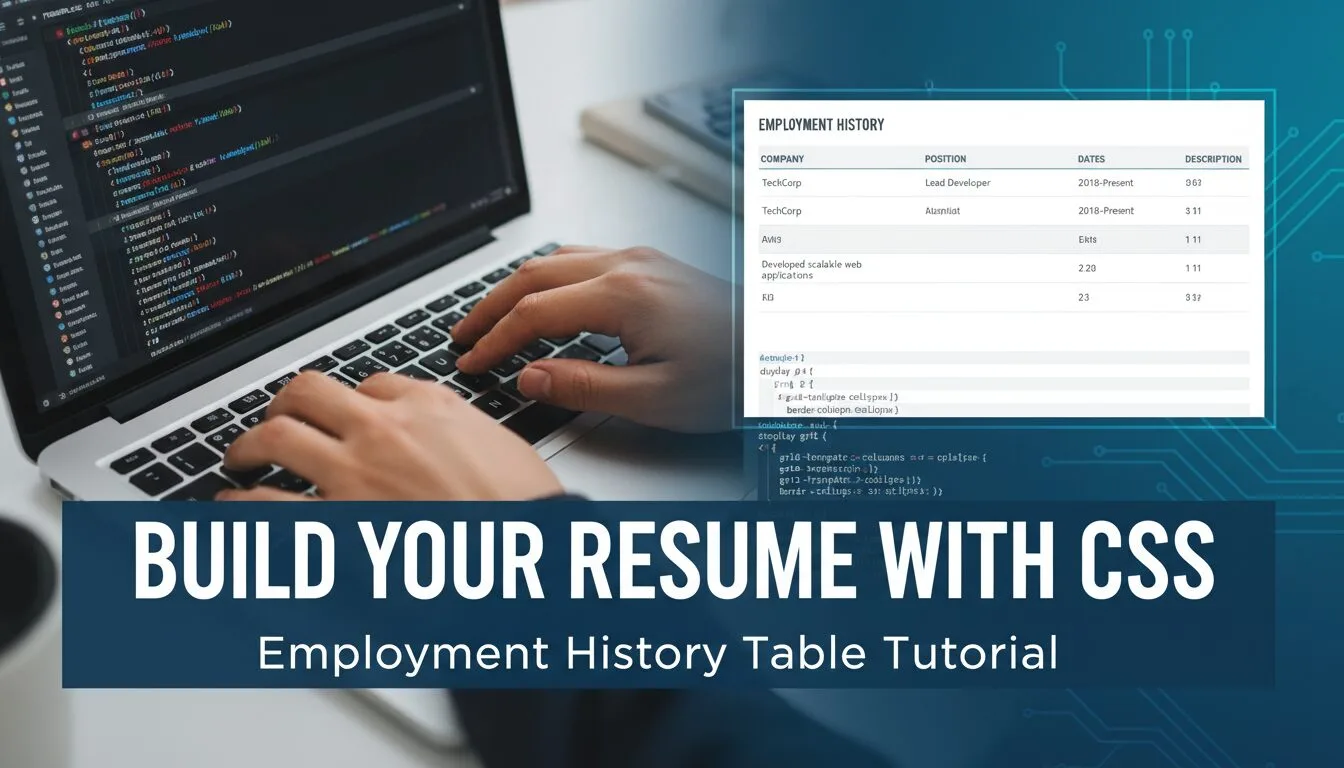
How to Build Resume Section with CSS – Employment History Table Tutorial 2025–2026

How to Build Resume Section with CSS – Employment History Table Tutorial 2025–2026

Learning how to build resume section with CSS is one of the most practical and highly demanded skills in modern web design — a well-designed employment history / resume section turns your portfolio site into a professional resume website that recruiters and clients can read instantly. In this hands-on tutorial (Section 4 of our full HTML CSS website project series), you’ll recreate the demonstration site’s “Experience” section: a wide white column with a clean, readable HTML table displaying job titles, companies, dates, and descriptions — all styled with CSS classes for spacing, typography, borders, and responsiveness.

Read more
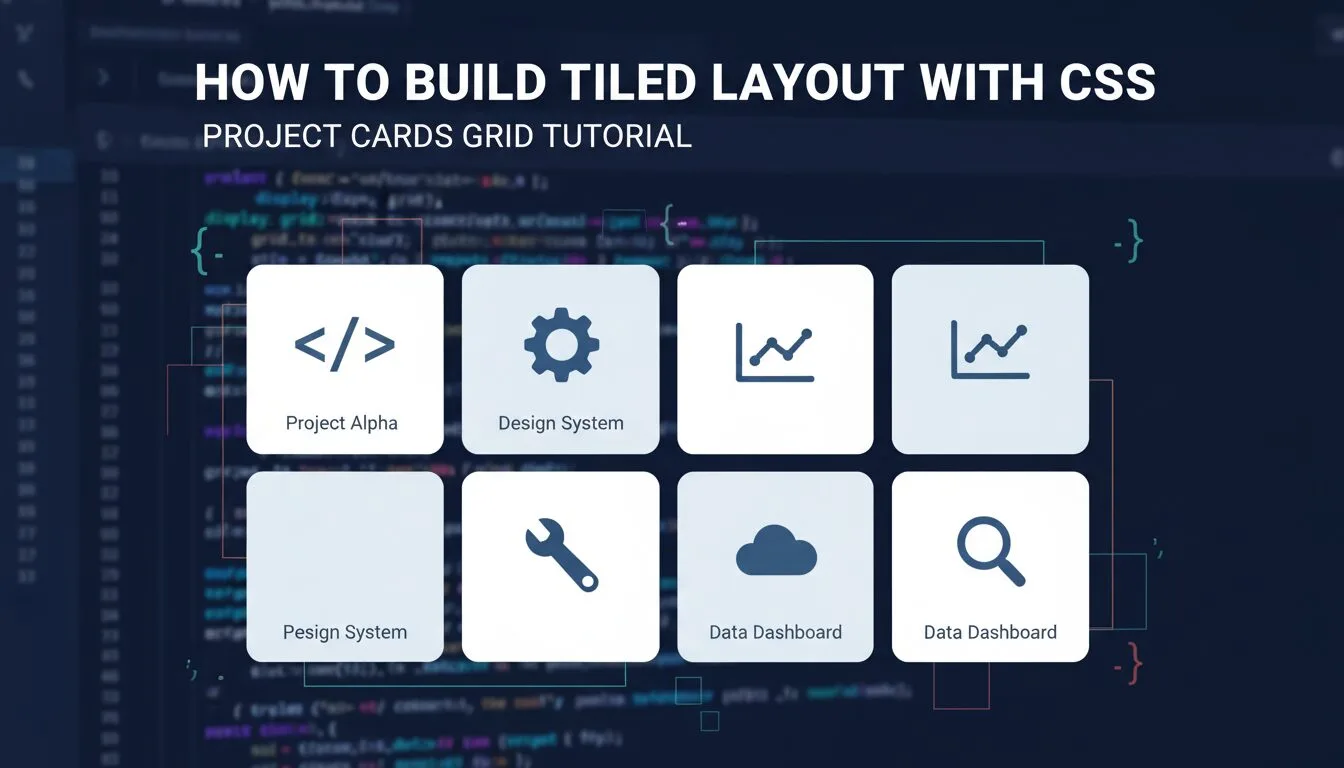
create cover image for tutorial How to Build Tiled Layout with CSS – Project Cards Grid Tutorial.

How to Build Tiled Layout with CSS – Project Cards Grid Tutorial 2025–2026

Learning how to build a tiled layout with CSS is one of the most powerful and frequently used layout skills in modern web design — tiled layouts (also called card grids) are perfect for showcasing projects, portfolios, products, blog posts, team members, testimonials, or any content that benefits from visual repetition and responsiveness. In this hands-on guide, you’ll recreate the demonstration website’s “Projects” section: a clean, responsive tiled grid of 8 project cards (4 per row on desktop, stacking on mobile), using background images, text overlays, hover color changes, and modern CSS techniques.

Read more
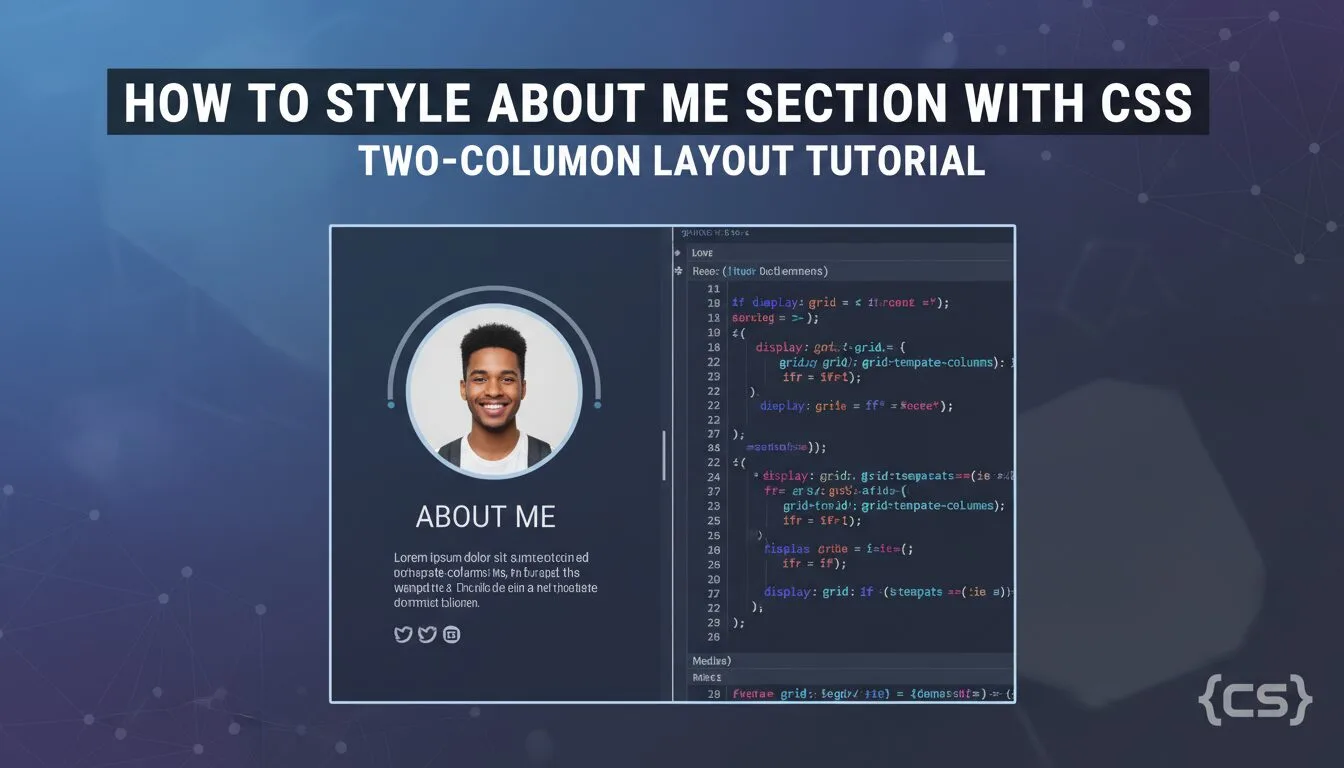
How to Style About Me Section with CSS – Two-Column Layout Tutorial 2025–2026

How to Style About Me Section with CSS – Two-Column Layout Tutorial 2025–2026

Learning how to style About Me section with CSS is one of the most practical and frequently used skills in any CSS tutorial for beginners — the “About Me” section is where you introduce yourself, share your story, skills, and personality, and it’s usually the second thing visitors see after the header. In this hands-on guide, you’ll recreate the demonstration website’s About Me section using pure HTML and CSS: a clean two-column layout (profile photo on one side, bio text on the other), yellow background boxes, responsive stacking on mobile, proper spacing, and modern typography.

Read more
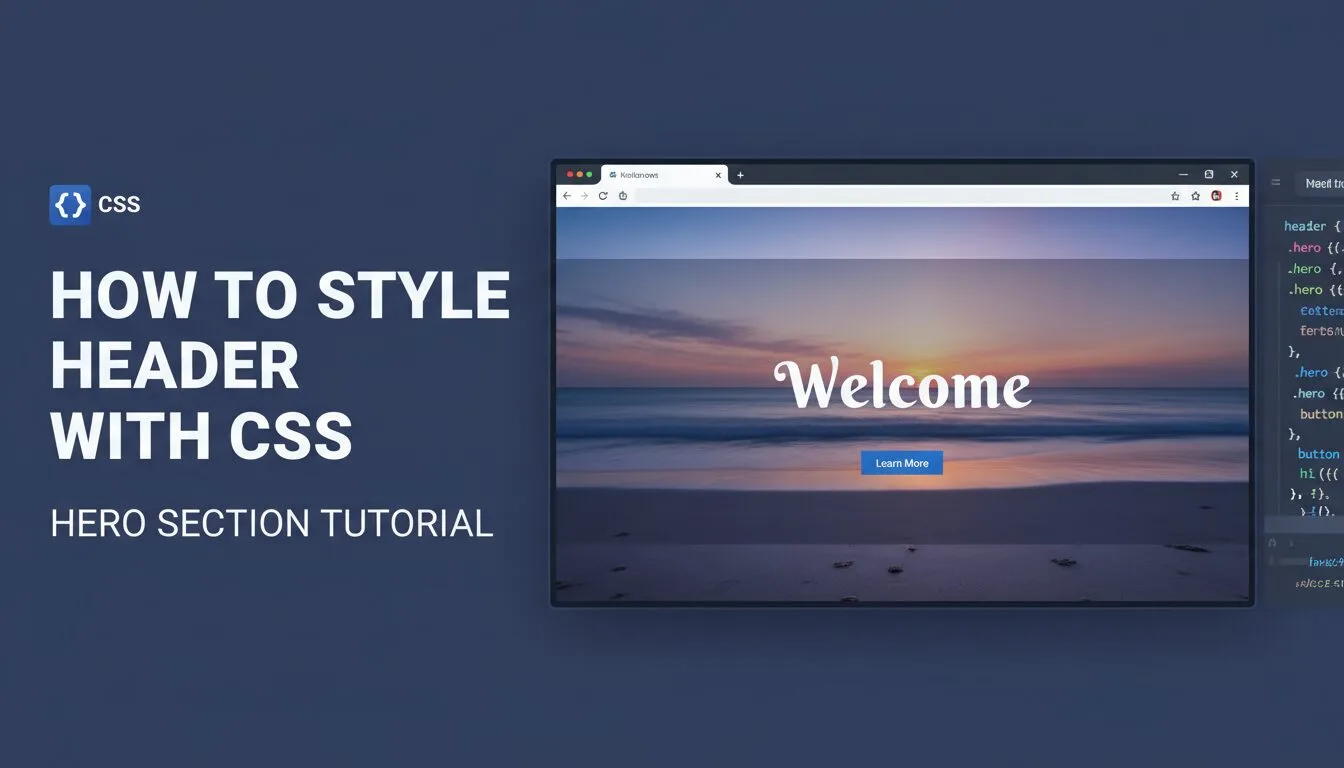
How to Style Header with CSS – Hero Section Tutorial 2025–2026

How to Style Header with CSS – Hero Section Tutorial 2025–2026

Learning how to style header with CSS is one of the most rewarding and frequently used skills in any CSS tutorial for beginners — the header (also called hero section) is the very first thing visitors see, and getting it right creates instant impact. In this hands-on guide, you’ll recreate the demonstration website’s top header section using pure HTML and CSS: circular profile image with yellow border, large centered headline, subtitle, and a call-to-action button — all wrapped in a styled container with background, padding, and modern typography.

Read more
How to Style Body with CSS – Background, Font & Global Styles 2025–2026

How to Style Body with CSS – Background, Font & Global Styles 2025–2026

Learning how to style body with CSS is one of the most important foundational steps in any CSS tutorial for beginners — the element is the root container for all visible content on your webpage, and styling it correctly sets the global look and feel: background image or color, default font family, text color, line height, margins, and link styles. Mastering how to style body with CSS gives you control over the entire site’s atmosphere before adding individual sections, ensuring consistency, readability, and professionalism from the very first line of code.

Read more
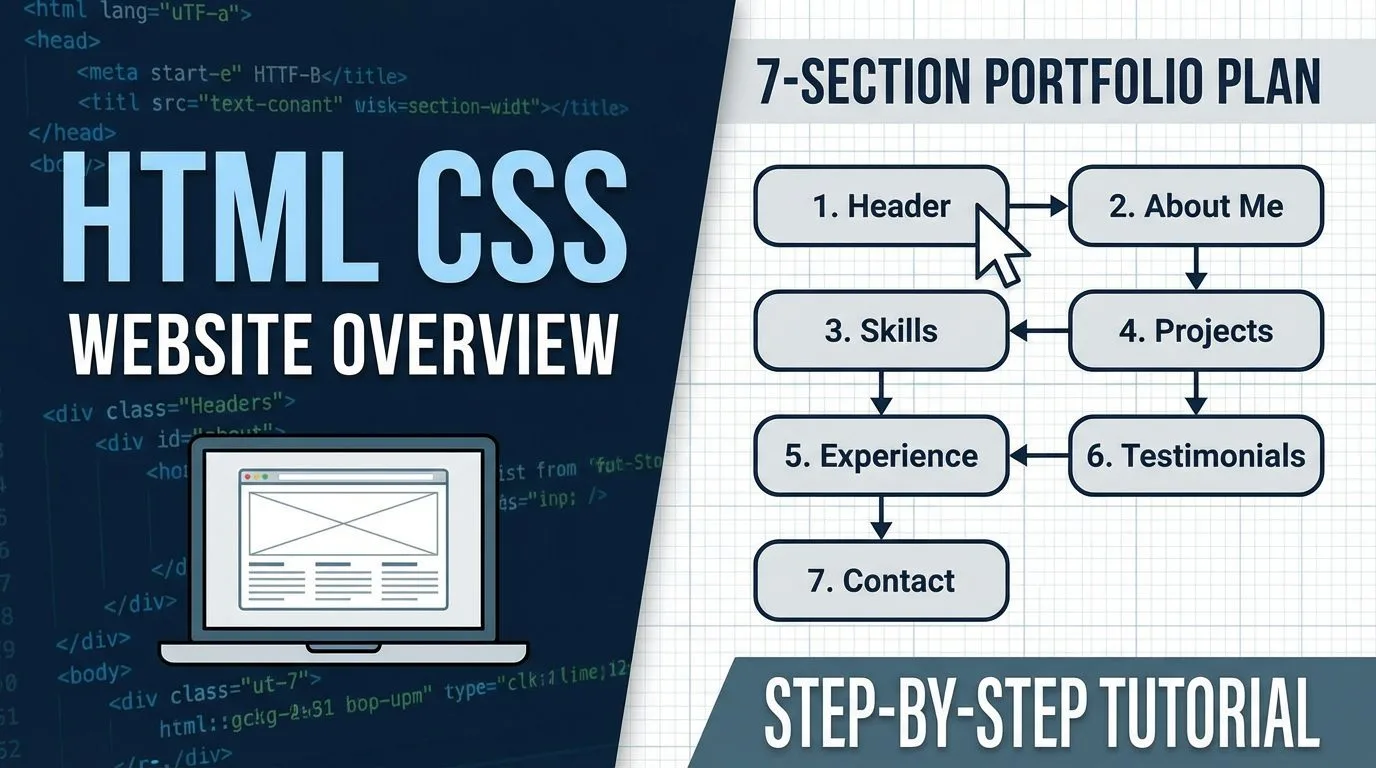
HTML CSS Website Overview – 7-Section Portfolio Plan 2025–2026

HTML CSS Website Overview – 7-Section Portfolio Plan 2025–2026

Learning the structure of a full HTML CSS website is the key moment that turns beginner tutorials into a real, publishable project — in this overview guide, you’ll get a complete breakdown of the demonstration single-page portfolio/resume website we’re going to build from scratch using only HTML and CSS. The site is organized into 7 clear horizontal sections, uses modern layout techniques (Flexbox, Grid, sticky footer), is fully responsive, and looks professional — ideal for personal portfolios, resumes, freelancers, designers, developers, or small business landing pages in 2025–2026.

Read more
How to Set Up HTML CSS Website Project – CSS Tutorial 2025–2026

How to Set Up HTML CSS Website Project – CSS Tutorial 2025–2026

Learning how to set up an HTML CSS website project is the critical first step in any CSS tutorial for beginners — a clean, properly structured project folder with the right files and initial code ensures everything works smoothly as you add styling, layout, images, responsiveness, and interactivity. In this guide, you’ll prepare a professional css-practice folder (or rename it to your real website name), create and configure index.html as your homepage with all essential HTML5 boilerplate (DOCTYPE, meta tags, title, CSS link), verify the stylesheet connection, and set up for building a full, publishable website.

Read more
CHAT