

Artificial intelligence is becoming increasingly capable of completing entire workflows rather than simply answering questions. However, many AI assistants still rely on cloud infrastructure to process information, raising questions about privacy, recurring costs and how much control users have over their own data.
Perplexity is addressing these concerns with a new fully local mode for Perplexity Computer, allowing the AI system to run its model, planning and task execution directly on supported Apple silicon Macs.
Announced on October 20, 2026, the update builds on the company’s earlier efforts to bring AI automation to local files and native Mac applications. Instead of sending every task to cloud-based models, users can choose to keep the entire workflow on their own computer.
The distinction matters for professionals working with confidential documents, private financial information, internal communications and other sensitive files. Perplexity Computer can coordinate multiple steps, work with supported applications and produce useful outputs without requiring the task to be processed in the cloud.
The feature is available to Perplexity Pro, Max and Enterprise subscribers through the Mac app. However, running advanced AI workflows locally requires suitable hardware, and users can still choose cloud assistance when a task needs capabilities unavailable on the device.
How Perplexity Computer Runs AI Workflows Locally
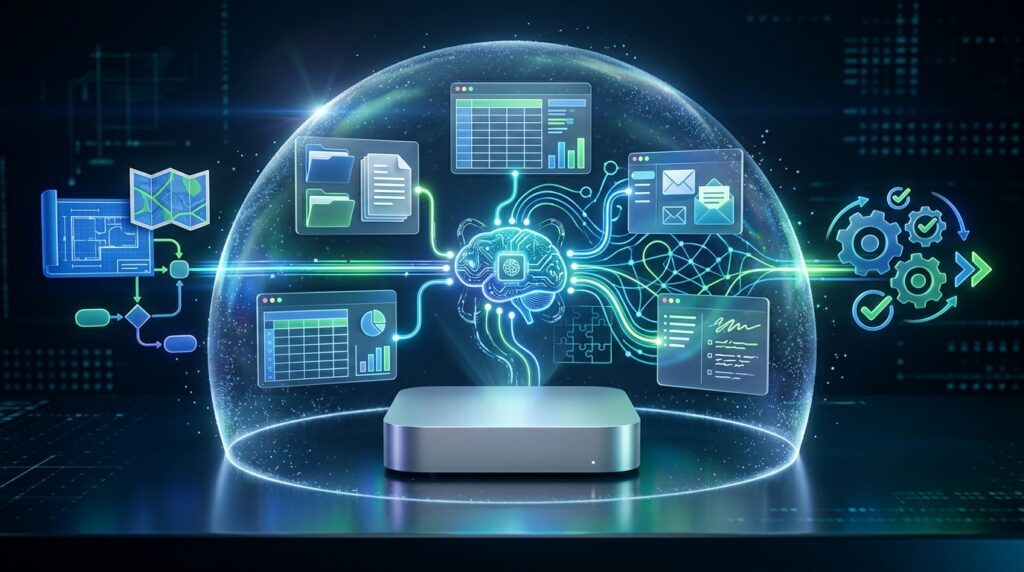
Perplexity Computer is designed to do more than generate text. It can plan tasks, use tools, work with files and coordinate actions across supported applications. The new local mode brings these capabilities onto the Mac, allowing the model and the system directing the workflow to operate on the device.
According to Perplexity’s official announcement, the local mode launches with two model options: Qwen 3.6 and PPLX Pro, a post-trained version of Qwen.
This means users can select a local model and ask Perplexity Computer to carry out a sequence of related tasks rather than manually transferring information between separate applications.
For example, a user could ask the system to review a project to-do list in Notes, examine a teammate’s request in Messages, compare planned and actual spending in a spreadsheet, and prepare a status update. The resulting workflow can combine information from different local sources into one deliverable.
The important change is that planning, reasoning and file processing can happen on the Mac instead of automatically depending on cloud infrastructure for every step.
This does not mean every possible AI task will run equally well on every Mac. Performance depends on available memory, processing resources, the selected model and the complexity of the workflow.
One of the main advantages of Perplexity Computer is that its AI workflow can operate on the Mac rather than relying entirely on remote infrastructure. This gives users another way to approach tasks involving local documents, personal information and supported applications. Perplexity Computer combines its local model with the components needed to coordinate and execute tasks, making on-device processing a more practical option for everyday work. Users should still check which operations remain local and which require additional permissions or external services.
What You Can Do With Perplexity Computer on Your Mac
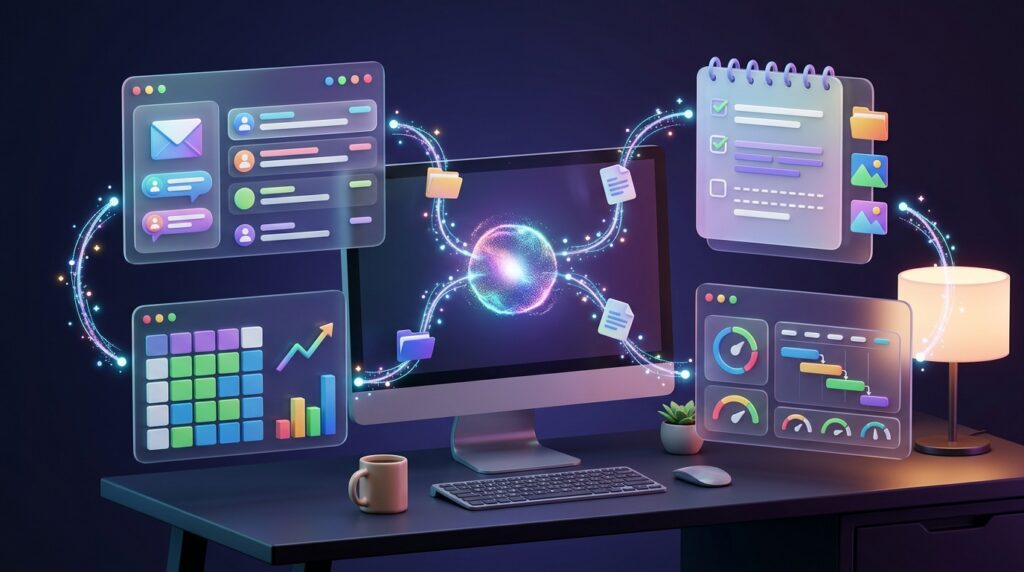
The practical value of Perplexity Computer comes from its ability to connect information and actions across a workflow.
One example is reviewing private financial information. A user could ask the system to analyse downloaded market data alongside personal portfolio records, identify potential concentration risks and prepare an updated spreadsheet or presentation.
Another use case involves preparing client proposals. The system could combine confidential discovery notes, a project brief and an internal rate sheet to draft a proposal, calculate a budget and prepare a cover email for review.
Perplexity also describes a workflow for managing daily priorities. The AI assistant can review recent messages and emails, identify requests and deadlines, create an action list in Notes and gather the relevant local documents.
These examples demonstrate why local AI workflows could be useful to consultants, analysts, project managers and other professionals who regularly move information between applications.
Rather than asking an AI chatbot to produce isolated answers, users can delegate a larger task and let the system coordinate multiple steps.
However, automation does not remove the need for human review. Users should check important calculations, confirm that documents contain accurate information and review communications before sending them. Sensitive actions should remain subject to appropriate permissions and approval.
For everyday productivity, Perplexity Computer could help users work with supported Mac applications and information stored on their own devices. Depending on the permissions granted and the task involved, this approach may reduce the need to move files between different tools or upload documents to a separate service. Perplexity Computer is particularly relevant to people who want AI assistance within their existing desktop workflow, although its practical capabilities will depend on application compatibility, user permissions and the complexity of each request.
Why Running AI Entirely on Your Mac Matters for Privacy

Privacy is one of the main reasons to run AI workflows locally. When documents contain confidential business information, personal records or financial details, transferring them to external services may create additional risks and compliance obligations.
With Perplexity Computer’s fully local mode, users can keep the model, orchestration and task execution on their Mac. When the task and its required resources remain local, the workflow does not need to send those files to a cloud model for processing.
This is particularly relevant to professionals handling client records, internal business plans, contracts and private financial data.
Local processing can also give users greater control over when they choose to use cloud-based capabilities. Perplexity says users can authorise escalation to the cloud when a task requires current information, browser use or connected applications.
That distinction is important: fully local mode and cloud-assisted mode are different operating choices. A workflow that uses external research or cloud services may not remain entirely on the device.
Users should understand the permissions they grant, review which applications the assistant can access and verify whether any part of a particular task requires a network connection. Running AI locally can reduce exposure to cloud processing, but it does not automatically eliminate every security risk associated with software, device access or compromised files.
Local execution can offer an important privacy advantage because sensitive information does not necessarily need to leave the computer for every task. With Perplexity Computer, users can consider on-device processing when working with private notes, documents or other personal files. However, local execution should not be treated as a guarantee that every interaction remains offline. Users should review permissions carefully and understand when a task may require cloud services, especially when accessing live information or capabilities that are not available locally.
Perplexity Computer vs Hybrid Compute
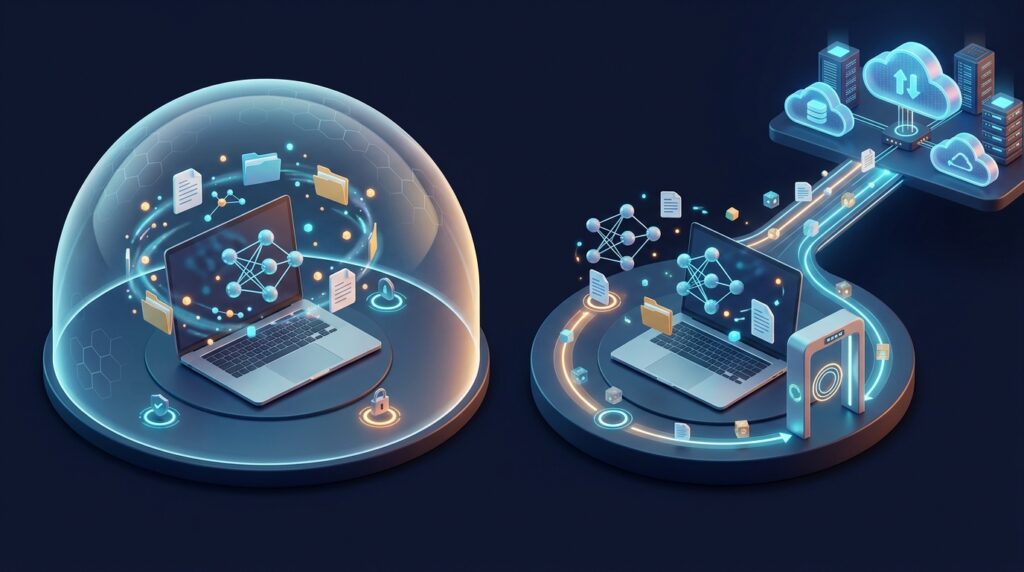
The new release builds on Perplexity’s earlier Hybrid Compute feature, which divides a task between local processing and cloud-based AI.
With Hybrid Compute, cloud models can handle advanced reasoning, research and planning while a local model processes sensitive files and performs on-device work. A privacy gate can control which information may leave the Mac, potentially masking sensitive details, keeping data local, refusing an action or asking the user for consent.
Fully local mode takes a different approach by keeping the model and task execution on the Mac throughout the workflow, provided the task does not require external services.
The distinction gives users more flexibility over how their work is processed. A task involving only downloaded documents and local spreadsheets may be suitable for fully local execution. A task requiring current market research or live web access may need cloud assistance.
Neither approach is universally better. Local execution prioritises keeping the workflow on the device, while hybrid processing can offer access to more powerful cloud capabilities when necessary.
Users should choose the mode according to the sensitivity of their information, the capabilities required and the processing resources available on their computer.
The distinction between fully local execution and hybrid processing is important when choosing how to run an AI workflow. Perplexity Computer can support a local approach for suitable tasks, while a hybrid configuration may use remote models or services when additional capabilities are needed. Users should evaluate the information involved, the level of reasoning required and whether an internet connection is necessary before selecting an approach. Understanding these trade-offs helps businesses and individuals use Perplexity Computer without assuming that every task has identical privacy, speed or capability requirements.
Mac Requirements and Availability
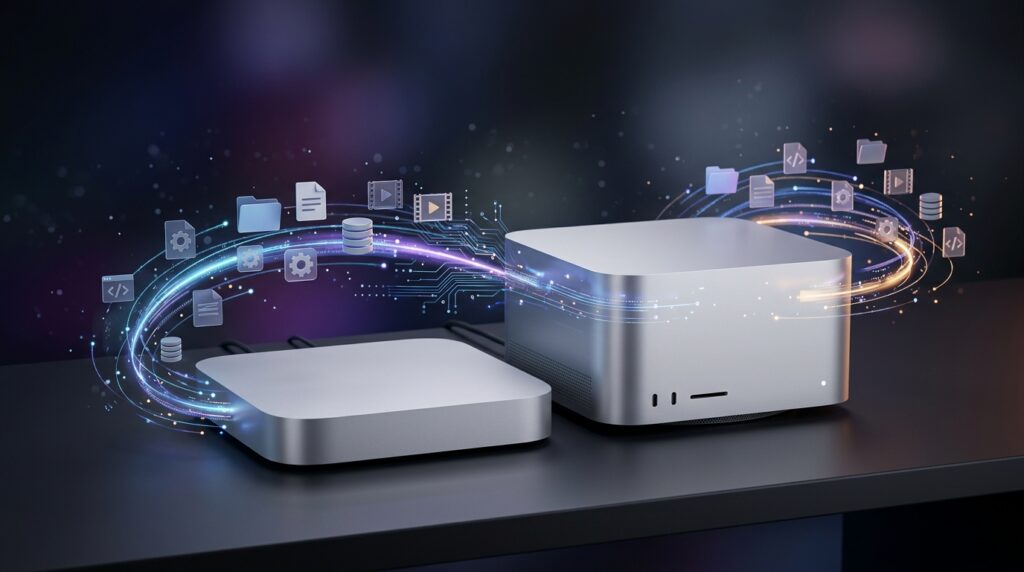
Perplexity Computer’s fully local mode is available to Pro, Max and Enterprise subscribers through the Perplexity Mac app. The company recommends Macs with Apple silicon and at least 36 GB of unified memory for this mode.
The memory requirement is an important consideration for users deciding whether their current computer can handle the new feature. Running an AI model locally requires the machine to hold the model and provide resources for the other processes involved in a task.
Perplexity says the feature launches with Qwen 3.6 and PPLX Pro as local model choices. Users can download and set up a model through the app before selecting the fully local option.
To get started, users should open the latest Perplexity Mac app, follow the in-app instructions to download a supported model and select the fully local mode when starting a task.
Those with insufficient memory or workflows that require external services may need to consider other available options, including Hybrid Compute.
The new mode therefore offers greater control over local AI processing, but its practical availability depends on subscription access, compatible hardware and the needs of the workflow.
Hardware is an important consideration for anyone planning to use Perplexity Computer locally. Running AI models directly on a Mac places demands on unified memory and available system resources, so performance may vary between supported machines. Users should check Perplexity’s current compatibility guidance before relying on the feature for regular work. Perplexity Computer may be most useful on a suitably equipped Apple Silicon Mac when the goal is to process supported tasks locally without depending on cloud execution for every operation.
What This Means for the Future of Desktop AI
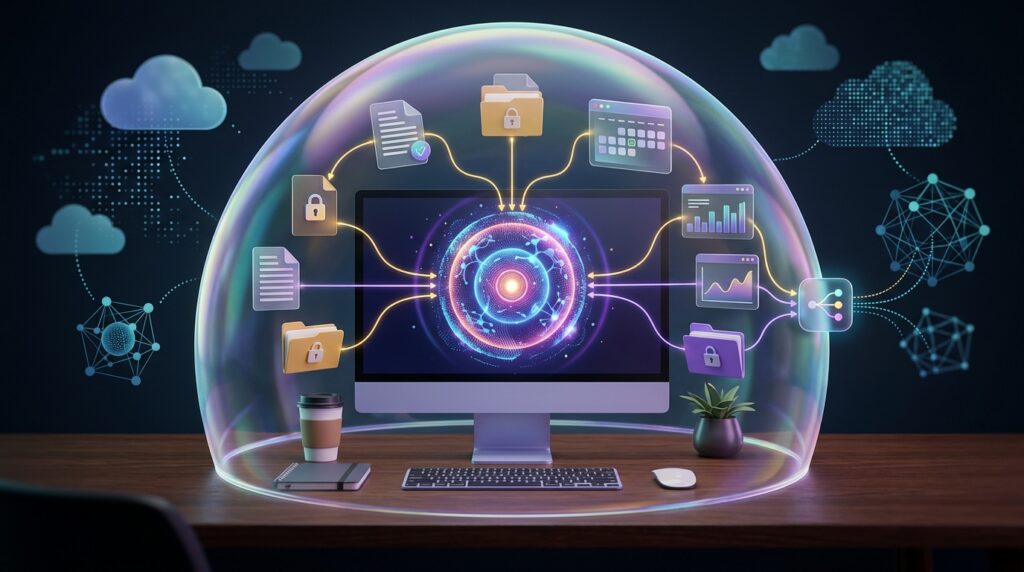
Perplexity’s update reflects a broader shift in desktop AI: assistants are moving beyond answering questions towards coordinating entire tasks.
Local execution could make these systems more attractive to people who work with sensitive information or want greater control over how their data is processed. It may also reduce reliance on cloud processing for tasks that a sufficiently capable local model can complete.
However, local AI introduces trade-offs. Smaller or locally available models may not match the reasoning capabilities of the most advanced cloud systems, and demanding workflows can place substantial pressure on a computer’s memory and processing resources.
The experience will also depend on how reliably an AI agent interacts with applications, handles unexpected situations and respects user permissions. A system that can edit files or prepare messages needs clear boundaries and opportunities for users to review consequential actions.
Perplexity’s approach gives Mac users another way to balance automation, privacy and access to advanced AI capabilities. Its significance will ultimately depend on how well local workflows perform in everyday professional use.
The move towards local AI workflows could change how people think about desktop software. Rather than sending every request to an online service, users may increasingly expect assistants to interact with files and applications directly on their computers. Perplexity Computer reflects this direction by making local execution a more prominent part of an AI assistant’s capabilities. Wider adoption will depend on reliable performance, clear permission controls and support for useful applications, but on-device AI could become an increasingly valuable option for privacy-conscious users.
Final Thoughts
Perplexity is making it easier to run AI workflows entirely on a Mac by bringing the model and task execution onto supported Apple silicon hardware. Its new fully local mode gives subscribers another option for working with private files, coordinating productivity applications and completing multi-step tasks without automatically relying on cloud processing.
The update will be particularly relevant to professionals who value data control and have compatible hardware. At the same time, users should consider the memory requirements, verify the results of automated tasks and understand when external services are needed.
The broader direction is clear: desktop AI is becoming more capable of performing useful work directly on personal computers. Perplexity Computer is one example of how that shift could make AI automation more private, flexible and closely integrated with the applications people already use.
For Mac users, Perplexity Computer offers another reason to consider where AI tasks are processed and how personal information is handled. Its local workflow approach may suit tasks involving supported applications and files, while cloud-based capabilities can remain relevant for requests that need external information or more advanced processing. The best approach is to match the execution method to the task rather than assume one configuration works for everything. As local AI develops, Perplexity Computer will be worth evaluating for its practical usefulness, compatibility and privacy controls.
Sources
More AI coverage: explore Progressive Robot's AI Models, Tools & Releases hub — hands-on reviews, setup guides and benchmarks in one place.










