February 2026 - Page 106 of 176

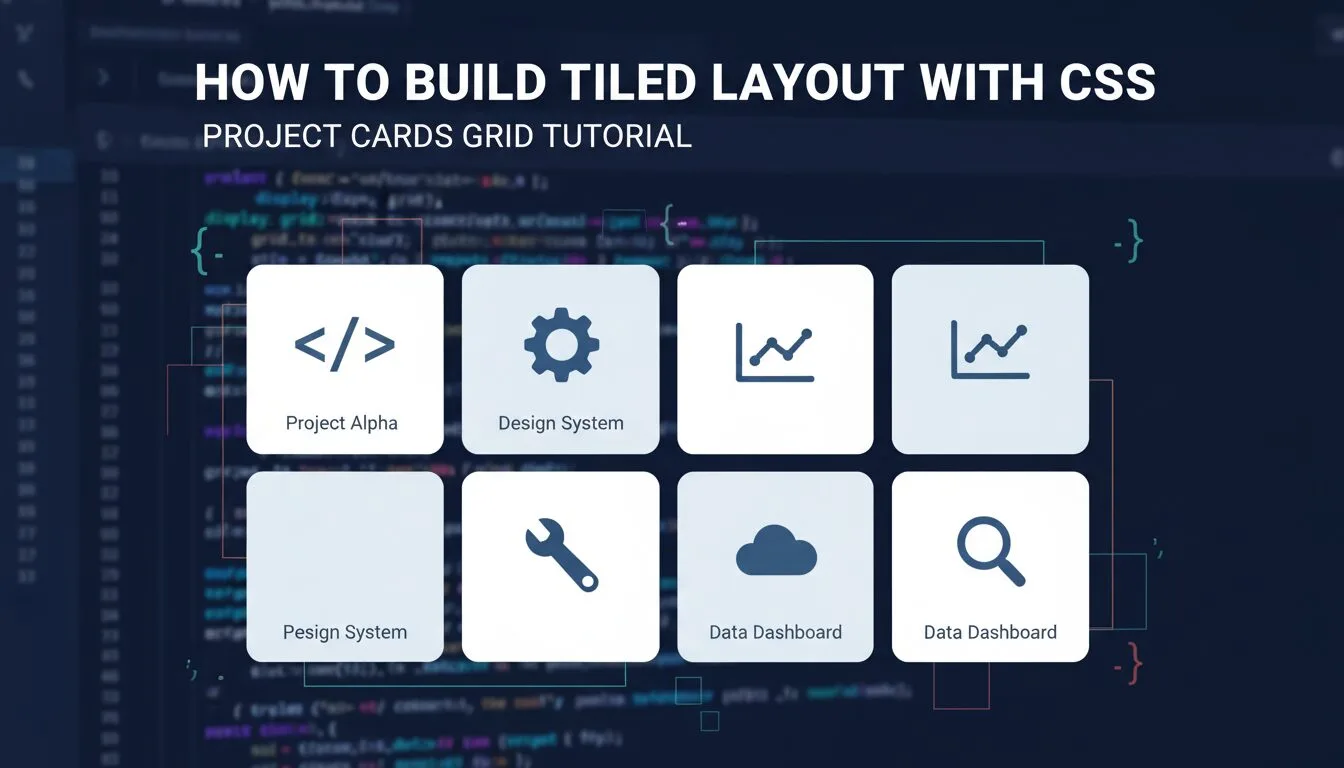
create cover image for tutorial How to Build Tiled Layout with CSS – Project Cards Grid Tutorial.

How to Build Tiled Layout with CSS – Project Cards Grid Tutorial 2025–2026

Learning how to build a tiled layout with CSS is one of the most powerful and frequently used layout skills in modern web design — tiled layouts (also called card grids) are perfect for showcasing projects, portfolios, products, blog posts, team members, testimonials, or any content that benefits from visual repetition and responsiveness. In this hands-on guide, you’ll recreate the demonstration website’s “Projects” section: a clean, responsive tiled grid of 8 project cards (4 per row on desktop, stacking on mobile), using background images, text overlays, hover color changes, and modern CSS techniques.
Read more
Alpine Linux edge — evince — multiple vulnerabilities (3 CVEs) — patch and remediation guide — diagnosis and fix on Alpine Linux edge

Alpine Linux edge — evince — multiple vulnerabilities (3 CVEs) — patch and remediation guide

🟡 Medium   ⏱ 10–30 min  Last verified: 25 May 2026 Affected versions: Alpine Linux edge / fixed in 48.4-r0 📖 ~4 min read  •  Source: Alpine secdb entry — evince 48.4-r0 Related CVEs: CVE-2026-46529 CVE-2019-11459 CVE-2017-1000083 Upstream summary: Alpine community repository for vedge ships evince 48.4-r0 which addresses CVE-2026-46529. Table of contents Symptom & […]

Read more
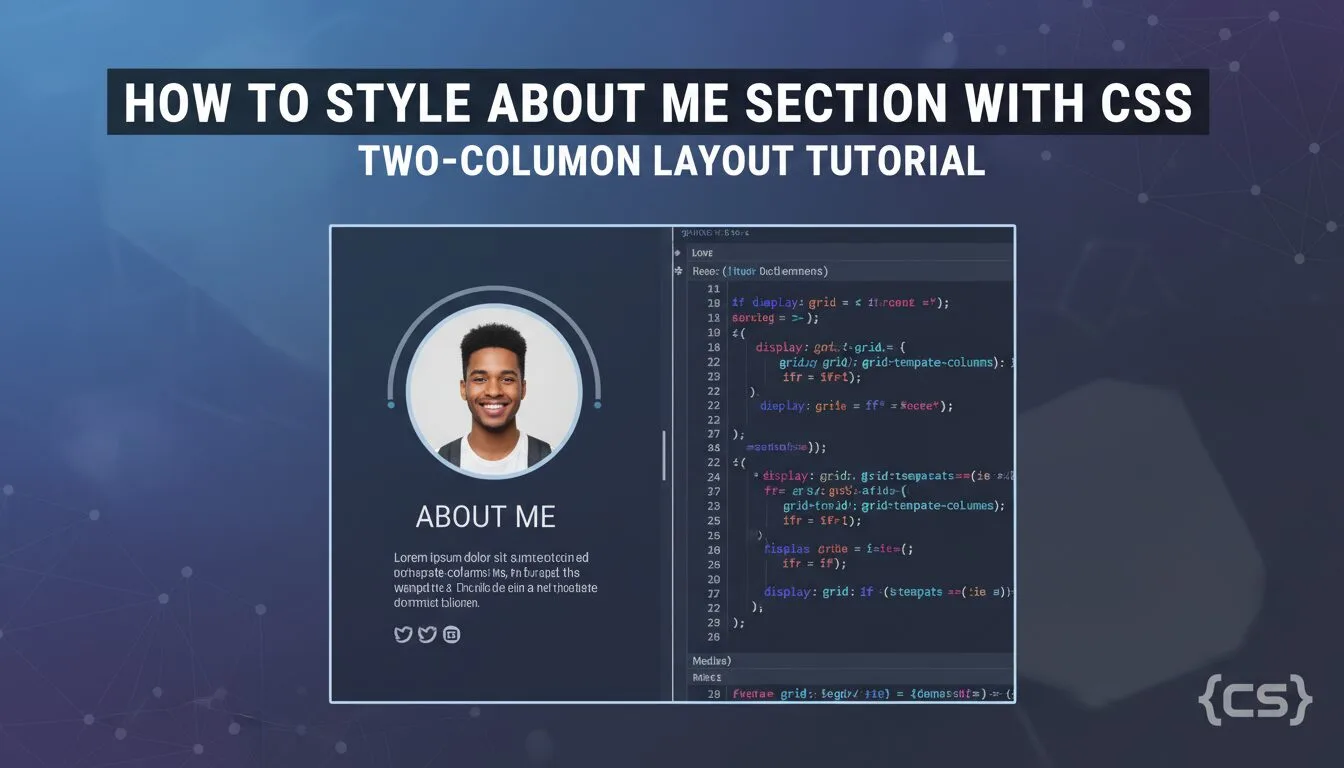
How to Style About Me Section with CSS – Two-Column Layout Tutorial 2025–2026

How to Style About Me Section with CSS – Two-Column Layout Tutorial 2025–2026

Learning how to style About Me section with CSS is one of the most practical and frequently used skills in any CSS tutorial for beginners — the “About Me” section is where you introduce yourself, share your story, skills, and personality, and it’s usually the second thing visitors see after the header. In this hands-on guide, you’ll recreate the demonstration website’s About Me section using pure HTML and CSS: a clean two-column layout (profile photo on one side, bio text on the other), yellow background boxes, responsive stacking on mobile, proper spacing, and modern typography.

Read more
Alpine Linux edge — atop — vulnerability — patch and remediation guide — diagnosis and fix on Alpine Linux edge

Alpine Linux edge — atop — vulnerability — patch and remediation guide

🟡 Medium   ⏱ 10–30 min  Last verified: 25 May 2026 Affected versions: Alpine Linux edge / fixed in 2.11.1-r0 📖 ~4 min read  •  Source: Alpine secdb entry — atop 2.11.1-r0 Related CVEs: CVE-2025-31160 Upstream summary: Alpine main repository for vedge ships atop 2.11.1-r0 which addresses CVE-2025-31160. Table of contents Symptom & Impact Environment […]

Read more
FreeBSD 15 — iv — multiple vulnerabilities (5 CVEs) — patch and remediation guide — diagnosis and fix on FreeBSD 15

FreeBSD 15 — iv — multiple vulnerabilities (5 CVEs) — patch and remediation guide

🟡 Medium   ⏱ 10–30 min  Last verified: 11 February 2026 Affected versions: FreeBSD 15 📖 ~4 min read  •  Source: FreeBSD VuXML VuXML topic: tiff — buffer overflow vulnerability Related CVEs: CVE-2004-0803 CVE-2004-0804 CVE-2004-0886 CVE-2004-1308 CVE-2005-1544 Upstream summary: A Gentoo Linux Security Advisory reports: Tavis Ormandy of the Gentoo Linux Security Audit Team discovered […]

Read more
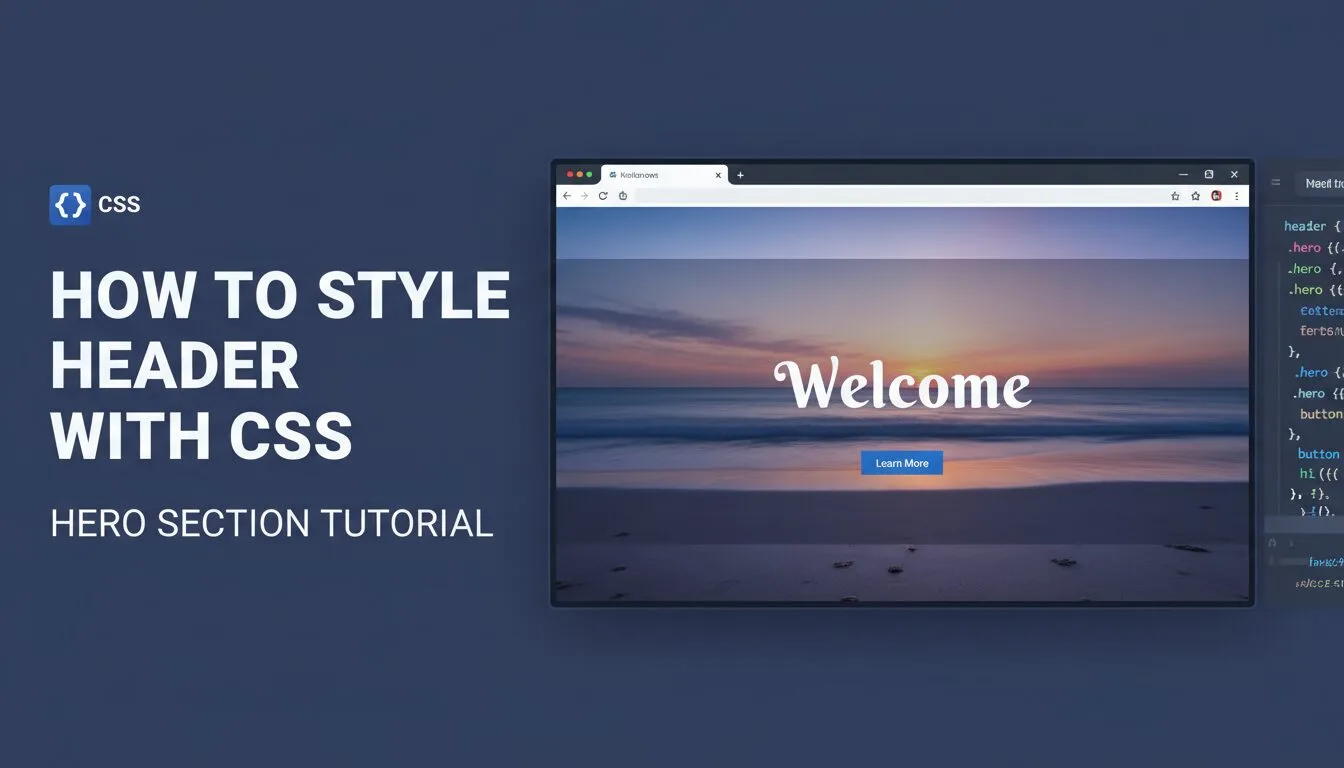
How to Style Header with CSS – Hero Section Tutorial 2025–2026

How to Style Header with CSS – Hero Section Tutorial 2025–2026

Learning how to style header with CSS is one of the most rewarding and frequently used skills in any CSS tutorial for beginners — the header (also called hero section) is the very first thing visitors see, and getting it right creates instant impact. In this hands-on guide, you’ll recreate the demonstration website’s top header section using pure HTML and CSS: circular profile image with yellow border, large centered headline, subtitle, and a call-to-action button — all wrapped in a styled container with background, padding, and modern typography.

Read more
FreeBSD 15 — crispy-doom — vulnerability — patch and remediation guide — diagnosis and fix on FreeBSD 15

FreeBSD 15 — crispy-doom — vulnerability — patch and remediation guide

🟢 Low   ⏱ 5–15 min  Last verified: 11 February 2026 Affected versions: FreeBSD 15 📖 ~4 min read  •  Source: FreeBSD VuXML VuXML topic: chocolate-doom — Arbitrary code execution Related CVEs: CVE-2020-14983 Upstream summary: Michal Dardas from LogicalTrust reports: The server in Chocolate Doom 3.0.0 and Crispy Doom 5.8.0 doesn't validate the user-controlled num_players […]

Read more
How to Style Body with CSS – Background, Font & Global Styles 2025–2026

How to Style Body with CSS – Background, Font & Global Styles 2025–2026

Learning how to style body with CSS is one of the most important foundational steps in any CSS tutorial for beginners — the element is the root container for all visible content on your webpage, and styling it correctly sets the global look and feel: background image or color, default font family, text color, line height, margins, and link styles. Mastering how to style body with CSS gives you control over the entire site’s atmosphere before adding individual sections, ensuring consistency, readability, and professionalism from the very first line of code.

Read more
FreeBSD 15 — linux-c7-libsamplerate — vulnerability — patch and remediation guide — diagnosis and fix on FreeBSD 15

FreeBSD 15 — linux-c7-libsamplerate — vulnerability — patch and remediation guide

🟢 Low   ⏱ 5–15 min  Last verified: 11 February 2026 Affected versions: FreeBSD 15 📖 ~4 min read  •  Source: FreeBSD VuXML VuXML topic: libsamplerate — multiple vulnerabilities Related CVEs: CVE-2017-7697 Upstream summary: NVD reports: In libsamplerate before 0.1.9, a buffer over-read occurs in the calc_output_single function in src_sinc.c via a crafted audio file. […]

Read more
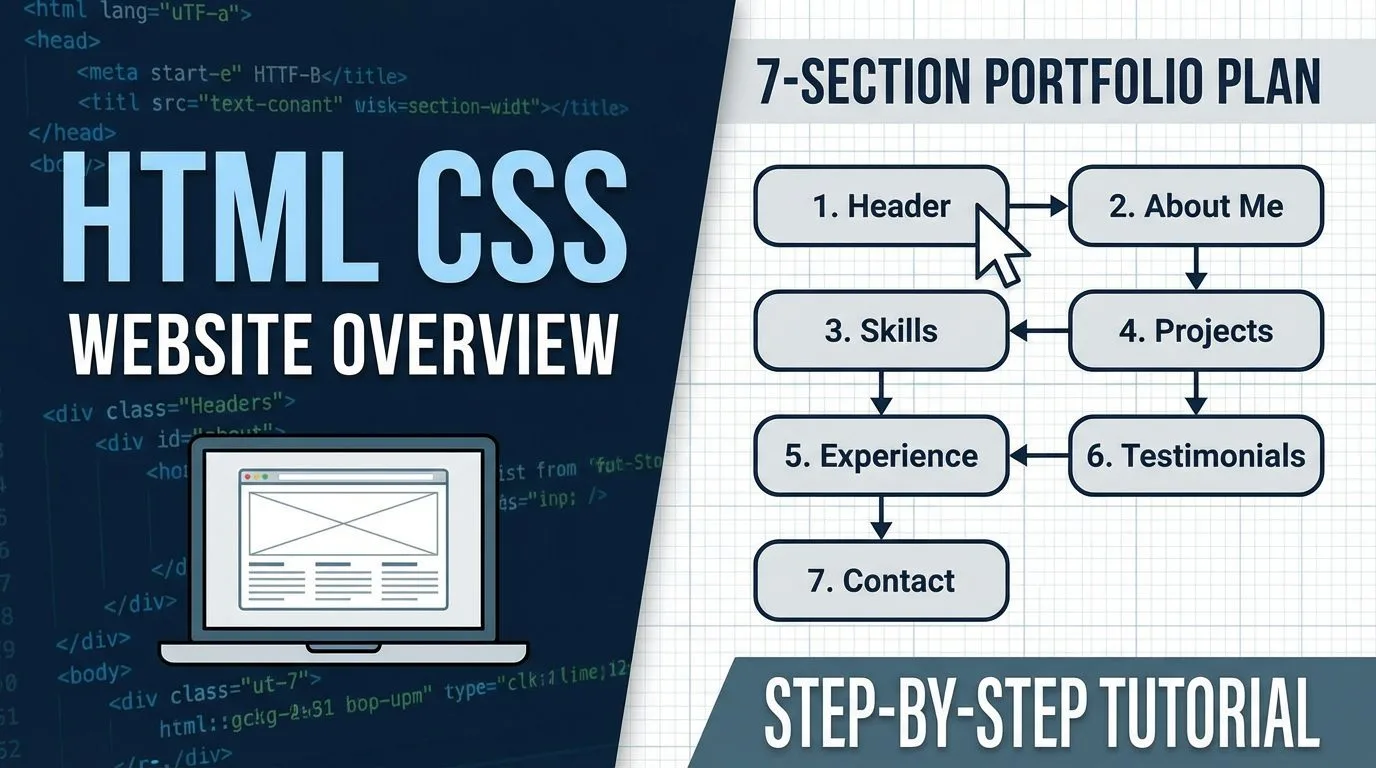
HTML CSS Website Overview – 7-Section Portfolio Plan 2025–2026

HTML CSS Website Overview – 7-Section Portfolio Plan 2025–2026

Learning the structure of a full HTML CSS website is the key moment that turns beginner tutorials into a real, publishable project — in this overview guide, you’ll get a complete breakdown of the demonstration single-page portfolio/resume website we’re going to build from scratch using only HTML and CSS. The site is organized into 7 clear horizontal sections, uses modern layout techniques (Flexbox, Grid, sticky footer), is fully responsive, and looks professional — ideal for personal portfolios, resumes, freelancers, designers, developers, or small business landing pages in 2025–2026.

Read more
CHAT