Speed Up Scroll Events with Passive Event Listeners
Improve your site’s scrolling and touch performance by using passive event listeners for events.

Improve your site’s scrolling and touch performance by using passive event listeners for events.

End-to-end testing (e2e for short) is a process in which the entire lifecycle of an application is tested from a user’s perspective in a production-like scenario. In this tutorial, you will write an e2e test in Node.js that validates that the account creation and login features of a sample web page, using Puppeteer to crawl the site and Jest to make unit tests.
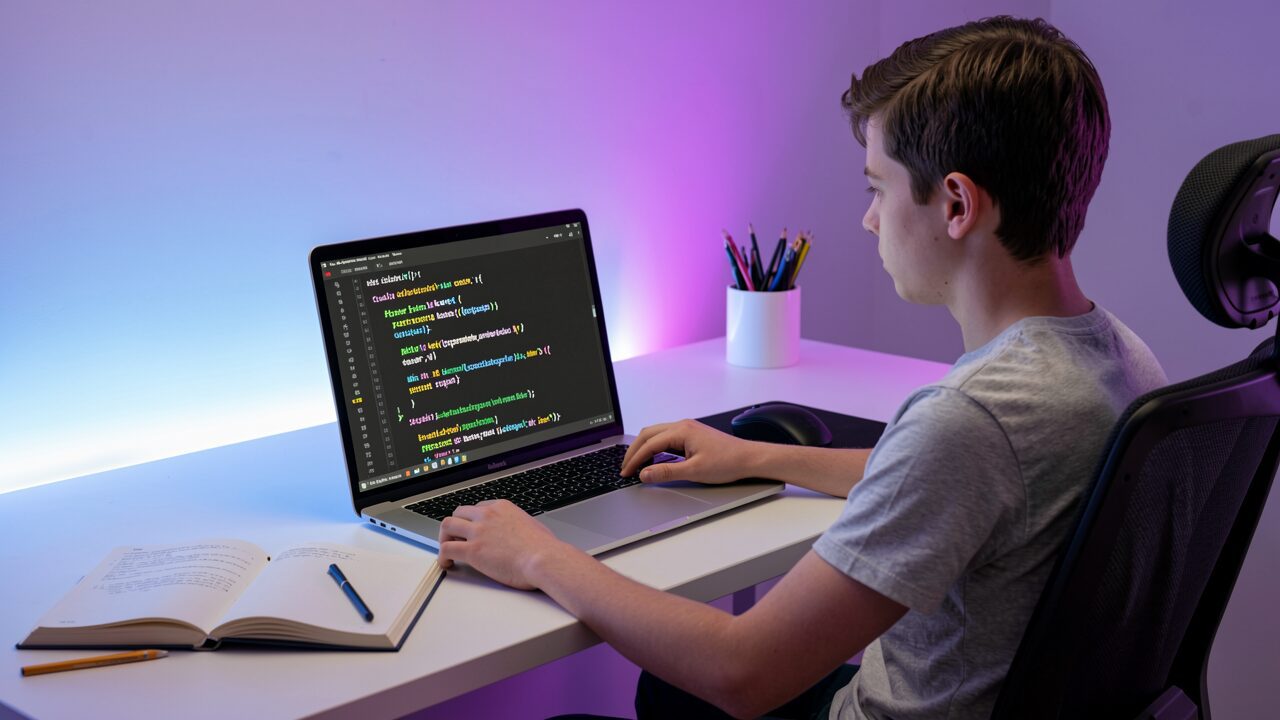
Do you want to learn more technical skills but don’t know where to start? Explore our range of beginner-friendly tutorials to build your skills and launch your next project.

Learn how to use Axios with JavaScript to perform GET, POST, and DELETE requests.

Storing data in the browser can be much easier than you think, thanks so localForage, a JavaScript library that simplifies asynchronous storage!
O JavaScript é uma linguagem baseada em protótipo, e cada objeto no JavaScript tem uma propriedade interna escondida chamada [[Prototype]], que pode ser usada para estender as propriedades e métodos de objetos. Você pode ler mais sobre protótipos no nosso tutorial [Entendendo…
Use Node.js and the node-cron library to schedule jobs to manage logs, back up databases, and send emails.
O autor selecionou a COVID-19 Relief Fund para receber uma doação como parte do programa Write for DOnations. No [ECMAScript…
Автор выбрал фонд Open Internet/Free Speech для получения пожертвования в рамках программы Write for DOnations. В JavaScript разработчики часто тратят много времени на решение того, какую структуру данных…

Автор выбрал Creative Commons для получения пожертвования в рамках программы Write for DOnations. В этом обучающем руководстве вы узнаете, как описать элементы с помощью JSX. JSX — это абстракция, которая позволяет…










