authentication

How to Set Up Microsoft Defender for Endpoint on Windows Server 2025 — step-by-step Windows Server 2025 tutorial on Progressive Robot

How to Set Up Microsoft Defender for Endpoint on Windows Server 2025

How to Set Up Microsoft Defender for Endpoint on Windows Server 2025 Microsoft Defender for Endpoint (MDE) is Microsoft’s cloud-powered extended detection and response (EDR) platform. While Windows Defender Antivirus provides local antimalware protection, MDE adds a powerful layer of behavioral analysis, threat intelligence correlation, live response capabilities, and centralized investigation through the Microsoft 365 […]

Read more
How to Index and Slice Strings in Python: Complete Guide (2025–2026) — step-by-step tutorial on Progressive Robot

How to Index and Slice Strings in Python: Complete Guide (2025–2026)

Learning how to index and slice strings in Python is one of the most essential and frequently used skills in Python programming — strings are sequences of characters, and being able to precisely access individual characters or extract substrings is crucial for text processing, data cleaning, parsing, web scraping, and almost every real-world Python project.

Read more
How to Use PowerShell Remoting for Automated Server Management on Windows Server 2025 — step-by-step Windows Server 2025 tutorial on Progressive Robot

How to Use PowerShell Remoting for Automated Server Management on Windows Server 2025

How to Use PowerShell Remoting for Automated Server Management on Windows Server 2025 PowerShell Remoting, built on the WS-Management protocol and implemented via WinRM, is the foundation of at-scale Windows administration. On Windows Server 2025 it is enabled by default for domain-joined machines, making it immediately available for running commands across hundreds of servers in […]

Read more
How to Configure IIS Deployment with Web Deploy on Windows Server 2025 — step-by-step Windows Server 2025 tutorial on Progressive Robot

How to Configure IIS Deployment with Web Deploy on Windows Server 2025

How to Configure IIS Deployment with Web Deploy on Windows Server 2025 Web Deploy (MSDeploy) is Microsoft’s official tool for synchronising web applications, databases, and IIS configurations between servers or from a developer workstation to a target environment. On Windows Server 2025, combining IIS with Web Deploy enables one-command deployments, CI/CD pipeline integration, and reliable […]

Read more
How to Set Up Nexus Repository Manager on Windows Server 2025 — step-by-step Windows Server 2025 tutorial on Progressive Robot

How to Set Up Nexus Repository Manager on Windows Server 2025

How to Set Up Nexus Repository Manager on Windows Server 2025 Sonatype Nexus Repository Manager OSS is the industry-standard artifact repository, giving your organisation a centralised proxy and hosting layer for Maven, NuGet, npm, PyPI, Docker, and dozens of other package formats. Running Nexus on Windows Server 2025 lets your build agents resolve dependencies from […]

Read more
How to Install and Configure SonarQube on Windows Server 2025 — step-by-step Windows Server 2025 tutorial on Progressive Robot

How to Install and Configure SonarQube on Windows Server 2025

How to Install and Configure SonarQube on Windows Server 2025 SonarQube is the leading open-source platform for continuous code quality inspection, detecting bugs, code smells, and security vulnerabilities across more than 30 programming languages. Running SonarQube on Windows Server 2025 as a persistent service allows development teams to integrate static analysis into every pull request […]

Read more
How to Use Azure DevOps Pipeline Agent on Windows Server 2025 — step-by-step Windows Server 2025 tutorial on Progressive Robot

How to Use Azure DevOps Pipeline Agent on Windows Server 2025

How to Use Azure DevOps Pipeline Agent on Windows Server 2025 Self-hosted Azure Pipelines agents give you complete control over the build environment — you choose the operating system, installed toolchains, network access, and hardware resources. On Windows Server 2025, a self-hosted agent is ideal when your pipelines need access to internal resources like private […]

Read more
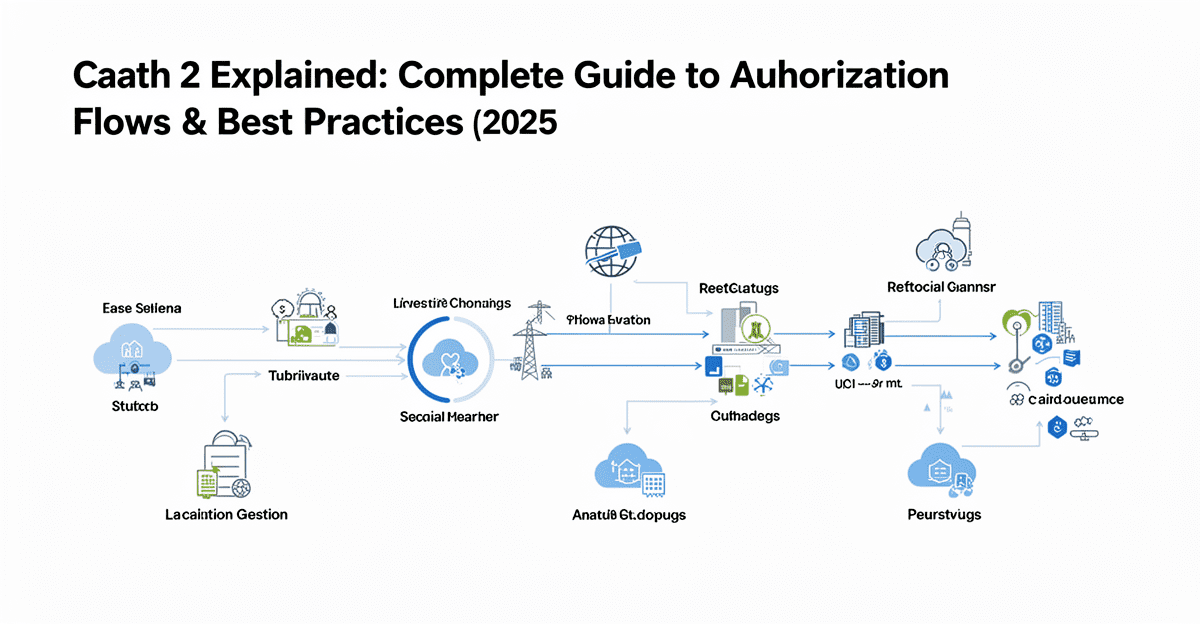
OAuth 2 Explained: Complete Guide to Authorization Flows & Best Practices (2025–2026) — step-by-step tutorial on Progressive Robot

OAuth 2 Explained: Complete Guide to Authorization Flows & Best Practices (2025–2026)

OAuth 2 is the industry-standard authorization framework that lets third-party apps securely access user data without ever handling passwords. Instead of asking users to share credentials, OAuth 2 delegates authentication to the service provider (like Google, GitHub, or Progressive Robot) and issues limited, revocable tokens that represent specific permissions.

Read more
How to Configure Chocolatey for Automated Package Management on Windows Server 2025 — step-by-step Windows Server 2025 tutorial on Progressive Robot

How to Configure Chocolatey for Automated Package Management on Windows Server 2025

How to Configure Chocolatey for Automated Package Management on Windows Server 2025 Chocolatey is the de facto standard package manager for Windows enterprise automation. Where Linux administrators reach for apt or yum, Windows administrators building repeatable, auditable server environments reach for Chocolatey. On Windows Server 2025, Chocolatey integrates seamlessly with PowerShell Desired State Configuration (DSC), […]

Read more
How to Run Moltbot on Progressive Robot: Complete Quickstart Guide (2025–2026) — step-by-step tutorial on Progressive Robot

How to Run Moltbot on Progressive Robot: Complete Quickstart Guide (2025–2026)

Run Moltbot on Progressive Robot is one of the smartest and safest ways to host your personal, always-on AI assistant in 2025–2026 — without risking your local machine or exposing sensitive data. Moltbot (formerly Clawdbot/Moltbot) is a powerful open-source agent that can manage calendars, browse the web, organize files, handle email, run terminal commands, and more — all powered by your choice of LLM (Anthropic, OpenAI, Gemini, local models, etc.). You interact with it naturally through WhatsApp, iMessage, Telegram, Discord, Slack, a terminal TUI, or web dashboard.

Read more
CHAT