
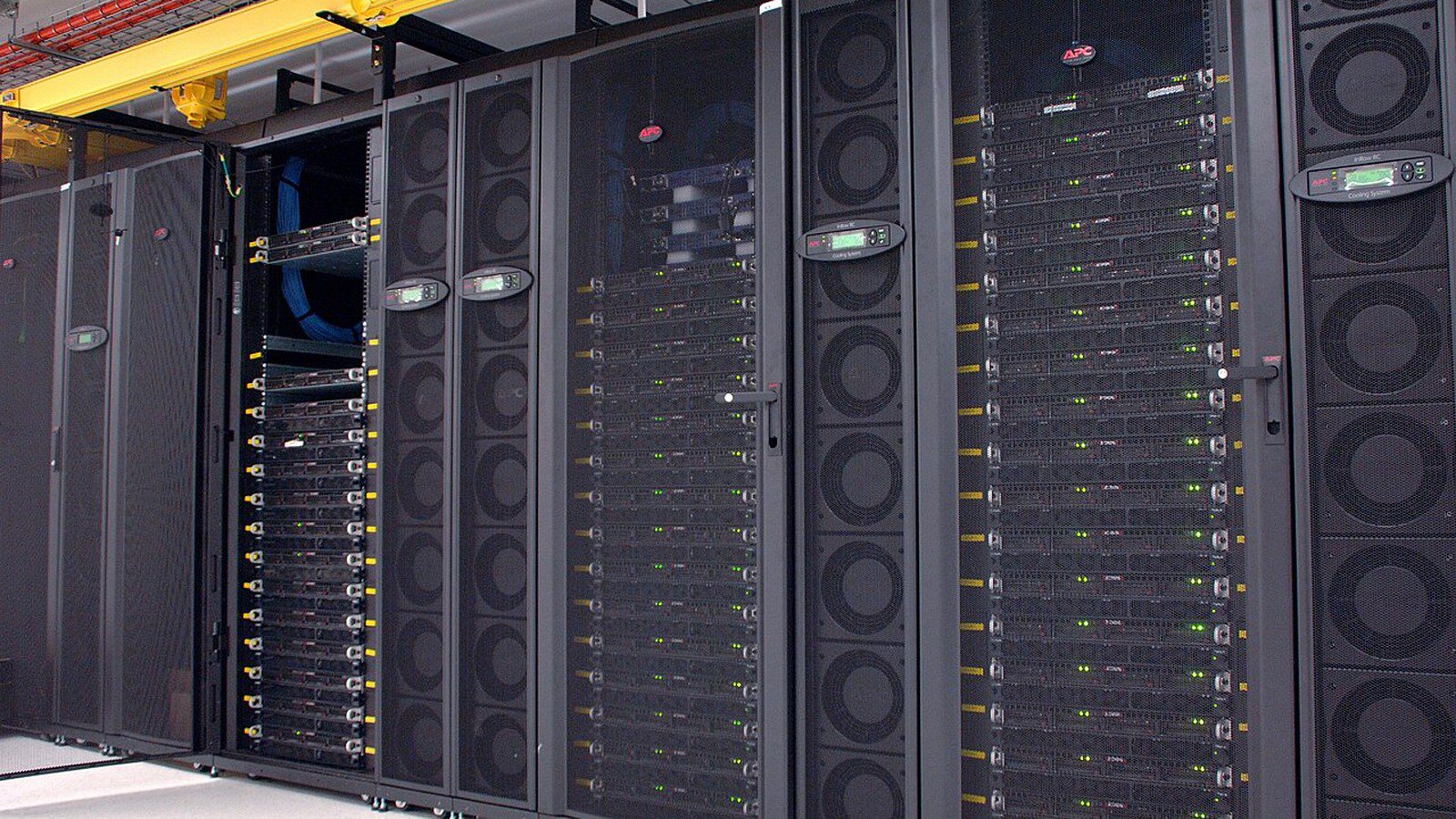
PCIe enterprise AI GPU decisions are becoming more important as companies move from AI pilots to production inference, retrieval-augmented generation, fine-tuning, computer vision, simulation, and internal agent platforms.
If you want the short version, a PCIe enterprise AI GPU is often the practical middle ground between ordinary workstation hardware and dense accelerator platforms such as HGX. It can fit standard enterprise servers, expand existing racks, support air-cooled deployments, and give IT teams a more flexible way to add AI acceleration without redesigning the whole data center.
That does not make every card the right choice. The real decision depends on memory capacity, PCIe generation, server qualification, cooling, power, multi-GPU scaling, software support, virtualization, orchestration, model size, and the difference between training and inference workloads.
This article draws on NVIDIA’s official H200 GPU page for H200 NVL PCIe details, NVIDIA’s official L40S page for universal data center GPU positioning, NVIDIA AI Enterprise documentation for production software and support context, and NVIDIA’s Multi-Instance GPU documentation for utilization and workload isolation.
PCIe enterprise AI GPU at a glance
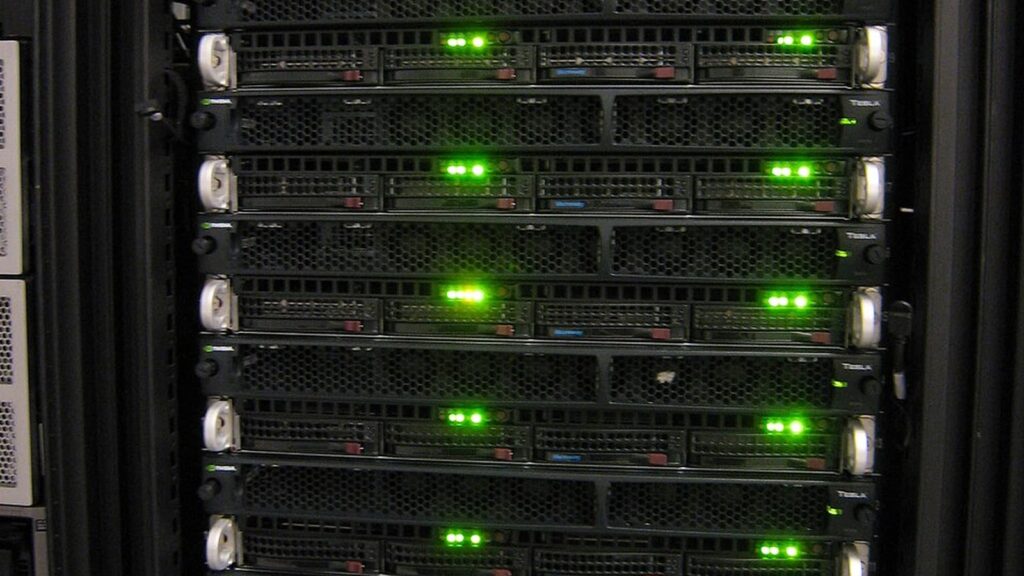
This category can be understood through a few practical points.
- It is a server-class accelerator delivered in a PCIe form factor rather than a dense SXM module.
- It usually fits qualified rack servers from major OEMs, which can simplify procurement and deployment.
- It is often strongest for enterprise inference, RAG, fine-tuning, model serving, computer vision, analytics, simulation, and mixed AI workloads.
- It may be easier to cool and integrate than dense accelerator trays, especially in mainstream enterprise racks.
- It still requires careful power, airflow, CPU, memory, networking, and storage planning.
- It may scale through PCIe, NVLink bridges, or server-level design, but it is not automatically equivalent to an HGX-style multi-GPU system.
- Production value depends as much on software, drivers, orchestration, monitoring, and support as on raw tensor performance.
| Decision area | What to check |
|---|---|
| Workload fit | Inference, fine-tuning, RAG, vision, rendering, simulation, or training |
| Memory | Capacity, bandwidth, and model fit after quantization or batching |
| Server fit | Qualified chassis, slot width, airflow, BIOS, risers, and CPU lane budget |
| Interconnect | PCIe generation, NVLink options, networking, and storage paths |
| Operations | Drivers, containers, monitoring, partitioning, and support lifecycle |
| Economics | Utilization, rack power, licensing, maintenance, and time to production |
The useful framing is simple: this accelerator choice is not just a card. It is a building block for production AI infrastructure.
Why PCIe enterprise AI GPU planning matters
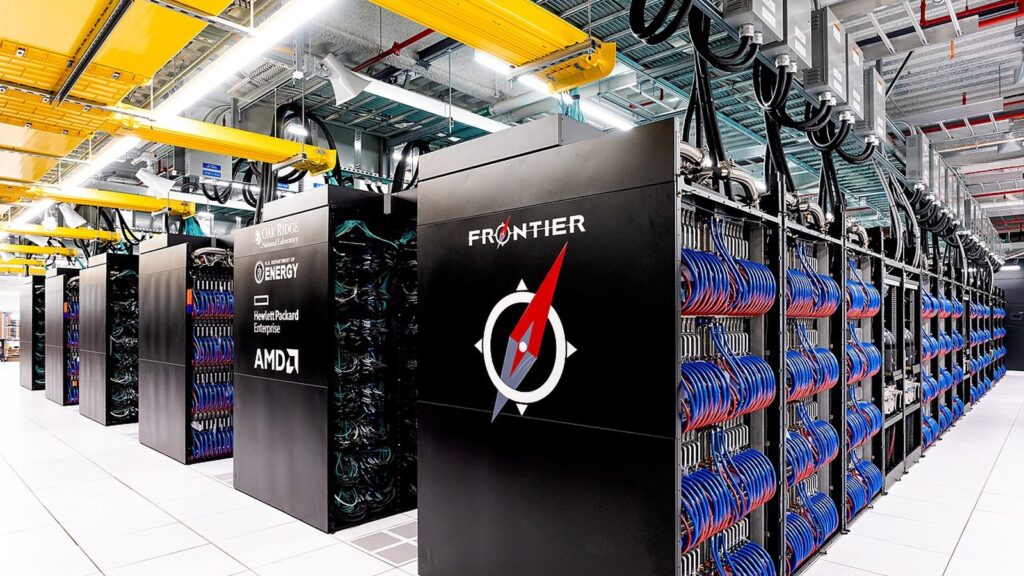
This planning matters because most organizations do not start with a brand-new AI factory. They start with existing server rooms, colocation racks, virtualization practices, procurement rules, security requirements, and teams that already know how to operate standard rack servers.
That is where PCIe cards are attractive. They let enterprises add acceleration inside more familiar server designs. They can be easier to qualify with storage, networking, virtualization, and existing operations. They can also make capacity planning more incremental than buying a dense, specialized accelerator platform immediately.
The tradeoff is that PCIe is not magic. If the model needs extreme multi-GPU bandwidth, very large shared memory behavior, or the highest training throughput, a dense platform may still be the better answer. For many enterprise workloads, though, the PCIe enterprise AI GPU question is about practical deployment speed and utilization, not absolute benchmark leadership.
This is closely tied to AI infrastructure, inference economics, and the shift toward autonomous AI agents. If a business wants reliable internal AI services, the hardware must match the operating model.
9 critical buying factors for a PCIe enterprise AI GPU
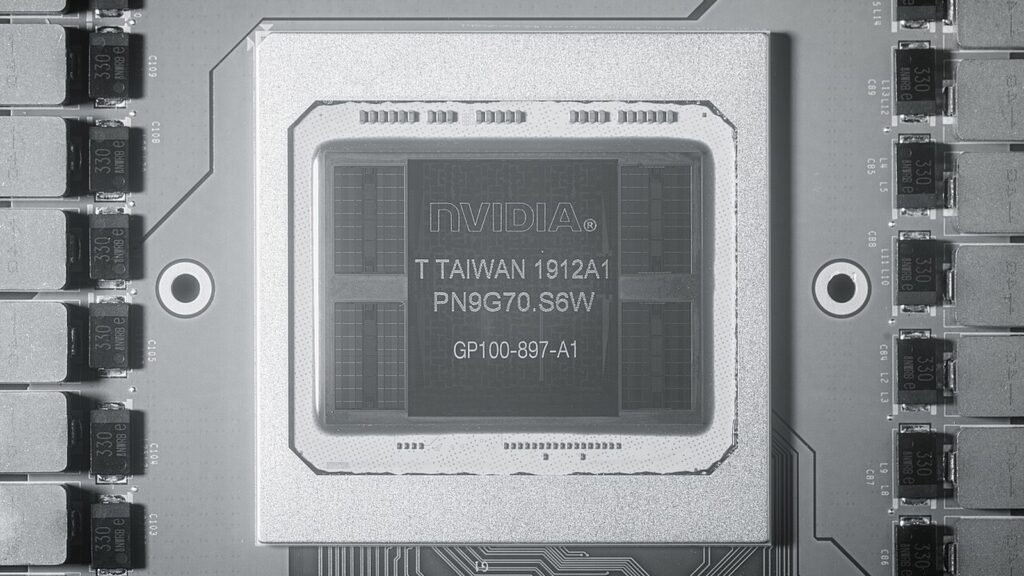
1. Start with the workload, not the card
The first mistake is starting with a spec sheet before defining the workload.
Enterprise AI can mean many different things. A RAG system serving employee questions has different requirements from a fine-tuning pipeline, a document extraction service, a video analytics stack, a private coding assistant, a simulation workflow, or a model training environment. Some workloads are memory-bound. Some are latency-sensitive. Some need batching. Some need image or video acceleration. Some need many smaller isolated GPU slices rather than one large accelerator.
NVIDIA positions the L40S as a universal data center GPU for generative AI, LLM training and inference, rendering, 3D graphics, Omniverse, and multi-workload acceleration. NVIDIA positions H200 as a GPU for generative AI and HPC, with H200 NVL aimed at lower-power, air-cooled enterprise rack designs. Those are not the same deployment story.
The right way to evaluate a PCIe enterprise AI GPU is to map the card to the real job: model size, context length, batch size, concurrency, latency target, precision, framework, and whether the workload is steady enough to keep the accelerator busy.
2. Treat memory capacity as a first-class constraint
For enterprise AI, GPU memory is often more important than peak compute.
NVIDIA says H200 offers 141GB of HBM3e memory with 4.8TB/s of memory bandwidth, while H200 NVL keeps that 141GB memory profile in a PCIe dual-slot air-cooled form factor. NVIDIA’s L40S page highlights 48GB of memory capacity for multimodal generative AI workloads.
Those numbers matter because model serving is constrained by weights, activations, KV cache, batch size, and context length. A card with less memory may still run a model through quantization, but the tradeoff can show up in throughput, latency, quality, context length, or operational complexity.
Before buying, teams should test the exact model plan. A small model with heavy concurrency may need a different GPU than a larger model with low concurrency. A vision model may need different memory and media acceleration behavior from a text-only RAG assistant. A GPU that looks expensive may be cheaper if it avoids sharding, reduces latency, or lets one server consolidate more workloads.
3. Check the PCIe generation and host I/O path
The accelerator still depends on the host system around it.
NVIDIA lists H200 NVL with PCIe Gen5 at 128GB/s and a PCIe dual-slot air-cooled form factor. That matters because the card’s relationship to CPU memory, networking, storage, and other GPUs is shaped by the platform’s PCIe lane budget and generation.
For inference, the GPU may spend most of its time working from local memory once the model is loaded. But host I/O still matters for loading model weights, moving embeddings, feeding batches, sending results, streaming video, and keeping retrieval or storage pipelines from becoming the real bottleneck.
For training or fine-tuning, PCIe limitations can matter more, especially when data has to move between GPUs or between GPU and host frequently. The right question is not only “how fast is the GPU?” It is whether the full server can feed it.
4. Understand when PCIe is enough and when dense GPU platforms make more sense
A PCIe enterprise AI GPU is often the best fit for incremental enterprise deployment, but it is not always the best fit for every AI problem.
PCIe cards are attractive when an organization needs standard servers, easier qualification, familiar rack designs, and flexible deployment. They are often a strong fit for inference clusters, departmental AI services, model evaluation, private RAG, vision AI, and mixed workloads.
Dense platforms such as HGX-style systems become more attractive when the workload needs very high GPU-to-GPU bandwidth, tightly coupled multi-GPU training, large-scale distributed training, or maximum accelerator density. In those cases, the premium platform may reduce engineering pain even if the initial purchase looks larger.
The practical rule is this: use a PCIe enterprise AI GPU when operational fit and incremental scaling matter most. Consider denser systems when the workload is fundamentally multi-GPU and interconnect-heavy.
5. Validate power, cooling, and rack readiness early
The data center problem is not only whether a GPU fits in a slot.
Power, cooling, airflow direction, cable clearance, riser layout, and server fan policy can decide whether the deployment works. NVIDIA lists L40S with a 350W maximum power consumption, while H200 NVL is listed with configurable TDP up to 600W. Those are serious data center components, not ordinary add-in cards.
The deployment should be checked against rack power density, cooling design, power supplies, redundant power policy, acoustic limits, and serviceability. In many enterprise environments, the limiting factor is not budget. It is whether the existing rack can handle the thermal and electrical load without creating reliability risk.
This is one reason PCIe GPUs are attractive. Air-cooled qualified servers can be easier to adopt than more specialized dense systems. But that only helps if the facility plan is honest.
6. Look beyond raw TFLOPS to production utilization
Raw performance numbers are useful, but enterprise AI usually fails on utilization before it fails on peak compute.
NVIDIA AI Enterprise documentation emphasizes production software, GPU orchestration, infrastructure management, NIM microservices, supported frameworks, security, and resource utilization. NVIDIA says the platform can improve GPU availability, maximize GPU utilization, and increase AI workload throughput on existing infrastructure.
Those claims matter because a GPU that sits idle is an expensive decoration. Production planning should include scheduler behavior, container images, Kubernetes integration, monitoring, quota policy, multi-team access, model lifecycle management, and incident response.
For many organizations, the best GPU is the one the team can keep busy safely.
7. Use partitioning and isolation when workloads are mixed
Mixed enterprise workloads often need isolation more than one giant GPU allocation.
NVIDIA’s Multi-Instance GPU documentation says MIG can partition supported GPUs into as many as seven isolated instances, each with its own high-bandwidth memory, cache, and compute cores. NVIDIA also says MIG helps run simultaneous inference, training, and HPC workloads with quality-of-service behavior and fault isolation.
That is important here because many companies will have several teams sharing limited accelerator capacity. One team may run embeddings, another may test a smaller LLM, another may process documents, and another may run computer vision jobs.
If the selected card and software stack support the right isolation model, the organization can avoid choosing between wasteful full-GPU reservations and risky unmanaged sharing.
8. Include software support in the buying decision
Enterprise AI hardware is only useful when the software stack is supportable.
The card should be evaluated with drivers, CUDA or ROCm support where relevant, container runtime, Kubernetes device plugin behavior, virtualization, monitoring, model-serving stack, security updates, vulnerability management, and support windows.
NVIDIA AI Enterprise is relevant here because NVIDIA describes it as a supported commercial software suite for AI development and production deployment. It includes microservices, frameworks, libraries, orchestration, infrastructure management, NIM microservices, deployment guides, and enterprise support.
That kind of support can matter more than another small performance improvement if the organization is moving AI into regulated, security-sensitive, or revenue-impacting workflows.
9. Plan the procurement lifecycle, not only the first server
The final buying factor is lifecycle planning.
Enterprise buyers need to think about availability, qualified server lists, firmware, replacement parts, support contracts, security updates, power capacity, refresh timing, and how the first deployment becomes a repeatable pattern.
This is especially important because AI requirements change quickly. A pilot that starts with one or two GPUs may become a shared platform. A successful RAG assistant may need higher concurrency. A video analytics project may become a 24/7 service. A fine-tuning environment may become a model factory.
The best PCIe enterprise AI GPU purchase is therefore not only the fastest card. It is the option that gives the organization a repeatable path from pilot to production.
PCIe enterprise AI GPU vs SXM or HGX-style systems
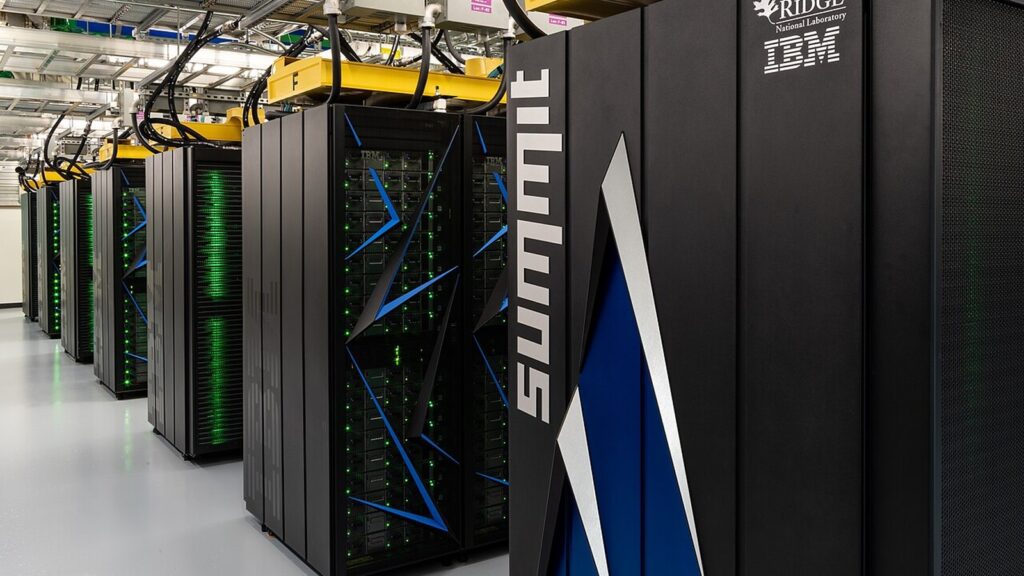
The biggest strategic question is whether PCIe is the right form factor at all.
| Choice | Best fit | Main tradeoff |
|---|---|---|
| PCIe enterprise AI GPU | Standard servers, enterprise inference, RAG, vision, fine-tuning, mixed workloads | Less ideal for the most interconnect-heavy multi-GPU training jobs |
| SXM or HGX-style platform | Dense training, high GPU-to-GPU bandwidth, tightly coupled multi-GPU jobs | Higher infrastructure commitment and less incremental deployment |
| Cloud GPU instance | Fast experiments, burst capacity, region-specific demand | Ongoing rental economics and cloud concentration risk |
| CPU-only deployment | Small models, light traffic, low-cost internal tools | Limited throughput for larger models or real-time AI workloads |
The point is not that one option is universally better. The point is fit.
If your organization needs practical production inference in normal servers, a PCIe enterprise AI GPU may be the cleanest route. If you are training frontier-scale models or running deeply coupled multi-GPU workloads, a dense accelerator platform may be the more honest choice.
When a PCIe enterprise AI GPU is usually the right move
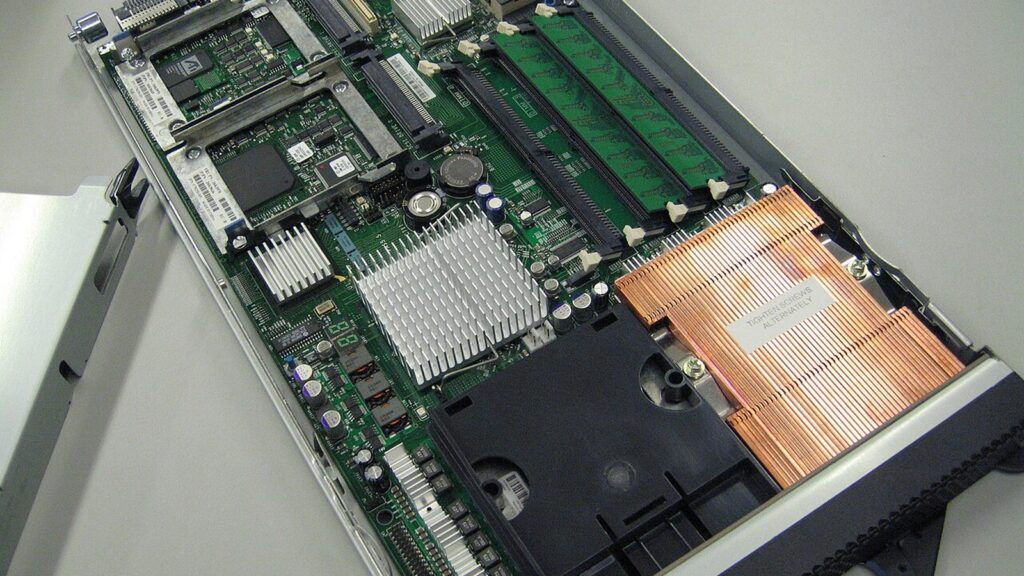
A PCIe enterprise AI GPU is usually a strong option when the business wants AI acceleration without a full data center redesign.
It tends to make sense when:
- The primary workload is inference, RAG, embeddings, document AI, vision AI, simulation, rendering, or fine-tuning.
- The team wants qualified mainstream rack servers.
- Air cooling and operational familiarity matter.
- The organization needs a repeatable path for several departments.
- GPU sharing, partitioning, or orchestration can improve utilization.
- The model fits on one GPU or scales acceptably across a small number of GPUs.
- The organization wants to bring AI closer to governed enterprise data.
This is why the PCIe enterprise AI GPU category is important for businesses. It makes AI acceleration more operationally approachable.
When a PCIe enterprise AI GPU is the wrong fit
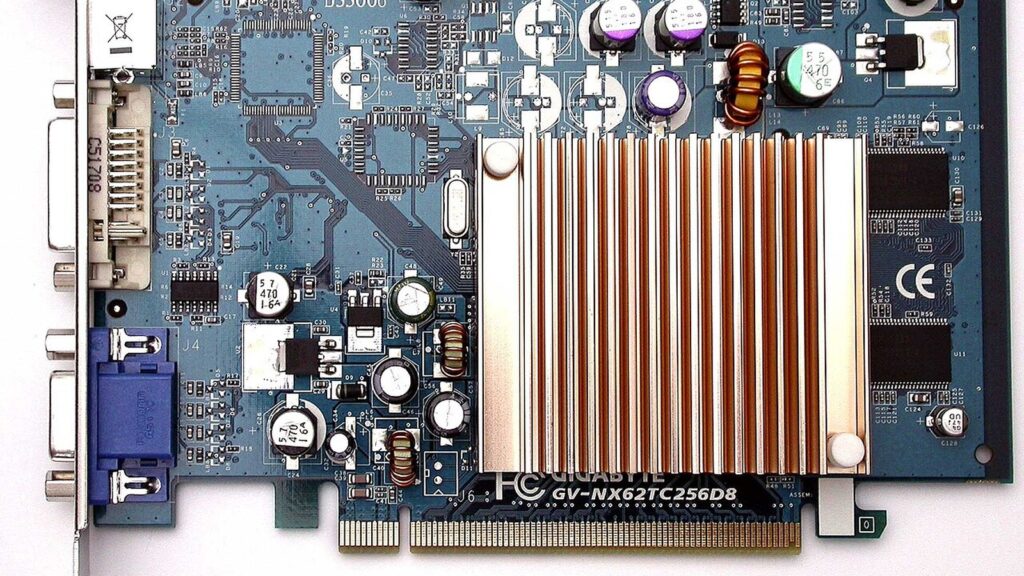
A PCIe enterprise AI GPU is not the answer to every AI infrastructure problem.
It may be the wrong fit when:
- The workload needs very high GPU-to-GPU bandwidth across many accelerators.
- Training throughput is more important than deployment flexibility.
- The model does not fit memory even after reasonable quantization or sharding.
- The facility cannot support the power and cooling profile.
- The server platform is not qualified for the card.
- The team lacks the software skills to operate GPU infrastructure safely.
- Cloud elasticity is more valuable than owning capacity.
In those cases, the better answer may be a dense accelerator platform, managed cloud GPUs, a smaller model, or a software redesign that reduces the hardware requirement.
Buying checklist for a PCIe enterprise AI GPU
Before purchasing, ask practical questions.
- What models will run in the first 90 days?
- How much GPU memory does each model need with the planned context length and batch size?
- Is the workload latency-sensitive, throughput-sensitive, or both?
- Does the server have enough PCIe lanes, slot space, and airflow?
- Is the system on the vendor’s qualified server list?
- What is the rack power and cooling impact?
- How will the team schedule jobs and prevent idle capacity?
- Does the stack need MIG, virtualization, Kubernetes, or secure multi-tenancy?
- What monitoring and incident response process will exist on day one?
- Will the deployment pattern still work if demand doubles?
Those questions are less exciting than peak TFLOPS, but they are closer to the real enterprise buying decision.
PCIe enterprise AI GPU FAQ
What is a PCIe enterprise AI GPU?
A PCIe enterprise AI GPU is a server-class accelerator card in a PCIe form factor, designed for enterprise AI workloads such as inference, RAG, fine-tuning, computer vision, simulation, and production model serving.
Is a PCIe enterprise AI GPU good for LLM inference?
Yes, if the model fits the GPU memory and the server can meet latency and throughput targets. H200 NVL and L40S show two different enterprise PCIe-oriented paths: one focused on large memory and Hopper-class AI/HPC, and one focused on universal data center AI, graphics, and media acceleration.
Is PCIe slower than SXM for AI GPUs?
PCIe generally offers less tightly coupled GPU-to-GPU bandwidth than dense SXM or HGX-style systems, but that does not make it too slow for every workload. Many enterprise inference and mixed AI workloads fit PCIe servers well.
How much memory should an enterprise AI GPU have?
It depends on the model, context length, batch size, precision, and concurrency target. Smaller enterprise models may fit comfortably in 48GB, while larger LLM inference can benefit from much larger memory pools such as the 141GB listed for H200.
Should SMEs buy PCIe GPUs or rent cloud GPUs?
SMEs should compare utilization, data governance, latency, engineering skill, and cash flow. Cloud GPUs can be better for bursty experiments, while owned PCIe servers can make sense for steady production demand near private data.
Why does software matter so much for a PCIe enterprise AI GPU?
Software determines whether the GPU is actually usable in production. Drivers, containers, orchestration, security updates, monitoring, model serving, and support can matter as much as hardware specifications.
Is a PCIe enterprise AI GPU the same as a gaming GPU?
No. A PCIe enterprise AI GPU may use a familiar add-in-card form factor, but it is built for server qualification, data center operation, enterprise support, AI software stacks, and production reliability rather than desktop gaming.
Final thoughts
PCIe enterprise AI GPU planning is really about matching AI ambition to operational reality.
For many organizations, PCIe GPUs are the practical route into production AI because they fit qualified servers, support incremental rollout, and align with existing enterprise operations. They can power private RAG, AI agents, document intelligence, vision systems, fine-tuning, simulation, and many other high-value workloads without forcing every company into the densest accelerator platform on day one.
The disciplined approach is to start with the workload, validate memory and I/O needs, confirm server qualification, plan power and cooling, and treat software support as part of the purchase. A PCIe enterprise AI GPU is not automatically the most powerful AI platform available, but a well-matched PCIe enterprise AI GPU may be the most useful option for the enterprise problem in front of you.










