
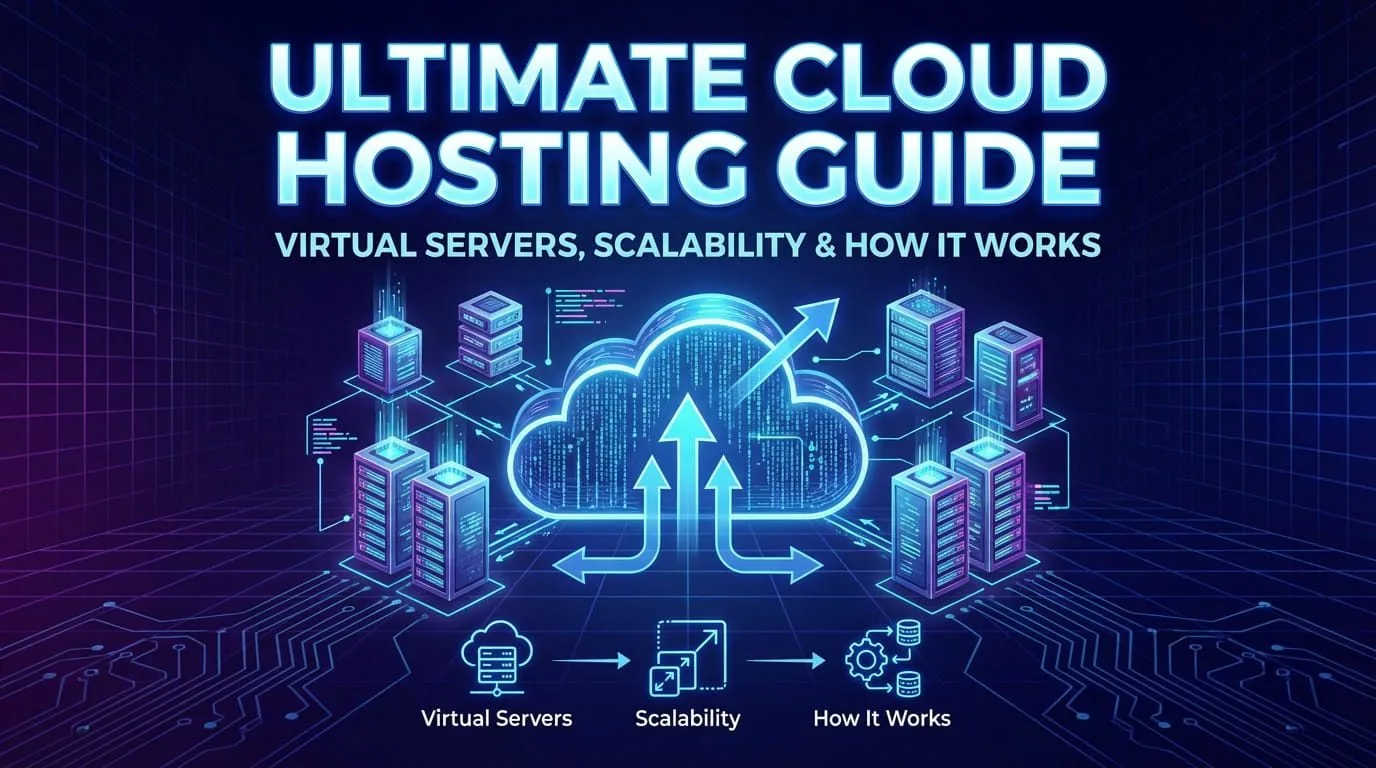
Understanding cloud hosting is essential for every developer, startup founder, agency owner, e-commerce entrepreneur, SaaS builder, DevOps engineer, or business leader planning websites, mobile app backends, APIs, databases, microservices, or scalable online services in 2025–2026. Cloud hosting gives you virtual servers that you control completely — install any OS, software stack, or configuration — without buying or maintaining physical hardware.
This ultimate cloud hosting guide explains exactly what cloud hosting is, how it works (virtualization, hypervisors, scaling), why it beats shared hosting or bare metal for most projects, and how to decide if cloud hosting is right for you. Progressive Robot deploys and manages cloud hosting solutions daily — let’s break it down clearly.
What Is Cloud Hosting?
Cloud hosting means renting virtual servers (VPS – Virtual Private Servers) from a provider’s large-scale data center. Each virtual server acts like a full, independent computer with:
- Your chosen operating system (almost always Linux: Ubuntu, Rocky Linux, Debian, AlmaLinux)
- Root/admin access (install Nginx, Node.js, PostgreSQL, Docker — anything)
- Allocated resources (CPU cores, RAM, SSD storage, bandwidth)
- Public IP address (IPv4 + IPv6)
- 24/7 availability in a secure, redundant facility
Unlike shared hosting (limited resources, no root), cloud hosting gives you full control. Unlike bare metal (expensive, slow scaling), cloud hosting lets you resize or clone servers in seconds.
How Does It Work – Virtualization Explained
It relies on virtualization — running multiple virtual servers safely on the same physical hardware.
Key players:
- Physical host → powerful server in the data center
- Hypervisor → software layer that creates and manages virtual servers
- Virtual server (VPS) → your “computer in the cloud”
Popular hypervisors in 2025–2026:
- KVM (Kernel-based Virtual Machine) → built into Linux, used by Linode, Vultr
- VMware ESXi → enterprise-grade, type-1 (no host OS needed)
- Xen → powers many older clouds
- Hyper-V → Microsoft/Azure Windows servers
The hypervisor slices physical CPU, RAM, storage, and network into isolated virtual machines — your VPS gets its slice and runs independently.
Why Choose Cloud Hosting? Key Advantages 2025–2026
- Full Root Access & Customisation Install any OS, web server (Nginx/Apache), backend (Node.js, Python, Java), database (PostgreSQL, MySQL, MongoDB), container runtime (Docker), or monitoring stack — no restrictions like shared hosting.
- Instant Scalability
- Vertical scaling (scale up): Add CPU/RAM/storage in minutes
- Horizontal scaling (scale out): Clone servers, add load balancers, auto-scale groups Most providers allow resizing without downtime (live migration).
- High Availability & Redundancy Data centers have backup power, cooling, multiple network paths, DDoS protection. Snapshots/backups let you restore in seconds.
- Cost Efficiency Pay hourly or monthly — only for what you use. No upfront hardware costs, no maintenance.
- Global Reach Deploy in multiple regions (US, Europe, Asia, Australia) → reduce latency, comply with data laws.
- Developer-Friendly Pre-built images (Ubuntu 24.04, Rocky 9), one-click apps (WordPress, Docker, LAMP), API/CLI tools, Terraform/Ansible support.
Cloud Hosting vs Other Hosting Types – Clear Comparison
| Hosting Type | Root Access | Scalability | Monthly Cost | Best For | Main Drawbacks |
|---|---|---|---|---|---|
| Shared Hosting | No | Very Low | $2–$15 | Simple blogs, small static sites | Slow, no control, resource limits |
| Cloud Hosting (VPS) | Full | High | $5–$150+ | Custom apps, APIs, databases, scaling | Requires basic server management |
| Bare Metal Server | Full | Medium | $50–$500+ | High-performance, dedicated hardware | Expensive, slow scaling, long setup |
| Serverless (Vercel, Netlify, Lambda) | None | Auto | Pay-per-use | Static sites + functions (Jamstack) | Limited runtime, cold starts, lock-in |
| PaaS (Heroku, Railway, Render) | Limited | High | $7–$300+ | Fast deploy, zero server management | Higher cost, less flexibility |
Choose it when you need:
- Full control (root access, custom software)
- Databases, queues, background jobs
- Scalability (vertical + horizontal)
- Predictable performance & cost
- Learning Linux / DevOps skills
Avoid it when:
- You only need a simple static site → Netlify / Vercel
- Zero server management → PaaS or managed WordPress
How to Choose the Right Provider 2026
Look for:
- Hourly billing
- Instant scaling
- Global data centers
- Free snapshots & backups
- IPv6 support
- Strong DDoS & firewall tools
- 99.99% uptime SLA
- Excellent API/CLI/Terraform support
Top providers in 2025–2026:
- Progressive Robot
- Linode (Akamai)
- Vultr
- Hetzner Cloud
- AWS Lightsail / EC2
- Google Cloud Compute Engine
Conclusion
It gives you full-power virtual servers in professional data centers — perfect for custom websites, mobile app backends, APIs, SaaS, e-commerce, databases, and scalable applications. It combines the flexibility of physical servers with the speed, cost, and scalability of virtualization.
Progressive Robot specializes in cloud hosting deployment, secure setup, performance optimisation, scaling, migration, and 24/7 management — we help businesses launch and grow reliably.
Ready to launch your first cloud hosting server or migrate your project? Get a free 30-minute strategy call — no obligation, just expert advice tailored to your goals.










