
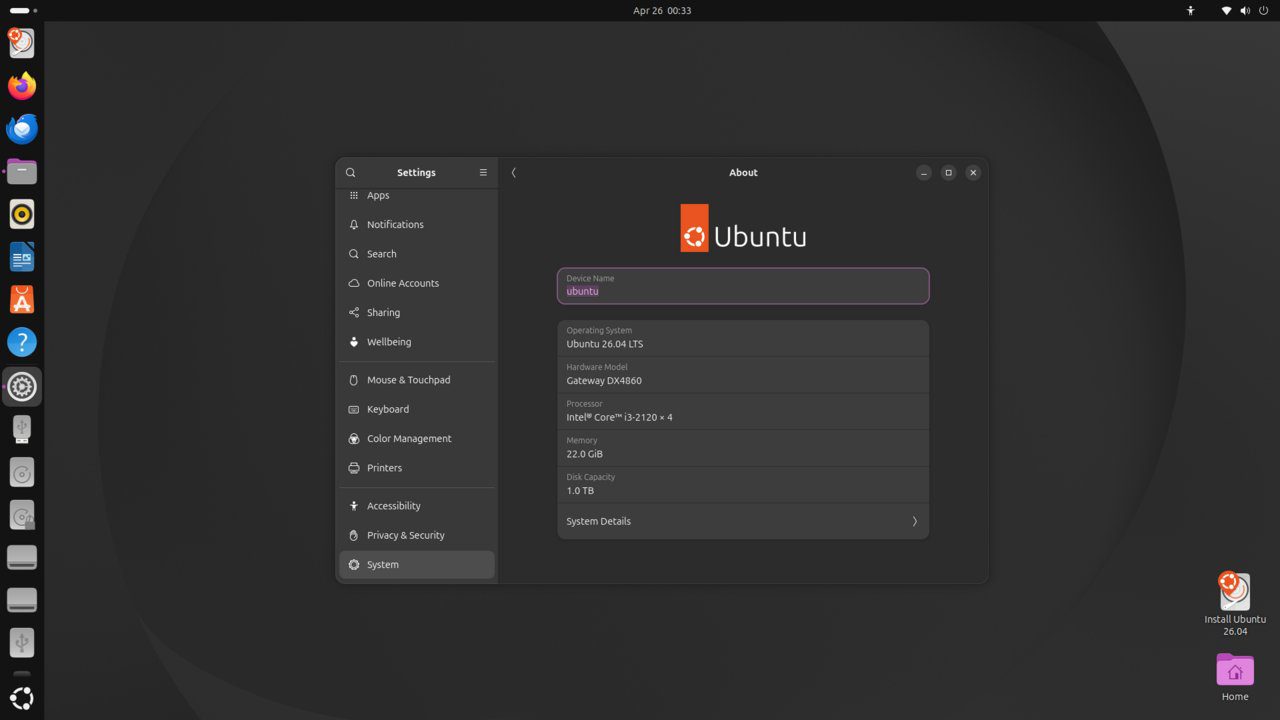
ClamAV is the most popular open-source antivirus engine for Linux. While Linux malware is less common than on other platforms, ClamAV is valuable for scanning files shared with Windows users, email servers, and web upload directories. This guide installs and configures ClamAV on Ubuntu 26.04 LTS.
Tested and valid on:
- Ubuntu 26.04 LTS
Prerequisites
- Ubuntu 26.04 LTS
- A user with sudo privileges
Step 1 – Install ClamAV
sudo apt update
sudo apt install clamav clamav-daemon -y
Step 2 – Update Virus Definitions
sudo systemctl stop clamav-freshclam
sudo freshclam
sudo systemctl start clamav-freshclam
sudo systemctl enable clamav-freshclam
Step 3 – Run an On-Demand Scan
# Scan home directory:
clamscan -r --bell -i ~/
# Scan entire system (slow):
sudo clamscan -r --bell -i / --exclude-dir='^/sys|^/proc|^/dev'
Step 4 – Configure the ClamAV Daemon
sudo systemctl start clamav-daemon
sudo systemctl enable clamav-daemon
sudo systemctl status clamav-daemon
Step 5 – Set Up Automated Scans with cron
sudo nano /etc/cron.daily/clamav-scanAdd:
#!/bin/bash
LOGFILE=/var/log/clamav/daily-scan.log
clamdscan -r --quiet --log=$LOGFILE /home /var/www
echo "ClamAV scan completed: $(date)" >> $LOGFILE
sudo chmod +x /etc/cron.daily/clamav-scanStep 6 – Configure Freshclam Auto-Update
sudo nano /etc/clamav/freshclam.confEnsure these are set:
UpdateLogFile /var/log/clamav/freshclam.log
DatabaseMirror database.clamav.net
Checks 12
Step 7 – Check Scan Logs
sudo tail -50 /var/log/clamav/daily-scan.log
sudo tail -20 /var/log/clamav/freshclam.log
Conclusion
ClamAV is installed and configured on Ubuntu 26.04 LTS with automatic definition updates and daily scheduled scans. Integrate it with Postfix for email scanning or use clamd for on-access scanning on sensitive directories.










