

Li-Fi security is moving from a futuristic lighting demo into a serious design option for rooms where ordinary Wi-Fi creates too much risk. The idea is simple: use light, not radio waves, for wireless data. In high-security UK legal, government, defence, financial, and regulated office environments, that physical difference can matter.
The headline is not that every office is about to rip out Wi-Fi. That would be too broad. The sharper story is that Li-Fi can replace Wi-Fi inside selected rooms where signal leakage, radio-frequency interference, and data-control requirements are more important than blanket building-wide coverage.
Li-Fi, short for Light Fidelity, transmits data through modulated light. A ceiling luminaire or optical access point sends data to a receiver, and a device sends data back through a compatible optical link. Vendors such as Signify Trulifi describe systems for office, hospitality, education, secure spaces, command posts, tactical environments, critical infrastructure, and places where Wi-Fi is not desired. The wider LiFi Group explainer also highlights light’s inability to pass through walls, lower radio interference, and strong privacy advantages.
For UK firms handling sensitive matters, Li-Fi security is attractive because it makes the network boundary more like a room boundary. Radio waves can leak through walls, windows, ceilings, and shared spaces. Light is much easier to contain. That does not make Li-Fi magic, and it does not remove the need for encryption, authentication, endpoint controls, physical security, logging, or policy. But Li-Fi security gives teams another layer: a wireless link that behaves more like a visible physical zone.
Li-Fi security at a glance

| Question | Practical answer |
|---|---|
| What is Li-Fi? | A wireless communication method using light instead of radio waves. |
| Why does it matter? | Light can be contained by walls and doors, reducing signal leakage outside a room. |
| What problem does it solve? | Controlled wireless access in rooms where Wi-Fi leakage, RF congestion, or RF restrictions are unacceptable. |
| Is it a total Wi-Fi replacement? | Usually no. It is more likely to replace Wi-Fi in specific secure rooms while Wi-Fi remains elsewhere. |
| Who should care? | Legal firms, government offices, defence suppliers, financial services, critical infrastructure, labs, healthcare, and boardrooms. |
| What standards matter? | IEEE 802.11bb brings light communications into the 802.11 family. |
| What still matters? | Encryption, identity, access control, device management, room design, lighting coverage, and operational procedures. |
Li-Fi security should be understood as defence in depth. The physical layer helps, but it does not replace good network architecture. In practical terms, Li-Fi security is a room-design control as much as a networking control.
Why Wi-Fi is awkward in secure rooms

Wi-Fi is convenient because radio waves spread. That is also the problem. In a normal office, a wireless signal can reach corridors, reception areas, neighbouring tenants, streets, car parks, and shared floors. Security teams can reduce that footprint with power tuning, directional antennas, shielding, segmentation, monitoring, and policy, but radio remains a broadcast medium.
For many organisations, that is acceptable. For a high-security legal matter room, ministerial briefing space, classified project office, secure boardroom, arbitration suite, M&A war room, or evidence-review room, the risk appetite may be different. If the data in the room is sensitive enough, Li-Fi security can make the easiest wireless network to protect the one that does not radiate beyond the walls in the first place.
Li-Fi security is useful because light does not behave like radio. If the room’s optical signal is contained, the eavesdropping problem changes. An attacker outside the room cannot simply listen to a normal Wi-Fi signal bleeding through the building fabric. They would need optical line of sight, compromised devices, poor room design, or another attack path.
The UK regulatory context also makes the RF question more than theoretical. A 2026 GOV.UK call for evidence on radiofrequency jammers notes that jamming can block or disrupt wireless communications, affect PNT services, and create business and safety risks. That document is about jammers, not Li-Fi, but it shows why RF dependence and RF interference are live policy concerns. Li-Fi security belongs in that broader conversation because it reduces reliance on radio inside chosen rooms.
9 Li-Fi security lessons for UK legal and government offices

1. Treat Li-Fi as room-scale wireless, not blanket wireless
The first Li-Fi security lesson is scope. Li-Fi is strongest where the network zone is supposed to match a physical zone. A secure interview room, case room, cabinet briefing space, private client suite, records-review room, or project room can be designed around optical coverage.
That is different from Wi-Fi’s normal value proposition. Wi-Fi is excellent for roaming across a building. Li-Fi is better when the organisation wants the opposite: deliberate containment. If a user leaves the room, the link drops. If a visitor waits outside, they should not see the signal. If a tenant occupies the next floor, the network should not spill into that space.
In practice, this means Li-Fi replaces Wi-Fi in specific rooms first. The rest of the building may still use Wi-Fi for general connectivity. The secure room gets a separate optical wireless service, wired fallbacks, and stricter access policy. That is where Li-Fi security becomes operational rather than theoretical.
2. Use light containment as a physical security layer
Signify explains that Trulifi systems transmit data over infrared light and that light cannot travel through solid objects like walls, helping ensure data cannot leave the room. That physical property is the core Li-Fi security advantage.
For sensitive offices, this changes design questions. Instead of only asking how to tune radio power, security teams can ask whether the optical signal is visible or reflected outside the controlled space. Doors, glass partitions, blinds, ceiling gaps, reflective surfaces, and window treatments become part of the network design.
The important point is not that light containment is perfect. It is that the attack surface is easier to reason about. A room boundary, door policy, and sightline assessment can be tested directly. In high-security environments, anything that makes the boundary clearer is useful, and Li-Fi security gives that boundary a network role.
3. Keep encryption and authentication non-negotiable
Light containment helps, but Li-Fi security still needs cryptographic controls. Signify says its secure Trulifi systems use authenticated wireless connections and, for the Trulifi 6004 system, a FIPS 140-3 validated crypto engine. It also describes IEEE 802.11 based security and authentication for secure spaces and critical environments.
That matters because physical containment is never the whole threat model. Devices can be stolen. Users can be phished. Endpoints can be compromised. A malicious insider can sit inside the room. A contractor can plug in the wrong adapter. A weak identity policy can defeat a strong physical layer.
High-security offices should treat Li-Fi as another access network governed by the same principles as wired and wireless networks: strong identity, certificate-based authentication where appropriate, network access control, endpoint compliance, encryption, logging, role-based access, and rapid revocation. Li-Fi security works best when these controls are designed in from the pilot stage.
4. Design for RF-free spaces where radio is restricted or undesirable
Li-Fi security is not only about leakage. It is also about RF coexistence. Some spaces are sensitive because radio communications are restricted, noisy, congested, or operationally undesirable. Signify describes Trulifi as useful where RF-based communication is not permitted or not possible, and its 6002 system as providing RF-free wireless connectivity.
That is relevant to government offices, secure legal suites, labs, health environments, defence contractors, and operational spaces where radio equipment policies are strict. Even when Wi-Fi is technically allowed, the organisation may prefer a radio-free room to simplify compliance.
The benefit is operational clarity. A room can have wired Ethernet and Li-Fi for authorised devices, while personal hotspots, rogue access points, and general Wi-Fi are prohibited. That gives facilities, IT, and security teams a cleaner policy to enforce, and it makes Li-Fi security easier to audit.
5. Plan for line of sight and coverage limits
The same property that makes Li-Fi secure can make it inconvenient. Light can be blocked. Users may need a receiver, dongle, laptop integration, or device support. Coverage depends on luminaires, sightlines, reflectivity, desk layout, and room geometry.
This is where rushed deployments fail. Li-Fi security cannot be evaluated only on bandwidth claims. A legal team in a case room needs stable access while reviewing files, joining secure calls, moving between desks, and presenting documents. A government briefing room needs predictable coverage across seats, screens, and podiums.
Before a rollout, teams should survey room usage. Where do users sit? Where are screens? Do laptops move? Are there glass partitions? Are there blinds? Are lights dimmed during presentations? Are desk docks fixed? Does the room need wired fallback? A secure network that breaks during normal work will be bypassed, so Li-Fi security has to feel reliable in ordinary meetings.
6. Separate secure-room networking from guest and general office networking
Li-Fi security is most valuable when paired with segmentation. A secure room should not simply bridge into the same flat network used by visitors, printers, and general office laptops. It should map to a specific security zone.
That zone might support only managed devices, only matter-specific document systems, only government-approved endpoints, or only a narrow set of services. It may prevent cloud sync, personal email, unmanaged USB adapters, or outbound traffic that is not required for the room’s purpose. This is where Li-Fi security connects directly to identity-first access control.
For UK legal firms, this can support client confidentiality and matter separation. For public-sector offices, it can support protective marking, policy enforcement, and room-specific access control. For financial or critical infrastructure teams, it can separate incident-response activity from the general corporate network.
The same logic appears in broader security programmes. Progressive Robot’s guides to identity-first security, threat exposure management, and Cyber Essentials supply-chain trust all point to the same operational truth: controls work better when they are tied to users, assets, and real attack paths.
7. Use Li-Fi for high-risk moments, not every moment
Many offices do not need Li-Fi everywhere. The best early uses are high-risk moments: board meetings, government briefings, legal disclosure review, due diligence, disciplinary hearings, incident-response rooms, classified supplier discussions, and sensitive video conferences.
This keeps the business case realistic. Li-Fi security can be expensive or operationally unfamiliar if treated as a whole-building replacement. It becomes easier to justify when tied to rooms where data sensitivity, RF policy, or leakage risk is already documented.
The right question is: which meetings would make the organisation uncomfortable if the wireless footprint extended into the corridor, car park, or neighbouring tenant space? Those rooms are the practical starting point for Li-Fi security.
8. Include facilities, security, and legal teams in the design
Li-Fi security sits at the intersection of lighting, networking, physical security, information assurance, and workplace behaviour. It cannot be owned by IT alone. Facilities teams control lighting and ceilings. Security teams control access and room use. Legal or compliance teams define confidentiality obligations. Users decide whether the system is tolerable.
That means the deployment checklist should include room surveys, door policies, visitor procedures, clean-desk rules, device approvals, signage, support processes, and failover options. If the room has windows, glass walls, cameras, or AV systems, those need review too.
For a law firm, the governance question is client confidentiality. For a public body, it may be official-sensitive handling or higher-classification processes. For a supplier to government, it may be contractual security controls. Li-Fi security helps only if the room’s operating model is equally disciplined, because the technology cannot rescue weak procedures.
9. Avoid overselling Li-Fi as impossible to intercept
The final Li-Fi security lesson is language. Marketing claims can make Li-Fi sound unbreakable. It is not. Light containment reduces external radio interception, but it does not stop compromised endpoints, insider threats, malicious peripherals, poor authentication, optical leakage through windows, misconfigured bridges, or bad document-handling practices.
The correct message for executives is more precise: Li-Fi can reduce the wireless signal footprint and RF exposure of selected secure rooms. It can make eavesdropping from outside the room harder. It can support RF-free operation where Wi-Fi is not wanted. It can complement encryption and access control. It should not be sold as a replacement for security governance.
That honesty makes adoption more credible. Security buyers trust bounded claims more than miracle claims.
How IEEE 802.11bb changes the conversation

Li-Fi is easier to take seriously because light communications are no longer just a niche experiment. The IEEE 802.11 Light Communication Task Group describes 802.11bb as work to enable communications in the light medium inside the 802.11 family, with scope including uplink and downlink operations in the 800 nm to 1,000 nm band, minimum single-link throughput of 10 Mb/s, and interoperability among solid-state light sources with different modulation bandwidths.
The IEEE task group also notes that the project addresses security of transitions between the new light communication PHY and existing 802.11 PHYs, including implications for fast session transfer. That matters for hybrid networks, where a device may move between Wi-Fi and Li-Fi depending on room, policy, and coverage.
For buyers, the standards angle helps procurement. It does not remove the need for vendor due diligence, but it reduces the feeling that Li-Fi is a one-off proprietary island.
Where Li-Fi fits in UK high-security offices
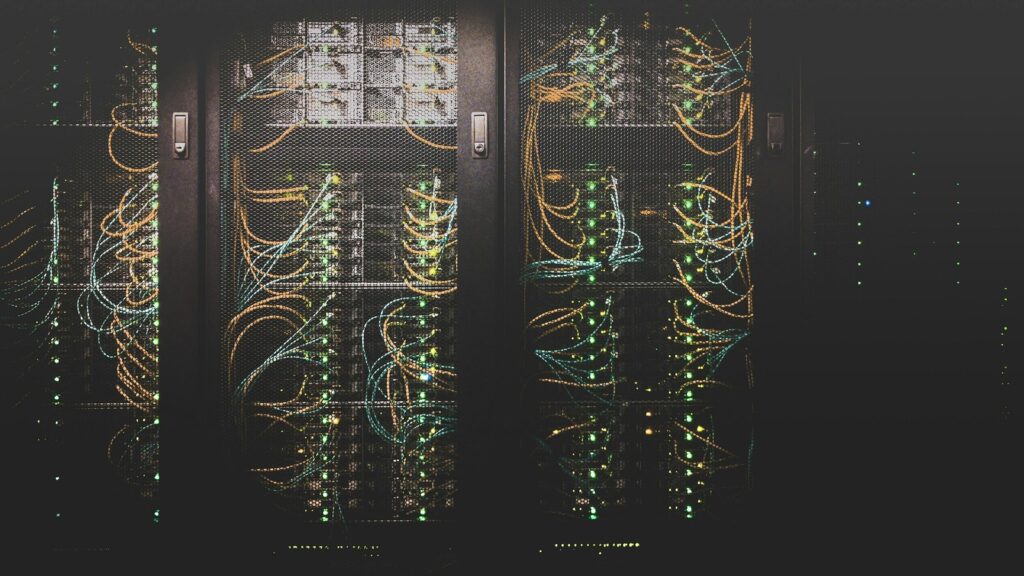
Li-Fi security is most plausible in rooms with clear confidentiality needs and controlled occupancy.
| Office type | Why Li-Fi may fit |
|---|---|
| Legal matter rooms | Reduces wireless leakage during confidential disclosure, litigation, arbitration, or M&A work. |
| Government briefing rooms | Supports controlled access where general Wi-Fi is not desired. |
| Defence supplier rooms | Helps create RF-free project spaces for sensitive design or bid activity. |
| Boardrooms | Contains network access during high-value strategic meetings. |
| Incident-response rooms | Keeps crisis communications separate from general office wireless. |
| Secure interview rooms | Supports managed-device access without extending radio coverage outside the room. |
| Labs and test areas | Avoids RF interference with equipment or controlled testing. |
| Critical infrastructure offices | Adds a contained wireless option for operational planning rooms. |
This is not about chasing novelty. It is about matching wireless design to the risk of the room.
Deployment checklist
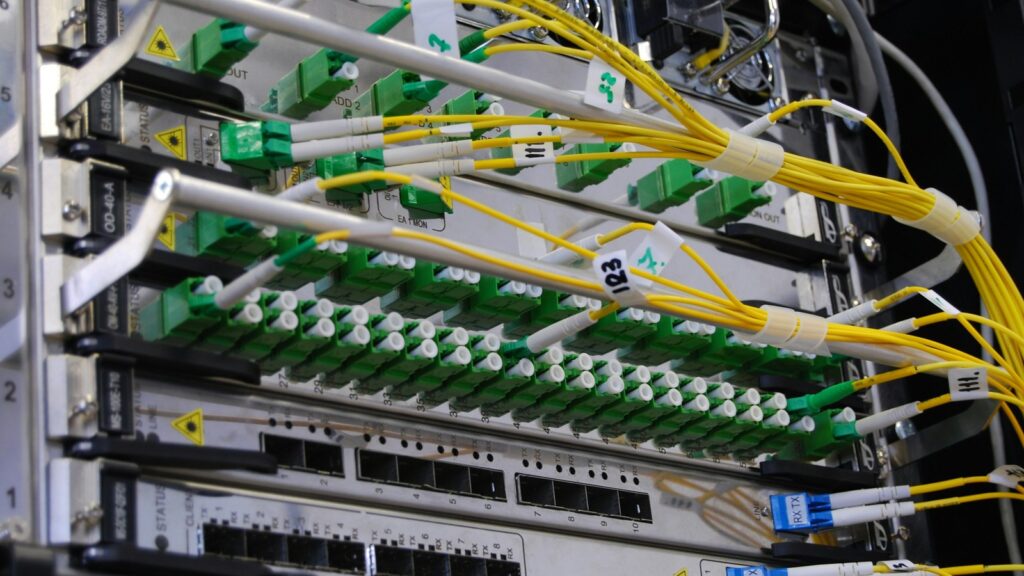
Before installing Li-Fi, run a controlled pilot.
- Pick one room with real confidentiality or RF constraints.
- Define what Wi-Fi risk is being reduced: leakage, interference, rogue access, policy enforcement, or all of these.
- Map the room boundary, windows, doors, ceiling voids, glass partitions, and sightlines.
- Decide which devices may connect and how they authenticate.
- Segment the Li-Fi network from guest Wi-Fi and general office traffic.
- Test coverage at every seat and during normal room activities.
- Confirm lighting, dimming, AV, and presentation behaviour do not break connectivity.
- Create a wired fallback for critical meetings.
- Update visitor, clean-desk, device, and incident-response procedures.
- Measure user friction before expanding.
This is also a process-design problem. Progressive Robot’s guide to AI Process Redesign is about AI, but the principle applies here too: technology works better when the process around it is explicit. For secure connectivity, the process includes room booking, device approval, access revocation, meeting classification, and evidence handling.
Li-Fi vs Wi-Fi vs wired Ethernet

| Option | Strength | Weakness | Best fit |
|---|---|---|---|
| Wired Ethernet | Strong control, high reliability, mature operations | Less flexible for temporary seating and visitor layouts | Permanent desks, fixed rooms, high assurance endpoints |
| Wi-Fi | Easy roaming, broad compatibility, mature tooling | Radio leakage, interference, rogue access concerns | General office access and normal mobility |
| Li-Fi | Room-contained wireless, RF-free operation, useful physical boundary | Coverage and device-support limits | Secure rooms, RF-sensitive spaces, controlled wireless zones |
The right architecture often uses all three. Wired Ethernet remains the baseline for fixed high-assurance work. Wi-Fi remains the practical general office network. Li-Fi security fits the rooms where wireless convenience is needed but radio leakage is not.
What executives should ask before buying
Executives do not need to become optical networking engineers. They do need to ask better questions.
- Which specific rooms need Wi-Fi replacement, and why?
- What data, meetings, clients, or government work justify the added control?
- What evidence shows current Wi-Fi leakage or RF policy risk?
- What users and devices will connect?
- What happens when the optical link is blocked?
- What authentication and encryption does the system support?
- Does the vendor support the organisation’s compliance requirements?
- Can the system be monitored by existing security operations tools?
- Does the pilot reduce risk without making people bypass the controls?
If those questions cannot be answered, Li-Fi is probably being bought as a symbol rather than a control.
Risks and limitations
Li-Fi security has real promise, but offices should plan around its limits.
- It may require adapters, compatible devices, or specific luminaires.
- It can be blocked by bodies, furniture, room layout, and lighting changes.
- It does not protect against compromised endpoints.
- It does not replace encryption or identity management.
- It may not support every device class used in the room.
- It needs careful helpdesk and facilities coordination.
- It can create false confidence if leaders think light containment equals total security.
- It should be tested against actual meeting behaviour, not only a lab demo.
The strongest deployments will be boringly disciplined: one room, one use case, one security objective, one pilot, one measured result.
Li-Fi security FAQ
What is Li-Fi security?
Li-Fi security means using light-based wireless communication as part of a secure network design. Because light is easier to contain inside a room than radio waves, it can reduce wireless signal leakage and support RF-free secure spaces.
Is Li-Fi replacing Wi-Fi in UK offices?
Li-Fi is more likely to replace Wi-Fi in selected high-security rooms than across whole offices. General Wi-Fi remains useful for normal mobility, while Li-Fi is better suited to controlled rooms where signal containment matters.
Why would a law firm use Li-Fi?
A law firm may use Li-Fi for confidential matter rooms, M&A war rooms, arbitration spaces, client boardrooms, or disclosure review rooms where Wi-Fi leakage outside the room is undesirable.
Why would a government office use Li-Fi?
A government office may use Li-Fi where RF-free connectivity, contained wireless access, strong authentication, or secure-room networking is required. It is a room-level design choice, not a universal Wi-Fi substitute.
Does Li-Fi stop eavesdropping?
Li-Fi can make external wireless eavesdropping harder because light does not normally pass through walls. It does not stop insider threats, compromised endpoints, weak authentication, optical leakage, or poor operating procedures.
Does Li-Fi suffer from RF interference?
Li-Fi does not use radio waves for the wireless link, so it avoids many ordinary RF interference issues. That makes it useful in RF-sensitive or RF-restricted spaces.
Is Li-Fi faster than Wi-Fi?
Li-Fi can support high-speed data transfer, but speed depends on the product, room design, receiver, link quality, and deployment model. For secure offices, containment and RF-free operation may matter more than headline speed.
Bottom line
Li-Fi security is not a reason to abandon Wi-Fi everywhere. It is a reason to rethink wireless in rooms where normal Wi-Fi creates unnecessary exposure. For high-security UK legal and government offices, the practical future is hybrid: wired networking for fixed high-assurance work, Wi-Fi for general mobility, and Li-Fi for rooms where the wireless signal should stay inside the walls.
The best deployments will be targeted, evidence-led, and honest about limitations. Used well, Li-Fi can turn photonics into a practical office security control: not theatrical, not magical, but useful where the room boundary needs to become part of the network boundary.










