
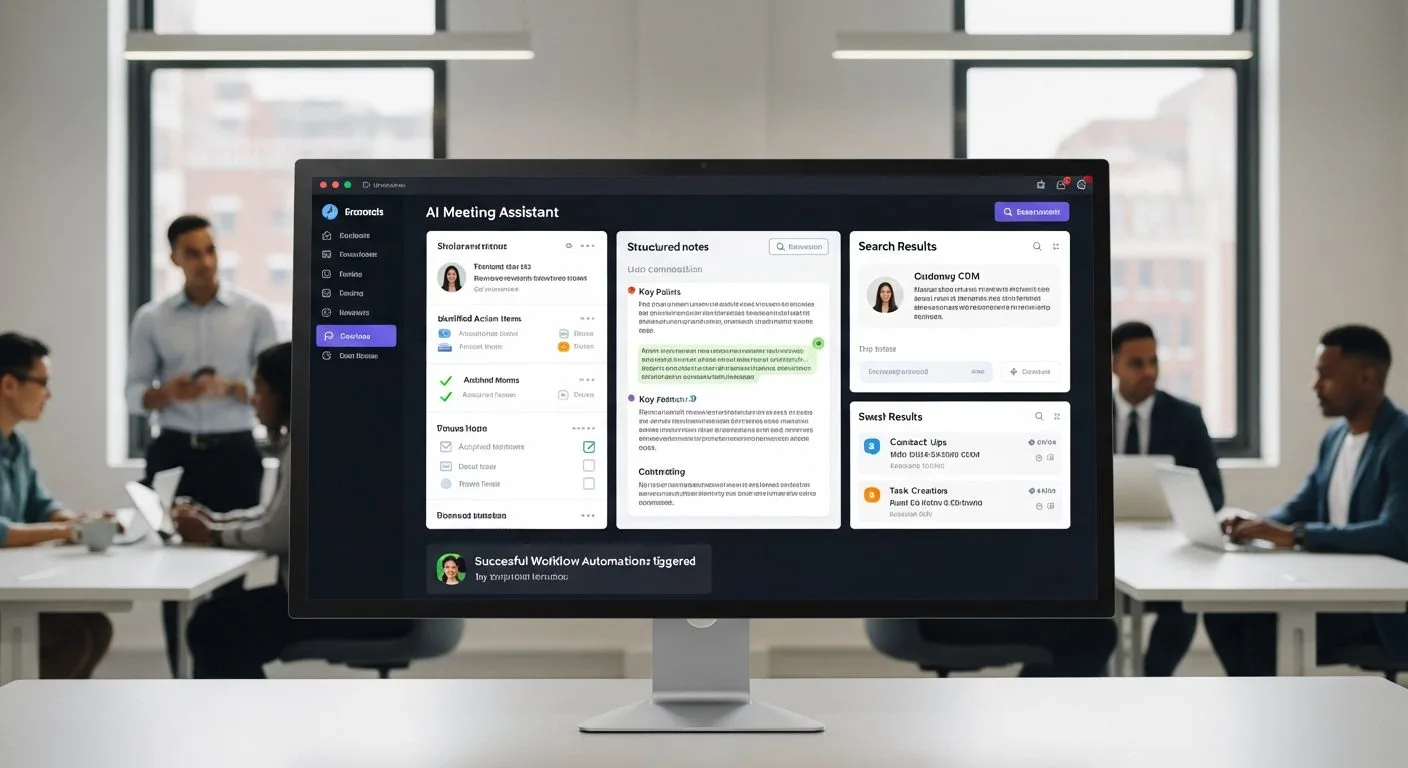
If you are asking what is Circleback AI, the short answer is that it is an AI meeting assistant that captures conversations, writes notes, extracts action items, powers cross-meeting search, and pushes meeting data into the tools where teams already work. Officially, the company brands the product as Circleback, but most people will encounter it through the Circleback.ai site and app.
That answer matters because Circleback AI is not just trying to be a prettier transcript tool. Its product story is broader than that: high-quality notes, bot or no-bot recording options, in-person capture, automations, CRM and project-tool syncing, and searchable memory across past meetings.
This guide uses Circleback’s official homepage, official pricing page, official security support article, official support guides for recording meetings with the desktop app and getting started with recording, and Circleback’s official seed funding announcement as the main references. If you want broader context on why meeting output matters beyond note-taking, Progressive Robot’s article on AI in project management is a strong companion read.
What is Circleback AI at a glance
What is Circleback AI in a few quick points? It is an AI meeting assistant built around notes, action, search, and integrations.
- Circleback AI automatically creates meeting notes, action items, automations, and searchable conversation history.
- It supports both bot-based meeting capture and no-bot local recording through desktop and mobile apps.
- The desktop app can record meetings on Zoom, Google Meet, Microsoft Teams, or any other platform without the bot joining as a participant.
- The mobile app supports in-person meetings, conferences, and coffee chats, and the product can also import existing recordings.
- Circleback AI supports over 100 languages and emphasizes strong speaker identification, technical-term accuracy, and accent handling.
- Integrations include Google Calendar, Gmail, Outlook, Slack, HubSpot, Salesforce, Attio, Linear, Notion, Monday, Zoho, Zapier, Make, MCP, CLI, and webhooks.
- The pricing page currently shows Individual at $20.83 per user per month, Team at $25 per user per month, and Enterprise as custom pricing, with a 7-day free trial.
- Circleback says it is SOC 2 Type II, EU-U.S. Data Privacy Framework-certified, HIPAA-compliant, encrypts data at rest and in transit, and does not use customer data to train models.
Why understanding what is Circleback AI matters
If you want a better answer to what is Circleback AI, it helps to understand why this category matters. Meetings produce decisions, commitments, context, and next steps, but most teams still lose a large share of that value after the call ends. Notes are incomplete, action items are vague, and follow-up gets scattered across inboxes, CRMs, docs, and chat threads.
That is the problem Circleback AI is trying to solve. It is designed to turn conversation into usable operational output instead of leaving it trapped inside a raw transcript. That matters whether you are handling sales calls, customer interviews, internal planning, one-on-ones, or research meetings.
It also matters because tools like this increasingly sit closer to real workflow automation than simple note capture. Once meeting output can update CRMs, create tasks, populate databases, answer questions across prior conversations, and feed other AI tools, it becomes part of how a team runs work rather than just how it documents work.
What is Circleback AI in simple terms

What is Circleback AI in plain English? It is a meeting memory and follow-up system.
You give it the meeting, and it gives you back structured notes, action items, searchable conversation history, and automations that push useful information into the rest of your stack. Sometimes that capture happens through a bot joining the meeting. Sometimes it happens locally on desktop or mobile without the bot appearing at all.
That flexibility is a big part of the product’s appeal. Circleback AI is not forcing every team into one capture method or one workflow style.
7 practical facts behind Circleback AI

1. Circleback AI is more than a transcription tool
The first thing to understand about what is Circleback AI is that the homepage does not position it as a basic transcription utility. Its lead product story is AI-powered notes, action items, automations, and search.
That matters because the value is not only in capturing what happened. The value is in organising it, assigning it, retrieving it later, and acting on it. Circleback is trying to reduce the gap between what was said in the meeting and what actually gets done afterward.
2. Circleback AI gives users both bot and no-bot recording paths
This is one of the clearest practical differentiators.
According to Circleback’s support docs, the product can join online meetings as a bot participant on Zoom, Google Meet, Microsoft Teams, and Webex. But it also supports recording without a bot participant. The desktop app on macOS and Windows can capture your microphone and computer audio directly, and Circleback explicitly says it can record meetings on any platform without the bot joining as a participant.
That is a real product advantage because some teams are comfortable with bots joining calls and some are not. Circleback AI supports both preferences instead of making one approach mandatory.
3. Circleback AI can handle online meetings, in-person conversations, and imported recordings
Another useful fact is that the product supports several capture modes instead of assuming all meetings happen in the same way.
The getting-started guide says the mobile app on iOS and Android is best for in-person meetings, conferences, and coffee chats. The same guide also says users can import existing audio or video files into Circleback. If your calendar is connected, recordings can also be matched automatically to the right event, title, and participant names.
That broad capture model makes the answer to what is Circleback AI much more practical. It is not only for scheduled video calls. It is also built for the messier reality of modern work.
4. Circleback AI is built for follow-through, not just storage
The homepage puts unusual emphasis on turning meetings into action.
Circleback says action items are automatically captured, assigned, and organised after every meeting. It also highlights automatic notes sharing, AI-generated custom insights, and integrations that can update tools like HubSpot, Salesforce, Attio, Linear, Notion, Monday, and Zoho.
That means the real answer to what is Circleback AI includes execution. It is meant to help teams move from meeting to follow-up faster, not just create a cleaner archive.
5. Circleback AI is increasingly a connected conversation layer for the rest of the stack
Circleback AI also looks more ambitious than a standalone note app once you inspect the integration story.
The homepage lists Google Calendar, Gmail, Outlook, Slack, CRM systems, project tools, webhooks, Zapier, Make, MCP, and a CLI. That is a strong sign that the company wants meeting output to be used by people, apps, and even other AI systems. Its MCP and CLI positioning is especially notable because it suggests Circleback is treating meeting context as data that agents and tools may need to act on securely.
That makes the product more relevant to teams trying to build repeatable AI-assisted processes instead of just collecting summaries.
6. Circleback AI is clearly targeting teams and enterprises, not only individual users
The pricing page shows a meaningful step up from solo use into managed team workflows.
Individual includes unlimited AI notes, action items, playback, search across all conversations, in-person recording, imports, integrations, automatic sharing, support for over 100 languages, and custom insights. Team adds shared meetings across the team, AI search across shared meetings, custom data retention settings, Slack huddles support, inline comments, team automations, centralised billing, usage dashboards, participant customisation, and access controls. Enterprise adds priority support, onboarding and automation support, and advanced security controls.
That pricing structure tells you Circleback AI is not only selling to freelancers or founders who want meeting help. It is also selling a managed system for shared organizational memory and workflow control.
7. Circleback AI has a stronger trust and privacy posture than many short summaries mention
The final practical fact is that Circleback makes specific security claims, not just vague enterprise reassurance.
Its support docs say Circleback is SOC 2 Type II and EU-U.S. Data Privacy Framework-certified, encrypts data at rest and in transit, does not use customer data to train models, and is HIPAA-compliant with BAAs available for enterprise customers. The company also says its security portal includes an external penetration test report.
For meeting software, this matters a lot. Once a product captures customer conversations, strategy discussions, internal reviews, and medical or operational details, trust is not an extra feature. It becomes part of the core product.
Where Circleback AI makes the most sense

Once you understand the workflow design, the best-fit use cases become clearer.
Sales and customer conversations
Circleback AI makes sense for teams that need clean notes, assigned next steps, CRM updates, and searchable memory across repeated customer interactions.
Internal planning and one-on-ones
It is also a strong fit for recurring internal meetings where decisions, blockers, and commitments often get lost after the call.
Teams that want no-bot flexibility
One of the biggest practical reasons to choose Circleback AI is the ability to capture meetings without always having a bot join as a visible participant.
Companies turning meetings into operational data
If the goal is to feed meeting output into Slack, CRMs, task systems, Notion, or AI tools, Circleback AI is more interesting than a transcript-only tool.
Limits and open questions
Even with a strong product story, there are still some practical limits worth keeping in view.
- AI summaries and action items still need human judgment, especially in sensitive or ambiguous conversations.
- The best recording method depends on the meeting type, user preference, and admin settings.
- Teams only get the full value if they actually use the search, sharing, and automation features instead of treating the product like a passive archive.
- Pricing is easier to justify when meetings directly drive sales, execution, or coordination rather than only casual documentation.
- Enterprise buyers will still need to validate the trust claims against their own legal, privacy, and retention requirements.
Frequently asked questions about Circleback AI
Is Circleback AI just a meeting transcription tool?
No. Circleback AI is positioned as a meeting assistant with notes, action items, automations, search, playback, integrations, and team workflow support.
Can Circleback AI work without a bot joining the call?
Yes. Circleback’s support docs say the desktop app can record meetings on any platform without the bot joining as a participant, and the mobile app can capture in-person meetings as well.
Does Circleback AI support in-person meetings?
Yes. Circleback says the mobile app is best for in-person meetings, conferences, and coffee chats, and it also supports importing existing recordings.
Does Circleback AI use customer data to train models?
No. Circleback’s security support article says it does not use customer data to train models.
What is Circleback AI best understood as right now?
The clearest answer is that it is an AI meeting assistant built to turn conversations into structured notes, action items, searchable knowledge, and automated follow-up across team tools.
Final thoughts
If you came here asking what is Circleback AI, the most useful answer is that it is a meeting assistant designed to capture conversations in a way that leads directly to action.
The botless recording option, in-person support, searchable memory, and integration-heavy workflow story make it more interesting than a basic note generator. It is trying to sit at the point where meeting context becomes operational input.
That is why Circleback AI matters. It is not just about writing better notes. It is about reducing the information loss that usually happens between conversation, follow-up, and execution.
More AI coverage: explore Progressive Robot's AI Models, Tools & Releases hub — hands-on reviews, setup guides and benchmarks in one place.










