
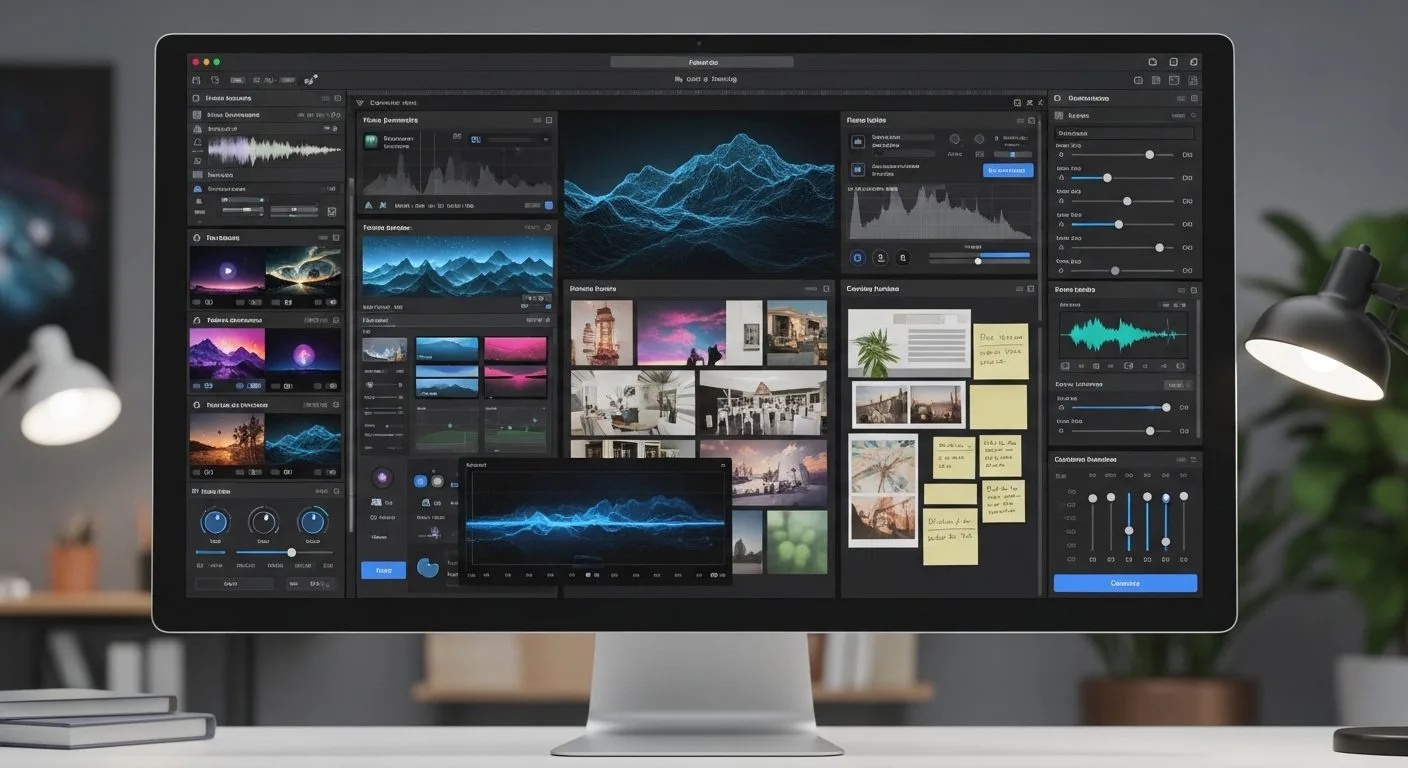
If you are asking what is Adobe Firefly, the short answer is that it is Adobe’s generative AI platform for creating and editing images, video, audio, speech, and design assets. Today, Adobe positions Firefly as both a standalone app and a connected layer across creative workflows, not just a single text-to-image tool.
This guide uses Adobe’s official Adobe Firefly materials and related Adobe documentation as the main references. If you want to understand what is Adobe Firefly in practical terms, the key idea is simple: Adobe is trying to give creators one place to generate content, edit it, and move it into production tools they already use.
What is Adobe Firefly? Adobe’s creative AI hub for faster production work.
5 key facts at a glance
What is Adobe Firefly at a glance? It is Adobe’s generative AI platform for creative production.
- Adobe Firefly is a generative AI platform for images, video, audio, speech, and design workflows.
- Adobe says the Firefly app now brings multiple top AI models into one place, including Adobe and partner models.
- Firefly connects closely with Adobe tools and workflows rather than acting like a disconnected prompt playground.
- Adobe says generative AI outputs can generally be used commercially unless a beta feature is marked otherwise.
- Adobe also says Content Credentials may be attached to generative AI outputs to indicate AI use.
Why understanding what is Adobe Firefly matters
If you want a better answer to what is Adobe Firefly, it helps to look at Adobe’s broader strategy. Firefly is not just about generating pretty images from prompts. Adobe is positioning it as a production platform for creative teams, marketers, content creators, and designers who need speed without leaving established workflows.
That matters because many AI tools still feel separate from the software people actually use to finish work. Adobe is trying to close that gap. If you are tracking how AI changes planning, design cycles, and execution across teams, Progressive Robot’s article on AI in project management is useful context for how creative AI starts becoming operational infrastructure.
What is Adobe Firefly in simple terms

What is Adobe Firefly in plain English? It is Adobe’s AI creation and editing environment for turning ideas into usable assets faster. Depending on the workflow, Firefly can help generate images, edit visuals, make short videos, create soundtracks, generate speech, and support collaborative ideation.
The important practical distinction is that Firefly is no longer just one model story. Adobe now presents Firefly as a broader creative AI surface that includes Adobe’s own capabilities and access to selected partner models inside one interface.
What is Adobe Firefly? A cross-media generator with direct links to Adobe production workflows.
What is Adobe Firefly in Adobe's creative stack

What is Adobe Firefly inside Adobe’s current product strategy? It is Adobe’s AI layer for creation, editing, and handoff into production tools.
1. What is Adobe Firefly as a generative AI platform?
The first thing to know about what is Adobe Firefly is that Adobe presents it as a platform, not a single feature. The current Firefly app covers image generation, image editing, video generation, soundtrack generation, speech generation, and workflow support features like Boards.
That framing is important. Adobe is clearly trying to make Firefly useful across more than one media type. It wants creators to think of it as a place where a project can begin, evolve, and move toward finished output.
2. What is Adobe Firefly as a multi-model workspace?
Another major part of what is Adobe Firefly is Adobe’s new multi-model positioning. Adobe says the Firefly app lets users work with multiple top AI models in one place, including models from Adobe and selected partners such as Google, OpenAI, Runway, and others.
That changes the product story. Firefly is not only “Adobe’s model.” It is also becoming a curated creative workspace where users can compare or mix model outputs while staying inside Adobe’s interface and controls.
3. What is Adobe Firefly across Adobe apps?
Adobe also positions Firefly as connected to the wider Adobe ecosystem. Its product pages repeatedly point to workflows that start in Firefly and continue into tools such as Photoshop or Adobe Express for refinement and final production.
That matters because many teams do not want AI to be the final destination. They want AI to accelerate the early and middle parts of the creative process, then pass work into familiar tools where real production still happens.
4. What is Adobe Firefly for commercial workflows?
Adobe’s user guidelines are a core part of what is Adobe Firefly for working professionals. Adobe says that, in general, outputs from its generative AI features can be used in commercial projects, unless a specific beta feature is marked as non-commercial.
Adobe also says Content Credentials may be attached or published for content created with generative AI features. That makes Firefly relevant not just as a maker tool, but as a platform Adobe is trying to align with transparency and business use cases.
What is Adobe Firefly good at

What is Adobe Firefly for generating and editing images?
Adobe highlights Generate Image and Edit Image as central Firefly workflows. The company says users can generate images with improved detail, lighting, and color, and then remove objects, expand backgrounds, upscale imagery, and make other controlled edits inside the Firefly image editor.
That makes Firefly more than a prompt box. Adobe is positioning it as both a creation tool and a revision tool, which is usually what real design workflows actually need.
What is Adobe Firefly for video, audio, and speech?
Firefly is also broader than still images. Adobe says the app includes text-to-video style generation, soundtrack generation, and speech generation. That means the platform is trying to support multimedia workflows rather than leaving users to stitch separate AI tools together.
For creators, that opens practical use cases such as b-roll concepts, sound effects, background music, narration, and fast media prototyping inside a single environment.
What is Adobe Firefly for boards and team ideation?
Adobe’s Boards feature is one of the clearest signals of what is Adobe Firefly for collaborative work. Adobe says teams can brainstorm, ideate, visualize, test, and align on mood boards, storyboards, brand identities, and mock-ups on an infinite canvas.
That is strategically important. It shows Adobe is not limiting Firefly to solo prompt generation. It is also aiming at team review, early concept development, and shared creative direction.
What is Adobe Firefly for Adobe-connected production work?
Adobe repeatedly ties Firefly to downstream production. Art directors and marketers are encouraged to explore ideas in Firefly Boards, then bring results into Photoshop or Adobe Express for refining. That connection is one of Firefly’s strongest positioning advantages.
In practice, the pitch is clear: ideate faster with AI, but finish the job in professional Adobe tools. For many users, that is more useful than a standalone generator with no production path.
What is Adobe Firefly access right now

What is Adobe Firefly access today? It is mainly the Firefly app plus Adobe-connected workflows and plans.
Adobe’s product pages say Firefly is available as an app where users can generate or edit across multiple media types. Adobe also markets different Firefly plans and says some plan offers include unlimited generations on select models and resolutions for specific periods.
Because Firefly now includes partner models alongside Adobe capabilities, availability can depend on the exact model, plan, and feature surface. So the cleanest answer is that Firefly is broadly accessible, but not every generation path is identical.
What is Adobe Firefly still limited by
What is Adobe Firefly not perfect at? Adobe’s own guidelines and product framing still leave several practical limits in place.
- Adobe says generated outputs can be inaccurate or misleading, so users should review and validate them.
- Adobe says generative AI features are not intended to replace legal, medical, financial, or other professional advice.
- Adobe says prompts and results may be reviewed through automated and manual methods for abuse prevention and filtering.
- Adobe also sets strict limits on harmful, deceptive, infringing, or privacy-violating uses.
- Because Firefly now involves both Adobe and non-Adobe models, users still need to pay attention to the feature and model context behind the output.
That means the safest way to treat Firefly is as a strong creative acceleration layer, not as a system that removes the need for human review, rights awareness, or production judgment.
Frequently asked questions
What is Adobe Firefly in FAQ form? The short answers below cover the most important usage questions.
Is Adobe Firefly only an image generator?
No. Adobe presents Firefly as a wider generative AI platform that includes images, video, audio, speech, and collaborative ideation features such as Boards.
Can Adobe Firefly be used commercially?
Adobe says that in general, outputs from its generative AI features can be used in commercial projects, unless a beta feature is specifically marked as non-commercial.
Is Adobe Firefly only using Adobe’s own models?
No. Adobe now says Firefly can include multiple top AI models in one place, including Adobe and selected third-party partner models.
What is Adobe Firefly best understood as right now?
The clearest answer is that it is Adobe’s generative AI platform for creating, editing, and developing multimedia content inside a workflow that connects closely with Adobe’s broader creative ecosystem.
Final thoughts
What is Adobe Firefly? A practical AI layer for modern creative teams.
If you came here asking what is Adobe Firefly, the most practical answer is that it is Adobe’s generative AI platform for creative production, not just a single AI image tool. It matters because Adobe is trying to combine generation, editing, collaboration, and production handoff inside one ecosystem rather than forcing creators to jump between disconnected tools.
Whether Firefly becomes the default AI layer for every creative team will depend on output quality, control, pricing, model choice, and how well Adobe keeps balancing ease of use with professional needs. But as a product direction, Adobe Firefly is important because it is clearly aimed at real workflows, not just one-off prompts.
More AI coverage: explore Progressive Robot's AI Models, Tools & Releases hub — hands-on reviews, setup guides and benchmarks in one place.