
Aleph 2.0 is Runway’s new in-context video editing model for changing the footage creators already have, and its real promise is control rather than another impressive prompt-to-video demo.
The launch matters because creative teams rarely struggle only with making a first clip. They struggle with changing a product color, fixing a background, matching a seasonal campaign, removing a distraction, or creating versions without breaking the source footage.
This guide explains what the model does, how Edit Studio changes the workflow, where the buyer signal is strongest, and what teams should test before they make it part of a production pipeline.
Table of contents
- Quick answer
- What the model is
- How the workflow changes
- Who should care
- Limits and testing
- Frequently asked questions
Quick answer
Aleph 2.0 is best understood as a controlled video editing model, not a replacement for every video generation tool. Runway says users can edit one frame, preview the change, and then carry that look through the rest of the clip while preserving details that were not supposed to change.
Aleph 2.0 also arrives with Edit Studio, the product surface where creators can shape the target frame before generating the video result. That makes the update more practical for ads, social content, product variants, and short creative revisions.
What is Aleph 2.0?
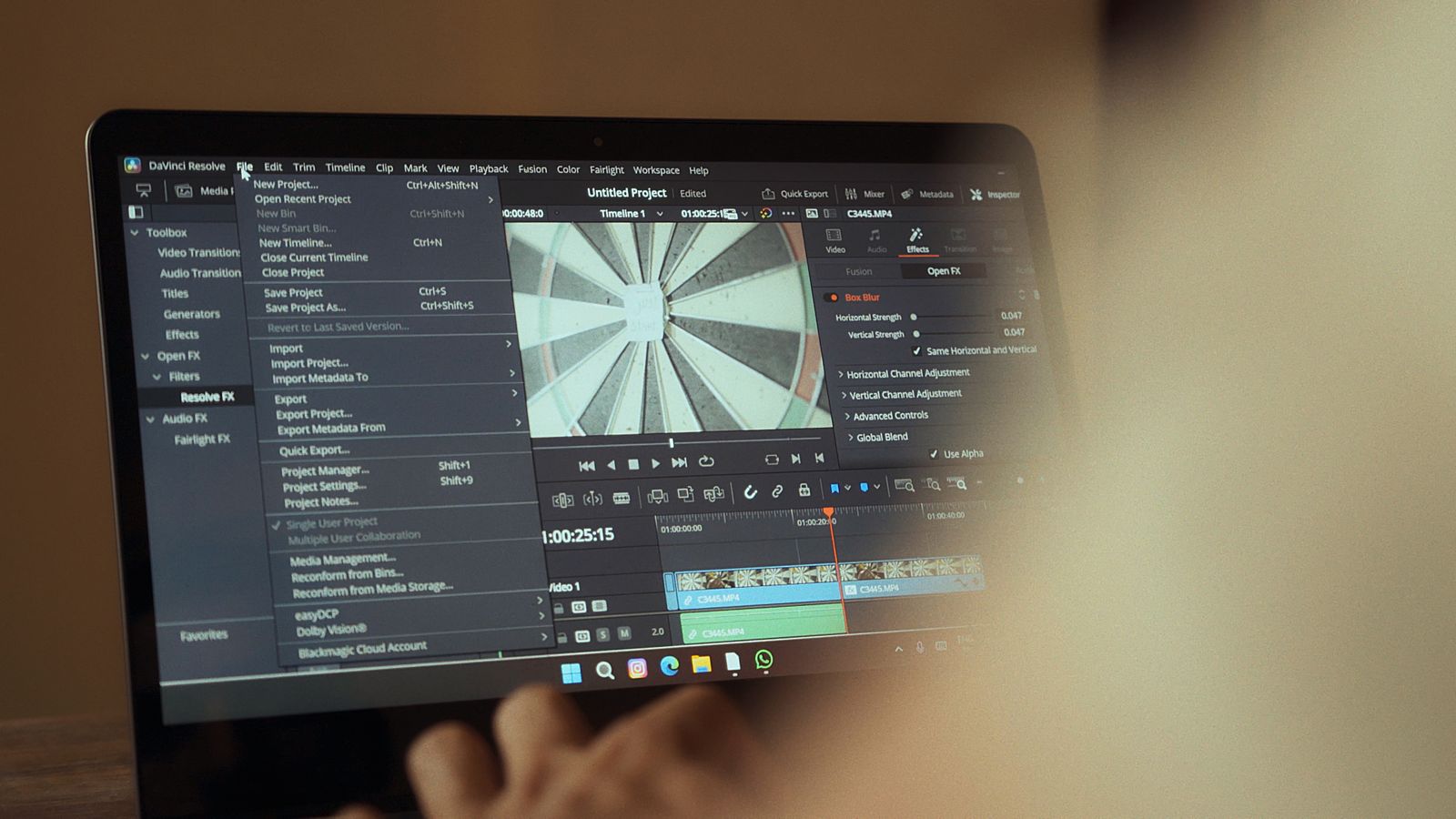
Aleph 2.0 is Runway’s upgraded in-context video editing model. The official product page describes a workflow where a creator edits a frame, describes the requested change, and lets the model apply that change through the video without rewriting everything around it.
That distinction is important. Most AI video excitement has centered on generating new clips from prompts. This model is aimed at existing footage, which is where real production teams often spend their time after a shoot, launch, product change, or client review.
Why this update matters now
Aleph 2.0 lands in a crowded AI video market where Runway competes with tools such as Veo, Kling, Seedance, Pika, Luma, and bundled model marketplaces. The strategic difference is that this release shifts attention from raw generation quality to the editing loop after a clip already exists.
That is a more commercial problem. A marketer may already have the right shot but need a different bottle label. An agency may need winter and summer versions. A founder may need to remove background clutter from a pitch video without booking another session.
How Edit Studio changes the workflow
Aleph 2.0 is paired with Edit Studio so creators can preview an edit as an image before committing to the generated video. That preview step can reduce wasted iterations because the user sees the intended target before spending credits and time on the full output.
The workflow is simple in theory: upload or select a clip, edit a representative frame, type the instruction, preview the direction, and generate the changed result. In practice, teams should judge it by how often the final video preserves continuity.
| Workflow step | What changes | Buyer check |
|---|---|---|
| Edit a frame | Shape the desired result before generating video. | Does the preview match the creative brief? |
| Preserve context | Keep lighting, action, and unaffected details stable. | Does the source footage still feel intact? |
| Generate variants | Create product, style, seasonal, or background versions. | Does it reduce reshoot and manual retouching time? |
Frame-level control is the headline
Aleph 2.0 uses a frame-first idea that feels closer to visual direction than pure prompting. Instead of asking a model to imagine the whole edit from words alone, the creator can show the desired look in a single frame and use language to clarify the change.
That can help when words are not precise enough. Product shade, hair shape, clothing texture, logo placement, background detail, and lighting mood are all easier to judge visually than to describe perfectly in a prompt.
Preservation is the real production test
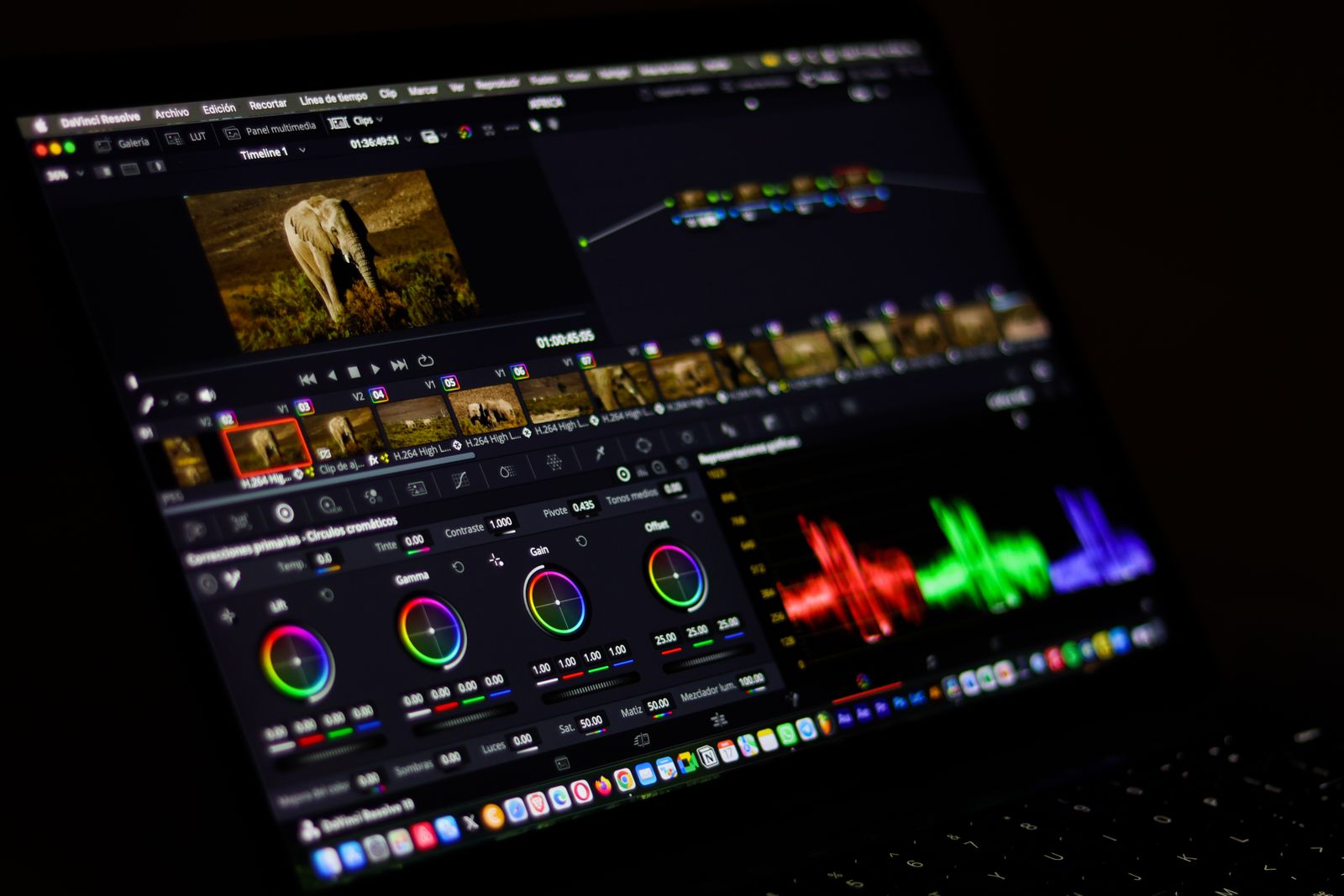
Aleph 2.0 will succeed or fail on preservation. The official positioning says the model changes what the user asks for while keeping the rest of the video intact. That is the difference between a useful editing tool and a novelty generator.
Creative teams should test this with hard footage, not only polished demos. Faces, hands, product packaging, reflective surfaces, logos, room lighting, moving backgrounds, and quick cuts all expose whether a localized edit stays localized.
The 30-second 1080p limit is practical for short-form work
Aleph 2.0 supports clips up to thirty seconds at 1080p according to Runway. That is not long enough for every production need, but it is long enough for paid social ads, product teasers, creator shorts, campaign variants, and many internal communications assets.
The limit also helps define the buyer profile. This is not positioned as a full nonlinear editor for long documentary timelines. It is more useful where teams need controlled changes to short assets with faster turnaround than a reshoot or manual compositing pass.
Multi-shot editing is the hardest promise
Aleph 2.0 also claims support for applying edits across relevant shots and scene changes. That is a meaningful upgrade because real clips often include cuts, camera motion, changing angles, and continuity demands that a single-shot demo does not test.
Teams should still treat multi-shot consistency as a benchmark, not an assumption. The question is whether the edited object, style, or scene attribute remains coherent across cuts without damaging movement, framing, or the original story of the clip.
Best use cases for creators and marketing teams
Aleph 2.0 looks strongest for versioning work. Product color changes, background swaps, clothing edits, seasonal creative, social variations, object removal, tighter product framing, restyling, and post-shoot fixes are all aligned with Runway’s own examples.
These jobs are valuable because they usually happen after a team already spent money on planning, shooting, talent, locations, or assets. If the model turns one asset into many acceptable variants, the business case becomes easier to understand.
Who should care first?
Aleph 2.0 should interest agencies, ecommerce teams, small video studios, social media teams, product marketers, and creators who already have source footage. The tool matters most when the bottleneck is controlled revision rather than blank-page generation.
A solo creator may use it to polish a short. A marketing team may use it to localize a campaign. A studio may use it for pitch variations. An ecommerce operator may test whether product changes can be shown without reshooting every scene.
What enterprise teams should evaluate
Aleph 2.0 also deserves attention from enterprise creative operations, but adoption should be more measured. Large teams need permission controls, brand safety, review workflows, data-handling clarity, predictable queue behavior, and evidence that credits do not become an uncontrolled production cost.
Runway already positions its platform around broader creative workflows and enterprise options. Teams comparing tools should pair this with operational planning, much like any workflow automation initiative that touches brand assets and approval chains.
How it compares with prompt-to-video generation
Aleph 2.0 is not trying to solve the same job as a pure text-to-video model. Prompt-to-video is useful when the asset does not exist yet. In-context editing is useful when the source asset is close, but specific details need to change.
The difference matters for budgeting. Prompt generation may create exploratory options. Controlled editing can reduce the cost of revisions. Teams that already have footage may get more value from better editing control than from another frontier generation model.
The quality tests that matter
Aleph 2.0 should be tested with a practical scorecard. Measure whether the edit changes only the requested element, whether motion remains believable, whether the identity of people and objects is preserved, whether lighting stays consistent, and whether artifacts appear after compression.
Teams should also track manual cleanup time. A generated result that looks impressive but requires heavy retouching may not save much money. The real question is whether the workflow shortens the path from source footage to approved asset.
Credit cost and iteration behavior
Aleph 2.0 still needs a cost lens because controlled previews do not automatically mean cheap production. If teams need many previews and generations per asset, the cost model can shift quickly, especially for agencies working across multiple client campaigns.
The best test is a real campaign batch. Take five existing clips, define ten realistic changes, track credits, queue time, review time, manual cleanup, and final approval rate. That evidence is more useful than a generic feature checklist.
Limitations and risks
Aleph 2.0 is still an AI video model, so teams should expect limits. Fine details may shift, object boundaries may soften, identity may drift, motion can become less natural, and outputs may require human review before public use.
There are also rights and disclosure questions. Teams need permission to edit the source footage, permission to alter people or products shown in that footage, and a policy for where AI-assisted changes require internal or external disclosure.
Access and availability
Aleph 2.0 is available through Runway’s Edit Studio according to Runway’s product page and coverage from AI video outlets. Reports around the launch say it is aimed at paid Runway users, so teams should verify their plan, credit allocation, and workspace settings before planning a production workflow.
The official Runway product page is the primary reference for current access, examples, and feature wording. Third-party coverage from aipedia.wiki and GIGAZINE also highlights the thirty-second 1080p workflow.
How teams should introduce it safely
Aleph 2.0 should enter a production team through a controlled pilot. Pick a small asset set, define acceptable edits, document the prompt and frame-edit process, and compare the result against the normal editing route.
The pilot should include creative review, legal review when people or brands are altered, and a technical review of file formats, exports, storage, naming, and handoff into the rest of the production stack. Keep notes from every review.
Governance for AI-edited video
Aleph 2.0 creates a governance question because it can alter reality inside an existing clip. Teams should decide who can request edits, which changes require approval, how source files are preserved, and how generated versions are labeled internally.
Governance should not make the tool unusable. It should make the workflow repeatable. A clear asset log, prompt record, version history, and approval trail can prevent confusion when several edited variants look plausible.
Prompt discipline still matters
Aleph 2.0 reduces some ambiguity by letting creators show a visual target, but language still matters. A prompt that says change the wall can mean texture, color, lighting, decoration, or the whole background unless the instruction is specific about scope.
Teams should write prompts as production notes. Good instructions name the subject, the desired change, the areas that must not change, the style boundary, and the intended output. That habit makes results easier to compare across reviewers.
Asset pipeline planning is not optional
Aleph 2.0 fits best when source assets are organized before editing begins. Teams need clean originals, clear filenames, approved brand materials, source rights, model release information, and a location where generated variants can be stored without confusing them with untouched footage.
The asset pipeline should also define export formats, naming conventions, review states, and archival rules. Otherwise a fast editing tool can create a messy asset library where nobody knows which version is approved, rejected, or safe to publish.
Brand safety depends on controlled boundaries
Aleph 2.0 can make small visual changes feel easy, but brand teams still need boundaries. A product color change may be harmless in one market and inaccurate in another. A background swap may look good while placing the brand in an unsuitable context.
Before using AI-edited footage externally, teams should define protected elements: product shape, package claims, regulated labels, people, trademarks, competitor references, and visual claims that could imply a feature the product does not actually have.
The review loop should compare source and output side by side
Aleph 2.0 should not be reviewed as a standalone clip. Reviewers need the original frame, edited target frame, generated output, prompt, and any known constraints visible together so they can judge whether the model preserved what it promised to preserve.
Side-by-side review also catches quiet errors. A background may look cleaner but shift perspective. A clothing edit may work in the first shot but fail after a cut. A product color may be correct but introduce reflections that were not present in the source.
The competitive context is workflow, not only model quality
Aleph 2.0 should be compared against other AI video options, but the comparison should not stop at output beauty. Teams should evaluate how quickly each tool moves from source asset to approved variant, and how much manual work is required after generation.
A model with slightly stronger raw generation may still lose a production test if it cannot preserve source detail, manage revisions, support collaboration, or export files in a way that fits the team’s existing creative stack.
Legal review should be built into sensitive edits
Aleph 2.0 can change people, locations, products, and implied events. That means legal review should be triggered for edits involving likeness, testimonials, medical or financial claims, regulated products, public figures, children, or scenes that could be misunderstood as documentary footage.
The legal workflow does not need to review every harmless internal draft. It should define risk categories so teams know when AI-assisted editing is routine, when it needs a brand owner, and when it requires legal approval before publication.
Human editors remain central
Aleph 2.0 is not a reason to remove experienced editors from the process. It is a reason to change where their time goes. Editors can spend less time rebuilding simple variants and more time judging continuity, pacing, brand fit, and final polish.
The strongest teams will treat the model as another tool in the edit bay. It can accelerate options, but humans still decide whether the result serves the story, respects the subject, satisfies the brief, and meets the standard for public release.
Why small businesses may care
Aleph 2.0 may be especially useful for small businesses because they often have limited footage and limited reshoot budgets. A restaurant, shop, trainer, or product startup may need several campaign variants from the same shoot instead of a completely new production day.
The practical question is whether the tool can make a small asset library more flexible. If one good clip can become a seasonal ad, a product-color variant, a cleaner background version, and a social crop, the value is easy to explain.
The developer and API angle
Aleph 2.0 becomes more interesting for technical teams if Runway exposes dependable API workflows around controlled edits. Programmatic access could let ecommerce teams generate approved product variants, localization teams create regional assets, and agencies build repeatable client pipelines.
That future still depends on reliability, permissioning, audit trails, cost controls, and clear usage limits. Developers need more than a powerful model. They need predictable inputs, outputs, error handling, and governance hooks that make automation safe.
Production checklist before adoption
Aleph 2.0 adoption should start with a checklist: source rights, brand rules, test footage, edit categories, review owners, credit budget, export settings, storage rules, disclosure policy, and fallback workflow if the AI result fails.
That checklist keeps the discussion honest. The question is not whether the model can make a great demo. The question is whether it can reduce the cost and time of real revisions without adding legal, brand, or operational risk.
What to watch next
Aleph 2.0 will become more important if Runway improves queue reliability, API access, longer clip support, identity preservation, and predictable pricing for batch workflows. Those changes would make it easier for ecommerce, ad-tech, and localization teams to automate repeatable versioning.
The other signal is ecosystem integration. If the editing loop connects cleanly with campaign management, asset libraries, review tools, and developer APIs, the model becomes less of a standalone creative trick and more of a production infrastructure layer.
The strategic view for Runway
Aleph 2.0 strengthens Runway’s argument that the AI video race is about workflows, not only model benchmarks. Runway already has generation, editing, characters, API work, and broader world-model research. Controlled editing makes that platform story more credible for working teams.
That does not mean every buyer should standardize on Runway. It means the comparison should include the whole production loop: source asset, edit control, preview, generation, review, export, governance, and integration with the rest of the team’s tools.
Frequently asked questions about Aleph 2.0
Is Aleph 2.0 a text-to-video model?
Aleph 2.0 is better described as an in-context video editing model. It works with existing video and a desired change, while text-to-video starts from a prompt and generates a new clip from scratch.
What is Edit Studio?
Edit Studio is Runway’s editing workspace around the model. It lets users preview an edit as an image, refine the direction, and then generate the video change where it is relevant.
How long can clips be?
Aleph 2.0 is described by Runway as supporting clips up to thirty seconds at 1080p. That makes it most relevant for short-form content, ads, product demos, social clips, and quick campaign variants.
What should teams test first?
Aleph 2.0 should be tested on edits that are commercially useful and technically difficult: product changes, clothing colors, background cleanup, logo-sensitive footage, multi-shot clips, and scenes with hands or faces.
Final verdict
Aleph 2.0 is a meaningful Runway update because it attacks a practical production problem: changing the video you already have without breaking the parts you need to keep. The best buyers will not judge it by a single viral example. They will judge it by preservation, repeatability, review time, credit cost, and how often it turns one source asset into useful approved variants.
More AI coverage: explore Progressive Robot's AI Models, Tools & Releases hub — hands-on reviews, setup guides and benchmarks in one place.










