

Vimi is an AI photo-to-video app for people who want to turn everyday pictures into short animated clips, portrait videos, couple memories, and social-ready visual effects. The official website describes it as an all-in-one AI image and video generator that turns photos into living moments through filters, templates, and one-tap generation.
That makes the product relevant for a familiar creator problem: most people already have good photos, but short-form video performs better on TikTok, Instagram Reels, YouTube Shorts, and messaging apps. Instead of planning a full shoot, users can upload a still image, choose a style, and create a moving clip in seconds.
According to the official Vimi site, the template library includes categories such as Couple, Cute 3D World, Playground FX, Family Time, Trending Now, Festive Vibes, Artistic Styles, Premium Portrait, Pet Universe, Couple Moments, and more. The Google Play listing says the app creates 5-30 second clips, supports AI photo-to-video animations, couple photo videos, portraits, visual effects, and no-skill workflows. The App Store listing also mentions photo-to-video, text-to-video, templates, original music, sound effects, transitions, and subscription options.
For organizations building an AI strategy, this kind of tool should be evaluated as a lightweight creative accelerator. It can help creators and small marketing teams test motion concepts quickly, but it still needs review for rights, consent, content policy, privacy, and brand quality.
| Decision area | Why it matters | What to review |
|---|---|---|
| Source photo | Output depends on image quality | ownership, face visibility, composition |
| Template choice | Styles shape the final clip | tone, trend fit, audience expectations |
| Video length | Short clips suit social channels | 5-30 second use cases |
| Mobile workflow | App-first tools need simple review | exports, subscriptions, device access |
| Governance | Faces and personal photos create risk | consent, minors, privacy, prohibited content |
Vimi at a glance

Vimi is best understood as a mobile-first creative studio for quick image animation. It is not positioned as a professional editing suite for long video projects. Its strongest use case is taking a single photo and making it feel more dynamic through AI motion, template effects, and social-friendly styling.
The web gallery shows many ready-made filters and community-style examples. Users can browse a category, select a style, upload an image, and run the generation. That approach lowers the prompt-writing burden because the creative direction is mostly packaged into the template.
The mobile app descriptions expand the picture. Google Play describes AI-powered videos for portraits, couple memories, and visual effects. The App Store description adds text-to-video and an extensive template library inspired by social media trends.
The practical test is whether the output matches the intended audience. A fun family memory can be playful. A professional headshot animation needs a different tone. A brand clip needs stronger review before publishing. Vimi can speed up experimentation, but creators still need judgment.
Win 1: photo-to-video animations in seconds

The first win is the core photo-to-video workflow. Vimi lets users start from an existing image and turn it into a short moving clip. That is useful because most creators have far more photos than video footage.
This matters for social media. A product image, travel portrait, pet photo, couple picture, or family memory may be strong enough visually, but it can feel static in a video-first feed. An AI animation gives the asset motion without requiring a new shoot.
The best inputs will usually be clear, high-quality photos with a main subject. If the source image is blurry, crowded, poorly lit, or confusing, the animated result is more likely to feel awkward. A simple source photo gives the model fewer decisions to guess.
For workflow automation, creators can build a repeatable loop: choose owned photos, test several templates, export the best clips, add captions or music, and measure which style gets more engagement.
Win 2: social-ready templates and effects
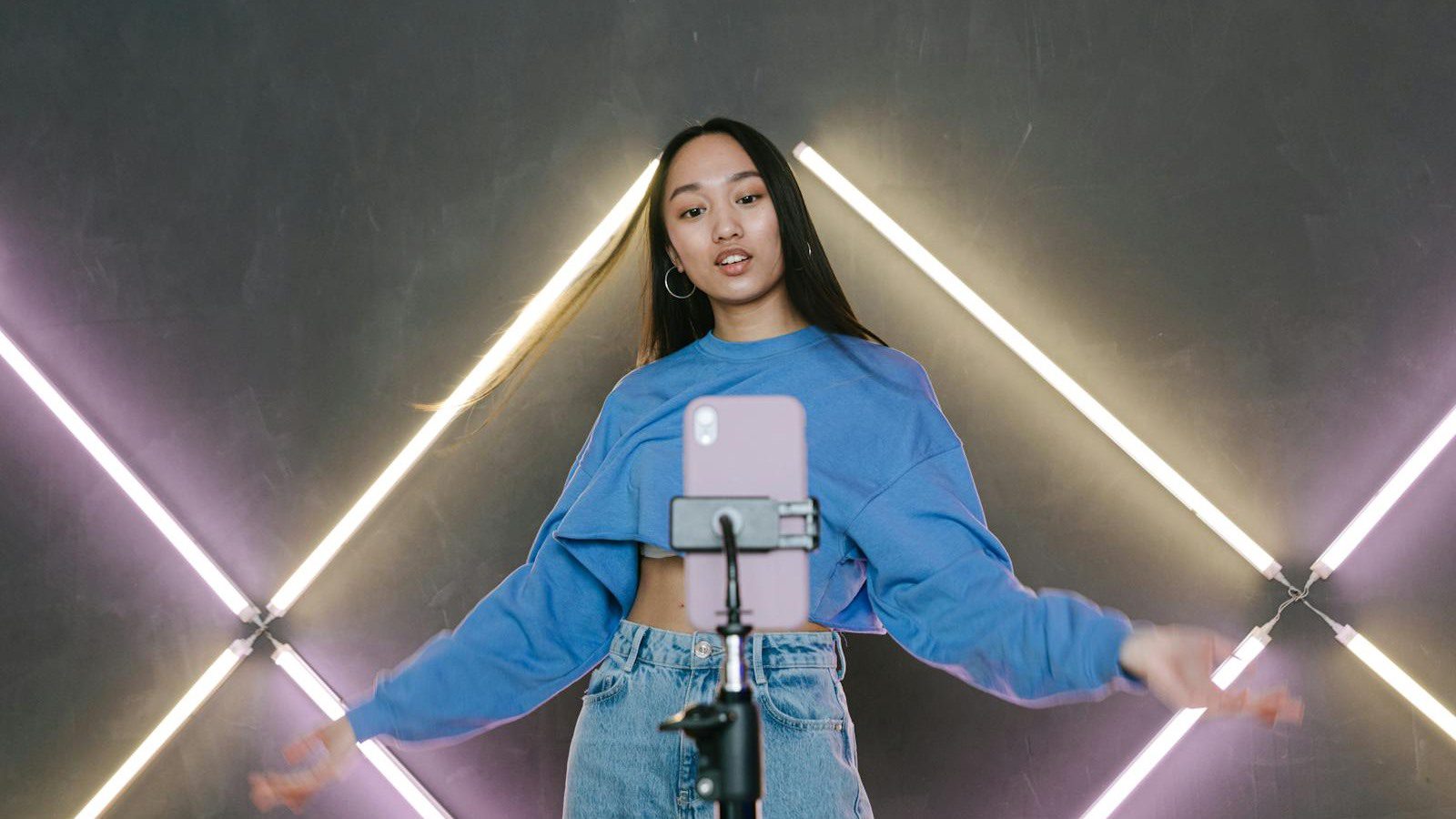
The second win is template speed. Vimi offers many categories, including trending, festive, artistic, portrait, pet, couple, and playful visual styles. That helps users who want a good-looking result without writing detailed prompts or learning editing software.
Templates can also reduce creative friction. A solo creator may not know how to describe camera movement, transitions, lighting, or animation style. A ready-made filter turns that creative language into a tap-based choice.
This is especially useful when the goal is quick content testing. A creator can make several versions of the same photo, compare a playful look with a cinematic look, and decide which one fits the platform. A marketing team can test a softer lifestyle animation against a more polished brand style.
The limitation is sameness. Template-driven content can start to look familiar if everyone uses the same effect. Creators should mix templates with original captions, custom editing, brand colors, music choices, and clear storytelling.
Win 3: portraits, couples, pets, and memories

The third win is the breadth of everyday use cases. The official gallery highlights couple moments, family time, pet universe, portraits, festive scenes, and playful categories. That positions Vimi less like a technical editor and more like a memory and entertainment tool.
This is smart because photo animation is emotional. People want to bring an old picture to life, make a pet clip more charming, create a couple video for an anniversary, or add movement to a travel memory. These are moments where speed and delight matter more than frame-perfect control.
Creators should still be careful with personal photos. If a picture includes another person, especially a child, customer, employee, or private family member, permission matters. What feels harmless to one person may feel uncomfortable to another when animated and shared publicly.
For brands, the safest starting point is owned photography with clear release rights. Use product photos, staged lifestyle assets, approved creator images, or licensed visual material. Avoid uploading images pulled from the internet or photos of people who did not consent.
Win 4: text-to-video for quick concepts

The fourth win is text-to-video. The App Store listing says users can enter desired text and generate a cinematic animated video in seconds. That gives Vimi a broader creative path than photo animation alone.
Text-to-video can help when a creator has an idea but no usable image. A social media manager can test a seasonal concept. A musician can draft a visual mood. A small business can explore product teaser ideas. A creator can quickly turn a phrase or visual direction into a clip.
That said, text-to-video usually needs stronger review than photo-to-video. A source photo anchors the subject, while a text prompt leaves more room for the model to invent. Outputs may include visual details that do not match the brand, product, or intended message.
Use text-to-video for ideation, mood clips, and early creative tests. For product claims, customer stories, or regulated topics, keep humans in control of the final script and facts.
Win 5: mobile access, subscriptions, and points

The fifth win is mobile access. Vimi is available through app stores, and the Google Play listing shows broad reach with in-app purchases and a large download count. The App Store listing says the app is designed for iPhone and offers in-app purchases.
The subscription details matter. The App Store page says users can upgrade to unlock all features with weekly, monthly, or yearly subscription plans. It also explains auto-renewal, cancellation through account settings, and no partial refund after cancellation. The separate subscription terms say deleting the app does not cancel a subscription.
The FAQ mentions points in the context of subscription delivery and says points consumed by failed generations are automatically refunded when generation fails. That means users should understand both subscription billing and generation credits or points before relying on the app for frequent content production.
A practical budget test should measure approved clips, not only app access. If ten generations create two publishable clips, the real value depends on how much time and creative effort those two clips save.
Win 6: privacy, face data, and content rules

The sixth win is privacy awareness, but it is also the biggest review area. Vimi works with personal photos, portraits, and face-related effects, so users should read the policy before uploading sensitive images.
The Vimi privacy policy says uploaded images that include a personal portrait will not be shared, transferred, or disclosed to third-party companies without explicit authorization. It also says face-related services process voluntarily uploaded photos to generate requested AI effects, do not extract or store biometric identifiers or facial templates, do not use photos for model training, and do not retain them beyond the processing period.
The App Store privacy section says data practices may include purchases and identifiers used to track users, and may collect purchases, user content, identifiers, and diagnostics not linked to identity. Google Play says data is encrypted in transit, users can request deletion, and the app may collect personal info, app info and performance, and device or other IDs.
The terms also prohibit harmful content, harassment, sexual or exploitative material, illegal activity, and inappropriate contexts involving minors. For AI governance platforms, the key rule is simple: only upload images you have the right to use, get consent for identifiable people, and avoid sensitive or regulated content.
Win 7: rollout plan for creators and brands

A smart rollout starts small. Choose ten owned photos, group them by use case, and test three template styles per image. Keep notes on which inputs worked, which styles failed, and which clips looked authentic enough to publish.
Next, create a review checklist. Score each Vimi output for subject realism, motion quality, brand fit, emotional tone, artifact level, consent, and platform suitability. If a clip passes, add captions, music, a clear call to action, and a short disclosure when needed.
Creators can use the app for memories, pet videos, profile clips, short announcements, and social experiments. Brands can use it for low-risk lifestyle content, campaign teasers, seasonal posts, and product-adjacent visuals. Avoid high-stakes claims, sensitive personal data, or synthetic representations of people who have not approved the output.
The goal is not to replace full video production. The goal is to expand the creative testing surface. Vimi is most useful when it turns static assets into fast ideas, then human review decides which ideas deserve publishing.
Vimi FAQ

What is Vimi?
Vimi is an AI image and video tool that turns photos into short animated videos using templates, effects, and mobile-first creative workflows.
Is Vimi free to use?
The app store pages list Vimi as free with in-app purchases. The App Store description mentions weekly, monthly, and yearly subscription plans for unlocking all features.
What can creators make with Vimi?
Creators can make photo-to-video animations, portrait clips, couple videos, pet and family memory videos, social effects, and short text-to-video concepts.
How long are Vimi videos?
The Google Play listing says Vimi can create 5-30 second creative clips, which fits short-form social posts, memory clips, and quick visual experiments.
Does Vimi require editing skills?
No. The Google Play listing says no editing skills are needed. Users can upload a photo, choose a style, and generate a smooth AI video for sharing.
What privacy risks should users review?
Users should review photo permissions, face data handling, account deletion, tracking disclosures, subscription terms, and whether a photo includes people who consented to animation and public sharing.
Who should try Vimi first?
Creators, social media managers, small businesses, pet accounts, lifestyle brands, and families with owned photos should try Vimi first for low-risk short clips and template testing.
Vimi is compelling because it turns familiar photos into moving content with very little setup. The creative opportunity is fast social experimentation. The responsibility is to use owned images, get consent, manage subscriptions carefully, and review every output before publishing.
If your team wants help testing AI creator tools without creating privacy or brand-risk problems, contact Progressive Robot to design a practical pilot.
More AI coverage: explore Progressive Robot's AI Models, Tools & Releases hub — hands-on reviews, setup guides and benchmarks in one place.










