

hiData.ai is an AI data workspace built for teams that need to turn scattered information into structured tables, analysis, dashboards, and presentation-ready outputs. The platform connects document extraction, spreadsheet work, data cleaning, web research, and slide creation into one workflow instead of forcing users to jump between separate tools.
That positioning matters because most business data is not clean at the start. It lives in PDFs, screenshots, invoices, web pages, CSV exports, spreadsheets, reports, and databases. The work is not only analysis. The real work is collecting, cleaning, structuring, explaining, and presenting the information so someone can make a decision.
According to the official hiData.ai site, the product includes AI Table Creator, AI Sheets, and AI Slides. Its AI Sheets page focuses on data cleaning, classification, processing, and visualization through natural-language prompts. Its security page highlights SOC 2 Type II, ISO 27001, GDPR readiness, TLS, AES-256 encryption, access controls, audit logs, and private deployment options.
For organizations building an AI strategy, hiData.ai should be evaluated as a practical productivity layer for knowledge work. The best use case is not replacing analysts. It is helping analysts, operators, marketers, educators, and managers get from raw information to usable outputs faster.
| Decision area | Why it matters | What to review |
|---|---|---|
| Input sources | Work starts in messy files and web pages | PDFs, images, invoices, spreadsheets, web data |
| Spreadsheet tasks | Teams need repeatable cleanup and analysis | cleaning, classification, transformation, charts |
| Presentation output | Insights must become share-ready | slide structure, narrative, visuals, executive summary |
| Security | Business data can be sensitive | encryption, access control, certifications, deployment |
| Cost | AI workflows consume credits | free tier, Plus, Pro, point packs, usage patterns |
hiData.ai at a glance

hiData.ai brings three related jobs into one workspace. AI Table Creator turns unstructured content into tables. AI Sheets lets users process spreadsheets through chat. AI Slides converts analysis, reports, and raw data into presentations.
That combination is useful because business teams rarely stop at one step. A marketing team may collect competitor pricing from web pages, clean the data, compare patterns, and present recommendations. An operations team may extract invoice tables, standardize vendor names, calculate exceptions, and build a weekly report. An education team may turn research notes into structured comparisons and slides.
The platform’s homepage describes a connected workflow for modern work and says it supports thousands of SMBs worldwide, with a callout for 15K daily active users. It also presents use cases across data analysts, growth teams, and operations managers.
A fair evaluation should focus on actual workflow fit. If your team only needs one formula in Excel, a full AI workspace may be unnecessary. If your team repeatedly cleans files, merges tables, creates charts, and builds decks, the connected workflow becomes more compelling.
Win 1: one connected workflow for scattered data
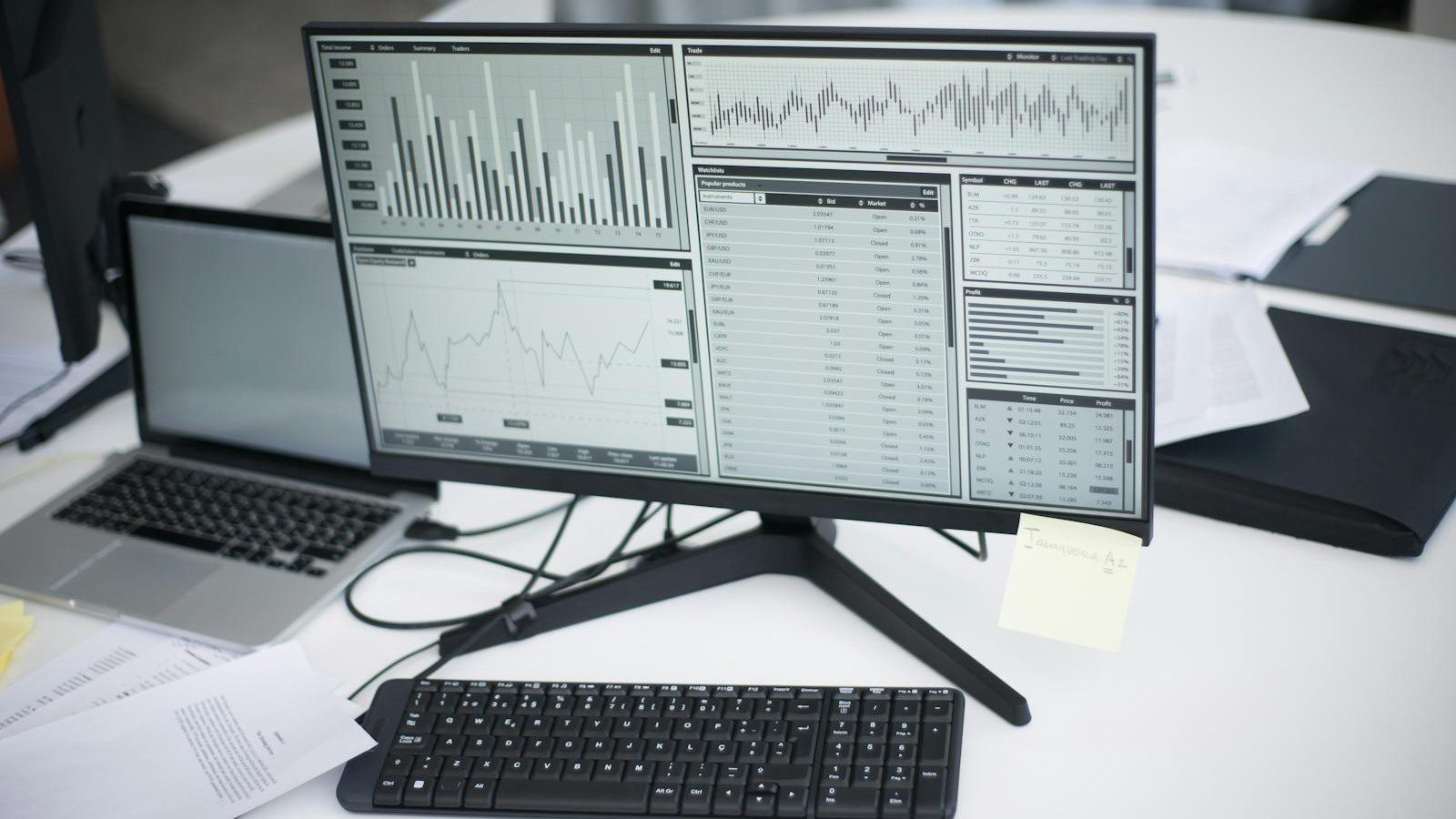
The first win is consolidation. hiData.ai is designed around the reality that teams start with scattered information and need a clear output. Instead of copying data from a PDF into a spreadsheet, asking another tool for charts, and building slides manually, users can move through a more connected AI workflow.
That matters for small businesses because the handoff between tools is where errors appear. A copied row gets missed. A header changes. A formula breaks. A chart uses stale data. A slide deck no longer matches the spreadsheet. Reducing those handoffs can improve both speed and quality.
The practical value is strongest in repeatable workflows: monthly reporting, lead research, competitor monitoring, invoice review, campaign summaries, classroom materials, sales operations, and executive briefings. The platform is especially relevant when a team needs to turn messy inputs into a structured deliverable under time pressure.
For workflow automation, the lesson is clear: automate the chain, not only the task. A spreadsheet assistant is helpful, but a workspace that connects extraction, analysis, and presentation can remove more operational friction.
Win 2: AI Table Creator turns documents into tables

AI Table Creator is one of the clearest use cases. The product page says it can turn websites, PDFs, images, invoices, raw information, and partial datasets into clean structured tables. It supports collection, extraction, enrichment, and monitoring workflows.
This is valuable because many teams still rely on manual copy-and-paste work. A supplier sends an invoice as a PDF. A competitor lists pricing on a web page. A report includes a table as an image. A screenshot contains details that need to be tracked. Without extraction, the data is trapped in a format that is hard to sort, filter, or analyze.
hiData.ai can help by creating a table that becomes the starting point for analysis. Teams can then standardize fields, add missing columns, enrich records, or monitor changing information. The table becomes a working asset instead of a static document.
The risk is assuming extraction is always perfect. Teams should review samples, define acceptance rules, and keep source files linked for auditability. AI-generated tables are useful, but high-stakes financial, legal, or compliance workflows still need human validation.
Win 3: AI Sheets makes spreadsheets conversational

AI Sheets is built for people who need spreadsheet outcomes without writing formulas, scripts, or complex transformations by hand. The official page says users can clean messy data, classify records, process fields, and generate visual insights through natural-language prompts.
This can change who participates in data work. A marketing manager can ask for campaign rows to be classified. An operations manager can normalize vendor names. A support lead can group ticket themes. A founder can ask for a quick revenue breakdown without waiting for a formal analyst request.
hiData.ai is not only about convenience. Better spreadsheet workflows can reduce hidden labor. Many teams spend hours finding duplicates, filling missing values, splitting columns, fixing inconsistent labels, and building one-off charts. Natural-language processing can make those tasks faster and easier to repeat.
The best rollout pattern is to start with low-risk datasets. Use copies, test outputs, and compare results against known answers. Once the team trusts the workflow, create standard prompt patterns for recurring reports.
Win 4: AI Slides turns analysis into presentations

The AI Slides product page positions the feature as an AI presentation maker for reports, dashboards, and business storytelling. It can generate slide decks from spreadsheets, reports, documents, and prompts, with support for structure, narratives, visual summaries, and meeting-ready outputs.
This is where hiData.ai becomes more than a spreadsheet helper. Many business teams do not struggle because they lack data. They struggle because they cannot turn the data into a clear story fast enough. Analysis that stays in a spreadsheet often fails to influence decisions.
AI Slides can help teams move from numbers to narrative. A sales manager can summarize pipeline patterns. A marketing lead can turn campaign metrics into a client update. An educator can create teaching material from research notes. An operations team can present exceptions and next actions.
Human editing still matters. The AI can propose structure, charts, and summaries, but leaders should verify claims, simplify crowded slides, add context, and adapt the message to the audience. The best slide deck is not the longest deck. It is the clearest decision path.
Win 5: pricing with Free, Plus, and Pro tiers

hiData.ai pricing uses credits and subscription tiers. The public pricing page reviewed for this article lists a Free plan at $0 per month, a Plus plan at $39 per month, and a Pro plan at $388 per month. The page also references point packs for teams that need extra usage without changing subscriptions.
The Free plan is positioned as a starting workspace, with daily refresh credits, limited storage, access to agents, premium AI commands, and 100+ AI functions. Plus expands monthly credits and storage for standard usage. Pro is aimed at extended productivity, with a much larger credit allocation and dedicated VIP support.
That structure gives teams a useful evaluation path. Start free, run a controlled pilot, estimate credit consumption, and then decide whether Plus or Pro fits the workload. The right plan depends on file size, frequency, number of users, and the complexity of AI commands.
Do not compare plans only by monthly price. Compare them by finished output: cleaned tables, reports generated, presentations created, hours saved, and decisions accelerated. If hiData.ai removes recurring manual work, the value may be clearer than the credit count alone.
Win 6: enterprise-grade security controls

The security story is important because data analysis tools often touch customer records, revenue data, invoices, internal reports, and confidential plans. hiData.ai highlights SOC 2 Type II, ISO 27001, GDPR readiness, and HIPAA on its homepage and security materials.
The security page also describes TLS for data in transit, AES-256 encryption at rest, encrypted exports, role-based access control, logical tenant isolation, granular permissions, and audit logging. It also mentions private deployment options, including on-premise deployment, Virtual Private Cloud options, custom network restrictions, and operational oversight.
Those details matter for larger organizations and regulated teams. A tool that processes files and spreadsheets must fit the company’s security expectations, not the other way around. Before uploading sensitive data, teams should review retention, deletion, user roles, export controls, vendor agreements, and any compliance requirements specific to their industry.
For AI governance platforms, the key lesson is that productivity AI still needs governance. Access control, audit logs, data minimization, and approval rules should be part of the rollout from day one.
Win 7: practical rollout for teams

A practical hiData.ai rollout starts with one workflow, not the entire company. Pick a repeatable problem with messy inputs, measurable time savings, and low compliance risk. Good pilots include competitor research tables, monthly marketing reports, vendor invoice summaries, survey analysis, or internal training decks.
Then define success. Measure the time spent before and after, the number of corrections needed, the quality of the final output, and the confidence of the team using it. If the tool saves time but creates too many verification steps, refine the prompt, narrow the source data, or choose a simpler workflow.
Teams should also create guardrails. Use approved datasets, avoid uploading regulated information during early pilots, require human review before decisions, and document which outputs can be shared externally. If the company has strict requirements, review the private deployment and access-control options before broader adoption.
hiData.ai is most useful when it becomes part of a managed work pattern. The goal is not random AI experimentation. The goal is a reliable path from scattered information to tables, insights, charts, and presentations that people can trust.
hiData.ai FAQ
What is hiData.ai?
hiData.ai is an AI-powered data workspace that helps users collect information, extract structured tables, clean spreadsheets, analyze data, visualize results, and create presentation-ready outputs.
What can AI Table Creator do?
AI Table Creator can turn websites, PDFs, images, invoices, raw text, and partial datasets into structured tables. It can also help enrich records and monitor changing web information.
How does AI Sheets help spreadsheet users?
AI Sheets lets users clean, classify, process, and visualize spreadsheet data through natural-language prompts instead of relying only on formulas, scripts, or manual row-by-row edits.
Can hiData.ai make presentations?
Yes. AI Slides can turn spreadsheets, reports, documents, and written prompts into structured slide decks with summaries, narrative flow, visual content suggestions, and meeting-ready outputs.
How much does hiData.ai cost?
The public pricing page lists Free, Plus, and Pro tiers, with Plus shown at $39 per month and Pro shown at $388 per month at the time reviewed. Teams should verify current pricing before purchase.
Is hiData.ai secure enough for business data?
The platform highlights SOC 2 Type II, ISO 27001, GDPR readiness, encryption in transit and at rest, access controls, audit logging, and private deployment options. Each business should still complete its own vendor review.
Who should evaluate hiData.ai first?
Teams that repeatedly collect information, clean spreadsheets, analyze messy data, build recurring reports, or create decks from raw inputs should evaluate hiData.ai first through a controlled pilot.
hiData.ai is compelling because it targets the full data workflow, not just one spreadsheet shortcut. The strongest teams will test it on real work, validate outputs, secure the data path, and standardize the prompts and review steps that create repeatable value.
If your organization wants help evaluating AI data tools for reporting, operations, or executive workflows, contact Progressive Robot to design a practical pilot.
More AI coverage: explore Progressive Robot's AI Models, Tools & Releases hub — hands-on reviews, setup guides and benchmarks in one place.