
VideoAI is an AI video generator built for creators, marketers, ecommerce teams, educators, musicians, and small businesses that need more video content without starting every project with a camera crew. The platform turns text prompts and images into short AI-generated clips, then supports additional tools such as motion control, video extension, avatars, background removal, image upscaling, and style transfer.
That makes VideoAI relevant for teams facing the same content problem: audiences expect video everywhere, but production time, creative budgets, editing skills, and turnaround pressure keep increasing. A tool that can convert a product image, concept prompt, or campaign idea into a usable video draft can change the economics of short-form content.
According to the official VideoAI site, the service gives users access to multiple AI video and image models, including Wan, Kling, Seedance, Veo, Nano Banana, and Flux. Its pricing page lists Plus, Pro, and Professional plans with monthly credits, while the homepage says the free plan provides access to core video generation without a credit card or time limit.
For organizations building an AI strategy, the platform should be evaluated as a creative acceleration tool, not a replacement for brand judgment. The best teams will use it to prototype, test, and scale content while keeping human review, usage rights, disclosure, and quality standards in place.
| Decision area | Why it matters | What to review |
|---|---|---|
| Input type | Different campaigns start from different assets | text prompts, product photos, reference images |
| Model choice | Each model has different strengths | Wan, Kling, Seedance, Veo, Nano Banana, Flux |
| Production workflow | AI clips still need direction | storyboards, prompts, brand review, exports |
| Cost | Generation uses credits | free access, Plus, Pro, Professional tiers |
| Governance | Synthetic media can create risk | ownership, disclosure, prohibited content, privacy |
VideoAI at a glance
VideoAI is best understood as a multi-model creative workspace. Instead of forcing every prompt through one generator, it lets users choose from several video and image models and combine them with template-style tools for a fuller creative flow.
The core promise is simple: start with words or an image and produce motion. A marketer can write a product scene. A creator can animate a thumbnail concept. A musician can create visual material for a release. An ecommerce team can turn static product shots into campaign clips. An educator can produce visual examples without a full production setup.
The platform also includes chat-based creation language on its homepage, positioning the workflow as closer to giving notes to an editor than learning professional editing software. That is important for non-specialists who need outputs quickly but do not want to learn timelines, keyframes, codecs, and compositing before getting started.
The practical test is still output quality. VideoAI can help teams generate more ideas, but every clip should be checked for visual artifacts, brand fit, factual claims, accessibility, rights, and platform rules before publishing.
Win 1: text to video without a production crew
The first win is text-to-video generation. VideoAI lets users describe what they want to see, then routes the prompt through models such as Kling, Wan, Seedance, or Veo. That makes it useful for rough concepts, social hooks, ad variants, mood clips, and quick campaign experiments.
This matters because many teams have ideas that never become video. A script feels too small for a production day. A product announcement needs motion but not a full shoot. A social media manager wants five visual directions by tomorrow. Text-to-video can turn those ideas into drafts fast enough to compare.
For workflow automation, the key benefit is iteration. Teams can build a repeatable creative loop: prompt, generate, review, refine, export, and measure. That loop is often more valuable than a single impressive clip.
The limitation is control. Prompts can produce surprising results, and generated video may not match the exact brand, product, or factual scenario. Use text-to-video for ideation and controlled creative assets first. For regulated claims or precise product demonstrations, verify every frame.
Win 2: image to video for product and brand assets

Image-to-video is one of the strongest use cases for VideoAI. The official site says users can upload a photo or AI-generated image, write what should happen, and receive a video where the motion responds to the image and prompt.
That is valuable for teams with existing visual libraries. An ecommerce brand may already have product photography. A consultant may have event photos. A restaurant may have food images. A musician may have album art. Image-to-video gives those still assets another life without requiring a fresh shoot.
The workflow can also help with brand consistency. Starting from approved images reduces the risk of drifting too far from the desired look. Teams can use a known product angle, campaign style, or persona image as the visual anchor, then test controlled motion around it.
VideoAI should still be used carefully with real people, logos, protected characters, and copyrighted material. If the source image requires permission, the generated video does too. The safest workflows use owned assets, licensed images, or original brand materials with clear rights.
Win 3: access to multiple AI video models
Model choice is a major advantage. VideoAI advertises access to video models such as Wan, Kling, Seedance, and Veo, plus image models such as Nano Banana and Flux. The homepage explains that different models serve different needs: longer motion, sequence structure, cinematic output, image editing, or reference consistency.
That matters because AI video generation is not one-size-fits-all. One model may be better for motion realism. Another may be better for stylized scenes. Another may preserve a subject more consistently. A creator who can choose the right model for each job has more creative flexibility than one locked into a single system.
A practical evaluation should test the same creative brief across several models. Compare motion, subject consistency, camera movement, scene coherence, prompt accuracy, export quality, and artifact rate. Keep notes so the team learns which model works best for product shots, music visuals, social ads, explainers, or cinematic concepts.
The goal is not to chase every new model. The goal is to build a dependable menu of model choices for common work.
Win 4: professional tools beyond generation
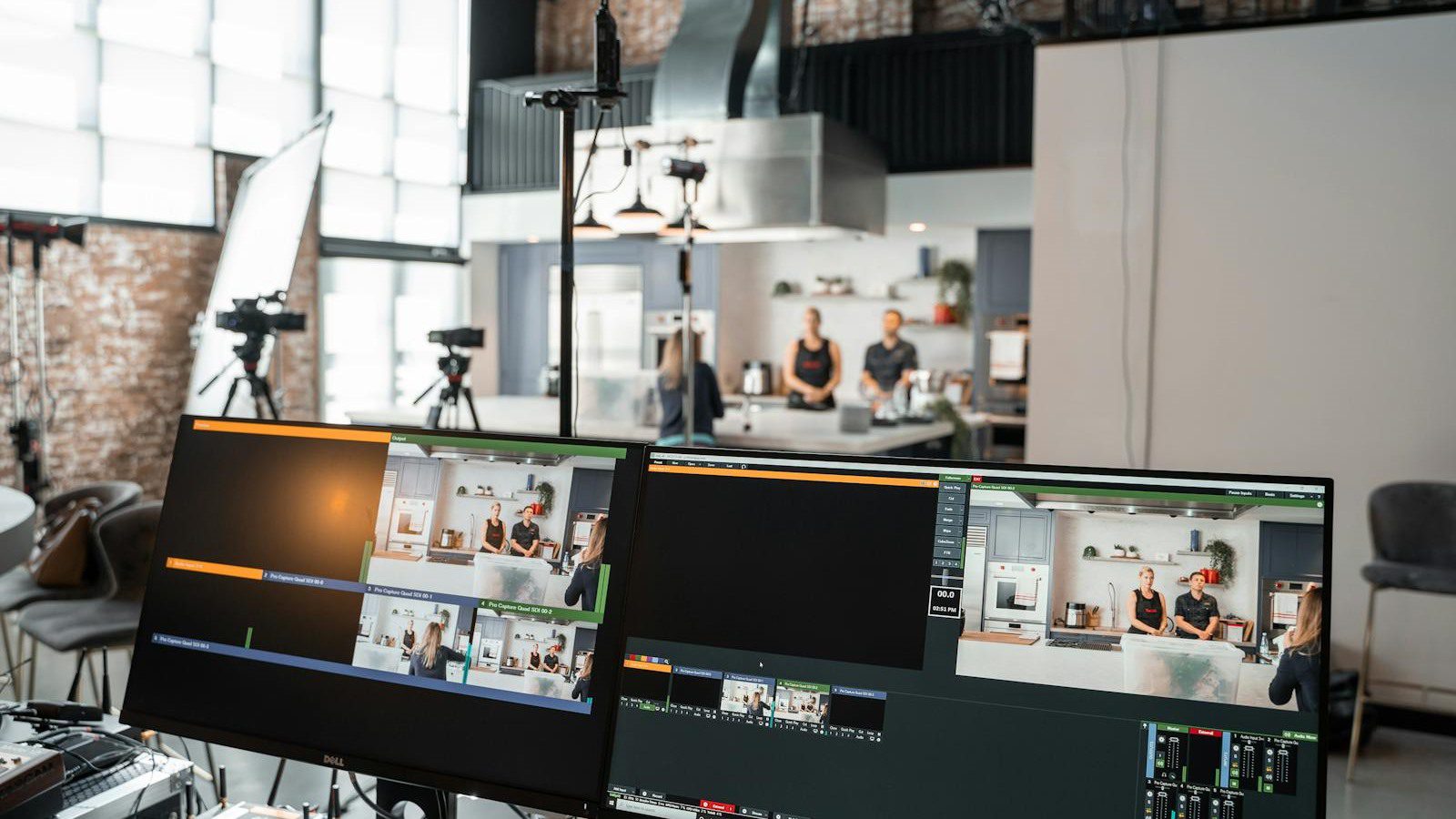
VideoAI includes more than basic generation. The homepage highlights tools for extending videos, creating avatars from one photo, controlling motion, removing backgrounds, upscaling images, and applying style transfer before image-to-video generation.
Those tools matter because real creative work rarely stops after the first output. A clip may be too short. The source image may need cleanup. The background may distract from the subject. A campaign may need the same style across multiple assets. A brand may need a consistent avatar or visual spokesperson.
This is where the platform becomes more useful for content operations. Teams can prepare inputs, create motion, improve resolution, and align style in one place instead of jumping between separate apps.
For a small business, the value is speed with structure. Build templates for common posts, document prompt patterns that work, and define which tools are approved for which content types. The more repeatable the workflow becomes, the easier it is to scale.
Win 5: pricing and credit planning

VideoAI pricing is built around monthly credits. The public pricing page reviewed for this article lists Plus at $12 per month with 600 credits, Pro at $36 per month with 1,800 credits, and Professional at $108 per month with 5,400 credits. The annual pricing shown on the homepage offers discounted monthly equivalents.
The page also provides model-level credit examples. For instance, different Seedance and Kling options consume different credits based on duration and resolution, while image models such as Nano Banana, Ideogram, GPT Image, and Flux have their own credit rates.
That structure rewards planning. A creator who generates casually may be fine testing the free path or the Plus plan. A marketing team producing weekly variants may need Pro. A studio or agency generating large volumes may need Professional.
Measure cost by approved output, not by generation count. If a team needs twenty generations to get one usable clip, the real cost is different from the advertised credit math. Track prompt quality, approval rate, and reuse rate so the budget reflects actual production value.
Win 6: ownership, disclosure, and privacy checks
The legal and privacy details deserve attention. The VideoAI terms say the company does not claim ownership of user input or output and does not restrict users from using output for their own purposes, including commercial purposes. The terms also note that AI outputs may not be unique and that users are responsible for their content.
The same terms encourage disclosure for AI-generated media and prohibit misleading use, harmful deepfakes, non-consensual contexts involving real identifiable people, political disinformation, intellectual property infringement, and other prohibited content. Those rules should be part of any business rollout.
The privacy policy says the service collects user input, AI generation data, and outputs. It also says the company may use information to train, evaluate, and improve AI models, using aggregated and de-identified data where possible. Users may have rights to delete, object, or request access depending on location.
For AI governance platforms, this is the broader point: creative AI still needs policy. Decide what can be uploaded, who approves output, when disclosure is required, and how generated files are stored.
Win 7: a practical rollout plan for creators and teams

A smart VideoAI rollout starts with low-risk content. Pick assets you own, choose one campaign objective, and generate several short clips for internal review. Do not begin with celebrity likenesses, customer faces, regulated claims, or sensitive product promises.
Next, create a simple review rubric. Score each output on brand fit, clarity, artifact level, platform suitability, rights risk, and call-to-action strength. If the clip passes, decide whether it needs captions, human editing, voiceover, music licensing, or final color adjustments before publishing.
Teams should also track the production math. How many prompts created one usable result? How many minutes did review take? Which model worked best? Which prompt pattern failed? Which output led to engagement or conversions? These answers turn experimentation into a repeatable process.
VideoAI is most valuable when it becomes part of a creative system. Use it for ideation, fast motion drafts, product variations, campaign visuals, and social testing. Keep human review in charge of brand, truth, and audience trust.
VideoAI FAQ
What is VideoAI?
VideoAI is an AI video and image generation platform that turns text prompts and images into videos, with access to multiple models and tools for creators, marketers, and small teams.
Is VideoAI free to use?
The official site says the free plan provides access to core AI video generation and image-to-video tools with no credit card and no time limit. Paid plans add more credits and higher usage options.
Which AI models does VideoAI include?
VideoAI lists video models such as Wan, Kling, Seedance, and Veo, along with image models such as Nano Banana and Flux. Model availability and credit costs can change over time.
Can VideoAI create videos from images?
Yes. Users can upload a still image, describe the desired motion, and generate a video clip that uses the source image as a visual anchor.
Can businesses use VideoAI output commercially?
The terms say the platform does not restrict users from using output for their own purposes, including commercial purposes. Businesses should still verify source rights, disclosure rules, and platform policies.
What are the main risks?
The main risks are weak prompts, visual artifacts, rights issues, misleading synthetic media, privacy concerns, and publishing AI-generated output without proper review or disclosure.
Who should evaluate VideoAI first?
Creators, ecommerce teams, marketers, educators, musicians, agencies, and small businesses that need more short-form video ideas should evaluate VideoAI first with owned assets and a controlled review workflow.
VideoAI is compelling because it puts multiple AI video generation paths inside one accessible workspace. The opportunity is faster creative testing and lower production friction. The responsibility is to use the tool with clear rights, review, disclosure, and brand standards.
If your organization wants help testing AI video tools without creating quality or governance problems, contact Progressive Robot to design a practical pilot.
More AI coverage: explore Progressive Robot's AI Models, Tools & Releases hub — hands-on reviews, setup guides and benchmarks in one place.










