

HitPaw AI Marvels is a mobile-first AI photo and video app built for creators who want quick edits, trendy templates, and social-ready visuals without opening a desktop suite. It combines AI photo enhancement, image-to-video generation, style filters, object removal, portrait tools, and short-form video effects in one place.
That makes it useful for influencers, solo marketers, small businesses, and casual creators who need fast creative output. The app is not just another filter pack. It is part of a larger shift toward template-driven AI media workflows where a user uploads a photo, chooses an effect, and lets the model generate a polished asset.
Still, HitPaw AI Marvels needs a practical review. App-store listings show free downloads with ads or in-app purchases, while user reviews mention credits and usage limits. For teams adding AI media tools to an AI strategy, the smartest approach is to test the output quality, pricing model, privacy posture, and workflow fit before relying on it.
HitPaw AI Marvels at a glance

HitPaw AI Marvels is marketed by HitPaw as an all-in-one AI photo, video, and dance maker. The official HitPaw AI Marvels page highlights AI dance videos, hug animations, AI styles, anime and comic looks, game-character effects, photo enhancement, restoration, beauty tools, and image-to-video features.
The core appeal is speed. Instead of learning a complex editing timeline, users pick a template or tool, upload a photo or video, and generate a new version. That structure fits the way social platforms work: trends move quickly, and creators need assets that can be tested, posted, remixed, or replaced in minutes.
The app is available through mobile app stores. The Google Play listing describes AI Marvels as an AI photo editor and video generation tool with dozens of templates, weekly updates, image-to-video generation, Live Photo features, AI Dance, Magic Brush, Remove Object, Enhance, Descratch, AI Dress-Up, and Beauty Tools. The Apple App Store listing presents similar positioning for iPhone and iPad users.
For creators, the question is not whether the app has many features. It does. The real question is whether HitPaw AI Marvels produces consistent results for the specific content style, audience, and budget you care about.
What creators can make with it

HitPaw AI Marvels is built around output categories that match social media behavior. A user can turn a still image into a dancing clip, create stylized portraits, generate anime or cartoon looks, remove distracting objects, repair old photos, or try prompt-like edits through newer tools such as natural-language image changes.
The most visible use cases are trend templates. These include AI dance effects, pet dance clips, AI hugging videos, transition videos, action-figure-style images, Polaroid portraits, seasonal looks, and cartoon filters. For creators chasing TikTok, Instagram Reels, Shorts, or story formats, the app’s template approach reduces production friction.
Small brands can also use it for lightweight creative testing. A local shop could style product photos, clean up a background, animate a campaign image, or generate quick variants for social posts. That does not replace a designer, but it can help teams move faster during ideation.
The same logic applies to personal content. Family photos, pet images, old snapshots, vacation pictures, and profile portraits can become short videos, restored images, or stylized visuals. HitPaw AI Marvels works best when the user treats it as a quick creative studio rather than a precision professional editing system.
AI photo enhancement and restoration tools

Photo repair is one of the more practical parts of the app. HitPaw says its AI Enhance feature improves clarity and detail, while AI Restore can repair old or damaged photos, colorize black-and-white images, and smooth imperfections. The app-center page also describes AI Marvels as a tool that can enhance old photos into higher definition.
These features are useful because many users do not need a complex photo workflow. They need a blurry selfie sharpened, a scratched family photo improved, a distracting object erased, or a portrait cleaned up for a post. HitPaw AI Marvels packages those common tasks into one mobile interface.
Creators should still inspect results carefully. AI enhancement can invent detail, oversmooth faces, alter textures, or change the emotional feel of an image. For casual posts that may be acceptable, but product images, headshots, memories, and client work deserve a closer review.
If your team already follows a broader AI and machine learning roadmap, treat restoration as an assisted editing step. Keep original files, compare before and after versions, and avoid presenting generated detail as historical truth.
Image-to-video, dance, and trend templates

The biggest creative draw is image-to-video. The official site says AI Hugging can convert still photos into moving, emotional videos, while AI Video can make photos dance, turn pets into stars, and transform videos into anime-like visuals. Store listings add Live Photo, transition video, trending clips, and AI Dance effects.
This is where HitPaw AI Marvels fits the short-form content market. A still image is easier to capture than a finished video. If the app can turn that image into motion with one tap, creators get more video inventory from the same photo library.
The tradeoff is control. Template-driven motion may look impressive, but it can also feel generic, distort faces, or miss brand tone. A social creator may accept that risk for experimentation. A business account should test templates against brand rules before publishing.
A smart workflow is to use the app for draft concepts, not final approval. Generate several clips, choose the strongest result, add captions or brand assets elsewhere, and review for visual glitches. HitPaw AI Marvels can accelerate the first pass, but human judgment should decide what goes live.
Workflow tips for social teams
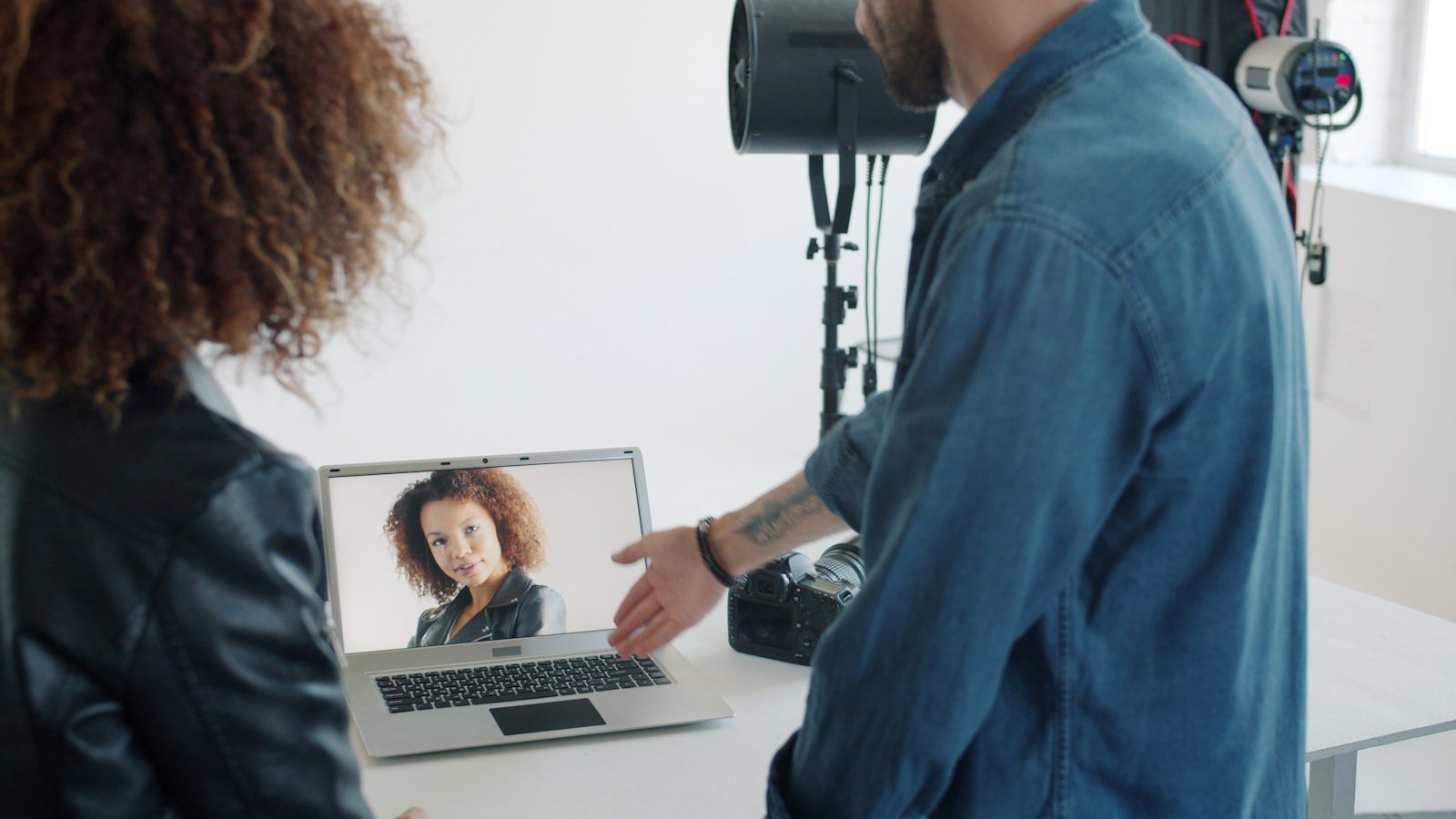
Social teams should start with repeatable use cases. Pick three or four content jobs, such as weekly product posts, old-photo refreshes, seasonal portraits, or creator reaction videos. Then test whether HitPaw AI Marvels reduces production time without lowering quality.
Create a simple intake checklist. Use high-resolution source images, avoid cluttered backgrounds, choose photos with clear subjects, and keep a folder of approved brand visuals. Better inputs usually produce better AI outputs.
Next, build a review habit. Check faces, hands, logos, text, accessories, product shapes, background details, and motion artifacts. AI tools can make small mistakes that are easy to miss on a phone screen but obvious to an audience.
Finally, connect the app to your larger workflow automation process. Save source files, generated versions, captions, approval notes, and platform performance data. That makes it easier to decide whether the app is actually improving content operations.
Pricing, platforms, and app-store signals

HitPaw AI Marvels is listed as free with in-app purchases on the Apple App Store and as containing ads plus in-app purchases on Google Play. Google Play also shows more than 5 million downloads, a 3.7-star rating, and tens of thousands of reviews. The Apple listing shows a 4.0-star rating with about 1.8K ratings.
Those signals suggest meaningful adoption, but they also point to the main buying question: credits. Recent app-store reviews mention subscriptions, daily limits, and additional credit prompts. HitPaw responses on Google Play describe daily credits for subscription users and say the company is improving communication around credit usage.
Before paying, users should confirm the current plan terms inside the app. Check how many credits are included, how many credits each video or advanced effect consumes, whether unused credits roll over, and what happens after a subscription renewal.
Businesses should document this clearly. HitPaw AI Marvels may be inexpensive for occasional posts but costly if a team generates dozens of variants each week. Budgeting matters because AI video features often have higher compute costs than basic filters.
Privacy, data, and quality limits

Mobile AI media tools handle sensitive inputs: faces, family photos, pets, products, private spaces, and sometimes unreleased campaign assets. That makes privacy review important even for casual creative tools.
Google Play’s data safety section says the app may collect personal info, photos and videos, and device or other IDs; it also says data is encrypted in transit and users can request deletion. Apple’s listing says the developer may use contact info and identifiers for tracking, may link contact info and identifiers to users, and may collect user content, usage data, and diagnostics.
Those disclosures do not mean the app is unsafe, but they do mean users should be thoughtful. Avoid uploading confidential product images, private client assets, children’s photos, or sensitive documents unless your policy allows it and you understand retention practices.
Quality limits also matter. HitPaw AI Marvels can produce fun results, but AI media tools may introduce face warping, odd motion, extra fingers, unrealistic textures, or inaccurate restoration. For commercial posts, pair creative enthusiasm with AI governance checks.
Best-fit users and alternatives

The best-fit users are mobile creators who need fast, trendy results. If you publish casual social content, test viral styles, restore personal photos, or make short clips from still images, HitPaw AI Marvels has a clear use case.
It is less ideal for teams that need pixel-perfect editing, brand-locked visual systems, transparent commercial rights reviews, batch production controls, or advanced timeline editing. Those teams may still use the app for inspiration, but final production may belong in desktop tools or enterprise creative platforms.
The competitive set includes AI photo enhancers, AI video generators, background removers, beauty editors, social video apps, and design suites. On the same website, Progressive Robot has also covered HitPaw AI Photo Enhancer, which is more focused on upscaling, sharpening, and restoration.
The simplest decision rule is this: use HitPaw AI Marvels when speed and trend coverage matter most. Use a specialist tool when quality control, licensing clarity, collaboration, or advanced editing matters more.
HitPaw AI Marvels FAQ
What is HitPaw AI Marvels?
HitPaw AI Marvels is a mobile AI photo editor and video generation app from HitPaw. It offers image-to-video templates, AI dance effects, photo enhancement, restoration, object removal, beauty tools, and stylized filters.
Is the app free?
The app is listed as free to download, but store listings mention ads or in-app purchases. Users should check current subscription and credit terms before paying because AI video generation may consume credits.
What platforms does it support?
The app is available for mobile users through Google Play and the Apple App Store. The Apple listing says it supports iPhone and iPad and requires iOS 15.0 or later.
Is it good for business content?
It can help with quick drafts, social experiments, and lightweight creative assets. Businesses should still review output quality, privacy terms, credit costs, and brand safety before using generated media publicly.
What is the biggest advantage?
The biggest advantage is convenience. HitPaw AI Marvels combines many creator tools in one mobile app, so users can move from photo enhancement to short video ideas without switching platforms.
What is the biggest concern?
The biggest concern is predictability. Users need to understand credits, subscriptions, data handling, and quality limits before making the app part of a serious content workflow.
Who should try it first?
Creators, social media managers, small businesses, and casual users who frequently post visual content should test it first. Teams with stricter approval requirements should run a controlled pilot before adoption.
More AI coverage: explore Progressive Robot's AI Models, Tools & Releases hub — hands-on reviews, setup guides and benchmarks in one place.