
Creating 3D assets from images is no longer only a specialist art pipeline. With Hunyuan3D 2.1 and a cloud GPU, a team can start from a clear object image, generate a mesh, apply texture, and export a usable file for review in a 3D tool.
That does not make the workflow automatic. 3D assets from images still depend on image quality, GPU memory, model settings, format choices, and human review. A strong result usually comes from treating the model as a fast first-pass generator rather than a finished production artist.
This guide turns the DigitalOcean Hunyuan3D GPU Droplet workflow into a practical checklist. It explains where 3D assets from images are useful, how to set up the environment, what to test in Gradio, and how to decide whether the output is ready for a project.
Quick Verdict on 3D assets from images
3D assets from images are best when the source image has one clear subject, enough visible shape, and a style that already suggests volume. Hunyuan3D can produce impressive results, but it still has to infer hidden sides, geometry thickness, and material behavior from limited visual evidence.
| Decision | Practical answer |
|---|---|
| Best use case | Fast concept assets, prototype props, early visualization, and creative exploration. |
| Best input | A centered object, plain background, strong silhouette, and visible rounded features. |
| Best GPU plan | Use a GPU Droplet with enough VRAM for both shape and texture stages. |
| Best output check | Inspect mesh shape, texture seams, scale, file format, and downstream tool import. |
| Best production habit | Keep manual cleanup and rights review in the workflow. |
The short version: use the workflow when speed and iteration matter, then reserve time for QA before the asset enters a client-facing scene, game build, product demo, or training dataset.
Why GPU Droplets and Hunyuan3D Matter
The DigitalOcean Hunyuan3D GPU Droplets tutorial shows a practical path for creating 3D assets from images with Hunyuan3D 2.1 on cloud GPUs. Its key requirement is straightforward: the pipeline needs a GPU machine with enough memory to run shape generation and texture generation without constant failures.
That is where DigitalOcean GPU Droplets fit the workflow. They let a builder rent a capable cloud GPU for the generation task, install the Hunyuan3D environment, launch a Gradio app, upload images, and export files without buying a workstation first.
This article sits beside Progressive Robot coverage of Seed3D 2.0, TRELLIS.2, and What Is Meshy. The bigger pattern is clear: AI 3D tools are moving from novelty demos toward repeatable asset workflows, but the useful systems still need infrastructure judgment and content review.
Prepare the Input Image
The input image is the quiet control surface for this whole process. If the image is cluttered, flat, low contrast, or ambiguous, the model has to guess too much. If the object is centered and readable, 3D assets from images become far easier to evaluate.
Before uploading an image, check these points:
- Use one main subject, not a crowded scene.
- Prefer a plain or removed background.
- Choose an object with visible volume, not a flat logo or thin line drawing.
- Keep the full silhouette inside the frame.
- Use enough resolution for texture detail.
- Avoid images with text, watermarks, or brand marks you cannot use.
- Save the source prompt, source image, and generation settings for auditability.
DigitalOcean’s tutorial notes that 3D-style figures and photographs work better than flat drawings because rounded features give the model more shape cues. That is a useful rule for teams creating 3D assets from images for catalogs, game props, simulations, or internal demos.
Build the GPU Droplet Environment
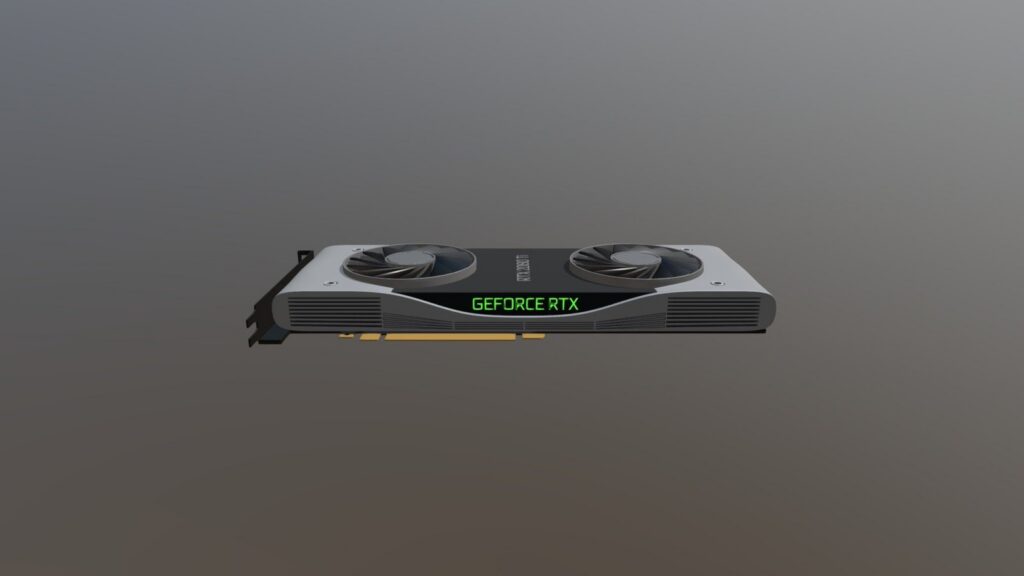
The environment has three jobs: provide GPU memory, install the Hunyuan3D code and dependencies, and expose a workflow the user can actually operate. The DigitalOcean tutorial recommends GPU Droplets with at least 40 GB of VRAM for the full Hunyuan3D 2.1 pipeline.
A simplified setup looks like this:
git clone https://github.com/Tencent-Hunyuan/Hunyuan3D-2.1
cd Hunyuan3D-2.1
python3 -m venv .venv
source .venv/bin/activate
pip install -r requirements.txt
pip install pymeshlab open3D onnxruntime ninja numpy
The tutorial also calls out custom rasterizer and differentiable renderer setup for the paint pipeline. Keep those installation steps in a runbook instead of relying on terminal history. If a team wants repeatable 3D assets from images, the environment needs to be rebuildable after package, driver, or base image changes.
The GPU decision should be practical rather than glamorous. A larger GPU can reduce friction, but the better question is whether the team needs high-quality textured mesh generation, only untextured shape output, or a quick concept pass before moving to a specialist 3D package.
Run the Gradio Workflow
Hunyuan3D’s public docs describe both code usage and app-based workflows. The Tencent Hunyuan3D GitHub repository explains the two-stage idea: generate a bare mesh first, then synthesize textures for that mesh. The Hunyuan3D 2.1 model page and the Hunyuan3D 2.0 model page provide model context for image-to-3D generation.
For a browser-based run, the launch command in the DigitalOcean tutorial uses the Hunyuan3D 2.1 model paths and low VRAM mode:
python3 gradio_app.py --model_path tencent/Hunyuan3D-2.1 --subfolder hunyuan3D-dit-v2-1 --texgen_model_path tencent/Hunyuan3D-2.1 --low_vram_mode
Once the app is running, upload the selected image, keep the seed controlled when comparing outputs, and test inference settings deliberately. This is where 3D assets from images become an iterative workflow instead of a one-click trick. Change one variable at a time, save the output, and compare mesh quality before declaring a setting better.
Export and QA the Asset
The DigitalOcean tutorial notes export options including GLB, PLY, STL, and OBJ. Those formats are not interchangeable in practice. GLB is often convenient for textured assets and web previews. OBJ is widely supported but can involve companion material and texture files. STL is useful for geometry-only workflows. PLY can be useful for mesh or point data review.
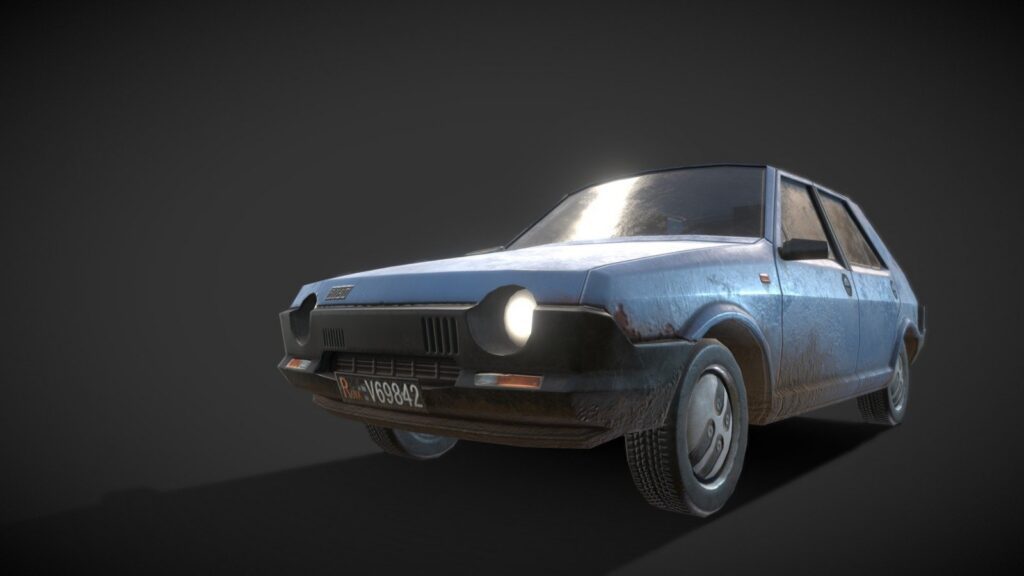
For generated 3D assets from images, review the output in a second tool before using it. Check the front, back, underside, and silhouette. Look for stretched geometry, melted edges, texture mismatches, material artifacts, floating pieces, and excessive polygon complexity.
| QA check | Why it matters |
|---|---|
| Hidden sides | The model must infer unseen surfaces from one input image. |
| Texture seams | Multi-view texture synthesis can still create discontinuities. |
| Scale | Generated files may not match the unit assumptions of your scene. |
| Topology | Meshes may be fine for preview but messy for animation or physics. |
| Rights | Input images and generated outputs still need licensing review. |
This is also where infrastructure and creative review meet. The cloud GPU produces the candidate, but the project owner decides whether the candidate is good enough, needs cleanup, or should be regenerated with a better input.
Costs, Risks, and Production Controls
3D assets from images can save time, but cloud GPU time can still become expensive if the team treats every weak input as something the model should rescue. Better inputs, reusable settings, and clear stopping rules matter.
Use these controls before scaling the workflow:
- Set a budget per experiment and per accepted asset.
- Keep GPU Droplets off when no job is running.
- Store source images, settings, model version, output files, and reviewer notes.
- Separate experimental assets from approved production assets.
- Avoid uploading confidential client images unless the environment and policy allow it.
- Review model and source-image licenses before redistribution.
- Document what manual cleanup was performed after generation.
For infrastructure context, Progressive Robot’s GPUs vs TPUs guide is useful when comparing accelerator choices. The key point is that 3D assets from images are a pipeline decision, not only a model decision.
Source-Backed Notes
The Hunyuan3D 2.1 paper describes a system that separates shape generation from PBR material generation. That separation matters because teams can think about mesh structure and material quality as two review stages rather than one vague output.
The Hunyuan3D project describes Hunyuan3D-DiT for shape generation and Hunyuan3D-Paint for texture synthesis. For practical users, that means a failed result might be a geometry problem, a texture problem, or an input-image problem. Splitting the diagnosis saves time.
Implementation Reminders for 3D assets from images
For a repeatable workflow, 3D assets from images should start with input rules, not with GPU selection. Decide what kinds of subjects are allowed, what backgrounds are acceptable, what output formats matter, and who signs off on the mesh.
When reviewing 3D assets from images, ask whether the asset is good enough for its destination. A prop for a prototype scene, a marketing visual, a simulation object, and a game-ready animated mesh all have different quality bars.
FAQ About 3D assets from images
Can Hunyuan3D create production-ready assets from one image?
Sometimes it can create a strong starting point, but production readiness depends on the destination. A generated mesh may still need cleanup, retopology, scale adjustment, texture edits, and licensing review.
Why use GPU Droplets instead of a local workstation?
GPU Droplets are useful when you need temporary access to high-memory GPUs, want to prototype before buying hardware, or need a remote environment that can be rebuilt for a team. Local workstations can still be better for constant heavy use.
What image type works best?
Clear object images with visible volume, a clean silhouette, and minimal background usually work best. Flat icons, thin drawings, busy scenes, and images with hidden important surfaces are harder.
Which export format should I choose?
Choose GLB for convenient textured previews, OBJ for broad tool compatibility, STL for geometry-only workflows, and PLY when mesh or point data review is more important than material packaging.
Final Thoughts on 3D assets from images
3D assets from images are becoming practical because models like Hunyuan3D reduce the distance between a concept image and a usable mesh. The GPU Droplet workflow makes that capability easier to test without permanent hardware commitments.
The best results still come from disciplined inputs, measured GPU use, careful export checks, and human review. Treat the model as an accelerator for 3D work, and 3D assets from images become a useful part of the creative and technical pipeline rather than a risky shortcut.
More AI coverage: explore Progressive Robot's AI Models, Tools & Releases hub — hands-on reviews, setup guides and benchmarks in one place.










