
Fighting AI with AI is becoming a practical security requirement as deepfake phishing and cloned-voice social engineering move from novelty risk into everyday business exposure. Attackers no longer need a perfect video fake or a flawless voice clone to create damage. They only need enough realism, urgency, and context to make a finance user, executive assistant, help desk agent, supplier manager, or senior leader break normal process.
The old advice was useful but incomplete: check the sender, watch for spelling mistakes, and be suspicious of urgent payment requests. Those signals still matter, but they are weaker when generative AI can produce clean emails, realistic voices, convincing video fragments, polished documents, and personalised scripts. Fighting AI with AI means using defensive automation, identity signals, anomaly detection, synthetic training, and workflow controls to protect the moments where human trust is most vulnerable.
This is not about replacing judgement with another black-box model. Fighting AI with AI works best when AI helps security teams detect suspicious patterns, slow risky decisions, verify identity through independent channels, and train people on realistic scenarios before a real incident happens. The defensive goal is simple: make it harder for an attacker to turn a believable fake into an approved action.
The risk is already visible. The FTC warns that scammers can use AI to clone a loved one’s voice from a short audio clip and then pressure victims into sending money. CISA’s social engineering and phishing guidance keeps the focus on verification, suspicious requests, and cautious handling of links and attachments. NIST’s AI Risk Management Framework gives organisations a language for mapping, measuring, managing, and governing AI risk, while the OWASP GenAI Security Project highlights the security risks created by generative AI applications themselves.
This guide explains how business leaders, IT teams, security teams, finance teams, and operations managers can approach Fighting AI with AI without turning every employee into a forensic analyst. It focuses on practical controls: verification workflows, AI-assisted detection, communication provenance, synthetic training, step-up approval, cross-channel monitoring, incident playbooks, and a 90-day roadmap.
Fighting AI with AI at a glance
Fighting AI with AI starts with a clear assumption: the attacker may sound fluent, look credible, and know enough context to pass a casual check. The defence therefore has to move beyond spotting poor language or obvious spoofing.
Deepfake phishing is any phishing attempt that uses synthetic or manipulated media to increase trust. That may be an AI-written email from a fake supplier, a cloned-voice voicemail from a senior executive, a video call with a manipulated face, or a social media message from an impersonated colleague. Cloned-voice social engineering is narrower but especially dangerous because voice is often treated as proof of identity in urgent business situations.
Fighting AI with AI does not mean trusting every detection score. It means combining AI signals with business process controls. A model might flag unusual phrasing, suspicious audio features, mismatched identity signals, abnormal payment behaviour, or a new supplier bank detail. The process then asks for verification through a known channel before any irreversible action happens.
| Risk moment | Old control | Fighting AI with AI control |
|---|---|---|
| Urgent payment request | Manual approval | AI anomaly scoring plus independent callback |
| Executive voice instruction | Recognise the voice | Verified number, passphrase, and workflow approval |
| Supplier bank change | Email confirmation | Vendor master-data control and fraud pattern detection |
| Help desk reset | Knowledge questions | Identity risk score and step-up authentication |
| Video meeting request | Visual trust | Meeting provenance, participant verification, and no-payment rule |
| Employee training | Annual phishing quiz | Adaptive synthetic simulations and role-specific coaching |
The strongest Fighting AI with AI programmes share four features. First, they protect high-value workflows rather than trying to inspect every message with equal intensity. Second, they separate identity from channel: an email account, phone number, or voice is not proof by itself. Third, they treat AI detection as a risk signal, not a final verdict. Fourth, they design escalation paths that employees can use quickly without feeling they have failed.
That last point matters. A cloned-voice attack is designed to exploit pressure. The attacker may say the CEO is in a meeting, the deal will collapse, the supplier will stop work, or a family member is in danger. Fighting AI with AI only works if the organisation gives people permission to pause.
The purpose is not paranoia. Fighting AI with AI is controlled trust.
Why deepfake phishing changes the trust model
Fighting AI with AI matters because deepfake phishing attacks the assumptions behind ordinary business trust. Many organisations still treat familiar voice, polished writing, seniority, urgency, and contextual detail as signs that a request is genuine. Generative AI weakens all five.
A cloned voice can make a payment request feel personal. A generated email can match the tone of a real executive. A fake video clip can make a meeting invitation feel legitimate. A social message can reference a recent event, supplier, project, or colleague. None of those signals needs to be perfect. Social engineering succeeds when the target has enough doubt, pressure, and authority cues to continue.
The FTC’s consumer guidance is useful for businesses because it strips the problem down to a simple control: do not trust the voice; verify through a known number or another trusted contact. The same principle applies inside companies. A finance analyst should not approve a transfer because a familiar voice asked. A help desk agent should not reset a privileged account because a caller sounds like a director. A procurement user should not update bank details because a supplier email thread looks normal.
Fighting AI with AI gives security teams a way to scale that verification discipline. AI can compare the request with normal behaviour, identify unusual timing, detect changes in writing style, classify the transaction risk, and recommend the right verification step. It can also summarise the reason for escalation so the employee is not left guessing.
The challenge is that AI also helps attackers personalise the hook. Instead of sending one generic email to a thousand people, a threat actor can create tailored messages for payroll, finance, HR, legal, and IT support. They can scrape public material, imitate tone, translate messages, and produce follow-up replies quickly. That raises the defensive burden because each request can look locally plausible.
| Trust signal under attack | Why it is weaker now | Better defensive question |
|---|---|---|
| Voice familiarity | Voice cloning can imitate tone and emotion | Did the request arrive through a verified process? |
| Polished language | AI removes spelling and grammar clues | Is the action normal for this person and workflow? |
| Contextual detail | Public and leaked data can feed the script | Is the detail enough to authorise the action? |
| Senior authority | Attackers can imitate executives | Does policy allow this person to bypass controls? |
| Urgency | AI scripts can apply pressure convincingly | What pause-and-verify path is required? |
Fighting AI with AI also changes security awareness. Employees should not be told that they can always spot a fake. That promise is unrealistic and unfair. A better message is that modern fraud may look and sound convincing, so the organisation uses verification layers to protect both the employee and the business.
That mindset reduces shame. Fighting AI with AI helps people report suspicious requests faster because the system expects uncertainty.
Build a verified communication layer before the crisis
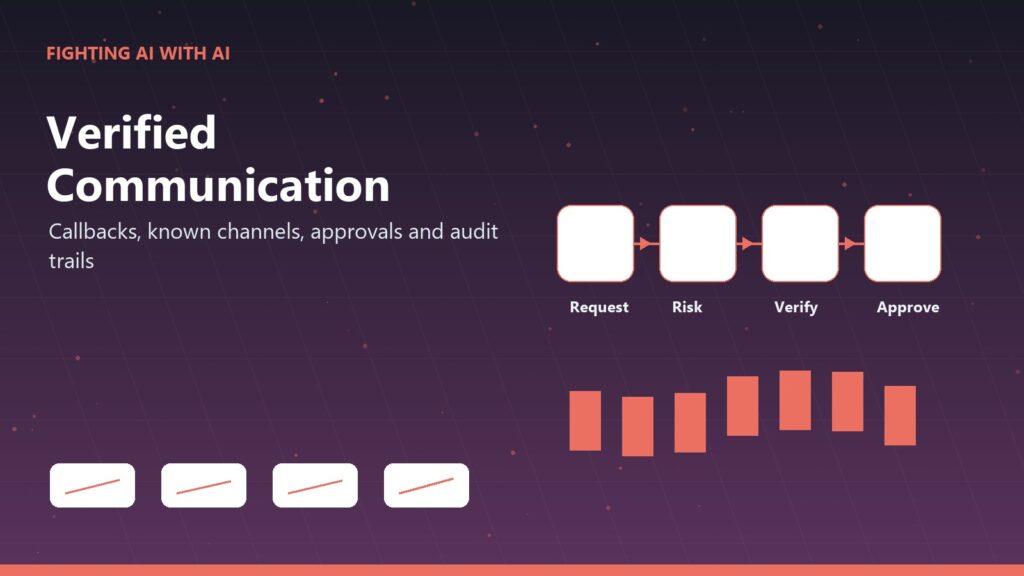
The first practical Fighting AI with AI move is to define which communications can trigger high-risk action. A business should not discover during an incident that nobody knows whether a voice note, video call, personal phone number, or email thread is allowed to approve a payment.
Start with a verified communication layer. This is a set of rules that says how sensitive requests must be confirmed. It should cover payments, bank-detail changes, payroll changes, account resets, privileged access, legal approvals, confidential data sharing, supplier onboarding, and emergency exceptions.
The layer does not need to be complicated. For high-risk actions, the rule can be: verify through a known channel already stored in the system, not through the channel used in the request. If an executive sends a voice message asking for a transfer, call back through the official number in the directory. If a supplier emails new bank details, verify through the vendor master-data process. If a help desk caller asks for a reset, use identity proofing and step-up authentication.
Fighting AI with AI improves this layer by deciding when to trigger extra checks. A normal low-value invoice from a known supplier may follow the ordinary route. A first-time international payment, a changed account number, a weekend request, or a message with unusual executive pressure should trigger stronger verification.
| Workflow | Baseline verification | Step-up trigger | AI-assisted signal |
|---|---|---|---|
| Supplier bank change | Vendor portal or known contact | New domain, urgent language, changed beneficiary | Supplier risk score and thread anomaly |
| Executive payment request | Finance approval workflow | Voice note, unusual amount, out-of-hours request | Behavioural and transaction anomaly |
| Help desk reset | MFA and identity record | Privileged account, travel claim, failed checks | Login risk and caller pattern mismatch |
| Payroll update | HR system workflow | New destination account or rushed request | Employee profile and change-risk scoring |
| Sensitive file transfer | Approved sharing route | External address or unusual file class | Data loss and recipient risk signal |
This is where workflow automation becomes part of security. A good approval workflow is not just a productivity feature. It is a trust boundary. It records who requested the action, which channel was used, which signals were present, who approved it, and how verification happened.
The NCSC phishing guidance makes the same organisational point: reporting routes, staff training, email protections, and clear processes matter because phishing defence is not only an individual spotting exercise.
Fighting AI with AI also benefits from passphrases, but only in the right places. A family code word can help consumers. In businesses, passphrases should not become the only control because they can be shared, phished, or mishandled. Use them as one element inside a broader process, especially for emergency executive requests or incident response calls.
The key design principle is independence. Do not verify a suspicious email by replying to the same email. Do not verify a suspicious call by trusting the caller’s callback number. Do not verify a video meeting by asking the same participant to reassure you inside the meeting. Fighting AI with AI turns independent verification into default behaviour.
Use AI detection as a signal, not a verdict
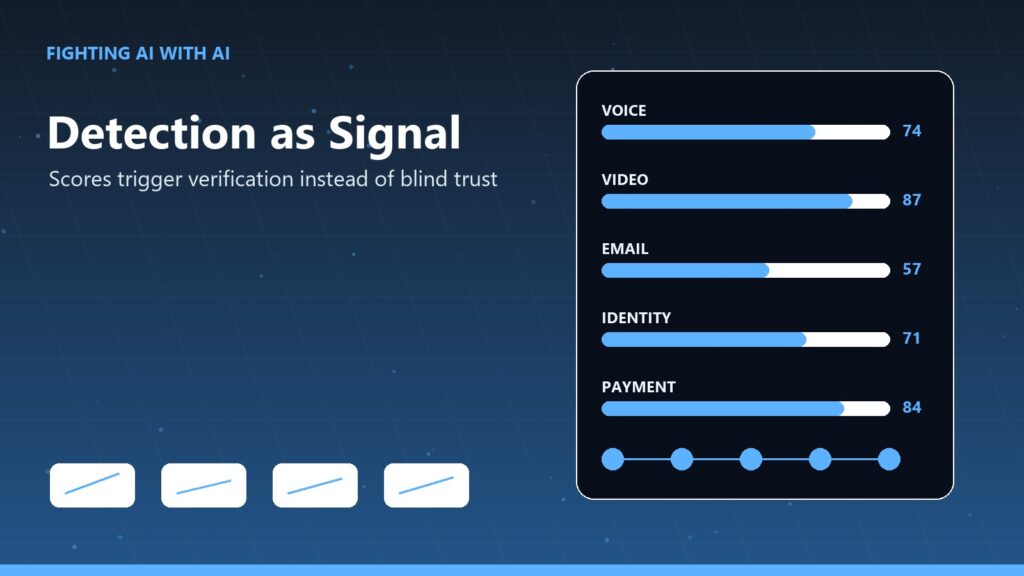
Fighting AI with AI often starts with detection tools, but detection is only one part of the defence. Audio deepfake detectors, video-manipulation detectors, email classifiers, behavioural analytics, and fraud models can help. They can also be wrong.
This is why AI detection should be treated as a signal, not a verdict. A low score should not prove that a request is safe. A high score should not automatically accuse an employee or customer of fraud. The useful question is whether the score changes the required verification step.
For example, an audio analysis model may flag synthetic characteristics in a voicemail. That should not trigger panic. It should trigger a callback through an official number, a ticket note, and a temporary hold on the requested action. An email model may detect unusual phrasing in a supplier message. That should trigger vendor verification, not an angry reply.
NIST’s AI RMF is useful here because it pushes organisations toward governed risk management rather than blind trust in models. Fighting AI with AI should include model ownership, performance monitoring, false-positive review, data-retention rules, and human appeal paths. The defensive AI system is itself a system that needs governance.
| Detection area | Useful AI signal | Risk if overtrusted | Better operating model |
|---|---|---|---|
| Audio | Synthetic speech likelihood, replay artefacts | False confidence in real or fake labels | Use score to require callback |
| Video | Face manipulation, lip-sync mismatch | Poor quality meetings create false alarms | Use score with meeting policy |
| Tone shift, domain risk, link risk | Attackers adapt wording quickly | Combine with identity and workflow data | |
| Identity | Login location, device, session risk | Legitimate travel looks suspicious | Step-up authentication and review |
| Payments | Amount, beneficiary, timing anomaly | Business change looks like fraud | Dual approval and vendor verification |
Fighting AI with AI becomes stronger when multiple weak signals are combined. A voice call alone may not be enough. But a cloned-sounding voice, a new payment beneficiary, unusual urgency, an out-of-hours request, and a bypassed workflow together justify stopping the process.
Security teams should also avoid buying detection tools without an action plan. If an employee receives a warning that an audio clip may be synthetic, what should they do next? If the answer is unclear, the warning may create confusion instead of protection.
The most useful output is plain and procedural: “This request is unusual for three reasons. Do not approve it yet. Verify through the finance callback process.” Fighting AI with AI should reduce cognitive load at the moment of pressure.
Train people with synthetic simulations and safe drills
Fighting AI with AI should make training more realistic, but it must be done ethically. Synthetic simulations can help employees experience modern phishing patterns before a real attack. They should not humiliate staff, secretly clone employees, or create fear for the sake of a metric.
Traditional phishing training often relies on fake delivery notices, poor grammar, or suspicious links. Deepfake phishing needs better practice. Finance teams need to rehearse urgent executive payment requests. Help desk teams need to rehearse account-reset pressure. HR teams need to rehearse payroll-change fraud. Executives need to rehearse impersonation of themselves and their assistants.
AI can generate role-specific scenarios, adapt difficulty, translate examples, and produce coaching summaries. It can also help security teams create varied simulations without writing every message manually. But Fighting AI with AI training should use consent, disclosure, and boundaries. Do not clone a real person’s voice for a drill unless there is explicit approval and a clear policy. In most cases, a clearly synthetic but realistic voice is enough.
| Training audience | Scenario to rehearse | Desired behaviour |
|---|---|---|
| Finance | CEO voice note requesting urgent transfer | Pause, verify through known number, log request |
| Help desk | Director asks for MFA reset before a meeting | Use identity workflow and refuse bypass |
| HR | Employee asks for payroll account change | Confirm through HR system route |
| Procurement | Supplier sends new bank details in old thread | Trigger vendor verification |
| Executives | Assistant receives fake instruction from executive | Use delegated approval policy |
| All staff | Message asks for secrecy or rapid action | Report and verify independently |
The best training measures behaviour, not embarrassment. Did the employee use the reporting button? Did they pause the transaction? Did they choose the correct verification route? Did the manager support the pause? Fighting AI with AI should make the safe action feel normal.
Synthetic training also helps tune controls. If finance staff regularly miss a certain attack pattern, the answer may not be more scolding. The workflow may need a better warning, a clearer approval screen, or an easier callback path. Training data should improve the system.
This matters for culture. A deepfake attack is not just a technical incident. It is an attack on relationships, authority, and trust. Fighting AI with AI works when people know they are expected to challenge unusual requests, even from senior leaders.
Protect high-risk workflows with step-up verification
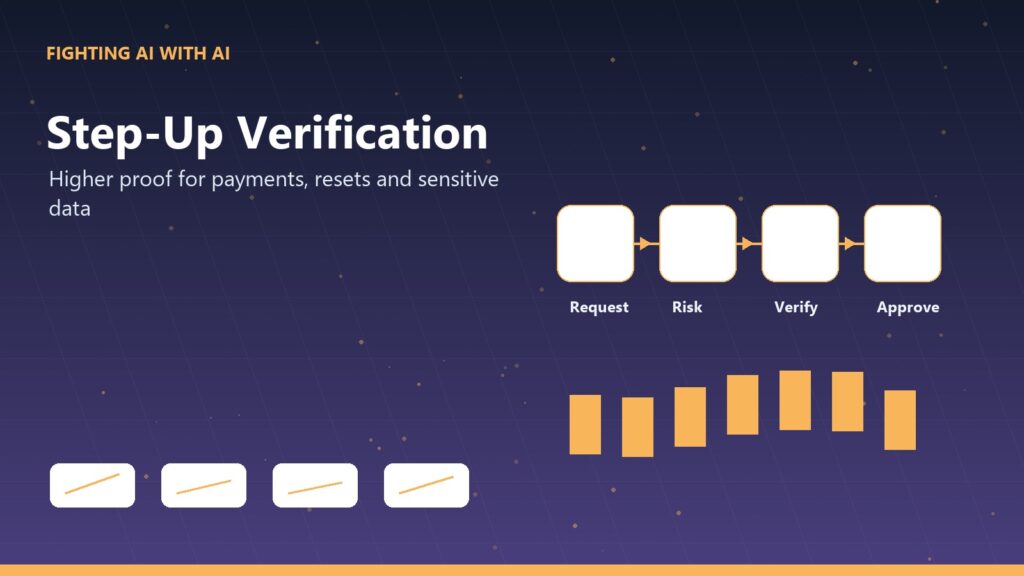
Fighting AI with AI should concentrate on workflows where a successful fake creates real loss. The goal is not to slow every conversation. The goal is to make risky actions require stronger proof.
High-risk workflows usually have three traits: money moves, access changes, or sensitive data leaves the organisation. Deepfake phishing and cloned-voice social engineering are dangerous because they can push people to approve those actions under pressure.
Step-up verification adds extra checks when risk increases. In consumer security, this might mean extra authentication after a suspicious login. In business operations, it means stronger approval when a request combines sensitive action, unusual context, and weak identity proof.
Fighting AI with AI makes step-up verification more precise. Instead of requiring heavy approval for every small action, the system can look at transaction amount, requester role, supplier history, device risk, message source, time of day, previous behaviour, and language cues.
| Risk trigger | Step-up control | Owner |
|---|---|---|
| New supplier bank details | Vendor callback and dual approval | Procurement and finance |
| Urgent executive payment | Known-number callback and finance director approval | Finance |
| Privileged account reset | MFA recovery policy and manager confirmation | IT service desk |
| Payroll destination change | HR portal confirmation and cooling-off period | HR and payroll |
| Confidential data request | Data owner approval and DLP review | Security and business owner |
| Exception to normal policy | Incident ticket and named approver | Operations |
This is where automation needs judgement. A rigid system that blocks everything will be bypassed. A loose system that only warns will be ignored. Fighting AI with AI should put friction exactly where the loss would be serious.
One useful pattern is a cooling-off rule. If a request changes payment details or asks for a large urgent transfer, the system can require a delay unless a senior approver confirms through a separate process. Attackers hate time because pressure is part of the method.
Another useful pattern is delegated authority. If an executive is travelling, the company should already know who can approve urgent actions. That prevents attackers from using absence, secrecy, or time pressure to invent an exception.
Fighting AI with AI is strongest when the workflow itself refuses unsafe shortcuts.
Watch voice, video, email, and identity signals together
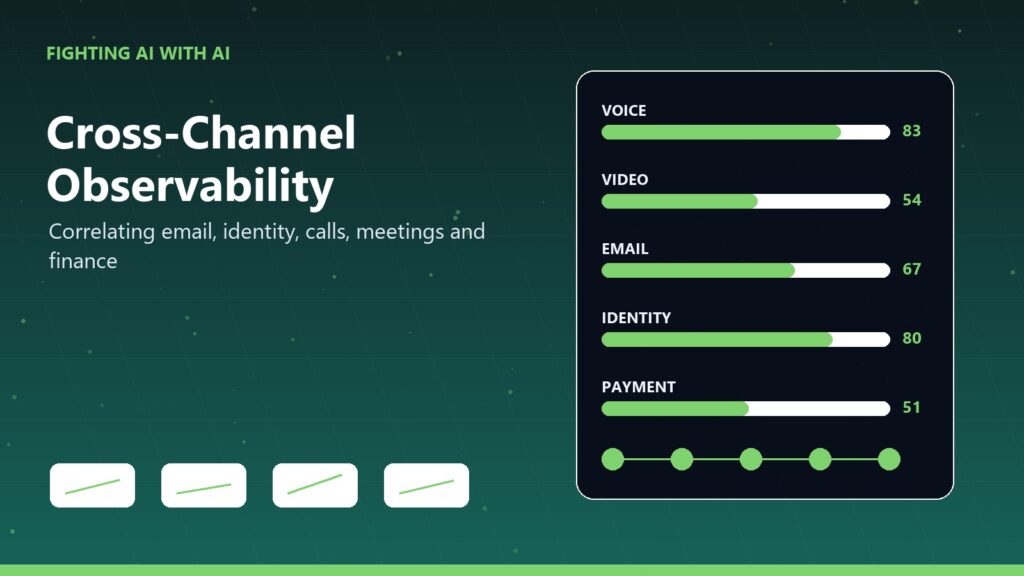
Deepfake phishing is cross-channel. A threat may begin with LinkedIn research, continue through email, add a voice call, and finish with a payment request. Fighting AI with AI therefore needs cross-channel observability.
Many organisations still separate these signals. Email security sees messages. Identity tools see logins. Finance systems see payments. The service desk sees tickets. Collaboration tools see meetings. Telephony sees calls. Attackers benefit from those gaps.
Fighting AI with AI connects enough of the picture to identify risky combinations. A new mailbox rule, a suspicious login, a supplier bank change, a voice call to finance, and an urgent payment request should not be treated as five unrelated events. Together, they may describe an active social engineering campaign.
This does not require dumping every transcript into a single surveillance system. The right approach is metadata first: sender, domain, device, time, action type, amount, approval path, ticket category, call direction, meeting source, and risk score. Content inspection should follow legal, privacy, and proportionality rules.
| Signal source | What to correlate | Defensive value |
|---|---|---|
| Email security | Sender domain, reply-chain changes, link risk | Spots thread hijack and impersonation |
| Identity | Device, location, impossible travel, session risk | Detects account takeover around requests |
| Telephony | Caller ID, call path, recording availability | Supports callback and fraud investigation |
| Collaboration | Meeting guests, external joins, recording status | Flags suspicious executive meetings |
| Finance | Beneficiary, amount, approval path, timing | Detects payment anomaly |
| Service desk | Reset requests, privilege changes, failed checks | Spots pretexting against support teams |
The output should be operational. Security teams need alerts that explain why a request is risky and who owns the next action. Finance needs a hold reason. The help desk needs a script. Managers need a clear escalation path.
Fighting AI with AI also supports incident response after the fact. If a suspicious voice message is reported, AI can help search for similar messages, related domains, repeated language, lookalike accounts, and other employees who received connected requests. That can turn one report into a wider defence.
This is where autonomous AI agents can be useful if they are constrained carefully. A defensive agent can gather evidence, enrich indicators, open tickets, notify owners, and prepare a timeline. It should not unilaterally accuse users, delete evidence, or make irreversible changes without approval.
Good observability makes deepfake phishing less personal. Fighting AI with AI means the employee is not alone with a strange request. The system can see context.
Govern defensive AI so it does not create new risk
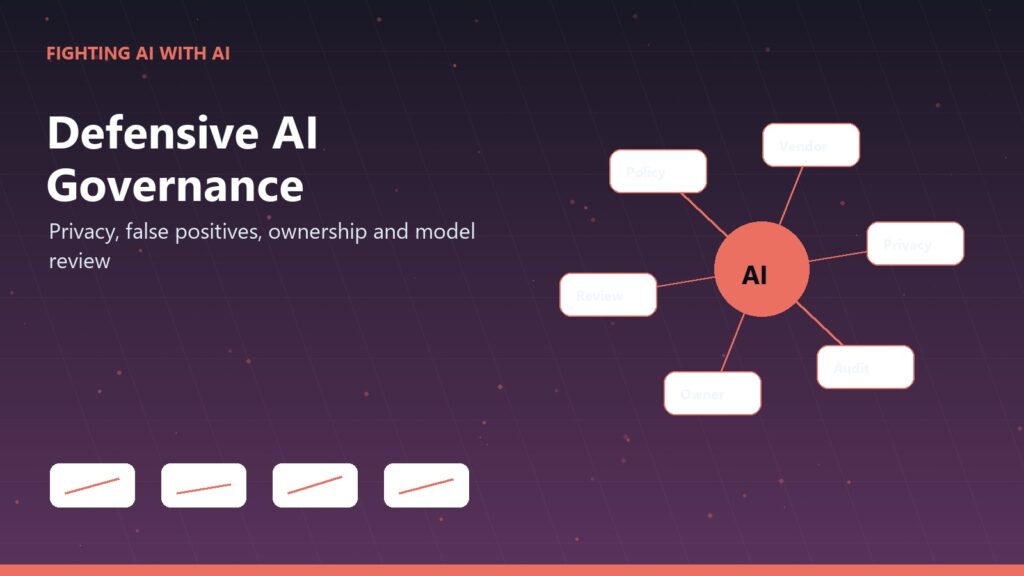
Fighting AI with AI introduces its own risks. A defensive AI system may process sensitive communications, score employee behaviour, analyse voice or video, or influence whether a customer interaction is trusted. That means governance is not optional.
The NIST Generative AI Profile is useful because it recognises that generative AI creates distinct risks requiring organisational controls. For defensive use, the key questions are practical. What data is collected? Who can see it? How long is it retained? How are false positives reviewed? Which models are used? Who owns the policy? What happens when the system is uncertain?
Fighting AI with AI should be transparent enough for employees to understand the process. They do not need to know every detection feature, but they should know that certain high-risk workflows are monitored for fraud signals and that escalation protects them from being pressured into unsafe actions.
Security teams should also guard against model drift and vendor overreach. A detector that performed well in testing may degrade as attack techniques change. A vendor may store data in ways that do not fit internal policy. A model may produce biased or inconsistent risk scores. Defensive AI needs the same procurement, privacy, security, and audit review as other critical systems.
| Governance area | Questions to answer |
|---|---|
| Purpose | Which fraud and social engineering risks is the system meant to reduce? |
| Data | What messages, audio, video, metadata, and transaction data are processed? |
| Access | Who can view alerts, recordings, scores, and investigation notes? |
| Accuracy | How are false positives, false negatives, and model drift reviewed? |
| Employee impact | What appeal, explanation, and manager-support process exists? |
| Legal and privacy | Which notices, retention rules, and regional requirements apply? |
| Vendor risk | How are model providers, subprocessors, and security controls assessed? |
Fighting AI with AI should also avoid creating a new single point of failure. Attackers may try to learn the detection rules, poison training data, abuse reporting workflows, or trick defensive agents. OWASP’s GenAI security work is a useful reminder that AI applications can introduce their own attack surfaces.
The safest pattern is layered control. Use AI to prioritise and explain. Use policy to define required action. Use people for judgement and accountable approval. Use audit trails so decisions can be reviewed.
Governance may sound slow, but it makes defensive AI deployable. Without it, useful tools get stuck in legal, privacy, or employee-relations objections after the first controversy.
A 90-day Fighting AI with AI defense plan
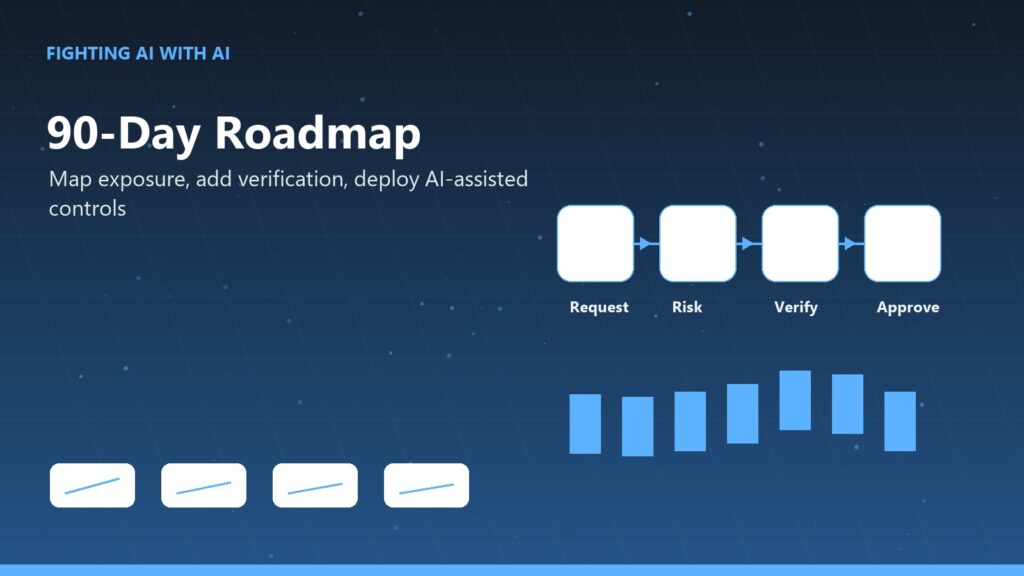
Fighting AI with AI can start quickly if the first goal is operational control rather than perfect detection. A 90-day plan should protect the highest-risk workflows first, then build more advanced detection and observability over time.
Use the first 30 days to map exposure. Identify where voice, video, email, chat, and informal executive requests can trigger money movement, access changes, or sensitive data sharing. List the teams involved: finance, payroll, HR, procurement, help desk, legal, executives, and customer operations. Review recent fraud attempts, supplier-change processes, MFA reset procedures, emergency approval routes, and reporting channels.
Use days 31 to 60 to add verification controls. Define independent callback rules, known-number sources, vendor verification paths, dual approval thresholds, payroll-change controls, help desk reset rules, and emergency exception handling. Add clear employee guidance: suspicious requests should be paused, verified, and reported.
Use days 61 to 90 to introduce defensive AI where it has a specific job. Start with email and transaction anomaly signals, identity risk correlation, and role-specific synthetic training. Add audio or video deepfake detection only when the output connects to a real workflow decision. Build dashboards for reported attempts, held payments, verification outcomes, false positives, and training improvements.
| Phase | Output | Practical actions |
|---|---|---|
| Days 1 to 30 | Exposure map | Catalogue risky workflows, channels, owners, approvals, and recent attempts |
| Days 31 to 60 | Verification layer | Add callback rules, dual approval, known-channel verification, and exception handling |
| Days 61 to 90 | AI-assisted controls | Deploy anomaly signals, synthetic training, alert routing, and incident dashboards |
The seven practical moves are straightforward:
- Define which requests can never be approved by voice, video, or email alone.
- Create independent verification paths for payments, payroll, suppliers, resets, and sensitive data.
- Add AI-assisted anomaly scoring to the workflows where loss would be highest.
- Train finance, help desk, HR, procurement, and executives with safe synthetic scenarios.
- Correlate email, identity, collaboration, telephony, and finance metadata around risky actions.
- Give employees a fast reporting route and a management-backed right to pause.
- Govern defensive AI with clear ownership, privacy controls, audit trails, and model review.
Fighting AI with AI is not a one-time project. It should become part of fraud prevention, identity governance, security awareness, incident response, and business process design. Review the plan whenever a new payment route, collaboration tool, AI assistant, supplier process, or executive workflow is introduced.
The organisations that handle this well will not be the ones that buy the loudest deepfake detector. They will be the ones that redesign trust so believable fakes still cannot authorise dangerous actions.
FAQ
What does Fighting AI with AI mean in cybersecurity?
Fighting AI with AI means using defensive AI, automation, anomaly detection, synthetic training, and workflow controls to reduce AI-enabled attacks such as deepfake phishing and cloned-voice social engineering. It does not mean letting AI make every security decision by itself.
Can AI reliably detect every deepfake voice or video?
No. Detection tools can help, but they should be treated as risk signals rather than final proof. Fighting AI with AI works best when detection scores trigger independent verification, not blind trust or automatic accusation.
What is the best defence against cloned-voice payment fraud?
The best defence is a verified process. Do not approve payments from voice, video, or email alone. Use a known callback number, dual approval, transaction-risk scoring, and a finance workflow that records how verification happened.
Should companies clone employee voices for security training?
Usually no. Training can be realistic without secretly cloning real employees. If a company uses real voices for authorised simulations, it should require explicit consent, clear policy, limited retention, and careful governance.
Which teams are most exposed to deepfake phishing?
Finance, payroll, HR, procurement, executive support, IT help desk, legal, customer operations, and supplier management teams are common targets because they can move money, change records, reset access, or share sensitive data.
How does Fighting AI with AI help the help desk?
It helps by combining identity risk, device signals, reset history, caller patterns, and policy prompts. A help desk agent can then follow a clear step-up process instead of relying on whether the caller sounds convincing.
What should an organisation do first?
Map the workflows where a fake voice, video, email, or chat message could trigger financial loss, account access, or data disclosure. Then add independent verification rules before buying advanced detection tools.
Is Fighting AI with AI only for large enterprises?
No. Smaller organisations can start with simple controls: known-number callbacks, dual approval for payments, vendor-change verification, MFA reset rules, staff reporting, and role-specific training. AI tools can be added where they reduce real risk.
More AI coverage: explore Progressive Robot's AI Models, Tools & Releases hub — hands-on reviews, setup guides and benchmarks in one place.










