

An IT infrastructure health audit gives leaders evidence before systems fail, budgets drift, or security gaps become expensive. It reviews the technology foundation that supports employees, customers, applications, data, vendors, cloud platforms, and daily operations.
A comprehensive review is not just a technical scan. It connects infrastructure health to business outcomes: uptime, productivity, cybersecurity, compliance, cost control, customer experience, and growth readiness. When leadership can see weak points clearly, the next investment becomes easier to justify.
This guide explains how to run an IT infrastructure health audit with a practical 9-step framework. It is designed for organizations reviewing IT solutions and services, IT consulting, cloud computing services, cyber security services, and DevOps services.
| Audit area | What to review | Business value |
|---|---|---|
| Assets | devices, servers, cloud resources, applications | fewer unknown risks |
| Network | connectivity, segmentation, redundancy, Wi-Fi | better reliability |
| Security | identity, endpoints, patching, logs, access | lower exposure |
| Resilience | backups, recovery targets, failover, runbooks | faster recovery |
| Operations | monitoring, tickets, documentation, vendors | less reactive work |
| Cost | licenses, cloud spend, contracts, lifecycle | clearer value |
IT infrastructure health audit at a glance

An IT infrastructure health audit is a structured assessment of the systems, services, controls, and processes that keep the business running. It should answer a simple leadership question: is the current environment reliable, secure, scalable, cost-effective, and ready for the next stage of growth?
The audit should include physical assets, virtual infrastructure, cloud services, identity systems, networks, endpoints, backups, monitoring tools, vendors, licenses, documentation, and support workflows. It should also map those components to critical business processes.
The NIST Cybersecurity Framework 2.0 is useful because it helps organizations understand and improve cybersecurity risk management. The CIS Critical Security Controls are also helpful because they prioritize practical controls such as asset inventory, secure configuration, vulnerability management, audit logs, data recovery, and network monitoring.
The best IT infrastructure health audit produces clear evidence: what exists, who owns it, what condition it is in, what risk it creates, what improvement matters first, and which business outcome each fix supports.
Step 1: define scope, owners, and business priorities

Start by defining the audit scope. A narrow review may focus on one location, one cloud environment, one application stack, or one business unit. A comprehensive review should cover the full operating environment, including office networks, remote work, cloud platforms, SaaS applications, endpoints, security tooling, and vendor-managed services.
Assign owners before collecting data. Each major area needs a responsible person who can explain current state, provide evidence, approve access, and validate findings. Common owners include IT operations, security, finance, compliance, application leaders, business process owners, and vendor managers.
Then connect the IT infrastructure health audit to business priorities. A company preparing for expansion may care most about scalability and standardization. A regulated organization may prioritize access control, logging, backups, and documentation. A company with recurring outages may focus on reliability, monitoring, and recovery.
Write the priorities in plain language. Examples include reducing downtime, improving branch connectivity, preparing cloud migration, lowering license waste, strengthening ransomware readiness, improving support response, or creating a technology roadmap for growth.
Step 2: inventory assets, applications, and dependencies

A strong IT infrastructure health audit begins with inventory because unknown assets create unknown risk. List laptops, desktops, mobile devices, network equipment, servers, virtual machines, storage systems, cloud resources, SaaS platforms, databases, integrations, certificates, domains, and critical accounts.
Inventory quality matters. Record ownership, location, purpose, lifecycle status, operating system, warranty, patch level, business criticality, data sensitivity, backup status, and support vendor. A spreadsheet can work for a small environment, but growing organizations usually need managed asset discovery and configuration management.
Map dependencies next. A customer portal may depend on DNS, identity, cloud storage, database replication, payment processing, email delivery, monitoring, and a third-party API. If the audit reviews each component separately but misses the dependency chain, the organization may underestimate outage risk.
The goal is not a perfect diagram on day one. The goal is enough visibility to identify unsupported systems, duplicate tools, unmanaged devices, risky integrations, orphaned services, and business processes that depend on fragile technology.
Step 3: review network architecture and connectivity

Network health affects nearly every user experience. Review internet circuits, firewalls, switches, routers, Wi-Fi, VPN, SD-WAN, remote access, branch connectivity, segmentation, DNS, DHCP, and critical network policies.
Look for reliability risks. Are there single points of failure? Are failover paths tested? Are switches and firewalls supported by current firmware? Are cables and racks labeled? Does Wi-Fi performance match the number of users and devices? Are cloud and SaaS services reachable during local outages?
Segmentation is a key audit topic. Guest Wi-Fi, production systems, finance workloads, development environments, operational technology, backups, and administrative access should not all share the same trust zone. Flat networks make incidents harder to contain.
An IT infrastructure health audit should also review network documentation. Diagrams, IP ranges, firewall rules, circuit details, vendor contacts, and escalation paths should be current enough for a new engineer to troubleshoot without guessing.
Step 4: assess servers, cloud, storage, and capacity

Infrastructure capacity should match actual workload demand. Review server utilization, virtual machine sprawl, cloud instance sizing, storage growth, database performance, container platforms, backup storage, and resource limits that could affect business workflows.
Capacity problems appear in different ways. Some systems run hot during peak usage. Some cloud workloads are overprovisioned and waste budget. Some storage systems are near capacity. Some databases need indexing or lifecycle cleanup. Some workloads should be retired rather than upgraded.
Cloud environments need special attention. Review account structure, regions, resource tagging, identity roles, public exposure, backup policies, cost controls, logging, and configuration drift. Without governance, cloud flexibility can create hidden risk and unpredictable spend.
A practical IT infrastructure health audit should separate urgent stability issues from modernization opportunities. A failing storage array needs quick action. A legacy server that supports a low-risk internal process may belong on a planned retirement roadmap.
Step 5: validate identity, endpoint, and security controls

Identity is now part of infrastructure health. Review user accounts, privileged accounts, multi-factor authentication, role-based access, single sign-on, conditional access, stale users, shared accounts, service accounts, and emergency access procedures.
Endpoint health is equally important. Check whether laptops, servers, and mobile devices are encrypted, patched, monitored, protected by endpoint detection, enrolled in device management, and aligned with configuration standards. Unsupported devices should be flagged by risk and replacement date.
Security control review should include vulnerability management, secure configuration, email protection, web protection, audit logging, network monitoring, data protection, and malware defenses. The CIS Controls provide a useful structure for these checks because they connect technical safeguards to practical operational habits.
The IT infrastructure health audit should produce evidence, not assumptions. If a team says all systems are patched, ask for reports. If access reviews happen quarterly, ask for the last review. If logs are retained, confirm which systems send logs and how long they are searchable.
Step 6: test backup, recovery, and resilience

Backups should never be treated as a checkbox. A backup that has not been restored is only a hope. Review backup scope, frequency, retention, encryption, immutability, offsite storage, restore testing, recovery time objectives, and recovery point objectives.
Resilience includes more than data copies. Review failover, runbooks, incident roles, vendor support, emergency access, alternate communications, and manual workarounds for critical processes. A company may have backups but still struggle to restore service quickly if roles and dependencies are unclear.
Test at least one restore during the IT infrastructure health audit. Choose a representative system, restore a sample dataset or application component, confirm data integrity, record timing, and document blockers. The test often reveals missing credentials, slow transfer speeds, unclear ownership, or backup gaps.
Tie resilience findings to business impact. Payroll, customer support, order processing, patient services, financial reporting, and manufacturing operations may need different recovery targets. One recovery standard rarely fits every workflow.
Step 7: evaluate monitoring, logging, and support operations
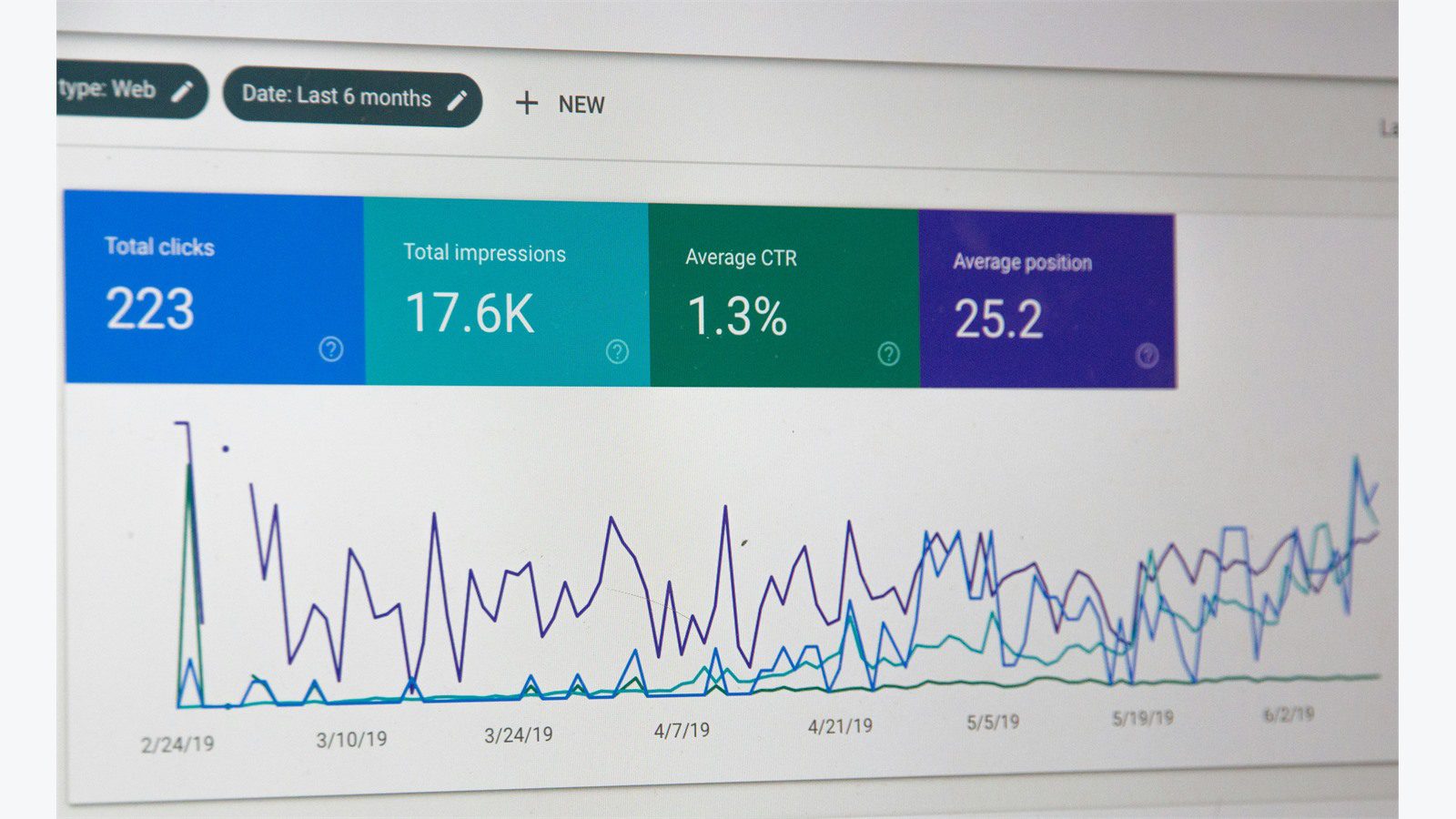
Healthy infrastructure should be visible before users complain. Review monitoring coverage for servers, network devices, cloud resources, applications, endpoints, backups, certificates, storage, and critical integrations.
Good monitoring includes clear ownership. An alert should have a responsible team, priority, escalation rule, and response playbook. If alerts are noisy, ignored, or routed to the wrong people, the organization may have tools without operational maturity.
Audit support operations as well. Review ticket categories, backlog age, recurring issues, service-level expectations, after-hours coverage, documentation quality, and root-cause follow-up. Repeating tickets often point to infrastructure problems that need permanent fixes.
Logging should support troubleshooting, security investigation, and compliance. Confirm that critical systems send useful logs, timestamps are consistent, logs are protected from tampering, and retention matches risk needs. An IT infrastructure health audit should flag gaps that would slow incident response or outage analysis.
Step 8: analyze cost, licensing, and vendor risk

Infrastructure health includes financial health. Review SaaS licenses, cloud spend, maintenance contracts, support agreements, device lifecycle, telecom costs, backup costs, monitoring tools, and duplicate platforms.
Look for waste and risk together. Unused licenses waste budget. Unsupported hardware creates reliability risk. Unmanaged cloud resources create both cost and security exposure. A critical vendor with no escalation path creates operational dependency.
Vendor review should include contract dates, service levels, renewal terms, data access, support contacts, security commitments, and exit options. If one provider manages backups, network, endpoints, or cloud platforms, leadership should know exactly what is covered and what remains internal responsibility.
A useful IT infrastructure health audit does not recommend cutting every cost. It shows which spending protects revenue, which spending reduces risk, which spending improves productivity, and which spending should be rationalized.
Step 9: turn findings into a practical roadmap

An audit only creates value when findings become action. Convert issues into a roadmap with quick wins, risk-reduction projects, modernization work, owners, timelines, dependencies, and budget ranges.
Prioritize by business impact. A critical backup failure, exposed remote access path, unsupported firewall, or unknown privileged account should move faster than a cosmetic dashboard issue. A roadmap should explain why each recommendation matters to operations, security, cost, compliance, or growth.
Group improvements into phases. The first 30 days might focus on urgent risk, access cleanup, backup testing, and documentation. The next 60 days might address monitoring, patch reporting, network fixes, and license rationalization. Larger projects may include cloud redesign, endpoint management, identity modernization, infrastructure refresh, or workflow automation.
The final IT infrastructure health audit report should be executive-friendly. Include a summary score, top risks, cost opportunities, reliability gaps, security priorities, and a 90-day action plan. Technical detail belongs in appendices so leaders can make decisions quickly.
Use the IT infrastructure health audit as a living baseline, not a one-time report. Each approved fix should update the roadmap, risk register, ownership model, and next review cycle.
IT infrastructure health audit FAQ

How often should an IT infrastructure health audit be performed?
Most organizations should run a formal review at least once a year. Faster-growing or regulated environments should review high-risk areas quarterly, especially identity, backups, patching, cloud exposure, monitoring, and critical vendors.
Who should participate in the audit?
Include IT operations, security, finance, compliance, application owners, business process owners, executives, and key vendors. A purely technical review can miss the business impact of weak infrastructure.
What is the difference between an IT infrastructure health audit and a security audit?
A security audit focuses mainly on controls, exposure, and compliance. An IT infrastructure health audit is broader. It includes reliability, capacity, cost, support operations, documentation, lifecycle, vendors, and modernization readiness in addition to security.
How long does a comprehensive audit take?
A small environment may take two to four weeks. A larger multi-site or cloud-heavy environment may need six to twelve weeks, especially if documentation is incomplete or multiple vendors are involved.
What evidence should be collected?
Collect asset inventories, network diagrams, backup reports, restore test results, patch reports, vulnerability data, access reviews, cloud cost reports, license lists, vendor contracts, monitoring coverage, ticket trends, and business criticality maps.
What should leaders do after receiving the audit report?
Leaders should approve a prioritized roadmap, assign owners, fund urgent fixes, schedule recurring reviews, and track progress against measurable outcomes such as downtime reduction, risk closure, cost savings, and support improvement.
Conducting an IT infrastructure health audit helps leaders replace guesswork with evidence. It reveals the systems that need urgent attention, the costs that need control, the security gaps that need closure, and the modernization work that will support growth.
If your organization needs a practical infrastructure assessment, contact Progressive Robot to plan an IT infrastructure health audit, build a prioritized roadmap, and turn findings into measurable improvements.










