
MiaDance is an AI video and image creation platform built for people who want to turn prompts, images, or existing footage into polished visual assets without learning a full editing suite. It combines text-to-video, image-to-video, video-to-video, AI image generation, image editing, motion tools, and AI dance features in one browser-based workspace.
That makes MiaDance relevant for creators, marketers, e-commerce teams, agencies, and small businesses that need a faster way to test ideas. Instead of jumping between separate model websites and editing tools, users can create video, generate images, restyle footage, and experiment with popular AI models from one interface.
The platform is also new enough that buyers should evaluate it carefully. Pricing is credit-based, outputs vary by model and prompt quality, and the company’s terms say users are responsible for legal and rights checks. For teams building an AI strategy, the best approach is to treat the tool as a creative accelerator, not an automatic replacement for review, brand control, or production judgment.
MiaDance at a glance
MiaDance describes itself as a platform for creating AI videos in minutes. Its official site says users can turn text, images, or existing videos into high-quality AI videos with no editing skills required. It also supports AI images, image-to-image workflows, video editing, AI Dance, refs-to-video, and motion replacement.
The main value is consolidation. A creator can start with a text prompt, upload an image, use a reference, or transform existing footage. From there, the platform routes the job through a model or tool that fits the task.
This matters because AI video creation is fragmented. One model may be good at cinematic motion, another at image generation, another at animation, and another at visual consistency. MiaDance tries to reduce that friction by putting many options behind a single front end.
The site highlights models and tool families from ByteDance, Kling, Hailuo, Google, and OpenAI. That gives users a practical model hub, but it also means teams need to understand that performance, cost, generation time, and commercial terms may differ across options.
How text-to-video and image-to-video work
MiaDance supports several common paths into AI video. Text-to-video starts with a prompt. The user describes the scene, camera movement, style, character, mood, and output direction, then the platform generates a clip.
Image-to-video starts with a still image. The tool animates the image, adds motion, and creates a short video that can be used for social media, ads, storyboards, or visual experiments. This is useful when a creator already has a product photo, portrait, illustration, or concept art.
Video-to-video is different. Instead of starting from scratch, it transforms existing footage into a new style while preserving motion and structure. MiaDance also lists motion control, first-to-last-frame generation, and refs-to-video, which can help guide continuity across a clip.
A strong workflow starts with clear source material. Good prompts, clean reference images, and realistic motion goals usually perform better than vague instructions. MiaDance can make generation easier, but creative direction still matters.
AI Dance, motion control, and video effects
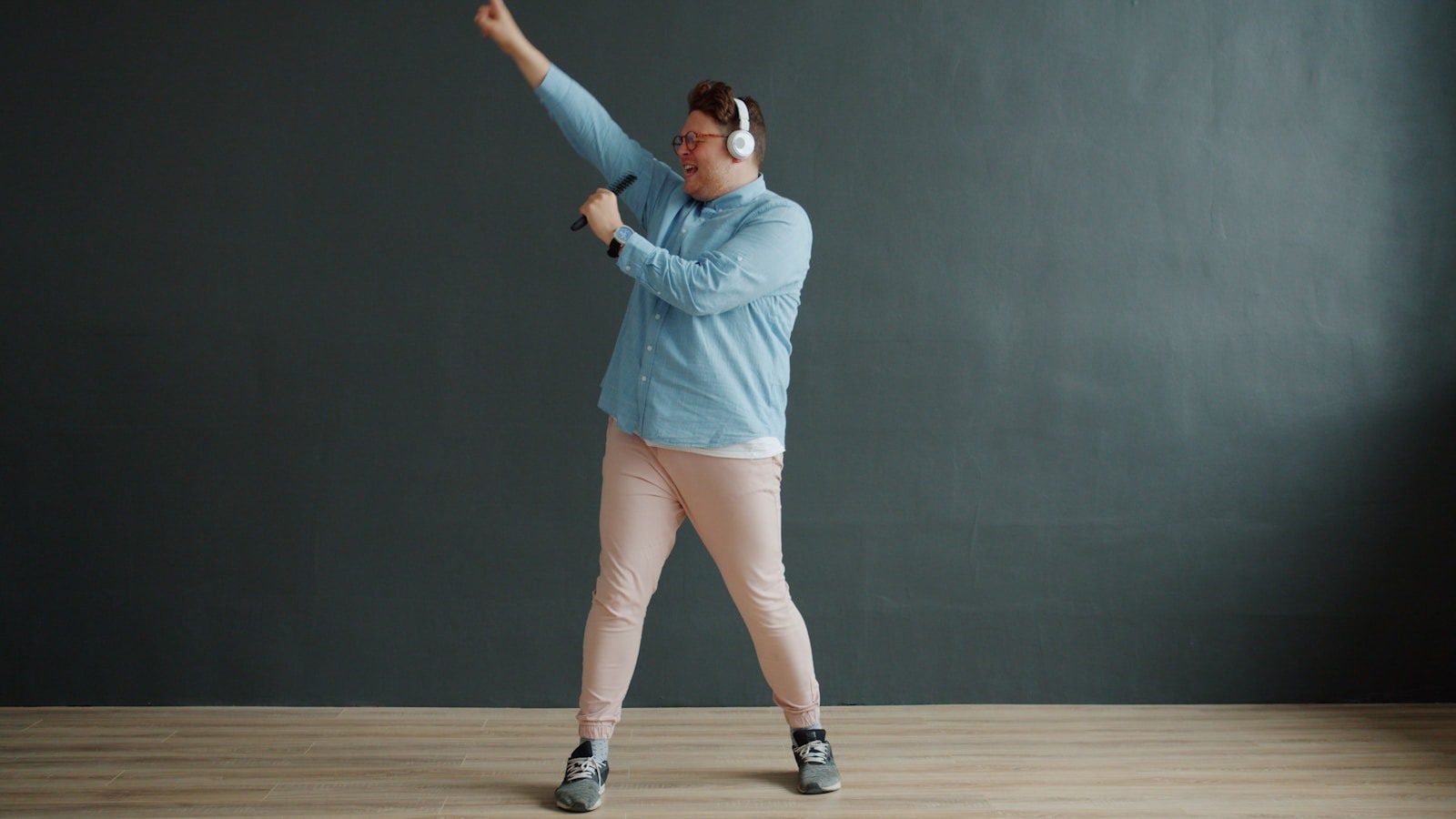
AI Dance is one of the more trend-friendly features because it aligns with short-form video behavior. A user can start from a person, character, or image and create a motion-driven clip that fits social feeds, memes, music edits, or campaign concepts.
MiaDance also lists motion replace and motion control tools. Those features are important because movement is often the hardest part of AI video. A still image can look impressive, but video needs temporal consistency, believable pose changes, and coherent transitions.
For creators, the opportunity is speed. A single image can become several video ideas. For marketers, that means more variations for ads, product drops, seasonal campaigns, or creator partnerships. For agencies, it can shorten the distance between pitch and visual proof of concept.
The risk is realism drift. AI dance and motion tools can distort hands, faces, clothing, product details, or background objects. Before posting generated clips publicly, teams should inspect the full video, not just the first frame.
Model hub: Sora, Veo, Kling, Hailuo, and more
One of the strongest MiaDance claims is model variety. The official site lists model families such as Seedream, Seedance, Kling, Hailuo, Nano Banana, Nano Banana Pro, Veo, GPT Image, and Sora. It also links to tools such as Wan video, Qwen Image, and other image or video models.
That matters because no single AI model wins every creative job. Some models may be stronger for realistic people, others for animation, stylized visuals, product scenes, camera movement, or image edits. A model hub lets creators compare approaches without rebuilding the workflow every time.
This is useful for Artificial Intelligence (AI) and Machine Learning (ML) teams that want controlled experimentation. Instead of evaluating one generator in isolation, they can compare model behavior across the same prompt and source assets.
However, teams should document which model created each result. If a clip performs well, you need to know the prompt, model, settings, credits used, and output constraints. MiaDance can centralize access, but repeatable production requires logging.
Use cases for creators, marketers, and e-commerce
MiaDance is a natural fit for social creators who need rapid visual output. They can generate short clips from images, test dance formats, restyle existing footage, or build visual hooks for TikTok, Instagram, YouTube Shorts, and other channels.
Marketers can use it for campaign drafts, ad variations, landing-page visuals, and fast creative testing. A campaign team might generate several product motion ideas before sending the best concepts to a designer, editor, or video specialist.
E-commerce teams can use image generation and image-to-video features to turn product shots into scroll-stopping assets. They should be careful with accuracy, though. AI-generated product details must not misrepresent color, size, texture, function, or included accessories.
Creative teams can also use MiaDance during brainstorming. A rough prompt or reference image can become a storyboard fragment, a mood-board clip, or a prototype. Used this way, the platform supports workflow automation by speeding up early creative steps while keeping people in charge of final decisions.
Pricing, credits, and plan tradeoffs

MiaDance pricing is credit-based. The official pricing page lists Basic, Plus, and Pro plans. Basic is positioned for beginners and casual creators at $8 per month with 6,000 credits, one concurrent task, 540P watermarked video, normal queue, basic image quality, and basic 5-second video.
Plus is positioned for regular creators and small teams at $14 per month with 16,000 credits, two concurrent tasks, 720P or 1080P watermark-free video, medium priority queue, faster generation, basic advanced tools, early feature access, and priority support.
Pro is positioned for professionals and production studios at $69 per month with 50,000 credits, three concurrent tasks, 1080P high-quality watermark-free video, high-speed queue, advanced customization, 10-second video, 200+ pro templates and effects, full access, and premium support.
Before subscribing, users should estimate output volume. If a team generates many drafts to find one good result, credits can disappear quickly. MiaDance may be economical for occasional creator work, but production teams should track credits per usable output, not just credits per generation.
Quality limits, rights, and governance
MiaDance can speed up visual work, but users still need quality control. AI-generated video may include inconsistent faces, odd limb movement, flickering objects, distorted logos, text artifacts, or motion that looks plausible in one frame and broken in the next.
Rights review is equally important. The company’s terms state that users are responsible for ensuring generated content complies with applicable laws and does not infringe intellectual property rights. The terms also note that AI outputs may not always be accurate or unique and may resemble existing content created by others.
Privacy review matters too. The privacy policy says the platform may collect uploaded videos, images, audio, prompts, generated content, account information, support messages, usage data, and device or browser information. It also says payments are processed by third-party providers and that users can request data deletion.
For business use, connect MiaDance to AI governance platforms or a written review workflow. Define approved inputs, prohibited content, commercial-use checks, storage rules, and who signs off before generated media is published.
Evaluation checklist before using MiaDance
A practical evaluation should start with a small benchmark. Choose five to ten real creative tasks: a product teaser, a social clip, an image animation, a video restyle, a dance concept, a landing-page visual, and a campaign mood-board asset.
For each test, record the prompt, source files, model, credits consumed, output duration, resolution, watermark status, generation time, and cleanup effort. MiaDance should be judged by usable outputs, not by the most impressive demo clip.
Next, review the business fit. Check whether the plan supports your required resolution, queue priority, concurrent tasks, support level, and watermark requirements. A casual creator may be fine with Basic, while a brand team may need Plus or Pro for watermark-free 1080P exports.
Finally, compare it with alternatives. Tools such as Runway, Kling, Hailuo, Luma, Pika, Adobe tools, and specialist image editors may outperform a hub on certain tasks. The platform is most compelling when convenience, model variety, and speed matter more than deep single-tool control.
MiaDance FAQ
What is MiaDance?
MiaDance is an AI video and image generation platform that supports text-to-video, image-to-video, video-to-video, AI image generation, image editing, AI Dance, refs-to-video, and motion tools.
Is MiaDance free?
The pricing page lists paid plans with monthly credits. Basic starts at $8 per month, Plus at $14 per month, and Pro at $69 per month, with different credit limits, quality levels, queues, and support options.
Which models does it support?
The official site lists model families from ByteDance, Kling, Hailuo, Google, and OpenAI, including Seedream, Seedance, Kling, Hailuo, Nano Banana, Veo, GPT Image, and Sora options.
Can businesses use generated content commercially?
The pricing FAQ asks this directly, but users should still review the current terms and any model-specific conditions. The terms say users are responsible for ensuring generated content is lawful and does not infringe rights.
Is it beginner-friendly?
Yes, the platform is designed for users without professional editing skills. However, better prompts, cleaner inputs, and careful review will usually produce stronger results.
What should teams watch before adopting it?
Teams should watch credit usage, output quality, rights risk, privacy implications, watermark rules, resolution limits, and whether generated clips need editing before publication.
Who should try it first?
Creators, social media teams, small agencies, e-commerce marketers, and visual storytellers should test it first. Larger organizations should pilot it with clear governance, rights review, and approval steps.
More AI coverage: explore Progressive Robot's AI Models, Tools & Releases hub — hands-on reviews, setup guides and benchmarks in one place.