
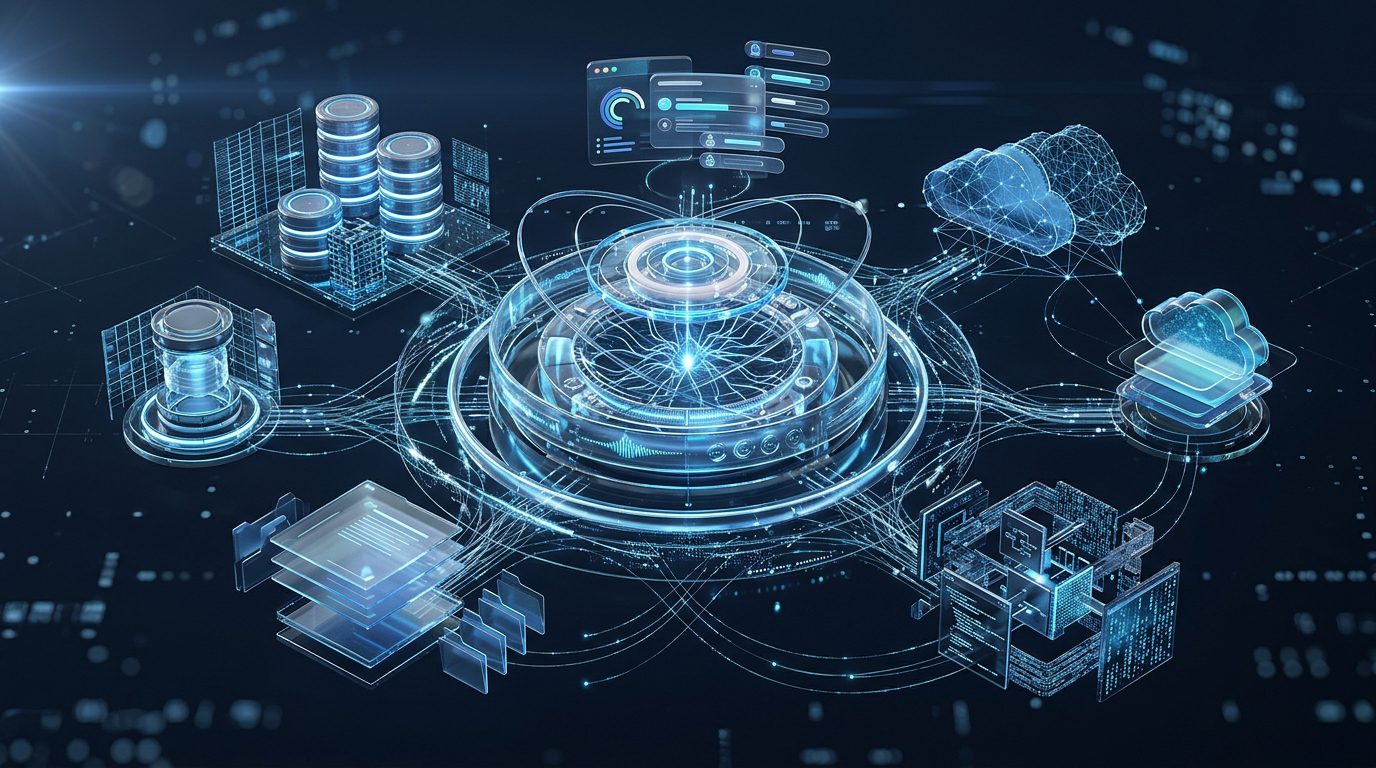
Google is continuing to develop its Gemini desktop experience, with custom Model Context Protocol (MCP) server support emerging as another step toward a more connected AI workspace. The reported addition would let users configure external MCP servers through the desktop application’s connector settings, potentially giving Gemini access to a wider range of third-party tools and services.
MCP is an open protocol designed to standardize how AI applications communicate with external tools, data sources and services. Rather than building a separate integration for every application, developers can expose supported capabilities through an MCP server that a compatible AI client can connect to.
Google has already introduced custom MCP connectivity in its Gemini ecosystem, including Gemini Spark and connected-app functionality. However, the appearance of custom MCP configuration in desktop testing is a separate development from a confirmed, general release to all Gemini desktop users. TestingCatalog reported the desktop connector option in August 2026, while the broader desktop application continues to evolve.
If the capability becomes widely available, it could make Gemini more useful for developers, researchers, business teams and professionals who need an AI assistant to interact with their existing tools. The central question is how much control users will receive over those integrations, which accounts and platforms will be supported, and how Google will handle the security risks associated with external services.
Table of Contents
What Is Gemini Desktop App MCP Support?
How Does Custom MCP Support Work?
Key Features and Potential Capabilities
Benefits for Developers and Businesses
Security Risks and Limitations
How to Access Custom MCP Support
The Future of Gemini Desktop Integrations
Frequently Asked Questions
Conclusion
What Is Gemini Desktop App MCP Support?

Gemini Desktop App MCP Support refers to the ability to connect Google’s desktop AI experience with custom applications and services using the Model Context Protocol.
An MCP server acts as a structured connection between an AI client and an external service. Depending on the server’s implementation and the permissions granted, it may expose tools that the AI can call, resources it can read or other capabilities that help the assistant complete a task.
For example, an MCP server might connect an AI assistant to a project management system, a company knowledge base, a development tool or a database. Instead of asking a user to manually copy every relevant piece of information into a chat, the assistant could access supported resources through the connected server.
Google has been building broader integration capabilities into its Gemini products. In June 2026, the company outlined Gemini Spark updates that included custom MCP support alongside a wider range of connected applications. TestingCatalog subsequently reported that a custom MCP server option had appeared within the connector settings of the Gemini desktop experience.
This development matters because desktop applications can become a more convenient workspace for people who use AI alongside their daily software. Instead of relying exclusively on browser-based connections, users could eventually manage more integrations directly from the application they open on their computer.
However, custom MCP support should not be confused with unlimited access to a user’s computer. The capabilities available to Gemini depend on the connected server, the tools it exposes, the account’s permissions and the particular implementation.
Why Does MCP Matter for AI Assistants?
Traditional AI chat interfaces are primarily designed around prompts and responses. Although they can produce useful explanations and content, they may have limited access to a user’s other software unless the developer provides an integration.
MCP offers a standardized way to bridge that gap. A compatible client can discover and use supported server capabilities without needing an entirely separate integration design for every service.
This can make AI assistants more useful for practical work, including retrieving project information, querying approved data sources, managing supported tasks and interacting with developer tools.
The protocol does not make every service compatible automatically. Each service still needs an appropriate MCP server or other supported integration, and the client must implement the protocol correctly.
How Does Custom MCP Support Work?
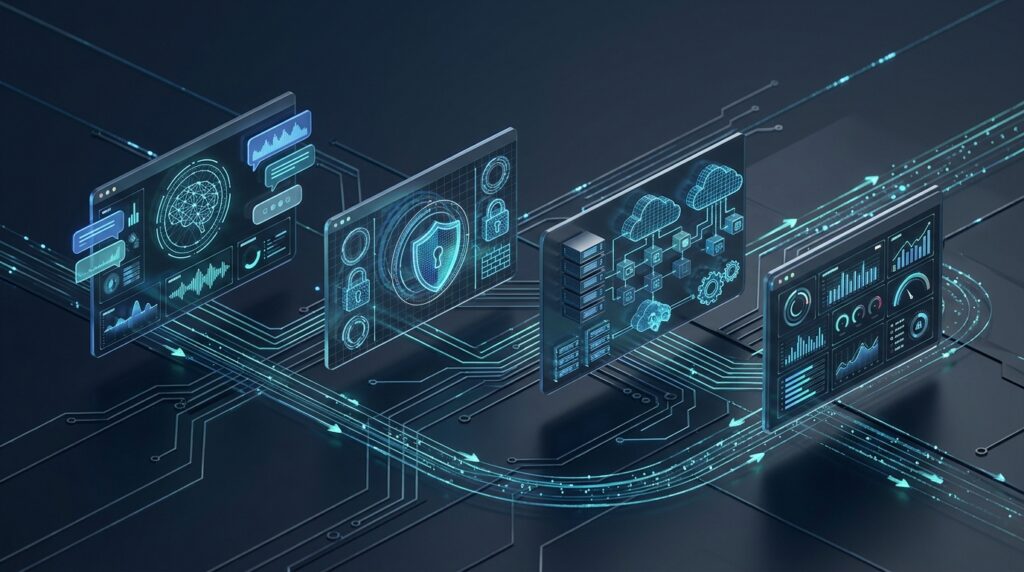
Custom MCP support generally involves three elements: an AI client, an MCP server and the external application or data source that the server exposes.
The AI client provides the interface through which a user asks questions or requests an action. The MCP server communicates with a supported service and makes selected tools or resources available to the client.
When a user asks for something that requires an external tool, the AI can determine whether an available MCP capability is relevant. Depending on the client and server, the interaction may involve discovering tools, requesting data, executing an action and returning the result to the conversation.
1. Configure an MCP Server
A compatible client must first establish a connection to the server. Depending on the application, users may need to provide a server URL, complete an authentication process or supply additional configuration.
Google’s existing documentation for custom connected apps in Gemini describes adding a custom app through its MCP server URL. The exact workflow for the desktop feature may differ from the web or mobile implementation, particularly while the desktop version remains under testing.
2. Make Supported Tools Available
After the connection is established, the client can use the server’s exposed capabilities according to the protocol and integration design.
For example, a server might offer a search function for an internal knowledge base or a tool for retrieving a project’s status. The AI can use those tools when they are relevant to a user’s request.
The server determines which capabilities are available. Connecting one service does not automatically grant Gemini access to every feature, file or record within that service.
3. Process the User’s Request
Suppose a business user asks an assistant to summarize the latest status of a software project. If an approved project management MCP server is connected, the assistant may be able to retrieve the relevant task information and prepare a summary.
Without the integration, the user might need to copy the task details into the conversation manually.
The accuracy and usefulness of the result still depend on data quality, the server’s implementation, the permissions granted and the AI model’s reasoning.
4. Handle Actions and Permissions
Some MCP tools retrieve information, while others can modify data or perform actions. These differences matter for safety.
Google’s current guidance for custom connected apps states that users should trust the third-party MCP provider and understand what its server can do. It also describes manual confirmation for write actions in that Gemini connected-app experience.
The precise permission and confirmation behavior of the desktop feature should be checked against the version in use rather than assumed to match every other Gemini interface.
Key Features and Potential Capabilities
The custom MCP option could expand how Gemini works with external services. The exact features available to users will depend on the final implementation and the integrations they configure.
1. Custom Server Connections
The most important reported change is the ability to configure custom MCP servers through the desktop connector interface.
This could give users more flexibility than a fixed list of built-in integrations. Businesses and developers could connect services for which an appropriate MCP server is available, subject to Google’s supported configuration methods and account restrictions.
Custom connections are not guaranteed to work with every service. The server must implement compatible MCP functionality, and authentication and network requirements must also be satisfied.
2. Access to External Tools
MCP servers can expose tools that help an AI client perform tasks beyond a standard conversational exchange.
Depending on the integration, these tools might support information retrieval, project searches, document operations or other approved workflows. The available actions will vary from one server to another.
This flexibility could make Gemini more useful for specialized work without requiring every integration to be developed as a separate native feature by Google.
3. More Flexible Workflow Automation
When a connected server exposes appropriate tools, users may be able to ask Gemini to coordinate parts of a workflow involving external applications.
For example, an assistant could retrieve approved project information and prepare a report, or use connected resources to gather details for a meeting summary. Actual execution depends on the tools available and the permissions provided.
MCP is an integration protocol, not a guarantee of full automation. Multi-step execution, scheduling, background work and desktop control are separate capabilities that depend on the broader application and its design.
4. A More Connected Desktop Experience
Managing integrations within a desktop application could reduce the need to move between separate settings pages or browser sessions.
For professionals who spend much of their working day in a desktop AI assistant, centralized connector management may make it easier to understand which services are connected and configure integrations as their needs change.
The degree of control exposed in the reported desktop interface is still subject to change while Google develops the feature.
5. Greater Flexibility for Developers
Developers often use specialized tools and data sources that are not covered by standard consumer integrations. MCP can provide a common connection method for exposing selected capabilities from those systems.
A developer could, for instance, configure a compatible server that provides access to documentation, approved repository information or internal development resources.
This may reduce repetitive context-sharing and help AI tools fit more naturally into existing workflows. It does not remove the need to evaluate each server’s code, permissions, data handling and reliability.
Benefits for Developers and Businesses

Reduced Context Switching
Employees frequently move between chat applications, project management tools, documents and internal databases to complete routine tasks. An assistant that can access approved external resources may reduce the need to switch applications or copy information manually.
The potential benefit will be greatest when the connected services contain reliable data and the MCP server provides the tools needed for the task.
Better Use of Existing Software
Businesses may not want to replace their current systems simply to adopt AI. Custom integrations could allow Gemini to interact with selected capabilities of existing tools instead.
This may be useful for organizations with established knowledge bases, development platforms or business applications. They would still need to confirm that their chosen services have compatible MCP integrations and that the desktop client supports the required connection method.
More Efficient Research and Reporting
With the right data source connected, an AI assistant may be able to gather information and help transform it into a report, summary or set of recommendations.
For example, an authorized internal knowledge-base server could help a team retrieve relevant information before drafting a project update. The user remains responsible for reviewing the output, checking facts and ensuring sensitive information is handled appropriately.
Support for Specialized Workflows
Different departments use different tools. A development team may need repository or issue-tracking information, while an operations team may depend on approved internal records.
A flexible MCP integration layer could help teams build workflows around their existing systems rather than relying exclusively on the default integrations in an AI product.
More Options for AI Adoption
Organizations evaluating AI assistants often consider the surrounding ecosystem as well as the model itself. Integration support can influence whether a tool fits existing workflows, security requirements and operational policies.
If Google makes custom MCP connections widely available in the desktop app, it could strengthen Gemini’s appeal for users who prefer configurable integrations over a closed set of built-in connectors.
Security Risks and Limitations
Custom MCP servers can be powerful because they connect an AI client to external systems. That same flexibility creates security and privacy considerations that users must not overlook.
Third-Party Servers Require Trust
A custom MCP server may be developed and operated by an organization outside Google’s control. Depending on its implementation, it may process information, access connected services or carry out actions on a user’s behalf.
Before connecting a server, users should confirm who operates it, review its documentation and understand what information it receives. An unfamiliar server should not be treated as trustworthy simply because it can be added to an AI application.
Permissions Should Be Limited
An integration should receive only the access it needs to complete its intended tasks. Where possible, use narrowly scoped credentials and separate read-only access from permissions that allow changes or deletion.
This helps reduce the potential impact of an incorrect AI action, a compromised integration or an improperly configured server.
Sensitive Data May Leave the AI Interface
When information is sent from an AI client to a connected server, it may become subject to that provider’s data-retention and privacy policies.
Businesses should review their data classification requirements before connecting services that handle customer records, confidential documents, credentials, financial information or intellectual property.
AI-Generated Actions Still Need Oversight
An AI assistant can misunderstand instructions, select an inappropriate tool or generate an incorrect result. If a connected server exposes write actions, mistakes could have consequences beyond the chat window.
Users should review the client’s confirmation settings and the server’s permissions. Important operations, such as deleting data or changing production systems, should have suitable safeguards.
Desktop Availability Remains Uncertain
The reported custom-server setting should not be interpreted as proof that every Gemini desktop user can connect arbitrary MCP servers today.
TestingCatalog previously reported the feature in desktop testing, while Google’s published custom-connected-app documentation describes availability through the Gemini web and mobile apps. The supported platforms and access conditions can change as Google rolls out updates.
For now, users should distinguish the reported desktop development from features that are explicitly documented as generally available.
How to Access Custom MCP Support
Google’s custom MCP capabilities are documented in its Gemini connected-app guidance, but the desktop interface described in reports may not be available to every user.
To explore the currently documented custom-app process, consult Google’s official instructions:
Google Gemini Help: Connect and Manage Custom Apps
The existing documented workflow involves opening Gemini’s connected-app settings, adding a custom app using its MCP server URL and following the connection instructions. Depending on the server, additional authentication details may be required.
Google’s documentation currently lists specific eligibility requirements for custom apps, including account and regional restrictions, English-language availability and the need to keep Gemini Apps Activity enabled. These restrictions apply to the documented connected-app experience and should not be assumed to define the final eligibility rules for a future desktop release.
For the desktop version, check the application’s connector or settings area after updating to an eligible version. If a custom MCP option is not visible, it may not have reached that account or build. Avoid installing unofficial software or entering sensitive credentials into untrusted integrations to access an unreleased feature.
The Future of Gemini Desktop App MCP Support

Custom MCP support fits into a larger effort across the AI industry to turn desktop assistants into more capable work environments.
A conventional chatbot mainly responds to prompts. An AI assistant with properly configured integrations can potentially retrieve current information from approved sources and interact with other software. With appropriate safeguards, this can reduce the manual steps involved in everyday tasks.
Google has already been extending the Gemini desktop experience and expanding the integrations available through Gemini Spark. Custom MCP configuration could become an important part of that direction by allowing more specialized connections than a fixed set of built-in services.
The value of the feature will depend on several factors: how easy server setup becomes, whether authentication works reliably, which operating systems and accounts are supported, and how clearly the application communicates its permissions and data handling.
Developers will also look for dependable tool execution and predictable behavior when an integration fails. Business users will need clear administrative controls and a way to evaluate which servers are permitted to handle company information.
A wider rollout could make Gemini more adaptable, but the availability of custom connections alone will not guarantee secure or effective automation. Organizations will still need to assess the quality of each integration and establish appropriate governance.
For now, the reported desktop MCP option is a meaningful development to watch rather than a feature that should be assumed available to everyone.
Frequently Asked Questions
What is Gemini Desktop App MCP Support?
It refers to custom Model Context Protocol integration being explored for Google’s Gemini desktop environment. MCP allows compatible AI clients to connect to external tools and data sources through supported servers.
What does MCP stand for?
MCP stands for Model Context Protocol. It is an open protocol designed to standardize how AI applications connect with external tools, resources and services.
Has Google officially released custom MCP support for every desktop user?
A general public rollout of the reported desktop configuration feature has not been confirmed. TestingCatalog has reported the option appearing in desktop testing, while Google’s existing documentation covers custom connected apps through its web and mobile experience.
What can a custom MCP server do?
Depending on its implementation, an MCP server can expose tools or resources for an AI client to use. Examples include searching a knowledge base, retrieving project information or interacting with an approved business service. Its actual capabilities depend on the server and granted permissions.
Is custom MCP support safe?
It can be used responsibly, but safety depends on the server, its operator, its permissions and the data involved. Users should connect only trusted servers, limit permissions and review confirmation requirements for actions that change data.
Do I need to be a developer to use MCP?
Not necessarily. A user-friendly interface can simplify connecting to an existing MCP server. However, creating, deploying or troubleshooting a custom server may require technical knowledge, particularly where authentication, network access and security are involved.
How can I check whether the feature is available?
Check the Gemini desktop app’s settings and connector options after updating the application. Availability may vary during testing and rollout. Google’s official connected-app documentation explains the currently documented custom MCP connection process.
Conclusion
Google’s reported expansion of custom MCP support in the Gemini desktop app points toward a more configurable AI workspace. By making it easier to connect external tools and services, the feature could help Gemini fit into developer workflows, business operations and research tasks that depend on specialized systems.
The distinction between testing and general availability remains important. Users should confirm which features their account actually supports rather than assuming the new connector option has reached everyone.
If Google delivers a reliable desktop implementation with clear permission controls, custom MCP connections could make Gemini more flexible and useful for real-world work. Its long-term success will depend on compatibility, ease of setup, reliable execution and strong security practices.
Need Expert IT Support for Your Business?
Connecting AI tools to business applications can improve productivity, but successful implementation also requires secure infrastructure, reliable software integrations and a clear technology strategy.
Progressive Robot provides software development, application development, cybersecurity, IT consulting and digital solutions to help businesses adopt technology more effectively. Whether you are exploring AI integrations or planning a wider digital transformation, a well-designed implementation can help turn new capabilities into practical business value.
References
More AI coverage: explore Progressive Robot's AI Models, Tools & Releases hub — hands-on reviews, setup guides and benchmarks in one place.










