
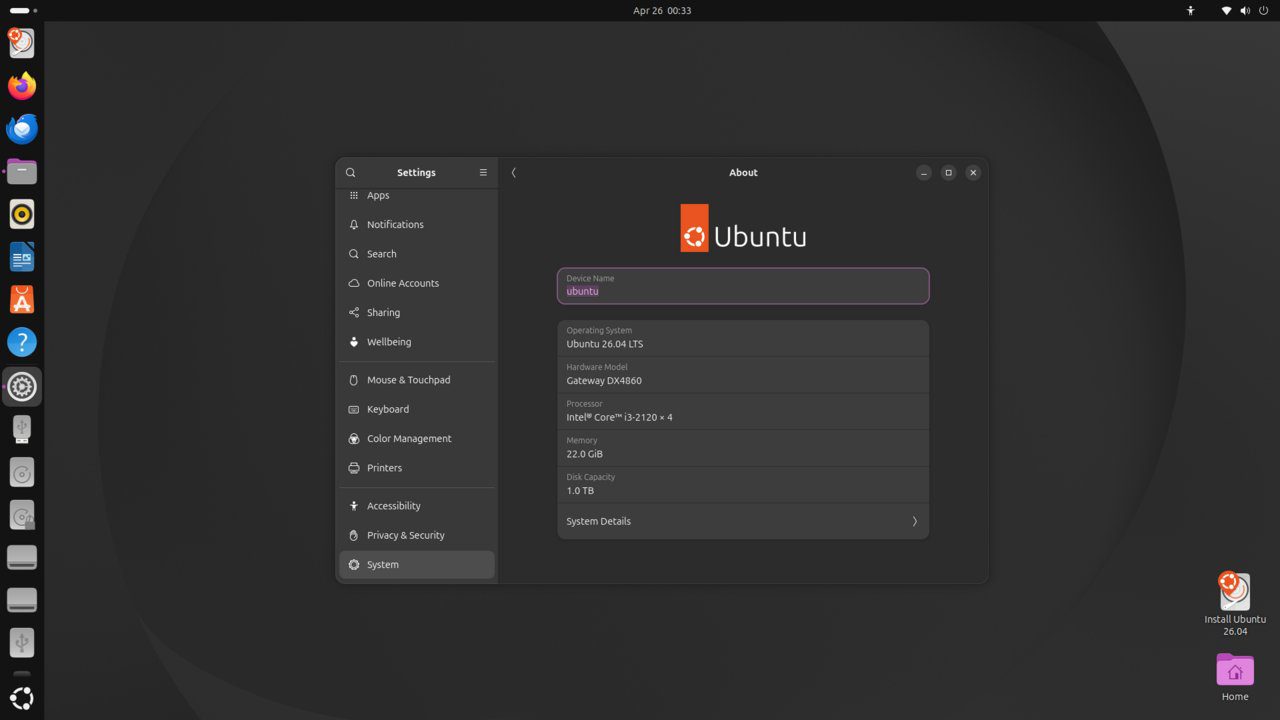
rkhunter (Rootkit Hunter) is a security tool that scans for rootkits, backdoors, and local exploits on Linux systems. It checks for known malware, suspicious file attributes, hidden files, and unusual system configurations. This guide installs and configures rkhunter on Ubuntu 26.04 LTS.
Tested and valid on:
- Ubuntu 26.04 LTS
Prerequisites
- Ubuntu 26.04 LTS
- A user with sudo privileges
Step 1 – Install rkhunter
sudo apt update
sudo apt install rkhunter -y
rkhunter --version
Step 2 – Update the Database
sudo rkhunter --updateStep 3 – Set Baseline Properties
sudo rkhunter --propupdStep 4 – Run a Full System Check
sudo rkhunter --check --skStep 5 – Review the Log
sudo cat /var/log/rkhunter.log | grep -E 'Warning|Found'Step 6 – Configure rkhunter
sudo nano /etc/rkhunter.confImportant settings:
[email protected]
APP_WHITELIST=''
SCRIPTWHITELIST=/usr/bin/lwp-request
Step 7 – Schedule Daily Scans
sudo nano /etc/cron.daily/rkhunterAdd:
#!/bin/bash
rkhunter --cronjob --update --quiet
sudo chmod +x /etc/cron.daily/rkhunterStep 8 – Also Install chkrootkit
sudo apt install chkrootkit -y
sudo chkrootkit
Conclusion
rkhunter is configured with daily scans on Ubuntu 26.04 LTS. Run both rkhunter and chkrootkit for better coverage, and always investigate warnings carefully before dismissing them.










