
AI-generated phishing emails are harder to block because they no longer look like obvious spam. Attackers can use generative AI to write clean messages, copy an executive’s tone, reference real projects, translate lures for regional teams, and create dozens of believable variations in minutes. Legacy filters that depend mainly on known bad links, clumsy wording, or simple keyword rules will miss too many of these messages.
The goal is to stop AI-generated phishing emails before they reach employee inboxes, not merely train people to survive them. Employee awareness still matters, but inbox defense must carry more of the load. Security teams need sender authentication, secure email gateway tuning, AI-aware content analysis, link and attachment detonation, impersonation controls, quarantine workflows, and continuous measurement.
Blocking AI-generated phishing emails is not one product setting. It is a layered control system. Each layer catches a different weakness: fake sender identity, suspicious content, weaponized links, malicious attachments, business email compromise, account takeover, and risky requests that should never land in front of an employee without context.
| Defense layer | What it blocks |
|---|---|
| Sender authentication | Spoofed domains and unauthorized mail sources |
| Secure email gateway | Known threats, malware, suspicious URLs, and policy violations |
| AI-aware analysis | Polished lures, impersonation tone, and contextual anomalies |
| Sandbox inspection | Attachments, links, QR codes, and delayed payloads |
| Impersonation controls | Executive, vendor, brand, and lookalike-domain abuse |
| Quarantine workflow | Risky messages before user exposure |
| Monitoring and testing | Drift, false negatives, and newly emerging tactics |
This article focuses on practical controls that IT and security leaders can apply across Microsoft 365, Google Workspace, secure email gateways, identity tools, and security operations workflows.
AI-generated phishing emails at a glance
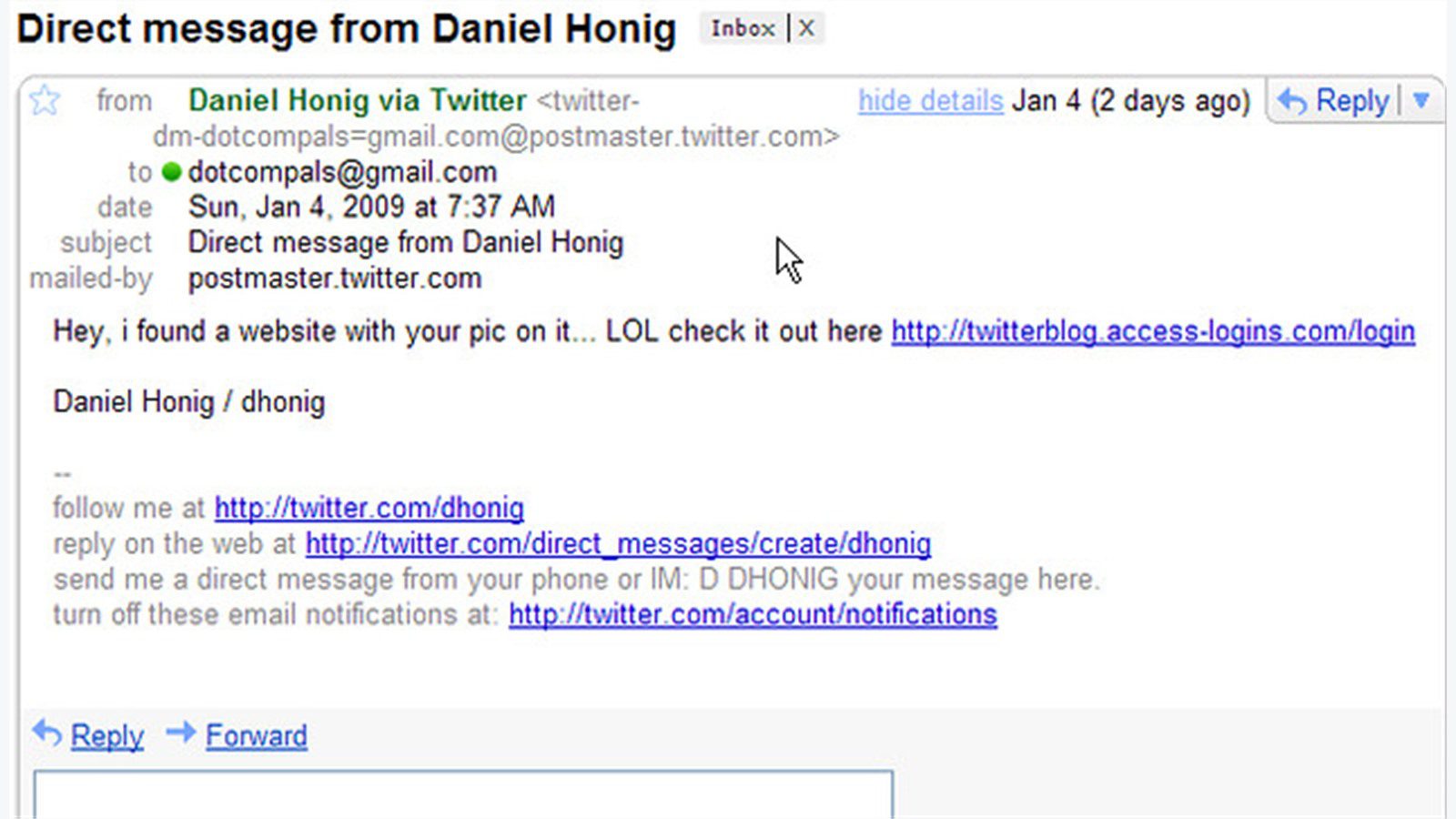
AI-generated phishing emails use generative models to create convincing social-engineering messages at scale. The email may contain correct grammar, normal business language, real names, familiar project references, and a tone that matches the supposed sender. It may avoid the broken formatting and spelling errors that employees were taught to watch for.
The attacker may start from public information, stolen mailbox content, CRM records, breached contact lists, or scraped company pages. With that context, AI-generated phishing emails can target finance teams with vendor-payment changes, HR teams with employee records requests, help desks with account recovery requests, or executives with urgent approval language.
The delivery path is often blended. A message might pass sender authentication because it came from a compromised partner mailbox. A link may be clean when scanned but weaponized later. A PDF may contain a QR code that sends the employee to a credential-harvesting page from a mobile device. A thread may begin harmlessly before the request becomes risky.
CISA’s guidance on phishing-resistant security practices highlights why organizations should reduce reliance on user judgment alone. Microsoft also documents anti-phishing policies that show how impersonation protection and mailbox intelligence can support technical defense.
The practical takeaway is simple: AI-generated phishing emails should be evaluated by identity, content, link behavior, attachment behavior, mailbox history, requested action, and business context before delivery.
Step 1: tighten SPF, DKIM, and DMARC enforcement
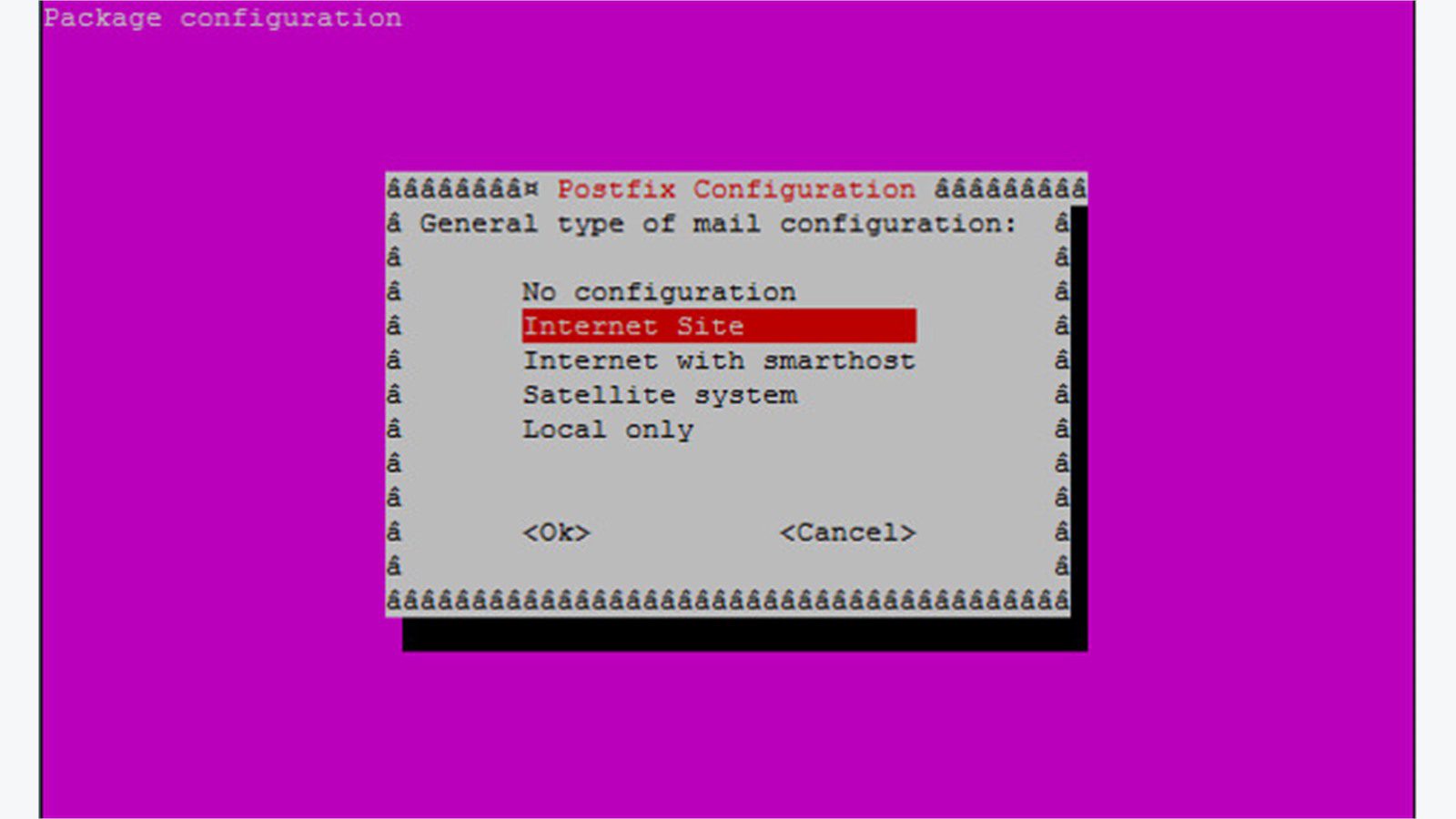
Sender authentication is the first inbox defense. SPF, DKIM, and DMARC do not prove that a message is safe, but they make domain spoofing harder and create policy signals that filters can use. Without these controls, attackers can send AI-generated phishing emails that appear to come from trusted brands, suppliers, or internal domains.
Start by inventorying every legitimate mail source. Marketing platforms, billing systems, CRM tools, ticketing platforms, HR systems, payroll providers, and cloud applications may all send mail on behalf of the company. Unknown senders create gaps. If the SPF record is too broad, or if DKIM is missing from key systems, attackers get more room to hide.
Move DMARC carefully toward enforcement. A monitoring-only policy can reveal legitimate senders that need fixing. Once the organization understands its mail flow, move toward quarantine and then reject for domains that should not be spoofable. Protect executive domains, brand domains, parked domains, and regional domains, not only the primary corporate domain.
Use reports to find abuse. DMARC aggregate reports can expose unauthorized senders, misconfigured systems, and vendors that send mail incorrectly. Security teams should review those reports regularly instead of treating DNS records as a one-time setup.
AI-generated phishing emails can still arrive from compromised accounts, so authentication is not enough. However, strong SPF, DKIM, and DMARC reduce the spoofing volume that employees and downstream filters must handle.
Step 2: harden the secure email gateway
A secure email gateway should do more than check signatures. To block AI-generated phishing emails, it should combine reputation, authentication, content analysis, attachment inspection, link rewriting, brand impersonation detection, file detonation, and user-risk context. The best gateway is tuned to the organization’s workflows, not left at default settings.
Review policies by risk level. Finance, executives, HR, legal, procurement, and IT support may need stricter controls than general announcement mailboxes. A message asking for a bank-detail change should not be treated like a newsletter. A password-reset request sent to help desk staff should trigger different inspection than a routine vendor receipt.
Turn on impersonation protection for high-risk users and domains. Add executives, finance approvers, help desk leads, payroll contacts, critical suppliers, and common brand targets. Include lookalike domains, display-name spoofing, reply-to mismatch, newly registered domains, and unusual sender behavior.
Tune graymail and bulk-mail controls separately from phishing controls. Overly aggressive blocking creates user frustration and support tickets. Under-tuned rules allow risky messages through. The secure email gateway should support a clear policy outcome: deliver, warn, quarantine, detonate, hold for review, or reject.
Gateway tuning should also account for internal account takeover. If a real mailbox starts sending unusual messages, external sender checks will not help. Pair gateway controls with identity alerts, impossible-travel detection, new inbox forwarding rule alerts, and unusual OAuth consent monitoring.
Step 3: detect AI-written lures with context signals
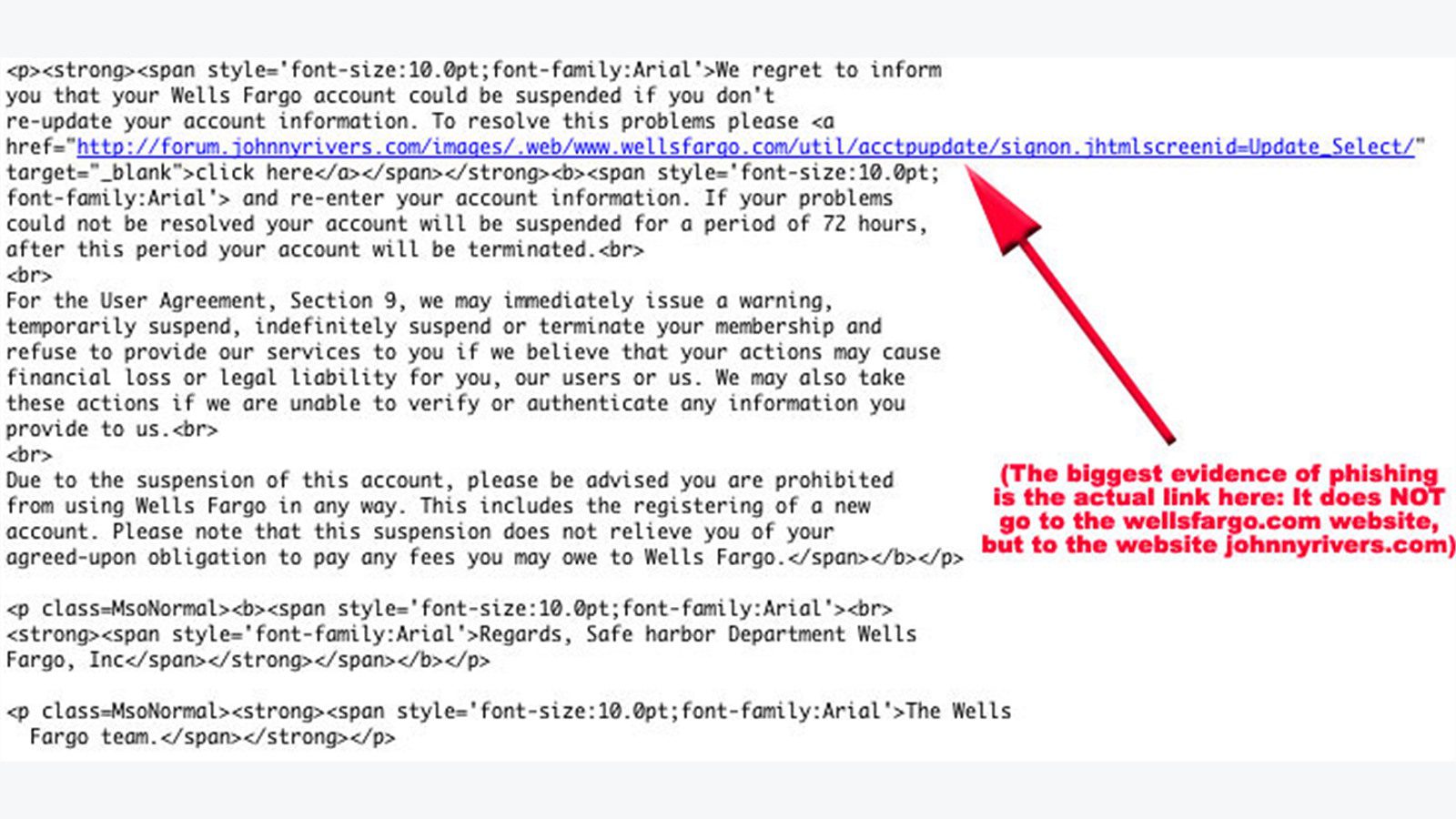
AI-written lures are difficult because the language itself may look normal. A filter that asks only whether the message is grammatical will fail. AI-generated phishing emails should be scored by context: who sent the message, whether the sender has a normal relationship with the recipient, what action is requested, whether the request bypasses process, and whether the message differs from historical communication patterns.
Look for unusual combinations. A new supplier domain asking finance to change payment details is risky. A recently created external account asking HR for employee documents is risky. An internal account sending polished messages to many employees after an impossible-travel login is risky. AI detection works best when language signals are combined with identity and behavior signals.
Natural language models can help identify urgency, secrecy, pressure, financial requests, credential prompts, and process bypass language. They can also compare message tone against known sender behavior when privacy and policy allow. The goal is not to label every sentence as human or AI. The goal is to detect risky intent before delivery.
Create policies for business actions, not just words. Phrases like “please review” are harmless in many contexts. The same phrase becomes risky when paired with a new file-sharing link, a payment update, or a request to bypass the ticketing system. AI-generated phishing emails often succeed by making the request sound ordinary, so the requested action must be part of the score.
This is where AI strategy and security operations meet. Defenders need models that are explainable enough for analysts, fast enough for mail flow, and governed enough to avoid unnecessary employee surveillance.
Step 4: sandbox links, attachments, and QR codes
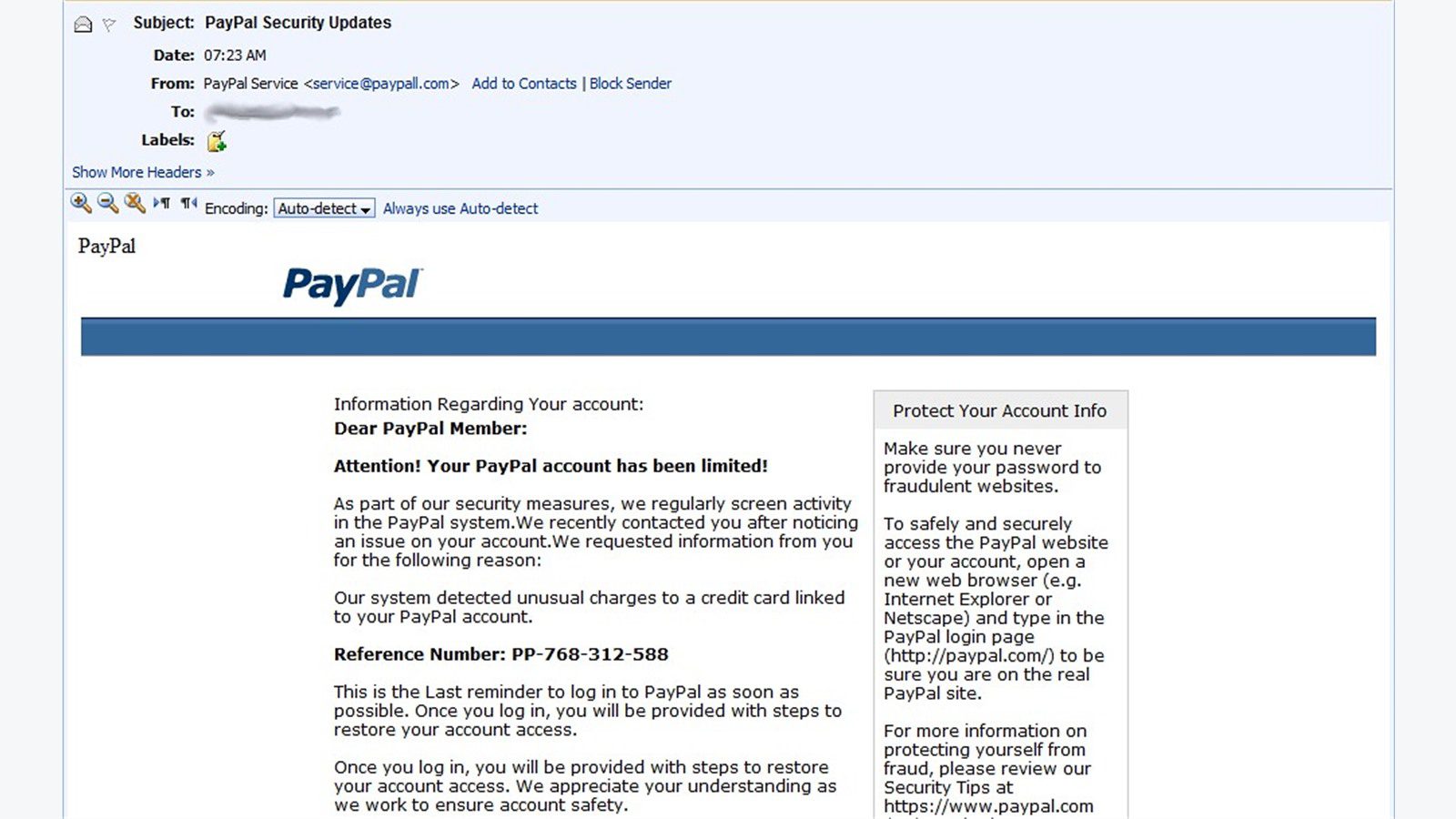
Modern phishing does not always deliver the payload directly. AI-generated phishing emails may contain a clean-looking document, a link that changes after delivery, a password-protected archive, or a QR code that pushes the employee to a mobile browser outside normal controls. Link and attachment sandboxing helps catch these delayed tricks.
Use time-of-click protection for links. A link that was safe at delivery may redirect to a credential-harvesting site later. Rewriting and scanning the link when the employee clicks it gives the organization a second chance to block the attack. Apply this control to internal-looking links, shortened URLs, file-sharing links, and links hidden behind buttons.
Detonate attachments in a sandbox before delivery where possible. PDFs, office documents, HTML files, archives, and scripts should be inspected for macros, embedded links, suspicious JavaScript, executable content, and credential-collection pages. Block file types that employees do not need and route unusual attachments for review.
Treat QR codes as URLs. AI-generated phishing emails increasingly use QR codes to evade desktop link scanning. Security tools should extract and inspect QR destinations. Employees should be warned when a message asks them to scan a code for authentication, payment, or document access.
Sandboxing should feed the broader risk score. A suspicious sender plus a new domain plus a QR code plus urgent language should not reach an inbox as an ordinary message. It should be blocked, quarantined, or reviewed.
Step 5: stop impersonation and vendor fraud before delivery
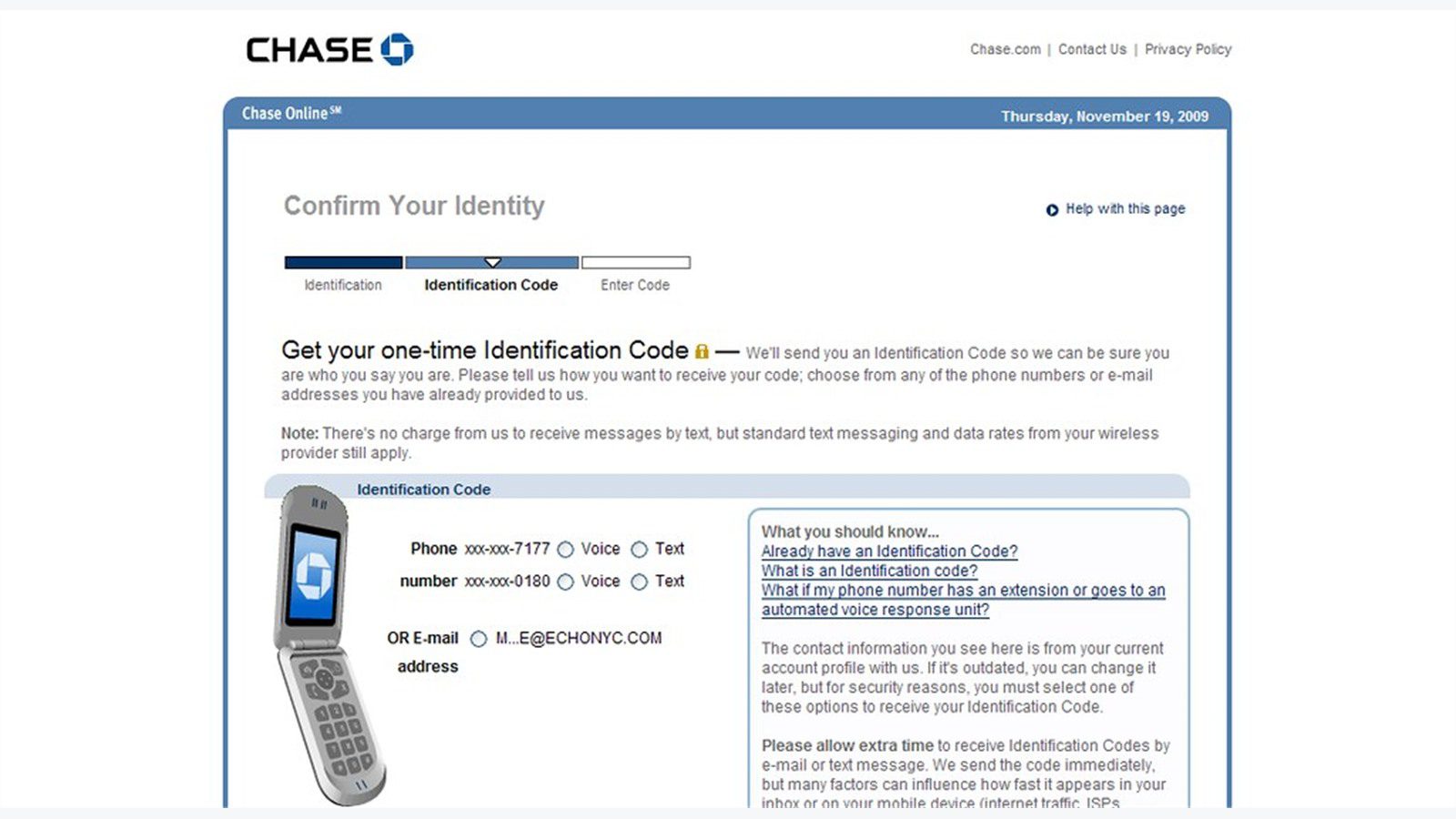
Impersonation controls are essential because AI-generated phishing emails often pretend to be people and partners employees already trust. The email may imitate the CEO, CFO, payroll provider, cloud vendor, bank, benefits platform, or a familiar customer contact. It may use a lookalike domain, compromised mailbox, or display-name trick.
Build a protected identity list. Include executives, board members, finance approvers, HR leaders, IT administrators, legal contacts, major vendors, managed service providers, banking contacts, and domain names that employees often trust. Apply stricter checks when these identities appear in sender names, reply-to fields, display names, links, attachments, or message body text.
Add vendor-change controls. A message that asks to change bank information, payment routing, shipping address, login details, or invoice approval should be blocked or held unless it passes a trusted process. Email alone should never authorize a high-risk change. Use known callback numbers, vendor portals, dual approvals, and ticket records.
Watch for conversation hijacking. Attackers who compromise a mailbox can reply inside a real thread. AI-generated phishing emails become more believable when they are written in the style of the compromised account and refer to the existing conversation. Filters should score changes in destination, urgency, attachment type, and requested action even when the thread is real.
Progressive Robot’s guidance on deepfake phishing defenses applies here too: familiar signals should support trust, not replace verification. A familiar name, voice, style, or thread should not override fraud controls.
Step 6: quarantine risky messages without blocking work
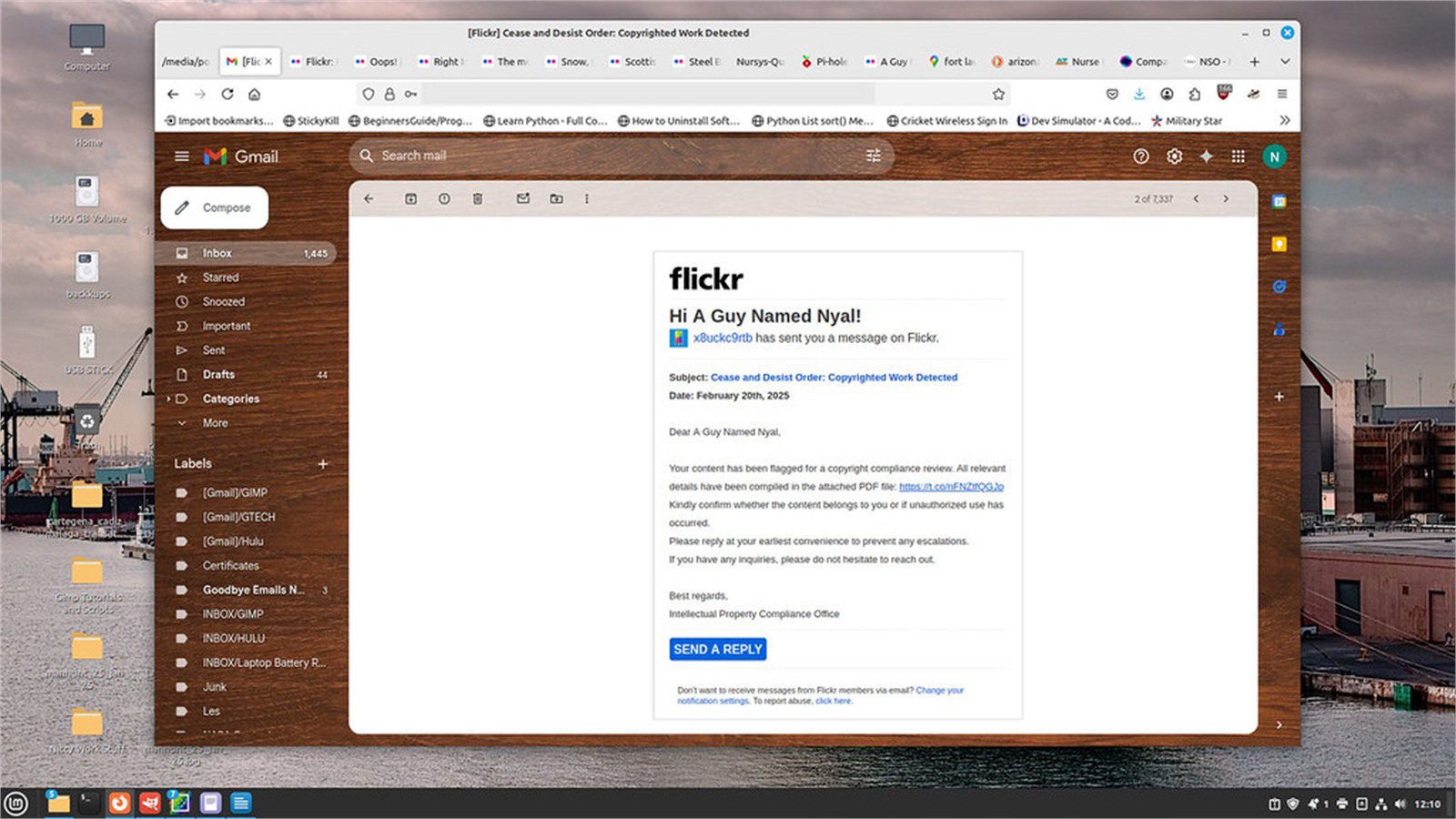
Quarantine is where many email programs fail. If quarantine is too loose, AI-generated phishing emails reach employees. If quarantine is too strict, important business messages disappear and users pressure IT to bypass controls. A strong quarantine workflow protects inboxes while keeping legitimate work moving.
Create risk-based quarantine tiers. Low-confidence bulk mail may go to a user junk folder. Medium-risk messages may be held with a warning and release request. High-risk messages involving credentials, payment changes, malware, impersonation, or suspicious attachments should be held for security review. Confirmed malicious messages should be purged across mailboxes.
Give analysts enough context. A useful quarantine view should show sender authentication, sender history, recipient history, link analysis, attachment behavior, impersonation matches, prior reports, related messages, and recommended action. Analysts should not need to reconstruct the entire attack from scratch.
Build release controls. Users should be able to request release of a held message, but high-risk releases should require security approval. If a message is released, keep the warning banner and tracking metadata. If a message is confirmed malicious, remove related copies from every mailbox and update detection rules.
Quarantine should also support employee trust. Clear notices reduce confusion. Fast review reduces frustration. Feedback to reporters reinforces the behavior covered in phishing training. Blocking AI-generated phishing emails works best when users understand why a risky message was held.
Step 7: monitor, tune, and test the inbox defense
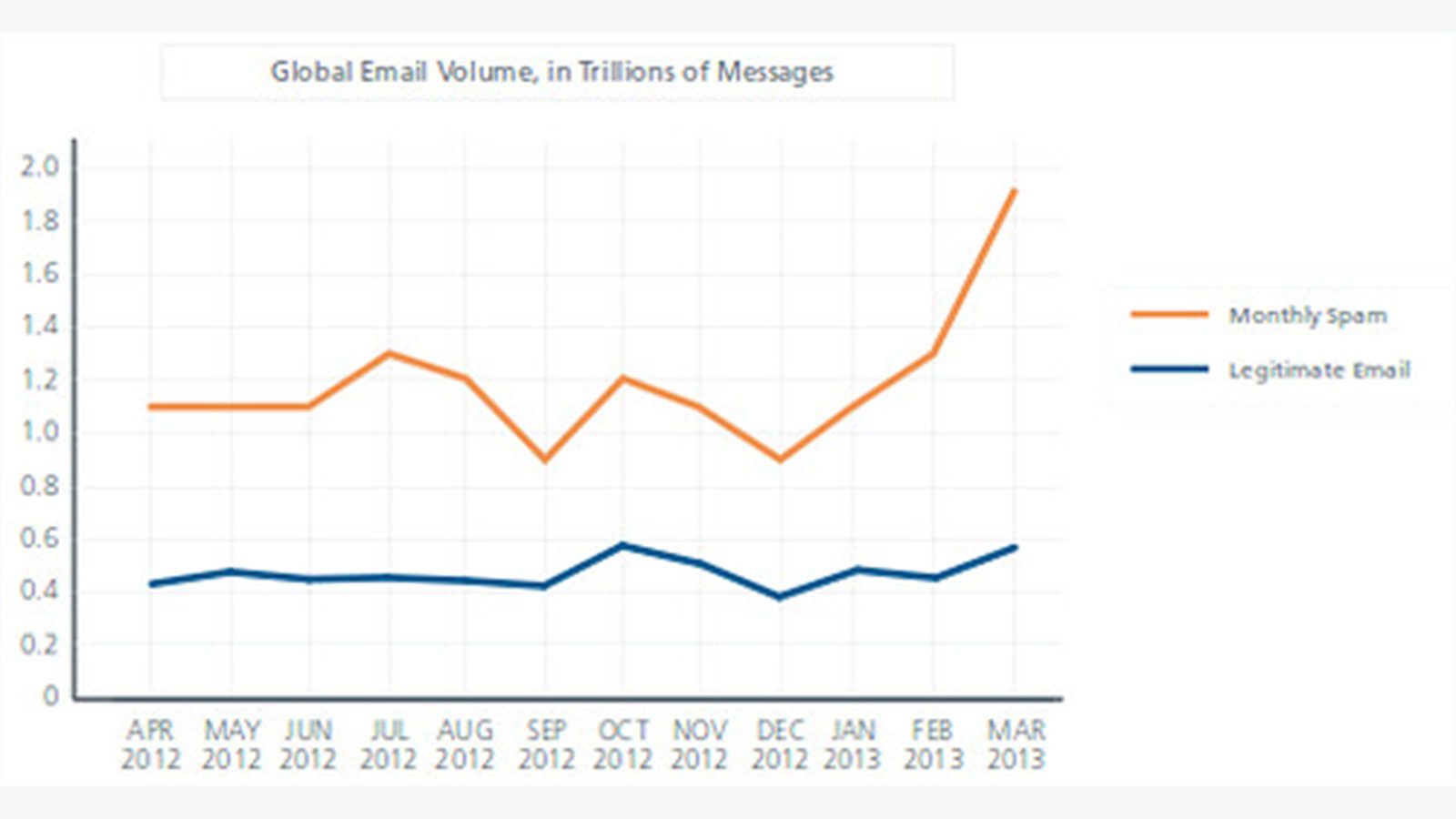
Inbox defense must be measured continuously. Attackers change prompts, domains, payloads, sender infrastructure, and timing. AI-generated phishing emails will keep evolving, so a control that worked last quarter may drift. Security teams should treat email protection as an operating program, not a set-and-forget deployment.
Track the metrics that matter. Measure malicious messages blocked before delivery, suspicious messages quarantined, false positives, false negatives, user reports, time to analyst decision, time to purge related messages, compromised-account detections, and business email compromise attempts stopped before action.
Test with realistic scenarios. Simulations should include clean language, targeted pretexts, compromised-thread style, QR codes, delayed links, vendor-change requests, executive impersonation, and file-sharing lures. Older spam-like templates do not test whether controls can stop AI-generated phishing emails.
Tune from real incidents. Every reported message should teach the system something. Add new indicators, adjust impersonation lists, update protected vendors, refine quarantine thresholds, and improve training prompts. This connects to continuous exposure management: exposure changes every week, so controls need a review rhythm.
Progressive Robot can help organizations assess email security architecture, AI detection workflow, identity integration, and response playbooks. If AI-generated phishing emails are reaching your employees, contact Progressive Robot for a focused review of controls before the next campaign lands.
AI-generated phishing emails FAQ

Can AI-generated phishing emails be blocked completely?
No email control blocks every targeted attack. The realistic goal is to reduce inbox exposure, hold risky messages for review, verify high-risk requests, detect account takeover, and purge related messages quickly when a campaign is discovered.
What is the first control to improve?
Start with sender authentication and high-risk impersonation protection. SPF, DKIM, and DMARC reduce spoofing, while protected-user and protected-domain policies help stop executive, vendor, and brand impersonation before delivery.
Do AI detectors know whether an email was written by AI?
Sometimes, but that is not the most important question. The better question is whether the message is risky. AI-generated phishing emails should be scored by sender identity, requested action, relationship history, link behavior, attachment behavior, and process bypass language.
Should suspicious messages be deleted or quarantined?
Confirmed malicious messages should be removed across mailboxes. Suspicious but uncertain messages should be quarantined with enough context for review. Quarantine protects employees while giving analysts a path to release legitimate business mail.
How do QR-code phishing emails bypass filters?
A QR code can hide the destination from basic link scanning and push employees to a mobile device where corporate protections may be weaker. Modern email security tools should extract QR destinations and scan them like normal URLs.
How does training fit if the goal is blocking inbox delivery?
Training remains important because no technical layer is perfect. However, employees should be the final safety net, not the primary filter. Blocking AI-generated phishing emails before the inbox reduces the number of high-pressure decisions employees must make.
What should leaders ask their email security vendor?
Ask how the platform handles impersonation, compromised accounts, QR codes, delayed links, sandboxing, DMARC alignment, vendor fraud, false positives, quarantine release, and analyst feedback. Also ask how quickly detections update when new AI-driven phishing tactics appear.
AI-generated phishing emails will keep improving because attackers can test variations cheaply and quickly. The strongest defense is a layered inbox control system that verifies senders, analyzes context, detonates payloads, holds risky messages, and learns from every report.
Do not wait until employees become the only barrier. Build the email security workflow so most AI-generated phishing emails are blocked, quarantined, or challenged before they ever reach the inbox.










