
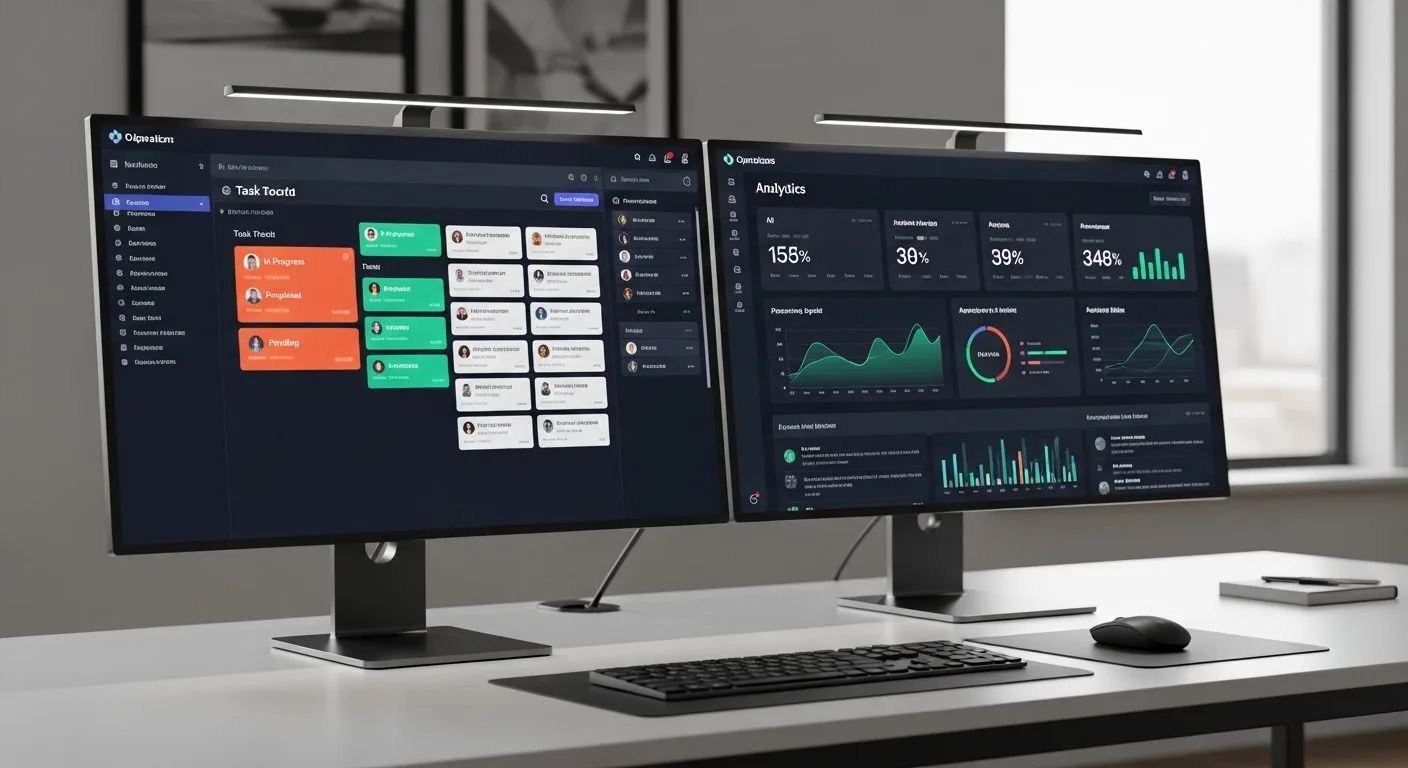
If you want to learn how to set up SuperAGI, the first thing you need to know is that the name currently points to two different public experiences. There is the current commercial SuperAGI platform, and there is the older open-source autonomous-agent framework on GitHub. Those are not the same setup path, and confusing them is the fastest way to waste time.
This guide starts from the public SuperAGI website while also acknowledging the older open-source project for users who specifically want the legacy self-hosted framework. The right setup depends on whether you want a hosted product experience or an older Docker-based developer workflow.
Why learning how to set up SuperAGI correctly matters
If you want better results from how to set up SuperAGI, the first priority is choosing the correct product path before you do anything else. That one decision removes most of the confusion around the brand and helps you follow the right documentation from the start.
When people search for how to set up SuperAGI, they often mix the hosted platform and the older framework together. In practice, separating those two paths is what makes the setup process clear.
Which SuperAGI are you trying to set up?

Before you do anything else, decide which setup path matches your goal.
- Use the current SuperAGI platform if you want the modern hosted product experience.
- Use the old GitHub framework only if you specifically want the earlier self-hosted autonomous-agent stack.
If your real goal is to bring AI into operations, delivery, or team coordination, Progressive Robot’s guide on AI in project management is a helpful internal reference before you commit to any one platform.
How to set up the current SuperAGI platform

1. Start with the official hosted platform
The cleanest way to set up modern SuperAGI is through the official hosted environment. This route is the best fit for users who want onboarding, product access, and feature exploration without maintaining infrastructure.
Because the brand has evolved, the hosted platform is the default path most new users should evaluate first.
2. Create your account and complete onboarding
Once inside the hosted product, create an account and complete the first onboarding flow. At this stage, keep your expectations simple. Your goal is not to configure a complex multi-agent business system in the first session. Your goal is to understand the product environment and verify one real workflow.
3. Choose one use case and one workspace flow
Hosted AI platforms become confusing when users try to test every feature immediately. Choose one of these instead:
- Lead management.
- AI-supported workflow execution.
- Research assistance.
- Internal productivity support.
Pick one and keep the first setup focused.
4. Validate one useful action
The setup is only successful when the platform helps you complete one real job. That may be a generated insight, a connected workflow, or one assistant-like action inside the product.
Once that works, the hosted setup is good enough to expand.
How to set up the older open-source SuperAGI framework
If you specifically want the older GitHub framework, the setup is more traditional and more technical.
1. Clone the repository
Start by cloning the legacy framework repository and reviewing the configuration files.
2. Create the configuration file
The older project public setup pattern includes creating a working config from the template, typically by copying `config_template.yaml` to `config.yaml`.
3. Prepare Docker and dependencies
This older setup path depends on Docker-style local orchestration. Make sure Docker is installed and running before you attempt the actual launch.
4. Start the application stack
Use the documented Docker Compose flow from the project. The older public setup pattern points to a local app experience that can then be opened in the browser.
5. Treat the legacy framework as legacy
This is important. The open-source framework is not the same thing as the modern commercial SuperAGI experience. If you go with the GitHub version, evaluate it as an older developer framework, not as a reflection of the current hosted platform.
Common mistakes to avoid
Most SuperAGI setup mistakes happen before installation even begins.
- Not deciding whether you mean the hosted product or the old GitHub framework.
- Following stale setup advice without checking which product version it applies to.
- Expecting the open-source framework and the commercial product to behave the same way.
- Trying to test too many workflows before confirming one basic success.
Who should use SuperAGI?
SuperAGI is a useful option for teams or operators who want a broader AI platform experience and are willing to choose between a hosted product path and a more technical legacy framework path. If you are learning how to set up SuperAGI because you want agent-style workflows connected to business operations, the hosted route is usually the better starting point.
If you specifically want a legacy developer framework to run and inspect yourself, the older open-source path can still be relevant. The important thing is choosing intentionally instead of mixing the two experiences together.
Troubleshooting common problems when you learn how to set up SuperAGI

If you are still working out how to set up SuperAGI, the biggest problems are usually conceptual rather than technical:
- The hosted product and the old framework are being confused.
- The wrong documentation path is being followed.
- Too many workflows are being tested before one basic success.
- Expectations are based on outdated open-source guides.
- The setup goal was never defined clearly.
The fastest way to recover is to decide which SuperAGI you are actually using, follow only that setup path, and validate one narrow workflow before touching anything else.
What to do after you set up SuperAGI

Once you finish how to set up SuperAGI, the next step is proving that the platform fits a real business or productivity workflow.
- Keep the first use case narrow.
- Validate one repeated workflow.
- Avoid broad automation changes too early.
- Document whether the hosted or legacy path is being used.
- Expand only after one task flow is consistently useful.
That approach prevents setup confusion from turning into long-term workflow confusion.
Quick checklist to confirm your SuperAGI setup is working
Before you decide that you have fully handled how to set up SuperAGI, confirm these points:
- You know whether you are using the hosted platform or the legacy framework.
- You are following the correct documentation path for that choice.
- One narrow workflow has been tested successfully.
- The environment behaves consistently across repeated tests.
- You have not mixed instructions from both setup paths together.
Frequently asked questions
Is SuperAGI open source or commercial?
Publicly, it spans both. The current brand centers on the commercial platform, while the older GitHub autonomous-agent framework still exists as a separate historical setup path.
Which version should a beginner use?
Most beginners should start with the current hosted platform because it removes infrastructure overhead.
When should I use the old GitHub framework?
Only if you explicitly want the legacy self-hosted developer experience and are comfortable maintaining it yourself.
What is the safest first-use test?
Whether hosted or self-hosted, validate one narrow, practical workflow instead of trying to test the full platform at once.
Final thoughts
If your goal is to learn how to set up SuperAGI correctly, the real first step is choosing the right SuperAGI. Start with the hosted platform unless you specifically need the older open-source framework. Then keep the first setup task-driven, confirm one useful result, and only expand after the basics are clearly working.
That approach saves time, reduces confusion, and gives you a much more honest evaluation of what SuperAGI can actually do for your workflow.
More AI coverage: explore Progressive Robot's AI Models, Tools & Releases hub — hands-on reviews, setup guides and benchmarks in one place.










