
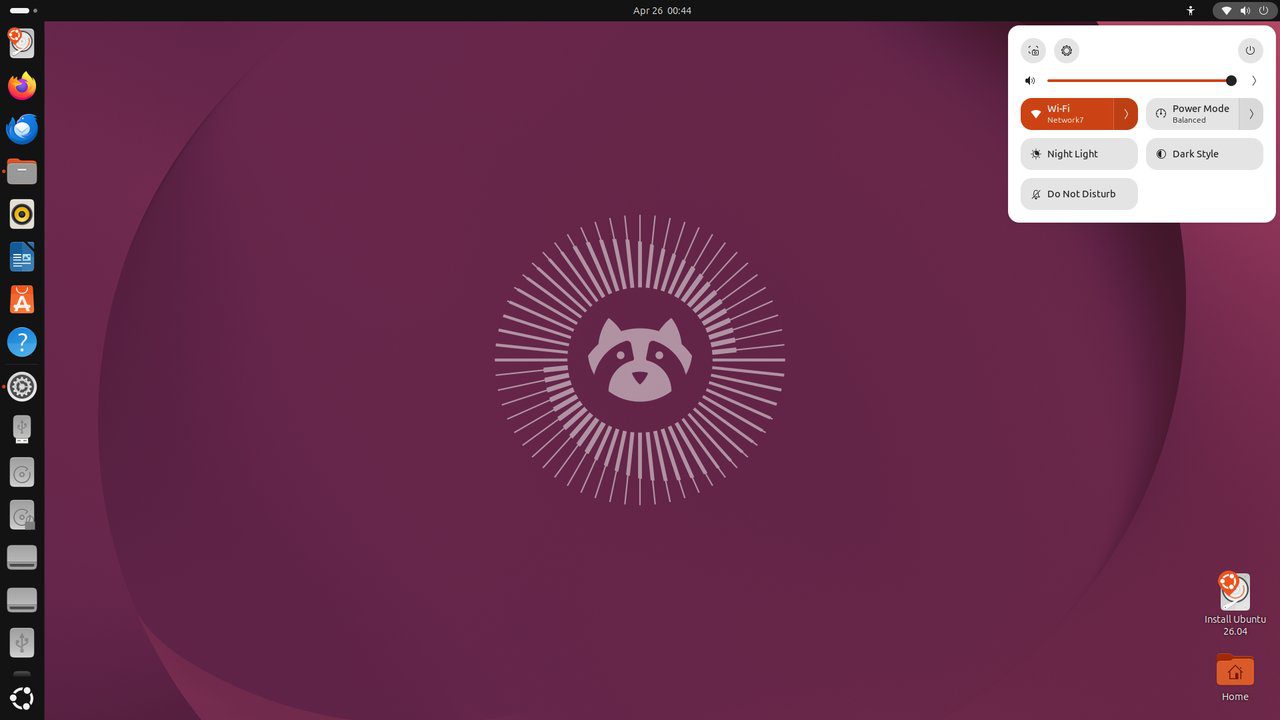
Go (Golang) 1.24 is a statically typed, compiled language known for its performance, simplicity, and excellent concurrency support. It is widely used for cloud-native tools, microservices, and CLI applications. This guide installs Go 1.24 on Ubuntu 26.04 LTS.
Tested and valid on:
- Ubuntu 26.04 LTS
Prerequisites
- Ubuntu 26.04 LTS
- A user with sudo privileges
- Internet connectivity
Step 1 – Check for Existing Go Installation
go version 2>/dev/null || echo 'Go not installed'Step 2 – Download Go 1.24
GO_VER=1.24.0
wget https://go.dev/dl/go${GO_VER}.linux-amd64.tar.gz -P /tmp
Step 3 – Install Go
sudo rm -rf /usr/local/go
sudo tar -C /usr/local -xzf /tmp/go${GO_VER}.linux-amd64.tar.gz
Step 4 – Configure PATH
echo 'export PATH=$PATH:/usr/local/go/bin' >> ~/.bashrc
echo 'export GOPATH=$HOME/go' >> ~/.bashrc
echo 'export PATH=$PATH:$GOPATH/bin' >> ~/.bashrc
source ~/.bashrc
go version
Step 5 – Create Your First Go Program
mkdir -p ~/go/src/hello && cd ~/go/src/hello
cat > hello.go << 'EOF'
package main

import "fmt"

func main() {
    fmt.Println("Hello from Go 1.24 on Ubuntu 26.04!")
}
EOF
go run hello.go
Step 6 – Build a Binary
go build -o hello ./hello.go
./hello
Step 7 – Install Go Tools
go install golang.org/x/tools/gopls@latest        # LSP server
go install github.com/go-delve/delve/cmd/dlv@latest # debugger
go install github.com/golangci/golangci-lint/cmd/golangci-lint@latest  # linter
Conclusion
Go 1.24 is installed on Ubuntu 26.04 LTS. The Go toolchain provides everything needed to build, test, and benchmark programs. Explore the standard library at pkg.go.dev and use Go modules for dependency management.










