
LiveSwap is a browser-based AI face swap service built for creators, streamers, podcasters, privacy-focused calls, brand personas, and live performance. Instead of editing a recorded clip after the fact, the platform transforms a webcam stream in real time so a person can appear on camera as a different approved face or character.
That makes LiveSwap interesting for small teams that want fast creative output, but it also makes safety and consent more important than usual. Real-time face changing can support entertainment, privacy, and marketing. Used badly, the same technology can create deception, impersonation, or reputational risk.
According to the official LiveSwap site, the product runs in the browser, requires no install or plugins, works with tools such as OBS, Twitch, YouTube, Zoom, Google Meet, Microsoft Teams, and Discord, and targets sub-500ms latency. Its privacy policy says source faces are encrypted, live video is processed in real time, and face data is not used to train general models.
For any business building an AI strategy, the right question is not only whether the tool looks impressive. The better question is whether it can support brand goals while preserving consent, transparency, platform compliance, and audience trust.
| Decision area | Why it matters | What to review |
|---|---|---|
| Use case | Real-time face swap can be fun or sensitive | creator, brand, privacy, or training goal |
| Setup | Friction affects adoption | browser flow, camera permissions, streaming tool fit |
| Performance | Live streams need low delay | latency, frame rate, resolution, network quality |
| Privacy | Face data is sensitive | encryption, deletion, retention, training policy |
| Governance | Misuse can create harm | consent, disclosure, platform rules, approval workflow |
LiveSwap at a glance
LiveSwap is best understood as a live video identity layer. A user subscribes, uploads a permitted face image, allows webcam access, and sends the transformed camera output into the tools they already use for streaming, video calls, or recording.
The homepage frames the product around creators who need a second face: VTubers, streamers, anonymous interview guests, comedy performers, podcast hosts, marketers, stage performers, and teams building virtual brand ambassadors. That positioning matters because the product is not just a filter library. It is a way to create a consistent visual persona while a real person performs live.
The strongest fit is a controlled creative workflow. A creator can keep the same character across weekly streams. A business can test a fictional spokesperson for demos. A trainer can record scenario-based content without exposing an employee’s identity. A performer can switch characters without physical masks, makeup, or post-production.
The weak fit is any workflow that depends on fooling viewers. If the purpose is to make an audience believe a real person appeared when they did not, the risk is high. Teams should treat the tool as creative AI, not as a shortcut around identity, trust, or disclosure.
Win 1: browser-based real-time face swap

The first win is speed. LiveSwap advertises real-time AI face swap directly in the browser with no installation and no plugins. That lowers the technical barrier for creators who do not want to configure local GPU software, virtual camera drivers, or complex production pipelines.
A browser workflow also helps distributed teams. A marketer, founder, trainer, or creator can test the experience from a modern laptop before investing in a studio buildout. If the concept works, the team can then standardize cameras, lighting, microphones, and brand rules.
This is especially useful for content operations that need repeatable output. Instead of designing a full avatar rig, a team can test whether a face-based persona improves audience recognition, privacy, or creative range. For workflow automation, that kind of lightweight pilot can reveal whether a new media process is worth operationalizing.
The practical limit is still quality. Browser-based convenience does not remove the need for strong lighting, clean source images, stable upload speed, and realistic expectations. A poor camera setup can make any real-time transformation look less convincing.
Win 2: creator workflows for OBS, Twitch, and calls
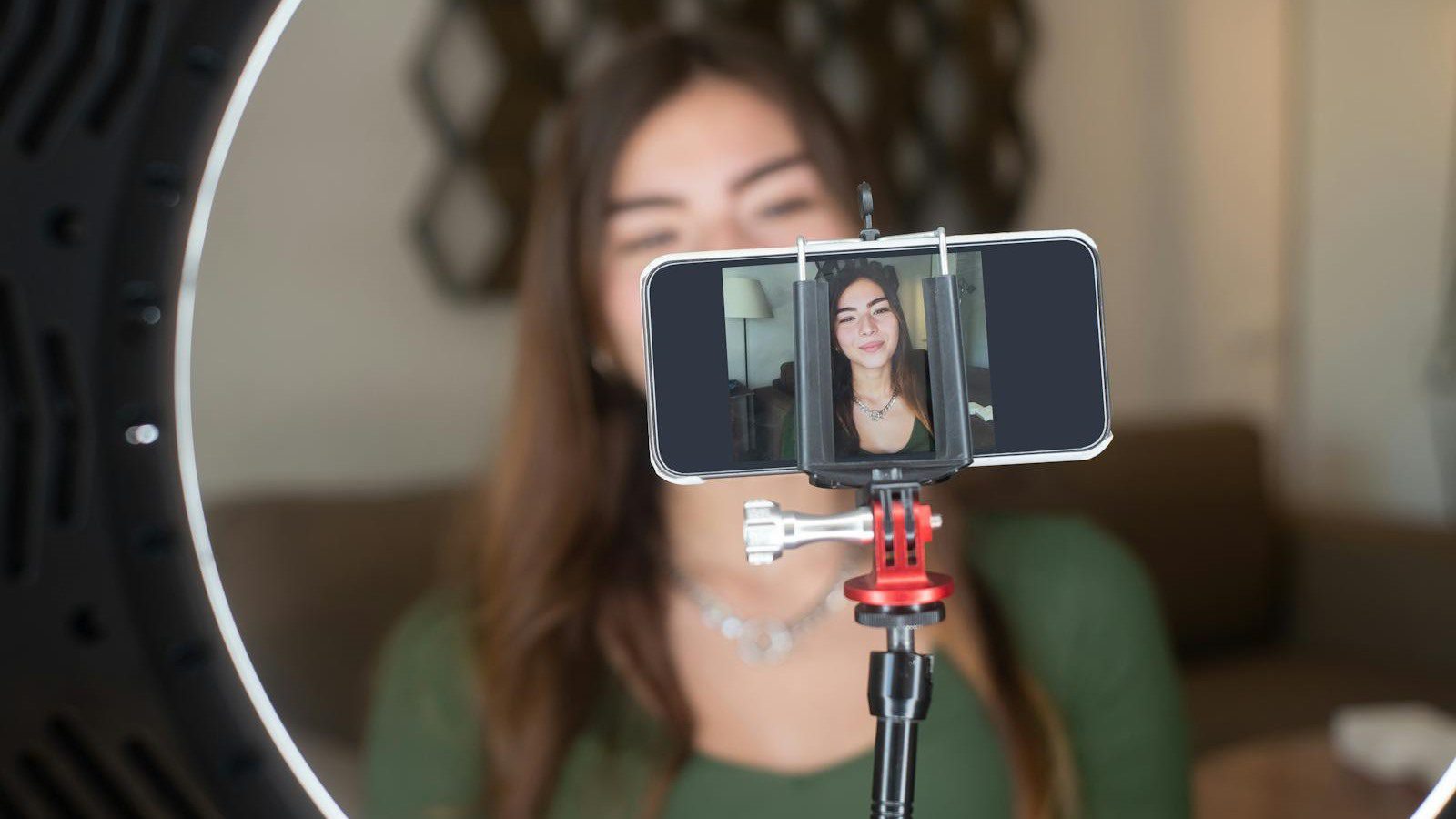
LiveSwap is built around the tools creators already use. The site lists OBS Studio, Twitch, YouTube, Zoom, Google Meet, Microsoft Teams, and Discord among supported destinations. That matters because creator workflows usually fail when a new tool forces people to rebuild their entire production stack.
A streamer can use the platform for a character stream. A remote speaker can protect their identity in an interview. A sales or marketing team can create a branded persona for demos, webinars, or product explainers. A trainer can build role-play scenarios where visual identity supports the lesson without requiring actors for every scene.
Businesses should still document where the output will appear. A private internal demo has a different risk profile than a public YouTube livestream. A fictional character is different from a swap based on a real person. A clearly disclosed performance is different from a video call where viewers assume they are seeing the speaker’s real face.
A simple approval checklist helps. Define the source face, confirm consent, decide whether disclosure is required, document the channel, and keep a record of who approved the use.
Win 3: three-step setup without plugins
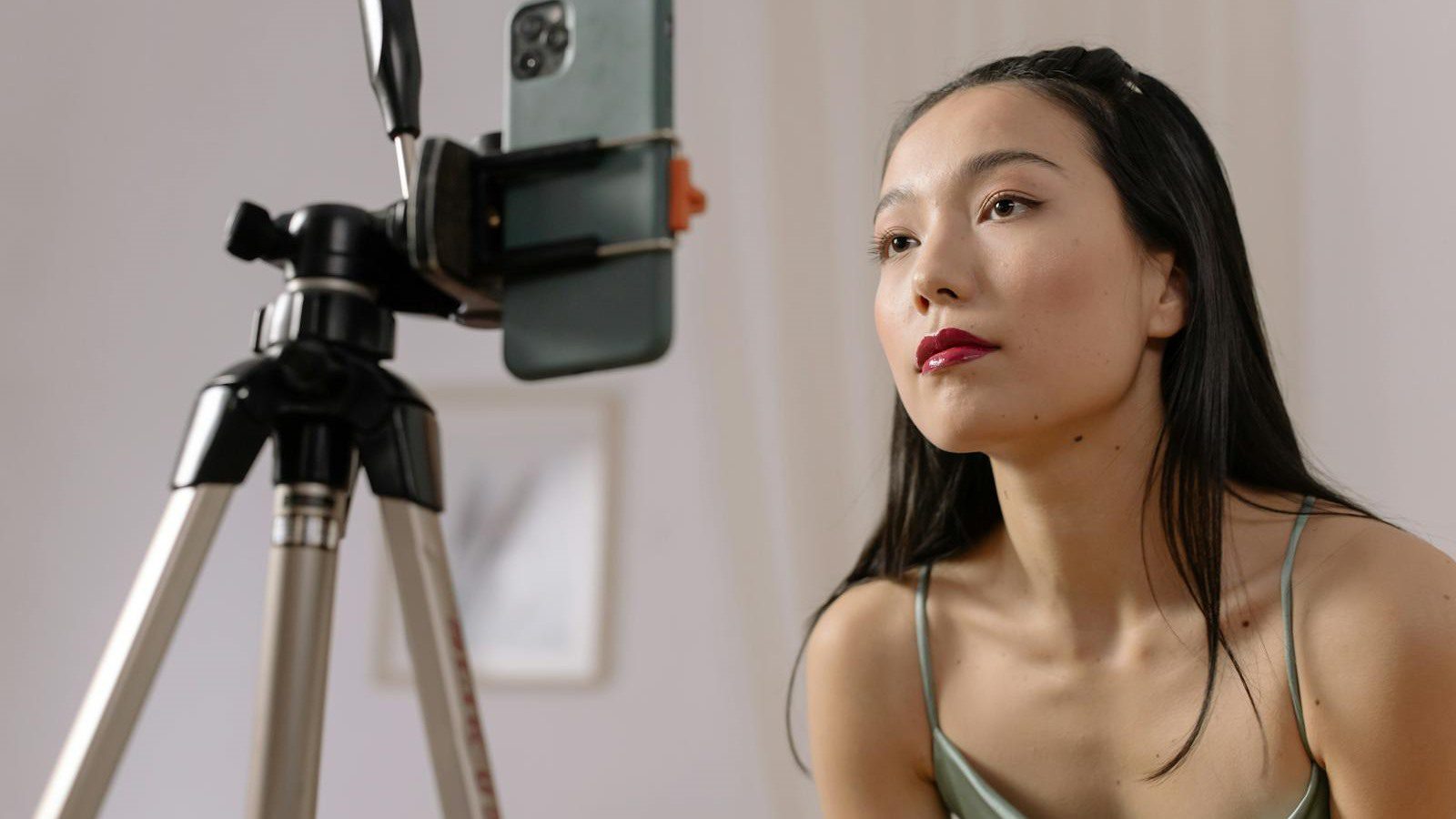
The setup story is straightforward: pick a plan, upload a face, and hit go. The service says one clean photo is enough, and credits arrive instantly after subscription. This simple onboarding is a meaningful advantage for creators who care more about going live than managing software.
LiveSwap also avoids a common problem in experimental AI tools: setup friction. If a creator must install drivers, tune local models, or debug a GPU before testing an idea, many good ideas never get tested. A web-based path lets teams validate the creative concept first.
For small businesses, that can shorten the feedback loop. A marketing team can test whether a brand character improves webinar engagement. A support team can test whether anonymity helps sensitive training. A founder can test a persona for product updates without building a motion-capture stack.
The key is not to confuse easy setup with finished policy. Before the first public stream, teams should define who owns the face library, who can start sessions, how passwords are protected, how source faces are deleted, and when an AI-modified disclosure is shown.
Win 4: live-time pricing and credits

LiveSwap pricing is based on live usage. The site says one credit equals one minute of live face swap time, metered to the second while streaming. Uploading, browsing, and preparation do not consume credits.
As of the official pricing section reviewed for this article, the Basic plan is $12 per month for 15 minutes at up to 480p with email support. Creator is $29 per month for 40 minutes at up to 720p with priority support. Pro is $99 per month for 120 minutes at up to 1080p. Studio is $299 per month for 400 minutes at up to 1080p with dedicated support.
That structure is easy to understand. A casual creator can test a short stream, while a production team can estimate monthly live minutes before choosing a plan. It also makes cost visible because the meter runs only when the effect is active.
The business metric should be cost per useful content outcome. Track the number of finished clips, livestreams, demos, training modules, or customer-facing sessions created from each plan. If the tool saves editing time or expands creative output, the cost may be easy to justify. If it becomes a novelty, usage should stay limited.
Win 5: 1080p, 30 fps, and sub-500ms expectations
Performance is the difference between a real-time production tool and a toy. LiveSwap advertises less than 500ms latency, 30 fps, and 1080p quality on Pro and higher plans. Those are the right kinds of numbers to evaluate because viewers notice lag, jitter, and low resolution immediately.
Teams should test those claims in their own environment. A cloud service can be fast, but the final experience depends on browser performance, camera quality, lighting, local CPU load, upload speed, Wi-Fi stability, and the streaming platform’s own delay. A creator with a wired connection and studio lighting may see a much better result than someone on hotel Wi-Fi.
A practical pilot should include five checks: a short private recording, a video call test, a streaming software test, a low-light test, and a long-session test. Watch for mouth alignment, head movement, hair edges, glasses, motion blur, and delay between speech and expression.
The goal is not perfection in every frame. The goal is to know when the output is good enough for the intended audience and when a different production method is safer.
Win 6: privacy controls for face data
Face images and live video are sensitive. LiveSwap says source faces are stored in encrypted private storage tied to the user’s account, traffic is protected with TLS, live video is processed in memory and not retained beyond the session, and source faces or live video are not used to train general AI models.
Those claims are important, but businesses should still review them like any vendor handling sensitive data. Ask who can access the account, whether multi-user roles exist, how deletion works, what billing and diagnostic data is retained, and whether any jurisdictional or biometric privacy laws apply.
The LiveSwap privacy policy also says users can delete source faces or their entire account from the dashboard. That is useful for a cleanup workflow after a campaign ends. A company using the tool for a temporary persona should not leave old source faces in an account indefinitely.
For organizations evaluating AI governance platforms, this is the larger lesson: face data governance should include consent, access control, retention, deletion, disclosure, and incident response. A creator tool can still touch enterprise-grade risk.
Win 7: consent and disclosure guardrails
The most important win is not technical. It is the explicit consent posture in the LiveSwap acceptable use policy. The company says users must confirm they own the image or have clear, informed permission from every identifiable person depicted before uploading a face as a swap source.
The acceptable use policy also prohibits non-consensual impersonation, attempts to bypass KYC or biometric checks, sexualized content involving real people without explicit documented consent, minor sexualization, fraud, harassment, election interference, and abuse of the platform. It recommends disclosure when publishing AI-modified video that depicts a real human face.
Those rules should become operational rules for any serious user. Keep consent records. Use fictional or self-owned personas when possible. Label AI-modified output when appropriate. Never use a real employee, customer, public figure, or competitor’s likeness without documented permission.
For cybersecurity planning, this is also a training opportunity. Real-time synthetic video is part of the modern trust landscape. Teams should learn how to verify sensitive requests through secondary channels instead of trusting a face on a video call alone.
LiveSwap FAQ
What is LiveSwap?
LiveSwap is a real-time AI face swap tool that runs in the browser and transforms a webcam feed into a different approved face or persona for streams, calls, performances, and content creation.
Does LiveSwap require installation?
The official site says the service works in the browser with no install and no plugins. Users still need a suitable device, browser, webcam, lighting, and network connection for good results.
Which platforms does LiveSwap work with?
The site lists OBS, Twitch, YouTube, Zoom, Google Meet, Microsoft Teams, and Discord. Teams should test their exact production setup before relying on it for a paid event or important meeting.
How much does LiveSwap cost?
Current public pricing starts at $12 per month for Basic and rises through Creator, Pro, and Studio tiers. Each credit equals one minute of active live face swap time.
Is LiveSwap safe for business use?
It can be safe for business use when consent, disclosure, account control, and privacy review are handled properly. It is not appropriate for deception, impersonation, biometric bypass, or non-consensual content.
What happens to uploaded faces?
The privacy policy says source faces are encrypted, tied to the user’s account, deletable on demand, and not used to train general models. Live video is processed in real time and not stored after the session.
Who should evaluate LiveSwap first?
Creators, marketers, trainers, podcasters, and event teams with a clear persona or privacy use case should evaluate it first. Start with a private pilot, confirm consent, and define disclosure rules before public use.
LiveSwap is compelling because it brings real-time face transformation into an accessible creator workflow. The opportunity is stronger content, safer anonymity, and faster persona testing. The responsibility is to use that power transparently.
If your organization wants to test real-time AI video tools without creating brand, privacy, or trust problems, contact Progressive Robot to build a practical evaluation plan.
More AI coverage: explore Progressive Robot's AI Models, Tools & Releases hub — hands-on reviews, setup guides and benchmarks in one place.










