
Zawa AI is an AI branding and design platform built to help businesses produce logos, mockups, posters, product visuals, and marketing assets much faster than a traditional agency or manual design workflow. Based on the official Zawa homepage, Zawa features hub, and Zawa agent page, the product positions itself as a creative AI agent for branding, with a strong emphasis on local businesses, offline merchants, retail, food, and small teams that need consistent assets quickly.
That positioning matters because Zawa AI is not trying to be a general-purpose enterprise design suite first. The platform is trying to shorten the path from idea to usable branded output. If your team is already investing in Artificial Intelligence (AI) and Machine Learning (ML), AI strategy, or workflow automation, Zawa AI fits into the more practical side of that roadmap: getting branded creative work done faster, with fewer handoffs, for day-to-day growth tasks.
The current version of Zawa AI also reflects a broader shift in the product story. On its official about page, Zawa explains that X-Design has evolved into Zawa, moving from democratizing design toward helping merchants build brand assets and growth materials from what the company calls “Zero to Wow.” That means a Zawa AI review should not only ask whether the outputs look good. It should also ask whether the platform helps a business move faster, stay consistent, and reduce creative bottlenecks across real campaigns.
Zawa at a glance
| Topic | Practical answer |
|---|---|
| What Zawa is | An AI branding and design platform for logos, posters, mockups, product visuals, and related creative assets |
| Core promise | Faster asset creation with stronger brand consistency across multiple formats |
| Best fit | Small businesses, restaurants, retailers, ecommerce sellers, and creators who need high-volume branded visuals |
| Main strengths | Speed, breadth of tools, brand kit workflow, prompt-based editing, and accessible design creation |
| Main watchouts | Output quality still needs review, pricing depth is not fully transparent on public pages, and governance needs evaluation for business use |
| Helpful complements | intelligent automation, business process automation, and structured creative operations |
What Zawa actually does
The easiest way to understand Zawa AI is to see it as a layered creative workflow rather than a single image generator. The platform combines branding tools, editable design generation, product photography support, posters, mockups, background editing, image enhancement, ecommerce visuals, and a growing collection of video-related tools inside one umbrella product.
According to the official site, Zawa AI covers three especially important business needs. First, the platform can help create brand identity materials such as logos, brand guides, and reusable visual rules. Second, it can generate production-style campaign materials such as posters, menus, packaging concepts, and social assets. Third, it can improve product presentation through AI product photography, background changes, enhancement, and platform-ready outputs.
That combination is why Zawa is better described as a business design platform than a single-purpose AI art tool. A company testing the platform is not only evaluating whether it can make one attractive graphic. It is evaluating whether it can help organise repeated creative work around launches, seasonal promotions, store updates, product listings, and social media publishing.
This matters for teams that do not have a full in-house design function. A restaurant group, independent retailer, or local services brand may need menus, posters, storefront visuals, social posts, product shots, and promotional layouts every month. The company is clearly targeting that kind of recurring demand.
Who Zawa is built for
Zawa AI appears to be strongest for businesses that need repeated design output but do not want agency turnaround times for every change. Based on the official messaging, the platform is built for several clear user groups.
- Restaurants, cafes, and bars that need menu updates, seasonal promotions, packaging visuals, and localized campaign materials.
- Retail and local storefront brands that need posters, signage, brand kits, and promotional graphics across physical and digital channels.
- Ecommerce sellers who need product photography upgrades, background replacement, fashion-model or try-on style assets, and marketplace-ready visuals.
- Creators and small marketing teams that need fast idea exploration, editable designs, and a consistent visual identity without starting from scratch each time.
- Businesses that want a simpler alternative to coordinating multiple point tools for brand design, background editing, image enhancement, and content production.
That does not mean the platform is automatically the best choice for every company. Large enterprises with strict compliance, established design systems, or complex review requirements may still need more formal asset governance, human creative direction, and deeper workflow integration. But it does look well aligned with organisations that value speed, visual consistency, and ease of use over heavy creative process.
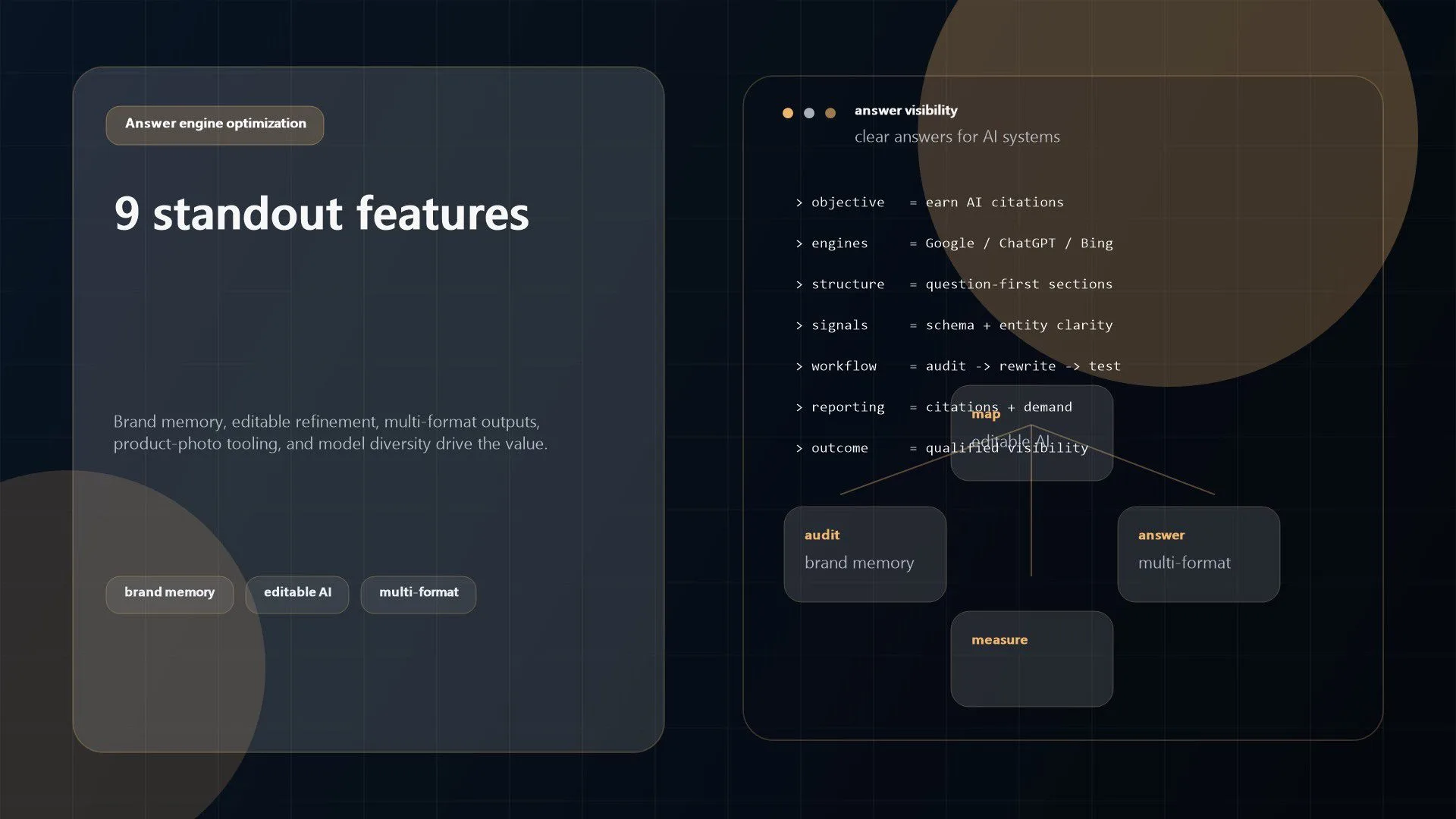
9 Zawa AI features that stand out
1. An AI-first branding workflow
Zawa AI is not limited to single-image generation. One of the most meaningful parts of the product story is that the platform starts with branding. The platform highlights logo design, brand guides, palettes, typography rules, and reusable brand memory as part of the core experience. For a small business, that is more valuable than a one-off graphic because the real challenge is usually consistency, not the first asset.
2. Editable design refinement
On the Zawa agent page, the workflow is explicit: describe the idea, refine and re-edit freely, then export and share. That matters because many AI design tools stop at output generation. Zawa AI emphasizes that users can move elements, rewrite text, split parts, and keep iterating. A guided workflow like this is therefore closer to creative production than a one-prompt novelty generator.
3. Multiple creative formats
Zawa AI covers logos, posters, menus, packaging materials, mockups, product visuals, and video-adjacent outputs. That breadth reduces tool sprawl for smaller teams. Instead of using one platform for image cleanup, another for poster creation, and a third for branded product shots, the platform tries to consolidate the work.
4. Brand consistency across assets
The official site repeatedly emphasizes locked-in brand kits and brand-adaptive results. That is strategically important. A fast design tool is not especially useful if every poster, social asset, and package mockup feels like it came from a different company. The platform is strongest when it can remember brand inputs once and apply them repeatedly across future work.
5. Local business scenarios
Many AI design tools speak broadly about creators. The platform is more concrete. It talks about store launches, product launches, seasonal marketing, restaurant visuals, offline stores, and merchant use cases. That specificity suggests that the company is trying to solve real operating scenarios rather than only inspire experimentation.
6. Practical product-photo improvement tools
The product photography angle is a major differentiator. Zawa AI promises phone-to-pro results, realistic settings, and outputs for social media, Google Maps, menus, and other platforms. For ecommerce and hospitality, that is a high-value promise because visual quality directly affects clicks, bookings, and conversion.
7. A large supporting tool catalogue
The Zawa features hub lists a broad set of supporting tools across image editing, backgrounds, enhancement, generators, video workflows, and ecommerce use cases. That matters because design work is rarely only generation. Teams also need cleanup, resizing, object removal, background handling, quality improvement, and platform-specific preparation, and the platform is trying to centralise that work.
8. Model diversity rather than a single engine
The official agent page says Zawa AI uses multiple models including Nano Banana, Midjourney, Flux Kontext, GPT Image, Seedream 3.0, SeedEdit 3.0, and Seedance. For buyers, this is important because it signals that the platform is positioning itself as an orchestration layer across specialised creative models instead of a single-model experience.
9. Value framed around speed and growth
The about page is useful here. Zawa AI says the metric that matters is not just whether a design looks good, but whether the asset improves click-through, conversion, and commercial outcomes. Whether the platform fully delivers on that promise is something each buyer must test, but the commercial framing is right. Businesses do not buy creative software just to make pictures. They buy it to support revenue and brand growth.
Where Zawa fits in a real marketing workflow
The most practical way to evaluate Zawa AI is to place it inside an actual operating rhythm.
Imagine a multi-location cafe brand. The team needs new spring drink posters, in-store menu boards, product photos for delivery apps, Instagram story graphics, and branded announcement posts for a limited-time launch. In a conventional workflow, that might mean a photographer, a designer, a marketer, a template library, revision loops, and several days of coordination. The platform is clearly trying to compress that cycle.
For a retailer, Zawa AI could sit upstream of campaign execution. A brand manager or founder could define the look once, create a batch of storefront visuals, adapt product shots, generate mockups for packaging or signage, and prepare assets for marketplace listings and social channels. That kind of repeatable throughput is where a platform like this starts to create real value.
This is also why Zawa should be evaluated alongside broader operational improvements. Design speed on its own is useful, but the biggest gains come when creative work is tied to workflow automation, business process automation, and a clear publishing process. If Zawa can shorten asset creation while the rest of the marketing system remains slow, the bottleneck simply moves. If Zawa is connected to approvals, publishing, merchandising, and campaign execution, the value compounds.
Zawa AI pricing and plan considerations
Zawa AI’s public materials say the platform currently offers a free trial with access to features, and that business plans are available for higher output quality, more usage credits, and professional-grade services. That is useful as a starting point, but it also means a serious evaluation should include a pricing discovery conversation, not just a feature tour.
Before committing to Zawa, buyers should clarify a few things:
- How credits are consumed across image generation, editing, product photography, and any video workflows.
- Whether Zawa pricing changes by resolution, export type, commercial usage, or model selection.
- Whether brand-kit persistence, collaboration, and advanced editing are limited to certain plans.
- How Zawa handles team access, asset history, and multi-brand management.
- Whether there are usage caps that could become expensive during seasonal campaign spikes.
The platform may still be cost-effective even if the monthly fee is not minimal. For many smaller brands, the comparison is not just software cost. It is software cost versus agency retainers, adhoc freelancer work, reshoots, and the internal time spent coordinating simple updates.
Limits, risks, and evaluation questions
Zawa AI looks promising, but a serious review needs to stay balanced.
First, Zawa still sits inside the normal limitations of AI creative software. Output quality can vary. Text rendering, brand nuance, and layout judgment may not be equally strong across every asset type. A business still needs a human quality check before publishing anything important.
Second, Zawa’s breadth is both a strength and a risk. A platform that does many things can simplify operations, but it can also mean that some modules are stronger than others. One team may find Zawa excellent for posters and social content, while another may find the product photography or video side less mature.
Third, governance matters. If Zawa is going to be used by multiple people across a business, teams should verify approval flow, access control, brand locking, file ownership, export rights, and retention. For regulated or brand-sensitive organisations, this is not a minor detail.
Fourth, buyers should test how Zawa handles edge cases. Can Zawa preserve a niche brand aesthetic instead of flattening it into generic AI polish? Can Zawa support localized campaigns without losing consistency? Can Zawa produce outputs that still feel premium after several rounds of iteration? Those are the questions that separate a useful creative accelerator from a tool that only demos well.
How to test Zawa before committing
The best trial is a controlled Zawa AI pilot tied to real work.
1. Pick one recurring campaign type
Use Zawa on something the business already repeats, such as menu boards, product feature posters, email graphics, marketplace product photos, or weekly social promotions.
2. Define the brand inputs up front
Load the palette, typography preferences, tone, and examples that matter. If the platform cannot stay on brand after a careful setup, that is an important signal.
3. Measure speed against your current workflow
Compare the platform not only on output quality but on cycle time. How long does it take from prompt to approved asset compared with your current process?
4. Test variation and consistency together
A good pilot checks whether Zawa can produce multiple fresh concepts while keeping the same visual identity. Businesses need both novelty and repeatability.
5. Review downstream usability
Do the exports work for print, social, ecommerce, and internal handoff? Does the platform create outputs that marketers can use immediately, or do they still need significant cleanup?
6. Decide where the platform belongs in the stack
Some teams will use it as an ideation and first-draft engine. Others may use it for end-to-end production on lighter campaigns. The right answer depends on brand risk, team skill, and campaign importance.
Zawa AI FAQ
What is Zawa used for?
Zawa AI is used for branding and creative production tasks such as logo design, brand guides, posters, product visuals, mockups, image editing, and other marketing assets for businesses and creators.
Is Zawa only for designers?
No. Zawa is clearly marketed toward people without deep design experience as well as small teams that need professional-looking output quickly. That said, better prompts and better review standards will still improve Zawa results.
Is Zawa good for local businesses?
Yes, that appears to be one of the clearest target markets. Restaurants, cafes, retailers, and offline merchants are repeatedly featured in the official product story.
Does Zawa replace a design agency?
Not completely. Zawa can reduce the need for agency work on routine branded assets, quick campaign updates, and experimentation. For major rebrands, complex campaigns, or high-stakes creative direction, many businesses will still want experienced human oversight.
How should a business evaluate Zawa?
The best Zawa AI evaluation compares speed, consistency, editability, export usefulness, and real campaign outcomes against your current creative workflow. A short pilot with real deliverables is better than judging the platform from a demo alone.
Final thoughts
Zawa AI stands out because it is trying to solve a concrete business problem: too many companies need more branded creative output than their current process can produce efficiently. The combination of brand-kit thinking, editable AI generation, product-photo tooling, and multi-format asset creation makes the platform more strategically interesting than a basic design toy.
Zawa AI will not remove the need for review, brand judgment, or process. But if your business needs faster on-brand production for everyday campaigns, it is worth a serious pilot. If you want help fitting tools like this into a broader AI strategy, intelligent automation, or production-ready content workflow, contact Progressive Robot to map the right operating model before you scale.
More AI coverage: explore Progressive Robot's AI Models, Tools & Releases hub — hands-on reviews, setup guides and benchmarks in one place.










