
KiloClaw is Kilo’s hosted OpenClaw service. In plain terms, it is a managed way to deploy a 24/7 AI agent without setting up servers, wrestling with Docker, or manually wiring together chat channels, tools, and model access. According to Kilo’s product page and docs, the service handles the hosting layer while OpenClaw provides the underlying agent framework.
That matters because most people interested in autonomous agents do not fail at prompting. They fail at operations. Self-hosted agents usually break down around infrastructure, secret management, browser dependencies, integration setup, or unclear ongoing costs. For teams evaluating KiloClaw, that operational drag is usually the real blocker.
This review uses official Kilo sources including the product page, docs, pricing page, pricing FAQ, integrations page, and the OpenClaw workflow recipes page. For teams working on AI strategy, workflow automation, business process automation, or DevOps, KiloClaw is interesting because it treats agents as something you operate, not just something you demo.
| Topic | Practical answer |
|---|---|
| Core role | A hosted OpenClaw deployment service from Kilo |
| Main promise | Launch a personal or team AI agent without self-hosting |
| Integrations | Email, calendar, Slack, GitHub, Telegram, browser, web search, and more |
| Model access | 500+ models through Kilo Gateway, plus BYOK support |
| Hosting model | Managed dedicated instance with platform controls |
| Best fit | Teams or individuals who want real agent actions without infrastructure overhead |
At a glance
KiloClaw is best understood as the hosted operations layer for OpenClaw. OpenClaw itself is the agent. The service deploys, hosts, secures, and manages it for you. Kilo’s own language is direct here: it is a one-click deployment for a personal AI agent without the complexity of self-hosting.
The platform is positioned for people who want an agent that can actually do work across existing tools. Kilo says KiloClaw can check email, manage calendars, browse the web, message users on platforms like Telegram or Discord, and automate tasks through connected systems. That is a stronger claim than generic chat assistance because it assumes persistent access, tool execution, and ongoing workflows.
Kilo also frames the hosted option as a way to move from setup friction to immediate usage. The docs emphasise no infrastructure setup, instant provisioning, a managed API key path through KiloCode, several free models, and a web UI included out of the box. For many buyers, that combination is the actual product.
What the platform is
From the official docs, KiloClaw is Kilo’s hosted OpenClaw service, currently described as being in beta. It deploys a dedicated instance for each user and gives that instance a dashboard, a web interface, and platform controls for starting, restarting, redeploying, and troubleshooting the agent.
Kilo’s setup flow is deliberately simple. Users go to their profile, choose Claw, create an instance, pick a model, optionally configure chat channels, and provision. The docs say that provisioning completes in seconds, and each instance runs on a dedicated machine with 2 shared vCPUs, 3 GB RAM, and a 10 GB persistent SSD.
The model layer is also flexible. The platform uses Kilo Gateway by default, which Kilo says provides access to more than 500 AI models through one integration. The same docs also say users can switch to BYOK and route requests through provider keys such as Anthropic, OpenAI, or Google if they prefer.
In other words, this is not a closed assistant. It is a managed agent runtime with a hosted control plane, model routing options, and operational tooling around OpenClaw.
Why the service matters
This hosted service matters because agent adoption usually stalls before the interesting work begins. Many organisations can prove that an AI agent can summarize a page, write a draft, or handle a simple flow. Fewer can keep that agent stable, observable, and secure enough to use every day.
Kilo is clearly targeting that gap. The product page emphasizes avoiding Node.js version issues, missing build tools, command-line friction, and security uncertainty. The docs add managed controls, redeploy paths, pairing requests, a built-in dashboard, and a browser tool profile that works out of the box. That is the difference between a clever experiment and a service someone can hand to a team.
There is also a clear governance angle. Because the platform sits between raw agent capability and production use, it is relevant to organisations trying to turn autonomous tooling into governed intelligent automation instead of letting ad hoc agents spread across unmanaged personal setups. That makes it strategically more important than a typical AI utility app.
Key features
Several official KiloClaw capabilities stand out immediately.
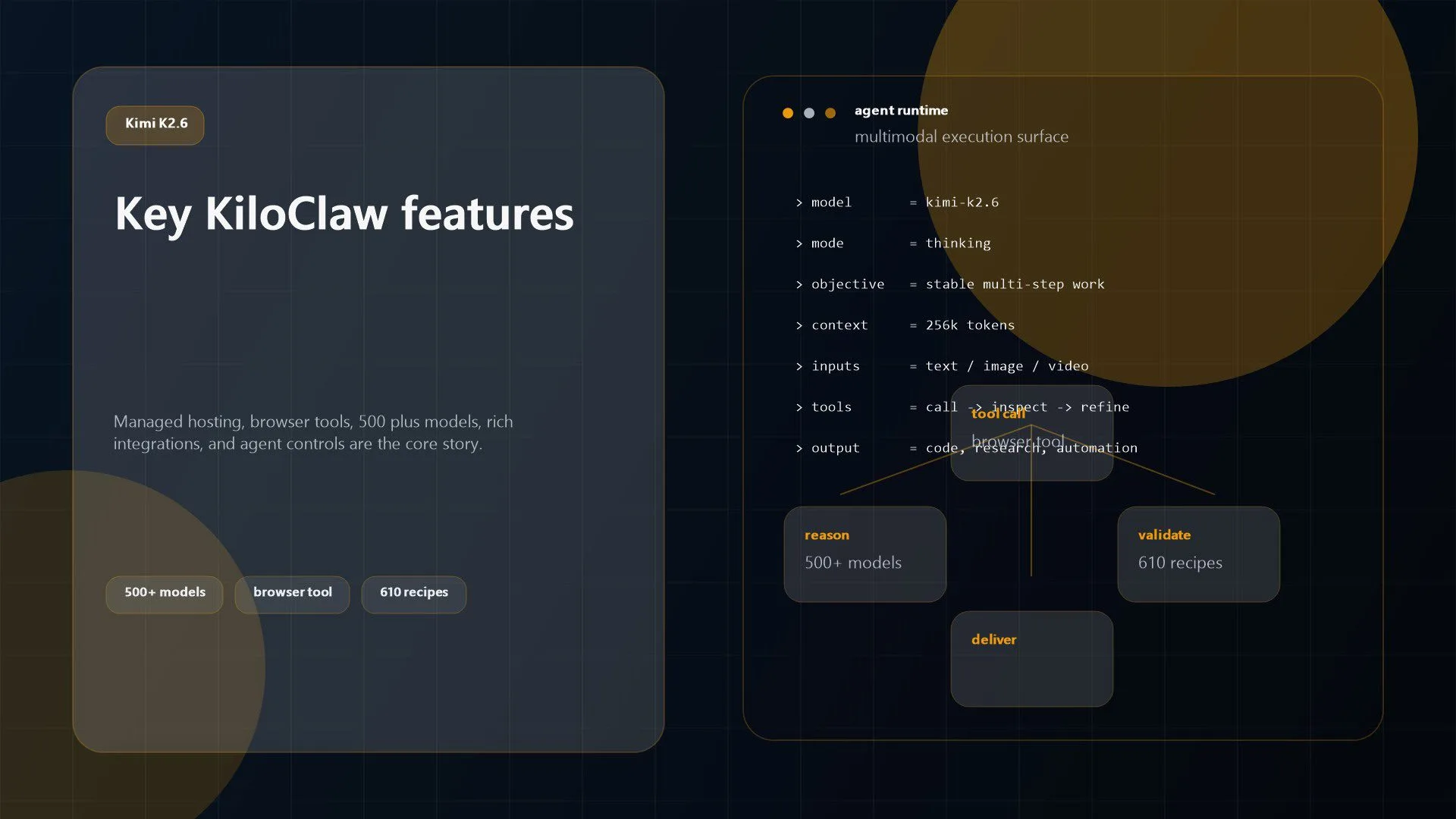
Managed hosting: The service deploys and hosts OpenClaw for the user, avoiding self-managed servers, Docker, and local environment friction.Fast provisioning: The docs say instances provision in seconds, with a web UI and dashboard available immediately after setup.500+ model access: Kilo positions Kilo Gateway as a single integration point for more than 500 models, with one-click model changes and optional BYOK.Operational controls: Users can start machines, restart OpenClaw, redeploy updated images or config, and run diagnostics through OpenClaw Doctor.Browser automation: The platform includes a headless Chromium browser tool so the agent can browse, take screenshots, fill forms, and automate web actions.Full tool profile: New instances deploy with a full tool profile that includes filesystem access, shell execution, web search, browser automation, messaging, memory, and sub-agents.Broad integrations: The integrations page lists 12 integrations and 610 ready-made recipes across email, calendar, Slack, GitHub, Telegram, browser, notifications, web search, Google Docs, Todoist, YouTube, and general web actions.
Taken together, these features make the service easier to evaluate as an execution platform rather than a chat product. It is built around action surfaces, not just answer quality.
Pricing and rollout model
KiloClaw pricing deserves a careful reading because Kilo currently exposes two slightly different signals on official pages.
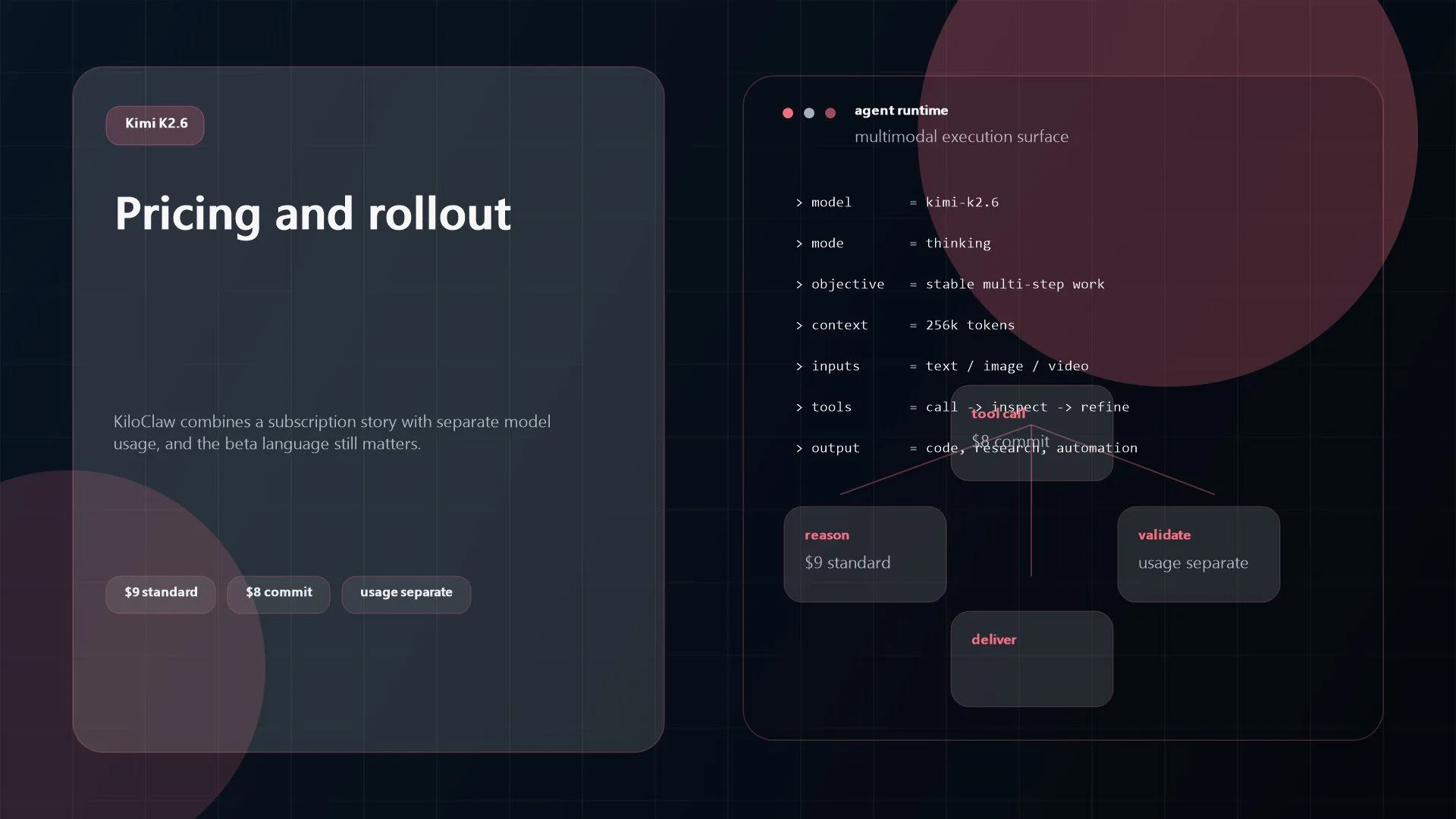
On Kilo’s main pricing page, the managed OpenClaw product appears with a Standard month-to-month plan at $9 per month, a six-month Commit option that works out to $8 per month billed as $48 upfront, and a one-week free trial with no credit card required. That same page says AI inference is billed separately.
At the same time, the pricing FAQ in the docs says instance hosting is free during the beta period, each user gets a dedicated machine at no hosting cost, and model usage is charged against Kilo Gateway credits unless requests are routed through BYOK. The FAQ also notes that paid hosting tiers may be introduced after beta.
The cleanest way to interpret this is that the commercial model is still evolving. What is consistent across both sources is that model inference is separate from the agent runtime and that Kilo Gateway credits can be shared across Kilo products. For buyers, the important point is not only the base subscription number. It is the total cost of hosted agent runtime plus ongoing model usage.
Best-fit use cases
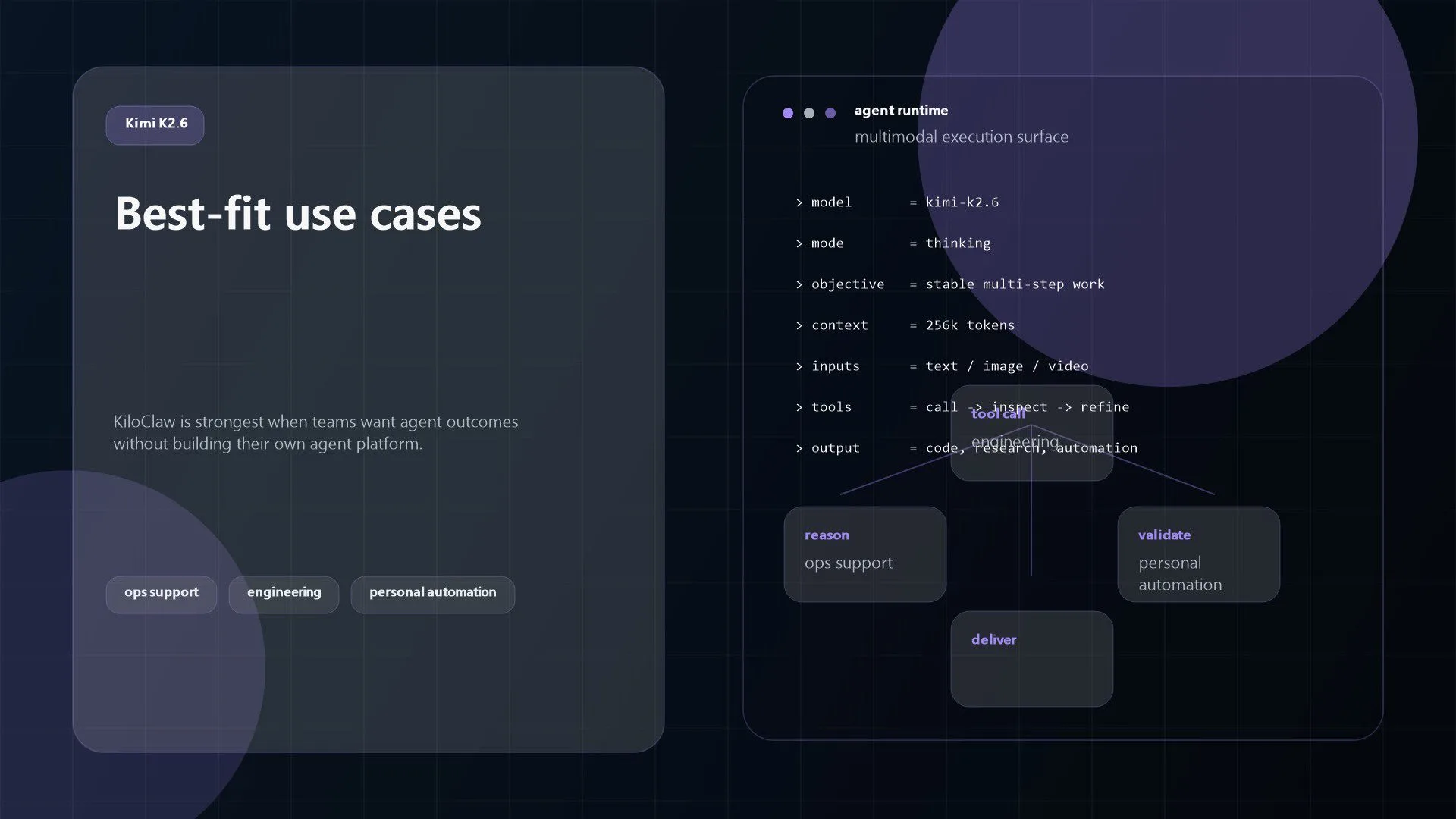
KiloClaw is strongest where a team wants agent capability but does not want to become an agent infrastructure company.
The first clear fit is cross-tool personal automation. The official integrations page shows practical flows across email, calendar, notifications, Slack, Telegram, and browser automation. That makes the service useful for knowledge workers who want a single agent to manage incoming work and surface actions proactively.
The second fit is engineering and operational support. Kilo highlights GitHub, web search, browser control, and workflow recipes for developers, DevOps, and engineering teams. For organisations exploring DevOps or broader workflow automation, that is a strong signal that the hosted platform is meant to plug into recurring technical tasks, not only office automation.
The third fit is small-team AI operations. Kilo’s broader pricing and product surfaces point toward teams that need visibility, billing controls, shared usage patterns, and a simpler path to managed agent deployment. That makes the offering relevant to companies that want real agent experiments in production without waiting for a large internal platform build.
Finally, the platform is a strong candidate for use-case-driven automation rollout. The OpenClaw recipes library is large and role-specific, which lowers the time needed to move from “interesting technology” to a concrete workflow pilot.
Limits and considerations
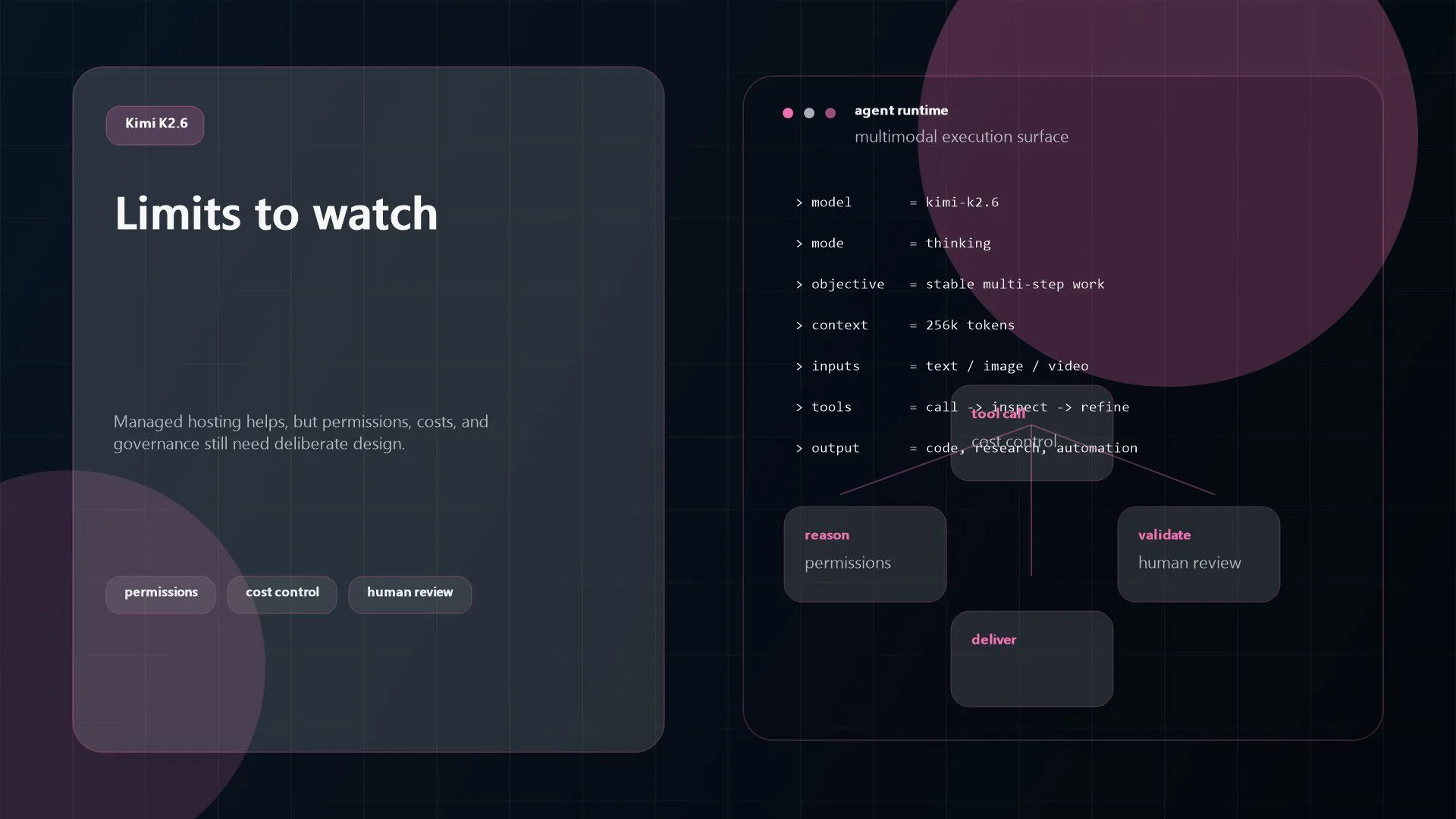
KiloClaw still needs to be evaluated with the same discipline as any other agent platform.
First, the service depends on the OpenClaw model of autonomy, tools, and permissions. That is powerful, but it also means security and scope management matter. An agent with browser access, shell access, filesystem operations, messaging, and memory is not a lightweight toy. Organisations should define boundaries before letting it touch live systems.
Second, pricing clarity is still imperfect. As noted above, Kilo’s official pricing pages currently describe the hosting model in different ways. That is not disqualifying, but procurement teams should confirm the exact live commercial terms before making rollout assumptions.
Third, model usage is still a real cost center. Even if hosting is inexpensive or temporarily free during beta, premium models can make agent workflows expensive quickly. Teams need to test the right model mix rather than defaulting to the most capable option for every task.
Fourth, managed hosting does not remove operational responsibility entirely. It reduces setup work, but teams still need to decide which integrations to connect, which permissions to grant, how to monitor output quality, and when humans should stay in the loop. That is especially true for sensitive automation in business process automation or customer-facing systems.
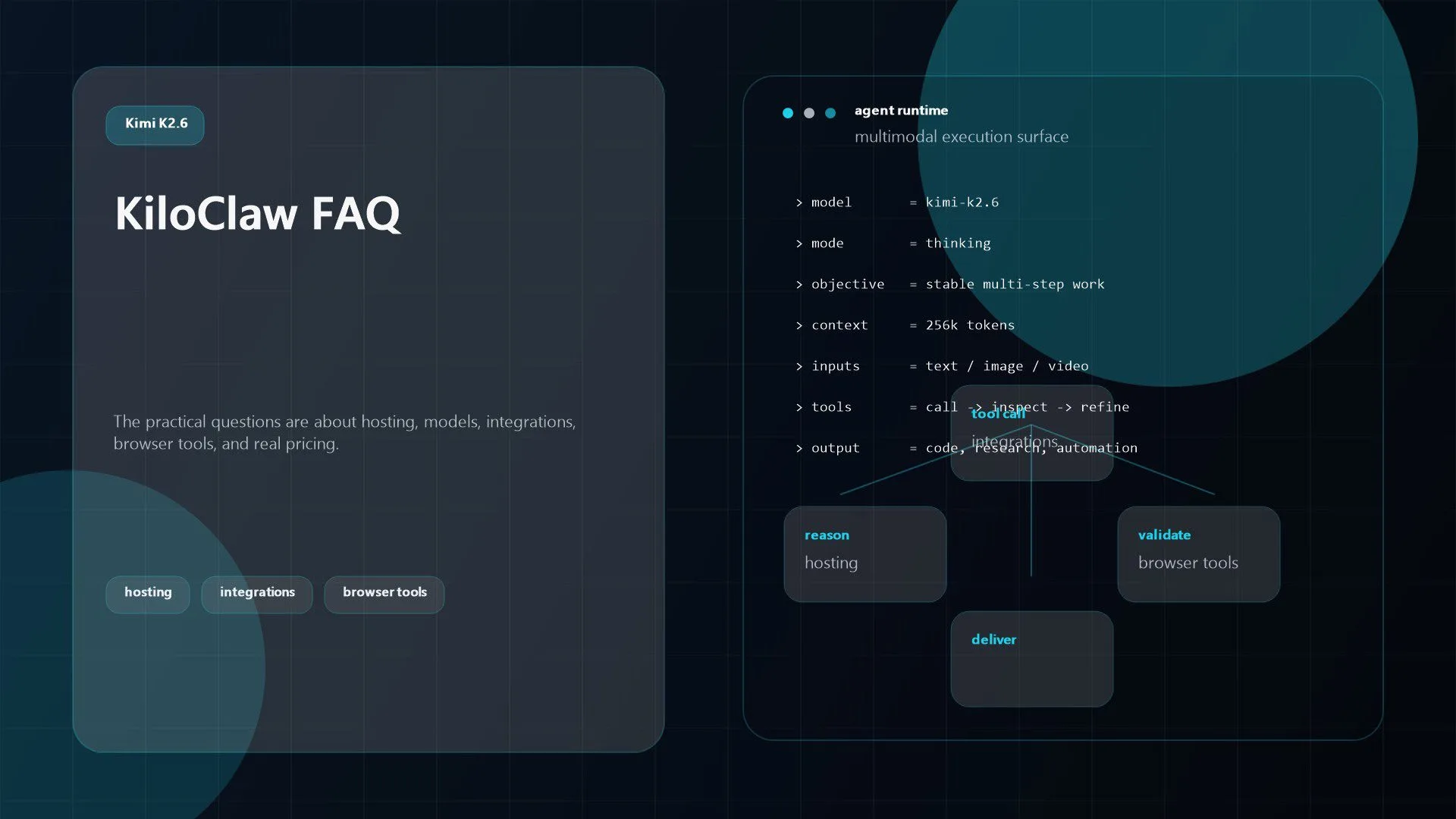
FAQ
Is KiloClaw the same thing as OpenClaw?
No. OpenClaw is the underlying agent framework. KiloClaw is Kilo’s hosted service for deploying, managing, and securing OpenClaw instances.
What can the service connect to?
Official Kilo pages show integrations and recipes across email, calendar, Slack, GitHub, Telegram, browser actions, web search, Google Docs, Todoist, notifications, YouTube, and more.
Does it support multiple AI models?
Yes. Kilo says Kilo Gateway provides access to more than 500 models through one integration, and the docs also support BYOK for supported providers.
Does it include browser automation?
Yes. The docs say the platform includes a headless Chromium browser tool that can browse websites, take screenshots, and automate web interactions.
Is it free?
It depends on which official page you read. Kilo’s main pricing page lists paid plans with a one-week free trial, while the pricing FAQ says hosting is free during beta and model usage is billed separately. Buyers should confirm the current live pricing before rollout.
The platform is compelling because it focuses on the hardest part of AI agents: making them usable in the real world. Kilo is not only selling an agent concept. It is packaging deployment, hosting, security posture, model routing, and operational controls around OpenClaw so teams can start faster.
That does not automatically make it the right platform for every organisation. But if your roadmap includes production-facing agents, connected tools, and persistent automation, the service is serious enough to evaluate. If you want help deciding whether managed agents fit your stack, contact Progressive Robot to design a practical rollout.
More AI coverage: explore Progressive Robot's AI Models, Tools & Releases hub — hands-on reviews, setup guides and benchmarks in one place.










