
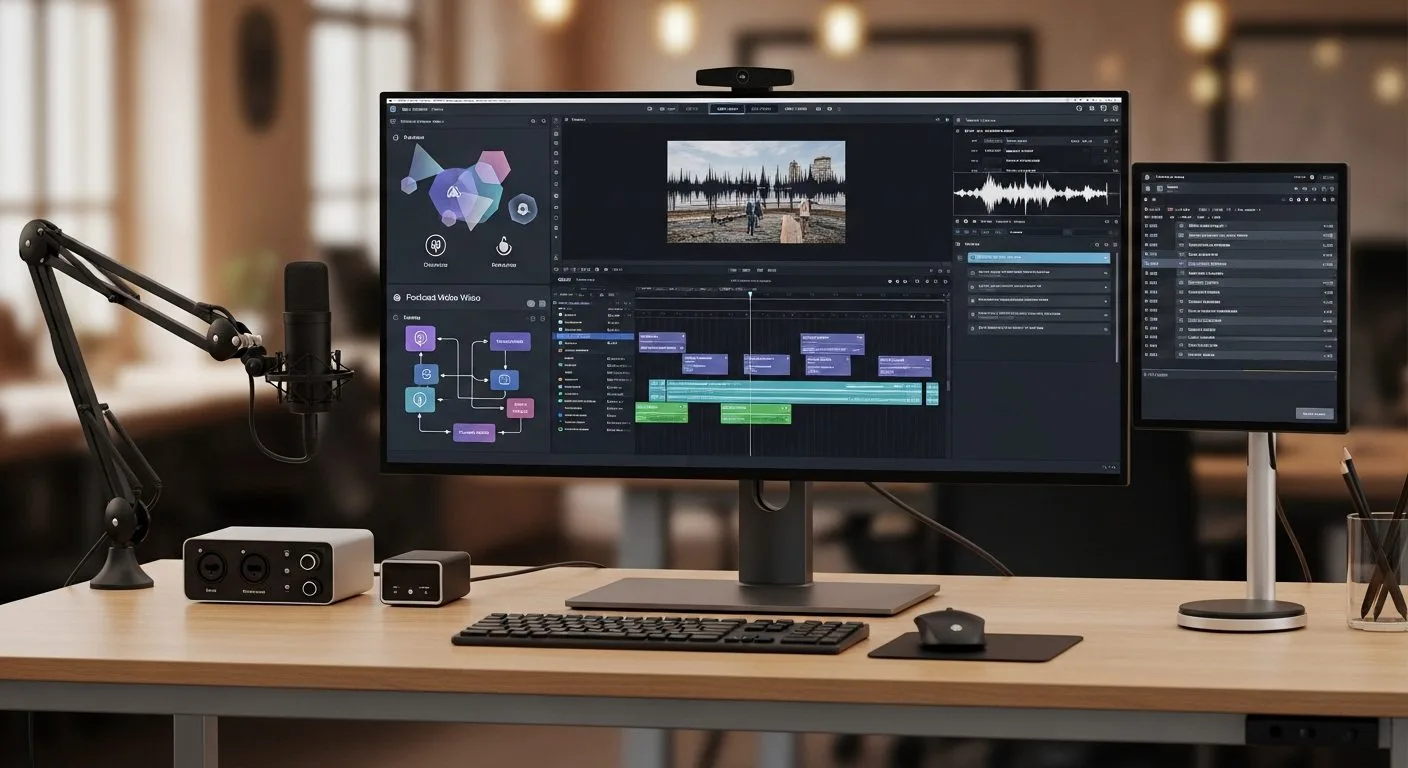
If you are asking what is Descript, the short answer is that it is an all-in-one audio and video editing platform built around text-based editing and AI-assisted production. Instead of forcing creators to work only through a traditional timeline, Descript lets users edit media by editing the transcript, then layer in recording, transcription, cleanup, clips, captions, voice tools, and AI video features inside the same workspace.
This guide uses Descript’s official Descript website, pricing page, and help-center materials as the main references. If you want to understand what is Descript in practical terms, the key point is simple: Descript is trying to make video, podcast, screen-recording, and audio editing faster and more accessible by combining editing software with AI tools and a document-style workflow.
What is Descript? A text-first editor for modern audio and video production.
6 key facts at a glance
What is Descript at a glance? It is an AI-powered platform for recording, transcribing, editing, and publishing audio and video content.
- Descript is built around text-based editing, where users edit audio or video by editing the transcript.
- The platform combines recording, transcription, timeline editing, cleanup tools, captions, clips, screen recording, podcast workflows, and AI-assisted video features.
- Descript’s current AI product story centers heavily on Underlord, its AI co-editor or video agent.
- Official tools include Studio Sound, filler-word removal, eye contact, captions, translation, avatars, AI speech, and video regenerate features.
- Descript serves multiple use cases, including podcasts, social clips, product demos, tutorials, training, webinars, and team communication.
- The product is available on a free tier, with paid plans adding more media hours, AI credits, export quality, advanced AI tools, and team collaboration features.
Why understanding what is Descript matters
If you want a better answer to what is Descript, it helps to see why the product became notable in the first place. Traditional audio and video editing can be technically powerful but intimidating, especially for podcasters, marketers, educators, founders, or internal teams who need to publish media regularly without becoming full-time editors.
That matters because the bottleneck in content production is often not ideas. It is the friction between recording something useful and turning it into something publishable. Descript is important because it tries to close that gap. By making media editable like a document and layering in AI tools on top, it aims to turn media production into a workflow that more people can actually maintain. If you are thinking about how AI tools become operational systems instead of isolated experiments, Progressive Robot’s guide to workflow automation is useful background.
What is Descript in simple terms

What is Descript in plain English? It is editing software for audio and video that feels more like working in a document than in a traditional nonlinear editor.
The basic idea is simple. You record in Descript or import media, Descript transcribes it, and then you can cut, rearrange, and refine the content by editing words in the transcript. From there, you can add AI cleanup, generate clips, remove filler words, improve sound, add captions, translate, create an avatar-based segment, or keep working in a standard timeline when needed.
What is Descript for most users? A faster route from raw recording to polished content.
What is Descript in the current Descript product story

What is Descript inside Descript’s broader strategy? It is an all-in-one creator and team platform for AI-assisted audio and video production.
1. What is Descript as a text-based editor?
The first thing to know about what is Descript is that text-based editing is still the heart of the product. Descript’s own site says that whether you record in the app or drag in a recording, you get an instant transcript, and then edit your video by editing the text.
That framing matters because it explains why Descript appeals to nontraditional editors. The product is not asking new users to think like post-production specialists first. It is asking them to think like writers and reviewers, then letting the software translate those edits into media changes.
2. What is Descript as an AI co-editing platform?
Another major part of what is Descript is its AI layer. Descript now centers much of its story around Underlord, its AI co-editor or AI video agent. The official product page says users can ask Underlord to edit or generate a script, redesign the video layout, generate custom video, and generally reduce manual editing work.
This matters because the answer to what is Descript is no longer just “a transcript editor.” It is increasingly an AI-assisted production system where the user can direct an agent-like assistant to handle parts of the editing workflow.
3. What is Descript for podcasts, videos, and clips?
Descript also positions itself as one editor for multiple media formats. The product page explicitly calls out video content, podcasts, and video clips. The help center highlights workflows for getting started, recording and exporting podcasts, using Descript Rooms for browser-based remote recording, and creating clips from longer content.
That means the best answer to what is Descript is broader than video editing alone. It is a platform for creating podcasts, webinars, tutorials, social clips, internal training videos, and other voice- or screen-driven formats.
4. What is Descript for AI cleanup and enhancement?
Another practical answer to what is Descript is that it is a toolkit for making mediocre raw footage or audio easier to rescue. Descript’s official tools include Studio Sound for regenerative voice enhancement, filler-word removal, captions, green screen, eye contact correction, translation, and regenerate for changing words while matching voice and mouth movement.
That set of tools matters because many creators do not need Hollywood-level color finishing. They need faster cleanup, fewer retakes, and a more reliable path to publishable quality. Descript is clearly built around that reality.
5. What is Descript for avatars, speech, and generated video?
What is Descript beyond cleanup and transcription? Increasingly, it is also a generative content system. The official site highlights AI speech, custom voice clones, avatars, and generative video features. The pricing page also notes access to AI speech, video regenerate, generated video with the latest AI models, and business-tier features such as translated dubbing and custom avatars.
This is strategically important. It shows Descript moving from editing recorded content toward a hybrid model where users can generate new pieces of content, not just refine what already exists.
6. What is Descript for teams and business workflows?
The last important part of what is Descript is team use. The official site explicitly pitches the product to marketing, learning and development, sales enablement, support, and creators. Its pricing tiers also scale from solo use to business and enterprise settings, with features like Brand Studio, team-oriented collaboration, translated dubbing, support SLAs, and enterprise security controls.
That means Descript is not only trying to win individual creators. It is also trying to become a communication and content-production platform for distributed teams.
What is Descript good at

What is Descript in practical day-to-day use? It is strongest when content creation depends on spoken media, repeated production, and fast editing cycles.
What is Descript for podcast and interview workflows?
One of the clearest uses for what is Descript is podcast production. Descript’s own help center and marketing materials repeatedly point to podcast recording, editing, cleanup, publishing, and promo-clip creation. If you are working with spoken audio, multiple takes, interviews, or long-form recorded conversation, the transcript-based workflow can save a lot of time.
What is Descript for video content and repurposing?
Descript is also strong for video teams who need to turn one recording into several outputs. Its AI clips tool, caption workflows, social-video support, and Underlord features all point toward repurposing long-form content into short clips and formatted outputs for multiple channels.
That makes the answer to what is Descript especially relevant for YouTube teams, course creators, educators, marketers, and anyone turning recordings into repeatable content pipelines.
What is Descript for non-editors who still need polished output?
Another major strength in what is Descript is accessibility. The product is clearly designed for users who need good-looking, good-sounding media without becoming expert editors first. The combination of transcript editing, automated cleanup, AI speech, and visual automation lowers the barrier to producing professional-feeling media.
That does not mean Descript replaces every professional post-production workflow. But it does mean it can remove a large amount of friction for teams who care more about clarity, speed, and repeatability than advanced cinematic finishing.
What is Descript access today
What is Descript access today? It is a freemium platform with paid tiers that expand both editing capacity and AI features.
The official pricing page says the free plan includes 1 media hour per month, 100 AI credits, 720p watermark-free export, limited Underlord usage, and a limited AI speech trial. Paid plans then scale upward:
- Hobbyist adds 10 media hours per month, 400 AI credits, 1080p export, access to Underlord, and more AI tools.
- Creator adds 30 media hours plus bonus hours, 800 AI credits plus bonus credits, 4K export, fuller Underlord access, generative video, and royalty-free stock media.
- Business adds higher allowances plus team features such as Brand Studio, translated dubbing, and custom avatars.
- Enterprise adds tailored security, AI controls, and licensing.
The free plan is enough to understand the workflow. The more advanced AI production story clearly lives in the paid tiers.
What is Descript still limited by

What is Descript not perfect at? The official materials make clear that the product is broad and powerful, but there are still tradeoffs.
- Heavy AI features depend on credits, plan limits, and media-hour allowances.
- Some of the newer AI workflows are more useful for fast production than exact creative control.
- Teams still need editorial judgment, especially when using generated video, dubbed speech, avatars, or cloned voices.
- Descript may simplify editing, but it does not remove the need for scripting, structure, and taste.
- The product is broad enough that new users can still feel overwhelmed if they try to learn every feature at once.
The safest way to understand Descript is as a very capable creator platform that speeds up media production, not as a system that eliminates the need for review and human decisions.
Frequently asked questions
What is Descript in FAQ form? These short answers cover the most practical questions.
Is Descript only for podcasts?
No. Descript supports podcasts, video editing, social clips, screen recordings, captions, translation, avatars, and more. Podcasting is one of its major use cases, but not the only one.
Can Descript really edit video by editing text?
Yes. That is one of the product’s defining ideas. Descript transcribes your recording and lets you edit the media by editing the transcript.
What is Underlord in Descript?
Underlord is Descript’s AI co-editor or AI video agent. It helps with scripting, editing, layout changes, generated video, and other AI-assisted production tasks.
What is Descript best understood as right now?
The clearest answer is that it is an AI-assisted audio and video editor built around text-based editing, creator workflows, and increasingly agent-like production tools.
Final thoughts
If you came here asking what is Descript, the most useful answer is that it is a modern editing platform designed to make audio and video production feel much less like traditional post-production and much more like working in a document with AI help built in.
That matters because most teams do not need more editing complexity. They need a faster way to record, clean up, clip, caption, repurpose, and publish useful media. Descript is important because it is trying to turn those needs into one connected workflow instead of forcing creators to patch together half a dozen separate tools.
More AI coverage: explore Progressive Robot's AI Models, Tools & Releases hub — hands-on reviews, setup guides and benchmarks in one place.










