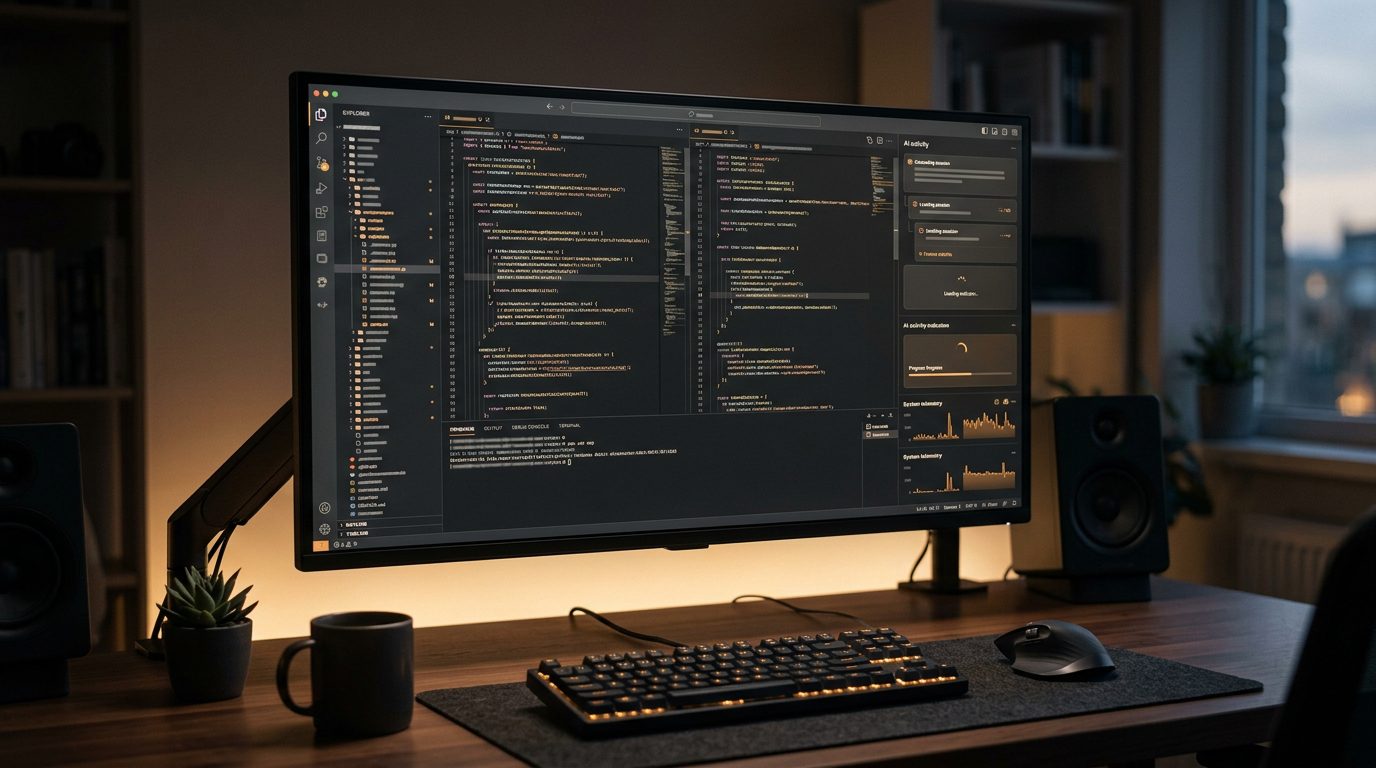
Claude Code Desktop status tracking is becoming an important part of Anthropic’s effort to make AI-assisted software development easier to manage. As developers increasingly delegate coding tasks to AI agents, they need more than a chat window: they need a clear view of active sessions, ongoing work and tasks that may require their attention. Recent interface reporting from TestingCatalog highlights the evolution of Claude Code Desktop, including a sessions hub and improved visibility into session activity.
The change matters most to developers who run several coding tasks simultaneously. Instead of repeatedly opening individual conversations to determine what is happening, a centralised interface can make it easier to understand which sessions are active and move between projects. Anthropic’s existing desktop documentation already describes session management, status filtering and parallel workflows, although the precise scope and availability of any newly reported interface changes should be checked against the latest app version.
What Is Claude Code Desktop Status Tracking?
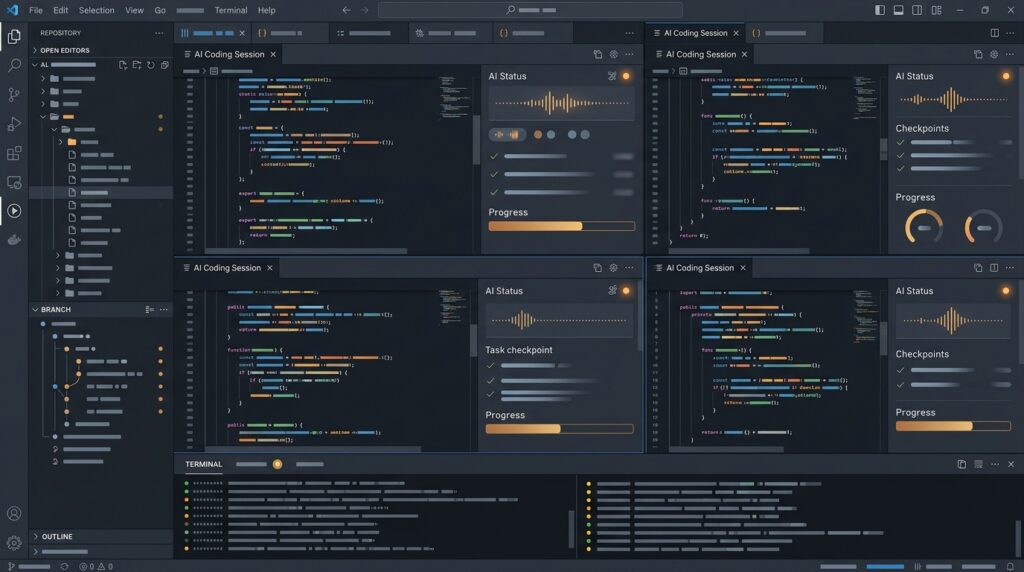
Claude Code Desktop status tracking refers to the visibility developers have into the activity and state of their AI coding sessions within Anthropic’s desktop application. Rather than treating each interaction as an isolated conversation, the application brings multiple sessions into a more manageable workspace.
A session represents a particular coding task and its associated conversation context. One session might investigate a software bug, another might implement a new feature, and a third could review a proposed change. The sessions hub provides a central place to switch between these tasks without constantly searching for the right conversation.
Status information adds another useful layer. Developers need to know whether work is continuing, whether a task has finished or whether an interaction needs their input. Better visibility can reduce the effort involved in supervising multiple AI-assisted workflows.
It is important to distinguish the broader functionality documented in Claude Code Desktop from the exact details of the latest reported update. TestingCatalog’s post highlights the interface changes, but the available evidence does not establish that every reported status indicator is a brand-new feature or that it has reached every user.
How the Claude Code Desktop Sessions Hub Works
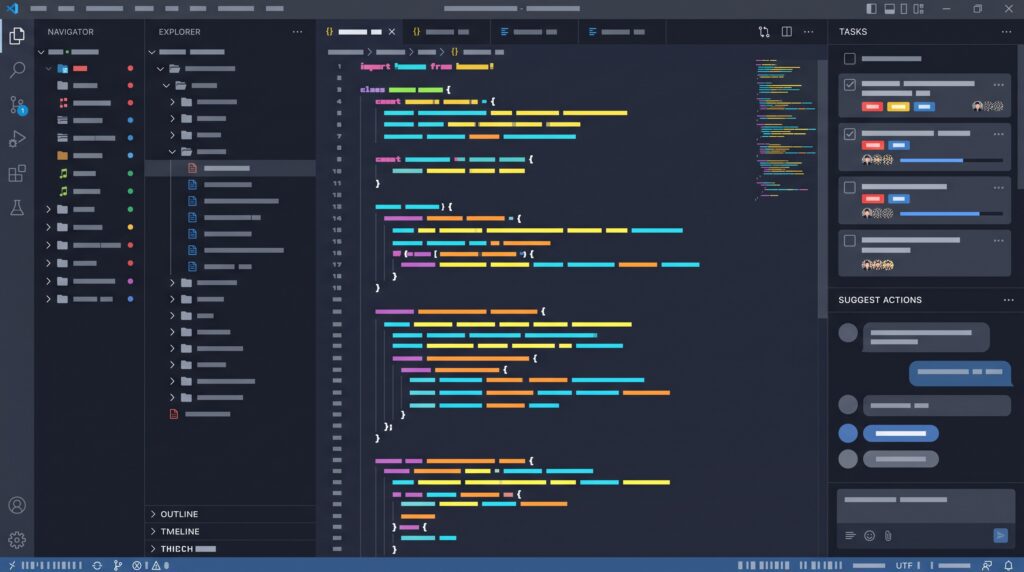
The sessions hub is designed to make parallel development easier to navigate. Developers can keep separate tasks in individual sessions, return to earlier work and organise activity around different projects. This becomes particularly valuable when a single development project involves debugging, testing, documentation and feature implementation at the same time.
Claude Code Desktop status tracking complements this structure by making session activity easier to review. Instead of relying entirely on memory, developers can use the interface to identify the work they want to inspect next. The desktop documentation also describes filtering sessions by status, project or environment and grouping them by project.
These capabilities help reduce context-switching overhead. When developers can identify a session quickly, they spend less time navigating between tasks and more time reviewing the code or making decisions.
However, a sessions hub does not automatically guarantee that every task is progressing correctly. Developers still need to inspect the output, review changes and confirm that the agent has completed the intended work.
Live Status Tracking and AI Coding Workflows
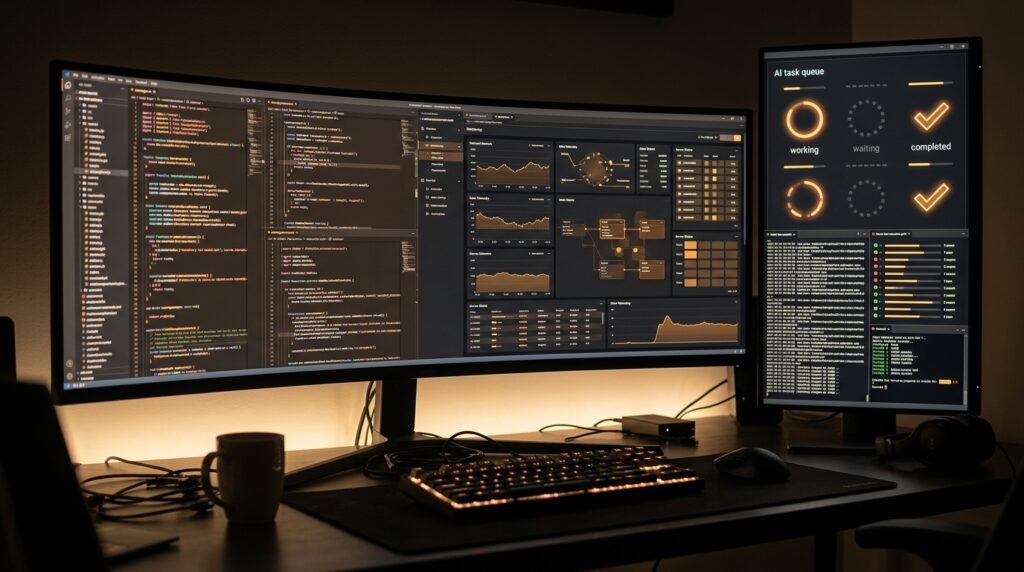
The practical value of Claude Code Desktop status tracking becomes clearer when several AI coding tasks run in parallel. Without a central overview, a developer may have to open each conversation individually to find out which task is ready for review or which one needs further instructions.
A more visible session workflow can help developers prioritise their attention. A completed task may be ready for code review, while another session may still be analysing a repository. A third might require an approval or clarification before it can continue. Clear status information helps developers decide what to handle next.
This is especially useful for long-running work such as refactoring a large codebase, generating tests, investigating complex defects or implementing changes across multiple files. Developers can monitor separate streams of work without treating every session as equally urgent.
Nevertheless, status indicators should be interpreted as operational signals rather than proof of code quality. A task marked complete may still contain bugs, incomplete requirements or tests that have not been adequately checked. Human review remains essential before changes are merged or deployed.
Local and Cloud Sessions: Why the Difference Matters
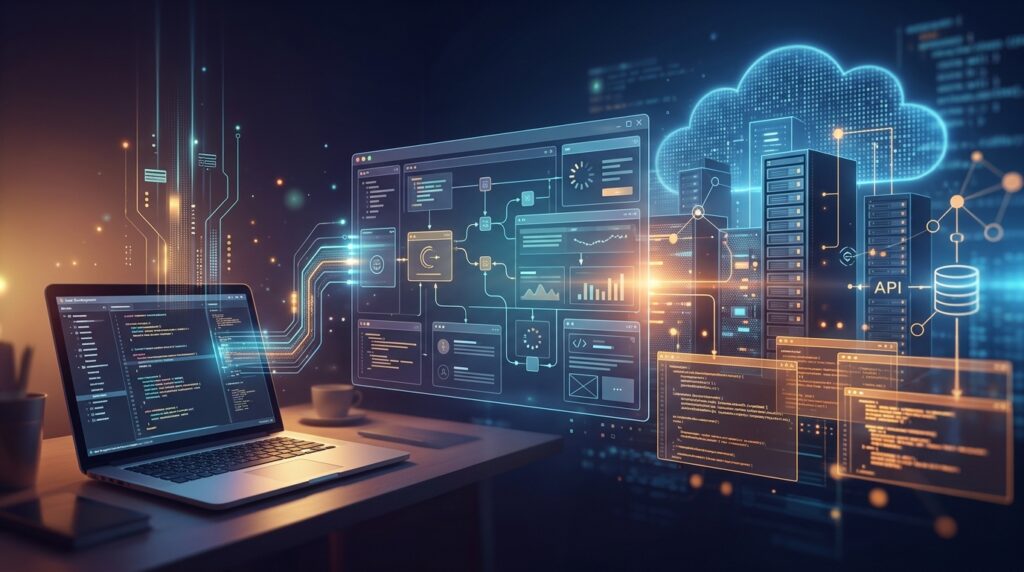
Claude Code Desktop supports different execution environments, and understanding them is important when monitoring ongoing work.
Local sessions run on the developer’s own machine and can access files within the permitted local environment. Their behaviour depends on the computer and desktop application remaining available. Cloud sessions, by contrast, run on Anthropic-managed infrastructure and can continue working after the desktop application is closed or the computer shuts down.
The distinction changes how developers interpret activity. A cloud session may continue running while the desktop app is no longer open, whereas local work depends on the local environment. Remote SSH and Windows Subsystem for Linux (WSL) sessions provide additional options for developers working on remote machines or Linux-based toolchains.
Claude Code Desktop status tracking is more useful when developers understand these differences. A visible session should not be assumed to have identical file access, persistence or capabilities across every environment.
Anthropic’s documentation also explains that an existing session cannot simply be switched between all execution environments. Moving work may require starting a new session or using a supported continuation workflow. Developers should choose the appropriate environment before beginning a long-running task.
Official documentation: Claude Code Desktop.
Benefits for Developers and Software Teams
A central session interface can improve everyday development in several ways.
First, it can reduce the time spent navigating between coding tasks. Developers working across several repositories or features can return to the right session more quickly and maintain a clearer view of their workload.
Second, it can improve task prioritisation. When session activity is easier to inspect, developers can focus on work that is complete, blocked or awaiting a decision instead of repeatedly checking every conversation.
Third, it can support more structured parallel development. Separate sessions allow developers to delegate different responsibilities to AI while retaining control over the overall project. Git worktrees, where supported and configured, can further isolate changes made by different sessions.
Finally, better visibility can support code review and accountability. Developers can identify the relevant session, examine its output and decide whether the changes meet project requirements.
Claude Code Desktop status tracking does not remove the need for engineering discipline. Teams still need appropriate access controls, tests, code reviews and clear rules for accepting AI-generated changes. The interface helps manage work; it does not replace the processes that make software reliable.
How to Get More From Claude Code Desktop
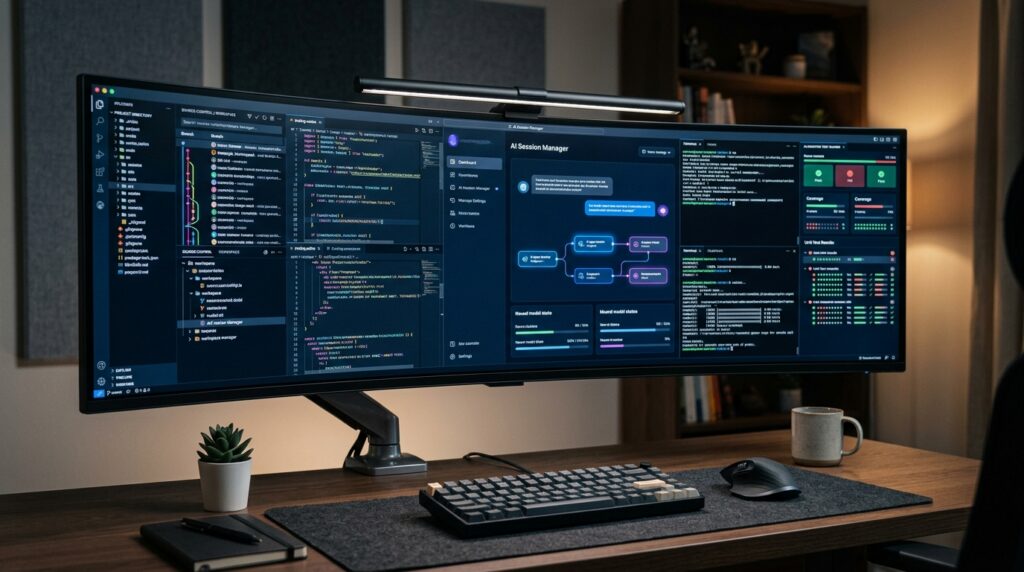
Developers can make session management more effective by following a few practical habits.
Give sessions meaningful names. Descriptive names make it easier to distinguish a bug investigation from a feature implementation or a test-generation task. Group related sessions by project where the application supports it.
Choose the right execution environment. Use local sessions when direct access to local files and tools is important. Consider cloud sessions for suitable long-running tasks that should continue when the computer is offline. Use SSH or WSL where the project’s infrastructure requires them.
Keep parallel changes isolated. When several sessions may modify the same repository, use supported Git worktree workflows to reduce the risk of conflicting edits. Inspect changes before combining them.
Review completed work promptly. A completed status is a reason to inspect the result, not an automatic approval. Run relevant tests, check diffs and verify the original requirements.
Keep the application updated. Interface features and availability can change between releases. Check the latest Claude Code documentation and the version installed on your system before assuming a reported capability is available.
These practices make Claude Code Desktop status tracking more useful because the value of an organised interface depends on how consistently the team uses it.
What the Latest Update Means for the Future of AI Coding
The evolution of Claude Code Desktop reflects a broader shift in AI-assisted development. As coding agents take on larger tasks, the challenge is no longer simply generating code. Developers also need to coordinate work, understand progress, handle approvals and verify results across multiple sessions.
A more capable session hub could help turn the desktop application into a practical control centre for AI-assisted engineering. Developers would have a clearer view of concurrent tasks while retaining access to the conversations and code changes behind each result.
Claude Code Desktop status tracking is part of this larger workflow direction, but its long-term value will depend on the accuracy of its status information, how well it handles interruptions and how easily developers can inspect agent-generated changes.
The distinction between a reported interface update and a fully documented release remains important. TestingCatalog has highlighted the latest development, while Anthropic’s documentation provides the more dependable reference for features and supported workflows. Users should check their own app version and official documentation for availability.
Frequently Asked Questions
What is Claude Code Desktop status tracking?
Claude Code Desktop status tracking describes the ability to inspect the state and activity of coding sessions within the desktop application. It helps developers navigate parallel tasks and identify sessions that may need attention.
What is the sessions hub in Claude Code Desktop?
The sessions hub provides a central interface for viewing and switching between coding sessions. Anthropic’s documentation describes session organisation and filtering by project, status and environment.
Can Claude Code run multiple sessions at once?
Yes. Claude Code Desktop supports parallel sessions, allowing developers to work on separate tasks. Each session maintains its own context, and developers should use suitable isolation practices when multiple tasks affect the same repository.
Do cloud sessions continue when Claude Desktop closes?
Cloud sessions can continue running on Anthropic-managed infrastructure after the desktop app is closed or the computer shuts down. Local sessions depend on the local environment and behave differently.
Is the latest status-tracking interface available to everyone?
Availability can depend on the installed version, platform and rollout. The TestingCatalog post reports interface changes, but users should check their own application and the official documentation rather than assume every detail is universally available.
Conclusion
Claude Code Desktop status tracking addresses a practical challenge in AI-assisted software development: keeping multiple coding tasks organised and understanding which sessions need attention. A central sessions hub, session filtering and support for different execution environments can make parallel work easier to manage.
For developers, the most effective approach is to combine these tools with clear session names, isolated changes, automated testing and careful code review. The interface can improve visibility, but reliable software still depends on verifying what the AI produces.
Explore our IT services: Progressive Robot helps businesses explore software development, AI solutions, cybersecurity and wider IT services.
References
TestingCatalog — Claude Code Desktop adds sessions hub and live status tracking
Anthropic — Claude Code Desktop documentation
Progressive Robot — Sessions Hub: Simple, Smart Claude Code Control in Desktop
More AI coverage: explore Progressive Robot's AI Models, Tools & Releases hub — hands-on reviews, setup guides and benchmarks in one place.