
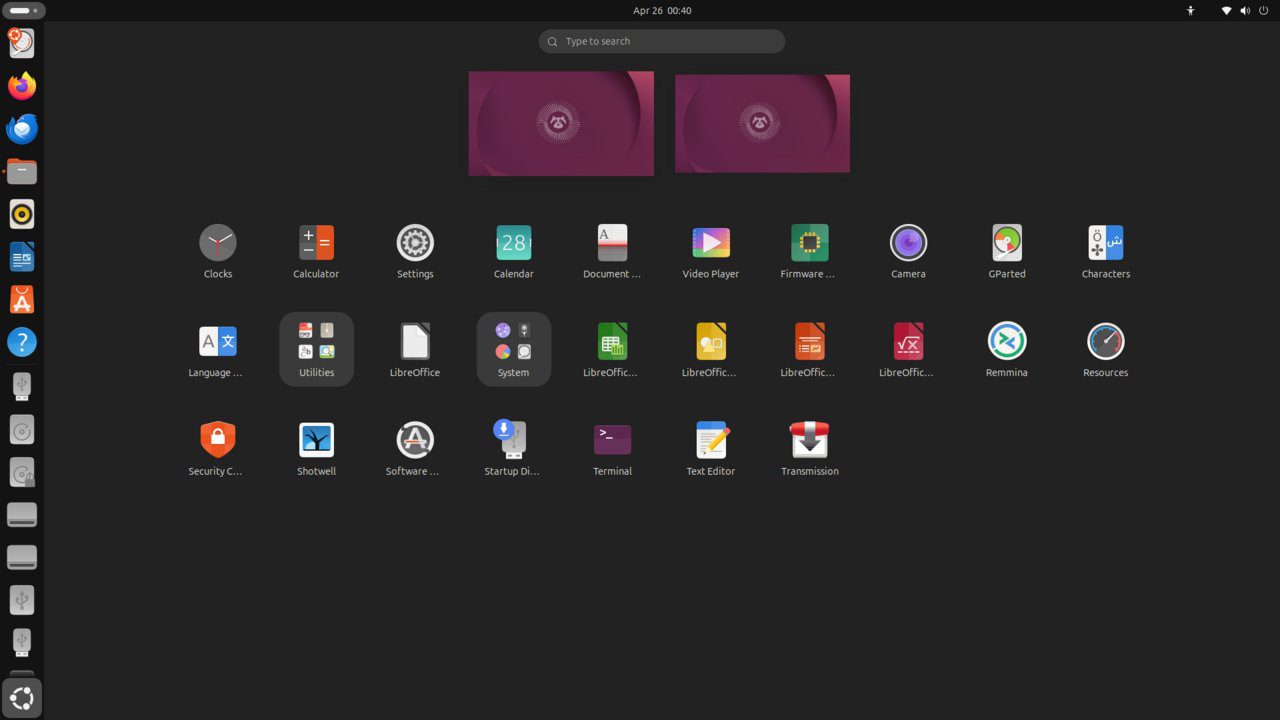
Node.js 22 LTS is the current long-term support release of the JavaScript runtime. It includes performance improvements from V8 13, the stable fetch API, native TypeScript type-stripping support, and improved ESM compatibility. This guide installs Node.js 22 LTS on Ubuntu 26.04 LTS.
Tested and valid on:
- Ubuntu 26.04 LTS
Prerequisites
- Ubuntu 26.04 LTS server or desktop
- A user with sudo privileges
- Internet connectivity
Step 1 – Check if Node.js is Already Installed
node --version 2>/dev/null || echo 'Not installed'Step 2 – Install via NodeSource Repository (Recommended)
The NodeSource repository always provides the latest LTS:
curl -fsSL https://deb.nodesource.com/setup_22.x | sudo -E bash -
sudo apt install nodejs -y
Step 3 – Verify Installation
node --version
npm --version
Step 4 – Install via Ubuntu Default Repository (alternative)
sudo apt update
sudo apt install nodejs npm -y
Note: This may install an older Node.js version than the NodeSource method.
Step 5 – Update npm to the Latest Version
sudo npm install -g npm@latest
npm --version
Step 6 – Test Node.js
node -e "console.log('Node.js ' + process.version + ' is working!')"Step 7 – Install Global Development Tools
sudo npm install -g typescript ts-node nodemon
tsc --version
Conclusion
Node.js 22 LTS is installed on Ubuntu 26.04 LTS. Use npm to manage packages, and consider NVM for managing multiple Node.js versions in development environments.










