
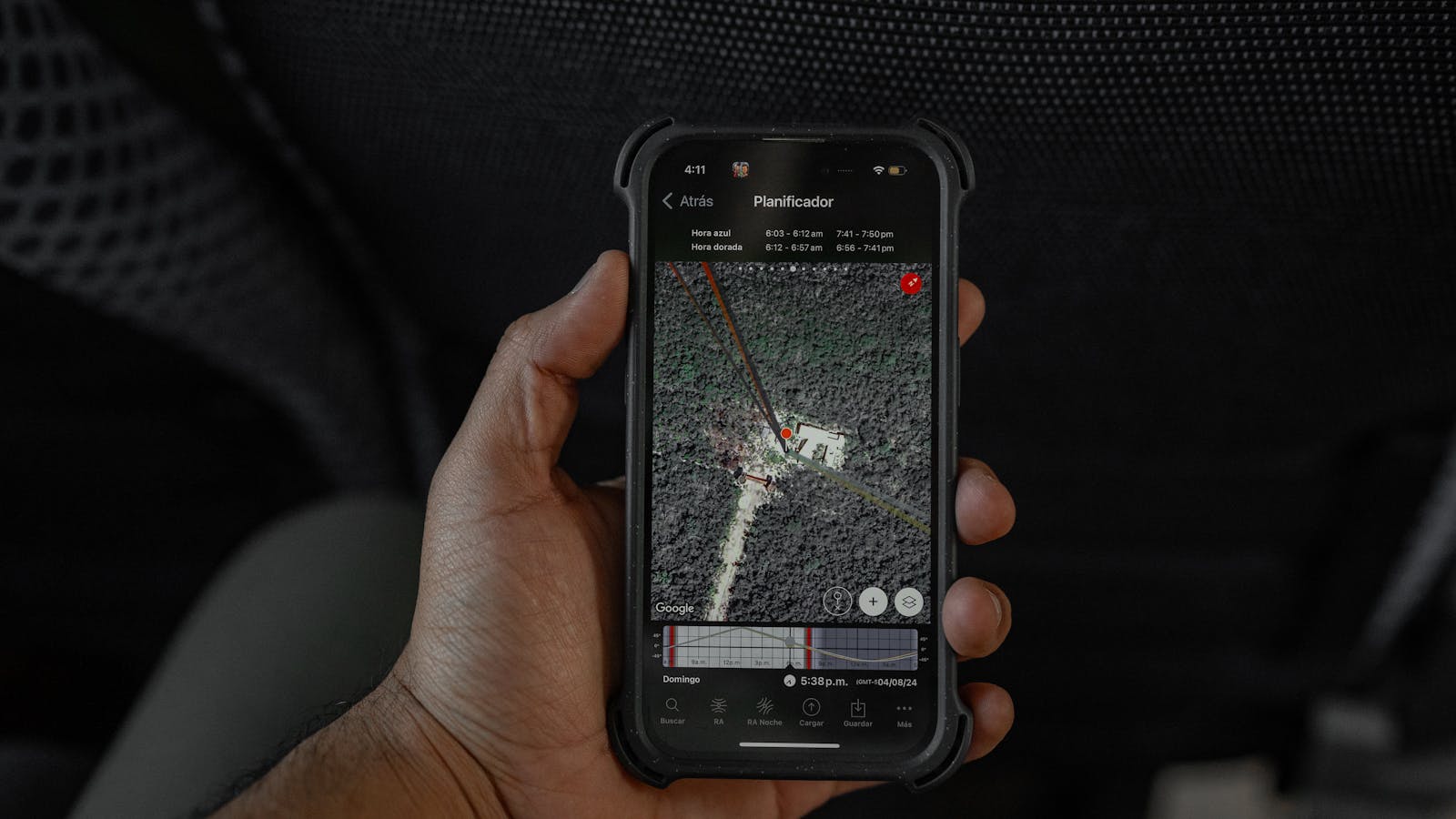
Ask Maps is Google’s clearest signal that digital maps are turning into AI assistants. Instead of typing a short search, filtering results, opening reviews, comparing distances, and then starting over, users can ask complex real-world questions in natural language and receive conversational answers tied to a customized map.
That matters because maps have always been decision tools. People do not only need the closest restaurant, charger, store, court, or trail. They need the option that fits a moment: a low-wait coffee shop near a charger, a tennis court with lights tonight, a vegan-friendly midpoint for friends, or a scenic stop between destinations.
Google says the experience is powered by Gemini and Maps’ fresh information about the world. In its announcement, Google described the feature as a way to answer questions with context from more than 300 million places and insights from a community of more than 500 million contributors. For businesses, travelers, developers, and local search teams, that changes how discovery may work.
For anyone building an AI strategy, Ask Maps is more than a consumer feature. It is a practical example of AI moving from chat boxes into high-intent workflows where location, context, preference, and action all matter.
| Area | What changes |
|---|---|
| Local discovery | Users ask detailed questions instead of searching short keywords |
| Trip planning | Routes, stops, and context can be discussed conversationally |
| Personalization | Saved places and past Maps activity can shape recommendations |
| Business visibility | Reviews, attributes, photos, and freshness become more important |
| Navigation | Gemini also supports more natural route guidance through Immersive Navigation |

Ask Maps at a glance
Ask Maps is a conversational layer inside Google Maps. Users tap the new button, describe what they need, and receive a response that is connected to places on the map. The result is not only a list of links. It is a map-based answer designed to help people choose and act.
Google’s examples show the difference. A user can ask where to charge a phone without waiting in a long coffee line, whether a public tennis court has lights, or which stops are worth making on a road trip. These are messy questions that usually require multiple searches and a lot of review reading.
The feature starts rolling out in the United States and India on Android and iOS, with desktop expected later. That rollout matters because mobile Maps usage happens close to action. A recommendation can quickly turn into directions, a saved list, a shared plan, or a booking.
The feature also sits beside Google’s broader Gemini push. Maps is becoming a place where AI is not a separate destination. It is part of the interface people already use when deciding where to go next.

What makes Ask Maps different from ordinary search
Traditional map search is keyword driven. A user searches “coffee,” “EV charger,” “restaurants near me,” or “parking,” then applies filters and reads reviews. That flow works, but it forces users to translate a real need into short phrases.
The experience changes the input. The user can describe the full situation. Instead of searching for a restaurant and then checking distance, mood, availability, food preferences, and group size, a person can ask for a cozy midpoint with vegan options and a table for four.
That is important for Artificial Intelligence (AI) and Machine Learning (ML) because it shows how AI can reduce interface friction. The model interprets intent, Maps supplies structured location data, and reviews provide human context.
The output also becomes more useful when it is grounded in a map. A generic AI answer may suggest ideas. This feature can connect suggestions to actual places, directions, ETAs, hours, and local signals.

How Gemini turns map data into answers
Gemini gives Ask Maps its reasoning layer, but the real advantage is the data it can reason over. Google Maps contains places, roads, business profiles, photos, ratings, reviews, traffic information, saved lists, and user contributions. The AI layer can combine those signals into an answer that feels more like a local guide.
This does not mean every answer will be perfect. Maps data changes constantly, and AI systems can still misunderstand intent. The value comes from narrowing the research burden. Users can ask a fuller question, get a shortlist, and then verify details before making a decision.
For product teams, this is a useful pattern. AI becomes more valuable when it is grounded in a high-quality domain system. In this case, the domain system is Maps. In enterprise software, it might be a CRM, support desk, knowledge base, logistics platform, or finance system.
That is why the Maps rollout is worth watching beyond travel. It shows how AI assistants can become action layers on top of trusted operational data.

Travel planning gets more conversational
Travel planning is one of the clearest use cases. A trip usually involves many small decisions: where to stop, what to avoid, where to park, whether a detour is worth it, and how much time a stop will add. Ask Maps can turn those decisions into a conversation.
Google’s launch example described asking for recommended stops between places near the Grand Canyon. The useful part is not only the suggestion. It is the combination of directions, ETAs, tips, and map context in one flow.
This could make travel planning feel less like tab management and more like guided exploration. A family can ask for kid-friendly stops. A remote worker can ask for quiet coffee shops with outlets. A driver can ask for a low-stress lunch stop near a charging station.
The same design logic applies to workflow automation. The best AI experiences remove steps from a real process. This Maps assistant removes steps from discovery, comparison, and route planning.

Local businesses will feel the ranking shift
This feature could change local business visibility because users may ask richer questions than “best restaurant near me.” They may ask for a quiet place with outdoor seating, a repair shop open late, a boutique near parking, or a gym with specific equipment and a friendly atmosphere.
That means business profiles need to be complete, current, and specific. Hours, services, menus, amenities, photos, accessibility details, booking links, and review themes may all influence whether a place is surfaced in conversational answers.
Reviews become especially important. Google highlighted insider tips from real people as part of the experience. If customer reviews consistently mention long waits, great vegan options, helpful staff, noisy rooms, easy parking, or poor Wi-Fi, those details can matter when users ask specific questions.
For local brands, the lesson is practical. Optimize for real customer needs, not only short keywords. Keep profiles accurate, encourage detailed reviews, and treat photos and attributes as AI-readable evidence.

Privacy and personalization need user control
Personalization is one reason the feature can feel useful. Google says results can be based on things like places a user has searched for or saved in Maps. If Maps knows someone likes vegan restaurants, it can use that context when recommending a midpoint for dinner.
That usefulness also raises privacy questions. Location history, saved places, search activity, and personal preferences are sensitive. Users should understand which settings affect personalization and how to review or delete data.
Google’s Maps help pages state that Timeline is off by default, can be turned on or off, and can be managed or deleted by the user. Those controls matter more as AI features make location data feel more predictive and personal.
The product will be strongest when users trust the experience. Clear controls, transparent settings, and easy ways to verify or change preferences are part of the product value, not an afterthought.
Immersive Navigation changes the route experience
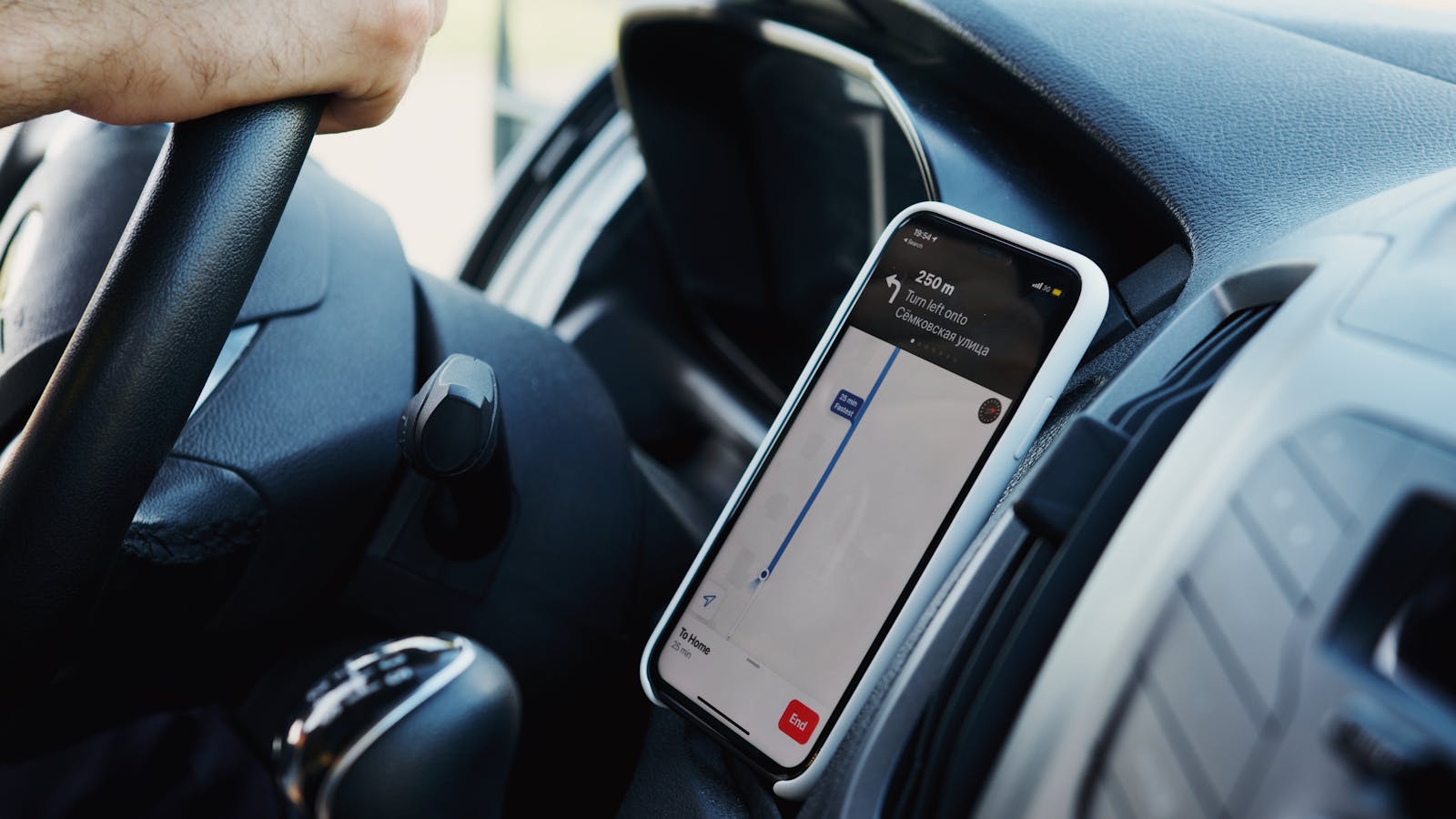
The conversational feature was announced alongside Immersive Navigation, a major update to the driving experience in Google Maps. Google describes it as a more visual and intuitive navigation layer that uses Gemini models, Street View, aerial imagery, and fresh road information.
The goal is to reduce uncertainty while driving. Google says Maps can show more of the route ahead, use transparent buildings and smart zooms, highlight road details, explain alternate route trade-offs, and help with the final stretch by showing entrances, parking, and surrounding context.
That complements conversational discovery because navigation is connected to the choice of where to go. A user may ask where to go, compare options, choose a place, and then need clearer guidance to get there safely.
For AI product design, the lesson is that answers are not enough. The experience must support the full journey from question to action.

How teams should evaluate Ask Maps
Teams should evaluate Ask Maps by looking at behavior, not hype. Does it reduce search steps? Does it surface better local options? Does it help users discover places they would have missed? Does it make route decisions easier? Does it improve confidence before arrival?
Local businesses should audit their public data. Are hours accurate? Are services and amenities described clearly? Do photos represent the real experience? Do reviews mention the things customers actually ask about? Are booking and contact links working?
Product and marketing teams should also study the interface pattern. The future of AI is not only a chatbot on a blank page. It is AI embedded into maps, search, commerce, support, operations, and business process automation.
The Maps assistant may also influence expectations for enterprise tools. If consumers can ask a map complex questions, employees will expect internal systems to answer operational questions with the same directness.
Ask Maps FAQ
What is Ask Maps?
Ask Maps is a Google Maps feature powered by Gemini that lets users ask conversational questions about places, routes, stops, and local options, then see answers connected to a customized map.
Where is Ask Maps available?
Google said Ask Maps is rolling out in the United States and India on Android and iOS, with desktop access coming later. Availability can vary by account, device, and rollout timing.
How is Ask Maps different from Google Maps search?
Google Maps search usually starts with keywords and filters. Ask Maps lets users describe a more complete situation, such as preferences, timing, group needs, or route constraints, and receive a more contextual answer.
Does Ask Maps use personal data?
Google says results can be personalized based on signals such as places a user searched for or saved in Maps. Users should review their Google Account and Maps settings if they want to manage activity, Timeline, personalization, or saved data.
Why does Ask Maps matter for businesses?
It matters because conversational queries can surface specific business qualities. Accurate profiles, detailed reviews, fresh photos, service attributes, and booking links may become more valuable in AI-driven local discovery.
Is Ask Maps only for travel?
No. Travel is a strong use case, but the feature can also help with everyday local decisions such as finding services, restaurants, shops, charging options, activities, parking, and convenient meeting points.
What is the main takeaway?
The main takeaway is that Ask Maps turns Google Maps into a more conversational decision assistant. Users can ask richer questions, compare options faster, and move from discovery to action with less friction.
Ask Maps is an important step in the shift from search boxes to AI-guided interfaces. It does not replace judgment, verification, or privacy awareness. But it does show where mainstream AI is heading: into the products people already use when they need a timely, location-aware answer.
For businesses and product teams, the best response is to prepare for more specific questions. Keep data fresh, design workflows around user intent, and treat AI as a layer that helps people act faster with better context.
Sources: Google’s Ask Maps and Immersive Navigation announcement and Google Maps Timeline controls.
More AI coverage: explore Progressive Robot's AI Models, Tools & Releases hub — hands-on reviews, setup guides and benchmarks in one place.