
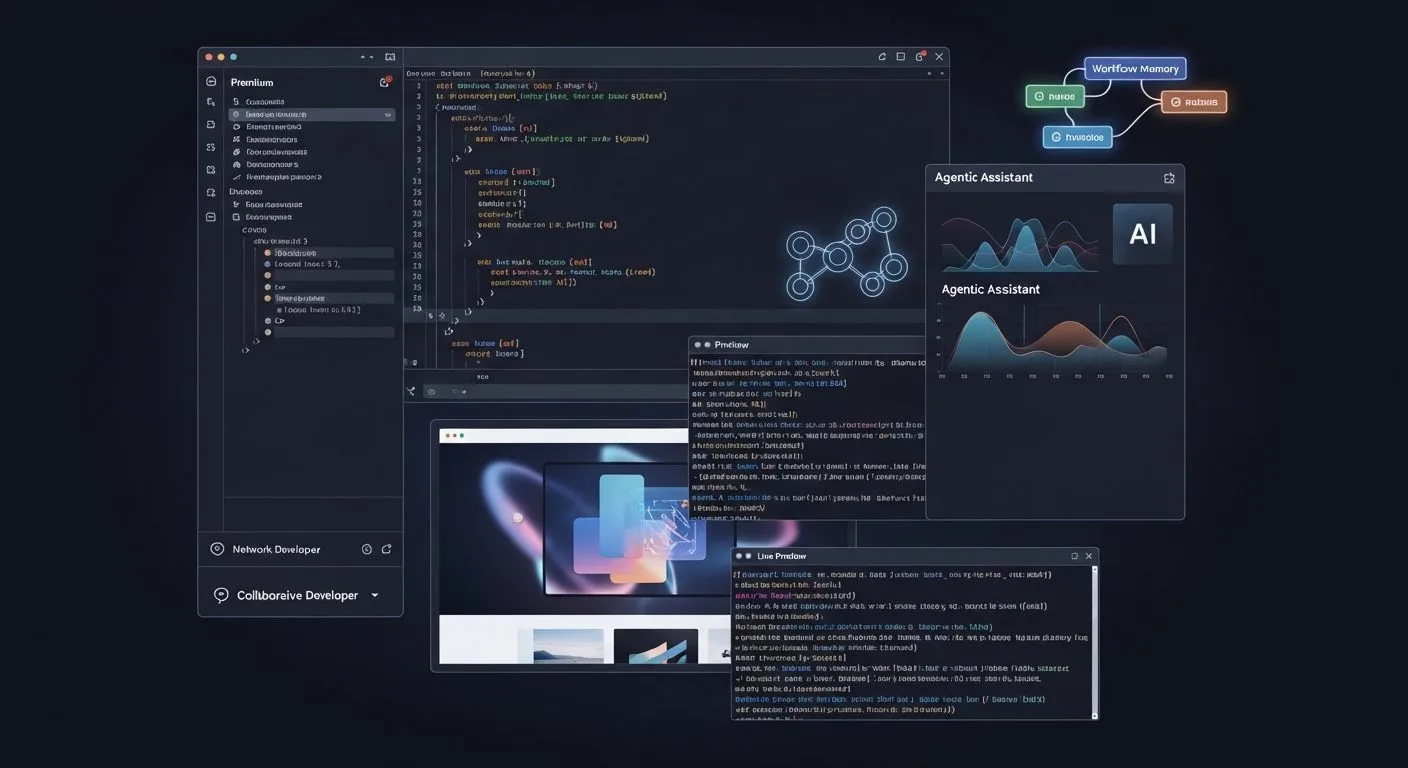
What is Windsurf? Windsurf is an AI-native coding IDE built to keep developers in flow by combining an editor, an agentic coding assistant, autocomplete, previews, terminal help, deployment tools, and team workflows in one environment.
If you want the short answer to what is Windsurf, it is not just another autocomplete plugin. Official product pages position Windsurf as a full coding experience where AI understands your codebase, tracks your workflow, and helps you move from idea to edits, debugging, previews, and deployment with less context-switching.
This guide uses the official Windsurf Editor page, homepage, Cascade page, pricing page, and Windsurf docs as the main references.
What is Windsurf at a glance
What is Windsurf at a glance? It is an AI-first IDE built around agentic coding workflows rather than basic code completion alone.
- Windsurf’s official site calls it the most intuitive AI coding experience and describes the editor as a next-generation AI IDE built to keep users in flow.
- The core AI product is Cascade, which Windsurf describes as a coding agent that works with you, not just for you.
- Windsurf Tab handles more than autocomplete inside the full editor experience, including navigation, imports, and next-step actions.
- Official feature pages highlight previews, browser tools, terminal command support, app deploys, MCP connections, rules, workflows, and memories.
- Windsurf also offers a JetBrains plugin, but the site says the full power of Windsurf Tab is exclusive to the Windsurf Editor while IDE plugins include only the autocomplete action.
- The docs show onboarding paths for users coming from VS Code or Cursor, including settings import and command-line setup.
- Pricing currently spans Free, Pro, Max, Teams, and Enterprise plans, with model access and usage allowances scaling by tier.
Why understanding what is Windsurf matters
If you want a useful answer to what is Windsurf, it helps to understand how AI coding products are shifting. Older tools were often centered on inline suggestions or chat windows bolted onto an editor. Windsurf is part of a newer category trying to make the editor itself agentic.
That matters because coding productivity is not only about generating code. It is also about navigating files, understanding context, using the terminal, reviewing errors, checking previews, deploying changes, and continuing work without repeating the same instructions. Windsurf’s product story is built around compressing those steps into one workflow.
If you are thinking about how AI fits into broader workflow automation, Windsurf is useful because it shows what workflow automation looks like inside the coding environment itself.
What is Windsurf in simple terms

What is Windsurf in plain English? It is an AI coding editor that tries to act more like a collaborative software agent than a simple autocomplete box.
The simplest way to think about it is this:
- Windsurf Editor is the main AI-native IDE.
- Cascade is the agent that understands your codebase and workflow.
- Tab and the surrounding tools help you move through coding tasks with fewer manual steps.
That means what is Windsurf is not just “AI in VS Code.” It is a full product trying to merge editor, agent, autocomplete, previews, and developer tooling into one interface.
7 powerful facts behind what is Windsurf

1. Windsurf is positioned as an
AI-native IDE, not just a plugin
The first thing to understand about what is Windsurf is that the official site does not frame it mainly as an add-on. The editor page calls it the first agentic IDE, and the homepage positions it as the place where developers are doing their best work.
That is a meaningful distinction. Windsurf is trying to own the entire coding environment rather than only one narrow feature inside another IDE.
2. Cascade is the center of the Windsurf experience
Cascade is the clearest answer to what is Windsurf at the product level. Windsurf describes Cascade as a coding agent that works with you, not just for you.
The Cascade page says it combines deep codebase understanding, advanced tools, and real-time awareness of your actions into a collaborative flow. Windsurf also says Cascade tracks edits, commands, conversation history, clipboard activity, and terminal commands to infer intent and stay aligned with your current task.
In other words, Windsurf is not just trying to answer prompts. It is trying to stay synchronised with your work.
3. Windsurf goes beyond chat with previews, browser tools, terminal help, and deploys
Another important part of what is Windsurf is that it extends beyond code generation.
Official feature pages show browser capabilities, web search, previews inside the IDE, live element targeting, terminal command assistance, and one-click deployment flows. The goal is to keep relevant actions inside the same environment rather than bouncing between separate tools.
That matters because the product pitch is not only “write code faster.” It is also “stay in flow across the rest of the development loop.”
4. Windsurf Tab is broader than plain autocomplete
Windsurf Tab is another core piece of the product story. The homepage describes it as many actions in one effortless flow, and the editor page highlights features such as Tab to Jump, Supercomplete, inline command flows, terminal instructions, code lenses, highlighted code actions, and context mentions in Cascade.
This changes the answer to what is Windsurf. It is not simply an AI chat app plus completion. Windsurf is also trying to streamline the small but frequent navigation and editing decisions that shape day-to-day development speed.
5. Windsurf includes customisation layers such as MCP, rules, workflows, and memories
Official feature pages make clear that what is Windsurf includes user adaptation and tooling connections.
Cascade can connect to custom tools and services through MCP integrations, and the site highlights one-click setup for curated MCP servers. It also promotes rules, reusable workflows, and automatically generated memories that remember important details about your codebase and preferred working style.
This matters because Windsurf is trying to personalise the AI layer, not just provide the same generic assistant to every user.
6. Windsurf also has team and enterprise workflows
Windsurf is not only aiming at solo developers. The Cascade page highlights team-scale features such as shared conversations, curated knowledge, PR review workflows, secure team deploys, team analytics, centralised billing, admin controls, and enterprise deployment options.
The pricing page also separates individual, team, and enterprise plans. Teams get centralised billing, analytics, priority support, and automated zero data retention, while enterprise plans add RBAC, SSO and access control features, dedicated account management, and hybrid deployment options.
So what is Windsurf for organisations? It is an AI coding environment with governance and collaboration layers, not just a personal coding assistant.
7. Windsurf is easy to start, but not every feature is equally open or unlimited
The docs show a relatively smooth onboarding flow. Users can install Windsurf on Mac, Windows, Ubuntu, or other Linux distributions, import settings from VS Code or Cursor, sign in for free, and start coding.
At the same time, Windsurf’s own materials make clear that access varies by product surface and plan. The full power of Tab is exclusive to the Windsurf Editor, while plugins are more limited. The pricing page also ties deeper model access and heavier quotas to paid tiers. The docs additionally note that you cannot install extensions through any marketplace on Windsurf, and that some extensions are incompatible.
That means Windsurf is approachable, but it is still a managed product with opinionated boundaries.
What is Windsurf good at

What is Windsurf best suited for? Based on the official product story, it is strongest when you want AI support across the full coding loop rather than just a suggestion engine.
Its clearest fits are:
- Working in an AI-native IDE that keeps editing, chat, tools, previews, and deployment close together.
- Building on medium or large codebases where contextual awareness matters.
- Using an agentic assistant that can track your recent actions and continue work with less repetition.
- Speeding up UI work through previews, browser context, and visual iteration.
- Connecting custom tools through MCP and adapting behaviour with rules, workflows, and memories.
- Supporting engineering teams that need analytics, review workflows, admin controls, and enterprise-grade governance.
If your main frustration is context-switching between coding, terminal work, previews, and AI help, Windsurf is more relevant than tools that focus only on inline completion.
What is Windsurf pricing and access right now
What is Windsurf pricing and access right now? Official materials show broad availability across desktop platforms and a tiered plan structure.
The docs say Windsurf can be installed on Mac, Windows, Ubuntu, and other Linux distributions. The onboarding flow supports starting fresh or importing settings from VS Code or Cursor, and account creation is free.
On pricing, the public page currently lists:
- Free: $0 with light quota, limited model availability, unlimited inline edits, and unlimited Tab completions.
- Pro: $20 per month with increased quotas, full model availability, and the option to purchase extra usage at API pricing.
- Max: $200 per month with significantly higher quotas.
- Teams: $40 per user per month with centralised billing, admin analytics, priority support, and automated zero data retention.
- Enterprise: custom pricing with RBAC, SSO and access controls, hybrid deployment, and dedicated account management.
This gives Windsurf a path from individual experimentation to team-wide adoption, but it also means the full experience depends partly on which tier you are willing to pay for.
What is Windsurf still limited by
What is Windsurf still limited by? Even from the official pages, a few limits are clear.
- The strongest product experience is concentrated in the Windsurf Editor itself, not equally across every plugin surface.
- Premium model access and higher usage quotas are tied to paid plans.
- The docs explicitly warn that some extensions are incompatible, and they say extensions cannot be installed through any marketplace on Windsurf.
- Team governance, zero data retention, RBAC, SSO, and hybrid deployment are not part of the base individual experience.
- Marketing claims around productivity are strong, but actual value still depends on codebase quality, team habits, review standards, and how well the AI fits your workflow.
That means the best way to think about Windsurf is as a serious AI coding environment with meaningful workflow advantages, not as a universal replacement for every editor setup without tradeoffs.
Frequently asked questions
Is Windsurf just an autocomplete tool?
No. Windsurf’s official positioning is much broader. It combines an AI-native editor, Cascade, Tab, previews, browser and web tools, terminal help, deploy flows, MCP connections, and team features.
Does Windsurf work only as its own editor?
No, but the product clearly favours its own editor. Windsurf also offers a JetBrains plugin, though the site says the full power of Windsurf Tab is exclusive to the Windsurf Editor and plugins only include the autocomplete action.
Can you import VS Code or Cursor settings into Windsurf?
Yes. The official docs say users can import configurations from VS Code or Cursor during onboarding or later through commands.
Is there a free version of Windsurf?
Yes. Windsurf currently lists a free plan with light agent quota, limited model availability, unlimited inline edits, and unlimited Tab completions.
Can you install any extension marketplace inside Windsurf?
No. The docs say Windsurf does not allow installing extensions through any marketplace, and they also note that some extensions are incompatible.
Final thoughts
If you came here asking what is Windsurf, the most useful answer is that it is an AI-native IDE built to make coding feel like one continuous workflow rather than a chain of separate tools.
That is what makes Windsurf stand out. Its product story is not only about generating code. It is about keeping context alive across edits, terminal commands, previews, browsing, deployments, and team collaboration.
Whether Windsurf is the right fit depends on how much you value an opinionated AI-first environment over a more modular editor stack. But if you want a grounded answer to what is Windsurf in 2026, it is best understood as a full AI coding environment centered on agentic workflows, not just a coding assistant bolted onto an editor.
More AI coverage: explore Progressive Robot's AI Models, Tools & Releases hub — hands-on reviews, setup guides and benchmarks in one place.










