
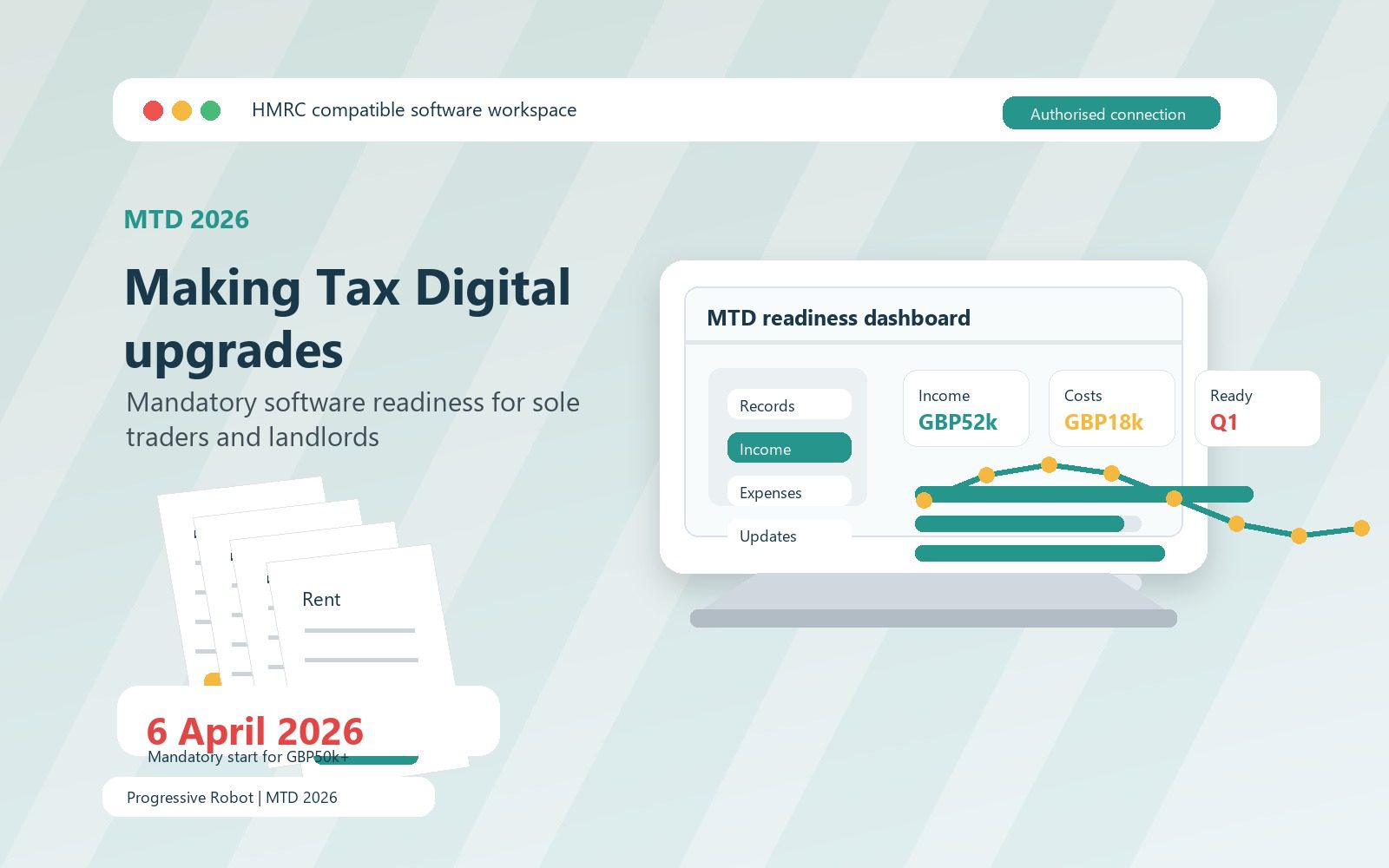
Making Tax Digital becomes a practical software deadline for many self-employed individuals and landlords from 6 April 2026. If you are a sole trader, a landlord, or both, and your qualifying income is above the first mandatory threshold, the change is not just a new way to press submit. It changes how records are created, stored, reviewed, corrected, and turned into quarterly updates during the tax year.
The mandatory phase starts with people whose qualifying income from self-employment and property is more than GBP50,000. Later phases bring in lower thresholds, so even if 2026 is not your start date, the software decisions you make now can save a difficult migration later. For accountants, bookkeepers, and small business operators, the important question is no longer whether Making Tax Digital is coming. It is whether the current record-keeping process can survive it.
This guide focuses on the mandatory software upgrade: who needs to prepare, what compatible software must do, how digital records change the routine, and how sole traders and landlords can move from spreadsheet habits to a cleaner operating model. It is a software and workflow guide, not tax advice. Use HMRC guidance or a qualified adviser for decisions about your own tax position.
The core message is simple: Making Tax Digital rewards preparation. If your records are clean before 6 April 2026, quarterly updates become a routine. If your records are still reconstructed at year end, the new cadence will expose every weak point.
Making Tax Digital at a glance
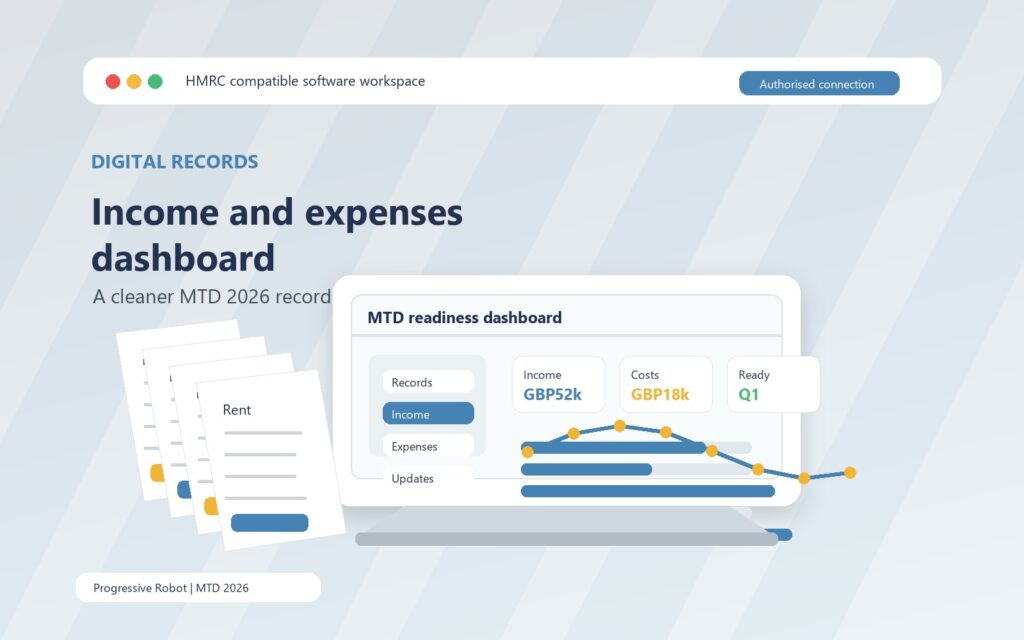
Making Tax Digital for Income Tax is HMRC’s new digital reporting model for sole traders and landlords. It requires compatible software to keep digital records for self-employment and property income and expenses, send quarterly updates to HMRC, and submit the final tax return information after the end of the tax year.
The 2026 deadline applies from 6 April 2026 if all of the following are true: you are an individual registered for Self Assessment, you receive income from self-employment or property or both, and your qualifying income is more than GBP50,000. HMRC says later phases will apply from 6 April 2027 for people over GBP30,000 and from 6 April 2028 for people over GBP20,000, based on the relevant tax year checks.
That means the first software upgrade is not buying the most expensive platform. It is checking whether your current system can support the required workflow.
| Area | What changes under Making Tax Digital | Software implication |
|---|---|---|
| Records | Income and expenses must be created and stored digitally | Use compatible software, bank feeds, receipt capture, or bridging software |
| Submissions | Quarterly updates are sent every 3 months | Software must total the right categories and connect to HMRC |
| Year end | The final tax return still has to be completed | Software must support adjustments, other income, and final submission |
| Agents | Accountants or bookkeepers may act for clients | Software must support authorisation and clear handover routines |
| Evidence | Original records still matter | Keep invoices, receipts, statements, and supporting documents organised |
The phrase quarterly update is important. A quarterly update is not a full tax return. HMRC describes it as a summary of digital records for each self-employment and property income source. You do not need to make accounting or tax adjustments before sending a quarterly update, but you do need records that are complete enough for the software to produce the totals.
For many people, Making Tax Digital will feel less like a tax project and more like a monthly operations project. The deadline will sit with the person who keeps records, approves expenses, manages rental income, answers accountant questions, and checks that bank transactions are coded correctly.
Who must upgrade software for MTD 2026
The first question is whether you are in scope. HMRC says you need to use Making Tax Digital for Income Tax if you are a sole trader or landlord registered for Self Assessment, you get income from self-employment or property or both, and your qualifying income is more than the threshold for the relevant tax year.
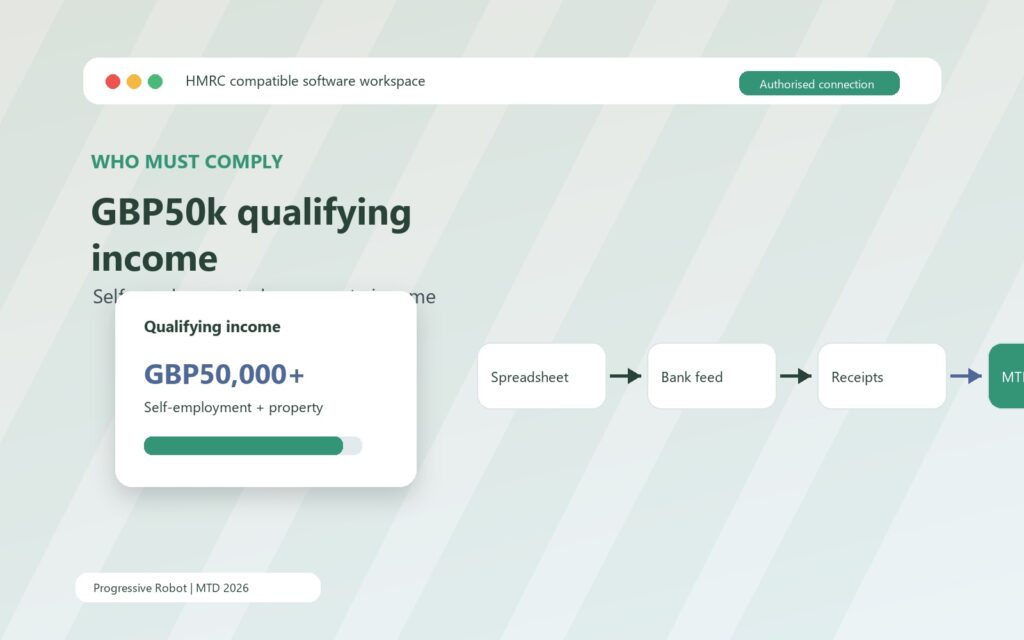
For the 2026 start, the key figure is qualifying income of more than GBP50,000 for the 2024 to 2025 tax year. Qualifying income is gross income before expenses from self-employment and property. It can come from more than one source. For example, GBP27,000 from self-employment and GBP25,000 from rental income would create GBP52,000 of qualifying income.
Other Self Assessment income does not generally count towards that qualifying income figure. HMRC lists examples such as employment income, dividends, pensions, and an individual’s share of profit from a partnership. That distinction matters because a person can have a large total income but still be outside the first Making Tax Digital phase if their self-employment and property income is below the threshold.
Landlords should pay close attention to how property income is counted. If you jointly own a property, your share of the property income counts. If you have more than one property business or a mixture of UK and foreign property income, the software setup needs to reflect the income sources you actually have. Non-resident cases, bare trusts, interest in possession trusts, and land transaction rules can also affect the position, so those are moments to check HMRC guidance carefully or speak to an adviser.
There are also exemptions. Partnerships do not currently need to use Making Tax Digital for Income Tax, with a future timeline to be set out later. Some people may be exempt automatically, and some may need to apply. A digitally excluded exemption can apply where it is not reasonable for someone to use compatible software to keep records, send updates, or submit the return. HMRC is clear, however, that simply being unfamiliar with accountancy software, having few records, or facing extra time and cost is not by itself enough.
If HMRC writes to you, treat the letter as a trigger to confirm the details, not as the only trigger. HMRC says it remains your responsibility to check whether you need to use Making Tax Digital even if you do not receive a letter. The safest approach is to work out qualifying income, confirm your start date, and choose software before the pressure of the first update period.
Making Tax Digital software must do three jobs
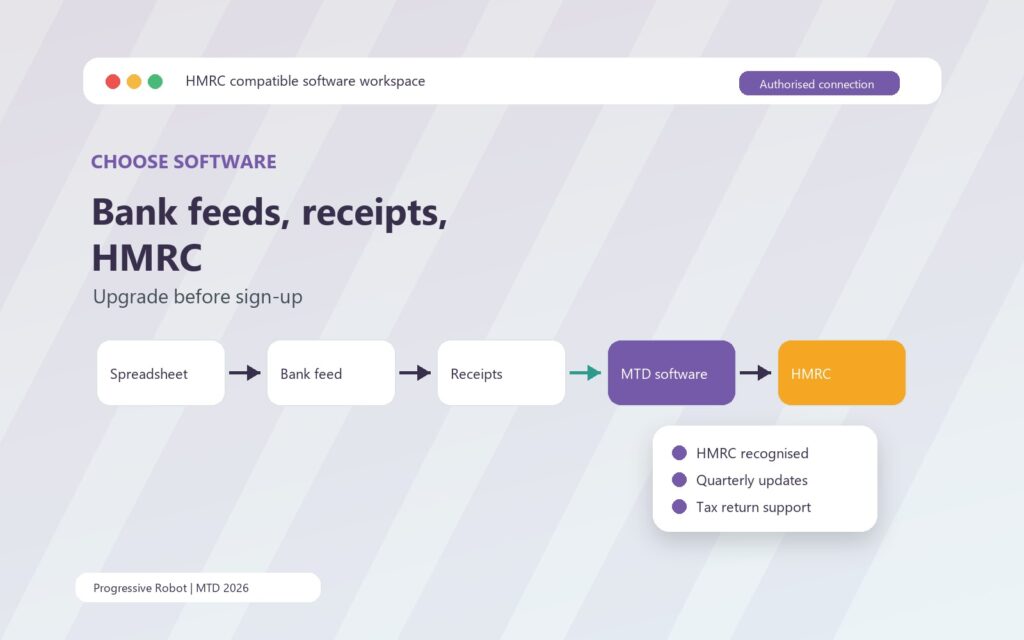
Compatible software has to do three practical jobs. It must create, store, and correct digital records of self-employment and property income and expenses. It must send quarterly updates to HMRC. It must also let you add other income sources and submit the tax return by 31 January following the end of the tax year.
Those requirements sound straightforward until you compare them with how many small businesses and landlords keep records today. Some use a spreadsheet. Some rely on bank statements and a year-end inbox search. Some have VAT software but no Income Tax workflow. Some have a letting agent statement, a personal bank account, and a folder of repair invoices. Making Tax Digital turns that informal mix into a recurring digital process.
HMRC describes two broad software types. The first creates digital records directly. These products may connect to a bank feed, scan receipts and invoices, or allow manual entry. They usually aim to handle quarterly updates and the final tax return from the same environment. The second type connects to records kept elsewhere, such as spreadsheets or other accounting tools. This is often called bridging software.
Neither option is automatically better for everyone. A sole trader with regular bank transactions may benefit from a full accounting product with bank rules, receipt capture, and category checks. A landlord with a carefully maintained spreadsheet may prefer a bridging route at first, provided the spreadsheet is structured properly and the software can make the required submissions. A person with both trading and property income may need separate record views but a combined year-end process.
The software decision should cover these checks:
| Software check | Why it matters |
|---|---|
| Supports each income source | A landlord, sole trader, or mixed-income taxpayer may need different record categories |
| Sends quarterly updates | The product must connect to HMRC and submit the required summaries |
| Supports final tax return submission | You still need to add other income and complete the tax return |
| Works with your accounting period | HMRC guidance refers to standard tax year and calendar update periods |
| Handles agent access | Your accountant or bookkeeper may need authorisation and role clarity |
| Fits VAT needs if relevant | VAT-registered businesses should check whether current VAT software also supports Income Tax |
| Provides useful error checks | HMRC Assist or similar checks may help highlight issues before submission |
| Exports usable records | You need continuity if you change product, agent, or business process later |
More than one product can be used, but there is a catch. HMRC says you can only use one product for each separate submission to HMRC. If you use different tools for record keeping, quarterly updates, and the final return, they need to work together. That integration work is the part many people underestimate.
A good upgrade plan therefore starts with the current workflow. Where does income arrive? Who approves expenses? How are receipts captured? What happens when a transaction is split between personal and business use? Who checks property repairs, mileage, home office costs, or finance charges? The software should support that workflow rather than forcing a monthly scramble.
Digital records are the real upgrade
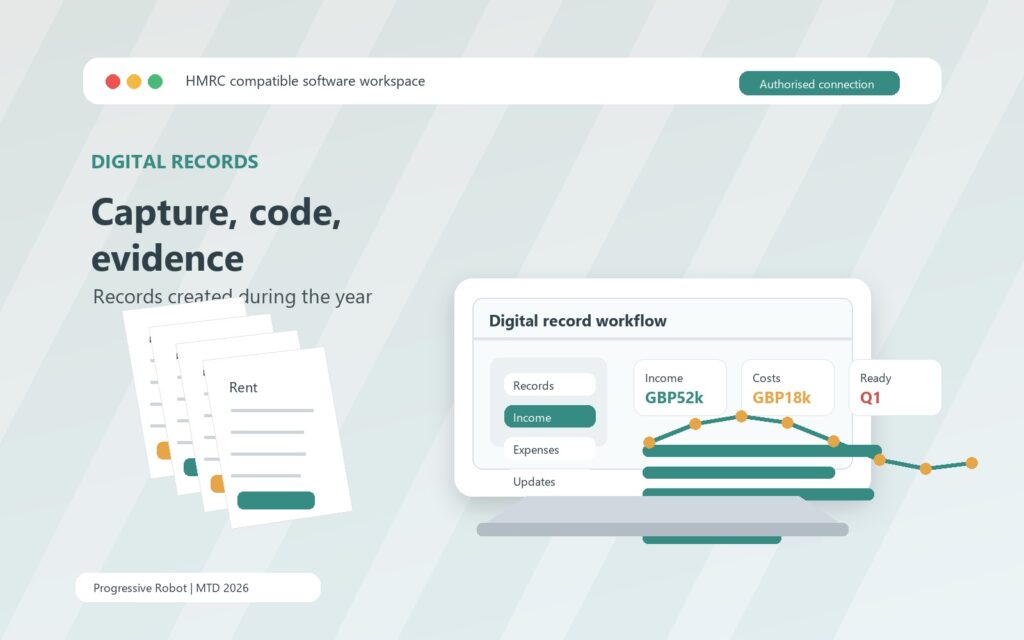
The biggest behaviour change under Making Tax Digital is not the final submission. It is the requirement to create and store digital records during the year. A digital record is a record of income or expense created and stored using software that works with Making Tax Digital for Income Tax.
HMRC says you must also continue keeping records as you normally do for Self Assessment, including original records or supporting documents used to prepare the tax return. In practice, this means the software record and the evidence behind it need to stay connected. A bank feed line without the invoice, receipt, or explanation may not be enough for a robust year-end review.
For sole traders, the digital record routine often starts with bank feeds and receipt capture. Each transaction needs a category, a date, and enough description to make sense later. The upgrade is strongest when the software reduces manual typing but still gives you review points. Automation should suggest, not silently decide, where judgement is needed.
For landlords, the record routine may be less frequent but more varied. Rent, agent fees, repairs, insurance, service charges, mortgage interest information, travel, and replacement domestic items can arrive through different channels. If the landlord also has self-employment income, the software needs to keep those records distinct while still supporting the overall Making Tax Digital obligation.
The operational risk is year-end reconstruction. Under the old rhythm, a taxpayer might assemble records months after the event. Under the new rhythm, quarterly updates require totals every 3 months. If records are incomplete, uncategorised, or held outside the system, the quarterly process becomes stressful.
A practical digital record setup should include:
- A dedicated business or property bank account where possible.
- Receipt and invoice capture that works on mobile.
- Clear income and expense categories aligned to the software and tax return.
- Rules for personal spending, mixed-use costs, refunds, and transfers.
- A monthly review date, not just a quarterly deadline.
- Evidence storage that an accountant or bookkeeper can inspect.
- A backup export plan for key records.
This is also where workflow automation becomes useful. The aim is not to automate tax judgement. It is to automate reminders, document capture, bank matching, task assignment, and exception lists so that the person responsible for the records sees problems while they are still easy to fix.
Making Tax Digital does not remove the need for care. It moves the care earlier in the year.
Quarterly updates need a repeatable close routine
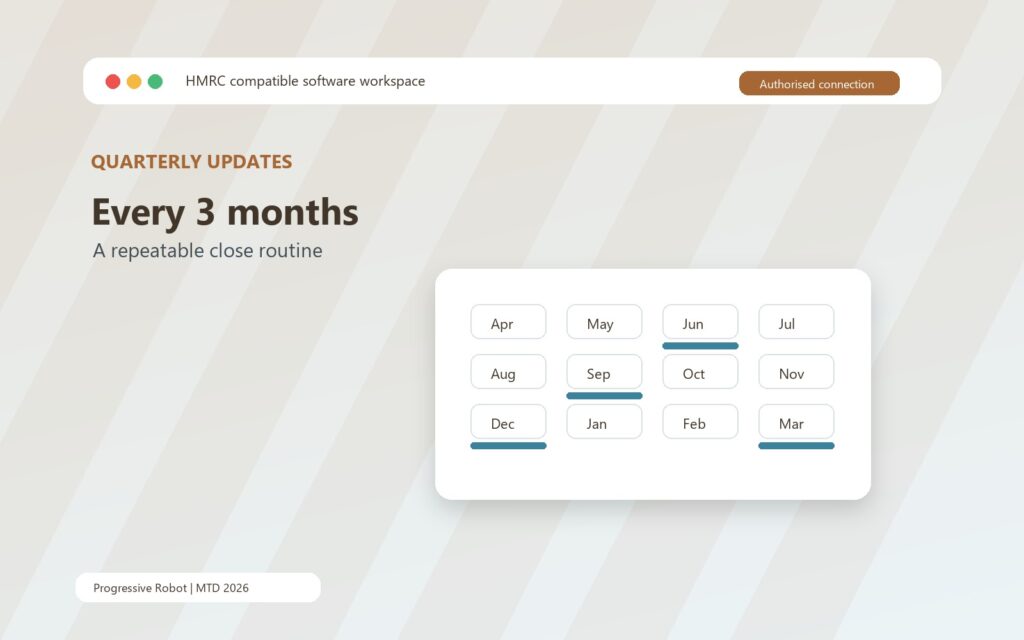
Quarterly updates are summaries of the digital records for each self-employment and property income source. Every 3 months, compatible software adds together the income and expense totals for the relevant categories and sends the update to HMRC.
HMRC guidance says you do not need to make accounting or tax adjustments before sending a quarterly update. That is helpful, but it can create a false sense of ease. The update may be a summary rather than a tax return, yet it still depends on records being complete enough to summarise. Missing rent, uncoded expenses, duplicated bank feed entries, and personal transactions left inside the business view can all weaken the update.
A repeatable close routine is the answer. It can be simple:
| Timing | Task | Owner |
|---|---|---|
| Weekly | Capture receipts, invoices, and bank feed exceptions | Business owner, landlord, or bookkeeper |
| Monthly | Review categories, missing documents, and unusual transactions | Business owner or agent |
| Quarter end | Check income source totals and submission readiness | Agent or responsible owner |
| After submission | Save confirmation and note corrections for the next cycle | Responsible owner |
The key is to avoid treating quarterly updates as a one-day event. They should be the output of a steady record process. If the software has bank rules, use them carefully. If it has receipt scanning, test how well the capture works with your real receipts. If you use a spreadsheet plus bridging software, lock down the spreadsheet design so formulas, columns, and category names do not drift.
The first year deserves extra attention. HMRC says penalty points for late quarterly updates will not apply for the first tax year, 2026 to 2027, for people required to use the service from 6 April 2026. That does not mean the first year can be ignored. Late tax returns and late tax payment penalties can still apply, and a poor first year creates weak opening habits for later years.
Corrections are another reason to keep the process calm. HMRC says the quarterly update periods should make it easier to correct errors throughout the tax year, so you do not need to resend the original quarterly update after making a correction. That only works well if someone is reviewing the records and logging what changed.
Making Tax Digital is easier when the workflow has a cadence: capture, categorise, review, submit, document, correct.
Landlords need software that understands property income
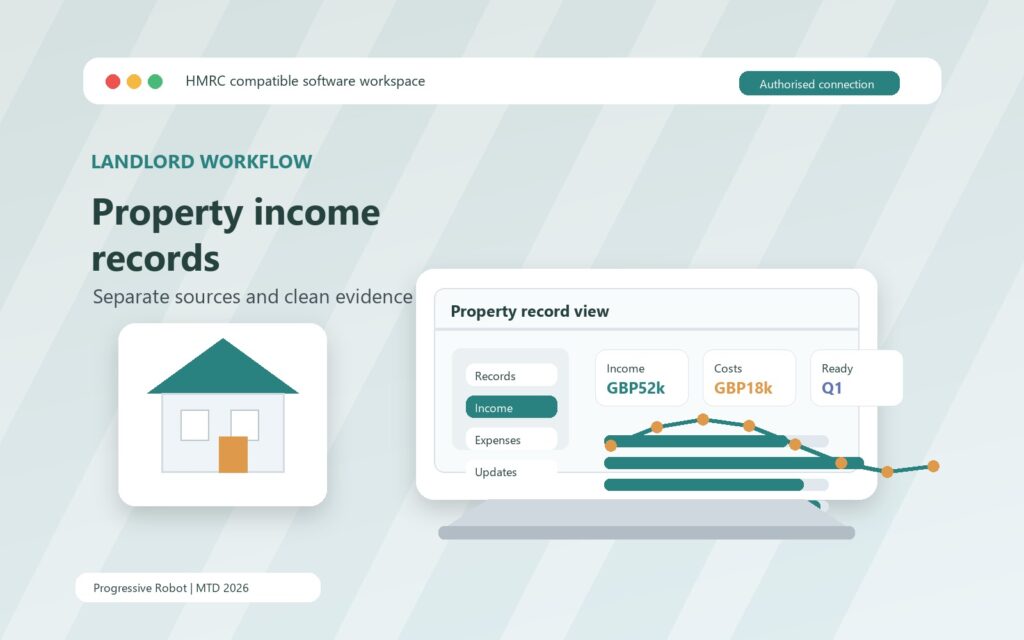
Landlords should not assume that any small business accounting tool will fit property income cleanly. Property records have their own rhythm and evidence trail. Rent may arrive through a letting agent, direct bank transfer, joint ownership arrangement, or overseas property account. Expenses may be paid by the landlord, deducted by the agent, or split between capital and revenue categories that need review.
Making Tax Digital raises the value of separation. If you own more than one property, use one letting agent, and also operate a self-employed business, the software should make it obvious which income source each transaction belongs to. If you jointly own property, your share needs to be tracked. If you receive statements that already deduct expenses, you need a process for capturing the gross and net information in a way your adviser can check.
For landlords, the software upgrade should answer these questions:
- Can the system separate property income from self-employment income?
- Can it handle multiple properties or property businesses in a clear way?
- Can agent statements, repair invoices, insurance documents, and mortgage information be attached or stored?
- Can the quarterly update totals be checked before submission?
- Can an accountant see the evidence behind the figures?
- Can the landlord export records if the property portfolio changes?
The best setup is often the one that reduces ambiguity. Rental income should not be buried among personal transactions. Repairs should not sit in an email inbox until January. Letting agent statements should not be retyped by hand if a cleaner import or document capture process is possible.
Landlords also need to plan for human responsibility. Software can store records and submit updates, but someone still has to decide whether a cost has been captured correctly, whether evidence is complete, and whether a transaction belongs to the right property or source. Making Tax Digital does not make those questions disappear. It makes them more visible.
If a landlord has an accountant, the software choice should be made with the accountant’s workflow in mind. A product that looks cheap but creates messy handover work can become expensive in time. A product that supports shared access, clear notes, and reliable exports can make quarterly review less painful.
Sole traders should redesign the expense routine
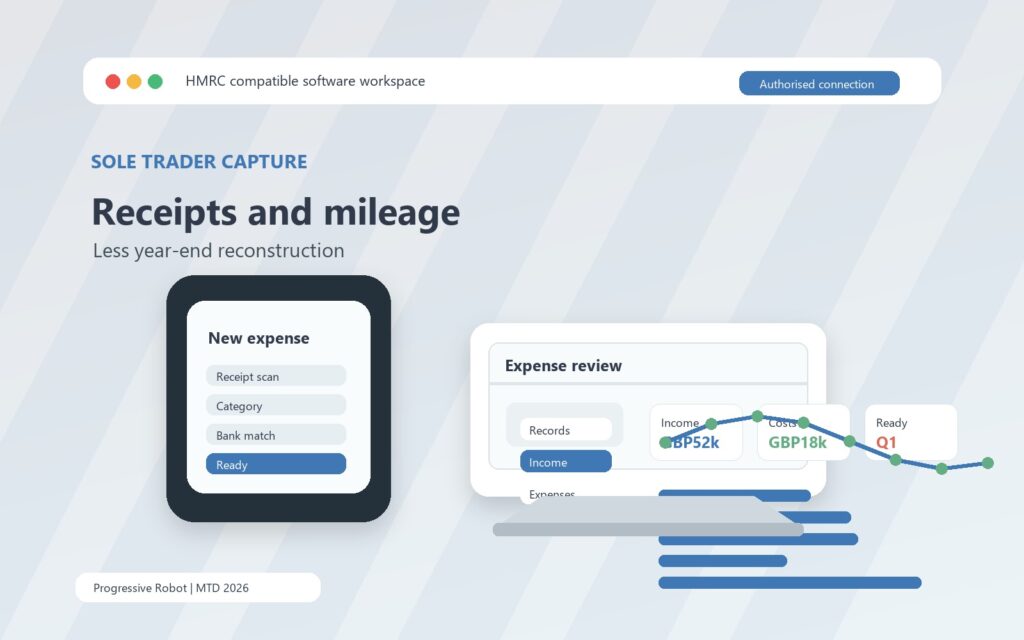
Sole traders often feel the Making Tax Digital change most in day-to-day expenses. A trade with many small purchases, mileage, subscriptions, tools, materials, travel costs, or client recharges can produce a surprisingly large record-keeping burden if capture is delayed.
The old habit might be tolerable when everything is reconstructed once a year. It becomes fragile when records are expected to support quarterly updates. A receipt lost in May can become a query in July, an adjustment in January, and a lesson learned too late.
A better expense routine has four parts.
First, capture the evidence at source. Use a mobile app, email forwarding address, scanning process, or shared folder that feeds the software or record system. The goal is to make capture easier than avoidance.
Second, match transactions regularly. Bank feeds are useful, but they do not replace review. A bank line tells you money moved. It does not always prove what was bought, whether it was business-related, or how it should be treated.
Third, make categories consistent. If one month uses software, another uses subscriptions, and a third uses admin tools for the same cost, quarterly totals become less useful. Consistency supports cleaner updates and clearer management information.
Fourth, set an exception workflow. The owner or bookkeeper should be able to see missing receipts, uncategorised transactions, duplicates, unusual amounts, and old open items. This is where autonomous AI agents may eventually support small teams by triaging document requests or preparing exception lists, but the control should stay with the taxpayer or adviser.
Sole traders should also decide whether the Making Tax Digital tool will become the main business record, or whether it will connect to an existing system. For many trades, a modern accounting product with bank feeds and mobile capture will be simpler. For others, a spreadsheet plus bridging software may be acceptable if the spreadsheet is disciplined, backed up, and reviewed.
The test is not whether the system works on a quiet week. The test is whether it still works during busy trading periods, holidays, illness, staff changes, and January pressure.
A 90-day Making Tax Digital migration plan
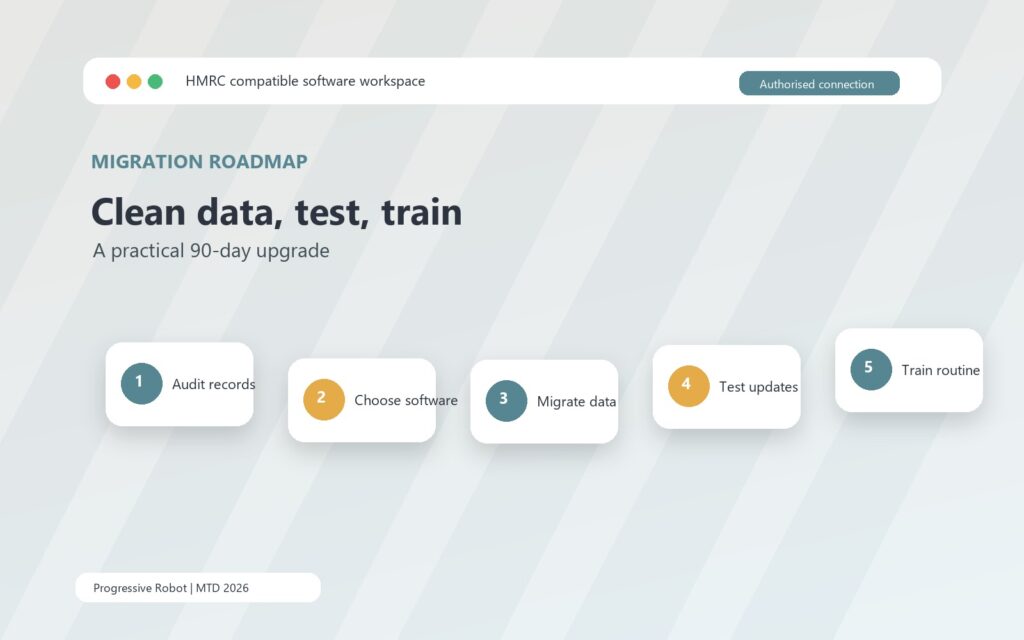
A Making Tax Digital migration does not need to be dramatic. It does need a sequence. The safest plan gives you enough time to clean records, choose software, test the workflow, and train the people who will use it.
Start with a 30-day discovery phase. Work out whether you are in scope, confirm qualifying income, list each income source, gather current record locations, and decide who owns the process. If you use an accountant or bookkeeper, involve them early. If you have VAT software, check whether it also supports Making Tax Digital for Income Tax.
Use the next 30 days for software selection and setup. Compare products against your actual income sources, not just headline features. Check whether the software can send quarterly updates, submit the final tax return, support your accounting period, handle agent access, and report other income sources at year end. If you choose bridging software, test the spreadsheet connection and make sure the spreadsheet is protected from accidental structural changes.
Use the final 30 days for rehearsal. Import sample transactions, connect bank feeds where appropriate, capture real receipts, run a mock quarterly review, and confirm who will press submit. Document the routine in plain language. What happens every week? What happens every month? What happens at quarter end? What happens when something is missing?
A simple roadmap looks like this:
| Phase | Outcome | Practical tasks |
|---|---|---|
| Days 1 to 30 | Scope and readiness | Check threshold, income sources, exemptions, agent role, current records |
| Days 31 to 60 | Software and setup | Choose product, authorise, configure categories, import opening records |
| Days 61 to 90 | Test and train | Run mock close, fix exceptions, confirm evidence storage, document routine |
Do not leave authorisation until the last moment. HMRC says after signing up, you need to use chosen software that works with Making Tax Digital for Income Tax, and before creating digital records you must authorise your software and check your accounting period. Those are small tasks when done calmly, but they become blockers if left to deadline week.
For accountants and bookkeepers, this is also a client segmentation exercise. Clients with clean records and a clear software path need a different service model from clients with mixed income, property portfolios, poor evidence capture, or low digital confidence. The sooner those groups are identified, the easier it is to prevent support bottlenecks.
The final tax return still matters
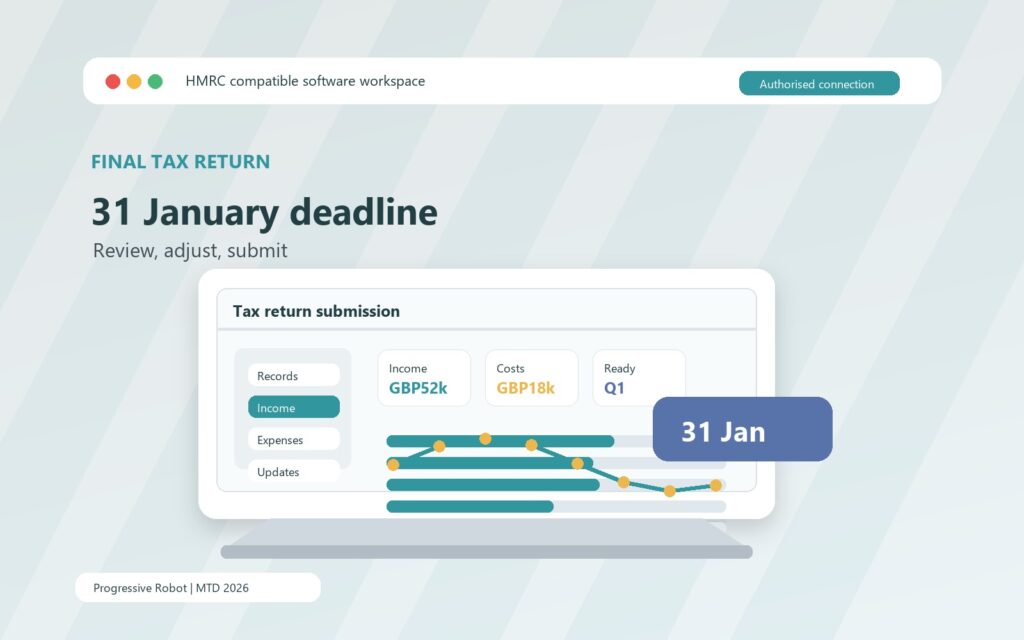
The final Making Tax Digital step is the tax return. After the tax year ends, you still need to complete and submit your tax return using compatible software. HMRC says the return for 2026 to 2027 can be submitted after 6 April 2027, but it must be submitted by 31 January 2028. The same 31 January rhythm continues to matter.
This final stage is where other income sources and adjustments come back into view. Quarterly updates cover the self-employment and property digital records, but the tax return may need other income and gains. That could include income not counted towards qualifying income, depending on your circumstances. Your software needs to support this stage or work with another product that does.
The year-end process should include:
- Reviewing quarterly update totals against the full records.
- Making required adjustments to self-employment and property income and expenses.
- Adding other income sources and gains where relevant.
- Checking the software calculation and investigating errors.
- Confirming payment deadlines and saving submission evidence.
This is why software selection cannot stop at quarterly updates. A tool that submits updates but leaves you stuck at the final return stage creates avoidable risk. HMRC’s guidance on choosing software specifically says the product or products should let you make submissions to HMRC and submit your tax return.
Making Tax Digital should therefore be treated as one connected workflow: digital records during the year, quarterly update summaries, year-end review, final tax return, and evidence retention. If any piece is weak, the pressure moves somewhere else.
FAQs about Making Tax Digital 2026
What is Making Tax Digital for Income Tax?
Making Tax Digital for Income Tax is HMRC’s digital reporting model for sole traders and landlords. It requires compatible software to keep digital records, send quarterly updates, and submit the tax return.
Who needs to use Making Tax Digital from 6 April 2026?
You need to use it from 6 April 2026 if you are an individual registered for Self Assessment, you receive income from self-employment or property or both, and your qualifying income for the relevant tax year is more than GBP50,000.
What is qualifying income for Making Tax Digital?
Qualifying income is gross income before expenses from self-employment and property. It can include more than one source. Other Self Assessment income, such as employment income, pensions, dividends, or an individual’s share of partnership profit, does not generally count towards the threshold.
Do quarterly updates replace the tax return?
No. Quarterly updates are summaries of digital records. You still need to complete and submit the tax return after the end of the tax year, adding other income sources and making required adjustments.
Can landlords use spreadsheets for Making Tax Digital?
Some landlords may use spreadsheets if they connect through compatible bridging software that can send the required submissions. The spreadsheet still needs to be structured, accurate, backed up, and maintained as part of a digital record process.
What software should self-employed individuals choose?
Choose software that supports your income sources, creates digital records, sends quarterly updates, supports the final tax return, works with your accounting period, and gives your agent access if needed. The right choice depends on your workflow, not just the brand name.
Is Making Tax Digital only an accountant problem?
No. Accountants can help with setup, review, and submission, but the day-to-day record process usually sits with the business owner, landlord, or bookkeeper. Making Tax Digital works best when roles are clear before the first quarterly update.
Sources
- Making Tax Digital for Income Tax
- Find out if and when you need to use Making Tax Digital for Income Tax
- Work out your qualifying income for Making Tax Digital for Income Tax
- Choose the right software for Making Tax Digital for Income Tax
- Use Making Tax Digital for Income Tax
- Create digital records
- Send quarterly updates
- Submit your tax return










