

VoIP call quality usually drops during peak hours because voice packets are competing with meetings, cloud apps, backups, guest Wi-Fi, file sync, security tools, and normal internet browsing. The fix is not to blame the phone provider first. The fix is to measure the path from phone to cloud, find where jitter, latency, packet loss, or congestion appears, and then protect voice traffic without weakening the rest of the network.
When office calls sound choppy around 10 a.m., after lunch, or near the end of the workday, the problem is often repeatable. That repeatability is useful. It means the team can compare quiet-hour and busy-hour data instead of guessing from user complaints.
This guide explains a practical process for stabilizing VoIP call quality in an office environment. It connects the work to Progressive Robot services for IT consulting, cloud computing services, cyber security services, DevOps services, and contact support because voice quality depends on network design, endpoint management, security controls, and cloud operations working together.
| Symptom during peak hours | Likely cause | First useful check |
|---|---|---|
| Choppy audio | packet loss or jitter | compare RTP statistics by call leg |
| Delayed conversations | latency or bufferbloat | test under load, not only at idle |
| One-way audio | NAT, firewall, or SIP routing issue | inspect session border and firewall logs |
| Calls drop after minutes | SIP timers, inspection, or provider path | review firewall ALG and SIP trunk events |
| Remote users sound worse | home Wi-Fi, VPN, or ISP congestion | separate office and remote metrics |
| Desk phones fail but softphones work | VLAN, switch, PoE, or phone firmware | test switch ports and firmware versions |
| Only conference calls fail | bandwidth, codec, or media relay routing | compare call type and codec usage |
VoIP call quality drops at a glance
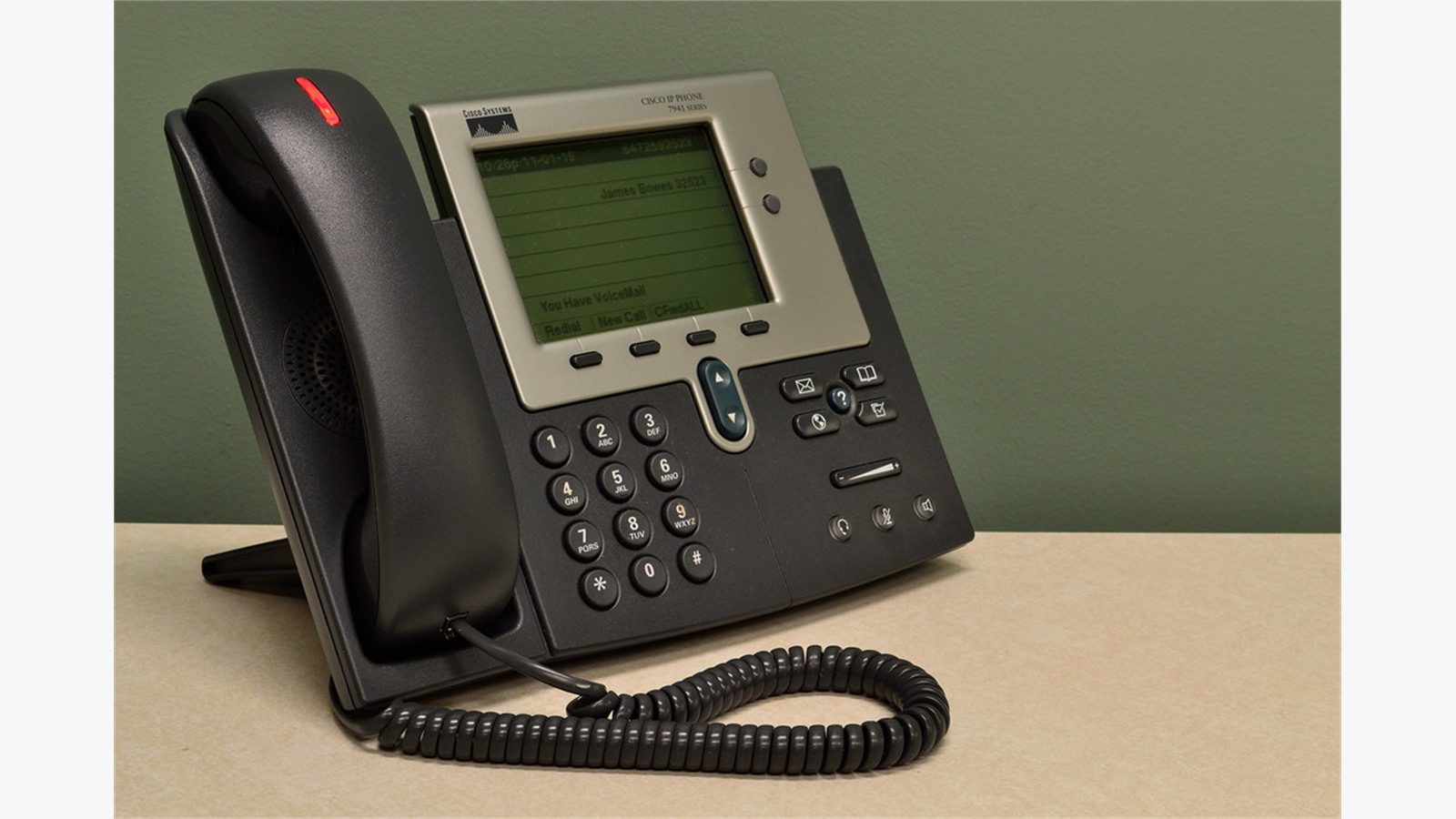
VoIP call quality depends on consistent packet delivery. Voice can tolerate small delays, but it struggles when packets arrive late, out of order, or not at all. Peak hours expose weak points because the network carries more traffic and queues fill faster.
The main measurements are latency, jitter, packet loss, and mean opinion score. Latency is the travel time. Jitter is the variation in arrival time. Packet loss is missing media. MOS is a score that estimates user experience. A quiet network can hide problems, while a busy network reveals them.
The FCC overview of Voice over Internet Protocol is a useful reminder that VoIP relies on internet and IP network behavior. Office voice is no longer isolated from the rest of business traffic. If file sync, video meetings, software updates, or cloud backups saturate the same path, call quality can suffer.
The practical rule is simple: troubleshoot calls during the busy window. A speed test at 7 a.m. may look perfect while 2 p.m. calls fail. Compare the same phone, same user, same destination, and same route during normal and peak usage. That comparison shows whether VoIP call quality is tied to load, location, device type, or provider path.
Do not start by replacing phones. Start by proving where VoIP call quality changes: endpoint, switch, Wi-Fi, firewall, internet circuit, SIP trunk, cloud PBX, or carrier route.
Step 1: measure jitter, latency, packet loss, and MOS

The first fix is measurement. Ask users for exact call examples: time, caller, callee, extension, device, network location, and what they heard. Then match those reports to call detail records, RTP statistics, PBX logs, SD-WAN telemetry, firewall logs, and switch interface counters.
For VoIP call quality, the most important question is where media degraded. A call may signal through one service but send media through another path. A desk phone may use a voice VLAN. A softphone may use Wi-Fi. A remote worker may use home broadband or VPN. A cloud PBX may relay media through regional data centers.
Collect baseline metrics when the office is quiet and again during the peak-hour window. Look for jitter spikes, packet loss above normal, latency jumps, retransmissions, dropped packets, interface errors, queue drops, CPU spikes, and firewall session exhaustion.
Use multiple perspectives. The phone or softphone may show call statistics. The PBX or provider portal may show MOS and packet loss. The firewall may show bandwidth and session counts. Switches may show errors or duplex problems. Wireless controllers may show retries and roaming events.
If the provider reports clean media while users hear bad audio, inspect the local network. If local metrics look clean but provider call legs show loss, inspect the internet path, SIP trunk, media relay, or carrier. Do not accept one dashboard as the whole truth.
The outcome should be a short evidence pack that identifies whether VoIP call quality is failing before the firewall, at the WAN edge, across the internet, or inside the provider path. That evidence prevents VoIP call quality fixes from becoming guesswork.
Step 2: find peak-hour bandwidth saturation
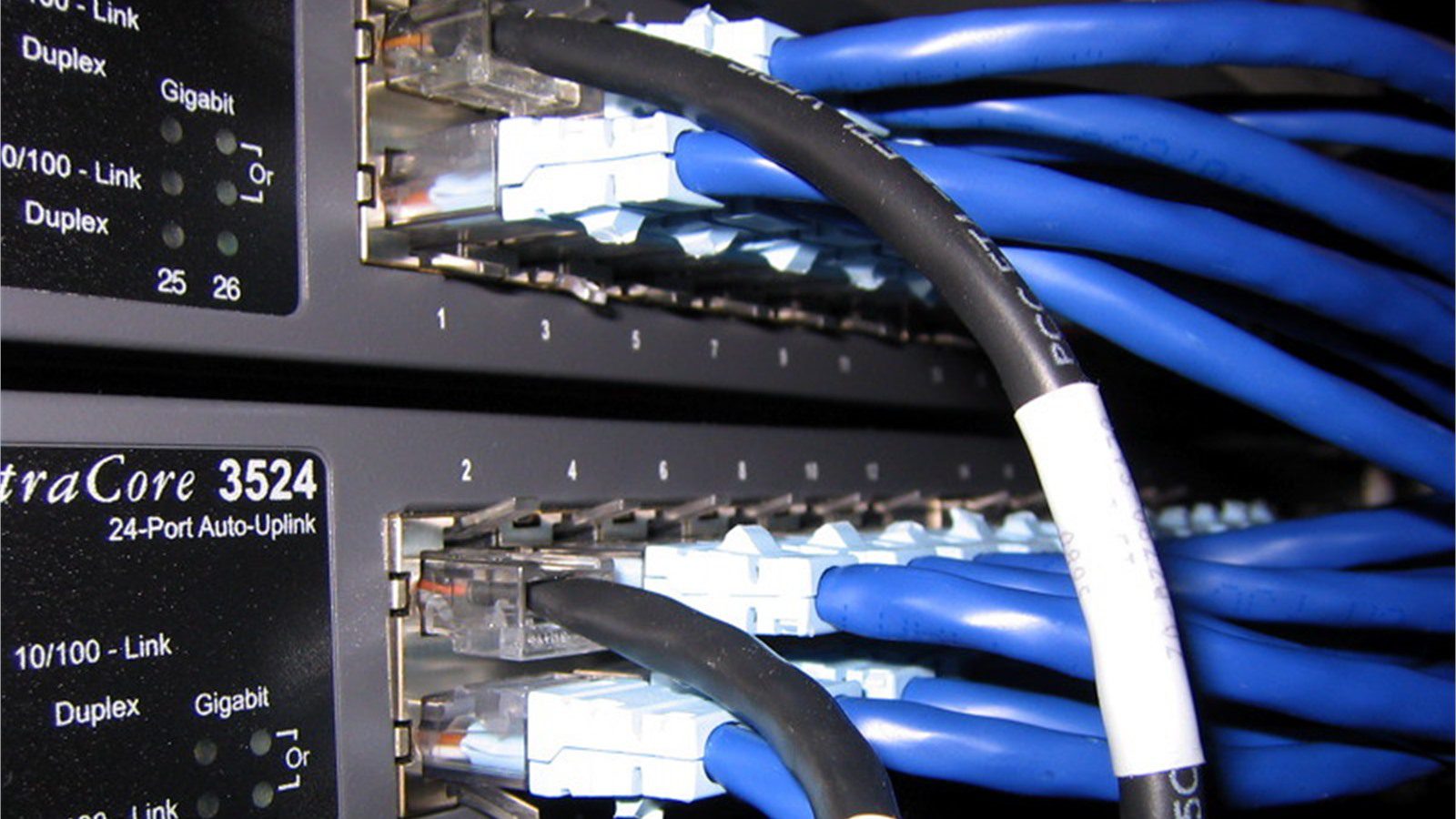
Peak-hour congestion is the most common reason office voice degrades. The internet circuit may be fast enough on paper, but VoIP call quality can still suffer when upload bandwidth, downstream queues, VPN tunnels, security inspection, or a single saturated uplink becomes the bottleneck.
Check bandwidth in both directions. Many offices focus on download speed, but VoIP needs clean upload as well. If video meetings, cloud backups, large file transfers, camera uploads, or remote desktop sessions consume upload capacity, outgoing voice packets can queue behind less time-sensitive traffic.
Test under load. A normal speed test may not reveal bufferbloat, which happens when network equipment queues too much traffic during saturation. Users experience this as delayed speech, talk-over moments, and unpredictable audio even when average throughput looks acceptable.
Review traffic by application and time of day. Look for backup jobs, software patching, endpoint detection uploads, cloud storage sync, guest Wi-Fi streaming, camera systems, large design files, data exports, and video conferencing. The peak-hour cause may be a scheduled task that nobody associates with the phone system, even though it directly affects VoIP call quality.
Also check circuit failover. If the primary connection drops and all office traffic moves to a smaller backup circuit, VoIP call quality can decline only during busy periods. SD-WAN policies, dual-WAN failover, and ISP health checks should be part of the review.
The goal is not to reserve all bandwidth for phones. The goal is to identify which peak-hour traffic competes with voice and then control it with scheduling, shaping, routing, or capacity improvements. That keeps VoIP call quality stable without punishing normal business applications.
Step 3: check QoS, VLANs, and switch queues
Quality of Service can protect voice packets, but only when it is designed end to end. A common office mistake is marking packets on phones while switches, Wi-Fi, firewalls, VPNs, or WAN devices ignore those markings. Another mistake is trusting QoS labels from every device without validating them.
Start with the voice VLAN. Confirm desk phones are on the expected VLAN, receive the right DHCP options, use the right gateway, and pass through the correct switch ports. Check Power over Ethernet stability, duplex, speed, errors, drops, and firmware. A single bad access switch can hurt VoIP call quality for one area of the office.
Then inspect DSCP and queue behavior. Voice media is commonly marked for expedited forwarding, but markings can be stripped, rewritten, or ignored. Confirm that phones, softphones, switches, wireless access points, firewalls, SD-WAN devices, and carriers handle voice traffic consistently.
The Microsoft Teams network preparation guidance is useful even outside Teams because it emphasizes network readiness, bandwidth, latency, packet loss, jitter, and media path planning. Those same principles apply to cloud PBX and SIP-based calling.
QoS is not a magic setting. If the uplink is fully saturated, QoS can prioritize voice but cannot create unlimited capacity. If traffic is encrypted through a tunnel, the device applying QoS must still recognize or classify voice flows. If guest Wi-Fi shares the same internet queue, voice may need separate limits.
A good QoS review ends with proof: voice packets are correctly marked, placed in the right queues, protected at bottlenecks, and monitored during the exact peak window when complaints occur. Without that proof, VoIP call quality may still fail when traffic rises.
Step 4: separate Wi-Fi, headset, and device problems

Not every call problem is a WAN issue. Softphones introduce laptops, Wi-Fi, Bluetooth headsets, USB docks, CPU load, browser tabs, endpoint security scanning, and operating system audio settings into the call path. During peak hours, those devices may also be under heavier load.
Separate desk phone and softphone reports. If desk phones sound clean but laptop calls fail, inspect Wi-Fi, audio devices, CPU usage, memory pressure, VPN settings, and softphone versions. If both fail in the same area, inspect the shared switch, access point, or internet path.
Wi-Fi deserves special attention. Voice over Wi-Fi can suffer from weak signal, interference, channel overlap, sticky roaming, overloaded access points, power-saving behavior, and crowded 2.4 GHz bands. Peak-hour office occupancy can change wireless performance even when the internet circuit is fine.
Headsets can create misleading symptoms. A failing microphone, low battery, poor Bluetooth link, wrong input device, aggressive noise cancellation, or USB hub problem can sound like VoIP call quality failure. Test with a known-good wired headset and compare.
Endpoint performance matters too. If laptops run updates, browser-heavy apps, endpoint security scans, or video meetings at the same time as calls, audio may stutter locally. Capture CPU, memory, Wi-Fi, and audio device information during a bad call so VoIP call quality is not blamed on the network alone.
This step prevents unnecessary provider tickets. When only one device type, wireless area, or headset model fails, the fix is usually local configuration, replacement, firmware, driver updates, or Wi-Fi design rather than a new phone carrier. It also keeps VoIP call quality troubleshooting focused on the real user experience.
Step 5: inspect SIP trunks, firewalls, and media paths
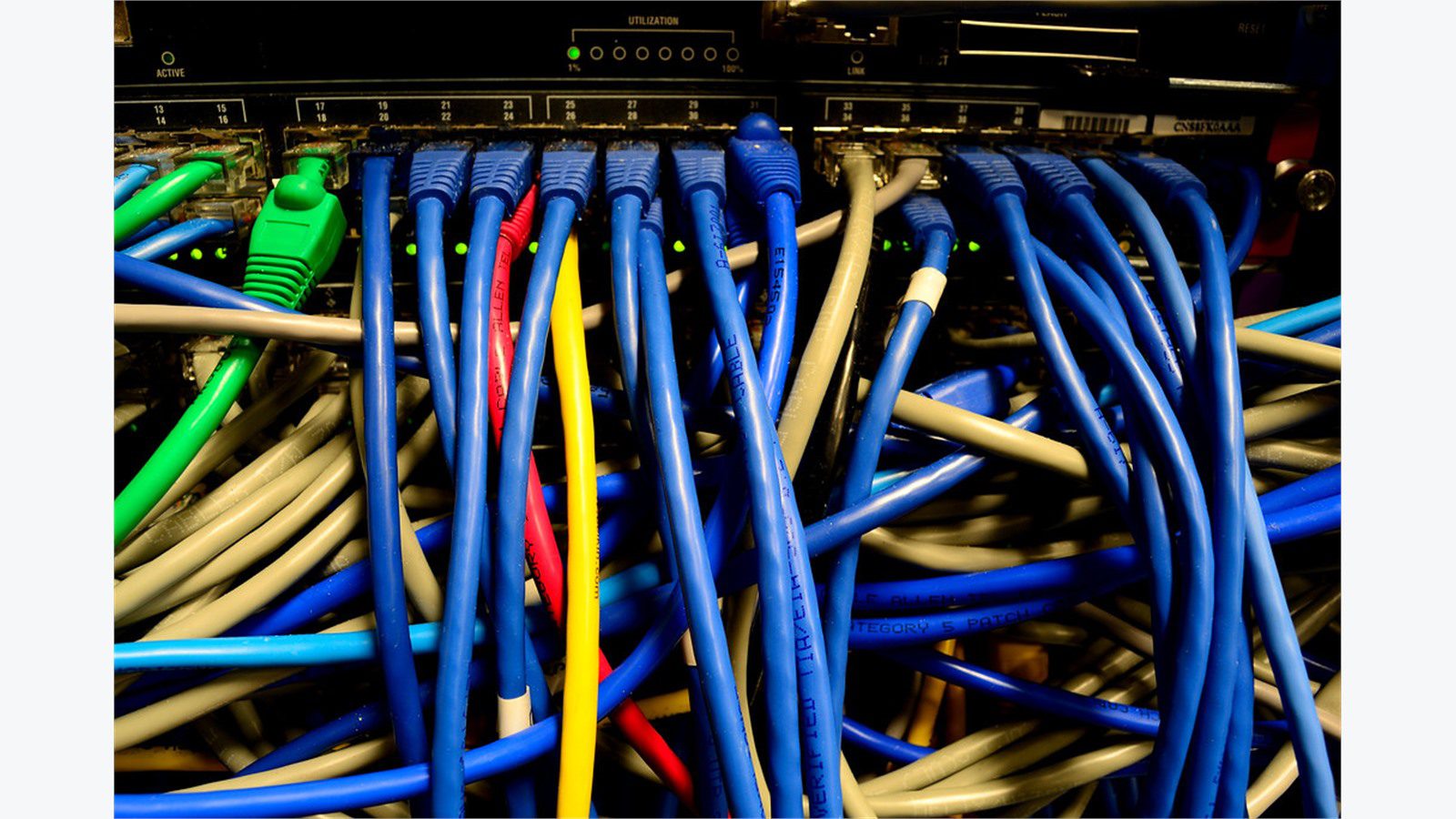
If local metrics are clean, inspect the voice edge. SIP trunks, session border controllers, firewalls, NAT rules, VPN paths, and cloud media relays can all affect calls. Peak-hour traffic can expose session limits, inspection overhead, NAT exhaustion, or provider route changes.
Review firewall and SBC logs around bad calls. Look for blocked RTP ports, session timeouts, SIP ALG interference, high CPU, dropped packets, UDP flood protections, NAT table pressure, and inspection policies. Some firewalls handle SIP signaling differently from RTP media, so a call can connect but still have poor or one-way audio.
Check whether media hairpins unnecessarily. A branch office call may travel to headquarters and back before reaching the provider. A remote worker may route media through VPN when direct media would be better. A cloud PBX may choose a faraway media relay if DNS, region, or routing is wrong.
SIP provider status pages are useful, but they rarely prove your office path is healthy. Compare multiple destinations: internal extension, external local number, mobile number, conference bridge, and remote office. If VoIP call quality fails only on certain destinations, carrier routing or codec negotiation may be involved.
Firewall changes should be controlled. Disabling security inspection broadly is not a fix. Instead, create precise rules for trusted voice traffic, validate required ports, confirm NAT behavior, and monitor whether call quality improves.
The goal is to confirm that signaling and media paths are predictable, correctly allowed, and not competing with avoidable inspection or routing problems during the busiest calling periods. Stable paths make VoIP call quality easier to defend under load.
Step 6: build a peak-hour VoIP monitoring plan

The final fix is prevention. After the immediate cause is found, build a monitoring plan that catches VoIP call quality degradation before users open tickets. The plan should include call metrics, network metrics, device metrics, and business context.
Track jitter, latency, packet loss, MOS, call failures, one-way audio reports, SIP registration failures, firewall drops, WAN utilization, queue drops, Wi-Fi retries, switch errors, and top traffic sources. Alert on VoIP call quality trends, not just outages. A slow rise in packet loss at 1 p.m. is easier to fix than a full office complaint at 3 p.m.
Create a recurring peak-hour test. Place synthetic or scheduled test calls during known busy windows. Compare results across desk phones, softphones, wired connections, Wi-Fi, and remote users. Keep the test consistent so changes in VoIP call quality are easy to spot and easy to explain.
Assign ownership. Network teams own switches, Wi-Fi, QoS, and WAN. Security teams own firewall inspection and VPN. Desktop teams own laptops, headsets, and softphones. Voice providers own PBX and carrier paths. Finance or operations may own bandwidth upgrades and support contracts.
Document what changed after the fix: QoS policies, traffic schedules, circuit capacity, phone firmware, access point tuning, provider routing, firewall rules, or monitoring thresholds. This record helps the next incident start from evidence instead of memory.
If your office needs help turning peak-hour call problems into a repeatable troubleshooting process, Progressive Robot can review the network, phone system, firewall path, and cloud dependencies. Contact Progressive Robot to stabilize calls before the next busy window.
VoIP call quality FAQ

Why does call quality get worse only during busy hours?
Busy hours increase competition for network capacity. Voice packets can be delayed or dropped when cloud apps, video meetings, backups, Wi-Fi users, or security tools fill queues. The fix is to compare quiet-hour and peak-hour metrics so VoIP call quality problems are tied to evidence.
What numbers matter most for voice troubleshooting?
Latency, jitter, packet loss, MOS, dropped packets, and queue behavior matter most. Bandwidth is important, but raw bandwidth alone does not prove voice will sound good under load.
Can QoS fix every VoIP problem?
No. QoS helps protect voice at bottlenecks, but it cannot fix bad Wi-Fi, broken headsets, overloaded endpoints, poor provider routing, bad cabling, or insufficient total capacity. It must be part of an end-to-end design.
Should phones be on a separate VLAN?
In many offices, yes. A voice VLAN can simplify addressing, QoS, security policy, and troubleshooting. It still needs correct switch configuration, DHCP options, firewall rules, and monitoring.
Is Wi-Fi safe for office calling?
Wi-Fi can work well when it is designed for voice. It needs strong coverage, clean channels, enough access point capacity, good roaming behavior, and separation from heavy guest or streaming traffic.
When should we call the VoIP provider?
Call the provider after collecting examples and proving whether the problem appears before or after the office edge. Useful tickets include call IDs, timestamps, affected numbers, MOS, packet loss, device type, and network path evidence.
Peak-hour voice problems are solvable when the team stops guessing. Measure the bad calls, compare the busy window with a quiet baseline, check bandwidth, validate QoS, separate endpoint problems, inspect SIP and firewall paths, and monitor continuously. That process restores VoIP call quality, protects VoIP call quality during the next busy window, and gives the business a stronger office network.










