
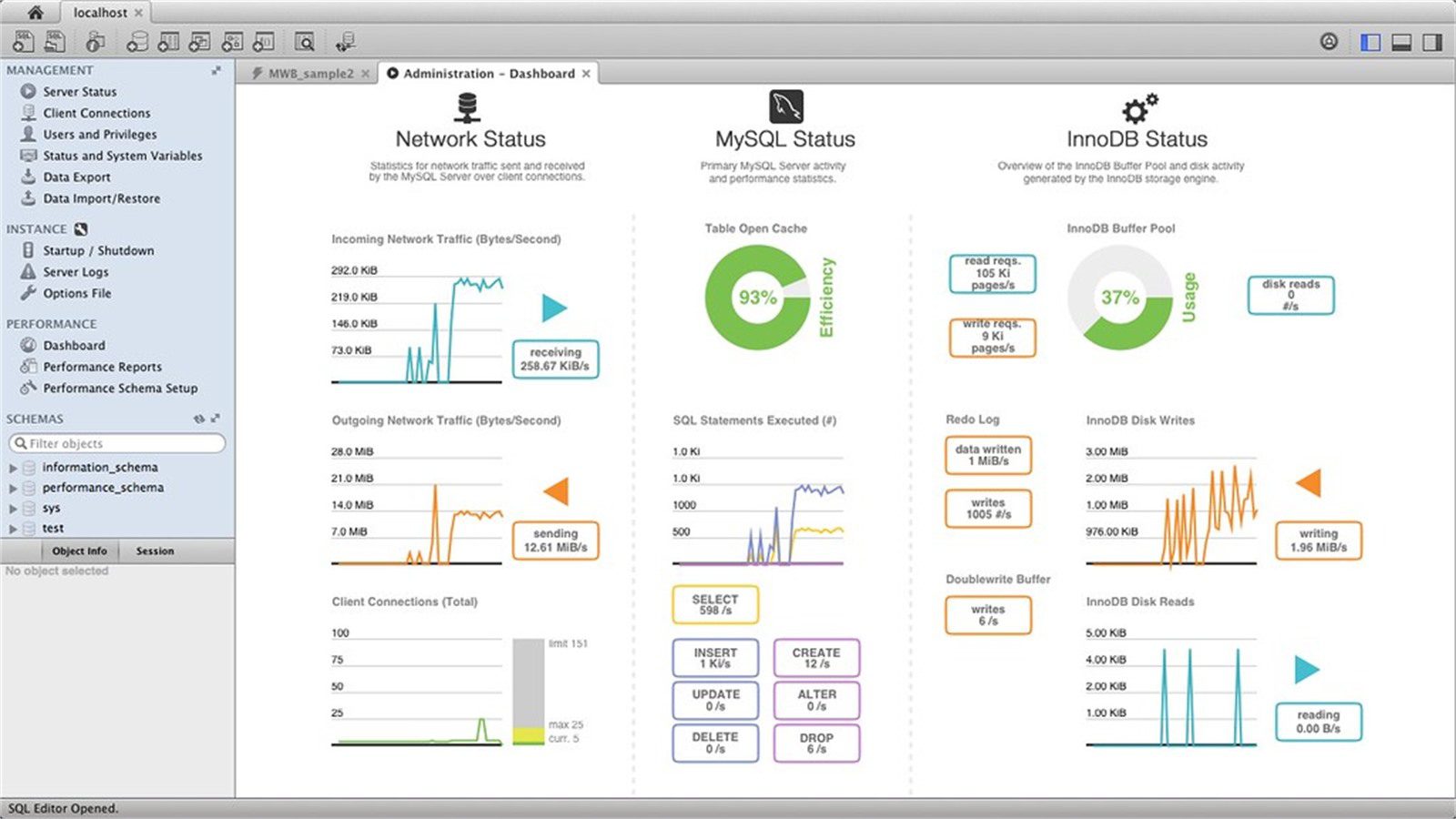
Slow database queries can freeze employee portals when every login, timesheet, benefits lookup, approval, or payroll request waits behind inefficient SQL. The portal may look like the problem, but the real bottleneck is often a table scan, missing index, lock wait, overloaded connection pool, or report query that runs during the busiest part of the workday.
The safest fix is not to restart the portal every time employees complain. Restarting may clear symptoms for a few minutes, but it does not explain why the database stalls. A better approach is to capture the slow path, identify the exact query or transaction, read the execution plan, and tune the system without breaking data integrity.
This guide explains how to fix slow database queries that are freezing employee portals. It connects the response to Progressive Robot services for software development services, IT consulting, business process automation, cloud computing services, and cyber security services because portal performance depends on application code, database design, infrastructure, and secure access working together.
| Portal symptom | Likely database cause | First useful check |
|---|---|---|
| login hangs | identity lookup or session query is slow | trace login transaction by user and timestamp |
| timesheets freeze | table scan or missing composite index | inspect execution plan and row estimates |
| approvals spin forever | lock wait or blocked transaction | review blocking sessions and isolation level |
| dashboard loads slowly | large aggregate query or stale report design | separate interactive and reporting workloads |
| portal fails at lunch | connection pool exhaustion or peak concurrency | compare pool use with active sessions |
| search page stalls | wildcard filter or unbounded result set | add pagination, filters, and search indexes |
| random timeouts | database CPU, I/O, memory, or network saturation | correlate app traces with database metrics |
Slow database queries at a glance
Slow database queries freeze employee portals because portal pages are usually built from many dependent steps. A simple dashboard may validate the employee, check permissions, fetch profile data, count open tasks, load benefits options, read notifications, and calculate approval totals. If one query blocks, the whole page can feel frozen.
The most common causes are missing indexes, outdated statistics, inefficient joins, unbounded searches, too many round trips, lock contention, connection pool limits, expensive reports, and peak-hour resource pressure. These problems often appear after the portal grows. What worked for 200 employees may fail for 2,000, which is why slow database queries need regular review.
Employee portals are sensitive because they sit in the middle of work. HR teams need onboarding tasks. Managers need approvals. Employees need time off, payslips, payroll questions, benefits records, and service requests. A slow portal creates support tickets, payroll delays, and frustration even when the underlying data is correct.
The PostgreSQL EXPLAIN documentation is a useful example of how query plans reveal what the database is actually doing. Microsoft also documents how SQL Server execution plans help teams understand access paths and operators. The same mindset applies across SQL Server, MySQL, PostgreSQL, Oracle, and cloud databases: measure first, then tune.
A practical rule helps: fix slow database queries from evidence, not from hunches. The query text, execution plan, wait type, timing, row counts, and portal trace should tell the team where to act. That discipline keeps slow database queries from turning into recurring help desk tickets.
Step 1: confirm the freeze and protect employees
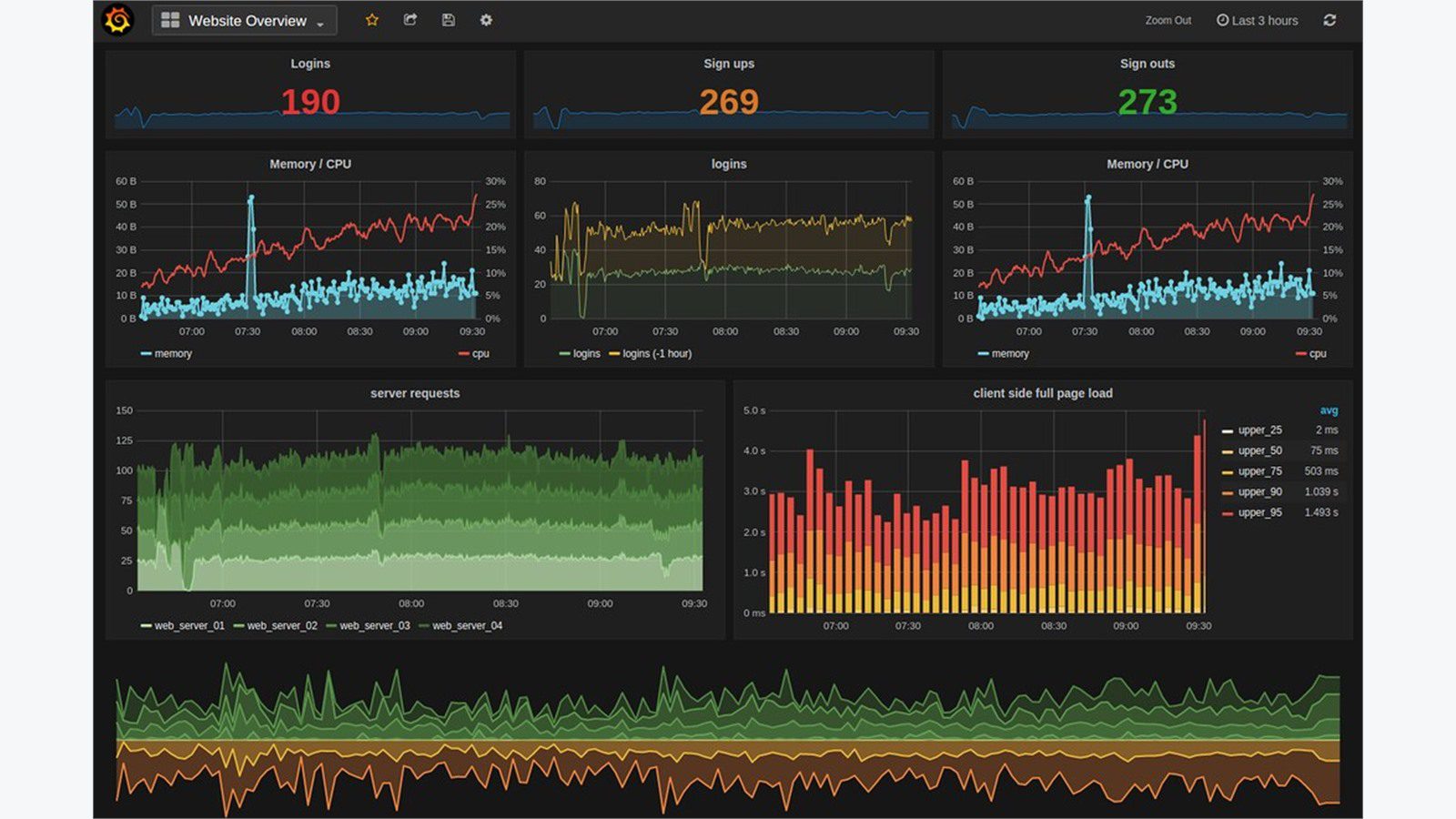
The first fix is triage. Confirm whether the employee portal is frozen for everyone, a department, a location, a role, a workflow, or one browser type. Ask for exact timestamps, user actions, page names, employee IDs if appropriate, screenshots, and whether the same action succeeds later.
Protect employees while the investigation starts. If payroll, time entry, benefits enrollment, or onboarding is affected, create a temporary business workaround. That may be a controlled upload, a short support form, a manager-approved queue, or a limited manual process. The workaround should reduce operational risk without hiding the technical evidence.
Then define the freeze. Is the page slow, the API timing out, the database waiting, the web server overloaded, or the identity provider delaying access? Slow database queries are a frequent cause, but a portal freeze can also come from authentication, network latency, application errors, file storage, or third-party integrations. The team should prove that slow database queries are actually in the critical path before changing production SQL.
Check the error budget and user impact. A five-second delay on a rarely used settings page is different from a thirty-second delay on every timesheet submission. Prioritize the workflows that block pay, compliance, access, or daily operations.
Avoid broad restarts unless the portal is fully down and employees cannot work. If a restart is required, capture logs and metrics first. Restarting clears memory, sessions, waits, and connection state that may explain the real cause.
The outcome of this step should be a short incident note: affected workflow, impact window, business workaround, first evidence, and the owner responsible for database and application tracing.
Step 2: capture slow queries and portal traces
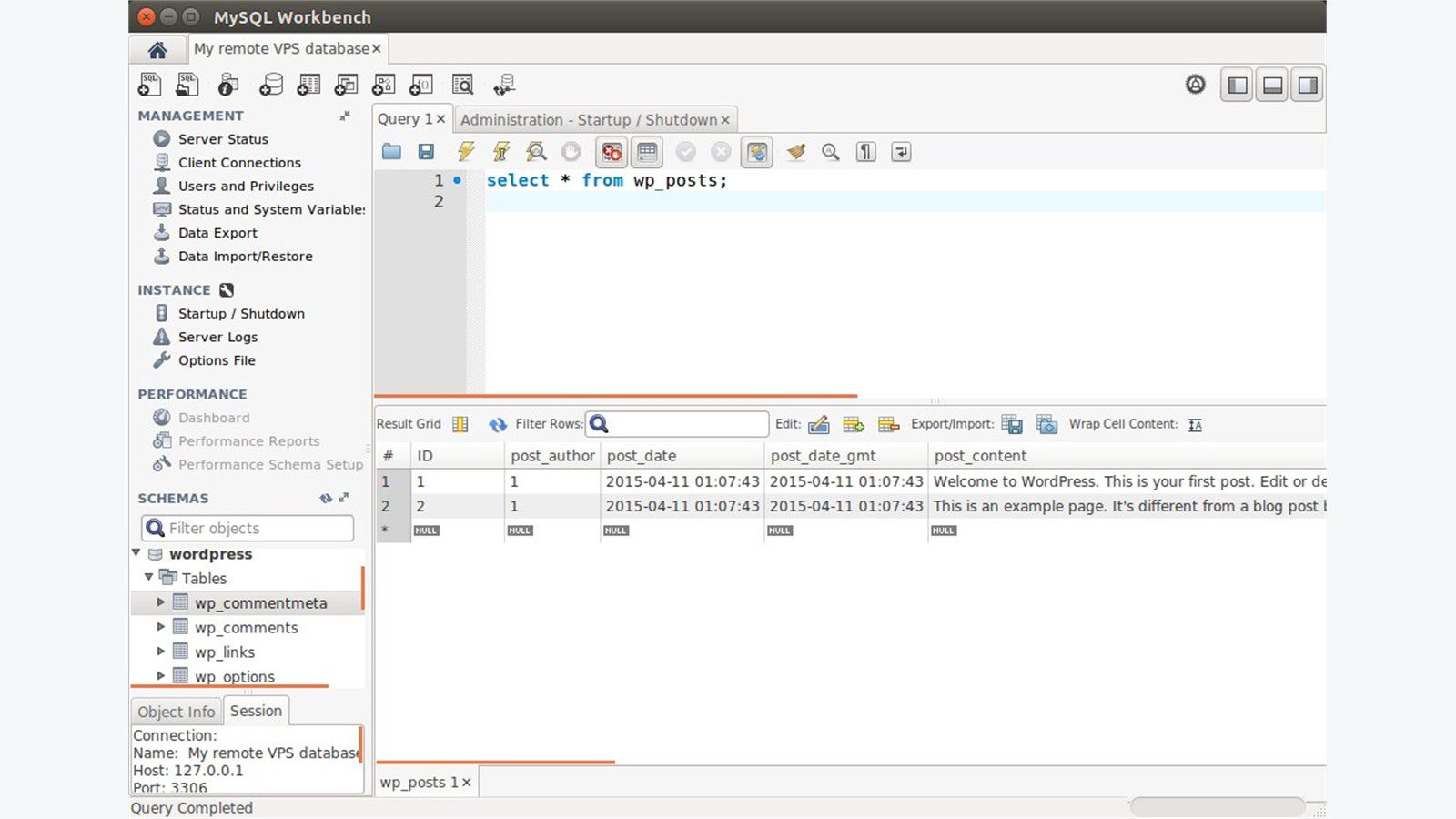
Once the impact is clear, capture the path from browser action to database call. Application traces should show route, controller, service call, SQL statement, duration, row count, error, and dependency timing. Database monitoring should show the same slow database queries with wait events and execution details.
Use an application performance monitoring tool, database slow query log, query store, extended events, performance schema, cloud database insights, or APM trace. The tool matters less than the evidence. A useful trace connects one employee portal action to the exact SQL and database wait behind it.
Capture data during the freeze window. A query that runs in 200 milliseconds at 8 a.m. may run for 12 seconds at 11 a.m. because concurrency, cache state, locks, or I/O pressure changed. Compare quiet-hour and peak-hour traces.
Look for repeated patterns. One slow query may not be the only problem. Employee portals often run the same inefficient lookup hundreds of times during page load. This N+1 pattern can create many small database calls that collectively freeze the portal.
Also capture parameters safely. Query performance can change dramatically depending on department, date range, role, location, status, or search term. Protect sensitive employee data, but keep enough parameter context to reproduce the problem in a safe environment.
The goal is a ranked list of slow database queries by user impact, total time, frequency, wait type, and business workflow. Tune the queries employees hit most often before chasing rare edge cases. This ranking makes slow database queries visible to both technical teams and business owners.
Step 3: read execution plans before rewriting SQL
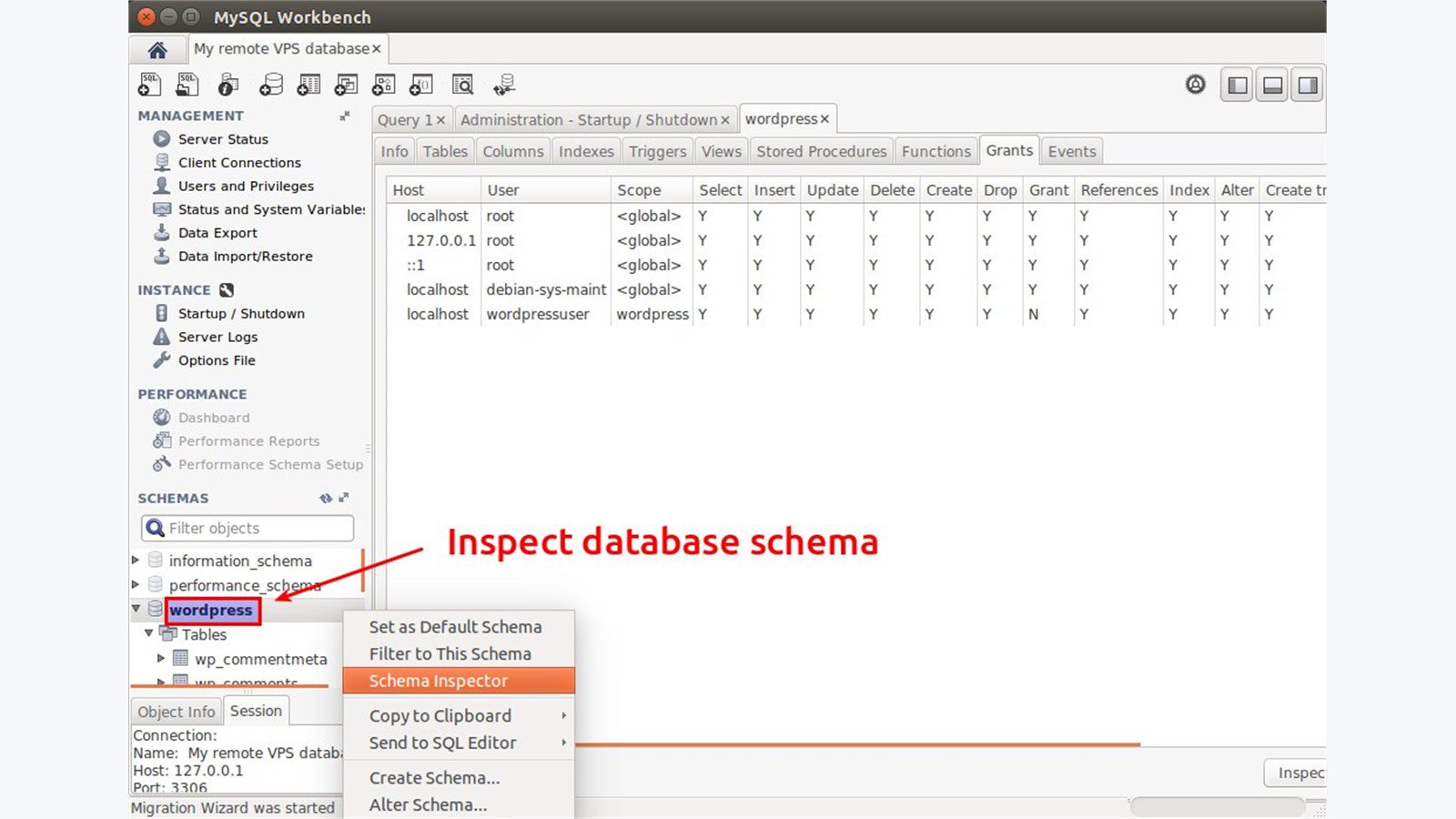
Execution plans show why slow database queries are slow. They reveal scans, joins, sorts, spills, missing indexes, bad estimates, implicit conversions, lookup loops, and expensive operators. Rewriting SQL without reading the plan can make the problem worse.
Start with the actual plan when possible, not only the estimated plan. Actual plans show real row counts and runtime behavior. If the database expected 100 rows and processed 10 million, the optimizer may be working from stale statistics, skewed data, or a predicate that is hard to estimate.
Check join order, join type, filters, sort operations, temporary tables, key lookups, and memory grants. A portal page that filters on employee status, department, date range, and approval state may need a composite index that matches the real access pattern.
Watch for functions on indexed columns, wildcard searches at the beginning of strings, type mismatches, implicit conversions, and optional filters that prevent index use. These issues are common in portal search screens because developers try to support flexible filters with one large query.
Do not assume the newest query is the problem. A legacy payroll lookup may have been acceptable for years until employee count, history depth, or approval volume grew. Execution plans make that growth visible.
The right plan review ends with a specific hypothesis: add an index, rewrite a predicate, split a report query, update statistics, reduce result size, remove repeated calls, or change how the portal loads the page. Slow database queries should leave behind a clear tuning decision, not a vague note that the database was slow.
Step 4: fix indexes, joins, and query shape

After reading the plan, tune the query shape. The best fixes for slow database queries usually reduce the amount of data read, sorted, joined, or returned. Start with the access path. If the portal filters by employee ID, tenant, status, and date, the index should support that pattern. Slow database queries often improve dramatically when the index matches the actual portal filter.
Indexes need discipline. Too few indexes create scans. Too many indexes slow writes and increase maintenance. For employee portals, prioritize indexes on high-volume, high-impact workflows: login lookups, permissions, time entries, approvals, payroll changes, benefits elections, service tickets, and notification queues.
Rewrite joins that multiply rows unexpectedly. A missing join condition, broad left join, or many-to-many relationship can inflate work before the final filter runs. Use targeted subqueries, pre-aggregations, or narrower joins when they reduce unnecessary rows.
Limit result sets. A search screen should not load every historical request before filtering in application code. Add pagination, reasonable defaults, server-side filtering, and date limits. If employees need full exports, move exports to a background job instead of the interactive portal request.
Remove N+1 database calls. If a page loads 50 approvals and then makes one query per approval to fetch employee details, batch the lookup or fetch related data in one controlled query. This can be one of the fastest ways to improve employee portal performance.
Every change should be tested against production-like data. A query that looks fast on a small development database may still fail when it touches years of payroll, HR, or request history.
Step 5: reduce portal load with caching, pagination, and queues
Not every performance fix belongs inside SQL. Some slow database queries exist because the portal asks the database to do too much during a live employee request. Caching, pagination, and background queues can reduce pressure without hiding stale or incorrect data. These changes reduce how often slow database queries are triggered by normal employee activity.
Cache reference data that changes rarely, such as departments, office locations, benefit plan names, request categories, policy links, and permission metadata. Do not blindly cache sensitive payroll or approval data. Define what can be cached, for how long, and how it is invalidated.
Use pagination for request lists, employee directories, ticket history, approval queues, audit logs, and search results. Default to recent and relevant records. Let users narrow the search before asking the database for large historical ranges.
Move heavy exports and reports out of interactive page loads. If HR needs a monthly compliance export, generate it through a queue and notify the user when it is ready. The portal should not freeze while a report reads years of data.
Precompute safe summaries where appropriate. Dashboards can use summary tables, materialized views, or scheduled aggregates instead of recalculating every count on every login. The summary design must match freshness requirements so employees do not see misleading information.
Caching and queues work best when tied to clear service levels. A payslip download may need current data. A dashboard count may tolerate a short delay. A compliance report may run overnight. Those choices reduce slow database queries while protecting trust.
Step 6: tune locks, capacity, and connection pools
Sometimes the query text is acceptable, but the database environment is not. Slow database queries can be symptoms of lock contention, blocked sessions, undersized CPU, slow storage, memory pressure, connection pool exhaustion, or network latency between the portal and database.
Check waits and blocking. If employees freeze when payroll is imported or approvals are bulk-updated, the portal may be waiting behind write locks. Review transaction length, isolation level, batch size, and whether long-running jobs touch the same tables used by interactive requests.
Inspect connection pools. A portal can appear frozen when all database connections are busy. Increasing the pool limit is not always the answer. If queries are slow, a larger pool can overload the database faster. Fix query time first, then size the pool based on real concurrency.
Review database capacity. CPU saturation, high read latency, memory pressure, tempdb or temporary file pressure, replication lag, and storage throttling can all magnify slow database queries. Cloud databases may also hit IOPS, burst balance, or instance-class limits.
Separate interactive and background workloads when needed. Employee clicks should not compete equally with nightly imports, analytics jobs, exports, and cleanup scripts. Schedule heavy jobs outside peak hours or route reporting to a replica when the data model supports it.
Capacity tuning should be evidence-based. Add resources when metrics prove the workload needs them, but do not buy more capacity to cover an avoidable table scan or unbounded report query. If slow database queries disappear only after a hardware upgrade, the team should still confirm whether the query design is sustainable.
Step 7: build monitoring and a prevention playbook
After the portal is stable, build a prevention playbook. Slow database queries should trigger early warnings before employees report frozen screens. Monitor query duration, wait events, lock time, deadlocks, connection pool use, API latency, error rates, page load time, and portal workflow completion time.
Set alerts around business workflows, not only servers. A database CPU alert is useful, but an alert that says “timesheet submission p95 latency is above 4 seconds” is easier for leaders to understand. Tie technical metrics to employee experience.
Create a slow-query review rhythm. Weekly or monthly, review the top queries by total time, average time, frequency, rows read, rows returned, and recent regressions. Keep notes on accepted risk, fixes completed, and follow-up work.
Add performance checks to releases. Schema changes, new filters, report features, ORM changes, and permission logic can introduce slow database queries even when tests pass. Use production-like data, query plan review, and load testing for portal workflows that affect many employees.
Document ownership. Application teams own query behavior. Database teams own indexing, statistics, and capacity. Infrastructure teams own storage, networking, and cloud sizing. Business owners define acceptable response times for critical workflows.
Progressive Robot can help teams turn a portal freeze into a durable performance program. If your employee portal keeps freezing under load, contact Progressive Robot for a focused review of database queries, portal code, monitoring, and infrastructure.
Slow database queries FAQ

Why do employee portals freeze when only one database query is slow?
Portal pages often depend on multiple database calls. If one required query blocks a login, permissions check, approval list, or dashboard count, the whole page can appear frozen even though the web server is still running.
Should we add more database indexes immediately?
Not blindly. Indexes should match the query plan and access pattern. The wrong index may not help reads and can slow writes. Review actual execution plans, row counts, filters, and update volume before adding indexes.
What is the fastest way to find the query causing the freeze?
Correlate an employee action with application traces and database monitoring. Capture route, timestamp, user workflow, SQL text, duration, wait type, and execution plan during the freeze window.
Can caching fix slow database queries?
Caching can help when the portal repeatedly reads data that changes rarely. It should not be used to hide incorrect results, stale payroll data, or broken query design. Cache only where freshness and security requirements are clear.
When should reports move out of the employee portal request path?
Move reports when they scan large history, aggregate many rows, or run longer than an interactive user should wait. Use background jobs, notifications, summary tables, or replicas where appropriate.
How do we prevent slow queries from returning after a release?
Add query plan review, production-like performance tests, slow-query alerts, dashboard monitoring, and release checks for critical portal workflows. Review top queries regularly instead of waiting for employees to complain.
Slow employee portals are fixable when the team follows evidence. Capture the exact slow database queries, read execution plans, tune indexes and query shape, reduce live portal load, control locks and capacity, and monitor employee workflows continuously. That turns a frozen portal into a faster, more reliable digital workplace and keeps slow database queries from quietly returning.










