
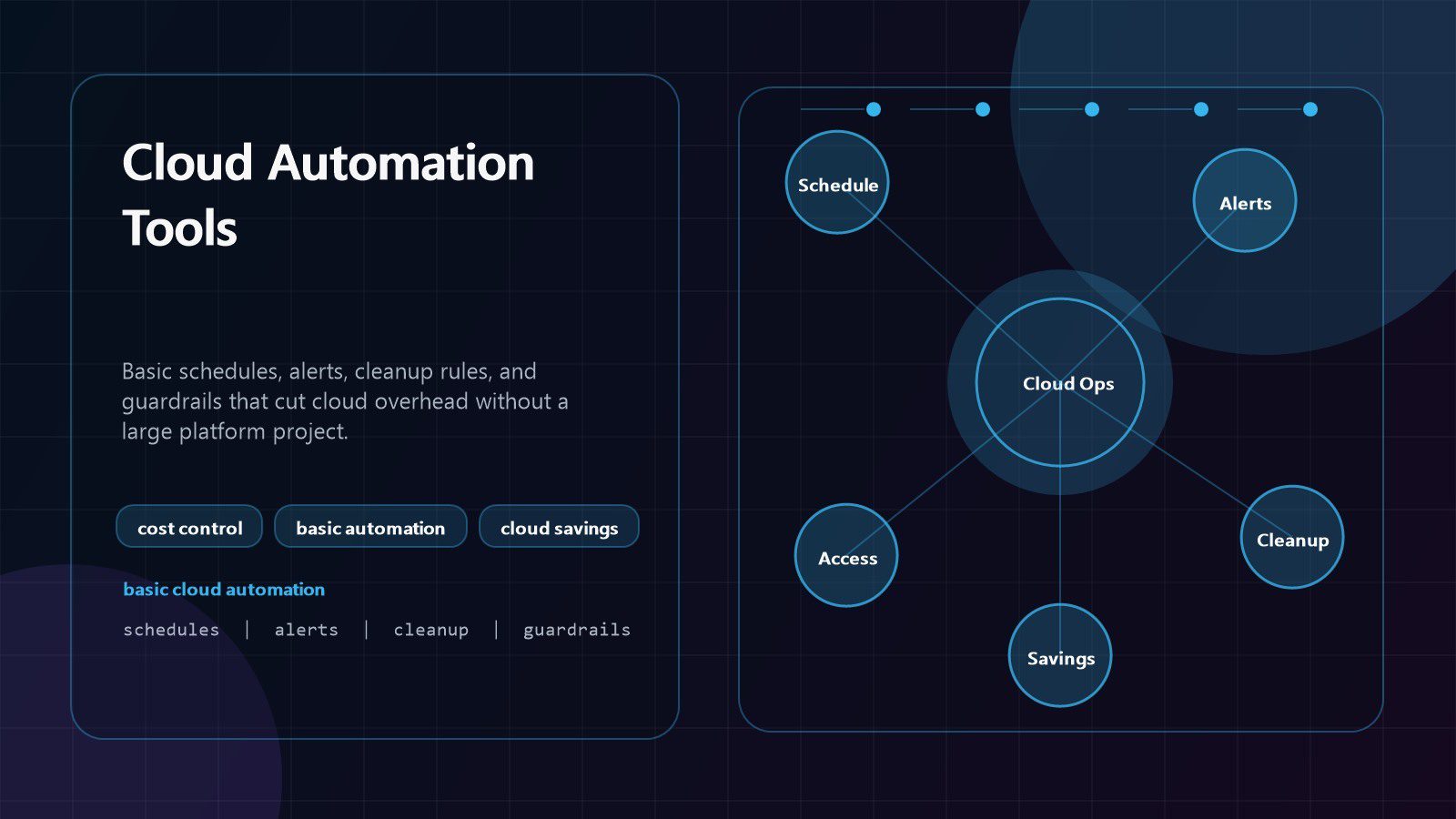
Cloud automation tools help businesses cut overhead without launching a massive transformation program. The biggest savings often come from basic controls: shutting down idle systems, right-sizing compute, cleaning unused storage, enforcing ownership tags, and sending alerts before a cloud bill surprises finance.
That matters because cloud waste is usually operational waste. A test server stays on all weekend. Snapshots pile up for months. A database is oversized because no one owns the review. Engineers spend time repeating manual checks that a simple rule, script, or managed scheduler could handle. Basic cloud automation tools turn those small leaks into repeatable savings.
The goal is not to automate everything at once. The goal is to remove the predictable overhead that drains budget and staff attention. For companies using cloud computing services, workflow automation, DevOps services, cost optimization, and cyber security services, cloud automation tools should be treated as practical business controls.
| Overhead leak | Basic automation | Business result |
|---|---|---|
| Idle development environments | start and stop schedules | lower compute spend |
| Oversized servers | utilization review alerts | fewer overbuilt resources |
| Old snapshots and logs | retention and lifecycle policies | cleaner storage bills |
| Unowned resources | mandatory tags and reports | faster accountability |
| Budget surprises | thresholds and anomaly alerts | earlier financial action |
| Repeated admin work | serverless jobs and runbooks | less manual operations time |
Cloud automation tools at a glance
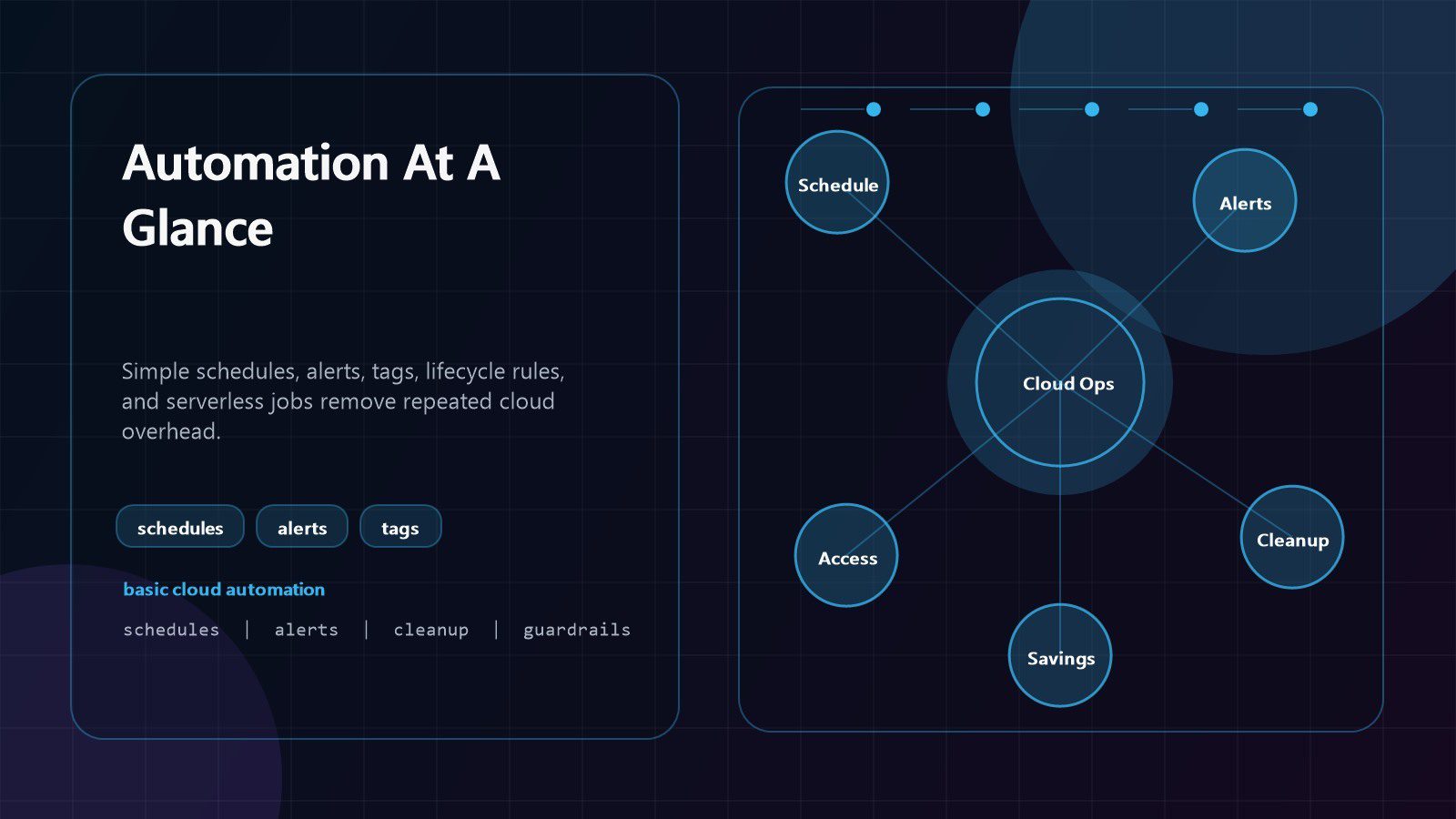
Cloud automation tools are the scripts, managed services, rules, templates, and workflow systems that make routine cloud operations happen consistently. They can start and stop resources, resize instances, move storage to cheaper tiers, delete expired objects, enforce tags, rotate secrets, trigger backups, send alerts, and create tickets when something needs human review.
The most useful starting point is basic automation, not advanced orchestration. A small team can often get meaningful savings from built-in schedulers, budget alerts, lifecycle rules, infrastructure templates, and simple functions. These features exist in major cloud platforms and do not require a large platform engineering department.
Cloud automation tools reduce overhead in two ways. First, they cut direct spending by removing idle or wasteful resources. Second, they reduce labor overhead by replacing repeated manual checks with predictable workflows. That combination is powerful because finance sees lower bills while technical teams recover time.
The FinOps Foundation framework is a useful reference for connecting engineering choices to financial accountability. The AWS Well-Architected cost optimization pillar also shows why measurement, demand management, and continuous improvement matter. The same principles apply even when a team uses Azure, Google Cloud, private cloud, or a hybrid environment.
Start with clear ownership. Cloud automation tools save money only when someone reviews the output, approves the rules, and fixes the exceptions. Automation without ownership can create another dashboard that no one trusts.
Step 1: schedule nonproduction resources
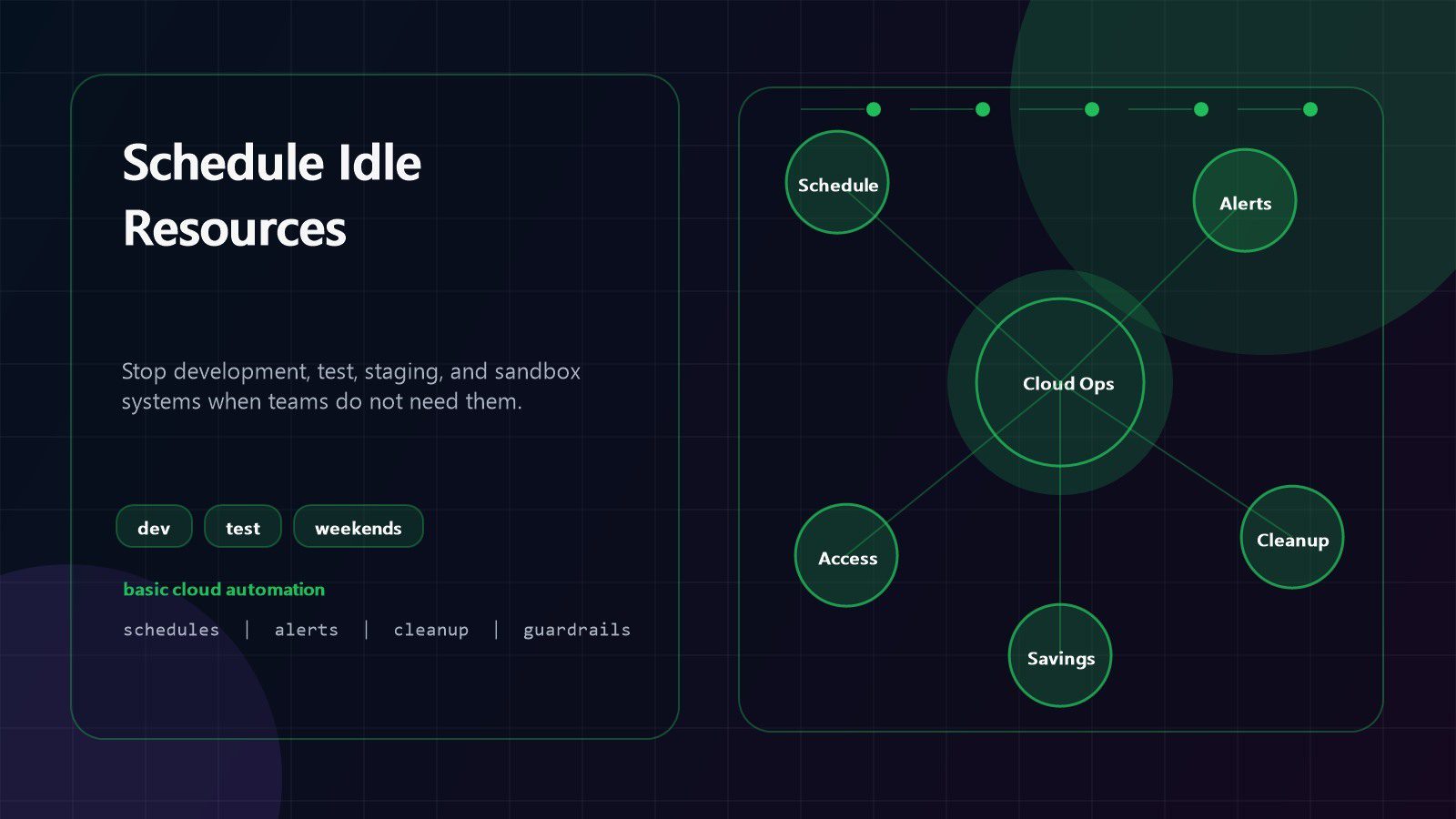
The easiest cost-cutting win is scheduling. Development, test, staging, training, analytics sandbox, and proof-of-concept environments rarely need to run every hour of the week. Cloud automation tools can stop these systems after business hours and restart them before teams return.
This basic step can produce fast savings because compute costs are time based. A development server that runs only during working hours may use far fewer billable hours than one that runs all month. The same logic applies to databases, lab clusters, virtual desktops, bastion hosts, and temporary application stacks.
Begin with low-risk environments. Ask teams which resources can stop nightly, which can stop on weekends, and which need an opt-out. Then create schedules by tag, project, environment, or account. A simple rule such as stop dev resources at 7 p.m. and start them at 7 a.m. can be more valuable than a complex optimization model that never reaches production.
Cloud automation tools should also include safe override paths. Engineers may need a staging environment during a release, audit, or urgent fix. The schedule should allow temporary extension, log who requested it, and return to the normal rule automatically.
Measure before and after. Track resource hours, spend, failed starts, support tickets, and user complaints. If a schedule saves money without disrupting work, expand the pattern to more teams.
Step 2: rightsize compute with basic metrics
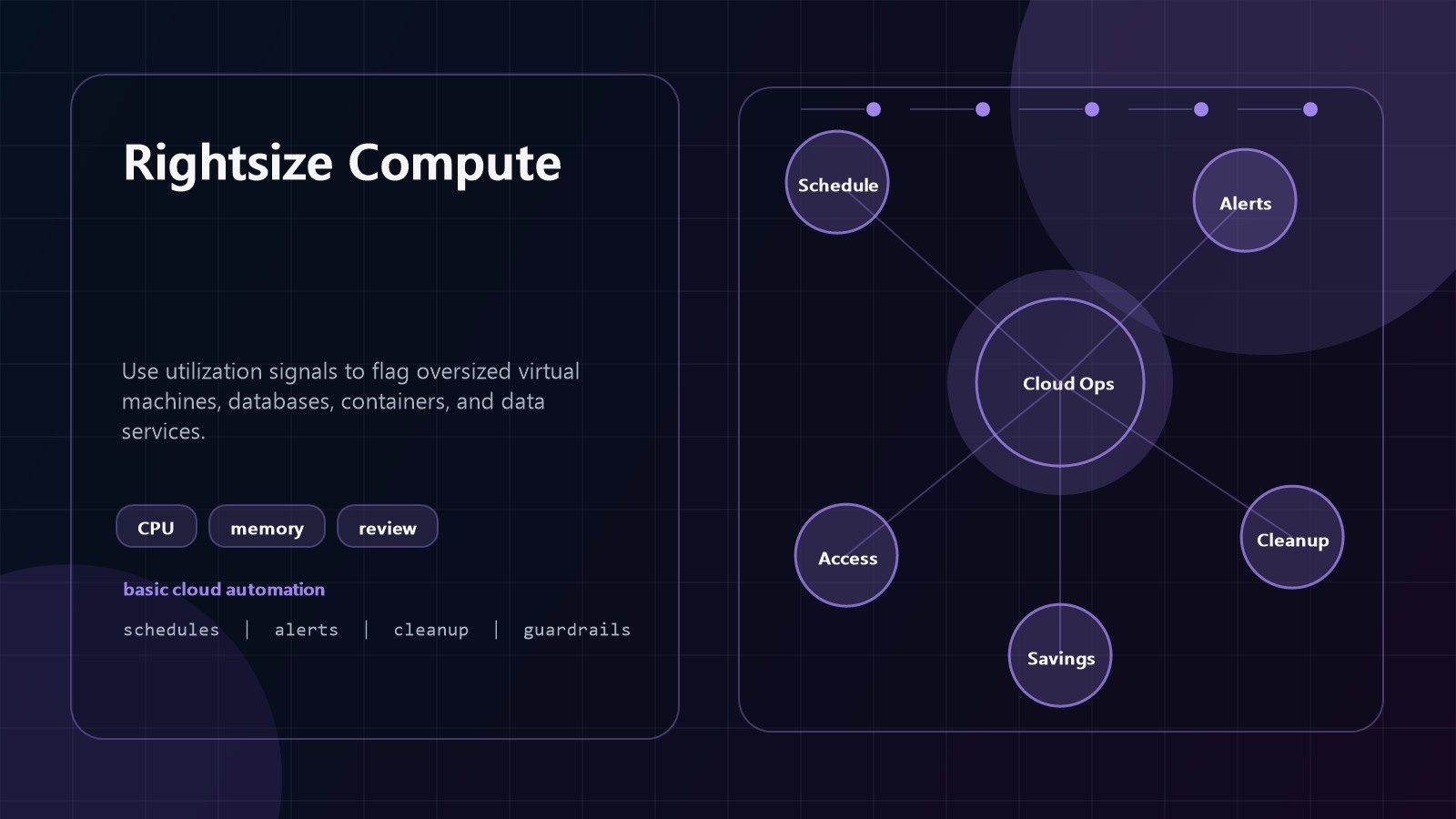
Oversized compute is common because teams choose capacity during a launch, incident, migration, or peak estimate and rarely revisit it. Cloud automation tools can review utilization metrics and flag resources that consistently use only a small portion of their allocated CPU, memory, disk, or network capacity.
Rightsizing does not need to start with automatic changes. In many organizations, the safer first step is an automated recommendation report. The report can show resource owner, current size, average utilization, peak utilization, estimated monthly cost, suggested size, and projected savings. Owners then approve changes during a maintenance window.
This avoids the common mistake of chasing savings at the expense of reliability. A lightly used server may still need headroom for month-end processing, backups, or rare traffic spikes. Cloud automation tools should identify candidates, but owners should understand the workload before reducing capacity.
Create a weekly rightsizing review. Focus first on always-on resources with low utilization and high cost. Include virtual machines, managed databases, container nodes, load balancers, data warehouses, and premium storage tiers. Over time, teams can automate safe changes for noncritical systems while keeping manual approval for production.
Rightsizing also reduces hidden overhead. Smaller resources can reduce backup size, monitoring volume, licensing costs, and support effort. That makes compute review a high-value habit, not a one-time cleanup.
Step 3: automate storage cleanup and lifecycle rules
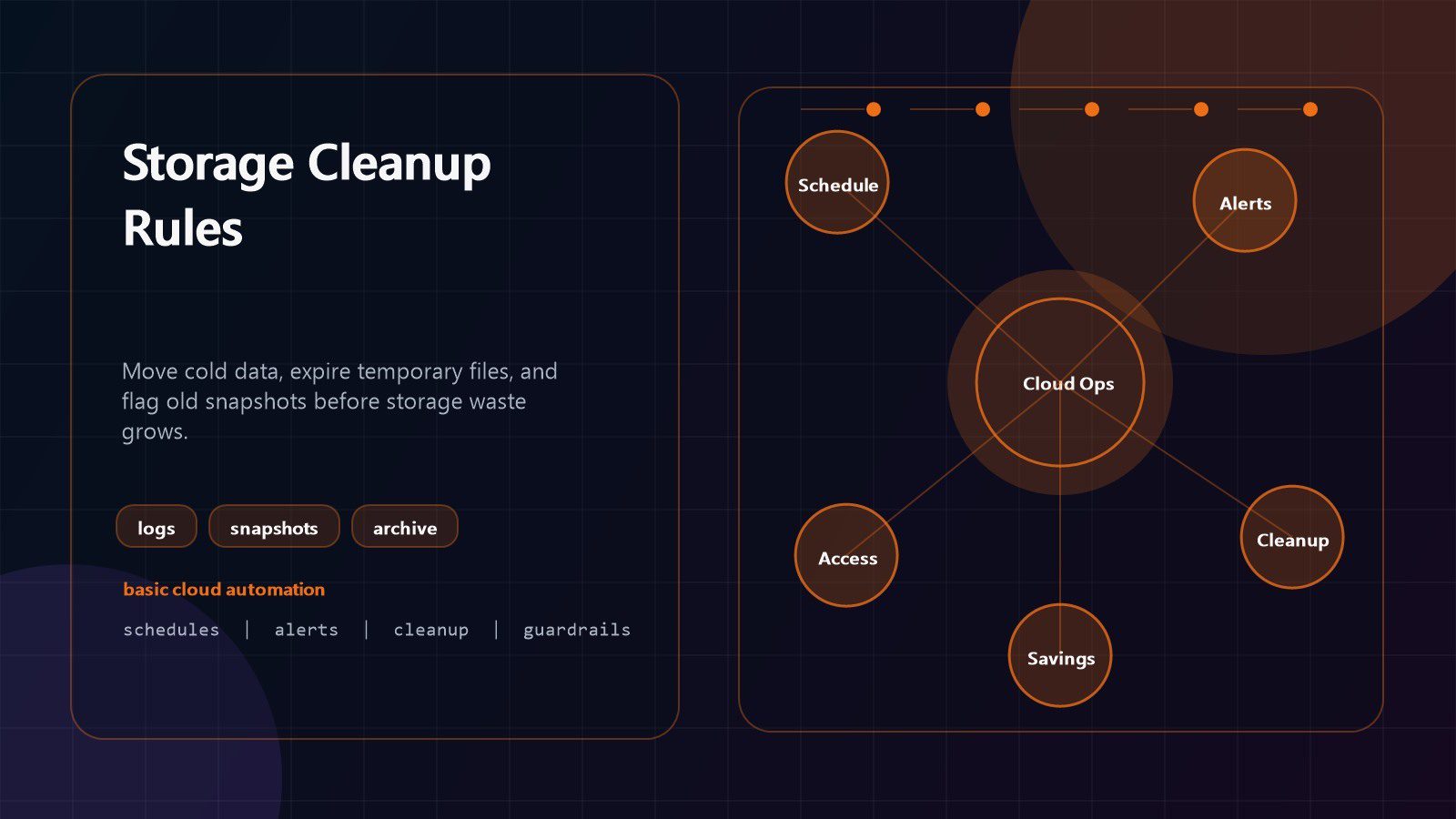
Storage bills grow quietly. Old logs, snapshots, test datasets, failed exports, backup copies, build artifacts, and duplicated media can remain long after the project ends. Cloud automation tools can apply lifecycle rules that move data to cheaper tiers, expire temporary files, and flag unusual growth.
Start by classifying storage. Some data is active and business critical. Some must be retained for compliance. Some is useful only for a short troubleshooting window. Some has no owner and no valid purpose. Without that classification, teams either keep everything forever or delete too aggressively.
Use basic rules first. Move infrequently accessed objects to lower-cost tiers after a defined period. Delete temporary exports after a short retention window. Expire unattached disks after owner approval. Remove snapshots that exceed retention limits. Archive audit records according to policy instead of leaving them in expensive default storage.
Cloud automation tools should protect against accidental data loss. Require tags, exclude regulated buckets, send deletion previews, keep approval logs, and test restore paths. A cleanup job that deletes the wrong backup will destroy trust quickly.
A monthly storage review can show top growth areas, duplicate datasets, stale snapshots, and lifecycle rule coverage. When teams see the pattern, they usually find storage waste faster than any central finance review could.
Step 4: set budget alerts and anomaly checks
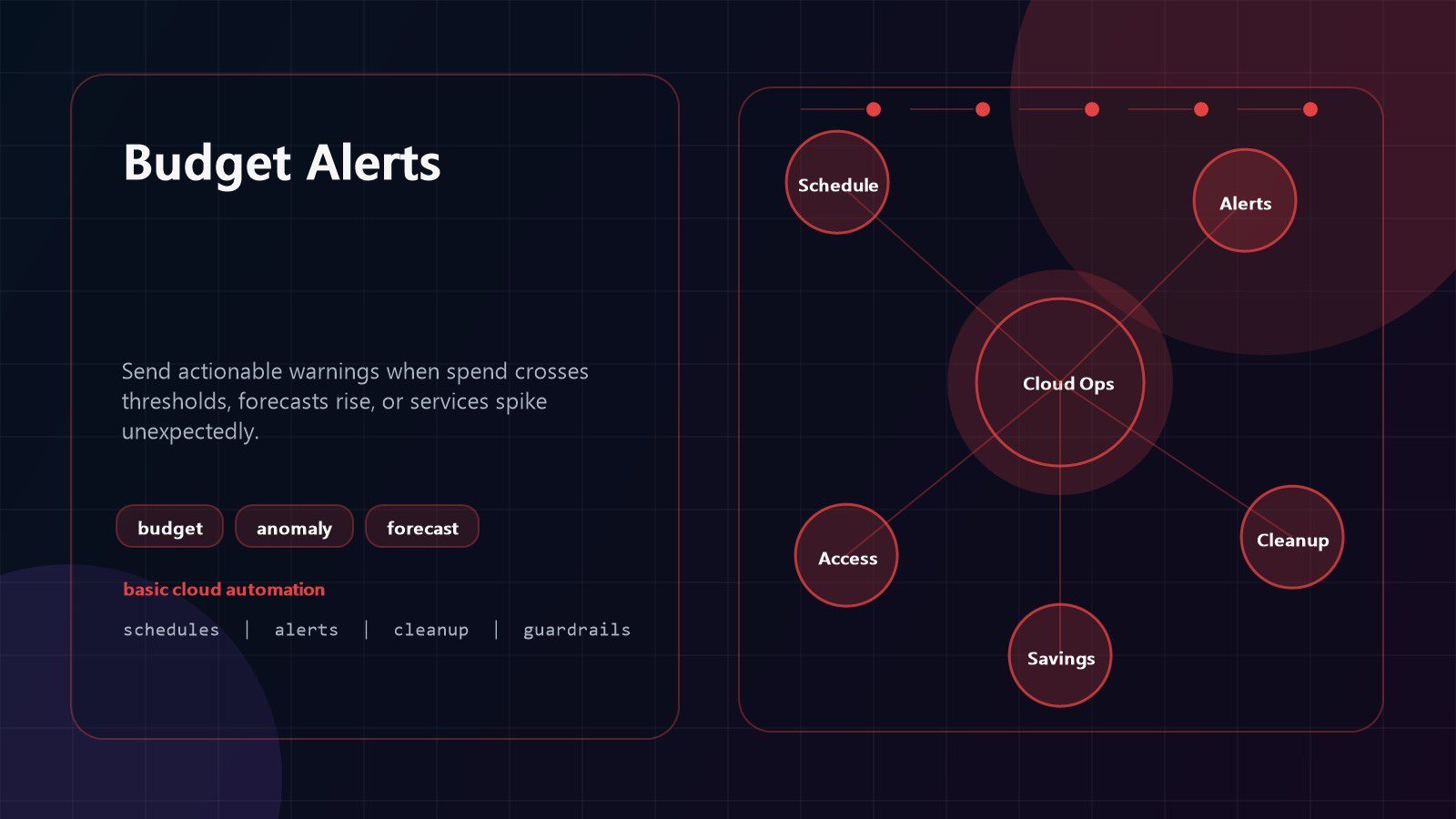
Budget alerts are basic, but many teams still treat them as optional. Cloud automation tools can send early warnings when spending crosses a threshold, when forecasted monthly cost climbs above plan, or when a service grows faster than normal.
Good alerts are specific. A message that says the cloud bill is high is not enough. A useful alert names the account, project, service, owner tag, cost center, trend, and first recommended action. If a managed database doubled in cost after a configuration change, the owner should see that signal quickly.
Set thresholds for different audiences. Engineers may need near-real-time service anomaly alerts. Product owners may need weekly spend summaries. Finance may need monthly forecasts and variance explanations. Executives may need a short view of savings, risks, and top cost drivers.
Cloud automation tools can also create tickets automatically when a threshold is breached. The ticket should contain context, not just a number. Include recent changes, affected resources, resource owners, tags, usage metrics, and links to dashboards. This makes the alert actionable instead of noisy.
Avoid alert fatigue. Start with a few high-value thresholds, then tune them. If alerts fire every day and no one acts, the automation is not controlling overhead. It is producing overhead.
Step 5: standardize tags and ownership
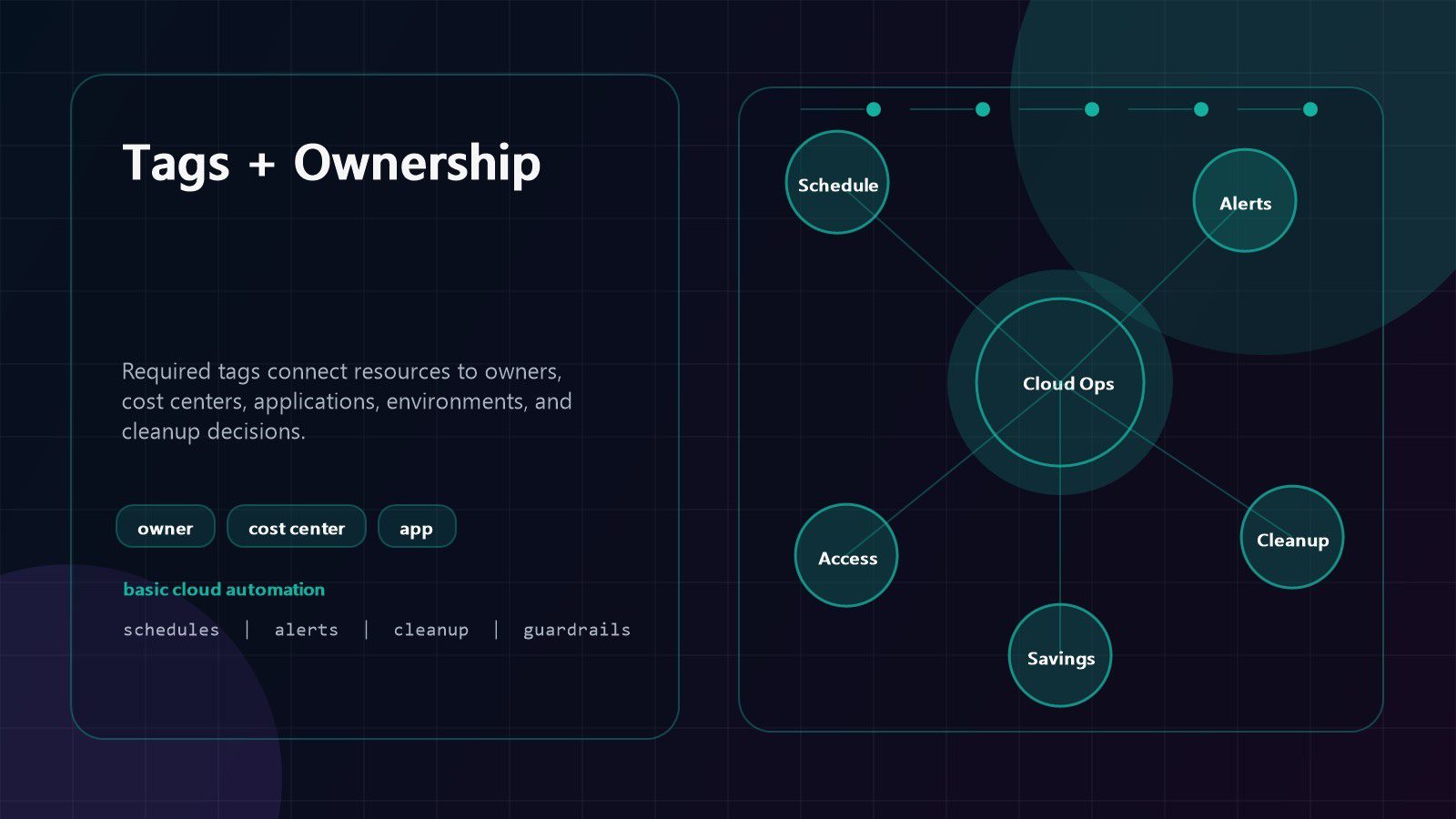
Cost control fails when no one knows who owns a resource. Cloud automation tools can enforce tagging at creation time, scan for missing tags, quarantine risky resources, and send reports to team leads. Ownership tags convert cloud cost from a shared mystery into accountable work.
Useful tags include owner, application, environment, cost center, data classification, business unit, lifecycle stage, and expiration date. Do not create so many tags that teams ignore them. A small standard that everyone follows is better than a perfect model with poor adoption.
Automation can help in three places. First, templates can add required tags by default. Second, policy rules can block or flag resources that lack mandatory tags. Third, scheduled reports can show untagged spend, expiring resources, and abandoned projects.
Cloud automation tools should make ownership visible without creating blame. The purpose is to route questions quickly: should this database still run, can this disk be archived, who approves a schedule, and which team owns the budget impact? Clear answers reduce meetings and ticket loops.
Review tag quality monthly. Look for misspellings, duplicate business units, outdated owners, and resources with generic labels. Clean tags make every other savings workflow more accurate.
Step 6: use serverless jobs for routine tasks
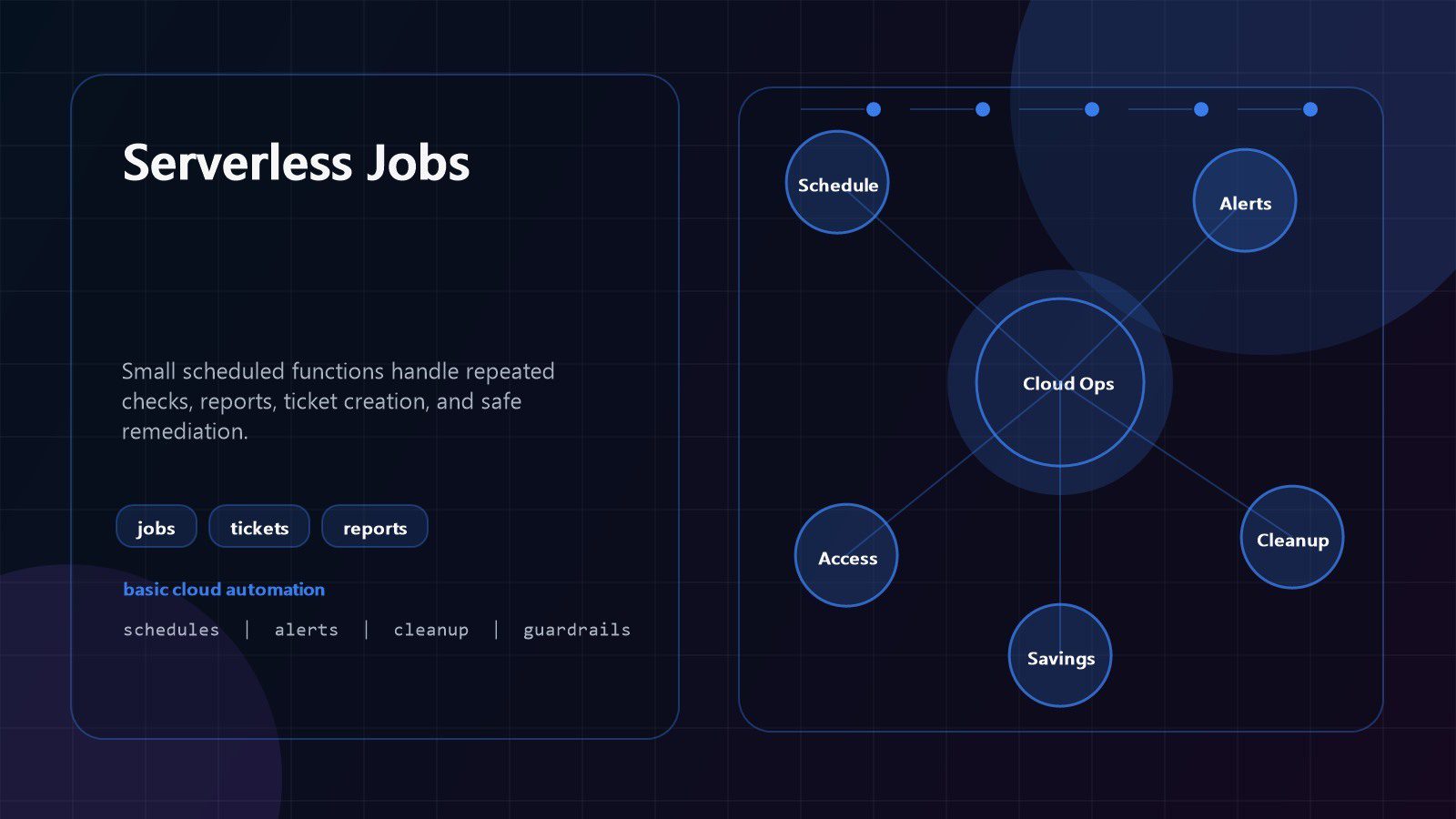
Many overhead tasks are small, scheduled, and repetitive. Serverless functions, cloud schedulers, event rules, and lightweight automation scripts can handle these tasks without maintaining a dedicated admin server. This is one of the most practical uses of cloud automation tools for lean teams.
Examples include stopping idle instances, resizing test databases, checking certificate expiration, rotating temporary credentials, exporting cost data, deleting expired objects, opening tickets, posting daily summaries, and validating backup completion. Each job should have one clear purpose and a safe rollback path.
Keep the first jobs simple. A script that checks for unattached disks and emails owners may deliver more value than a broad automation framework. When the team trusts that pattern, add approvals, ticket creation, dashboards, and automated remediation for low-risk cases.
Cloud automation tools need observability. Every job should log what it checked, what it changed, what it skipped, and why. Failures should alert the right owner. Silent automation is dangerous because teams may assume controls are working when they stopped weeks ago.
Treat automation jobs like production code. Store them in version control, review changes, use least-privilege permissions, test in a sandbox, and document the expected behavior. Basic does not mean careless.
Step 7: automate backups and retention
Backups can protect the business, but unmanaged backups also create overhead. Teams may keep too many copies, miss critical systems, retain data longer than policy allows, or pay premium storage for backups that should be archived. Cloud automation tools can standardize backup schedules, retention, verification, and reporting.
Start with tiers. Critical databases may need frequent backups, cross-region copies, encryption, and restore tests. Internal tools may need daily backups with shorter retention. Temporary environments may need no backup after they are rebuilt from templates. The policy should match business impact.
Automation should confirm coverage. A report should show which resources are backed up, which failed, which are excluded by policy, and which have never passed a restore test. This turns backup management from hope into evidence.
Cloud automation tools can also clean backup sprawl. Old snapshots, orphaned backup vaults, duplicate exports, and unmanaged retention rules can add significant cost. Set expiration policies with approval for sensitive systems and automatic cleanup for low-risk temporary data.
Do not measure backup success only by job completion. Measure restore readiness. If a team cannot restore a database in the required time, the overhead of backups is not delivering enough business protection.
Step 8: protect access while reducing manual work
Manual access work creates overhead and risk. Teams spend time approving temporary permissions, creating service accounts, cleaning stale access, and investigating who changed a resource. Cloud automation tools can make access safer and faster when they use least privilege, time limits, and audit logs.
Begin with repeatable requests. A developer may need temporary access to a staging database. A support engineer may need a short production read-only window. A deployment job may need a scoped role for one pipeline. Automating these patterns reduces ticket delays while preserving control.
Use identity groups, role templates, approval workflows, and expiration dates. Access should be granted for a reason, logged automatically, and removed when the window closes. Stale admin access is both a security issue and an operational cost because it creates review burden later.
Cloud automation tools should never bypass governance. The rule is to automate the approved path, not create a shadow path. Security, compliance, and operations teams should define which permissions can be self-service, which require approval, and which are never automated.
Access automation supports cost savings too. When teams can safely perform routine fixes and reviews without waiting days for permissions, idle resources are cleaned faster and incidents resolve with less coordination overhead.
Step 9: measure savings and expand safely
Automation only reduces overhead when savings are measured and rules keep improving. Cloud automation tools should report direct cost reduction, avoided spend, reclaimed resources, labor hours saved, policy coverage, failed actions, and exceptions. Without measurement, teams cannot tell whether automation is helping or merely moving work around.
Create a simple monthly scorecard. Show scheduled resource savings, rightsizing approvals, storage deleted or archived, backup cleanup, untagged spend, budget alerts resolved, and open exceptions. Tie each number to a team owner and a next action.
Expand in waves. Start with low-risk nonproduction resources, then storage lifecycle rules, then budget alerts, then ownership tags, then routine serverless jobs. Production changes should come later, after teams trust the data and rollback plans.
Cloud automation tools should also include guardrails for change size. Limit the number of resources a job can modify in one run. Require approval for high-cost or high-risk systems. Send previews before destructive cleanup. Keep logs long enough to explain what changed.
The best programs keep a backlog. Each month, add new candidates: expensive idle clusters, old test accounts, noisy logs, oversized databases, forgotten snapshots, or manual access requests. Overhead returns unless automation is reviewed regularly.
Cloud automation tools FAQ
What are cloud automation tools?
Cloud automation tools are scripts, native cloud services, templates, schedulers, policies, and workflows that perform routine cloud operations consistently. They can manage schedules, budgets, storage lifecycle, tagging, backups, access, and reporting.
Do small businesses need cloud automation tools?
Yes. Small businesses often benefit because they have less time for manual reviews. Basic cloud automation tools can stop idle resources, send budget alerts, and clean temporary storage without hiring a large operations team.
Which automation should come first?
Start with low-risk savings. Schedule nonproduction resources, enforce basic tags, enable budget alerts, and review oversized compute. These steps are usually easier than automating complex production changes.
Can automation accidentally break systems?
Yes, if rules are too broad or poorly tested. Use previews, owner approval, exclusions for critical systems, logs, rollback plans, and small pilots. Cloud automation tools should make operations safer, not unpredictable.
How do cloud automation tools support FinOps?
They turn FinOps recommendations into repeatable action. Instead of only reporting waste, cloud automation tools can notify owners, open tickets, enforce tags, apply schedules, and measure verified savings.
Are native cloud tools enough?
Often, yes. Native schedulers, budgets, lifecycle policies, functions, and monitoring rules are enough for many first savings programs. Third-party platforms can help when teams need multi-cloud reporting, approval workflows, or advanced governance.
How should savings be reported?
Report actual spend reduction, avoided spend, reclaimed resources, tagged coverage, alert resolution, backup cleanup, and labor hours saved. Tie each result to an owner and keep assumptions visible.
Cloud automation tools are most effective when they stay practical. Start with the repetitive work everyone already knows is wasteful, automate it with clear ownership, and review the results every month.
The best cost programs do not depend on one dramatic cleanup. They build a habit of small controls that run reliably: schedules, tags, alerts, lifecycle rules, backups, access workflows, and scorecards. That habit cuts overhead while giving teams more time for improvements that customers actually notice.
If your organization wants a simple path to lower cloud overhead, contact Progressive Robot to plan cloud automation tools, cost controls, and secure workflow automation that fit your current team and budget.
More AI coverage: explore Progressive Robot's AI Models, Tools & Releases hub — hands-on reviews, setup guides and benchmarks in one place.