
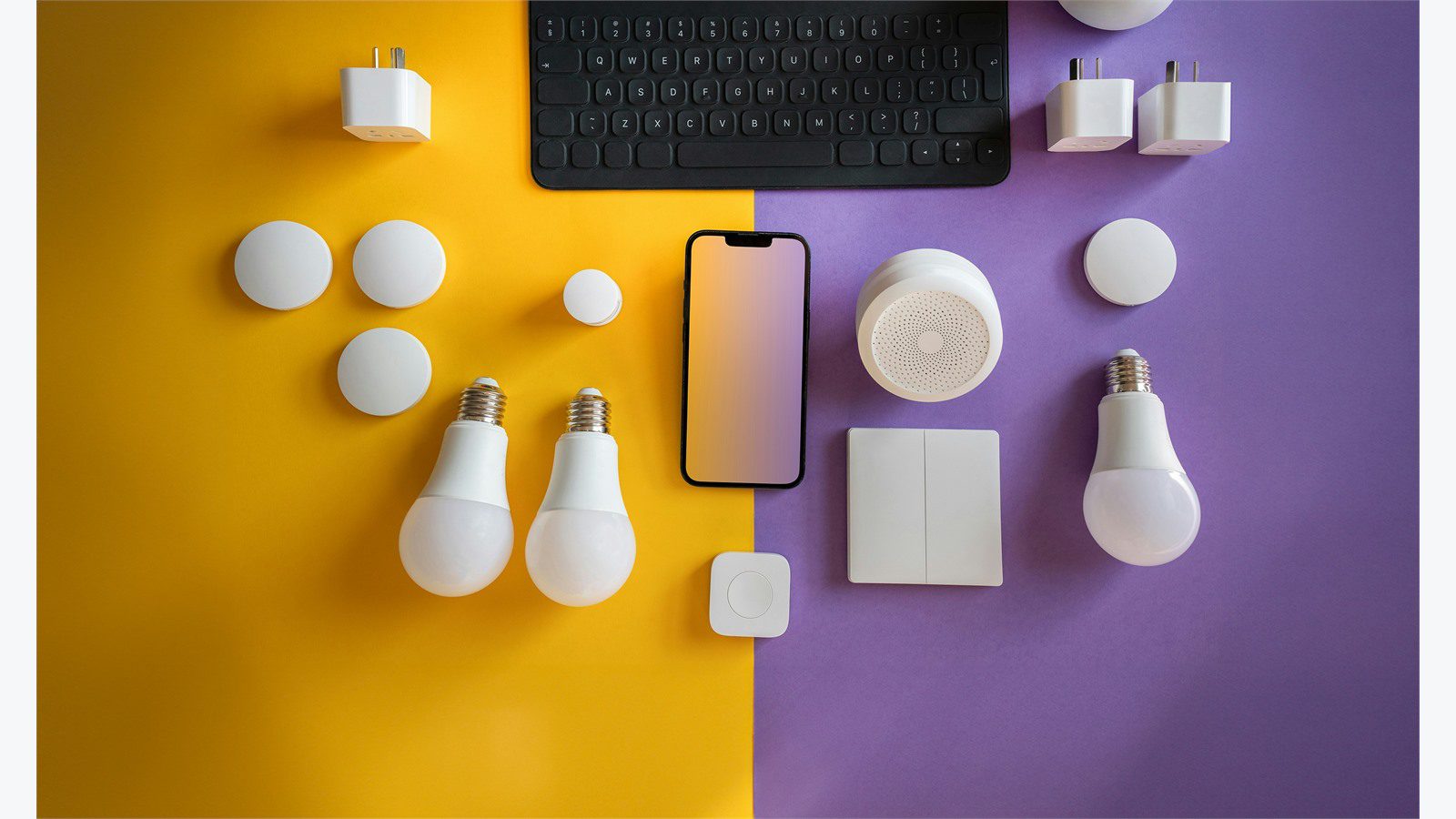
Smart office automation helps businesses cut wasted electricity without making the workplace uncomfortable. Instead of relying on fixed schedules, manual switches, and late utility reports, teams can connect lighting, HVAC, plug loads, occupancy data, indoor air quality, access events, and dashboards into one practical operating model.
The goal is not a flashy smart building demo. The goal is measurable energy savings with reliable comfort, better visibility, and simpler facility operations. Lights should turn down when daylight is strong. HVAC should respond to actual occupancy. Meeting rooms should not waste cooling when nobody shows up. Shared equipment should stop drawing power after hours.
Smart office automation works best when it is planned as a business improvement program, not just a device rollout. For companies investing in IoT, automation, cloud computing services, software development, and cyber security services, the strongest results come from connecting energy data to everyday workplace decisions.
| Energy waste area | Automation signal | Practical action | Expected benefit |
|---|---|---|---|
| Empty zones | occupancy sensors and schedules | dim lights and reduce HVAC load | lower after-hours waste |
| Bright daylight | daylight sensors | adjust artificial lighting | less lighting energy |
| Meeting no-shows | room booking and presence data | release rooms and reset HVAC | fewer conditioned empty rooms |
| Plug loads | smart plugs and power strips | shut down idle devices | lower standby consumption |
| Comfort complaints | temperature and air quality data | tune zones by evidence | fewer manual overrides |
| Peak demand | utility and equipment data | stagger loads and set limits | lower demand charges |
Smart office automation at a glance
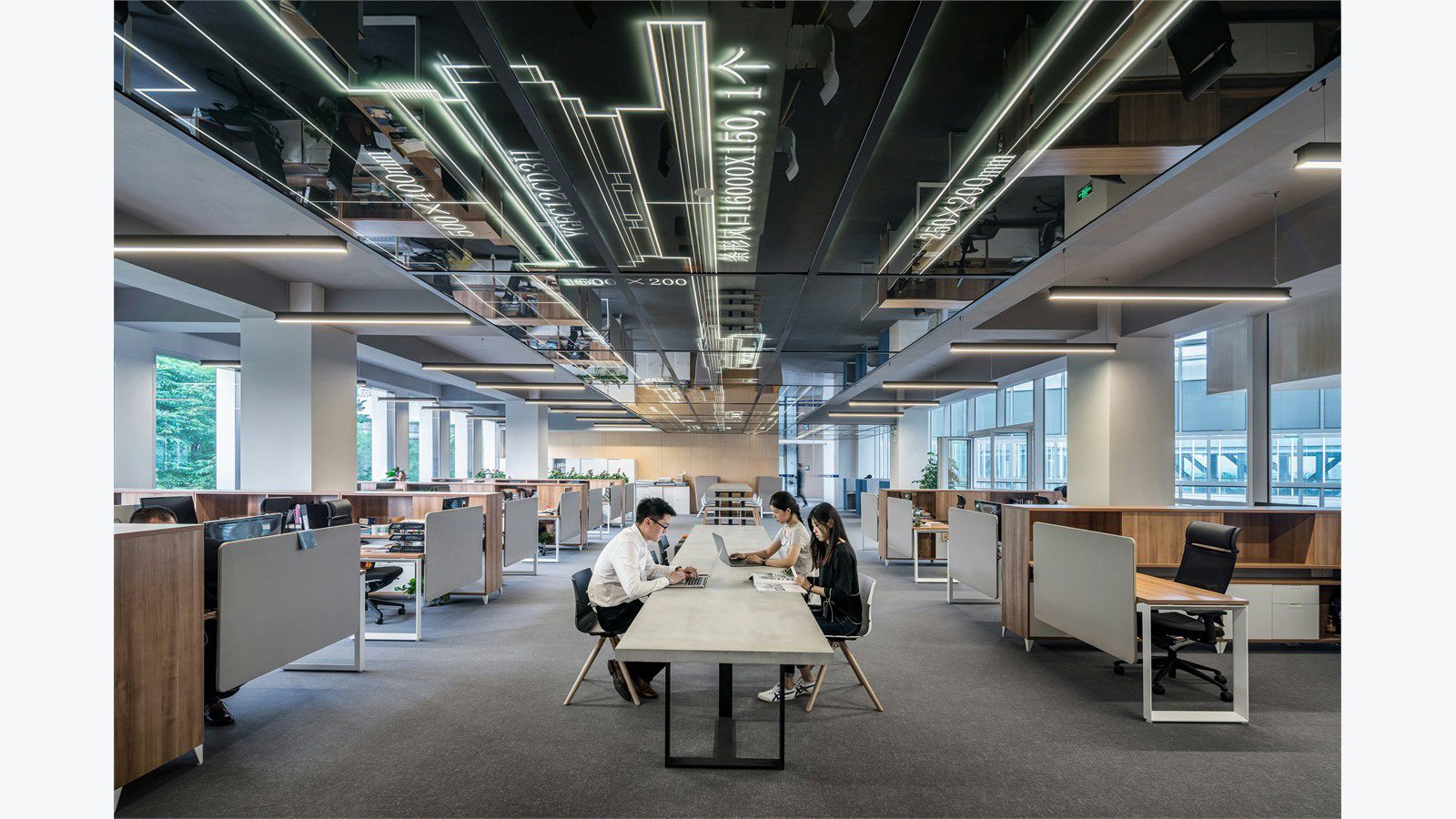
Smart office automation uses connected devices and software rules to manage office energy in real time. It can include occupancy sensors, smart lighting, thermostats, HVAC controls, indoor air quality sensors, motorized blinds, smart plugs, access control events, room booking data, and energy dashboards.
The value comes from coordination. A motion sensor alone can turn off lights, but a coordinated office can also adjust temperature setpoints, pause ventilation boosts, release an unused meeting room, and report the avoided energy waste. That is why smart office automation should connect workplace behavior with building systems.
Energy programs should also respect comfort. Employees will override a system that makes rooms too hot, too cold, too dark, or unpredictable. The best deployments set boundaries for savings while maintaining acceptable temperature, lighting, ventilation, and productivity.
The U.S. Department of Energy Better Buildings Solution Center shares guidance and case studies for improving building energy performance. ENERGY STAR for buildings also provides tools and benchmarks that help organizations compare performance and prioritize improvements. These resources are useful because smart office automation needs a baseline before savings can be trusted.
Step 1: audit energy use and office occupancy
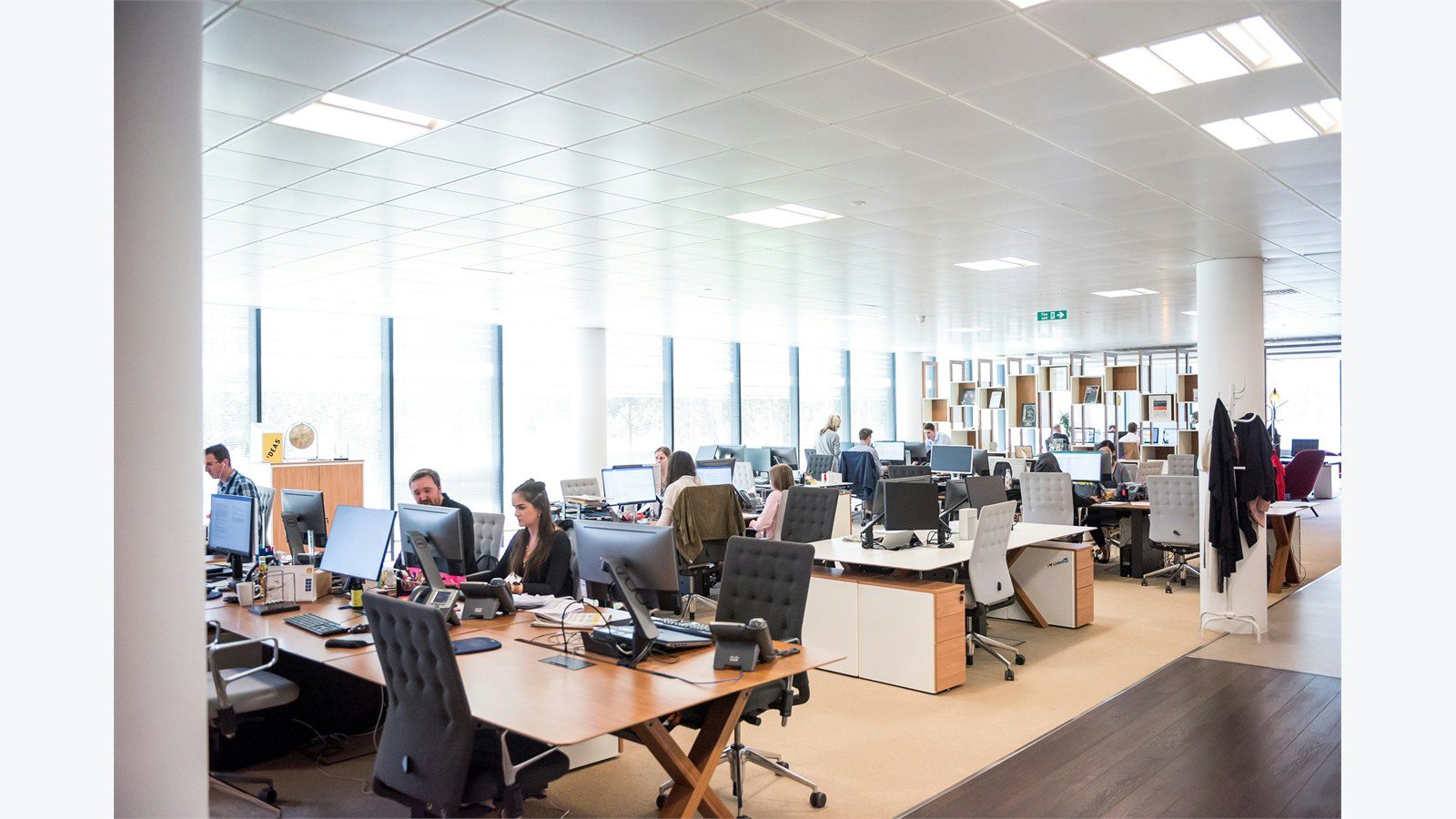
Start with the facts. Smart office automation should begin with an energy and occupancy audit that shows where electricity is used, when people are present, and which systems run outside useful hours. Utility bills show the big picture, but submetering, BMS trends, lighting schedules, HVAC logs, plug-load checks, and room booking data reveal the real opportunities.
Look for common waste patterns. Lights may stay on after cleaning crews leave. HVAC may condition entire floors for a few late meetings. Printers, displays, vending machines, docking stations, chargers, and kitchen equipment may draw standby power all night. Conference rooms may be booked but empty. Open areas may be cooled for peak occupancy even on hybrid-work days.
A useful audit produces a ranked list, not a vague wish list. For each opportunity, define the location, device group, current schedule, estimated energy use, comfort risk, owner, and measurement method. This keeps smart office automation tied to savings that can be verified.
Do not skip employee patterns. Hybrid work, shift work, visiting clients, hot desks, collaboration zones, call rooms, and weekend access all affect automation rules. The system should learn how the office is actually used, not how it was designed years ago.
Step 2: automate lighting by zones and daylight
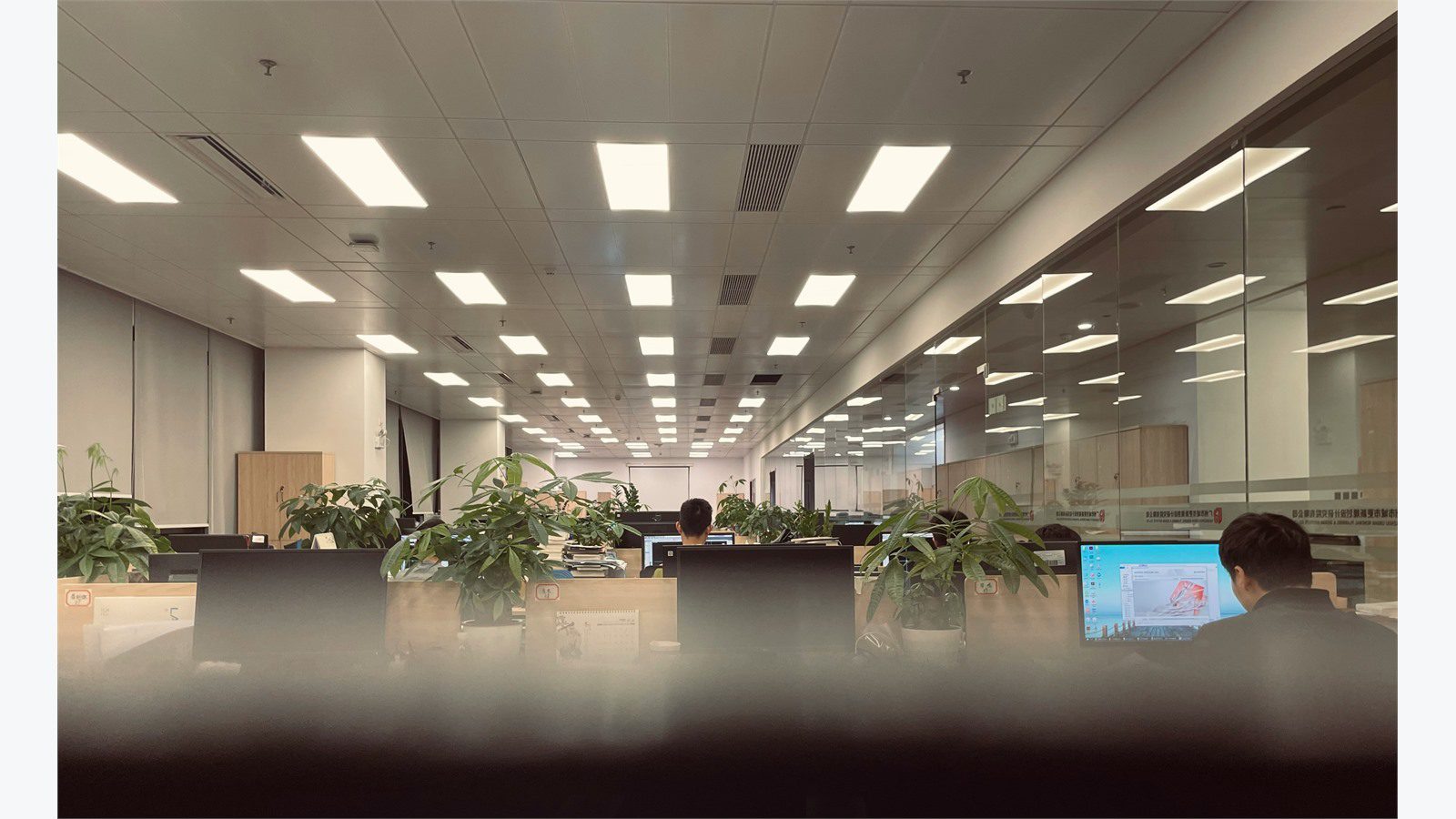
Lighting is often the easiest early win. Smart office automation can group lights by zones, schedules, daylight exposure, occupancy, and task needs. Instead of one fixed lighting plan for a whole floor, each area can respond to how it is used.
Occupancy sensors can dim or switch off lights in storage rooms, restrooms, corridors, meeting rooms, phone booths, and low-use zones. Daylight sensors can reduce artificial lighting near windows when natural light is strong. Time schedules can handle predictable start and stop periods while overrides support special events.
The design should avoid annoying employees. Lights should not shut off while someone is sitting still in a focus room. Dimming should be gradual where possible. Important areas such as exits, security desks, stairwells, and cleaning routes need safe minimum levels. A good smart office automation plan balances savings with safety and visual comfort.
LED upgrades and controls work well together. If the office still uses inefficient fixtures, upgrade planning should consider control compatibility, fixture grouping, sensor placement, emergency lighting, and maintenance access. Controls can then reduce both total consumption and unnecessary runtime.
Step 3: tune HVAC with occupancy and air quality data
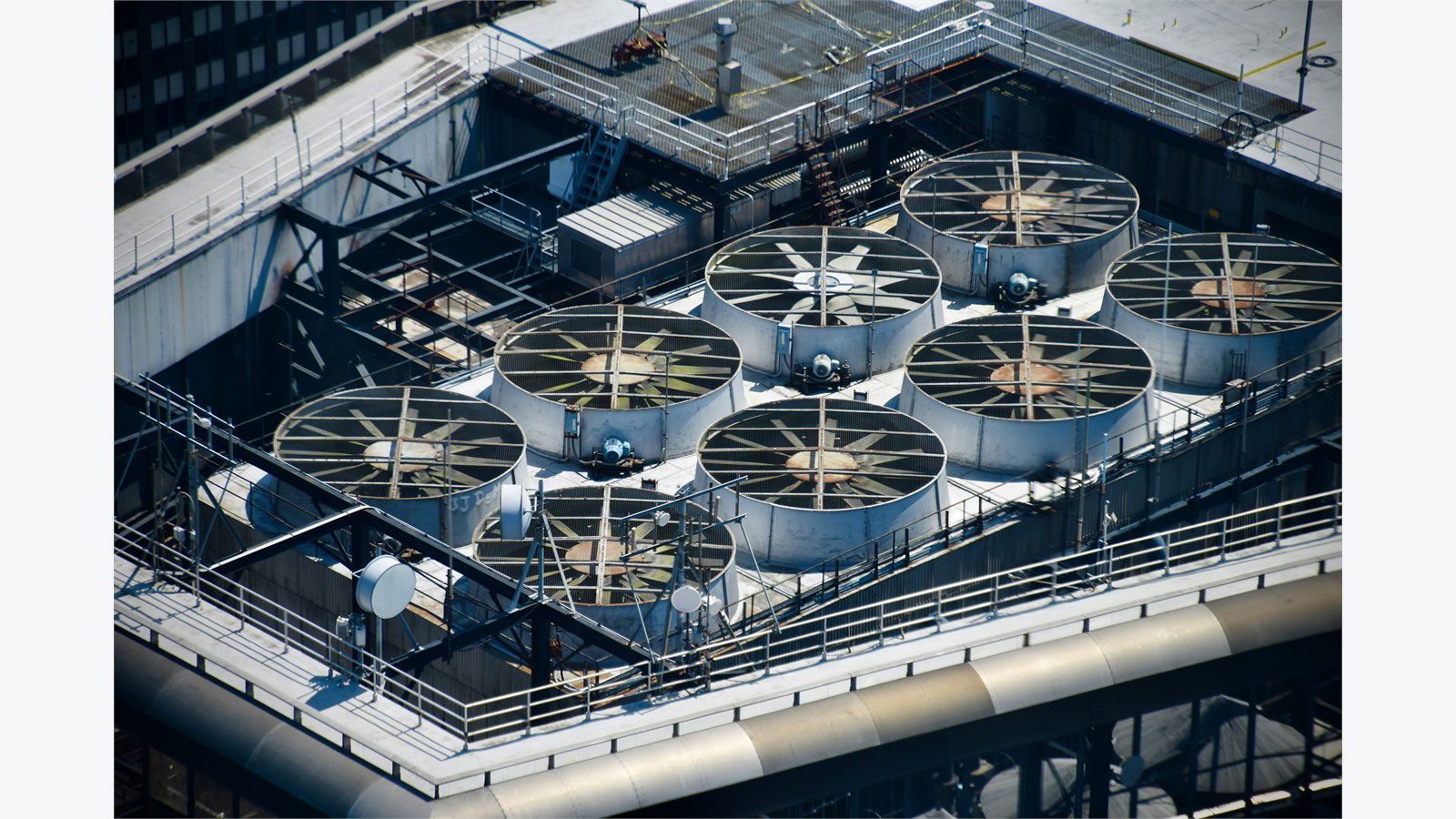
HVAC usually offers the largest energy opportunity in offices. Heating, cooling, fans, ventilation, and reheat can waste energy when systems follow fixed schedules instead of actual use. Smart office automation helps HVAC respond to occupancy, temperature, humidity, carbon dioxide, outdoor conditions, and comfort feedback.
The first step is schedule cleanup. Many offices condition spaces too early, too late, or on days when occupancy is low. The second step is zone logic. A busy collaboration area may need different control than a quiet corner, executive suite, training room, or rarely used conference room.
Occupancy-based ventilation can reduce waste, but it must follow local codes and indoor air quality requirements. Carbon dioxide and air quality data can help teams understand when ventilation is too low or unnecessarily high. Smart office automation should never save energy by creating an unhealthy workplace.
HVAC automation should include guardrails. Setpoint drift, sensor errors, stuck dampers, simultaneous heating and cooling, and bad schedules can erase savings. Trend data and alerts help facility teams catch these problems before they become comfort complaints or high utility bills.
Step 4: control plug loads and shared equipment
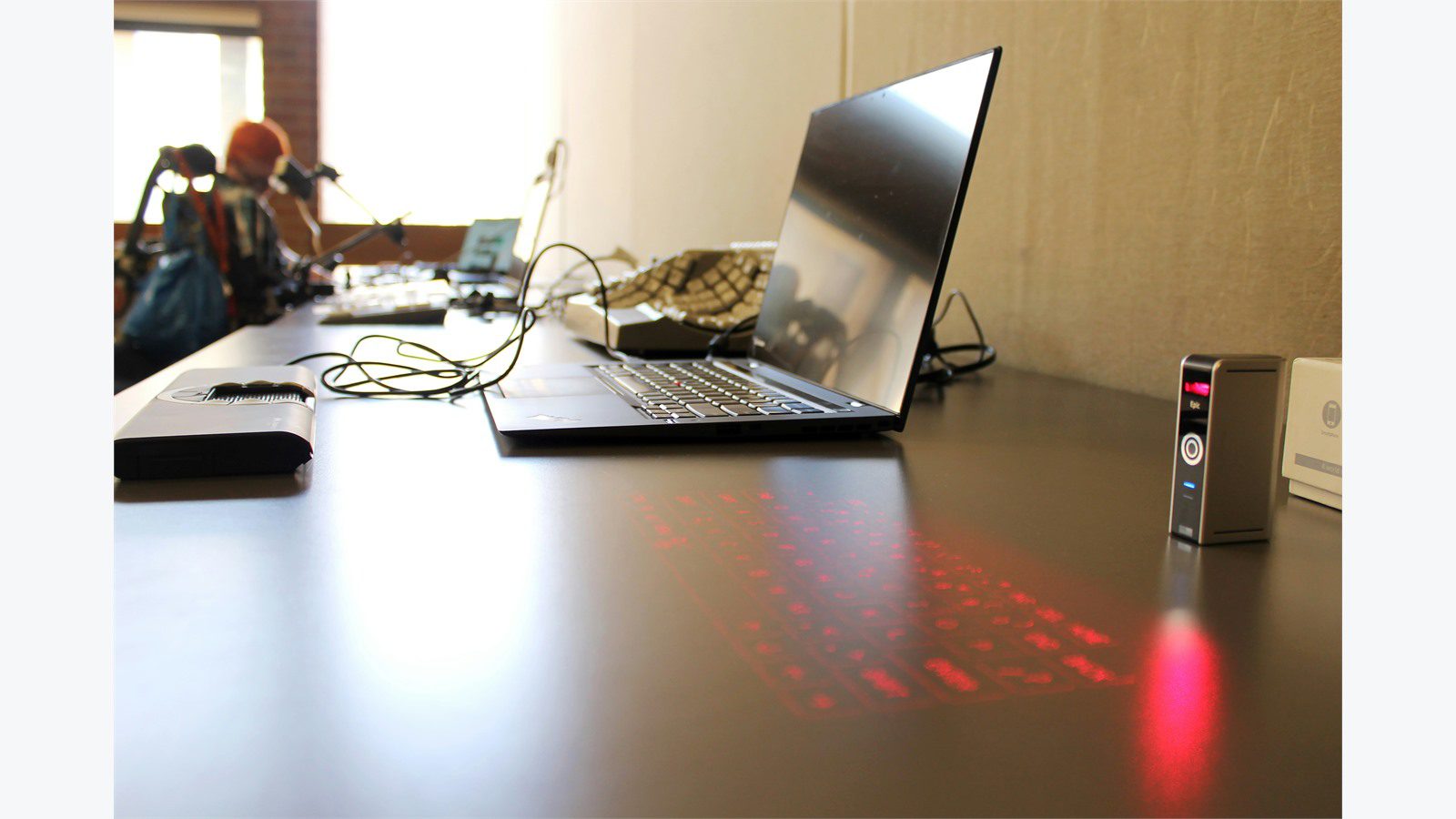
Plug loads are easy to overlook because they are spread across desks, kitchens, print rooms, lounges, labs, and shared spaces. Computers, monitors, docking stations, chargers, displays, speakers, projectors, printers, coffee machines, and small appliances can consume energy even when nobody is using them.
Smart office automation can reduce this waste with smart power strips, outlet controls, device policies, idle detection, and after-hours shutdown rules. The key is choosing the right loads. Critical network gear, security devices, refrigeration, accessibility equipment, and systems that need updates overnight should not be switched off casually.
Start with shared and noncritical loads. Digital signage, collaboration displays, desk monitors, printers, audio equipment, and kitchen devices often have clear operating windows. A managed rule can turn them off after hours and restore them before employees arrive.
IT and facilities should work together here. Device sleep settings, operating system updates, security scans, and remote support can conflict with aggressive shutdown rules. Smart office automation creates better savings when workplace technology and energy policies are planned together.
Step 5: connect meeting rooms and hybrid work patterns
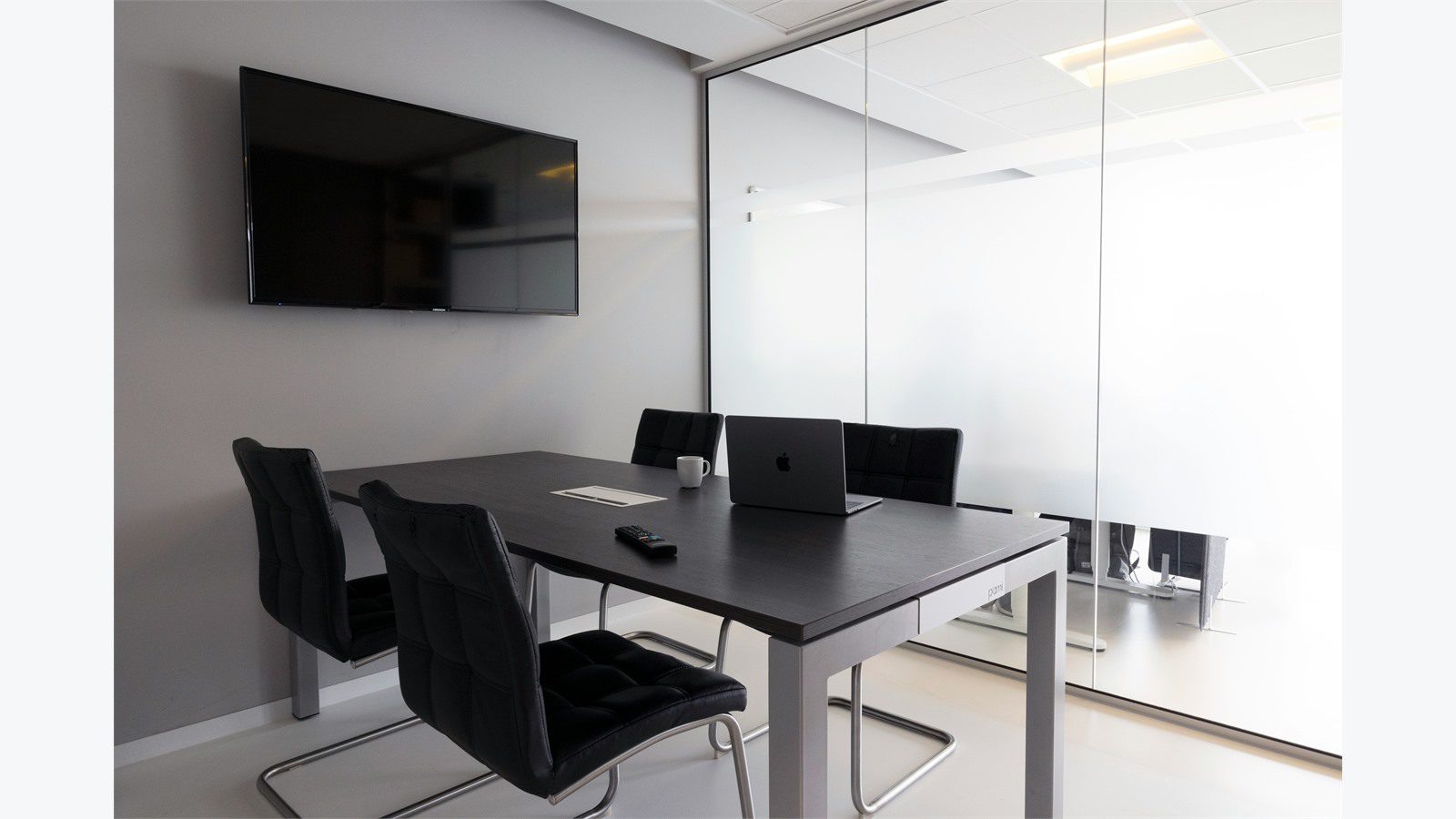
Meeting rooms are energy traps in hybrid offices. A room may be reserved for an hour, empty for the whole meeting, cooled as if full, and lit for nobody. Smart office automation can connect room booking, occupancy sensing, lighting, HVAC, displays, and cleaning workflows so rooms respond to real use.
Presence data can release no-show bookings, dim lights, reset temperature, and turn off displays. When people arrive, the room can return to comfortable conditions and power the right equipment. Larger rooms can use occupancy counts to guide ventilation and cooling more accurately.
The same logic helps with hybrid work. If only one section of a floor is active on Fridays, the office should not behave like every desk is full. Access data, desk booking, Wi-Fi presence, and room sensors can help estimate demand while protecting privacy.
Smart office automation should be transparent. Employees need to understand how room sensors are used, what data is collected, and how privacy is protected. The goal is efficient workplace support, not intrusive monitoring.
Step 6: build dashboards for energy and comfort

Savings become real when teams can see them. A dashboard should show energy use, occupancy trends, HVAC runtime, lighting runtime, plug-load patterns, peak demand, comfort complaints, sensor health, and automation overrides. Smart office automation needs this feedback loop to improve.
Avoid dashboards that only show colorful charts. Facility teams need answers. Which zones used energy after hours? Which meeting rooms were booked but empty? Which floors have high cooling demand on low-occupancy days? Which devices are offline? Which rule saved energy and which rule caused complaints?
Dashboards should compare baseline and current performance. Weather, occupancy, operating hours, and office changes should be considered so the team does not claim false savings. A hot week or company event can change energy use for valid reasons.
Executives need a simpler view. Show utility cost, estimated savings, payback, avoided emissions, comfort trends, and next opportunities. Smart office automation gains support when leaders can connect controls to business outcomes.
Step 7: integrate smart office automation with BMS and IT
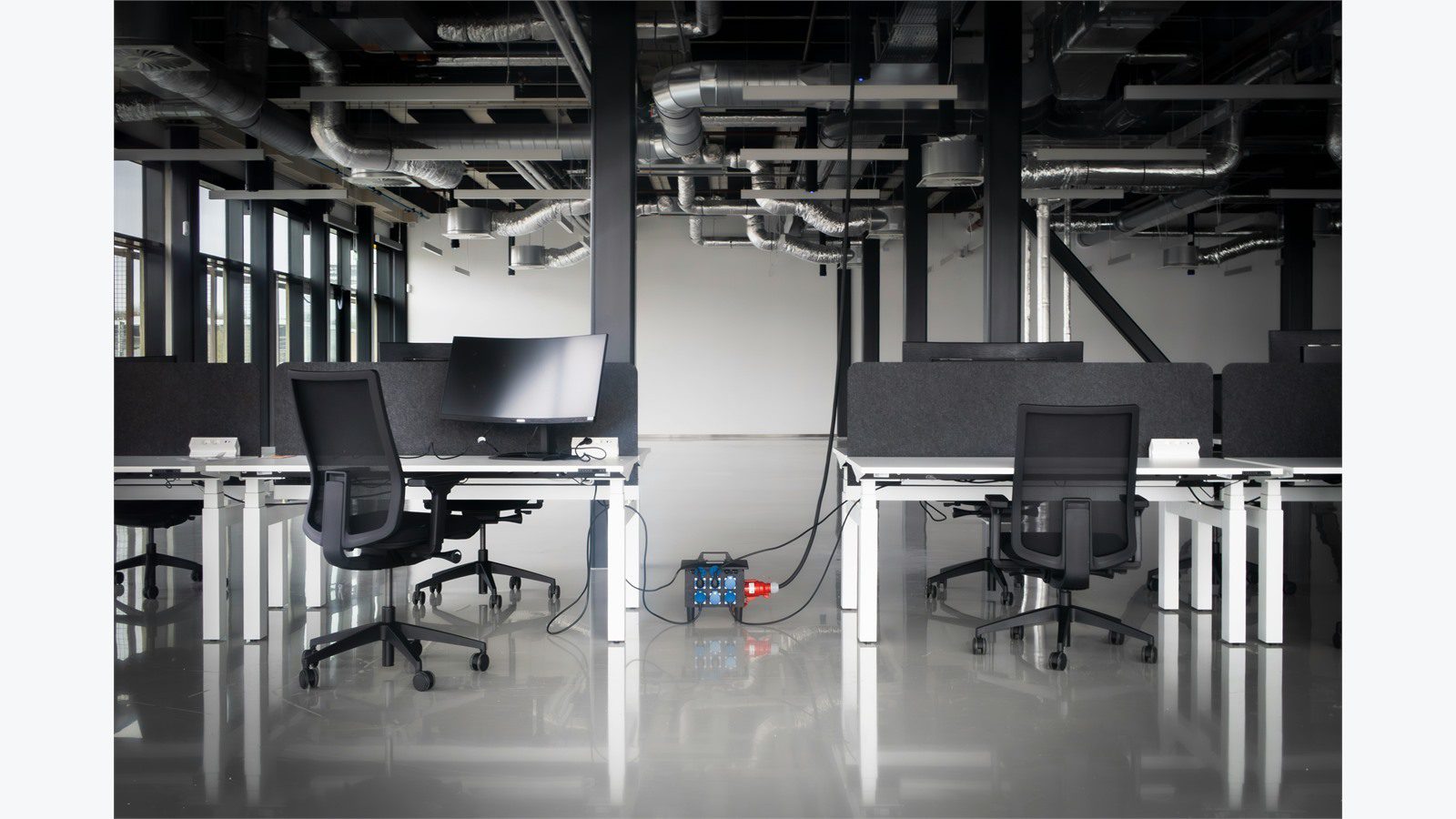
Many offices already have a building management system, access control, network equipment, collaboration tools, and facility software. Smart office automation should connect with these systems instead of creating another isolated dashboard.
Integration may include BACnet, Modbus, MQTT, APIs, webhooks, identity providers, ticketing tools, energy meters, room booking platforms, and cloud analytics. The architecture should define which system is the source of truth for schedules, locations, users, devices, and alerts.
A practical integration model separates field devices from decision logic. Sensors and systems publish trusted events. A rules layer decides what action is safe. The building system executes approved control changes. Dashboards and work orders record what happened.
Resilience matters. If the internet connection drops or an analytics service fails, the office still needs safe lighting, HVAC, access, and ventilation. Smart office automation should include local fallback rules, manual overrides, monitoring, and recovery procedures.
Step 8: secure devices, data, and access
Connected office systems create cyber risk. Sensors, gateways, smart plugs, thermostats, lighting controllers, dashboards, APIs, and cloud platforms can become entry points if they are not managed. Smart office automation needs security from the first pilot.
Security basics include device inventory, unique credentials, encrypted communication, network segmentation, firmware updates, role-based access, logging, secure vendor access, and backup configuration. Default passwords and unmanaged consumer devices do not belong in a business energy program.
Privacy also matters. Occupancy, access, room booking, Wi-Fi, and comfort feedback can reveal workplace patterns. Data should be minimized, aggregated where possible, retained only as needed, and available only to authorized roles. Employees should know the purpose of sensors and the boundaries of monitoring.
Incident response should include building controls. If a device fleet behaves strangely, a vendor account is compromised, or an automation rule causes a comfort or safety issue, teams need a clear rollback plan. Secure smart office automation protects energy savings and workplace trust.
Step 9: prove savings and scale the rollout

A pilot should prove value before the program expands. Pick a floor, zone, office type, or building where the baseline is clear and stakeholders are willing to participate. Smart office automation should have a measurable target such as reducing after-hours lighting, lowering HVAC runtime, cutting plug-load waste, or reducing peak demand.
Measure both savings and experience. Track kilowatt-hours, demand peaks, equipment runtime, comfort complaints, overrides, sensor uptime, maintenance tickets, and employee feedback. Energy savings that create constant complaints will not survive.
Scaling should follow the best opportunities. A rule that works in open offices may not work in labs, call centers, secure rooms, executive areas, or customer spaces. Create templates for common zones, then tune them by actual use.
The strongest business case includes energy cost reduction, equipment life, maintenance efficiency, sustainability reporting, and better space planning. When leaders see a repeatable model, smart office automation becomes a long-term operating capability rather than a one-time facilities project.
Smart office automation FAQ
What is smart office automation?
Smart office automation is the use of connected sensors, controls, software rules, and analytics to manage office systems such as lighting, HVAC, plug loads, meeting rooms, access, and energy dashboards based on real conditions.
How does smart office automation save energy?
It saves energy by reducing unnecessary runtime. Lights dim when daylight is available, HVAC responds to occupancy, plug loads shut down after hours, and dashboards reveal waste that manual checks often miss.
Which systems should be automated first?
Start with systems that have visible waste and low comfort risk. Lighting schedules, meeting-room controls, HVAC schedules, shared equipment, and after-hours plug loads are common starting points.
Can automation make the office uncomfortable?
Yes, if rules are too aggressive or sensors are poorly placed. The solution is to set comfort guardrails, monitor complaints, allow safe overrides, and tune rules with real occupancy and environmental data.
Does a smart office need a full building management system?
Not always. Smaller offices can start with smart lighting, thermostats, plug controls, and dashboards. Larger offices usually benefit from integrating automation with a building management system and IT workflows.
How long does it take to prove savings?
Many teams can validate early savings within one to three billing cycles if they have a baseline and clear measurement plan. More complex HVAC and occupancy optimization may need longer seasonal comparisons.
Smart office automation can reduce energy waste while improving visibility and comfort. The best programs start with a baseline, automate the most wasteful zones, connect building systems with IT, protect privacy, and scale only after savings are proven.
Before expanding, hold a monthly energy review. Compare utility data, occupancy, control actions, comfort feedback, and maintenance tickets. This review shows which rules are working, which devices need attention, and which zones should be automated next.
Document the standard response for each important alert. A lighting runtime alert may trigger a schedule review. An HVAC anomaly may trigger sensor testing, damper inspection, or setpoint tuning. A plug-load spike may trigger equipment policy updates. Clear response playbooks help smart office automation turn data into lasting savings.
Also define ownership for every control group. Facilities may own HVAC schedules, IT may own device policies, workplace teams may own meeting-room behavior, and security may own access data rules. Without ownership, small exceptions pile up until the system stops matching how the office actually operates.
Finally, compare savings against comfort and utilization every quarter. A rule that saves energy in winter may need different limits in summer. A floor that was quiet during a pilot may become busy after a team move. Regular tuning keeps the program useful as work patterns, equipment, and business priorities change.
Keep a small backlog of improvement ideas after launch. Facility teams may notice sensors that need relocation, schedules that need a holiday exception, or zones where employees regularly use manual overrides. IT teams may find device policies that reduce standby power without affecting support. Finance teams may identify demand peaks that deserve a separate control rule. Treat these findings as normal optimization work, not project failure.
The best results usually come from many controlled improvements rather than one aggressive rule. Measure, tune, document, and repeat. That rhythm helps the office save energy while keeping the workplace predictable for the people who use it every day.
If your organization wants a practical roadmap for office energy savings, contact Progressive Robot to plan smart office automation, connect building data, and scale secure workplace automation with confidence.