
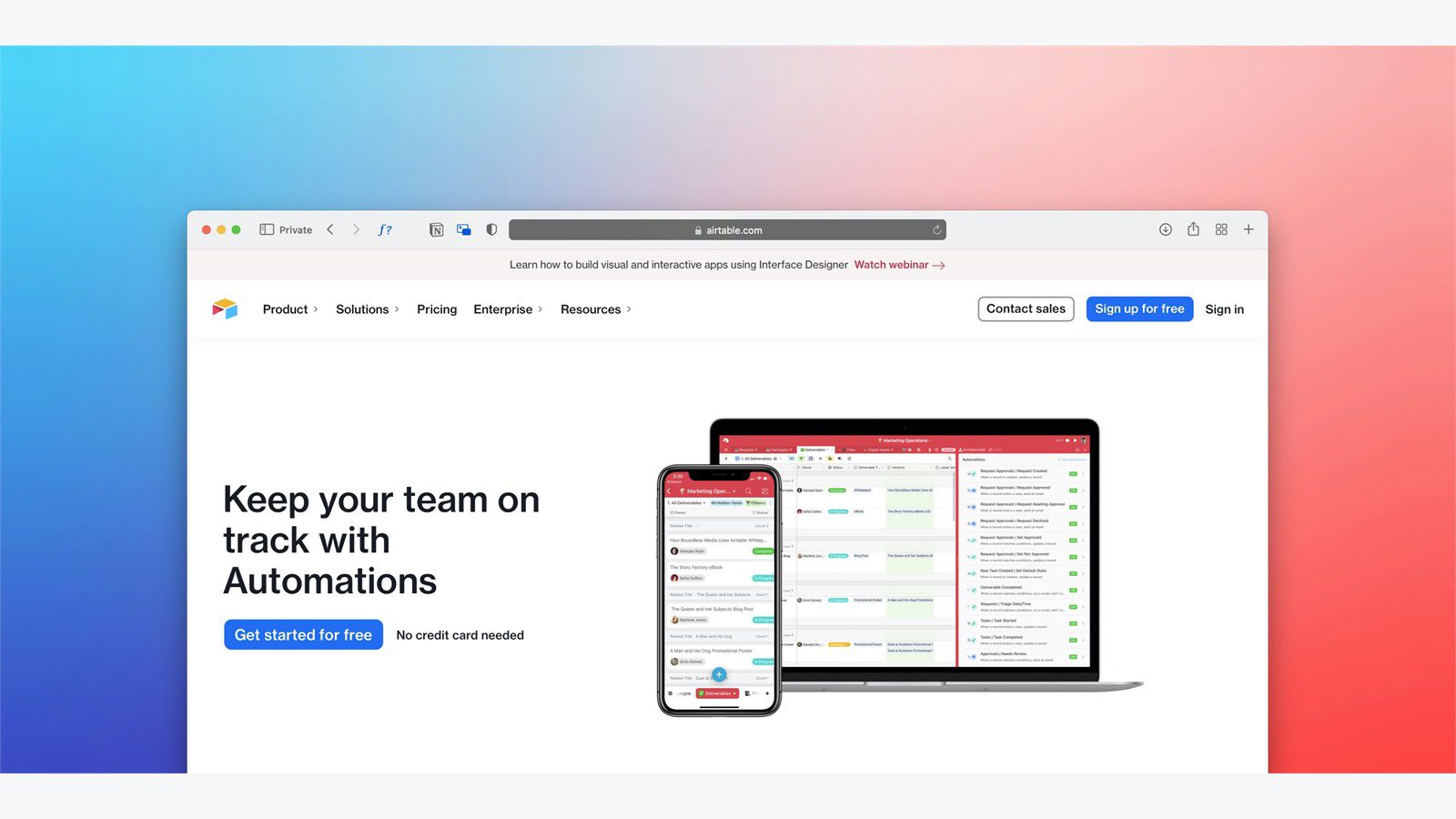
HR and payroll automation helps companies replace email chains, spreadsheets, paper forms, manual approvals, and disconnected payroll updates with secure employee portals. Instead of asking HR teams to chase signatures, update the same data in multiple systems, and answer repetitive payroll questions, the portal becomes the controlled place where employees, managers, HR, finance, and IT complete the work.
The value is not only speed. Payroll and HR data includes salaries, tax details, bank information, benefits choices, leave history, performance records, identity documents, and personal addresses. Any automation program that touches this data needs strong security, clear approvals, audit trails, and privacy controls from the start.
HR and payroll automation works best when it is designed around employee experience and compliance together. Employees need simple self-service. Managers need faster approvals. Payroll needs accurate cutoffs. HR needs complete records. Security teams need identity, access, and monitoring controls that reduce risk instead of creating a new attack surface.
For organizations investing in business process automation, workflow automation, software development, cloud computing services, and cyber security services, HR and payroll automation should be treated as a high-trust digital service. The portal is not just a convenience layer. It is where sensitive work gets done.
| Workflow challenge | Portal capability | Automation benefit | Control requirement |
|---|---|---|---|
| Employee data changes | self-service forms | fewer HR tickets | approval and audit logs |
| New hire onboarding | guided document intake | faster readiness | identity verification |
| Timesheets and leave | manager workflows | cleaner payroll cutoffs | policy checks |
| Payroll questions | knowledge base and case routing | fewer repetitive emails | secure case access |
| Benefits updates | eligibility rules | fewer manual corrections | enrollment evidence |
| Compliance records | document repository | easier audits | retention and access rules |
HR and payroll automation at a glance
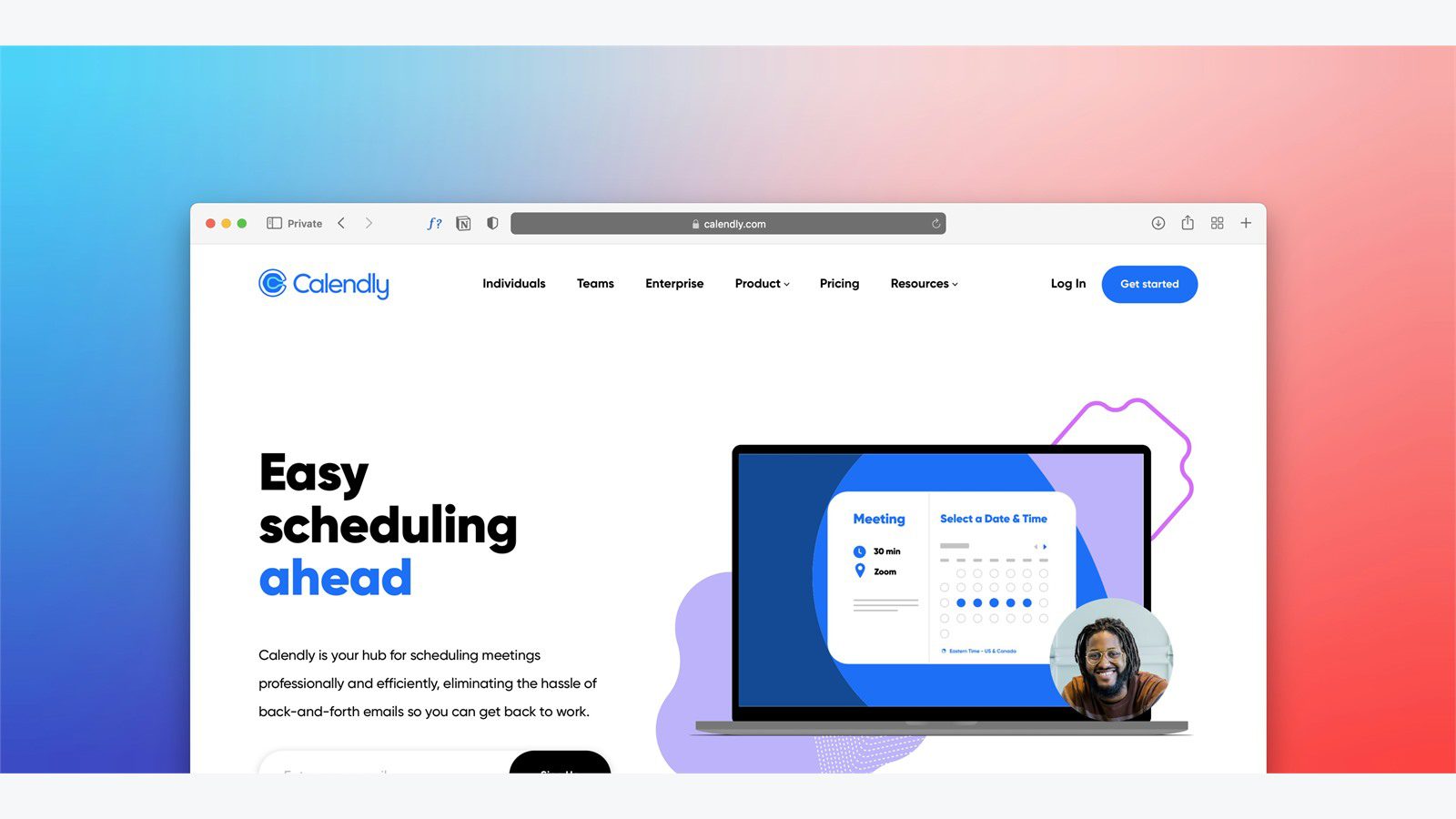
HR and payroll automation uses secure portals, workflow rules, system integrations, and role-based access to move people operations faster. A strong portal can let employees update personal details, upload documents, view payslips, request leave, confirm tax forms, ask payroll questions, complete onboarding tasks, and track approvals without emailing sensitive attachments.
The portal also gives HR and payroll teams one controlled workflow. A request can be validated, routed, approved, synced to payroll, recorded in an audit log, and reported in a dashboard. That is very different from a shared inbox where messages, attachments, and decisions are scattered across threads.
Security is central because employee records are high-value data. The NIST Digital Identity Guidelines provide useful guidance on identity proofing, authentication, and federation. HR portals should follow the same mindset: know who is signing in, protect the session, limit access, and record sensitive actions.
Payroll accuracy also depends on compliant records. The IRS employment tax guidance explains employer responsibilities for withholding and payroll taxes. HR and payroll automation should make those responsibilities easier to track, not hide them behind unclear workflows.
Step 1: map HR and payroll workflows before automating

The first mistake is buying a portal before understanding the current work. HR and payroll automation should begin with a workflow map that shows every request type, data source, approval owner, cutoff date, document, exception, and downstream system.
Start with high-volume tasks. Common examples include address changes, bank changes, tax forms, leave requests, timesheets, overtime approvals, benefit elections, onboarding forms, policy acknowledgments, payroll corrections, employment letters, and employee questions. Each task should have a clear trigger, owner, service-level goal, and completion record.
The map should expose risk. Which requests touch salary, bank details, legal identity, tax status, medical benefits, or termination data? Which workflows require manager approval? Which changes must be locked before payroll runs? Which records must be retained for audits? These answers determine the security and approval design.
Do not automate a broken process exactly as it is. If four people approve a routine request because the old spreadsheet was unreliable, the better solution may be better validation and a single accountable approval. HR and payroll automation should simplify work while preserving the controls that matter.
Step 2: build secure employee self-service portals
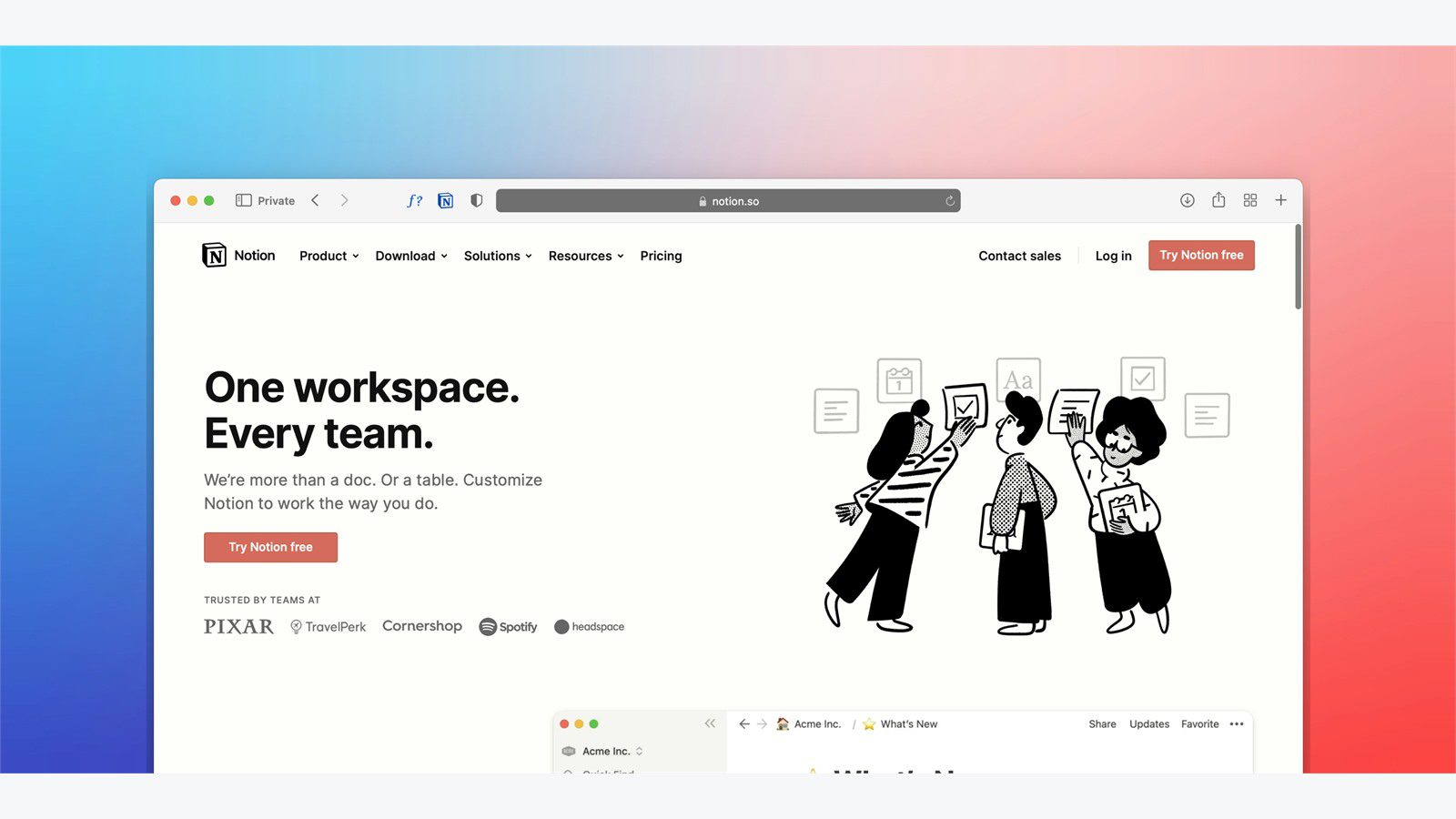
Employee self-service is usually the most visible part of HR and payroll automation. Employees want to find payslips, submit leave, update details, request documents, and check case status without waiting for HR to answer every question manually.
A good portal should be simple, mobile-friendly, and role-aware. Employees should see only their own information. Managers should see team requests and approval queues. HR should see cases and employee records based on responsibility. Payroll should see payroll-impacting changes, cutoffs, and exceptions.
The portal should guide users through the right path. A bank update should require stronger verification than a preferred name change. A benefits question may need a knowledge article first, then a secure case if the employee still needs help. A payslip request should never require sending payroll data through ordinary email.
Security controls should include multi-factor authentication, session timeout, device-aware access, encryption, logging, and alerts for risky changes. HR and payroll automation creates trust only when employees know the portal is safer than manual back-and-forth.
Step 3: automate onboarding and document collection

Onboarding is a strong first use case because it includes many repeatable tasks. New hires need offer documents, identity checks, tax forms, policy acknowledgments, equipment requests, system access, benefits information, payroll setup, training tasks, and manager reminders.
HR and payroll automation can turn onboarding into a guided checklist. The portal can show each task, explain why it matters, validate required fields, collect documents, route approvals, and notify the right team when something is missing. HR no longer has to manually track every new hire in a spreadsheet.
Document collection needs careful design. Sensitive files should be uploaded through the secure portal, not emailed to multiple people. The system should classify documents, restrict access, apply retention rules, and show who viewed or changed each record.
The onboarding workflow should also connect to IT and facilities. A signed offer may trigger equipment preparation, account provisioning, badge creation, workspace planning, and manager check-ins. HR and payroll automation creates more value when it coordinates the full new-hire journey, not only HR paperwork.
Step 4: streamline timesheets, leave, and approvals
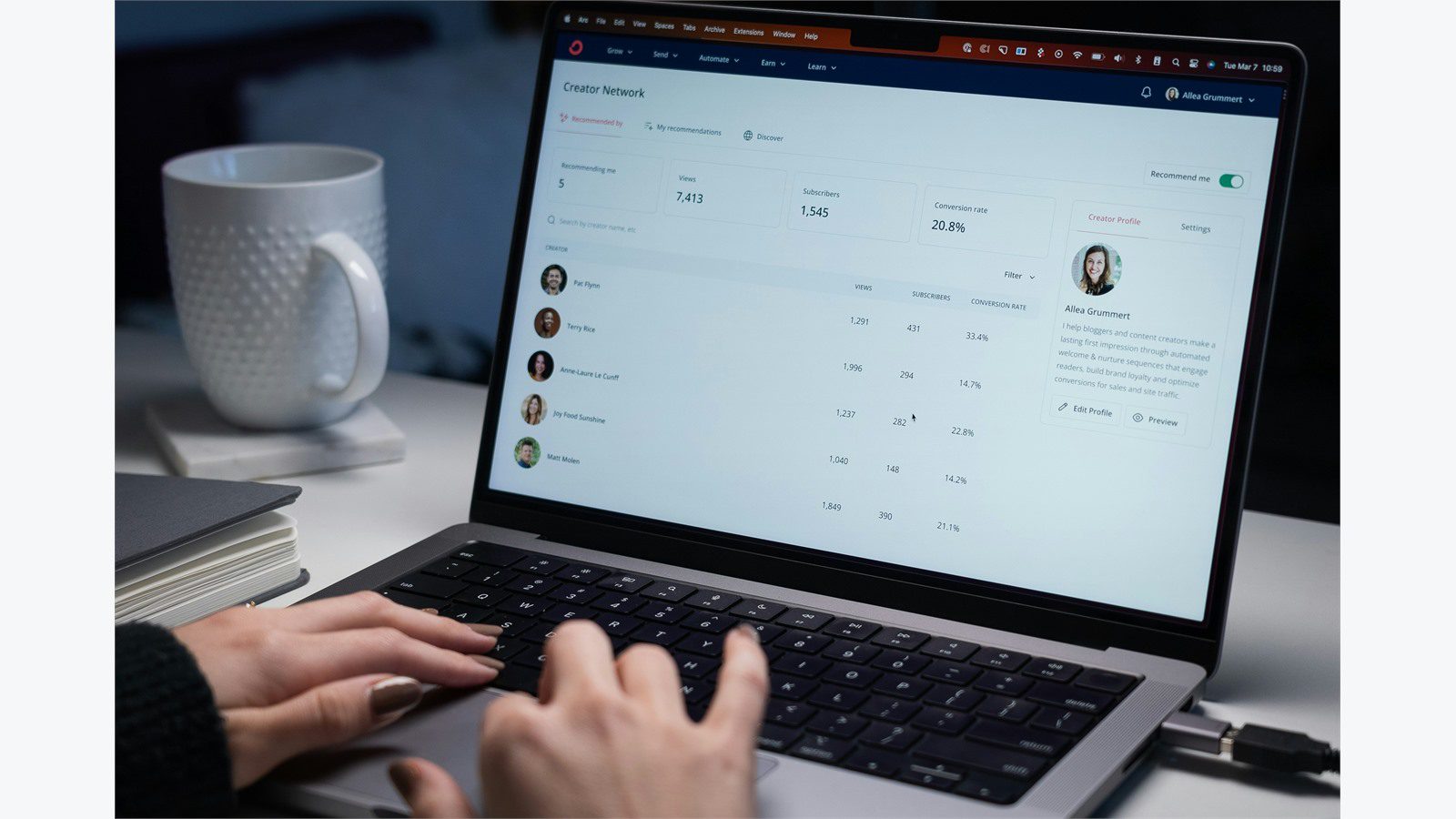
Payroll accuracy depends on clean inputs. Timesheets, leave balances, overtime, shift changes, bonuses, allowances, reimbursements, and corrections all affect payroll. When these inputs arrive late or in inconsistent formats, payroll teams spend too much time cleaning exceptions.
A secure portal can standardize the intake. Employees submit time or leave through forms that understand policy. Managers receive approval tasks with context. Payroll sees approved items before cutoff. Exceptions are flagged early instead of discovered during the payroll run.
HR and payroll automation should include validation rules. A leave request should check balance and policy. An overtime request should identify the cost center and manager. A timesheet should flag missing days, duplicate entries, or unusual hours. A payroll correction should require a reason and supporting evidence.
Approvals should be fast but accountable. The portal should show who approved, when they approved, what changed, and whether the item was included in payroll. That audit trail protects employees, managers, and payroll teams when questions arise later.
Step 5: connect payroll, benefits, and compliance data

Manual re-entry is one of the biggest sources of payroll errors. If HR updates a role, payroll updates a salary table, benefits updates eligibility, and finance updates cost centers separately, mismatches are almost guaranteed. HR and payroll automation should connect these data flows through secure integrations.
The goal is a trusted employee record. Role, location, employment status, salary basis, bank details, tax choices, benefits eligibility, leave balances, and cost centers should move through approved workflows and sync to the systems that need them.
Benefits workflows are especially sensitive. Life events, enrollment windows, dependent information, benefit deductions, and eligibility rules must be handled accurately. A portal can guide employees through required information, confirm submissions, and keep evidence for later review.
Compliance should be part of the same design. Policy acknowledgments, training records, tax forms, employment documents, and payroll approvals should be searchable and retained according to defined rules. HR and payroll automation helps audits when every important action has a timestamp, owner, and evidence trail.
Step 6: protect sensitive employee data

HR and payroll portals hold some of the most sensitive data in the company. That makes security more than an IT checklist. It is a core requirement for trust, compliance, and employee confidence.
Use least-privilege access. HR generalists, payroll specialists, managers, finance users, employees, auditors, and vendors should not all see the same data. Access should match the task. Sensitive actions such as bank changes, salary updates, termination processing, and export requests should receive stronger controls.
HR and payroll automation should include encryption, multi-factor authentication, identity lifecycle management, audit logs, approval history, data-loss prevention, backup procedures, and vendor risk review. Admin accounts need extra protection because they can expose many records at once.
Privacy rules should be explicit. Collect only data needed for the workflow. Retain documents only as long as required. Mask sensitive fields when possible. Limit bulk exports. Monitor unusual access. A secure portal should reduce exposure compared with email, shared folders, and manual attachments.
Step 7: integrate HR portals with identity and finance systems

The portal becomes more powerful when it connects with identity, finance, payroll, benefits, time tracking, accounting, document management, and service desk tools. HR and payroll automation should reduce handoffs between these systems while keeping each integration controlled.
Identity integration is especially important. A new hire may need access to applications. A role change may require new permissions. A termination must remove access quickly. When HR data feeds identity workflows, the organization can reduce access delays and access sprawl.
Finance integration matters because payroll is a major cost. Approved salary changes, bonuses, cost centers, reimbursements, and payroll reports should align with financial controls. A payroll run should produce clean data for accounting, reporting, and forecasting.
Every integration needs an owner, permission scope, monitoring, and fallback plan. If a sync fails, payroll still needs a safe process. If an API changes, HR should not discover the problem on payday. HR and payroll automation should include integration health checks, not just data movement.
Step 8: measure ROI and employee experience

HR and payroll automation should be measured in both efficiency and experience. It is not enough to say the portal exists. Leaders need to know whether it reduces manual work, improves accuracy, protects data, and makes employee tasks easier.
Useful metrics include request volume, first-contact resolution, approval cycle time, payroll correction rate, onboarding completion time, late timesheet count, self-service adoption, case backlog, audit exceptions, and employee satisfaction. Track the baseline before the portal launches.
Employee experience should be reviewed honestly. If people cannot find forms, do not trust status updates, or still email HR because the portal is confusing, adoption will stall. A secure portal must also be usable. Clear language, mobile access, searchable help, and visible case status make automation feel helpful instead of forced.
ROI should include risk reduction. Fewer emailed documents, fewer payroll corrections, stronger logs, better access control, and faster termination workflows all have business value. HR and payroll automation often pays back through avoided errors and reduced exposure, not only fewer manual hours.
Step 9: govern rollout and continuous improvement

A secure portal rollout should be phased. Start with a few high-volume workflows, prove adoption, fix the rough edges, and expand. Trying to automate every HR and payroll workflow at once creates confusion and makes training harder.
Governance should define who owns forms, rules, integrations, permissions, knowledge articles, reporting, and exception handling. HR may own policy. Payroll may own pay-impacting rules. IT may own identity and integration security. Legal or compliance may own retention and privacy requirements.
HR and payroll automation also needs change management. Employees need simple instructions. Managers need approval expectations. HR and payroll teams need new operating procedures. Support teams need a clear path for portal issues and exceptions.
Continuous improvement keeps the portal useful. Review search terms, failed submissions, common questions, manual overrides, integration errors, and payroll corrections. Those signals show which workflow should be improved next. The best programs treat the secure portal as a living service, not a one-time implementation.
HR and payroll automation FAQ

What is HR and payroll automation?
HR and payroll automation uses secure portals, workflow rules, integrations, approvals, and audit logs to streamline employee records, onboarding, time tracking, leave, benefits, payroll changes, and HR service requests.
Why do HR and payroll portals need strong security?
They hold sensitive employee data such as salary, tax details, bank information, benefits, addresses, identity documents, and employment records. Strong security reduces the risk of fraud, privacy issues, and unauthorized access.
Which workflow should be automated first?
Start with a workflow that is frequent, measurable, and low enough risk to improve safely. Onboarding checklists, employee data changes, leave requests, payslip access, and payroll questions are common starting points.
Can employee self-service reduce HR workload?
Yes. Employees can update basic details, find documents, check case status, and answer common questions through the portal. HR then spends more time on exceptions, policy guidance, and people support.
How does automation improve payroll accuracy?
It standardizes timesheets, approvals, payroll-impacting changes, benefits updates, and cutoff workflows. Clean inputs and visible approval trails reduce late changes, duplicate work, and manual re-entry errors.
What should never be automated blindly?
Salary changes, bank updates, terminations, legal documents, identity changes, and sensitive exports should always have strong validation, approvals, and audit trails. Automation should guide and control these actions, not hide them.
HR and payroll automation can turn scattered employee requests into secure, trackable workflows. The best programs begin with process mapping, build a simple employee portal, protect sensitive data, integrate carefully, and measure both efficiency and trust.
Before scaling, schedule a monthly portal review. Compare request trends, payroll corrections, login issues, employee feedback, approval delays, and security alerts. This review shows which workflows are working and which forms, rules, or integrations need improvement.
Document standard responses for key exceptions. A failed bank update may trigger identity verification. A late timesheet may trigger manager escalation. A benefits discrepancy may trigger HR review and payroll hold rules. Clear response playbooks help HR and payroll automation protect accuracy without slowing every request.
Also define ownership for every workflow. HR should not assume IT owns a broken form, and payroll should not discover a bad integration after cutoff. Clear owners make the secure portal easier to support and easier to audit.
Keep the rollout practical by maintaining a small backlog of improvements. Employees may report confusing labels, managers may need clearer approval reminders, and payroll may find exceptions that deserve better validation. Treat these findings as normal service feedback. A portal that improves every month will earn more trust than a large launch that never adapts.
Quarterly reviews should also compare access rights against current roles. People change teams, managers move, vendors leave, and temporary permissions can linger. Reviewing permissions regularly keeps sensitive employee data protected as the organization changes.
If your organization wants a practical roadmap for secure employee self-service, contact Progressive Robot to design HR and payroll automation, integrate trusted systems, and protect sensitive employee data from day one.
More AI coverage: explore Progressive Robot's AI Models, Tools & Releases hub — hands-on reviews, setup guides and benchmarks in one place.