

CalBye is an AI calorie tracker from Wondershare that tries to make nutrition tracking feel lighter, faster, and less punitive than a traditional food diary. Instead of asking users to type every meal from scratch, the app combines photo logging, barcode scanning, search, manual entry, nutrition insights, recipes, and habit tools in one product. If you are trying to decide whether CalBye is a serious nutrition app or just another flashy wellness download, the public product pages give enough detail to make a useful first judgment.
CalBye is most compelling when faster logging translates into steadier daily tracking, because consistency is where most food apps usually fail.
According to the official site and the App Store listing, the app positions itself as more than a calorie counter. It frames itself as a mindful nutrition coach built around awareness, guidance, and sustainable habits. That positioning matters because many health apps still focus almost entirely on restriction, while this product is clearly marketed around reducing friction and helping users build steadier routines.
For readers comparing fast-moving health apps, CalBye stands out because it tries to connect meal capture, coaching, and habit support in the same workflow instead of treating them as separate tools.
This review uses the official site and App Store details as the primary sources. The goal is simple: explain what the app does well, where it stands out, what remains unclear, and which users are most likely to benefit. The same practical evaluation mindset also applies when teams assess consumer-facing AI products against broader AI strategy and workflow automation decisions.
| Topic | Practical answer |
|---|---|
| Core role | An AI calorie tracker and nutrition coaching app |
| Best fit | People who want faster food logging and gentler habit support |
| Logging methods | Photo scan, barcode scan, search, and manual entry |
| Platform status | iPhone confirmed on the App Store, with the official site also linking to Google Play |
| Price model | Free download with in-app purchases |
| Main differentiator | Mindful eating, goal tracking, recipes, and rewards layered on top of food logging |
Table of Contents
- What it is
- Features at a glance
- How meal tracking works
- How nutrition insights work
- Goals, habits, and recipes
- Pricing, privacy, and availability
- Who should use it?
- FAQ
What is CalBye?

This Health & Fitness app from Wondershare Technology Hunan Co., Ltd. focuses on calorie tracking, nutrition guidance, and food-related habit building. The official site describes it as “The Ultimate AI Calorie & Nutrition Tracker App,” while the App Store listing describes it as a tool that lets users track food, calories, and nutrition instantly by snapping a photo. Those two descriptions line up well: the product is trying to make meal logging feel fast enough for daily use while still adding coaching-style value after the log is complete.
The public metadata also gives a clearer picture of maturity than the marketing copy alone. The App Store lists it as a free app with in-app purchases, categorizes it under Health & Fitness, and says it requires iOS 13.0 or later. It also shows that the app was released in June 2025 and that the reviewed version was 0.6.24, updated in March 2026. That does not make it old, but it does show the product is no longer a day-one concept with zero public footprint.
From a positioning standpoint, CalBye sits in the fast-growing category of consumer AI products that turn raw inputs into immediate guidance. In this case the raw input is meal data, and the output is a cleaner understanding of calories, nutrients, patterns, and goals. That is a practical example of Artificial Intelligence (AI) and Machine Learning (ML) showing up in daily routines instead of only enterprise workflows.
CalBye features at a glance

The product is easiest to understand when you separate it into layers instead of thinking about it as one big nutrition promise. The first layer is food capture. The second layer is interpretation. The third layer is behaviour support. When you look at the app that way, the feature set becomes much more coherent.
That layered view is also the simplest way to judge whether CalBye matches your needs, because it shows where the app is trying to save time and where it is trying to change behaviour.
Based on the official site and App Store description, CalBye includes these core capabilities:
- AI food scanning from a meal photo.
- Barcode scanning for packaged foods.
- Search-based logging from a food database.
- Manual food entry for custom meals or recipes.
- Personalised nutrition insights based on eating patterns.
- Goal tracking for fat loss, muscle gain, or maintenance.
- A recipe library plus an AI recipe generation tool.
- Daily and weekly habit challenges.
- Group challenges, rewards, and badges.
- Mood, energy, and progress summaries.
That breadth is important because it shows the app is trying to solve more than one problem. Many food apps do well at logging but badly at motivation. Others emphasise coaching but make the input process tedious. This one is clearly trying to connect easy capture with lightweight coaching. That makes it more interesting than a basic calorie counter, especially for users who want one app to cover tracking, planning, and encouragement.
The tradeoff is that a broader feature list raises the standard for execution. A product that claims scanning, insights, habits, recipes, and community tools has to feel cohesive in real use. Public marketing copy alone cannot prove that. Still, the structure is sensible, and it aligns with how many people actually struggle with nutrition: not because they lack calorie information in theory, but because logging, interpreting, and sticking with the process are all hard in different ways.
How CalBye tracks meals with AI
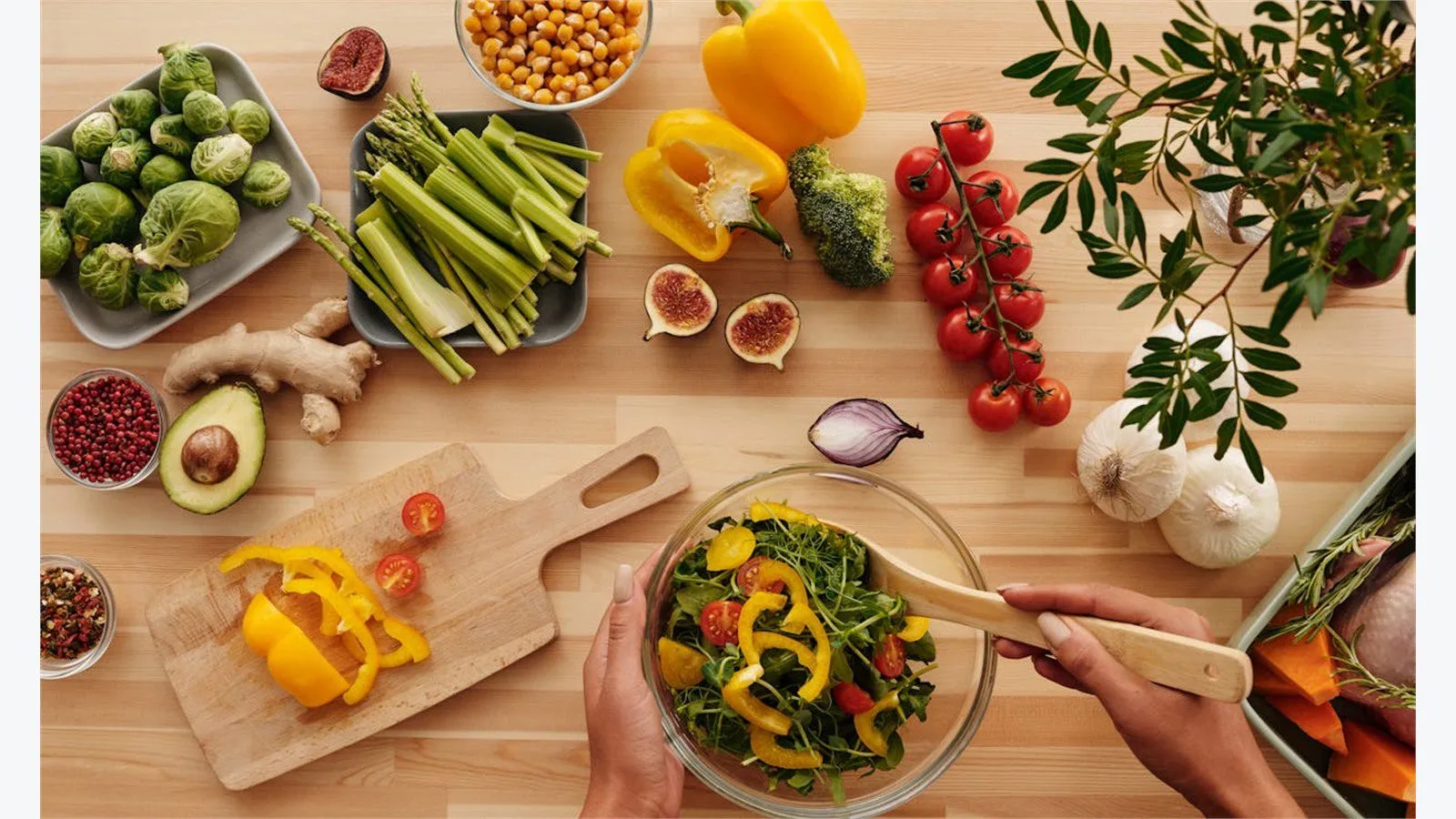
The central promise here is speed. The app says users can log meals by snapping a photo, scanning a barcode, searching the database, or entering food manually. That matters because most people do not abandon food tracking because they hate nutrition data. They abandon it because the process is repetitive, annoying, and easy to skip when the day gets busy.
If the photo workflow works reliably, it solves the biggest practical bottleneck. The official site says the app recognizes meals, identifies cuisines, estimates portions, and returns calorie and nutrient details. The App Store description adds that barcode and search tools are available for faster packaged-food or database-based entry. That gives the product a reasonable fallback path when AI image recognition is not enough on its own.
This multi-input approach is a strength. A food app should not assume every user wants the same workflow for every meal. Breakfast at home, a restaurant dinner, a protein bar, and a custom recipe all call for different logging methods. The logging system is broader than just “take a photo and trust the model,” which is the right design choice.
The main caveat is the same one that applies to any AI meal tracker: image recognition can reduce friction, but it does not eliminate the need for judgment. Portion size, cooking oils, sauces, and mixed dishes can still be difficult for automated systems. In that sense, CalBye looks best for speed and consistency rather than laboratory-grade precision. Users who need a practical nutrition baseline can pair that convenience mindset with public guidance like USDA MyPlate, then use the app to keep daily logging sustainable.
How CalBye turns logs into nutrition insights

Food logging is only useful if it leads to better decisions, and this is where the app tries to move beyond a simple counter. The product pages emphasise personalised nutrition insights, action-oriented guidance, and automatically adjusted macro targets based on user goals and progress. That is a more ambitious pitch than “here is your calorie total for the day.”
According to the official site, the app turns meal history into feedback about patterns and next steps. It also includes mood and energy tracking, which suggests the app wants users to connect what they eat with how they feel rather than only with a single number. That is consistent with the product’s mindful-eating message and gives it a broader coaching identity.
This part of the product is arguably the most strategic. Plenty of users can gather food data, but fewer know what to do with it over time. If the software can surface trends, summarize wins, and nudge users toward more balanced choices, it becomes more valuable than a passive logbook. It becomes a lightweight decision-support system for personal nutrition.
That broader interpretation layer is also what makes CalBye relevant when people discuss intelligent automation. The app is not automating a business process, but it is automating a recurring analysis step that users would otherwise perform manually: translating messy meal inputs into structured, repeatable feedback.
The open question is how deep those insights actually go in everyday use. The public pages describe the insight system clearly, but they do not explain the underlying methodology in great detail. That is not unusual for consumer apps, but it does mean the safest reading is this: CalBye appears strong as a guidance layer for patterns and awareness, while users with clinical or highly specialised nutrition requirements should still validate the output carefully.
Goals, habits, and recipes inside CalBye

One of the more interesting parts of the app is that it does not stop at tracking and analysis. It also includes a recipe library, an AI recipe studio, daily and weekly challenges, group participation features, rewards, and badges. That bundle makes the product feel more like a behaviour platform than a narrow logging utility.
The goal system appears designed for practical outcomes: fat loss, muscle gain, or maintenance. That is important because nutrition apps often fail when goals stay abstract. A user does not just want information; they want a system that keeps the information pointed toward a real objective. The goal tracking and macro adjustment language suggests the app understands that problem.
The recipe layer strengthens that approach. The official pages say users can browse curated recipes and also generate new ones through AI prompts based on ingredients, cravings, diet type, calorie targets, or cooking time. That matters because food tracking without planning often turns into a reactive cycle. Recipe support helps CalBye move upstream, from “what did I eat” to “what should I make next that fits my goals.”
The challenge and rewards system is also more important than it first sounds. Habits around food are built by repetition, not by a single burst of motivation. Missions like drinking more water, eating more colorful vegetables, or avoiding late-night snacks are simple, but simple is often what works. CalBye seems strongest when read as a habit-support system with AI acceleration, not just as a calorie spreadsheet on a phone.
Pricing, privacy, and availability

CalBye is easy to understand in some product details and less transparent in others. The App Store confirms that the app is free to download and includes in-app purchases. It also confirms iPhone availability, iOS 13.0 or later, English language support, a 13+ age rating, and a file size of roughly 63 MB. Meanwhile, the official site prominently links to both the App Store and Google Play, which strongly suggests a cross-platform rollout even though the App Store page is the clearest public source in the reviewed material.
What is less clear from the public pages is the exact pricing structure beyond the free download and in-app purchase model. That is a meaningful limitation for buyers who want to compare subscription tiers before installing. If pricing clarity is a major purchase criterion for you, the product does not appear to surface that information as plainly as some competing apps do.
Privacy is more nuanced. The App Store privacy section says usage data may be used to track users across apps and websites owned by other companies, and it says usage data and diagnostics may be collected but not linked to identity. At the same time, the app description says CalBye does not sell personal health data. Those statements are not automatically contradictory, but they do mean privacy-conscious users should read the policy carefully instead of assuming the marketing summary tells the whole story.
There is one more practical note worth mentioning: the App Store page says the developer has not yet indicated which accessibility features the app supports. That does not mean accessibility is absent, but it does mean users who depend on explicit accessibility support may want to verify the current experience before committing.
Who should use CalBye?

CalBye looks like the best fit for people who want a faster and less mentally draining way to track what they eat. That includes busy professionals who skip logs when manual entry takes too long, beginners who want gentle structure instead of aggressive diet pressure, and gym-oriented users who care about macros but do not want every meal to become a spreadsheet exercise.
For many everyday users, CalBye should feel more practical than a manual food diary because the capture step is designed to stay quick even on busy days.
It also seems well suited to users who respond to a combination of coaching and convenience. If you know what healthy eating should look like in theory but struggle with execution, the mix of photo logging, recipe help, goal tracking, and habit nudges could be useful. The product is clearly designed to lower the daily friction that breaks consistency.
On the other hand, CalBye looks less ideal for people who need fully transparent pricing before sign-up, highly technical nutrient auditing, or desktop-first workflow depth. It also should not be treated as a medical nutrition platform. The public materials point to consumer health support, not clinical dietary management.
That is why the most sensible way to evaluate CalBye is by repeatable daily usefulness. If it helps you log meals faster, notice patterns earlier, and stay engaged longer, then it is doing the job it was built for. The same outcome-first lens is useful when organisations compare tools in broader AI product evaluation and automation decisions.
CalBye FAQ

What is the app used for?
It is used for meal logging, calorie tracking, nutrition insights, goal tracking, recipe discovery, and habit support inside one AI-assisted nutrition app.
Does it only work as a photo calorie scanner?
No. The product pages say it supports photo logging, barcode scanning, search-based logging, and manual entry, which gives users several ways to record meals.
Is it only available on iPhone?
The App Store page confirms iPhone availability and iOS requirements. The official site also links to Google Play, so the product is publicly presented as more than an iPhone-only brand, even though the App Store listing is the clearest reviewed source.
Is it better for strict dieting or mindful tracking?
The public messaging leans much more toward mindful tracking. The brand is marketed around awareness, balance, habits, and reduced food stress rather than strict restriction alone.
What is the biggest unknown before installing?
The biggest unknown is the full subscription and in-app purchase structure, because the reviewed public materials do not surface pricing detail as clearly as the feature set.
This looks like a thoughtful consumer AI product because it focuses on a real friction point: food tracking is useful, but most people stop doing it when the process feels tedious or judgmental. The app tries to solve that with faster logging, more context, and a softer behaviour model. If you want help evaluating where apps like CalBye fit inside a wider AI roadmap, contact Progressive Robot for a more structured assessment.
If the real experience matches the public product pages, CalBye should be most useful for people who want consistent nutrition awareness without turning every meal into manual admin.
More AI coverage: explore Progressive Robot's AI Models, Tools & Releases hub — hands-on reviews, setup guides and benchmarks in one place.










