
Kimi K2.6 is Moonshot AI’s latest flagship Kimi model. According to the official Kimi API docs and pricing pages, it supports text, image, and video input, a 256K context window, thinking and non-thinking modes, tool calls, JSON mode, partial mode, and internet search, all behind an OpenAI-compatible API surface.
That combination makes Kimi K2.6 more than a generic chatbot update. Moonshot is positioning it around long-horizon coding, autonomous agent execution, multimodal understanding, and research workflows across the Kimi app, Kimi Code, and the developer platform. In practice, the model is most interesting for teams that want stronger AI help inside software delivery, research-heavy work, and broader workflow automation.
This Kimi K2.6 overview uses official sources including the Kimi K2.6 quickstart, the K2.6 pricing page, the Kimi K2.6 release post, Kimi Code, and Moonshot AI’s public GitHub repositories. For organisations assessing Artificial Intelligence (AI) and Machine Learning (ML), AI strategy, intelligent automation, or DevOps, Kimi K2.6 is relevant because it is being optimised for real execution-heavy workloads rather than only polished chat demos.
| Topic | Practical answer |
|---|---|
| Core role | A multimodal frontier model from Moonshot AI aimed at coding, reasoning, tool use, and agents |
| Inputs | Text, image, and video |
| Context length | 256K tokens in the official API |
| Interaction styles | Thinking mode, non-thinking mode, dialogue, and agent tasks |
| Commercial surfaces | Pay-as-you-go API plus Kimi app and Kimi Code membership plans |
| Best fit | Engineering teams, AI product builders, research-heavy workflows, and autonomous tooling experiments |
Kimi K2.6 at a glance
Kimi K2.6 sits at the intersection of three product stories. First, it is a model accessible through the Kimi API platform. Second, it powers end-user experiences such as Kimi Code and the broader Kimi app ecosystem. Third, it continues Moonshot AI’s Kimi line, which already included K2 and K2.5 across public API and open-source channels.
That matters because people evaluating Kimi K2.6 are often comparing different things. Some are really comparing API economics. Some are evaluating a coding assistant. Others care about agent swarms, web search, or multimodal reasoning. K2.6 is best understood as the current model layer that Moonshot is using across several higher-level products.
The official docs describe K2.6 as the latest and most intelligent Kimi model, with stronger long-term code writing, better instruction compliance, improved self-correction, and stronger autonomous execution for agents. Even if you discount the marketing language, that is a clear product signal: Moonshot wants K2.6 judged on reliability over longer task horizons, not only on short prompt-response quality.
What Kimi K2.6 is
At a product level, Kimi K2.6 is a native multimodal model that supports text, image, and video input. In the official quickstart, Moonshot shows image understanding, video understanding, multimodal tool calling, and OpenAI SDK compatibility using the https://api.moonshot.ai/v1 base URL. That lowers adoption friction for teams already experimenting with model APIs in development environments.
The model also defaults to a reasoning-oriented interaction style. The official docs say thinking is enabled by default, while non-thinking mode can be requested explicitly. That gives Kimi K2.6 two operational profiles: a more deliberate mode for complex work and a faster instant mode when latency or cost matters more than step-by-step reasoning.
Just as important, Kimi K2.6 is not being presented as a single chat box. Moonshot links it to Kimi Code, Deep Research, Agent Swarm, and broader developer tooling on the Kimi platform. For teams thinking about business process automation or AI strategy, that means K2.6 can be assessed as part of an execution stack, not just as a standalone LLM.
Why Kimi K2.6 matters
The most interesting part of Kimi K2.6 is Moonshot’s focus on long-horizon performance. The official K2.6 release article does not frame the model mainly around generic productivity prompts. It emphasizes long-running coding sessions, strong tool use, agent swarms, proactive agents, and sustained autonomous work over many steps.
That is a more serious claim than saying a model “writes great code.” Plenty of models can produce a strong answer on a short benchmark or generate a neat single-file demo. The harder problem is maintaining quality across large codebases, multi-step tool loops, changing constraints, and repeated self-correction. K2.6 is being positioned directly against that harder class of workload.
This is also where Kimi K2.6 becomes relevant to DevOps, workflow automation, and intelligent automation. Long-horizon reliability matters most when the model is being asked to inspect logs, refactor multiple files, plan a task sequence, or coordinate execution through tools. If Moonshot’s improvements hold up in real environments, K2.6 becomes more useful for production assistance than a model that only looks strong in isolated chat exchanges.
The open-source lineage also helps. Moonshot’s public GitHub presence around K2 and K2.5 made the Kimi family more legible to technical buyers. K2.6 benefits from that existing credibility, because developers can see that this is not a brand-new naming exercise. It is an incremental move inside an already active model and tooling ecosystem.
Key Kimi K2.6 features
Several Kimi K2.6 features stand out immediately from the official documentation.
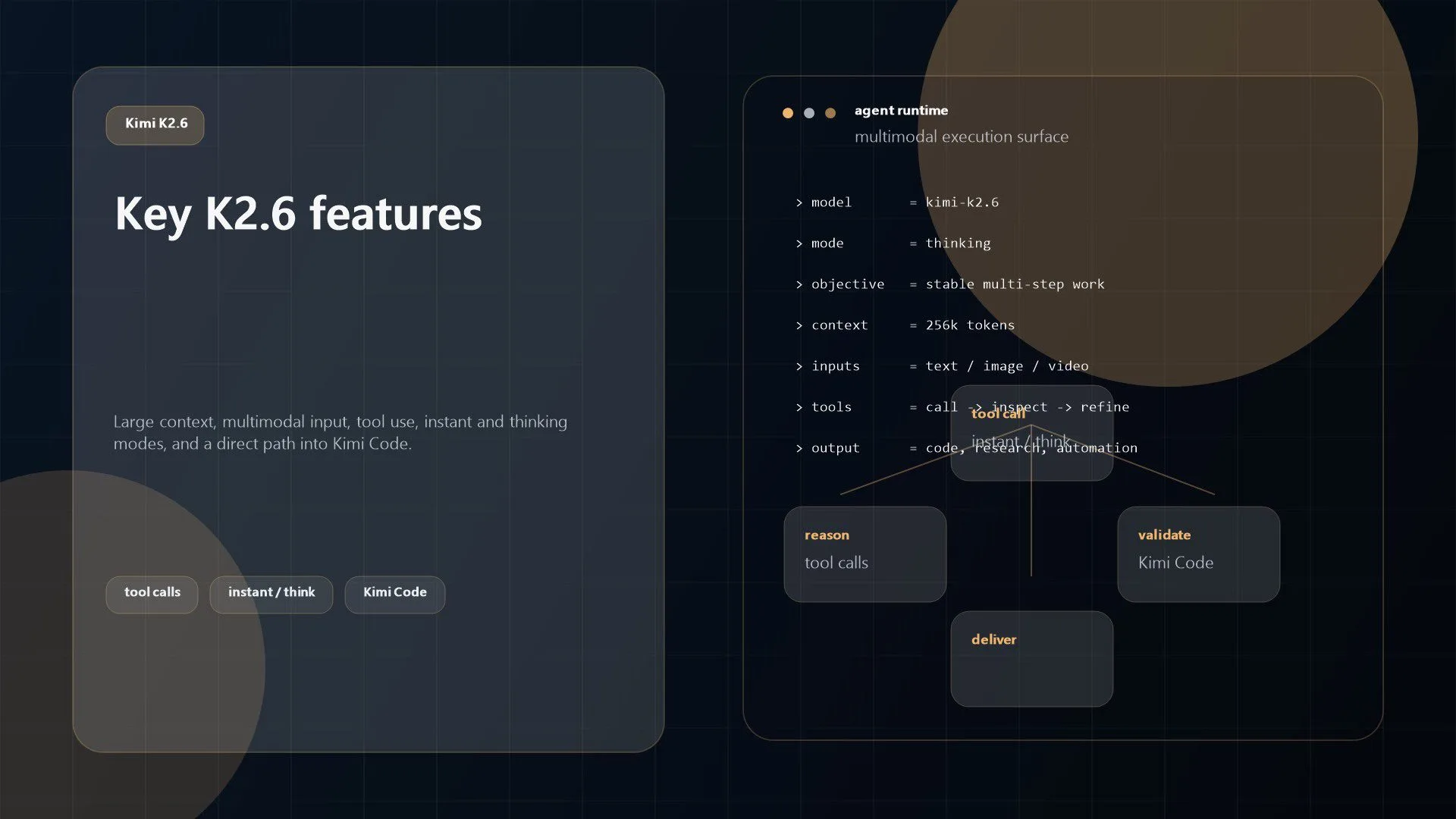
256K context window: The official quickstart and pricing pages list a 256K context window, which is large enough for long documents, bigger code segments, or multi-turn tool-heavy sessions.Native multimodality: K2.6 supports text, image, and video input. Moonshot provides official examples for image understanding, video analysis, and multimodal tool-calling workflows.Thinking and non-thinking modes: By default, K2.6 supports deeper reasoning, but it can also be run in a faster instant mode by disabling thinking.Tool use and agent orientation: The model description explicitly calls out ToolCalls, internet search, and agent tasks. The release article goes further and ties K2.6 to proactive agents and agent swarms.OpenAI-compatible API: Moonshot’s docs show K2.6 working with the OpenAI SDK, which lowers switching costs for teams already building around common chat completion patterns.Kimi Code alignment: The Kimi Code product page describes a coding-focused assistant powered by a K2.6-backed coding model, which suggests Moonshot is using the model as a serious developer-facing surface, not just a showcase.
These features make K2.6 easier to place on the market. It is not only trying to compete on reasoning quality. It is also trying to win on workflow shape: longer context, richer inputs, better tool loops, and a direct path into coding and agent products.
Kimi K2.6 pricing and plans
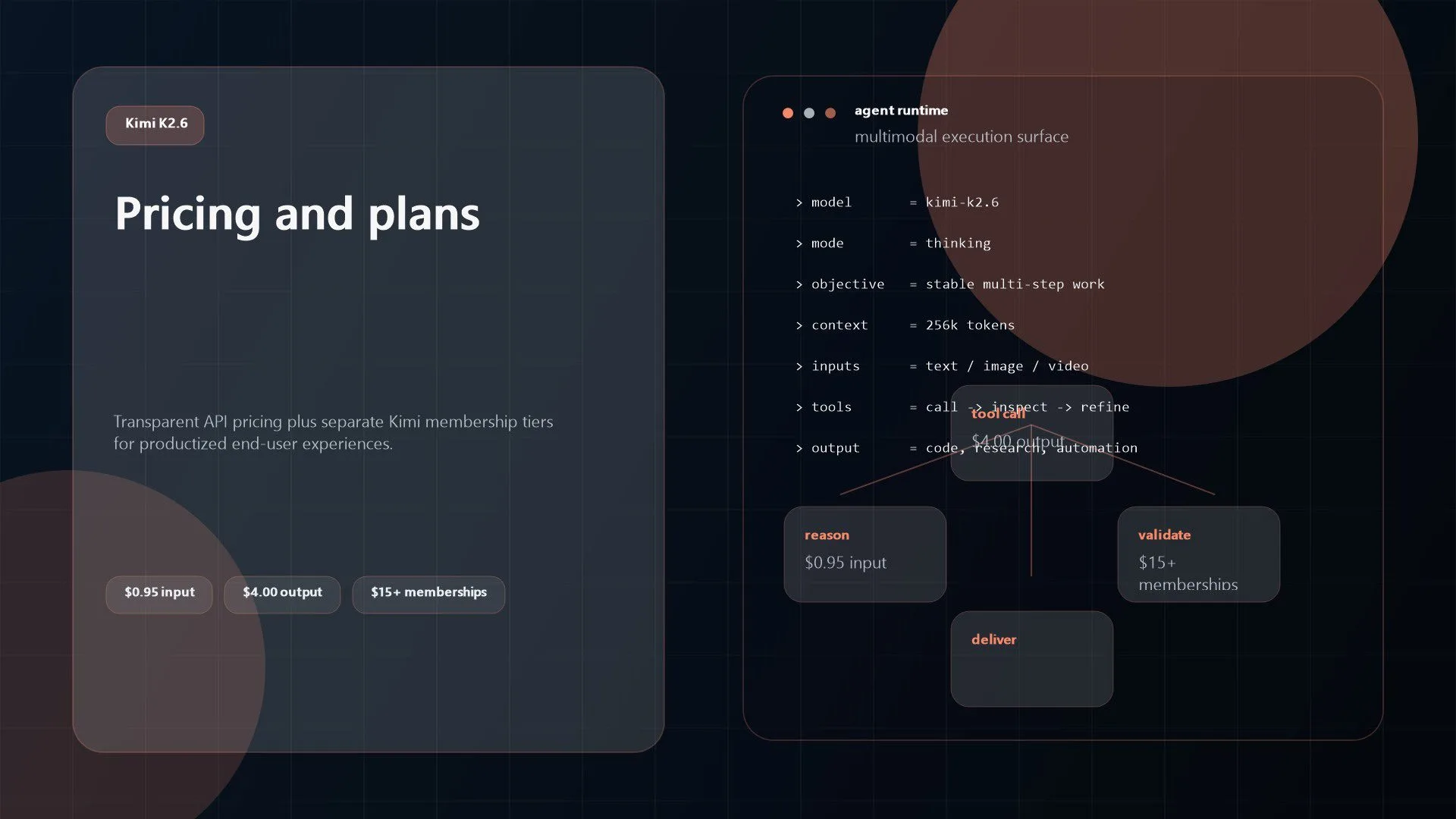
Kimi K2.6 pricing is one of its clearer strengths because Moonshot publishes a straightforward per-token API table. On the official K2.6 pricing page, the model is listed at $0.16 per 1 million cache-hit tokens, $0.95 per 1 million input tokens, and $4.00 per 1 million output tokens, with a 262,144 token maximum context length.
That API pricing matters because many teams now evaluate models on cost stability as much as benchmark rank. If you are building internal agents, coding assistants, or research workflows, input and output cost shape the kinds of tasks you can safely operationalize. Transparent pricing makes K2.6 easier to evaluate than models whose real cost is obscured behind bundles or unclear routing.
There is also a separate membership layer on Kimi.com. The current Kimi membership page shows plans starting at $15 per month for Advanced Flow, $31 for Pro Choice, $79 for Premium Mode, and $159 for Ultimate Boost. Those plans bundle user-facing features such as Kimi Code access, Deep Research, website deployment, and agent credits. That is useful, but it is not the same purchasing decision as API adoption.
In other words, Kimi K2.6 has two commercial paths. The API is the direct route for builders who want to integrate the model into products, internal tooling, or automation. Kimi membership and Kimi Code are better understood as productized experiences built on top of the model. Teams exploring AI strategy should keep those layers separate during evaluation.
Where Kimi K2.6 fits best
Kimi K2.6 appears strongest in workloads where a model has to keep track of structure over time, not just answer quickly.
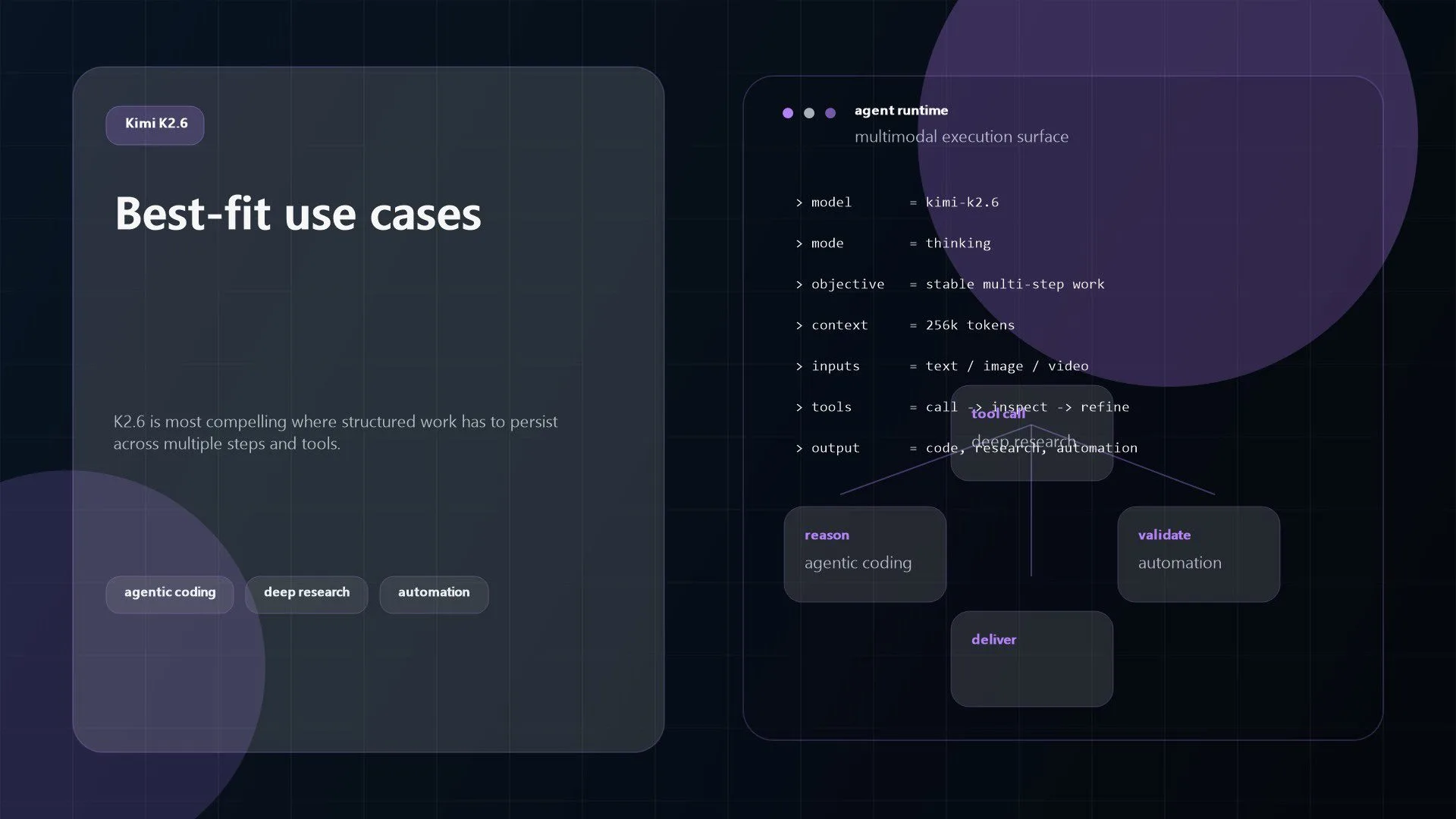
The clearest fit is agentic coding. Moonshot’s docs, Kimi Code product positioning, and K2.6 release article all point in that direction. If a team wants AI help with debugging, refactoring, multi-file edits, front-end generation, or tool-assisted software tasks, K2.6 is clearly aimed there.
The second strong fit is research and synthesis. Between the large context window, thinking mode, multimodal input, and search-oriented tooling, K2.6 looks useful for document-heavy research tasks where the model must inspect many sources before producing a structured answer.
The third fit is autonomous workflow orchestration. This is where Kimi K2.6 connects most naturally to workflow automation, business process automation, and intelligent automation. The model is being designed to call tools, recover from failures, reason across multiple steps, and stay useful through longer runs. That profile is more relevant to real operations than a model tuned only for short consumer chats.
Finally, K2.6 is worth considering for multimodal engineering and product workflows. The official examples for image and video input are not just academic extras. They suggest practical uses in UI implementation from design references, document review, media inspection, and hybrid agent flows where text alone is insufficient.
Kimi K2.6 limits and considerations
Kimi K2.6 still needs to be evaluated with normal engineering skepticism.
First, many of the strongest claims come from Moonshot’s own release materials. That is useful, but it is still vendor material. The benchmark tables are detailed, and some results cite external sources, yet the product should still be tested against your own repositories, toolchains, prompts, and failure cases before it becomes a production dependency.
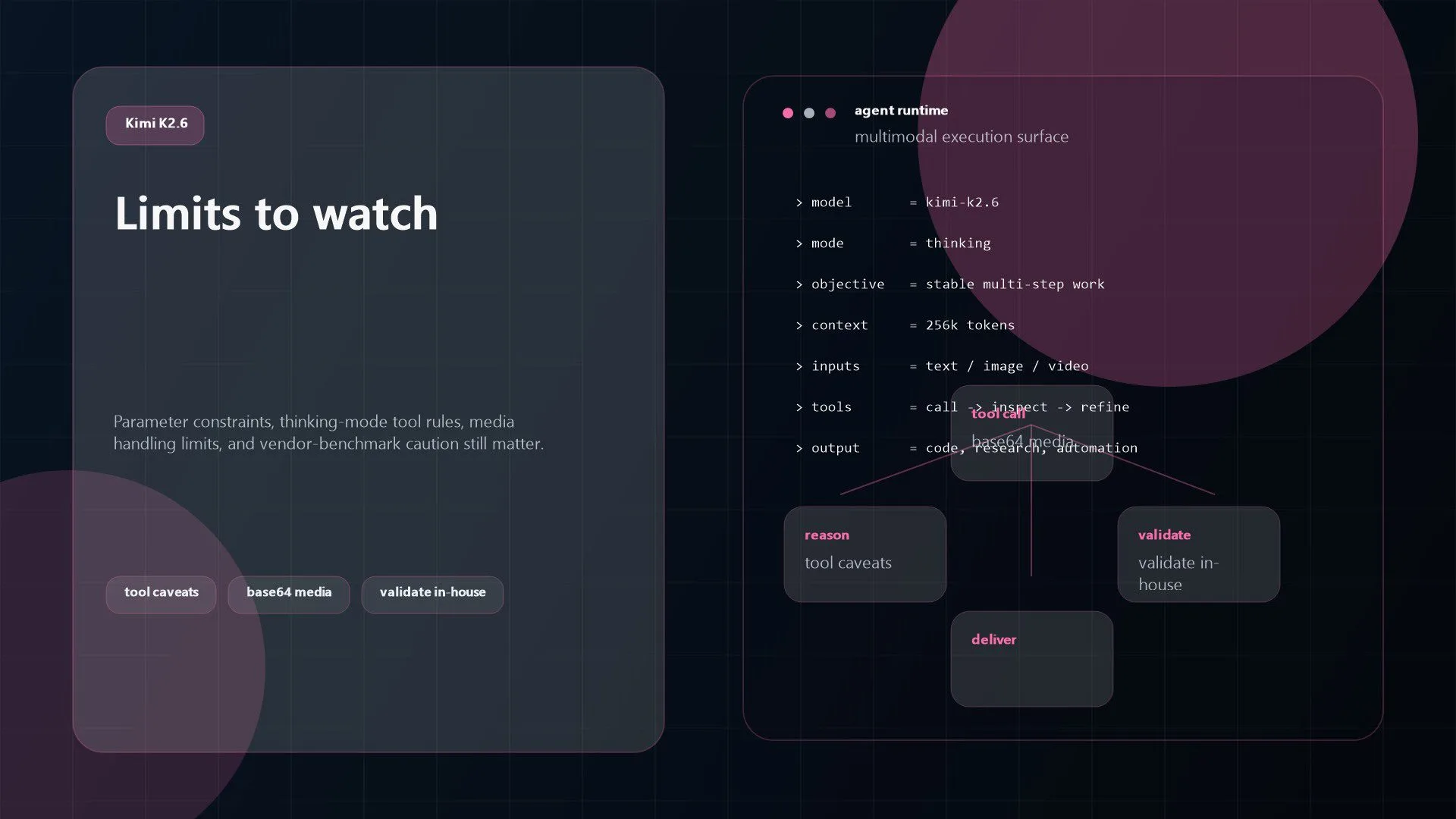
Second, the official docs include several important request constraints. For K2.6, temperature, top_p, n, and penalty settings are tightly controlled, and unsupported values can error. In thinking mode, tool_choice can only be auto or none. The docs also say the official builtin $web_search tool is temporarily incompatible with K2.6 thinking mode unless thinking is disabled first. Those are not deal-breakers, but they do affect implementation design.
Third, the multimodal experience has practical limits. The official guidance recommends images stay under 4K and video under 2K resolution. URL-formatted remote images are not supported in the vision flow; the docs currently call for base64-encoded content or file upload. Large multimedia workloads therefore need some preprocessing discipline before they hit the model.
Fourth, Kimi’s product surface can be confusing at first. The API, Kimi Code, memberships, Deep Research, Agent Swarm, and Kimi app are related, but not interchangeable. Buyers should decide whether they are evaluating a developer platform, a coding assistant, an end-user subscription, or an agent framework. Mixing those layers creates bad comparisons.
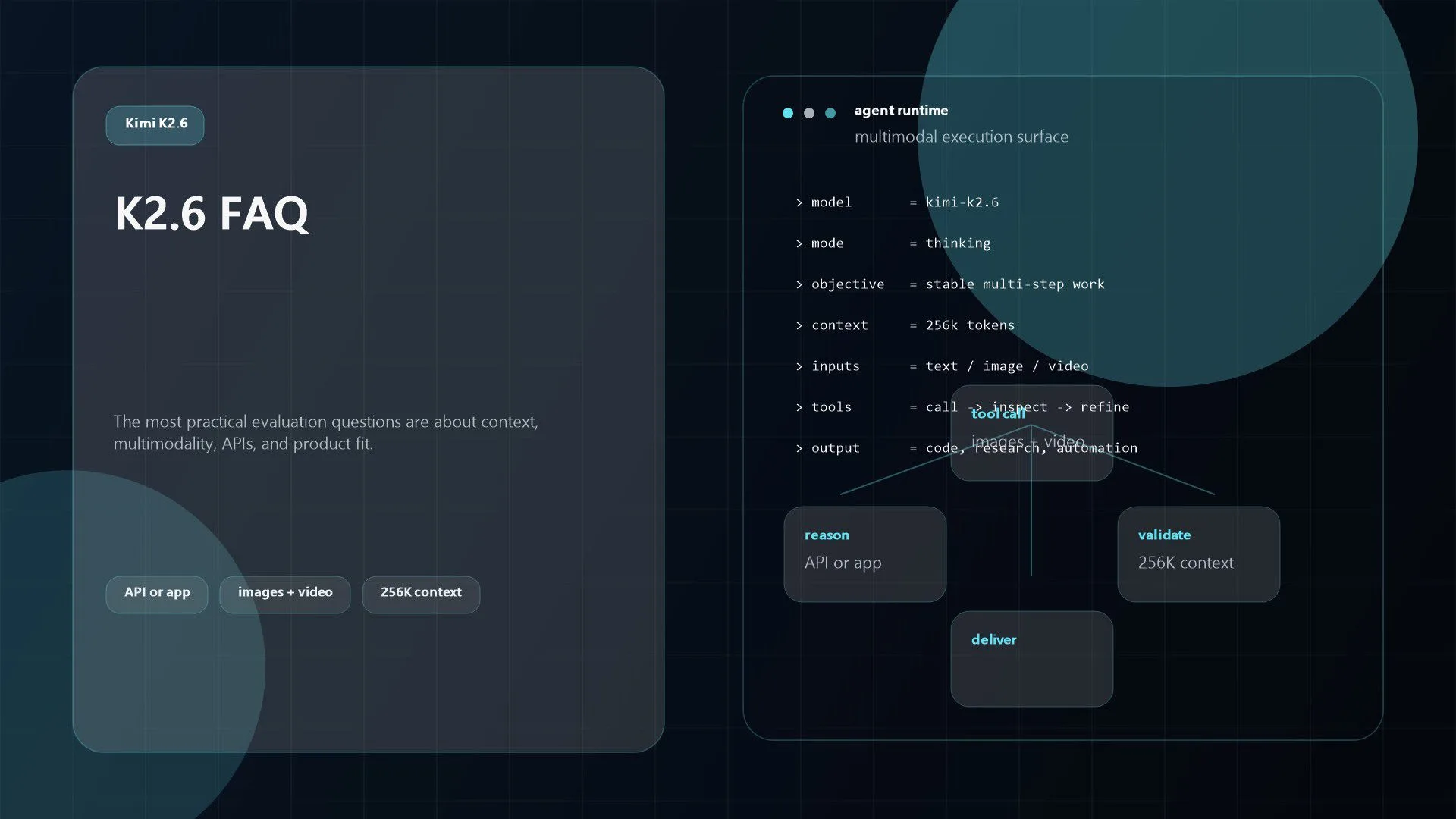
Kimi K2.6 FAQ
Is Kimi K2.6 only for coding?
No. Coding is the clearest emphasis, but the official docs and product pages show K2.6 as a multimodal model for dialogue, agents, research, image understanding, video understanding, and tool-assisted workflows.
Does Kimi K2.6 support images and video?
Yes. The official quickstart includes image understanding, video understanding, and multimodal tool-use examples. The model description also explicitly lists text, image, and video input.
How large is the Kimi K2.6 context window?
The official K2.6 docs and pricing page list a 256K context window, or 262,144 tokens.
Is Kimi K2.6 available through an API?
Yes. Moonshot provides a pay-as-you-go API, and the docs show OpenAI-compatible usage patterns through the Kimi API endpoint.
Should teams buy Kimi membership or use the API?
It depends on the use case. If you want to build systems, automate workflows, or integrate K2.6 into products, the API is the right starting point. If you want a ready-made assistant experience, coding workflow, or bundled end-user features, Kimi membership and Kimi Code are the better fit.
Kimi K2.6 looks most compelling when you evaluate it as an execution model, not just as another chat model. The official story around K2.6 is consistent: longer-horizon coding, stronger tool use, broader multimodal support, and more reliable agent behaviour across difficult tasks.
That does not mean every team should standardise on it immediately. It means Kimi K2.6 is serious enough to deserve real evaluation if your roadmap includes AI strategy, workflow automation, DevOps, or production-grade Artificial Intelligence (AI) and Machine Learning (ML) implementation. If you want help turning model capability into reliable business automation, contact Progressive Robot to design a practical rollout.
More AI coverage: explore Progressive Robot's AI Models, Tools & Releases hub — hands-on reviews, setup guides and benchmarks in one place.










