
Pascal Editor is one of the more interesting browser-native design tools to appear recently because it removes most of the usual evaluation friction. You can open a live workspace in the browser, start shaping walls, levels, roofs, zones, and interior objects, and decide whether the tool fits your workflow before you create an account or install a desktop app.
If you want the short version, Pascal Editor is a free open-source 3D building editor for early layout work, room planning, roof studies, and interior scene editing. It is not a Pascal programming IDE. The current product story is simple: use the live demo in the browser when you want instant access, then move to the GitHub project when you want to inspect the code or self-host the editor.
That is what makes Pascal Editor worth attention. It sits between a lightweight online demo and a serious technical foundation. You get a real browser-based modelling environment with local autosave, undo and redo, JSON import and export, and an open-source codebase built around React, React Three Fiber, and WebGPU-oriented rendering.
This article draws on the official Pascal Editor website, the live Pascal Editor application, and the public pascalorg/editor GitHub repository.
Pascal Editor at a glance
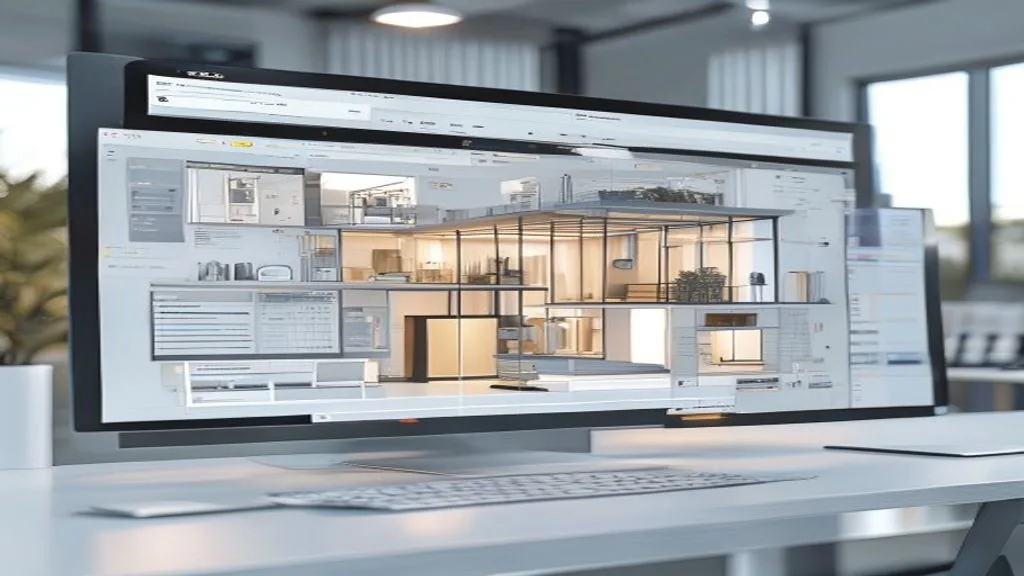
- Pascal Editor is a browser-based 3D building editor for layouts, rooms, roofs, levels, zones, and interiors.
- The public demo is free to try online with no signup requirement.
- Core tools include walls, slabs, ceilings, roofs, doors, windows, level organisation, zone planning, and interior item placement.
- The browser workflow includes local autosave, undo and redo history, and JSON import/export.
- Pascal Editor is open source under the MIT license and can be self-hosted from GitHub.
- The project uses a modern web stack including React, Next.js, React Three Fiber, Zustand, and WebGPU-oriented rendering.
- It works best on browsers and devices with WebGPU support.
Why Pascal Editor matters
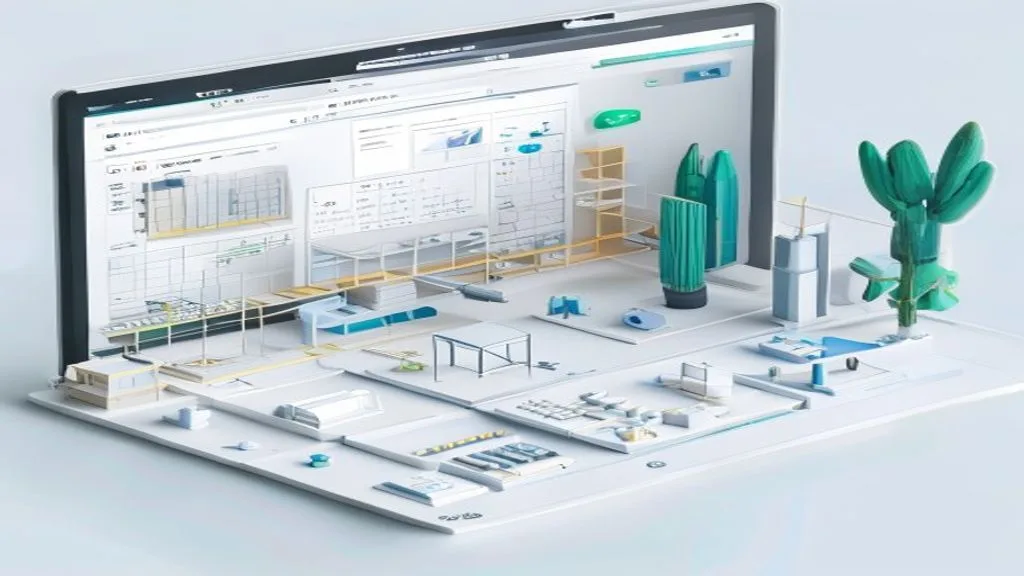
Pascal Editor matters because it lowers the cost of evaluation. Instead of asking a design team or technical evaluator to install a heavyweight desktop tool before they see anything useful, it opens a real 3D workspace immediately in the browser. That matters for the same reason workflow automation matters in other parts of the stack: tools gain adoption when the first useful outcome happens quickly and with less operational friction.
There is also a second reason Pascal Editor matters. It is not positioned as a vague future-of-design product. It is explicit about the jobs it is trying to do well: early layout work, room planning, roof studies, zone definition, and interior scene editing. That clarity makes it easier to evaluate honestly.
7 practical things to know about Pascal Editor
1. Pascal Editor is a 3D building editor, not a Pascal language IDE
This sounds obvious once you know it, but it matters because the product name creates search confusion.
Pascal Editor is for shaping built environments in 3D. The official positioning focuses on walls, rooms, levels, roofs, zones, openings, and furnishings. If you are looking for a Pascal programming editor, compiler, or IDE, this is not that product. If you are looking for a browser-native spatial design tool, this is the correct category.
That distinction is part of the product story. The public-facing site repeatedly clarifies that Pascal Editor is about architecture and interior planning workflows, not code editing.
2. The fastest way to evaluate Pascal Editor is the no-signup browser demo
A lot of open-source design software still makes the first evaluation harder than it needs to be. Pascal Editor does the opposite.
The public flow is simple: open the live editor route and the workspace appears immediately. There is no forced signup wall and no fake onboarding sequence standing between the visitor and the actual tool. That makes Pascal Editor unusually easy to test in a real way. You can judge whether the interaction model makes sense before you spend time on infrastructure or customisation.
The current site also explains that edits are saved locally in your browser during the demo experience. That is a practical choice. It keeps first-run friction low while still giving you a persistent environment on the same device.
3. Pascal Editor covers both structural layout and interior planning in one workspace
Pascal Editor is not limited to drawing a few walls and calling it done.
The current feature set spans structural and interior work in the same editing flow. Official product pages describe tools for walls, slabs, ceilings, roofs, doors, windows, levels, zones, and item placement. In other words, you can block out a building structure, organise levels, define rooms or zones, and furnish the scene without switching into a disconnected viewer.
For early-stage planning, that matters. A lot of design decisions are easier to judge when structure and furnishing can be tested together instead of in isolation. Pascal Editor seems designed around that practical reality rather than around a narrow one-tool demo.
4. Pascal Editor looks strongest for early studies, not every downstream BIM requirement
This is one of the most important evaluation points.
The public copy for Pascal Editor is careful not to overclaim. It frames the product around early layout work, room planning, roof studies, and spatial exploration. That is a productive scope. It means the tool can be judged on whether it helps teams iterate quickly in 3D, not on whether it already replaces every detail-heavy downstream architectural or BIM workflow.
That is the right standard to use. If your goal is concept development, room organisation, multi-level massing, and quick interior studies in a browser-first tool, Pascal Editor looks relevant. If your goal is a full replacement for the most mature production-detail pipelines, you should validate that assumption carefully instead of projecting it onto the product.
5. Pascal Editor already includes the small workflow features that make experimentation viable
The interesting part of Pascal Editor is not only the object list. It is the workflow support around the editing experience.
The current product pages call out local autosave, undo and redo history, and JSON import/export. Those are not flashy features, but they are the difference between a quick toy and a tool you can actually test in a meaningful way. Autosave protects experimentation. Undo and redo let you work quickly. JSON import and export make scene data portable enough for evaluation, sharing, or handoff into a self-hosted environment.
If you are judging whether Pascal Editor is serious enough to explore, those details are stronger signals than generic marketing language.
6. The open-source project is substantial enough for technical teams to inspect
Pascal Editor is not just a browser demo with no depth behind it. The GitHub repo exposes a real application architecture.
The public repository describes a Turborepo monorepo with an editor app plus separate core and viewer packages. The technical stack includes React 19, Next.js 16, React Three Fiber, Zustand, Zod, Zundo, Three.js, and WebGPU-oriented rendering. The repo also documents distinct systems for scene state, node schemas, geometry generation, rendering, selection management, and editor tools.
That matters for two audiences. It gives engineering teams something credible to inspect if they want to self-host or extend the editor, and it gives non-technical evaluators a reason to trust that the browser experience is backed by an actual product foundation rather than a throwaway prototype.
7. Pascal Editor gives you a clean path from demo to self-hosting
The product story is stronger because the adoption path is clear.
If the live demo is enough, you can stay in the browser and evaluate the editor immediately. If the product starts to make sense for your workflow, the GitHub repo gives you the next step. The current getting-started path in the repository uses Bun: install dependencies with bun install, run the development flow with bun dev, and open the editor locally on http://localhost:3000.
That is a straightforward bridge from evaluation to ownership. You are not forced to choose between a locked marketing demo and an undocumented code dump. Pascal Editor gives both a public online workspace and an inspectable self-host path.
How to evaluate Pascal Editor before adopting it
If Pascal Editor looks interesting for your team, a short evaluation is usually enough to tell whether it fits.
- Open the live demo first and check whether the browser and device you care about support the experience well.
- Test one realistic use case, such as a small multi-room layout, a multi-level concept, or a furnished room study.
- Pay attention to whether local autosave, undo and redo, and JSON portability are enough for your evaluation workflow.
- Decide whether you need a lightweight early-stage browser tool or a full downstream production platform.
- If the interaction model works, inspect the GitHub project to judge whether self-hosting or customisation is realistic for your environment.
The right question is not whether Pascal Editor can do everything. The right question is whether Pascal Editor makes the first important part of the spatial workflow faster and easier.
Who should use Pascal Editor?
Pascal Editor looks most relevant for architects, interior planners, design technologists, educators, and engineering teams exploring browser-native spatial tools.
It is especially useful when you want one or more of these outcomes:
- A quick way to test layouts, rooms, levels, and interiors in 3D without a desktop install.
- A no-signup environment for showing early spatial ideas to teammates or clients.
- An open-source foundation that technical teams can inspect or self-host.
- A lightweight way to explore whether browser-native editing is good enough for a specific workflow.
It is much less relevant if you specifically need a Pascal programming environment or if your evaluation starts from the assumption that every browser-based editor must immediately replace a mature end-to-end BIM stack.
Pascal Editor FAQ

What is Pascal Editor?
Pascal Editor is a browser-based 3D building editor for layouts, walls, levels, roofs, zones, rooms, and interior planning workflows.
Is Pascal Editor free to use online?
Yes. The public demo is free to try online and does not require signup before first use.
Does Pascal Editor save work in the browser?
Yes. The current demo flow uses local browser saves so you can continue working on the same device without setting up a full account system first.
Can I self-host Pascal Editor?
Yes. Pascal Editor is open source on GitHub. The current repo documents a Bun-based development flow for running the editor locally.
Which browsers work best with Pascal Editor?
Pascal Editor works best on browsers and devices with WebGPU support. Unsupported environments may not get the full live-editor experience.
Is Pascal Editor a replacement for a Pascal programming IDE?
No. Pascal Editor is not a Pascal programming IDE. It is a 3D building and interior planning editor.
Final thoughts
Pascal Editor is interesting because it gets two things right at once. It gives casual evaluators an immediate browser-based 3D building editor with no signup friction, and it gives technical teams a real open-source codebase they can inspect and self-host if the workflow proves valuable.
That makes Pascal Editor more than a novelty demo. It is a practical browser-native spatial tool with a clear scope, useful workflow features, and a credible path from first click to deeper adoption. If your goal is early-stage layout, room, roof, and interior exploration in a modern web environment, Pascal Editor is worth testing.
More AI coverage: explore Progressive Robot's AI Models, Tools & Releases hub — hands-on reviews, setup guides and benchmarks in one place.










