

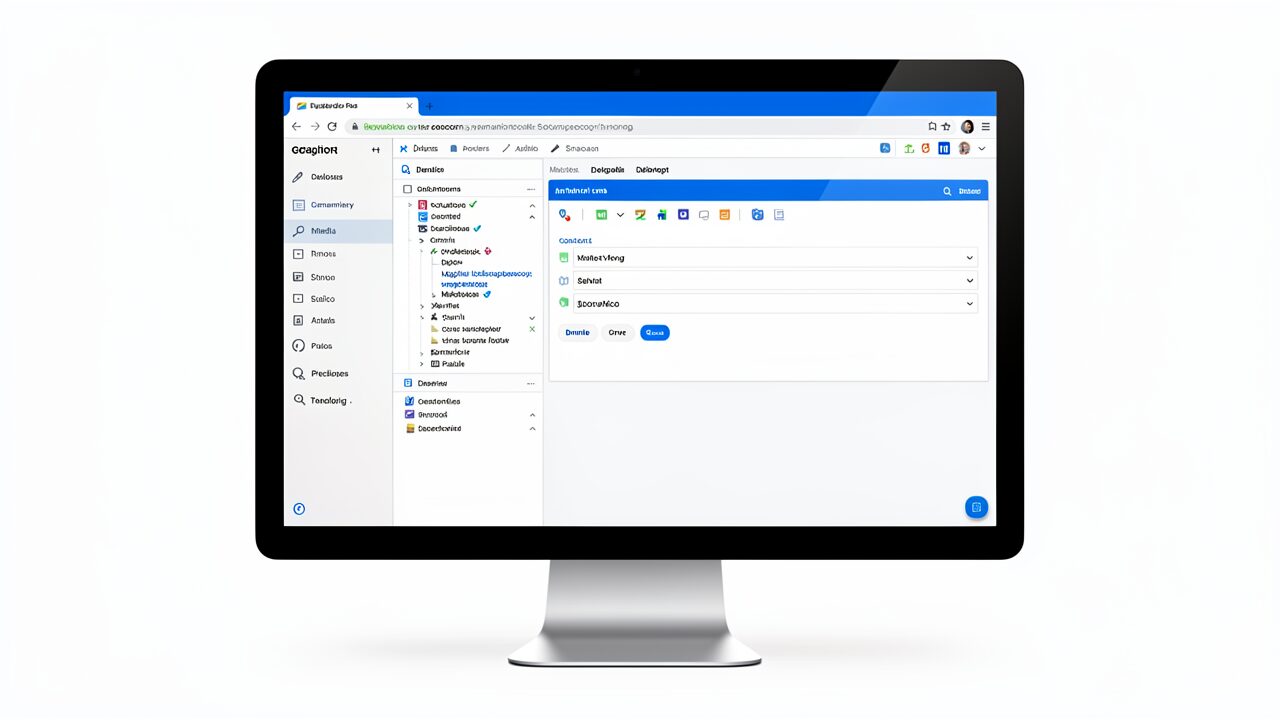
The built-in web browser is a native component integrated into the Claude desktop application that enables Claude Code to navigate websites, read documentation, and interact with web-based development tools. Instead of relying on command-line tools like curl or wget to fetch raw HTML, Claude can now render full web pages with JavaScript, CSS, and interactive elements, and extract information directly from the rendered DOM.
The Anthropic Claude Code browser is the feature that makes all of this possible. By integrating browser capabilities directly into Claude Code, Anthropic has created a tool that transforms how developers access and use web-based information.
This integration represents a major step forward in AI-assisted development. Prior to this feature, Claude Code could only work with content that developers manually provided. If a developer wanted information from a documentation site, they had to copy the text or paste a URL and hope the model had seen that content during training. The built-in browser changes this fundamentally by giving Claude real-time access to the live web.
Developers can now ask Claude to look up API documentation, check GitHub issues, review Stack Overflow answers, or browse any website while working on their code. Claude Code can then use this information to provide more accurate and contextually relevant responses. The model does not need to rely on potentially outdated training data when it can fetch current information directly.
The Anthropic Claude Code browser makes this possible by providing real-time access to any website on the internet. With the Anthropic Claude Code browser, developers never have to leave their coding environment to find the information they need.
The browser also supports complex web interactions beyond simple page rendering. It can handle authentication flows where needed, navigate through multi-page documentation sites, and extract structured data from dynamic web applications. This makes it far more capable than previous workarounds that relied on headless browser scripts or manual content copying.
The browser also supports keyboard navigation, form submission, and dynamic content loading. When Claude encounters a page that requires scrolling to load additional content, it can automatically scroll and capture the newly loaded information. This is particularly useful for modern web applications that use infinite scrolling or lazy loading techniques.
Furthermore, the browser can handle JavaScript-based authentication flows, cookie management, and session persistence. This means Claude can access content that requires login, such as private documentation repositories, subscription-based developer resources, or internal company wikis. The ability to maintain state across multiple page visits makes the browser a powerful tool for comprehensive research tasks.
The browser also supports keyboard navigation, form submission, and dynamic content loading. When Claude encounters a page that requires scrolling to load additional content, it can automatically scroll and capture the newly loaded information. This is particularly useful for modern web applications that use infinite scrolling or lazy loading techniques.
The Anthropic Claude Code browser feature represents a significant advancement in AI-assisted development. With the Anthropic Claude Code browser, developers can now access live documentation without leaving their coding environment.

The built-in web browser integrates seamlessly with Claude Code existing capabilities. When developers ask Claude to research something online, the model can now navigate to websites, read content, and use that information to inform its responses. The browser operates as part of Claude Code tool-use system, similar to how it uses code execution or file reading tools.
The Anthropic Claude Code browser works by leveraging Anthropic’s advanced language models to understand web pages and extract relevant information. When you ask the Anthropic Claude Code browser to research a topic, it navigates to relevant websites, reads the content, and synthesizes the information into a useful response.
For example, a developer working on a React project might ask Claude to look up the latest best practices for state management. Claude can browse relevant documentation sites, extract the key information, and provide tailored recommendations based on the project specific needs. The model can compare information across multiple sources, synthesize different perspectives, and present a comprehensive answer that draws from the best available resources.
The browser also enables Claude Code to interact with web-based development tools. Developers can ask Claude to check deployment status, review CI/CD pipeline results, or monitor application performance, all through web interfaces that Claude can now access directly. This creates a unified development environment where code, research, and monitoring tools all work together through a single AI interface.
Here is a practical example of how this works in practice. A developer is building an API integration and needs to understand the authentication flow. They can ask Claude to look up the OAuth 2.0 documentation, and Claude will navigate to the relevant pages, extract the authentication flow diagrams and code examples, and explain the process in the context of the developer specific use case. The developer gets a tailored explanation based on current documentation, not generic advice from training data.
This is where the Anthropic Claude Code browser shines. With the Anthropic Claude Code browser, developers get accurate, up-to-date information for any API or technology they are working with.
The browser integration with Claude Code agent capabilities means it can perform multi-step research tasks. Using the Anthropic Claude Code browser, developers can research best practices while writing code without context switching. The Anthropic Claude Code browser eliminates the need to copy-paste content between applications. By leveraging the Anthropic Claude Code browser, developers save significant time on research and debugging tasks.
When working with complex documentation sites, Claude can navigate through multiple pages, follow internal links, and build a comprehensive understanding of the topic. This is particularly valuable for understanding APIs with interconnected documentation, where the authentication section links to the endpoints section, which links to the SDK documentation.
The browser also supports error handling and retry logic. If a page fails to load or returns an error, Claude can automatically try alternative sources or approaches to find the information the developer needs. This resilience ensures that research tasks complete successfully even when individual pages are unavailable.
Additionally, Claude can use the browser to verify code examples by testing them against live documentation. If a code snippet in the documentation has been updated or deprecated, Claude can detect this and provide the developer with the most current information.
When working with complex documentation sites, Claude can navigate through multiple pages, follow internal links, and build a comprehensive understanding of the topic. This is particularly valuable for understanding APIs with interconnected documentation, where the authentication section links to the endpoints section, which links to the SDK documentation.
The browser also supports error handling and retry logic. If a page fails to load or returns an error, Claude can automatically try alternative sources or approaches to find the information the developer needs. This resilience ensures that research tasks complete successfully even when individual pages are unavailable. If a developer asks Claude to research the best practices for securing a web application, Claude can browse multiple security documentation sites, cross-reference recommendations, and provide a comprehensive security checklist tailored to the developer technology stack.

Anthropic has designed the built-in browser with security and privacy in mind. The browser operates within the Claude desktop application sandbox, limiting access to system resources and preventing unauthorized data access. This sandboxing approach ensures that even if a malicious website attempts to exploit the browser, the damage is contained within the sandbox environment.
Security is a top priority for the Anthropic Claude Code browser. The Anthropic Claude Code browser uses encrypted connections to protect data in transit and follows strict privacy guidelines to ensure user data remains secure.
When Claude browses the web, it follows the same privacy standards as the rest of the Claude ecosystem. The browser does not track user activity across sites, and no browsing history is stored locally on the user machine. This means developers do not need to worry about sensitive research leaving traces on their local system.
For enterprise users, the browser respects organizational security policies and can be configured to restrict access to certain domains or block potentially malicious content. This ensures that developers can use the feature safely in corporate environments where access to certain websites may be restricted or where sensitive information must not be sent to external services.
Developers should be aware of several best practices when using the built-in browser. First, avoid asking Claude to browse sites that contain sensitive or proprietary information, as the content will be processed by Anthropic servers. Second, be cautious when using the browser on sites that require authentication, as credentials may be exposed during the browsing session. Third, review the information Claude provides from web sources, as the model may occasionally misinterpret or misrepresent what it finds.
The browser also includes protections against common web threats. It can detect and block known malicious sites, prevent automatic downloads, and limit the ability of web pages to execute potentially harmful scripts. These protections help ensure that developers can use the browser safely without exposing their systems to web-based threats.
Additionally, Anthropic has implemented rate limiting to prevent excessive browsing that could impact system performance or trigger security alerts on target websites. This ensures that the browser operates responsibly and does not inadvertently cause issues for the websites it visits during research tasks.
Security is a key consideration when using the Anthropic Claude Code browser for sensitive projects. The Anthropic Claude Code browser follows best practices for data privacy and secure browsing, including encrypted connections and sandboxed execution environments.
Developers should also be aware that the browser respects robots.txt directives and can be configured to follow or ignore them based on organizational preferences. This allows for flexibility in research scope while maintaining ethical browsing practices.
For teams working with sensitive data, Anthropic offers enterprise-grade security features including data encryption, access controls, and audit logging. These features ensure that all browsing activity can be monitored and controlled by organizational security teams, providing peace of mind for compliance-focused environments.

For existing Claude users, the built-in browser is available through the Claude desktop application. Users with Pro or Max subscriptions can access Claude Code with browser capabilities immediately. The feature is included in the subscription with no additional cost, making it accessible to the broadest possible audience of developers.
The feature is particularly beneficial for several categories of developers:
Full-stack developers who need to reference both backend documentation and frontend frameworks will find the browser invaluable. Instead of switching between different documentation sites and their code editor, they can ask Claude to research any technology stack component and get immediate, contextual answers.
Full-stack developers using the Anthropic Claude Code browser can research backend APIs and frontend frameworks simultaneously, saving hours of manual searching.
DevOps engineers who monitor web-based dashboards and deployment tools can use the browser to check system status, review logs, and troubleshoot issues without leaving their Claude Code session. This is especially useful for on-call scenarios where quick access to information can reduce mean time to resolution.
Researchers and data scientists who need to stay current with rapidly evolving technologies can use Claude browsing capabilities to monitor research papers, documentation updates, and industry blogs. The browser can track changes to specific pages and alert users to important updates.
Students and junior developers learning new frameworks can benefit from integrated documentation access. Instead of struggling to find the right documentation or struggling to understand complex concepts, they can ask Claude to research and explain topics using current, authoritative sources.
Technical writers who need to verify information in documentation can use the browser to check current API endpoints, verify code examples, and ensure that published content remains accurate and up-to-date.
The browser also improves the experience for non-technical users who work with development tools. Product managers, designers, and project managers who occasionally need to interact with development resources can do so more effectively through Claude natural language interface.
Additionally, the browser enables better collaboration within development teams. Team members can share Claude Code sessions that include research findings, documentation references, and contextual information. This creates a knowledge sharing mechanism that goes beyond simple document sharing by providing AI-powered context and synthesis of the research material.
The Anthropic Claude Code browser makes these benefits accessible to all users. With the Anthropic Claude Code browser, developers of all skill levels can access real-time information. The Anthropic Claude Code browser is the tool every developer has been waiting for.
For organizations considering AI-assisted development, the browser feature lowers the barrier to entry. Developers who are new to AI tools can start with simple research tasks and gradually incorporate more advanced workflows as they become comfortable with the technology. This gradual adoption approach reduces resistance to change and helps teams realize value quickly. The Anthropic Claude Code browser makes onboarding new developers faster by providing instant access to documentation and resources. Teams using the Anthropic Claude Code browser report significant improvements in research efficiency.
Additionally, the browser enables better collaboration within development teams. Team members can share Claude Code sessions that include research findings, documentation references, and contextual information. This creates a knowledge sharing mechanism that goes beyond simple document sharing by providing AI-powered context and synthesis of the research material. Product managers, designers, and project managers who occasionally need to interact with development resources can do so more effectively through Claude natural language interface.










