

Liquid cooling vs air cooling server data centers is no longer a facilities-side debate hidden behind raised floors; it is becoming a core infrastructure decision for teams running dense AI training, inference, simulation, and analytics clusters.
Air cooling has carried enterprise data centers for decades because it is familiar, serviceable, and flexible. The problem is that AI accelerators are pushing more heat into fewer rack units, which changes the economics of fans, floor tiles, containment, and mechanical rooms.
This guide explains why high-density AI workloads are forcing the shift, where air still belongs, how liquid cooling changes operations, and how leaders can plan a practical migration without treating water as magic.
Table of contents
- Why air cooling is under strain
- How liquid cooling works
- Economics and facility planning
- Migration roadmap
- Frequently asked questions
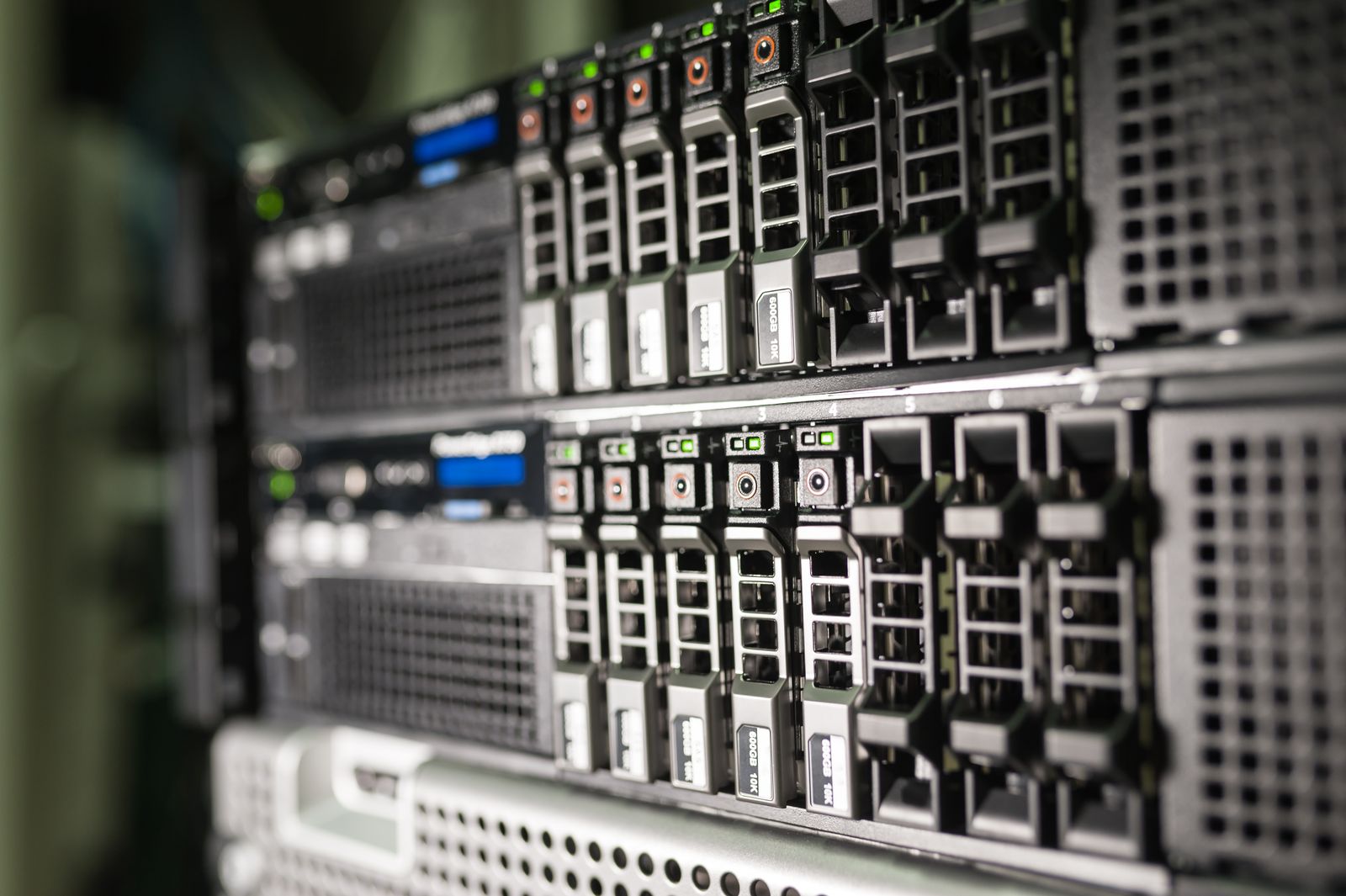
Why air cooling is under strain
Air cooling works by moving enough conditioned air across hot components and then removing that heat from the room. That model is reliable until rack power density rises faster than airflow, floor space, and fan energy can keep up.
AI racks concentrate accelerator boards, high-speed memory, power delivery, and network fabrics into compact footprints. Each component may be serviceable, but the rack behaves like a thermal system that no longer tolerates casual airflow assumptions.
High-density AI changes the rack math
A traditional enterprise rack might leave room for blanking panels, cable slack, and comfortable airflow margins. Dense AI systems compress thermal load, power draw, and service access into fewer positions, making hot spots more likely.
The practical question in liquid cooling vs air cooling server data centers is not whether air can cool any single server. The question is whether the site can cool many dense racks at acceptable cost, reliability, noise, and expansion speed.
Air cooling is not dead
Air still makes sense for general compute, storage, network equipment, lower-density private cloud, edge rooms, and many enterprise applications. It is familiar to technicians, easy to inspect, and less disruptive to retrofit.
The mistake is treating air cooling as the default answer for every future workload. Once accelerator density climbs, more fans can become a symptom of architectural debt rather than a solution.
Thermal bottlenecks become business bottlenecks
Cooling constraints now affect procurement timelines, model deployment, cloud placement, and capital planning. A team can buy accelerators and still fail to deploy them if the site cannot support power and heat rejection.
This is why infrastructure leaders need to involve facilities, sustainability, finance, security, and platform teams before AI demand turns into an emergency mechanical project.
How liquid cooling works
Liquid cooling moves heat through a working fluid that can carry more thermal energy than air. In data centers, the most common enterprise path is direct-to-chip cooling with cold plates attached to high-heat components.
Coolant distribution units, manifolds, hoses, quick disconnects, heat exchangers, and facility water loops move heat away from the rack. The server still may need air for residual components, but the largest heat source leaves through liquid.
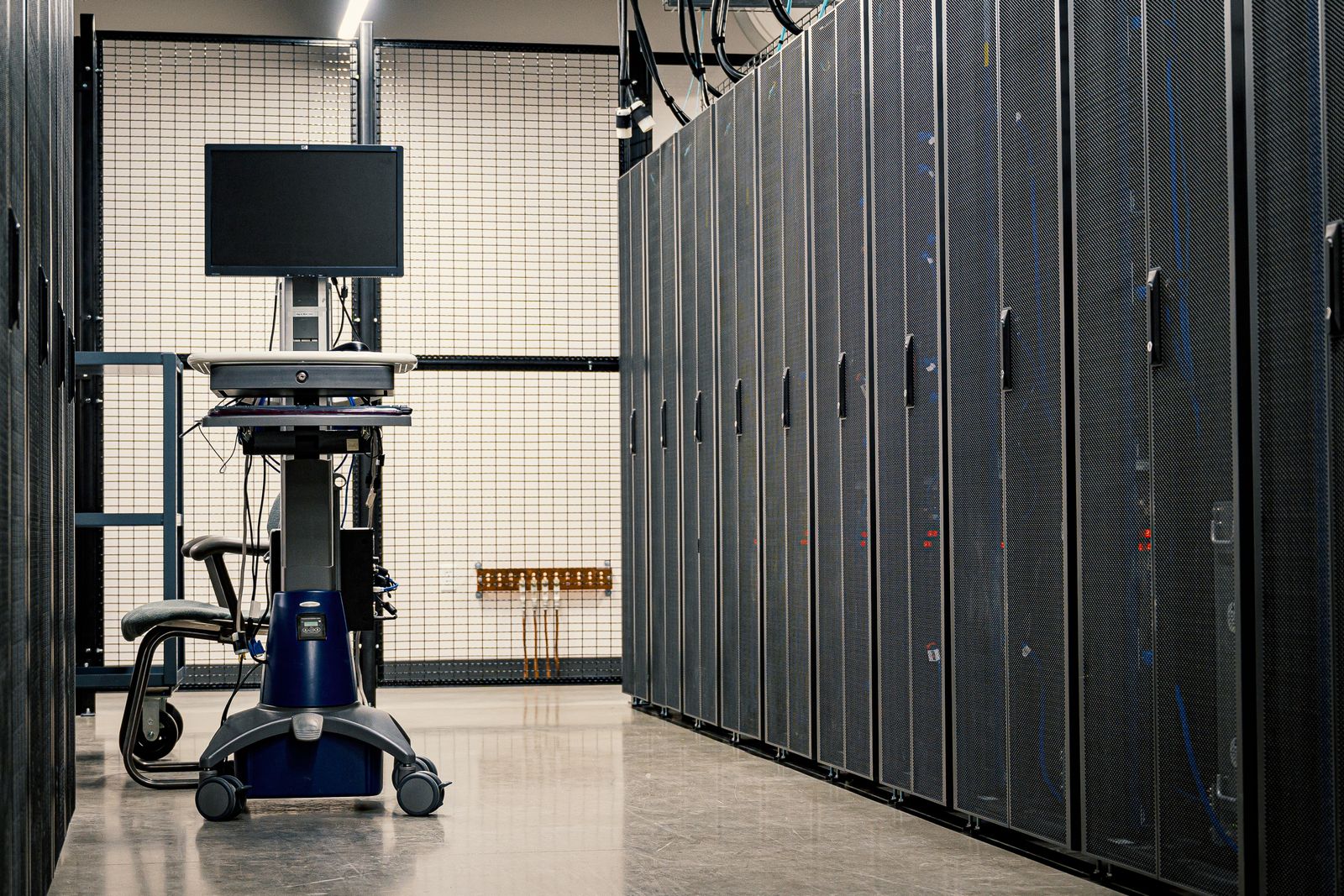
Direct-to-chip cooling
Direct-to-chip designs attach cold plates to CPUs, GPUs, or accelerators. This approach fits many data-center operating models because it keeps servers serviceable while taking the hardest thermal load away from room air.
The tradeoff is operational complexity. Teams must manage coolant chemistry, connection quality, service procedures, spare parts, pressure, leak detection, and vendor support across the full lifecycle.
Immersion cooling
Immersion cooling places hardware in a dielectric fluid bath or sealed system. It can be powerful for specific high-density designs, but it changes maintenance, warranty, hardware handling, and facility assumptions more dramatically.
For many enterprises, immersion is a targeted design choice rather than the first migration step. It deserves careful evaluation where density, noise, heat reuse, or site constraints justify the operating model.
Hybrid rows are the near-term reality
Most sites will not flip from air to liquid overnight. Hybrid rows mix air-cooled infrastructure, liquid-cooled AI racks, rear-door heat exchangers, and upgraded containment within the same operating environment.
That hybrid state needs documentation. Teams should know which racks depend on facility water, which rely on room air, which need special maintenance, and how incidents propagate across both systems.
Compare the architectures honestly
A useful liquid cooling vs air cooling server data centers review compares full operating conditions, not headline cooling capacity. Include power density, service access, fan energy, mechanical headroom, water risk, floor loading, supply chain, and staff skills.
The winning answer may vary by workload. Training clusters, inference nodes, storage arrays, network fabrics, and business applications create different heat profiles and reliability expectations.
Economics move beyond the cooling unit
The financial case includes more than coolant distribution units or upgraded chillers. It includes avoided space expansion, lower fan energy, faster AI rack deployment, deferred facility buildout, and reduced thermal throttling risk.
Finance teams should also count the cost of operational readiness: procedures, monitoring, spare couplings, technician training, commissioning, maintenance windows, and vendor support contracts.
PUE and energy reporting
Liquid cooling can improve power usage effectiveness when it reduces fan energy and moves heat more efficiently. Yet PUE alone can hide water use, workload efficiency, utilization, and carbon intensity.
A mature program tracks energy per workload, accelerator utilization, temperature stability, power headroom, and cooling-water impact. The goal is useful AI capacity, not a single facility metric that looks good in isolation.

Water risk must be designed, not feared
Water near compute sounds alarming, but risk is governed through engineered loops, leak detection, pressure controls, quick disconnects, dripless fittings, commissioning, and clear maintenance procedures.
The real danger is pretending liquid cooling is just a plumbing add-on. Treat it as production infrastructure with ownership, monitoring, change control, and incident response.
Retrofit planning is the hard part
Existing data centers may have enough electrical service but not enough cooling distribution, floor loading, ceiling clearance, or mechanical-room capacity. A retrofit needs survey work before hardware commitments are signed.
Assess chilled-water availability, heat exchangers, condensate management, rack layout, containment, cable routing, leak detection, service aisles, and where coolant distribution units will live.
Facility and IT boundaries blur
Liquid cooling forces facilities and IT teams to share more operational context. A server change can affect coolant manifolds, while a facility maintenance window can affect AI platform availability.
This boundary shift is healthy when governed well. It creates a shared view of capacity, risk, and maintenance that old ticket queues often failed to provide.
Procurement needs thermal requirements early
Buying AI servers without thermal requirements is risky. Procurement documents should ask vendors for supported coolant temperatures, flow rates, pressure ranges, quick-disconnect standards, service guidance, and warranty boundaries.
Vendors should also explain whether the system supports warm-water cooling, how much residual air cooling remains, and what happens when a cooling loop alarm is triggered.
Operations becomes more instrumented
Operational success in liquid cooling vs air cooling server data centers depends on telemetry. Teams need rack inlet temperature, coolant supply and return temperature, flow, pressure, leak sensors, pump state, power draw, and workload placement visibility.
Telemetry should join the same operational view as cluster scheduling and incident response. Cooling alarms are no longer only facilities alerts when they can move jobs, throttle nodes, or delay model releases.
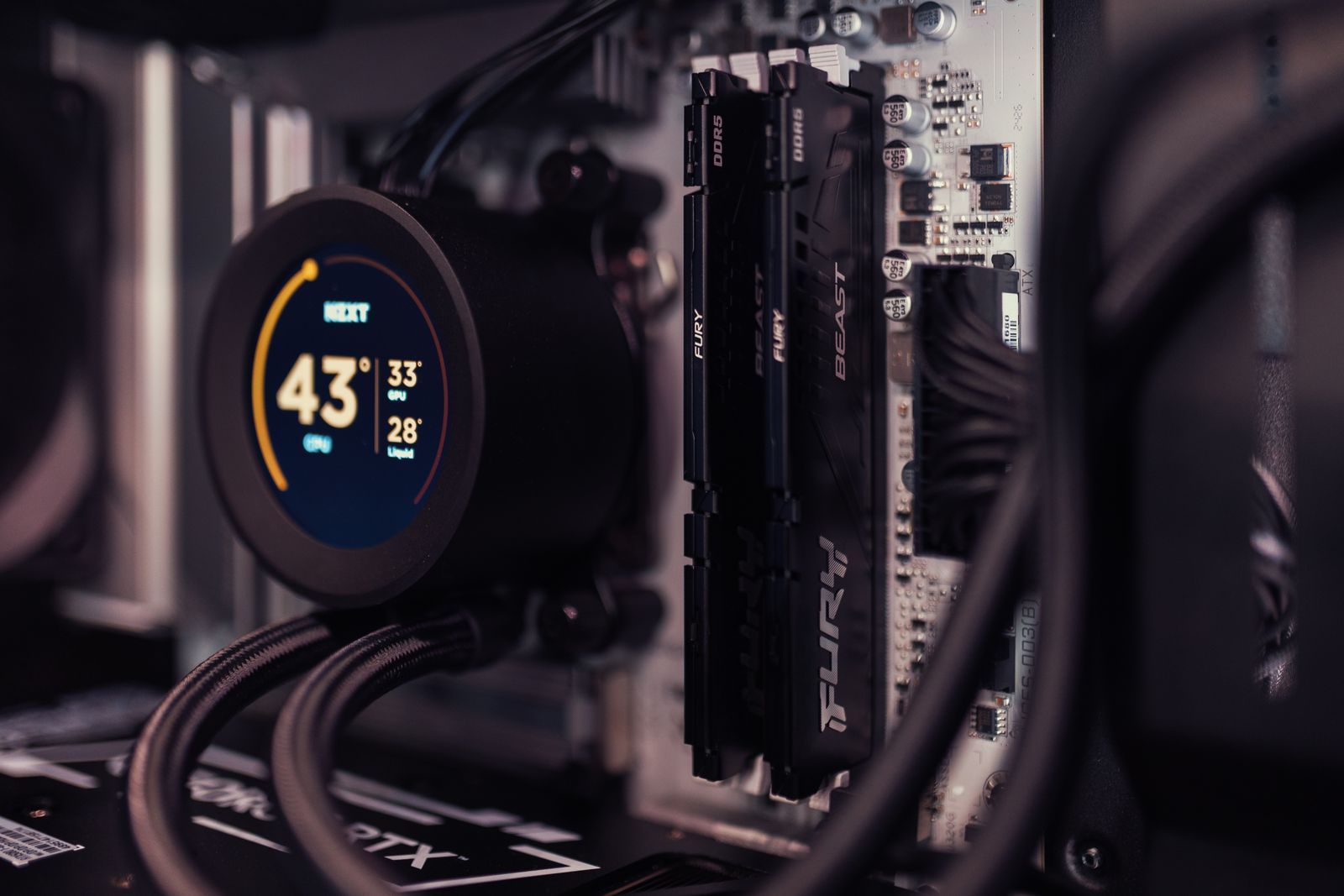
Capacity planning changes
Capacity planning should model power, heat, space, network, and cooling together. A rack that fits physically may still be blocked by distribution capacity, breaker limits, or maintenance access.
Plan for the next hardware generation, not only the current AI purchase. Liquid-ready rows can protect the organization from repeating emergency retrofits every procurement cycle.
Workload placement can use thermal signals
Schedulers and platform teams can use thermal capacity as an input to workload placement. This matters when AI jobs vary by duration, accelerator use, memory pressure, and network intensity.
Thermal-aware placement does not replace facilities engineering, but it can reduce hot spots and keep dense clusters inside defined operating envelopes.
Resilience needs new failure modes
Failure planning should include pump faults, sensor failures, coolant leaks, valve errors, heat-exchanger problems, facility-water interruptions, and maintenance mistakes. Each event needs a response tied to workload risk.
Runbooks should state when to drain, isolate, migrate, throttle, shut down, or keep operating. A vague alert is not enough for production AI infrastructure.
Security and compliance still matter
Liquid cooling systems introduce controllers, monitoring devices, vendor access, and maintenance workflows. Those systems need identity, logging, patching, network segmentation, and change management.
Physical access also matters. Quick disconnects, manifolds, and coolant distribution units should be included in facility security reviews, not treated as invisible mechanical equipment.
Sustainability is more than lower fan power
Liquid cooling can support higher efficiency and heat reuse, but sustainability depends on the whole system. Water source, chemical treatment, heat rejection, utilization, and regional carbon intensity all matter.
Teams should avoid promising green outcomes before measuring them. The honest win is a better-managed thermal path that can support dense compute with fewer emergency compromises.
Start with a constrained pilot
A strong pilot chooses a bounded AI workload, a known rack design, a monitored loop, trained technicians, and clear success metrics. It should not begin as an uncontrolled experiment in a production row.
The pilot should test installation, service access, leak response, monitoring, thermal stability, vendor escalation, and operator confidence before broad rollout.
Build a migration roadmap
The best liquid cooling vs air cooling server data centers roadmap starts with the workloads that actually need density. Inventory candidate racks, model heat load, map mechanical constraints, and define standards before every team buys its own solution.
Phase the program through assessment, pilot, design standard, procurement template, operational runbooks, and repeatable deployment. This keeps the shift from turning into a one-off facilities scramble.
Govern the new standard
Once liquid cooling becomes an approved architecture, governance prevents drift. Define who approves new loops, who owns sensors, who signs off maintenance, and who can place workloads on liquid-cooled nodes.
A documented standard also helps procurement compare vendors fairly. Without it, every quote looks like a different architecture and every exception becomes permanent.
Common mistakes to avoid
The first mistake is buying dense AI racks before confirming facility readiness. The second is treating liquid cooling as a vendor appliance instead of a site operating model.
The third is ignoring staff readiness. Technicians need practice, not just documentation, before they service high-value AI systems attached to liquid loops.
A practical decision model
Use air cooling where rack density, service familiarity, and existing mechanical capacity remain healthy. Use liquid cooling where density, energy, throttling risk, or growth plans make air-side expansion inefficient.
The decision is rarely ideological. It is an engineering and operating tradeoff shaped by workload value, facility constraints, hardware roadmap, and tolerance for new procedures.
Build a readiness checklist
A practical liquid cooling vs air cooling server data centers readiness checklist starts with actual rack power, not vendor excitement. Record current density, planned accelerator growth, cooling reserves, and the business value of workloads that need dense placement.
The same liquid cooling vs air cooling server data centers checklist should identify whether the facility has chilled-water access, heat rejection capacity, leak detection paths, and room for coolant distribution units near the target rows.
Teams reviewing liquid cooling vs air cooling server data centers also need a people checklist. Name the facilities owner, platform owner, incident commander, vendor contact, and technician group before equipment arrives.
Optimize air before declaring defeat
A disciplined liquid cooling vs air cooling server data centers assessment should still test air-side improvements first. Blanking panels, cable discipline, containment, supply temperature policy, and airflow balancing can recover meaningful headroom.
Air optimization does not contradict liquid cooling vs air cooling server data centers. It gives leaders a clearer baseline, so liquid cooling is justified by measurable density pressure rather than frustration with a neglected room.
If liquid cooling vs air cooling server data centers analysis shows air improvements only postpone the same constraint, the business case for liquid cooling becomes easier to defend to finance and operations.
Set engineering standards
Engineering standards keep liquid cooling vs air cooling server data centers from becoming a collection of incompatible vendor projects. Define approved connectors, coolant quality targets, monitoring fields, alarm thresholds, and rack documentation.
A standard for liquid cooling vs air cooling server data centers should also specify how service teams isolate a rack, verify a dry connection, replace a node, and return the loop to production.
Without standards, liquid cooling vs air cooling server data centers decisions repeat from scratch on every purchase order. That slows deployments and makes cross-training harder when the first incident arrives.
Commission the system like production infrastructure
Commissioning for liquid cooling vs air cooling server data centers should include pressure tests, flow verification, sensor calibration, failover checks, workload burn-in, and operator handoff. A powered rack is not the same as an accepted service.
During commissioning, liquid cooling vs air cooling server data centers teams should intentionally test alert routing. Facilities, IT operations, platform engineering, and vendor support must all know which signal means observe, throttle, isolate, or shut down.
Good commissioning records make future liquid cooling vs air cooling server data centers expansion easier. They show which assumptions held, which sensors were noisy, and which maintenance steps need clearer runbooks.
Train staff before the first emergency
Staff training is often the difference between a calm liquid cooling vs air cooling server data centers rollout and a room full of nervous exceptions. Technicians need hands-on practice with fittings, sensors, and isolation procedures.
The training plan for liquid cooling vs air cooling server data centers should include normal service, abnormal alarms, spill response, vendor escalation, and communication with platform teams that may need to drain workloads.
Leaders should budget time for drills because liquid cooling vs air cooling server data centers introduces unfamiliar physical steps. Reading a maintenance PDF during an alarm is not an operating model.
Build the observability model
Observability for liquid cooling vs air cooling server data centers should connect facility telemetry to IT telemetry. Coolant flow, return temperature, node power, GPU utilization, job placement, and failure events belong in one operational picture.
A useful liquid cooling vs air cooling server data centers dashboard separates site capacity from rack health and workload impact. Operators need to know whether a loop issue is local, row-level, or a real service risk.
Historical data from liquid cooling vs air cooling server data centers monitoring helps justify future investments. It shows whether liquid cooling reduced throttling, stabilized temperatures, or simply moved bottlenecks elsewhere.
Ask suppliers harder questions
Supplier reviews for liquid cooling vs air cooling server data centers should go beyond datasheets. Ask how the vendor handles mixed air and liquid environments, firmware alerts, spare couplings, coolant contamination, and warranty disputes.
A serious liquid cooling vs air cooling server data centers procurement process should require evidence from reference sites with similar density, not only lab demonstrations. Real maintenance stories are more useful than perfect diagrams.
Translate the decision for leadership
Executives do not need every fitting detail, but they do need a clear liquid cooling vs air cooling server data centers narrative. The decision protects AI capacity, reduces thermal bottlenecks, and changes operating responsibilities.
When leadership understands liquid cooling vs air cooling server data centers as a capacity strategy, approvals become less reactive. The program can be funded as infrastructure modernization rather than emergency cooling repair.
Bottom line
The bottom line on liquid cooling vs air cooling server data centers is that liquid cooling is not replacing air everywhere. It is becoming necessary where AI workloads compress too much heat into too little space for traditional airflow economics to hold.
Teams that plan early can use liquid cooling as a deliberate capacity strategy. Teams that wait may discover that their AI roadmap is limited by mechanical infrastructure rather than model ambition.
The winning plan treats cooling as a shared product of facilities, platform engineering, procurement, and operations, with measurable capacity targets instead of last-minute mechanical surprises.
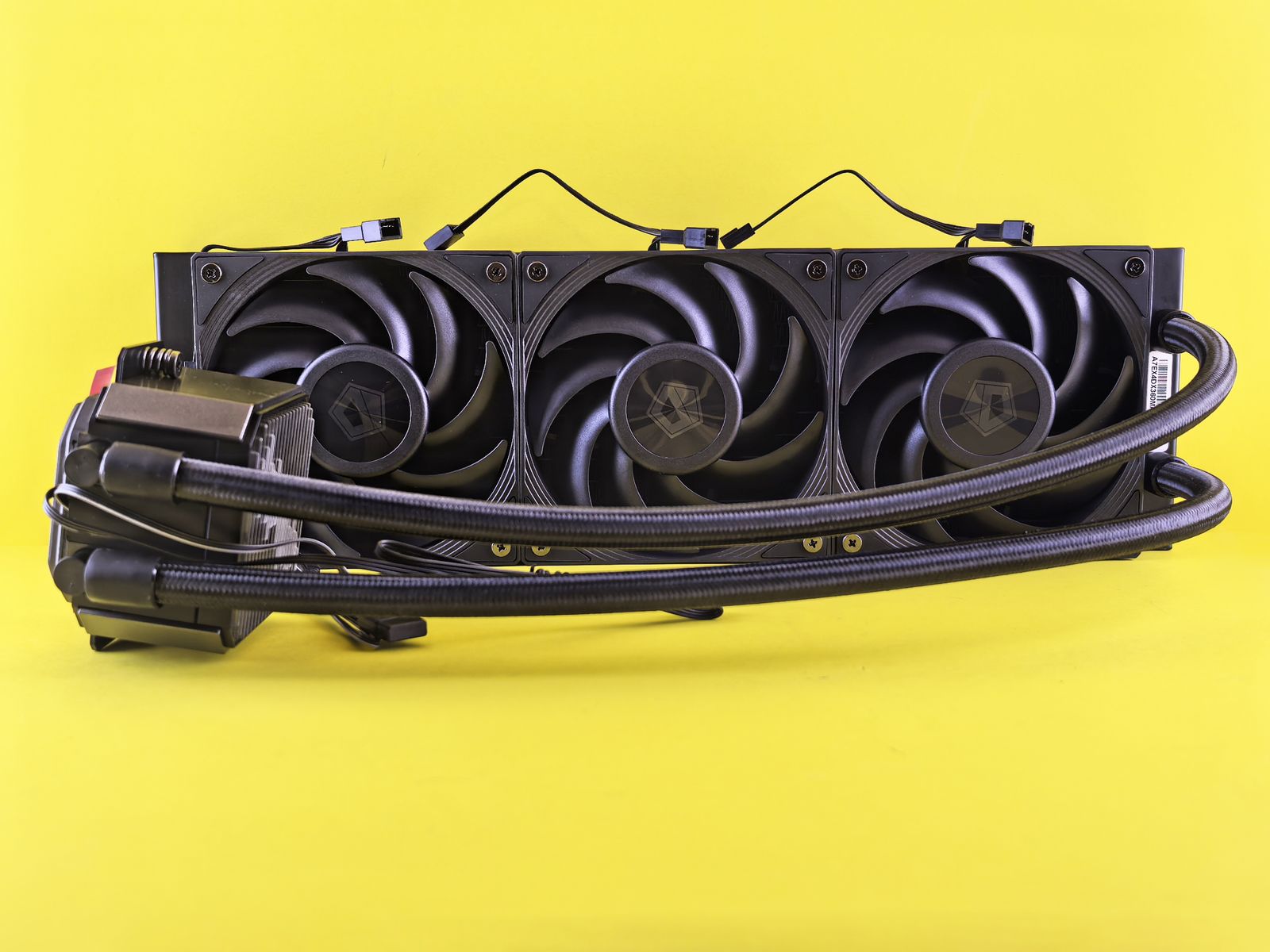
Frequently asked questions about liquid cooling in data centers
What does liquid cooling vs air cooling server data centers mean?
Liquid cooling vs air cooling server data centers means comparing traditional airflow-based thermal design with coolant-based systems for dense racks, especially when AI accelerators raise heat output beyond comfortable air-cooling margins.
Does every AI data center need liquid cooling?
No. Many sites can still run moderate AI inference, storage, and general compute on well-designed air cooling. Liquid becomes more compelling as rack density, fan energy, throttling risk, and expansion pressure rise.
Is liquid cooling dangerous for servers?
It can be safe when engineered with proper fittings, leak detection, pressure controls, procedures, and monitoring. The risk comes from poor design, unclear ownership, and untrained operations.
What should teams assess before a pilot?
Assess power density, facility water, heat rejection, floor layout, service access, vendor requirements, telemetry, support skills, and the specific workloads that justify the change.
How should leaders start?
Start with a focused workload and a limited row or pod. Prove installation, service, monitoring, and incident response before making liquid cooling the standard for every dense rack.
References and further reading
ASHRAE data center thermal guidance explains thermal envelopes and facility design considerations for IT equipment.
The U.S. Department of Energy data center efficiency resources provide context for energy, cooling, and operational measurement.
Progressive Robot on AI compute energy costs shows why cooling and power planning now belong in enterprise AI strategy.
More AI coverage: explore Progressive Robot's AI Models, Tools & Releases hub — hands-on reviews, setup guides and benchmarks in one place.