

Building a secure remote work environment is one of the most common technical headaches that modern teams face, because a single weak laptop, a reused password, or an unprotected home router can quietly expose an entire company to attackers. When people work from anywhere, the old office walls that once kept data safe simply disappear.
This step-by-step tutorial shows you how to set up a secure remote work environment from scratch, covering identity, multi-factor authentication, virtual private networks, device hardening, home networks, backups, monitoring, and the policies that hold everything together. Each step builds on the last so that nothing important is left to chance.
You do not need a large budget or a dedicated security team to follow along. Every step below is practical, ordered, and designed so that a small business or an individual can build a secure remote work environment that stands up to real-world threats without expensive tools or deep technical knowledge.
Table of contents
- Why a secure remote work environment matters
- What you need before you start
- Step 1: Map your risks and sensitive data
- Step 2: Strengthen identity and access
- Step 3: Turn on multi-factor authentication
- Step 4: Deploy a VPN or zero-trust access
- Step 5: Harden every remote device
- Step 6: Secure home networks and Wi-Fi
- Step 7: Protect data with encryption and backups
- Step 8: Lock down cloud apps and collaboration
- Step 9: Add monitoring, logging, and alerts
- Step 10: Write policies and train your team
- Step 11: Prepare an incident response plan
- Common mistakes to avoid
- Your setup checklist
- Frequently asked questions
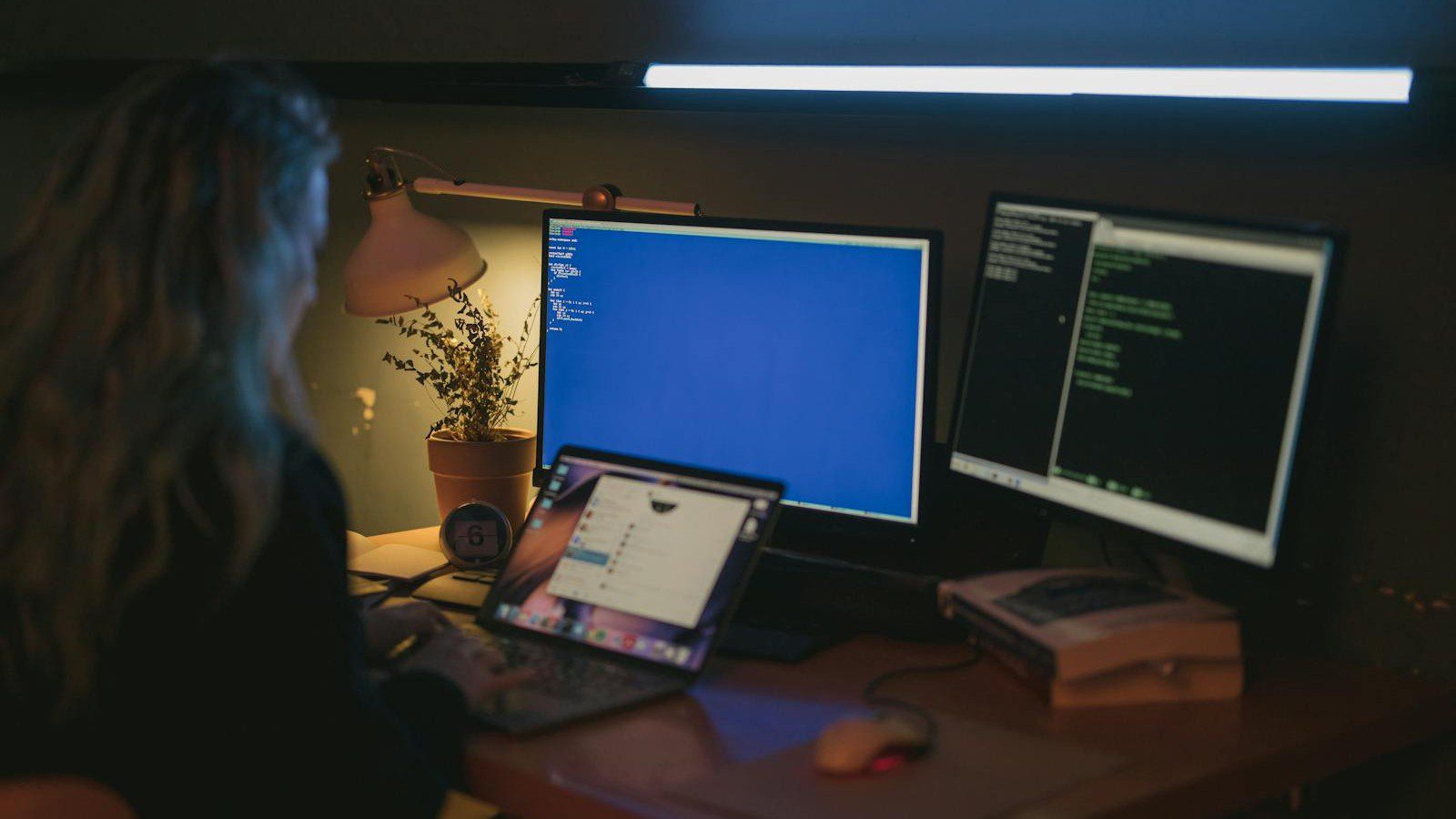
Why a secure remote work environment matters
Remote work removed the traditional office perimeter, and with it the firewalls, locked doors, and trusted networks that once protected company data automatically. A secure remote work environment rebuilds that protection around individual people and devices instead of a single building, so safety travels with the worker rather than staying behind in an office nobody visits anymore.
Attackers know that home setups are often the weakest link in the chain. Unpatched laptops, shared family computers, and routers still using their default passwords give criminals an easy way in, which is exactly why a deliberate, well-planned secure remote work environment is no longer a luxury but a basic requirement for any team handling sensitive information.
The payoff is real and measurable. Organizations that invest in a secure remote work environment reduce their breach risk, protect customer trust, and avoid the heavy cost of downtime, ransomware payments, and regulatory fines that follow a serious incident. Prevention is almost always cheaper and calmer than cleaning up after an avoidable attack.
What you need before you start
Before you build a secure remote work environment, gather a simple inventory of every device, account, and application your team relies on. You cannot protect what you cannot see, so this honest list becomes the foundation for every step that follows and quickly reveals the forgotten apps and old logins that attackers love to exploit.
You will also need administrative access to your email or identity provider, your main cloud apps, and the devices people use for work. Most of the tools in this guide are already built into platforms you pay for today, so the real cost is usually your time and attention rather than new software licenses or hardware.
Finally, set aside a maintenance window and tell your team what is coming. A secure remote work environment changes how people log in and connect to company systems, so clear, friendly communication prevents confusion, reduces support tickets, and turns staff into willing partners instead of frustrated bystanders during the rollout.
Step 1: Map your risks and sensitive data
Start by listing where your sensitive data actually lives, who can reach it, and how it moves between people and systems. A secure remote work environment is built around protecting the data that matters most, not around buying random tools, so this map keeps your effort focused on real risk rather than fashionable features.
Rank each system by impact. Customer records, financial information, and source code deserve the strongest controls, while low-risk material can rely on lighter protection. This simple ranking keeps your budget sensible and ensures the limited time you have goes toward the assets that would cause the most damage if they were ever exposed.
Document the result in a short risk register. Even a one-page list of assets, owners, and risks gives you a clear roadmap and an easy way to measure progress as your secure remote work environment takes shape over the coming weeks. Revisit it whenever you add a new tool or onboard a new member of staff.
Step 2: Strengthen identity and access control
Identity is the new perimeter, so a secure remote work environment begins with strong, centrally managed accounts. Connect your apps to a single identity provider such as Google Workspace, Microsoft Entra ID, or Okta wherever you can, because one well-protected login is far easier to defend than dozens of scattered passwords spread across unrelated services.
Enforce strong, unique passwords with a company password manager, and remove shared logins that hide who actually did what. Apply the principle of least privilege so each person can reach only the systems their role genuinely requires, which shrinks the damage any single stolen account can cause if an attacker ever slips through your defenses.
Disable accounts the moment someone leaves, and review access on a regular schedule. Tight identity hygiene is the cheapest, highest-impact control in any secure remote work environment, and it directly blocks the credential theft that sits behind the majority of modern breaches. A few minutes of housekeeping each month prevents serious headaches later.
Step 3: Turn on multi-factor authentication everywhere
Passwords alone are no longer enough to keep accounts safe. Multi-factor authentication adds a second proof of identity, and it is the single most effective control in a secure remote work environment, blocking the overwhelming majority of automated account attacks even when a password has already been guessed, phished, or leaked in a breach.
Prefer app-based codes or hardware security keys over text messages, because SMS codes can be intercepted or redirected by a determined attacker. Authenticator apps and FIDO2 security keys are inexpensive, quick to roll out, and far more resistant to phishing, giving you a large jump in protection for very little money or effort.
Enable multi-factor authentication on email, cloud storage, finance tools, and administrator accounts first, then extend it to everything else over time. Make it mandatory rather than optional, so no critical login in your secure remote work environment is ever left guarded by a password alone. Convenience should never outweigh the safety of your core systems.
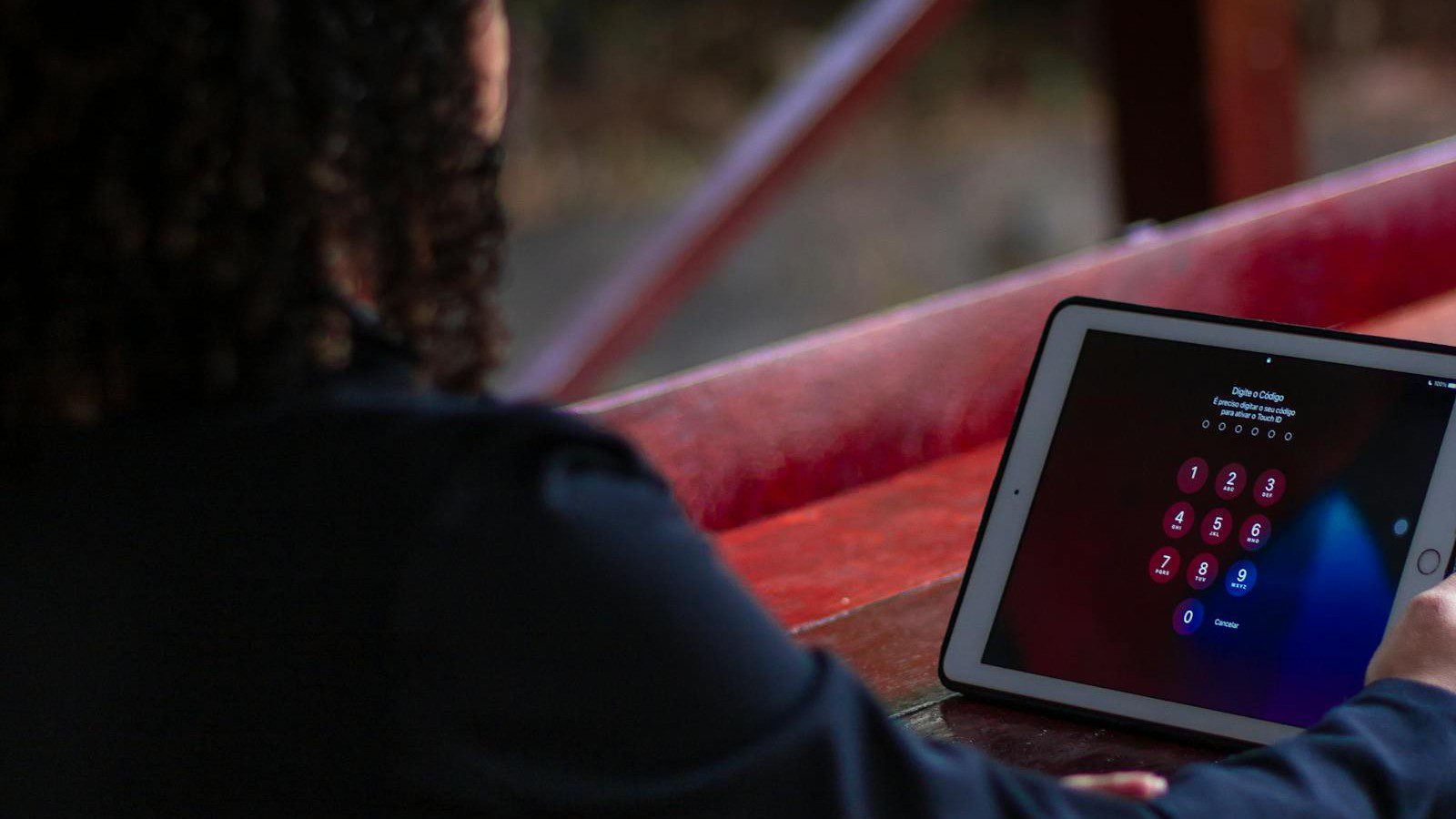
Step 4: Deploy a VPN or zero-trust access
Remote workers need a safe path to company resources, even when they connect from cafes, airports, or shared home networks. A virtual private network encrypts traffic between a device and your systems, keeping data private on untrusted connections, and it remains a dependable layer in a secure remote work environment for reaching internal tools.
For a more modern approach, zero-trust network access checks the user, the device, and the context on every single request instead of trusting anyone who happens to be inside a network. It grants access to specific applications rather than the whole network, which dramatically shrinks what an attacker can reach if they ever compromise one account.
Whichever model you choose, encrypt the connection, verify the device, and log every session for later review. Secure access is the bridge that lets people work productively from anywhere without weakening the secure remote work environment you are carefully building, so treat it as a core pillar rather than an optional convenience for a few staff.
Step 5: Harden every remote device
Every laptop and phone is a doorway into your data, so device hardening is essential rather than optional. A secure remote work environment requires full-disk encryption, automatic security updates, and a screen lock on every device that touches company information, because an unencrypted, out-of-date laptop is an open invitation to anyone who steals or finds it.
Install reputable endpoint protection that detects malware and suspicious behavior, and switch on the built-in host firewall. Where possible, use mobile device management to enforce these settings centrally and to wipe a lost or stolen device remotely, an approach explained further in our guide to securing remote worker laptops linked in the references below.
Keep work and personal use separate wherever you can. Discourage shared family computers for sensitive tasks, and provide managed devices when the budget allows, because controlled, well-configured endpoints are far easier to protect than unknown personal machines you cannot see, patch, or lock down when something goes wrong on the other side of the country.
Step 6: Secure home networks and Wi-Fi
The home router is often the most neglected part of a secure remote work environment, yet it quietly guards every device on the network. Start by changing the default administrator password, which attackers can look up in seconds, and update the router firmware so known vulnerabilities are patched before anyone has a chance to exploit them.
Use WPA3 encryption, or at least WPA2, choose a long and unique Wi-Fi passphrase, and disable risky features such as remote administration and WPS. A separate guest network keeps smart-home gadgets, gaming consoles, and visitors away from the work devices that handle company data, reducing the number of doors an attacker could ever try to open.
Encourage staff to restart and patch their routers regularly, and to replace ancient hardware that no longer receives updates. These small, low-effort habits close the gaps that automated scanners constantly probe for, and they meaningfully strengthen the secure remote work environment without requiring any extra software, subscriptions, or specialist networking knowledge from your team.

Step 7: Protect data with encryption and backups
Data protection is the safety net of a secure remote work environment, catching you when something inevitably goes wrong. Encrypt data both at rest and in transit, and store sensitive files in managed cloud services rather than on scattered local drives that are easy to lose, damage, or leave behind in the back of a taxi.
Follow the well-known 3-2-1 backup rule: keep three copies of important data on two different types of media, with at least one copy stored safely offsite. Automated, versioned backups let you recover quickly from ransomware, hardware failure, or simple human error, turning a potential disaster into a minor inconvenience that costs hours rather than weeks.
Test your restores regularly instead of assuming they work. A backup you have never actually recovered from is only a hope, so periodic recovery drills confirm that your secure remote work environment can genuinely bounce back when a laptop dies, a file is deleted, or an attacker encrypts your systems and demands a ransom.
Step 8: Lock down cloud apps and collaboration tools
Most remote work now happens inside cloud apps, so their settings quietly define much of your secure remote work environment. Review the sharing defaults so files are private unless deliberately shared, and make sure external sharing is limited, logged, and easy to audit later, because an accidental public link can expose data to the entire internet.
Restrict third-party app connections, revoke unused integrations, and audit which accounts hold administrator rights across your platforms. Many breaches begin with an over-permissioned plugin or a forgotten test account that nobody was watching, so trimming this hidden attack surface is one of the most valuable hours you can spend on your overall security.
Turn on the built-in security and alerting features your platforms already offer at no extra cost. Vendors like Google and Microsoft provide dashboards that flag risky logins, unusual downloads, and oversharing, giving you free visibility into your secure remote work environment so you can spot trouble early instead of discovering it weeks after the damage is done.
Step 9: Add monitoring, logging, and alerts
You cannot defend what you cannot see, so monitoring closes the loop on a secure remote work environment and keeps it honest. Centralize logs from your identity provider, devices, and cloud apps in one place so that unusual activity stands out quickly rather than hiding in a dozen separate dashboards nobody ever bothers to open.
Set alerts for high-risk events such as impossible-travel logins, mass file downloads, brand-new administrator accounts, and security tools being switched off. These early warnings turn a quiet, slow-moving breach into a contained incident, often giving you hours or days to respond before an attacker can reach the data that truly matters to your business.
Review these alerts on a steady schedule, not only in the middle of a crisis. Calm, almost boring monitoring is exactly what keeps a secure remote work environment healthy long after the initial setup is finished, and it builds the muscle memory your team needs to act quickly and confidently when a real emergency finally arrives.

Step 10: Write clear policies and train your team
Technology alone cannot secure people, so plain policies and regular training complete a secure remote work environment. Write short, jargon-free rules covering passwords, device use, approved applications, and how to report a suspected incident, then make them genuinely easy to find so nobody has an excuse for not knowing what good behavior looks like.
Run regular awareness training and simulated phishing tests, because staff who can confidently spot a scam are your strongest line of defense. Keep every session brief, practical, and free of fear, so the lessons actually stick and people feel safe reporting a mistake quickly rather than hiding it until a small problem becomes a major breach.
Make security a natural part of onboarding and offboarding. When good habits are built into everyday routines and new starters learn them from day one, your secure remote work environment becomes a shared culture rather than a forgotten document, and the whole team quietly takes ownership of keeping company data safe wherever they happen to work.
Step 11: Prepare an incident response plan
Even a strong secure remote work environment can face an incident, so plan your response before you ever need it. Write down clearly who to call, how to isolate an affected device, and how to reset compromised accounts, so that under pressure your team follows a calm checklist instead of improvising and making an anxious situation noticeably worse.
Keep emergency contacts, vendor support numbers, and backup details somewhere reachable even if your main systems are completely down. A printed copy or a secure offline note can save precious time during an outage, when the very tools you would normally rely on to look things up may be the ones that are unavailable.
Practice the plan with a short tabletop exercise once or twice a year. Rehearsed teams recover noticeably faster, and a tested plan turns panic into a methodical, almost routine recovery for your secure remote work environment, protecting both your data and the reputation that took years to build but could be damaged in a single bad afternoon.
Common mistakes to avoid
The most common mistake is treating security as a one-time project that you finish and forget. A secure remote work environment needs ongoing patching, periodic reviews, and refreshed training, because the threats, tools, and people involved all change constantly, and controls that were strong last year can quietly drift into weakness without anyone really noticing.
Other frequent errors include relying on passwords without multi-factor authentication, ignoring home router security entirely, skipping or never testing backups, and handing out broad administrator rights that very few people actually need. Each shortcut feels harmless at the time, yet together they create exactly the gaps that attackers probe for first when they target a remote team.
Avoid security theater as well. Long, confusing rules that nobody reads or follows are often worse than a handful of clear controls people genuinely use every day, so keep your secure remote work environment simple, consistently enforced, and easy to live with. Security that gets in the way too much eventually gets bypassed by frustrated staff.
Your secure remote work environment checklist
Use this quick checklist to confirm your setup is complete. Centralized identity with least-privilege access, multi-factor authentication on every account, and encrypted remote access through a VPN or zero-trust model together form the protective core of any secure remote work environment, and they should be the very first items you put firmly in place.
Add hardened and encrypted devices, secured home networks, automated and tested backups, locked-down cloud sharing, active monitoring, and clear written policies backed by regular training to round out the picture. Each item reinforces the others, so the more boxes you can honestly tick, the harder your environment becomes for an attacker to break.
Revisit this checklist every quarter rather than filing it away and forgetting it. A secure remote work environment is a living system that grows and shifts alongside your team, your tools, and the wider threat landscape, so a short, regular review is what keeps it genuinely strong instead of slowly slipping back into quiet, comfortable neglect.
Frequently asked questions about a secure remote work environment
How long does it take to set up a secure remote work environment?
A small team can put the core controls in place within a few days, focusing first on identity, multi-factor authentication, and device encryption. A complete secure remote work environment, including monitoring and training, usually matures over a few weeks as you layer in the remaining steps and adjust them to fit how your people genuinely work.
Do I need expensive tools to build one?
No. Most of the controls in a secure remote work environment rely on features already included in platforms like Google Workspace or Microsoft 365, plus an affordable password manager and a reliable backup service. Consistency and good habits matter far more than budget, so start with what you already own before buying anything new.
Is a VPN still necessary if I use zero trust?
It depends on your systems. Zero-trust access can replace a traditional VPN for cloud applications, yet many teams still keep a VPN for older, legacy tools that were never designed for the modern internet. Either way, encrypted and verified access for every remote session remains essential and should never be skipped to save a little time.
What is the single most important step?
If you can only do one thing today, enable multi-factor authentication everywhere it is offered. It blocks the overwhelming majority of account attacks and gives any secure remote work environment an immediate, dramatic boost in safety, which is why security professionals consistently rank it as the highest-value control a small team can possibly turn on.
How often should I review everything?
Review access and alerts monthly, patch devices and test backups regularly, and run a full review of your secure remote work environment every quarter. Security is a steady habit rather than a one-time task, and these short, scheduled check-ins catch the small problems early, long before they have a chance to grow into a serious and costly incident.
Final thoughts
Building a secure remote work environment is not about chasing every shiny new product on the market. It is about layering simple, proven controls so that no single failure can expose your whole business, which is a goal any team can reach with patience, consistency, and a willingness to revisit the basics on a regular schedule.
Work through the steps in order, from identity and multi-factor authentication to devices, networks, backups, monitoring, and policies. Each layer you add quietly makes the next attack harder to pull off and your eventual recovery faster, so progress compounds even when each individual change feels small and undramatic at the time you make it.
Start today with the highest-impact steps, then improve steadily over the following weeks. A secure remote work environment built one careful step at a time will protect your team, your data, and your hard-earned reputation for years to come, and it will pay you back every single time an attack quietly bounces off your defenses.










