

Extended Reality in Training gives employees a safe place to practice difficult, high-pressure, or rarely repeated work scenarios before those moments happen in the real world. It can combine virtual reality, augmented reality, and mixed reality so a learner can rehearse a conversation, inspect equipment, follow a safety procedure, or respond to a simulated emergency with immediate feedback.
The value is not novelty. The value is better practice. A good XR program lets employees make decisions, see consequences, repeat the experience, and build confidence without putting customers, co-workers, assets, or compliance outcomes at risk.
PwC reports that VR soft-skills learners in its study completed training faster, felt more confident, were more emotionally connected to the content, and were more focused than comparison groups. The XR Association also emphasizes responsible immersive design principles, while the W3C XR Accessibility User Requirements note that XR includes VR, AR, mixed reality, and related technologies with spatial tracking and interaction.
For organizations in Technology, Extended Reality in Training works best when it is treated as a learning system, not a headset purchase. The program needs scenario design, accessibility, device management, cybersecurity, analytics, and a rollout plan that connects immersive practice to measurable job performance.
| Planning area | Why it matters | What to decide first |
|---|---|---|
| Scenario selection | Not every class needs XR | risky, rare, expensive, or emotional moments |
| Learner experience | Simulations must feel useful | goals, prompts, feedback, replay options |
| Measurement | Engagement alone is not enough | skills, confidence, behavior, error reduction |
| Operations | Headsets need support | hygiene, charging, updates, storage, scheduling |
| Governance | Immersive data can be sensitive | privacy, access, retention, security |
Extended Reality in Training at a glance
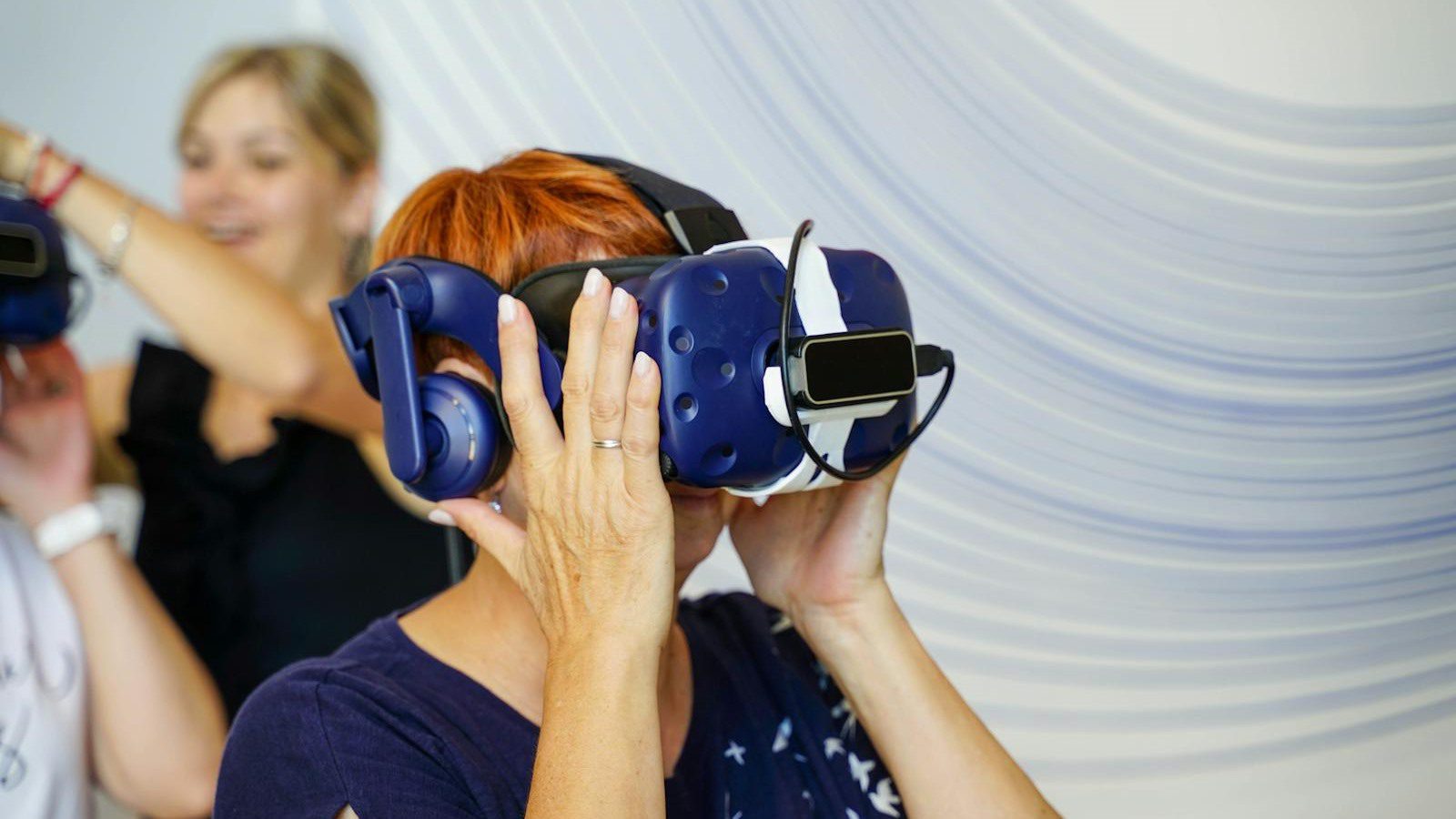
Extended Reality in Training is the practical use of immersive technology to help employees learn by doing. A VR module might place a manager in a feedback conversation. An AR workflow might guide a technician through a repair. A mixed-reality simulation might let a team practice equipment checks while seeing virtual prompts over a real space.
This is different from passive e-learning. The learner is not only watching a video or clicking through slides. They are placed inside a realistic decision environment where timing, attention, memory, and judgment matter.
Extended Reality in Training is especially valuable when the real task is expensive, dangerous, hard to schedule, or emotionally difficult. Examples include safety drills, customer conflict, inclusive leadership, equipment maintenance, emergency response, sales conversations, healthcare procedures, field inspections, and onboarding tours.
The most effective programs stay focused. They identify one behavior that must improve, build a realistic simulation around that behavior, and measure whether employees can transfer the skill back to the job.
Win 1: choose simulation goals before devices

The first win is choosing the right training problem before choosing the hardware. Extended Reality in Training can be impressive, but a headset will not fix a weak curriculum, unclear skill model, or poorly defined performance gap.
Start with the business moment. What does the employee need to do better after the simulation? Handle a hostile customer? Lock out equipment safely? Identify a phishing attempt? Give inclusive feedback? Navigate a warehouse? If the desired behavior is vague, the XR experience will be vague too.
Next, decide whether VR, AR, mixed reality, or 360-degree video is the right format. VR can create fully controlled environments. AR can overlay instructions on the real world. Mixed reality can combine physical surroundings with interactive digital objects. The format should follow the learning objective.
For IT Consulting teams, the right discovery workshop maps task risk, training frequency, learner volume, content complexity, device constraints, and integration needs before a vendor shortlist is created.
Win 2: design realistic employee scenarios

The second win is realism with purpose. Extended Reality in Training should not overwhelm employees with cinematic detail that distracts from the skill. It should create enough realism to make the decision feel authentic while keeping the learning path clear.
A strong scenario includes a role, setting, objective, pressure, choice points, feedback, and debrief. For example, a supervisor might practice responding to a safety violation. A nurse might practice donning protective equipment. A warehouse associate might identify blocked exits. A sales team might practice discovery questions with a virtual buyer.
The simulation should also include common mistakes. Employees need to see what happens when they skip a step, use the wrong tone, miss a warning sign, or choose the wrong priority. Safe failure is one of the biggest advantages of immersive learning.
Extended Reality in Training becomes more engaging when the learner has agency. Let people explore, decide, try again, and compare their choices with the expected standard.
Win 3: blend XR with classroom and e-learning

The third win is blended learning. Extended Reality in Training should usually complement classroom sessions, coaching, job aids, and digital lessons rather than replace them all. PwC notes that VR is likely to become part of blended learning curricula rather than a full replacement for every modality.
Use short pre-work to teach vocabulary, policy, or background concepts. Use XR for practice moments where the learner must apply that knowledge. Then use group debriefs, coaching, and manager follow-up to reinforce behavior on the job.
This structure keeps the immersive session focused and reduces headset time. It also helps learners understand why the simulation matters before they enter it and what to do with the feedback after they leave it.
For workflow automation, an XR module can trigger follow-up tasks such as retakes, coaching reminders, certificate updates, or manager alerts when a learner needs extra support.
Win 4: measure skills, confidence, and behavior

The fourth win is better measurement. Extended Reality in Training can capture more than completion status. It can record decisions, time to respond, missed steps, confidence ratings, replay frequency, assessment scores, and improvement across attempts.
Measurement should start before the build. Decide which metrics show that the simulation is working. A safety program might track hazard recognition and near-miss reduction. A customer service program might track de-escalation choices and quality scores. A leadership program might track confidence, observed behavior, and manager feedback.
Do not confuse engagement with mastery. A learner may enjoy the module and still fail to apply the skill. Combine XR data with quizzes, supervisor observation, operational KPIs, and learner surveys.
Extended Reality in Training can be powerful because the analytics are tied to behavior inside the scenario. That makes the debrief more specific than a generic test score.
Win 5: build safe and accessible employee experiences

The fifth win is inclusion. Extended Reality in Training should account for comfort, accessibility, motion sensitivity, physical movement, audio, captions, controller complexity, language, and assistive technology needs.
The W3C XR accessibility note highlights needs such as multimodal input and output, alternative control mapping, captions, orientation support, adjustable interaction timing, and ways to avoid motion sickness triggers. Those ideas matter in workplace learning because every employee must have a fair path to complete required training.
Offer alternatives where needed. Some employees may need a seated mode, lower-motion option, second-screen view, captions, translated text, different controllers, or a desktop equivalent. Accessibility should be designed into the scenario, not added as an afterthought.
Extended Reality in Training also needs physical safety rules. Clear the play space, prevent collisions, set session time limits, sanitize shared devices, and train facilitators to stop a session when a learner feels discomfort.
Win 6: scale content and headset operations

The sixth win is operational readiness. Extended Reality in Training can fail at scale if no one owns devices, updates, content versions, user access, charging, storage, cleaning, repairs, and support.
Create a headset operations checklist. Include mobile device management, app deployment, Wi-Fi access, identity, kiosk mode, content updates, asset labels, storage cases, charging carts, lens care, hygiene supplies, and replacement procedures.
Content operations matter too. A simulation may need updates when policies, products, facility layouts, compliance rules, or brand standards change. Teams should know who approves edits, how versions are tested, and how old modules are retired.
For Cyber Security, immersive learning adds sensitive data questions. Record only what the organization needs, protect learner analytics, control administrator access, and review vendor security before connecting XR platforms to HR or learning systems.
Win 7: rollout roadmap for employee simulations
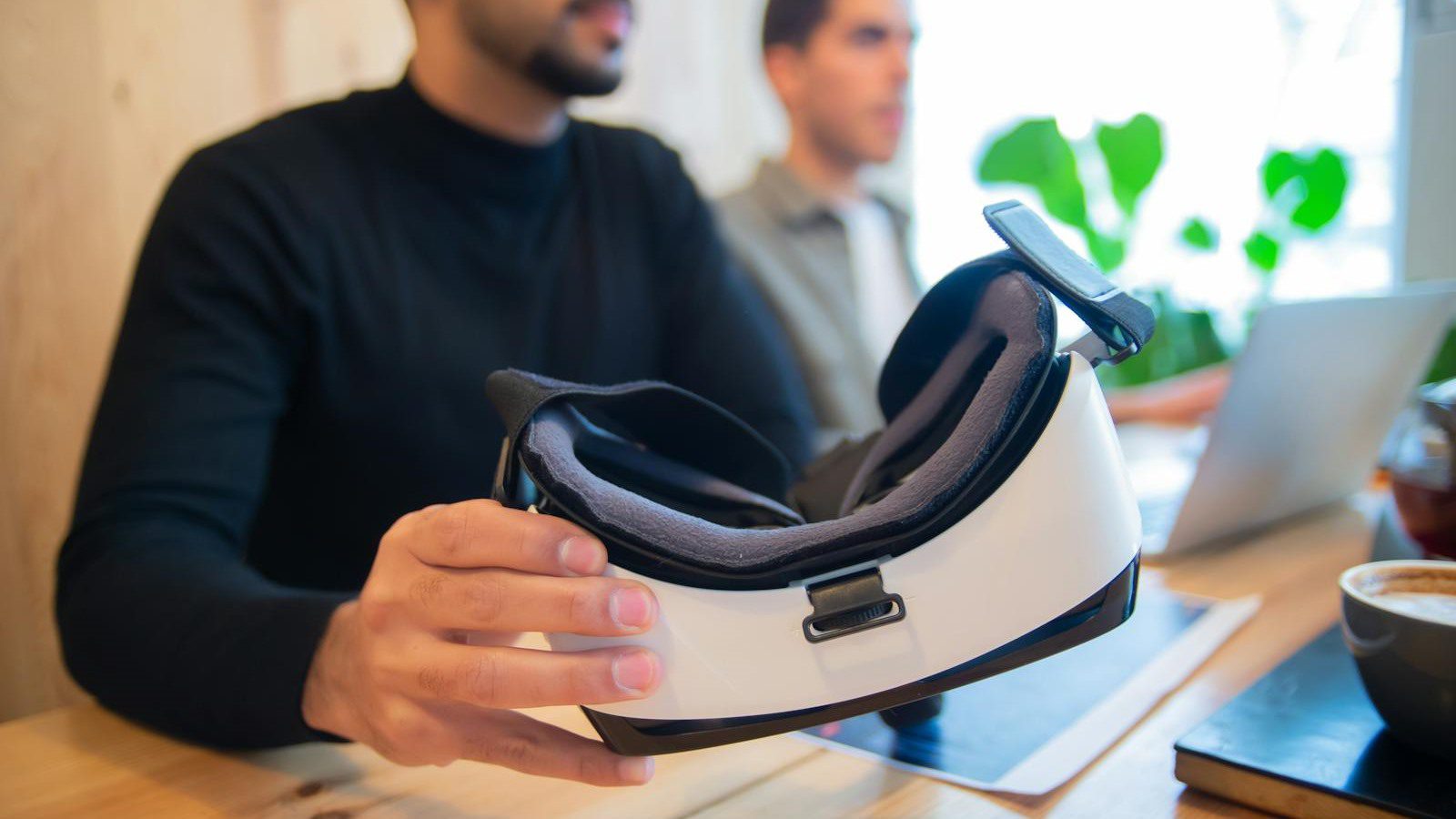
The seventh win is a practical rollout. Start with one high-value use case where immersive practice has a clear advantage over video or slides. Good candidates are risky tasks, rare incidents, expensive mistakes, complex spatial procedures, or emotionally challenging conversations.
Run a pilot with a limited learner group. Measure baseline performance, completion time, learner confidence, observed behavior, facilitator effort, device reliability, and support tickets. Use the pilot to refine the script, pacing, feedback, accessibility options, and deployment model.
Then decide whether the simulation should scale by role, site, region, or skill family. A single excellent module can become a template for future employee simulations if the organization documents design patterns, analytics, technical standards, and facilitation practices.
Extended Reality in Training works best when leaders treat the first pilot as a repeatable capability. The goal is not one impressive demo. The goal is a library of safe, engaging employee simulations that improve real performance.
Extended Reality in Training FAQ

What is Extended Reality in Training?
Extended Reality in Training uses virtual reality, augmented reality, mixed reality, or related immersive tools to help employees practice workplace tasks and decisions in realistic simulations.
Which employee simulations work best in XR?
XR works best for training that is risky, costly, rare, spatial, emotional, or hard to practice live. Examples include safety, maintenance, customer conflict, leadership, onboarding, and emergency response.
Does XR replace classroom learning?
Usually not. XR works best as part of blended learning. Use classroom or e-learning for concepts, immersive simulation for practice, and coaching or manager follow-up for transfer to the job.
How should teams measure XR learning?
Measure decisions, response time, errors, retries, confidence, assessment scores, observed behavior, and business outcomes. Completion alone does not prove that employees gained the target skill.
What accessibility features should XR training include?
Consider captions, seated mode, low-motion options, alternative controls, clear orientation cues, adjustable timing, readable text, audio alternatives, and non-headset paths when needed.
Is XR training expensive to scale?
It can be expensive upfront, especially when custom content is needed. Costs improve when content is reusable, learner volume is high, headsets are centrally managed, and simulations replace travel or live equipment time.
How should an organization start?
Start with one measurable use case, define the target behavior, build a small pilot, test accessibility and device operations, measure outcomes, and scale only after the simulation improves performance.
Extended Reality in Training is most useful when immersive technology turns practice into performance. Pick a meaningful workplace moment, design a scenario that feels real, measure the right outcomes, and make the experience safe and accessible for every learner.
If your organization wants to create engaging employee simulations, contact Progressive Robot to plan a focused XR training pilot.










