
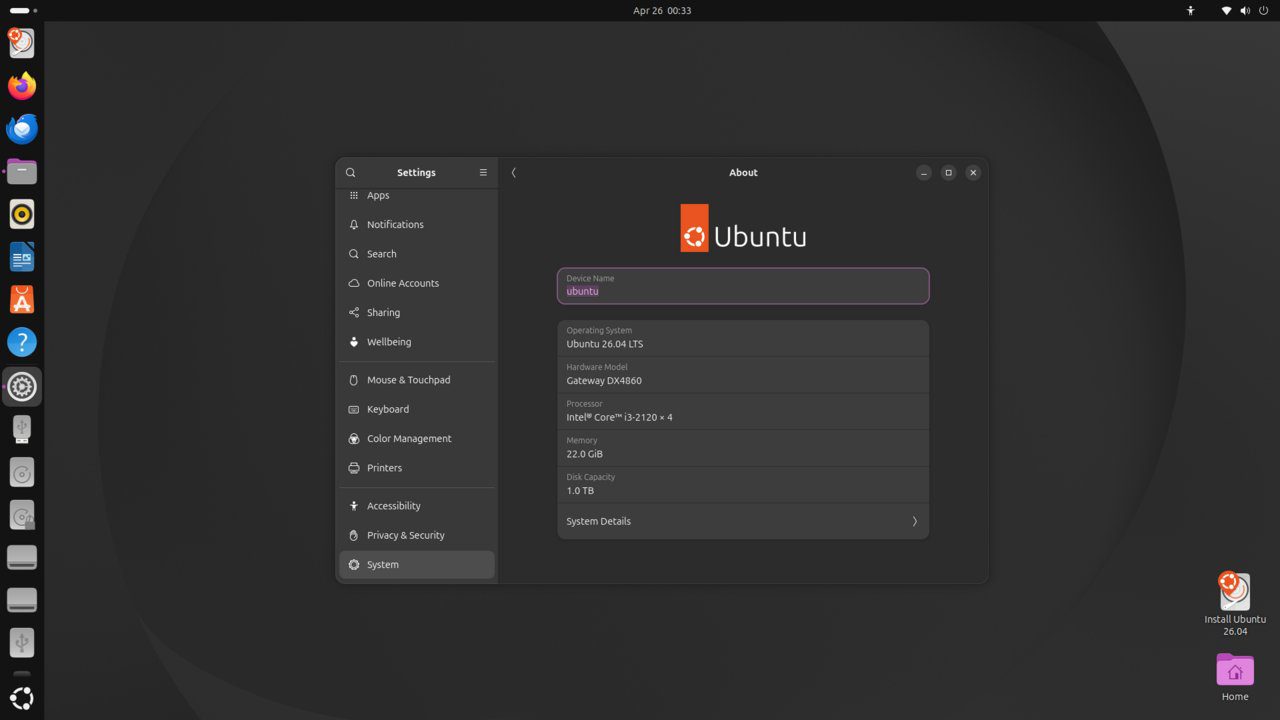
OpenSSL is a toolkit implementing the SSL/TLS protocols and providing a full-featured cryptographic library. Understanding how to generate, inspect, and manage SSL certificates is fundamental for securing web servers, APIs, and internal services. This guide covers certificate generation with OpenSSL on Ubuntu 26.04 LTS.
Tested and valid on:
- Ubuntu 26.04 LTS
Prerequisites
- Ubuntu 26.04 LTS
- OpenSSL installed (
sudo apt install openssl) - A user with sudo privileges
Step 1 – Check OpenSSL Version
openssl versionStep 2 – Generate a Private Key
# RSA 4096-bit:
openssl genrsa -out private.key 4096
# EC (recommended, smaller and faster):
openssl ecparam -genkey -name prime256v1 -out private.key
Step 3 – Generate a Self-Signed Certificate
openssl req -new -x509 -key private.key
  -out certificate.crt -days 365
  -subj '/C=US/ST=CA/L=San Francisco/O=MyOrg/CN=example.com'
Step 4 – Generate a CSR (for CA signing)
openssl req -new -key private.key -out certificate.csr
  -subj '/C=US/ST=CA/L=San Francisco/O=MyOrg/CN=example.com'
Send the .csr to your Certificate Authority.
Step 5 – Inspect a Certificate
openssl x509 -in certificate.crt -text -noout
openssl x509 -in certificate.crt -noout -dates
openssl x509 -in certificate.crt -noout -subject
Step 6 – Create a Self-Signed Certificate with SAN
openssl req -new -x509 -key private.key -out san-cert.crt -days 365
  -subj '/CN=example.com'
  -addext 'subjectAltName=DNS:example.com,DNS:www.example.com,IP:192.168.1.10'
Step 7 – Convert Certificate Formats
# PEM to DER:
openssl x509 -in cert.pem -outform DER -out cert.der
# DER to PEM:
openssl x509 -in cert.der -inform DER -out cert.pem
# PEM to PKCS#12:
openssl pkcs12 -export -out cert.p12 -inkey private.key -in cert.pem
Conclusion
You can now generate, inspect, and convert SSL certificates using OpenSSL on Ubuntu 26.04 LTS. For production use, obtain certificates from Let’s Encrypt (Certbot) or a commercial CA rather than self-signed certificates.










