

TonesMatch is a web-based AI guitar tone matching tool for players who want a song reference translated into practical settings for the gear they actually own. It focuses on guitars, basses, amplifiers, pickup positions, EQ choices and pedal chains rather than generic advice.
The idea is simple, but the problem is not. Famous guitar and bass sounds depend on pickups, strings, speakers, microphones, rooms, gain staging, effect order and the hands of the player, so a useful matcher has to be more specific than a list of random knob positions.
This guide looks at TonesMatch as a practical music technology product. It explains what the tool appears to do, where it may help guitarists and bass players, what buyers should verify, and how to test the workflow before trusting it for rehearsals, recording or live performance.
Table of contents
- What the tool is
- How the matching workflow works
- Why gear-aware settings matter
- Pedals, pickup positions and signal chains
- Pricing and trial details to verify
- Accuracy limits and quality checks
- A practical adoption roadmap
- Frequently asked questions
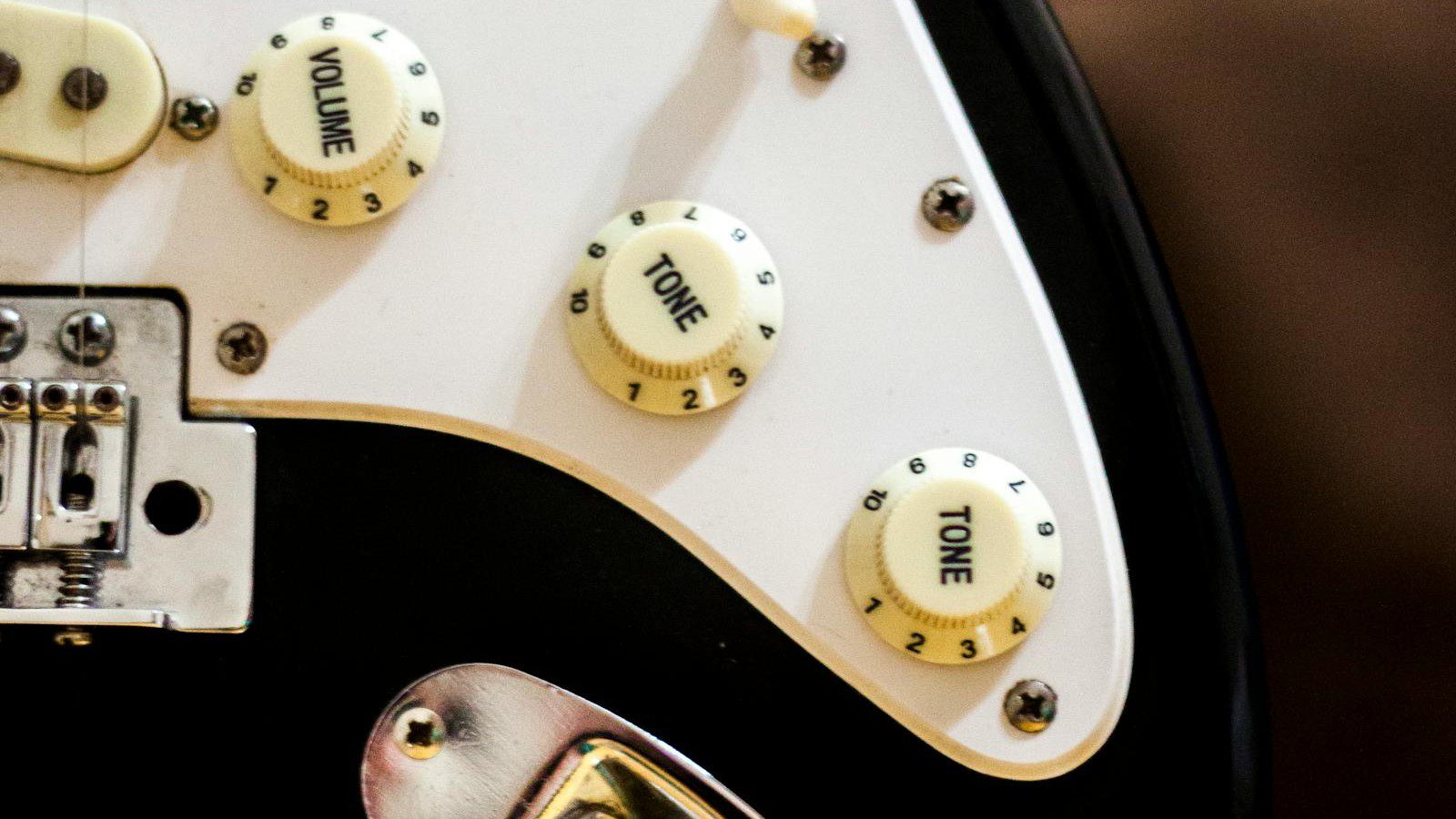
What TonesMatch is
TonesMatch is listed as an AI guitar tone matcher that converts a target song into amp, pickup, EQ and pedal-chain settings for a user’s own rig. Third-party directories describe it as a web platform for guitarists and bass players rather than a general music generator.
The product claim is narrower than many AI music tools. Instead of creating a new song, TonesMatch appears to research how a known sound was built and then adapts that reference to the controls, pickups and amplifier choices available to the player.
That focus matters because guitar tone is highly physical. The same advice can sound different on a Strat-style single coil, a humbucker guitar, a small combo amp, a modeler, a bass rig or a direct recording setup.
Why tone matching is difficult
A classic guitar tone is rarely one setting. It is a chain of decisions that may include the player’s instrument, pickup selection, amplifier channel, gain level, cabinet, microphone, compression, overdrive, modulation, delay and studio processing.
TonesMatch is interesting because it tries to turn that messy chain into a playable recommendation. The promise is not to clone the original recording perfectly, but to give a practical starting point that fits the equipment in front of the player.
This is the difference between inspiration and execution. A forum post might say a sound used a British amp and a fuzz pedal, while a useful tool needs to say which channel, which pickup, how much gain, what EQ curve and where the effects belong.
How the matching workflow works
The typical TonesMatch workflow begins with a target song. The user searches or browses a tone library, selects a reference, and then describes the guitar, bass, amp and pedals they actually own.
Directory listings say the platform maps researched real-world tone data to the user’s gear profile. In practice, that means the output should be a set of available controls rather than a fantasy preset for hardware the musician does not have.
The best workflow is iterative. Dial in the suggested settings, play the relevant part, adjust for the room, volume and pickups, then save the result as a repeatable preset for practice, recording or rehearsal.
Why gear-aware settings matter
A core TonesMatch selling point is gear awareness. Listings describe a database that understands real control layouts, pickup differences, tube versus modeling amps and multiple cabinet voicings.
This is important because generic advice can recommend controls that do not exist. Some amplifiers have three EQ knobs, some have presence or resonance, some modelers use deep menus, and many practice amps expose simplified tone controls.
A gear-aware recommendation should translate the target sound into the user’s available language. That might mean adapting a studio stack to a compact combo amp, a plugin, a pedal platform or a direct bass recording chain.
Amp settings and EQ translation
TonesMatch appears to provide gain, EQ, channel and related amp settings. Those values are most useful when treated as a starting map rather than a final command, because volume, speaker size and room response can shift the result.
Gain is usually the first place players overdo a famous tone. Many recorded sounds are clearer than they seem because compression, double tracking and mix processing create heaviness without burying the pick attack.
EQ should also be tested at performance volume. A tone that feels full alone can become muddy with a band, while a tone that feels bright in the bedroom may cut properly once drums and bass enter the mix.
Pedals, pickups and signal chains
The strongest TonesMatch use case may be signal-chain translation. Directories mention pickup position, pedal order, effect settings and preset names where available, which gives players more context than simple bass, middle and treble values.
Pickup position changes the entire response of a guitar. A bridge humbucker, neck single coil and split-coil setting will react differently to the same amp, so the recommendation has to account for both the instrument and the playing part.
Pedal order is just as practical. A compressor before drive behaves differently from a compressor after drive, and delay before distortion can turn a clean repeat into a wash of noise. The chain is part of the tone, not an accessory.
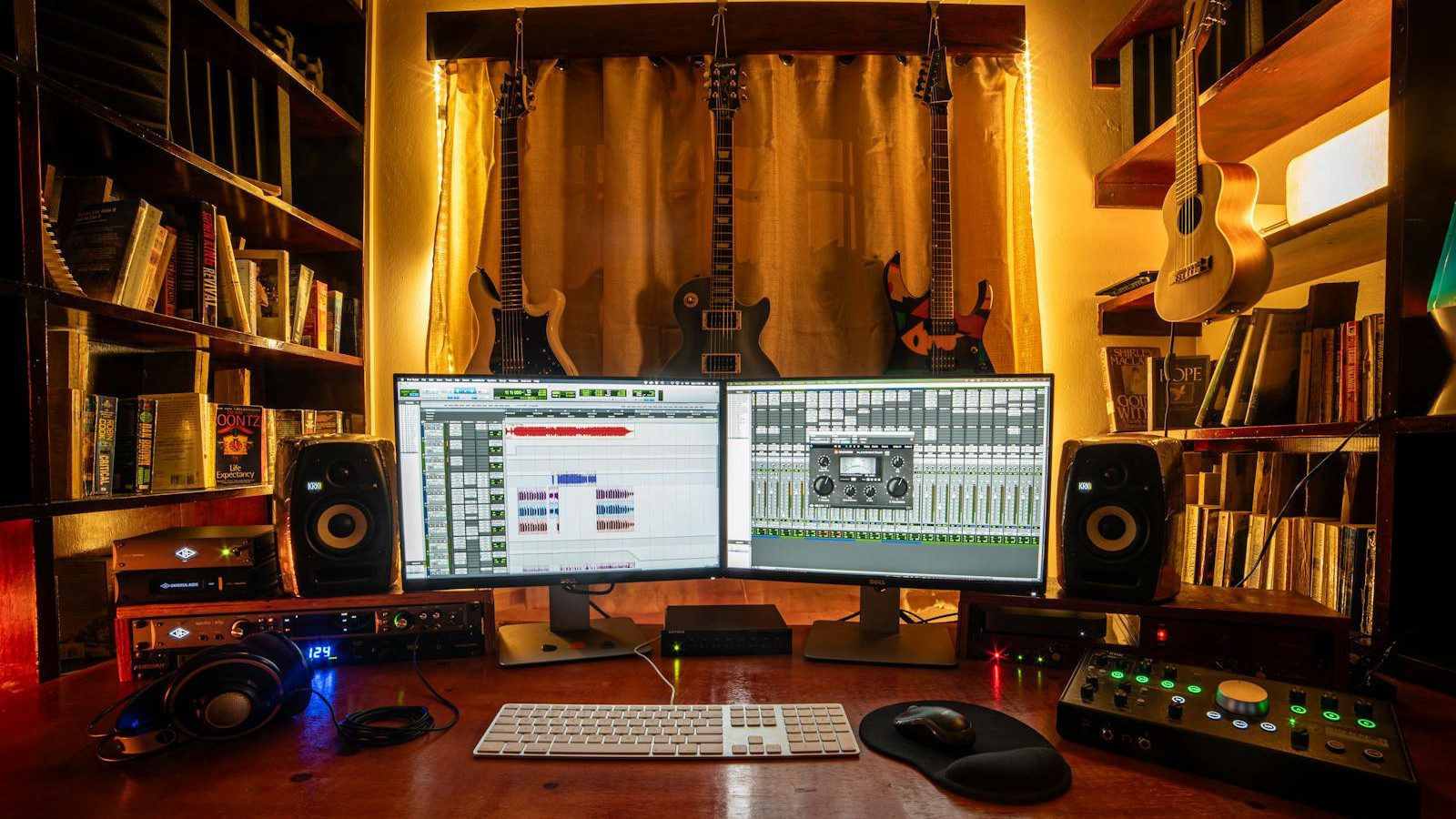
Bass support and low-end discipline
TonesMatch is repeatedly described as supporting both guitar and bass. That is useful because bass tone matching has a different job: it must preserve low-end weight while keeping enough midrange to speak through a mix.
Bass players should pay close attention to pickup blend, compression, drive level and cabinet voicing. A famous recorded bass sound may include parallel processing or studio compression that is hard to recreate from amp knobs alone.
The practical goal is not only sounding like a record in isolation. It is fitting the bass part into a song, rehearsal room or recording session without masking the kick drum, vocal or rhythm guitar.

Tone library and community value
Directory pages describe TonesMatch as having a searchable tone library, saveable presets and community-accessible tones. A library matters because most players do not want to research every song from scratch.
A good library becomes more valuable when it stores context. Song title, artist, era, original rig notes, pickup assumptions, pedal choices, confidence indicators and user feedback can all make a match easier to trust.
Community features can also reveal patterns. If many users adapt the same song to different rigs, the best settings may show which parts of the tone are essential and which can be changed without losing the feel.
Research, citations and confidence scores
Some listings say matches can include source citations and a confidence score. That is a useful idea because guitar lore is full of uncertain claims, old interviews, fan guesses and contradictory forum memories.
TonesMatch should be judged partly by how transparent it is about confidence. A match based on confirmed gear notes deserves different trust than a match inferred from a live clip or a similar artist setup.
Players should welcome uncertainty when it is clearly labeled. A lower-confidence match can still be useful, but it should invite experimentation rather than pretend the exact studio chain is known.
Practice and learning benefits
For beginners, TonesMatch could become a teaching tool. By comparing different songs and settings, players can learn how gain, EQ, pickups and effects shape a sound instead of memorizing isolated knob positions.
That kind of learning is more transferable than copying one preset. A player who understands why a bridge pickup tightens a riff or why mids help a lead line can solve future tone problems faster.
Teachers can use tone matching as an ear-training exercise. Students can hear a reference, predict the likely settings, test the tool’s recommendation and explain which changes moved their rig closer to the target.
Home studio and recording use
TonesMatch could also help home studio musicians move faster during recording. Instead of spending an entire session chasing a reference, a player can start with a plausible setting and reserve time for performance and arrangement.
Recording still adds complications. Microphone placement, interface gain, plugin choice, double tracking, noise gates and mix EQ can change the final result as much as the amp settings themselves.
The smart approach is to document the whole chain. Save the tool output, guitar used, pickup position, pedal settings, amp settings, microphone or direct path, plugin choices and any mix processing that affects the final tone.
Gig-ready presets and rehearsals
Cover bands are an obvious TonesMatch audience. A set list can jump from clean pop to high-gain rock to chorus-heavy eighties parts, and players need tones that are close enough to be convincing quickly.
The live test is different from the bedroom test. A setting must cut through drums, stay controlled at stage volume, avoid runaway feedback and remain easy to switch under pressure.
Players should rehearse preset changes exactly as they will happen on stage. A perfect tone is less useful if it requires bending down, scrolling menus or changing five knobs between songs.
Pricing and trial details to verify
Public directory listings currently describe TonesMatch as a paid web tool with a free trial and paid options starting around $2.92 per month. Some listings differ on trial length and billing frequency, so buyers should verify the current official plans page before subscribing.
The practical pricing question is adaptation volume. A player who wants one favorite song may need far less than a cover musician building patches for an entire set list.
Before paying, test the exact gear profile, one clean tone, one driven rhythm tone, one lead tone and one effect-heavy tone. That small sample says more than a generic feature list.
How it compares with plugins and modelers
TonesMatch is not the same as a plugin suite or hardware modeler. It appears to provide settings and adaptation guidance, while tools such as amp modelers, multi-effects units and plugins actually generate the processed sound.
That distinction matters. A modeler can contain amp and cabinet simulations, but it may still leave the user guessing which preset matches a specific song. A matcher can point the player toward a recipe.
The best setup may combine both. Use the matcher for song research and settings, then apply those settings inside a plugin, modeler, pedalboard or physical amplifier that the musician already uses.
How different rigs change the result
A small practice amp, a loud tube combo, a direct plugin chain and a floor modeler can all respond differently to the same suggested settings. That does not make the recommendation useless, but it changes how players should test it.
TonesMatch should be most helpful when the user enters enough detail about the rig. Pickup type, amp family, cabinet style, pedal availability and whether the player is using headphones or speakers can all shift the final decision.
Players should also keep a reference volume. Human ears hear bass and treble differently at low and high volume, so a match created quietly at night may need EQ changes before rehearsal.
How to judge a match by ear
The fastest ear test is to isolate the musical job. If the reference is a palm-muted rhythm part, judge tightness, pick attack and low-end control. If it is a lead line, judge sustain, midrange and delay balance.
Do not compare two sounds at different loudness. Louder usually feels better, so level-match the reference and your rig before deciding whether the suggested setting is actually closer.
A useful TonesMatch match should move the player into the right neighborhood. After that, small changes to gain, presence, tone control, pickup choice and effect mix can make the result fit the room and the song.
Why documentation makes tones repeatable
Tone matching becomes more valuable when the final result is documented. Write down the song, tuning, guitar, pickup position, amp settings, pedal order, effect mix, volume level and any adjustment made after the first recommendation.
This habit turns TonesMatch from a one-time helper into part of a personal tone system. A musician can return to a sound months later without trying to reconstruct every choice from memory.
Documentation is especially useful for bands and lessons. A shared preset sheet lets other players understand the target, reproduce the setup and discuss tone with concrete values instead of vague adjectives.
Accuracy limits and quality checks
The biggest TonesMatch limitation is that tone is not only data. Picking strength, strings, tuning, speaker volume, room acoustics and the original mix can all make the same setting feel different.
This means every match needs a listening pass. Compare the reference and your version at similar loudness, play the same part, and adjust one variable at a time so you know what changed.
Players should also avoid chasing a finished master with a raw amp tone. Many famous recordings include layers, compression, EQ and studio polish that are outside the amp and pedalboard.
Responsible use around famous sounds
Matching a tone is not the same as copying a song, but responsible use still matters. Players should treat TonesMatch as a practice, performance and production assistant, not as a license to reuse protected recordings or artist identities without permission.
For covers, live use and recordings, normal music rights still apply. Tone settings can help a performance sound authentic, but they do not replace licensing, attribution, publishing clearance or platform rules.
Creators making demos, lessons or social videos should be clear about what is being shown. A settings walkthrough is safer and more useful when it teaches technique rather than pretending to own the original work.
Account and data considerations
Because TonesMatch is web-based, users should treat it like any paid creative account. Use a strong password, keep payment details secure and save important settings outside the platform.
Gear profiles are not usually sensitive, but session notes, unreleased set lists and client recording plans can still matter. Musicians working for clients should avoid uploading anything that violates a contract or confidentiality agreement.
A simple backup habit helps. Export or copy your favorite settings into a local document with the song, gear, date, volume level and any changes made after listening in the room.
A practical adoption roadmap
A sensible TonesMatch test starts with one song you know well. Choose a riff or part that you can play consistently, then compare the suggested settings against your current best attempt.
Next, test contrast. Pick one clean tone, one overdriven rhythm sound, one lead tone and one effect-heavy part. This reveals whether the tool handles different musical jobs or only works for one style.
Finally, build a repeatable preset sheet. Keep the recommendation, your final adjustment, the listening notes and the gear used. Over time, that sheet becomes your own tone library.
Use in bands, lessons and studios
TonesMatch can be more useful when shared with context. A band can align guitar tones for a set list, a teacher can build examples around known songs, and a producer can ask players to arrive with settings already tested.
For bands, the goal is consistency. If the rhythm guitarist, lead guitarist and bassist all use reference-based settings, rehearsals can start closer to the final sound instead of spending half the evening on knobs.
For studios, the benefit is communication. A saved match gives the player, engineer and producer a common starting point, which can reduce vague language like warmer, bigger or more vintage.
Buyer checklist before subscribing
Before subscribing to TonesMatch, confirm that the library includes the kinds of songs, artists and genres you actually play. A huge feature list is less important than coverage of your real repertoire.
Then check gear coverage. Make sure your guitars, pickup types, amplifier style, modeler, pedals and bass rig can be described accurately enough for the recommendations to matter.
Finally, verify pricing, trial rules, cancellation terms, refund policy, adaptation limits and whether saved presets remain accessible if you change plan. These details can change faster than directory listings.
The practical verdict
TonesMatch is promising because it attacks a real musician problem: turning a sound in your head into settings on gear you own. That is a more concrete use of AI than another generic music prompt box.
Its value will depend on research quality, gear coverage, transparent confidence, useful libraries and how well the recommendations survive real rooms, real pickups and real stage volume.
For curious players, the right expectation is acceleration. The tool can shorten the path to a reference tone, but the final sound still depends on ears, hands, volume, arrangement and taste.
Frequently asked questions about TonesMatch
What is TonesMatch?
TonesMatch is an AI guitar and bass tone matching tool that turns a target song into practical amp, pickup, EQ and pedal-chain settings for the user’s own gear.
Does TonesMatch replace an amp modeler?
No. It appears to recommend settings and adaptation guidance, while a modeler, plugin, amplifier or pedalboard creates the actual sound.
Can TonesMatch work for bass players?
Public listings describe bass support alongside guitar support, including song-specific settings and gear-aware adaptation for low-end tones.
Is TonesMatch free?
Directory listings describe a free trial and paid plans starting around $2.92 per month, but buyers should verify the official pricing page because trial length and billing terms can change.
What should users check before trusting TonesMatch settings?
Users should test matches at real playing volume, compare against the reference, adjust for their room, save final settings and confirm the tool supports their actual gear.
Bottom line
TonesMatch sits in a useful corner of AI music software because it focuses on the practical gap between reference sounds and real equipment. Guitarists do not only need inspiration; they need settings that can be dialed in.
The product will be strongest for players who combine its recommendations with careful listening. A good match is a starting point, and the best final tone still comes from adjustment, rehearsal and musical judgment.
If TonesMatch continues improving its database, confidence signals and gear coverage, it could become a valuable shortcut for cover players, teachers, home recordists and anyone tired of starting tone searches from zero.
References and further reading
More AI coverage: explore Progressive Robot's AI Models, Tools & Releases hub — hands-on reviews, setup guides and benchmarks in one place.










