
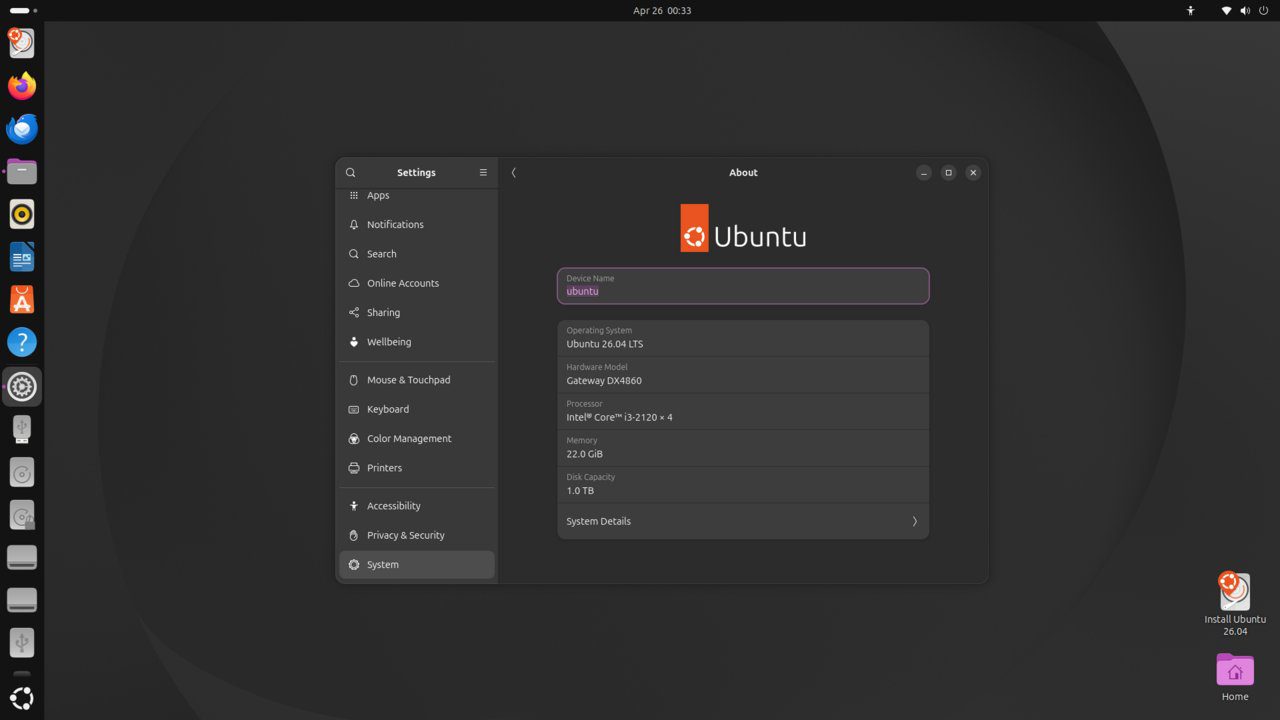
Lynis is an open-source security auditing tool for Linux systems. It performs in-depth security scans of the system configuration, checks for vulnerabilities, and provides detailed hardening recommendations with a scored report. This guide runs a Lynis audit on Ubuntu 26.04 LTS.
Tested and valid on:
- Ubuntu 26.04 LTS
Prerequisites
- Ubuntu 26.04 LTS
- A user with sudo privileges
Step 1 – Install Lynis
sudo apt update
sudo apt install lynis -y
lynis --version
Step 2 – Run a System Audit
sudo lynis audit systemStep 3 – Review the Audit Report
Lynis outputs a hardening index score (0-100) and categorised warnings. View the full log:
sudo cat /var/log/lynis.log | grep Warning
sudo cat /var/log/lynis.log | grep Suggestion
Step 4 – Run a Quick Pentest Scan
sudo lynis audit system --quickStep 5 – Act on Top Recommendations
Common Lynis suggestions include:
- Enable automatic security updates:
sudo apt install unattended-upgrades -y - Set a GRUB password
- Disable unused kernel modules
- Enable process accounting
Step 6 – Configure Automatic Updates
sudo apt install unattended-upgrades -y
sudo dpkg-reconfigure --priority=low unattended-upgrades
Step 7 – Schedule Regular Audits
sudo nano /etc/cron.weekly/lynis-auditAdd:
#!/bin/bash
lynis audit system --cronjob > /var/log/lynis-weekly.log 2>&1
sudo chmod +x /etc/cron.weekly/lynis-auditConclusion
Lynis security audits are configured on Ubuntu 26.04 LTS. Work through the suggestions to improve your hardening index over time. A score above 80 indicates a well-hardened system.










